Plutonium - Linux Install Guide


-
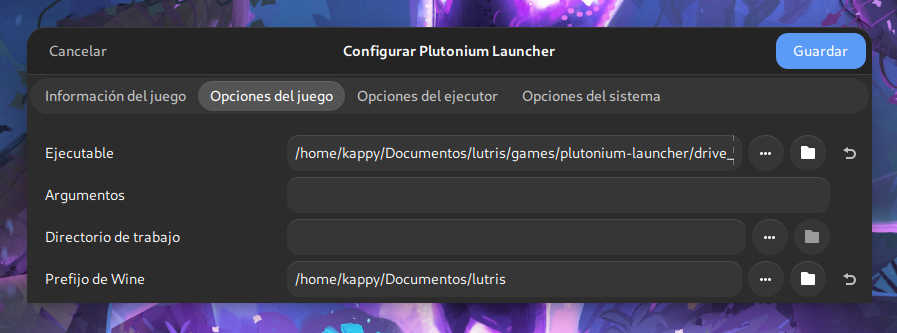
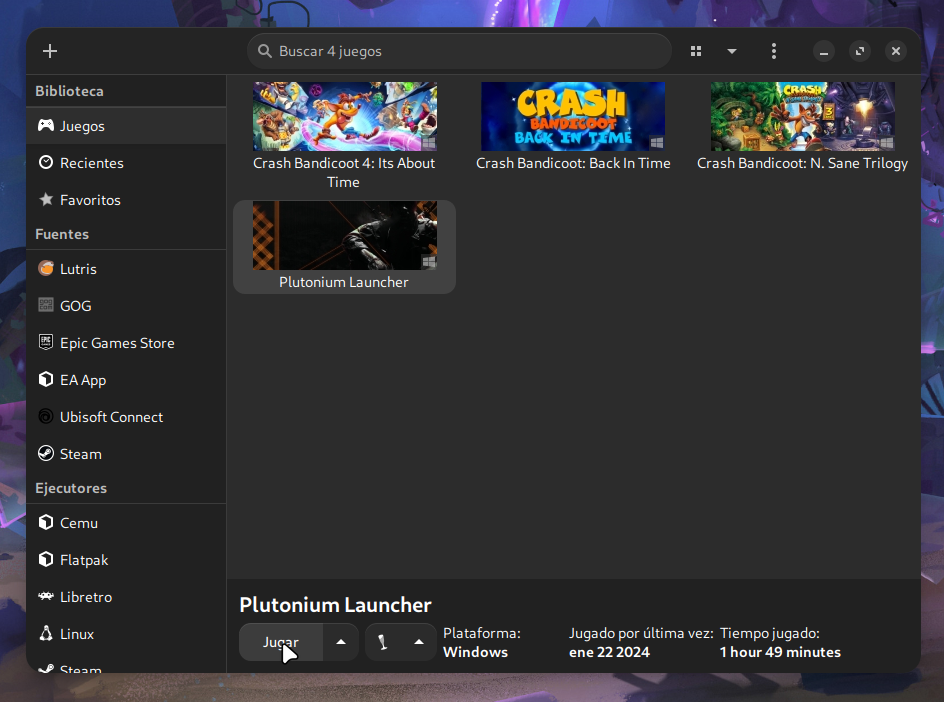
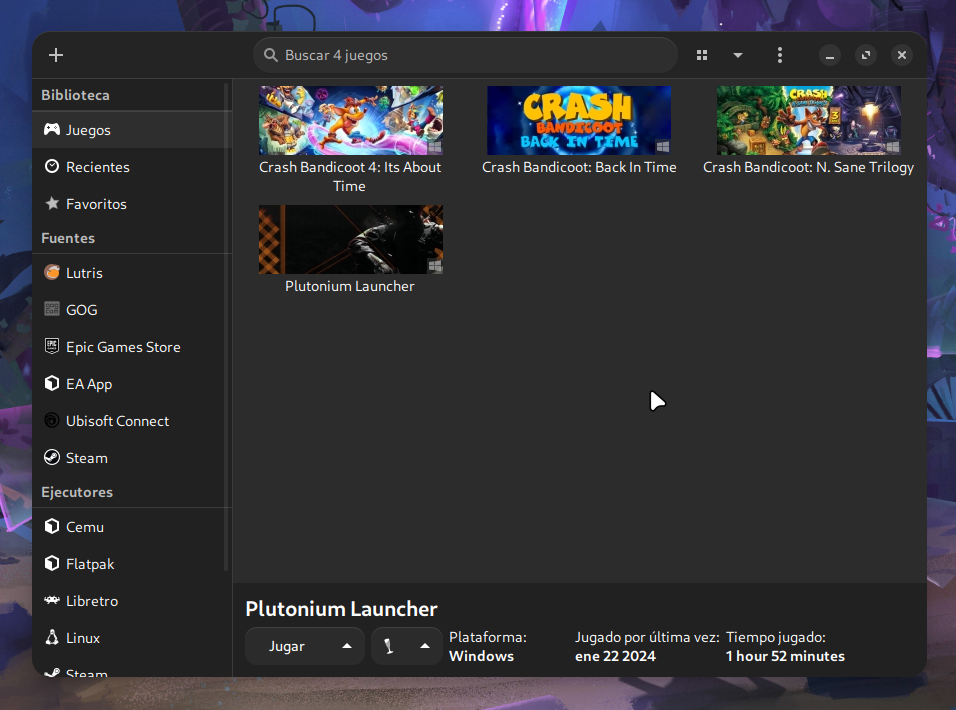
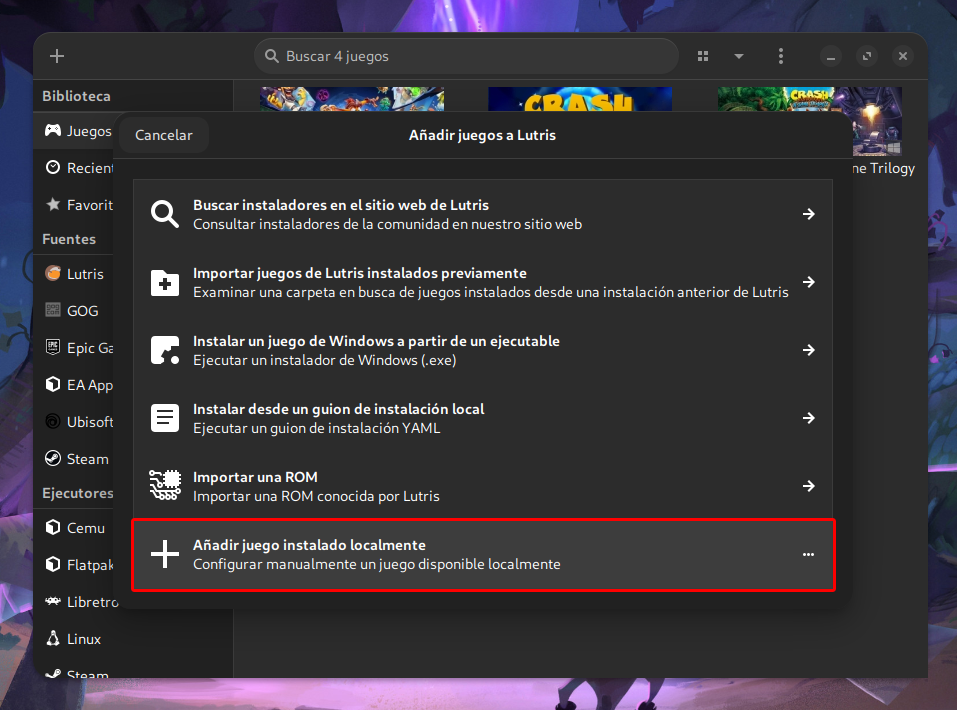
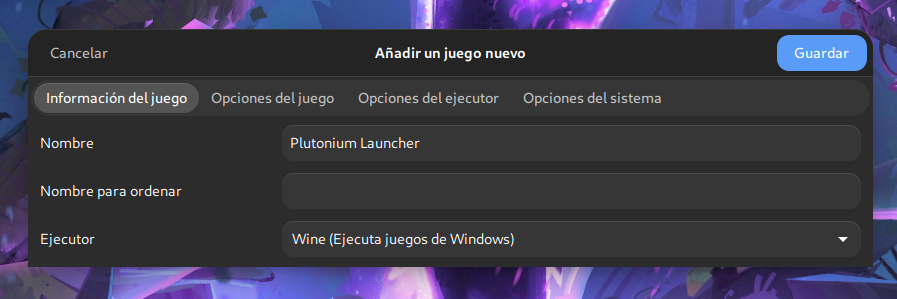
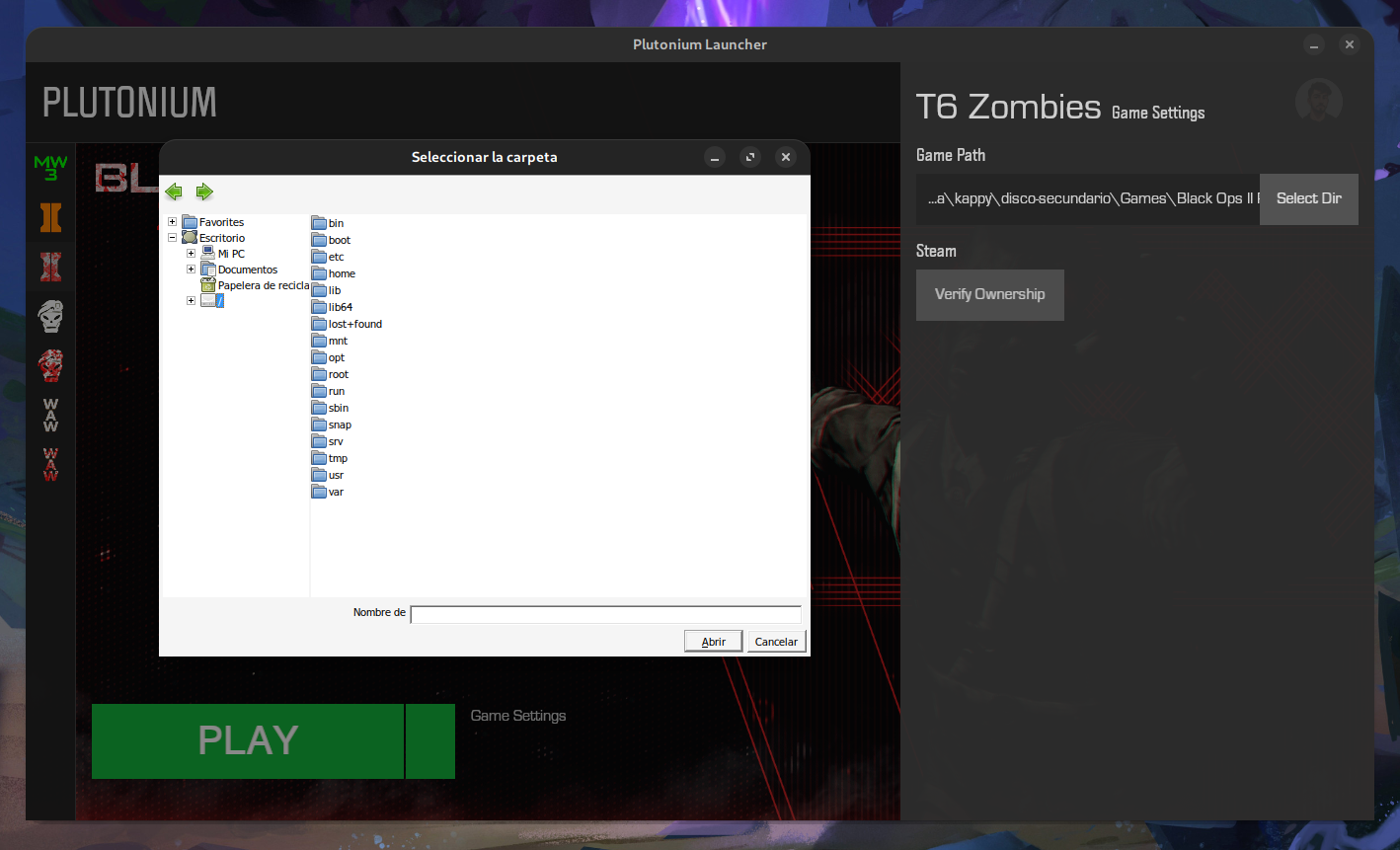
I know this thread is pretty old, but wanted to share my experience. To get Plutonium working for me in Linux (Arch), all I did was download the exe and added it to Steam as a non-Steam game. Once I did that, I downloaded my CoD MP titles from Steam (using Proton Experimental as my compatibility). I created a /home/myUser/Games/Plutonium directory and inside that directory, I symlinked the CoD directories that Steam created from the CoD MP downloads. I did this because the Plutonium Setup would not allow me to enter the .steam directory in my home for, but once I created a directory and symlinks that the Plutonium exe could view, Setup was a breeze. I then added the Plutonium exe to my Application Manager (in KDE) so that I could add the Plutonium launcher icon on my task bar.
Doing it this way, eliminates the need to use Wine or Lutris and was honestly, the easiest setup I have had for getting Plutonium to work on Linux. Hope this helps anyone who finds it!
soccerbeast55 sorry to revive this ancient post, but i did it through proton as you described, and while i got it to run, i don't know how to get it to properly locate the directory. i browse my local files and put the target directory as the one labeled "Call of Duty Black Ops" at which point i get an error saying it's the wrong directory. was wondering if you or anyone else experienced this? thx


Hello! It looks like you're interested in this conversation, but you don't have an account yet.
Getting fed up of having to scroll through the same posts each visit? When you register for an account, you'll always come back to exactly where you were before, and choose to be notified of new replies (either via email, or push notification). You'll also be able to save bookmarks and upvote posts to show your appreciation to other community members.
With your input, this post could be even better 💗
Register Login