Game worked but now its stuck minimized/wont open can still hear sound
-

when I downloaded the game it worked fine for a while, then suddenly one day it was like the game was minimized or stuck in the background and wouldn't open as a window, when i hover over the window next to the plutonium console where the game is its just a blank white screen.
I've tried uninstalling and reinstalling but still have same problem, any ideas is it something in my config files possibly a problem from trying to play in windowed?
-

Try this
Make sure your game is closed before doing that.
Go to%localappdata%\Plutonium\storage\t4\players
Open the config file with the notepad to edit it.
plutonium.cfgis for singleplayer/zombies andplutonium_mp.cfgis for multiplayer
Change these 4 dvars to be like below (you can use ctrl+f to search for them)seta r_fullscreen "0" seta r_noborder "1" seta vid_xpos "0" seta vid_ypos "0" -
Try this
Make sure your game is closed before doing that.
Go to%localappdata%\Plutonium\storage\t4\players
Open the config file with the notepad to edit it.
plutonium.cfgis for singleplayer/zombies andplutonium_mp.cfgis for multiplayer
Change these 4 dvars to be like below (you can use ctrl+f to search for them)seta r_fullscreen "0" seta r_noborder "1" seta vid_xpos "0" seta vid_ypos "0"
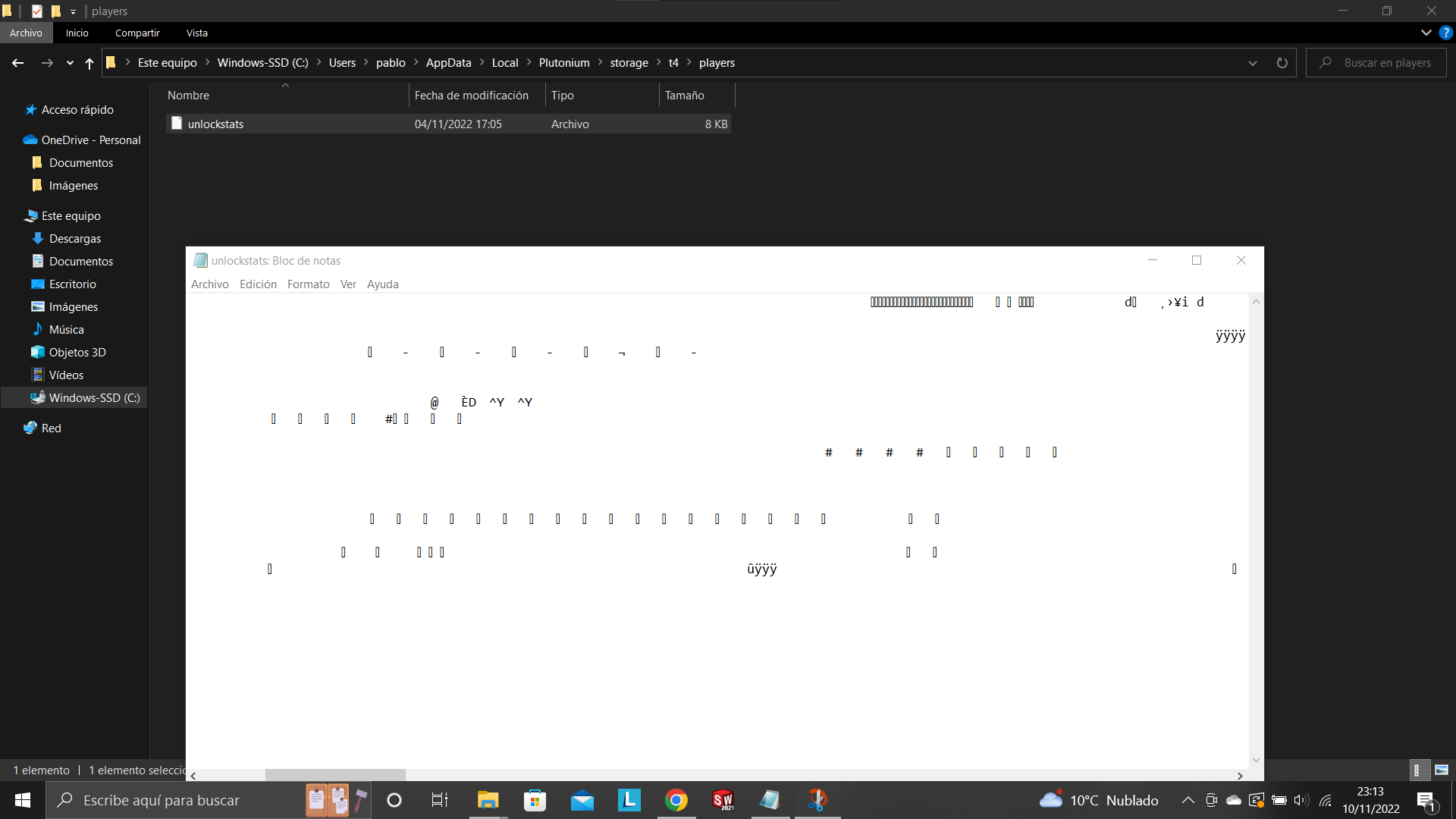
Resxt This is what I get
Hello! It looks like you're interested in this conversation, but you don't have an account yet.
Getting fed up of having to scroll through the same posts each visit? When you register for an account, you'll always come back to exactly where you were before, and choose to be notified of new replies (either via email, or push notification). You'll also be able to save bookmarks and upvote posts to show your appreciation to other community members.
With your input, this post could be even better 💗
Register Login