[Release - T6MP] Black Ops 3 Specialists Backgrounds for Black Ops 2 MP
-
 HELLO EVERYBODY!
  ️ First of all, I'm sorry if I make a mistake when writing but it's because I don't speak English natively.
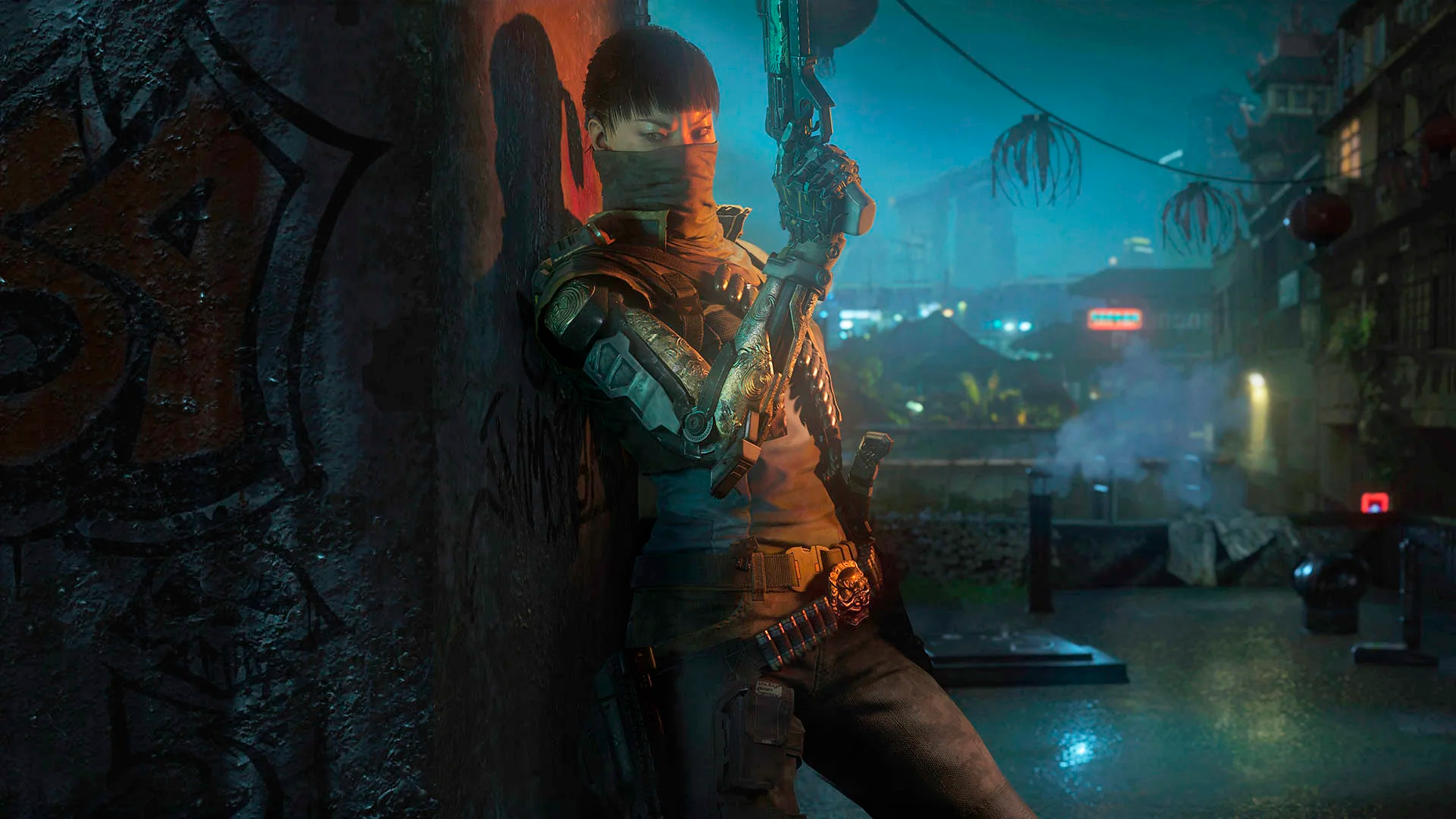
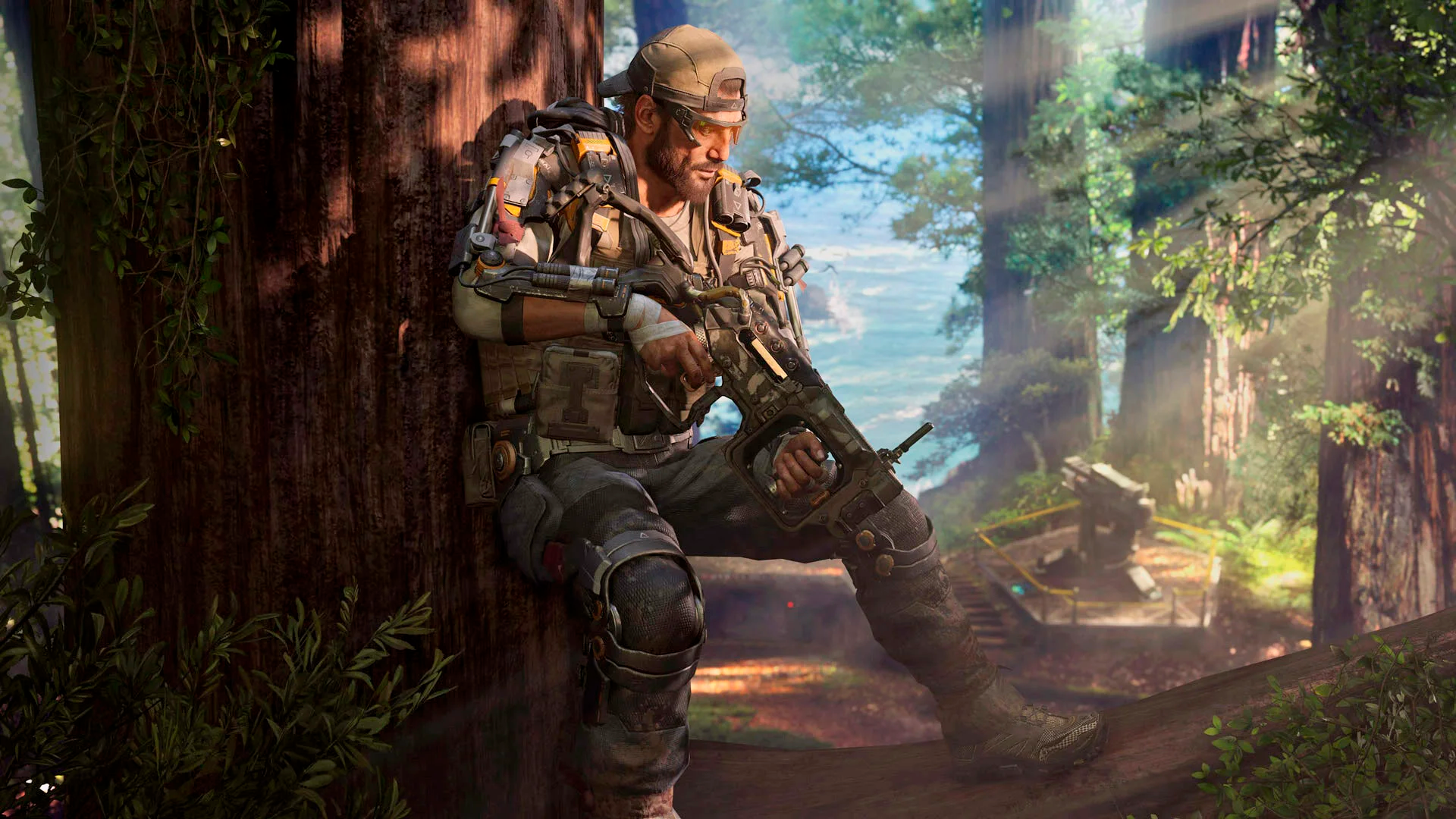
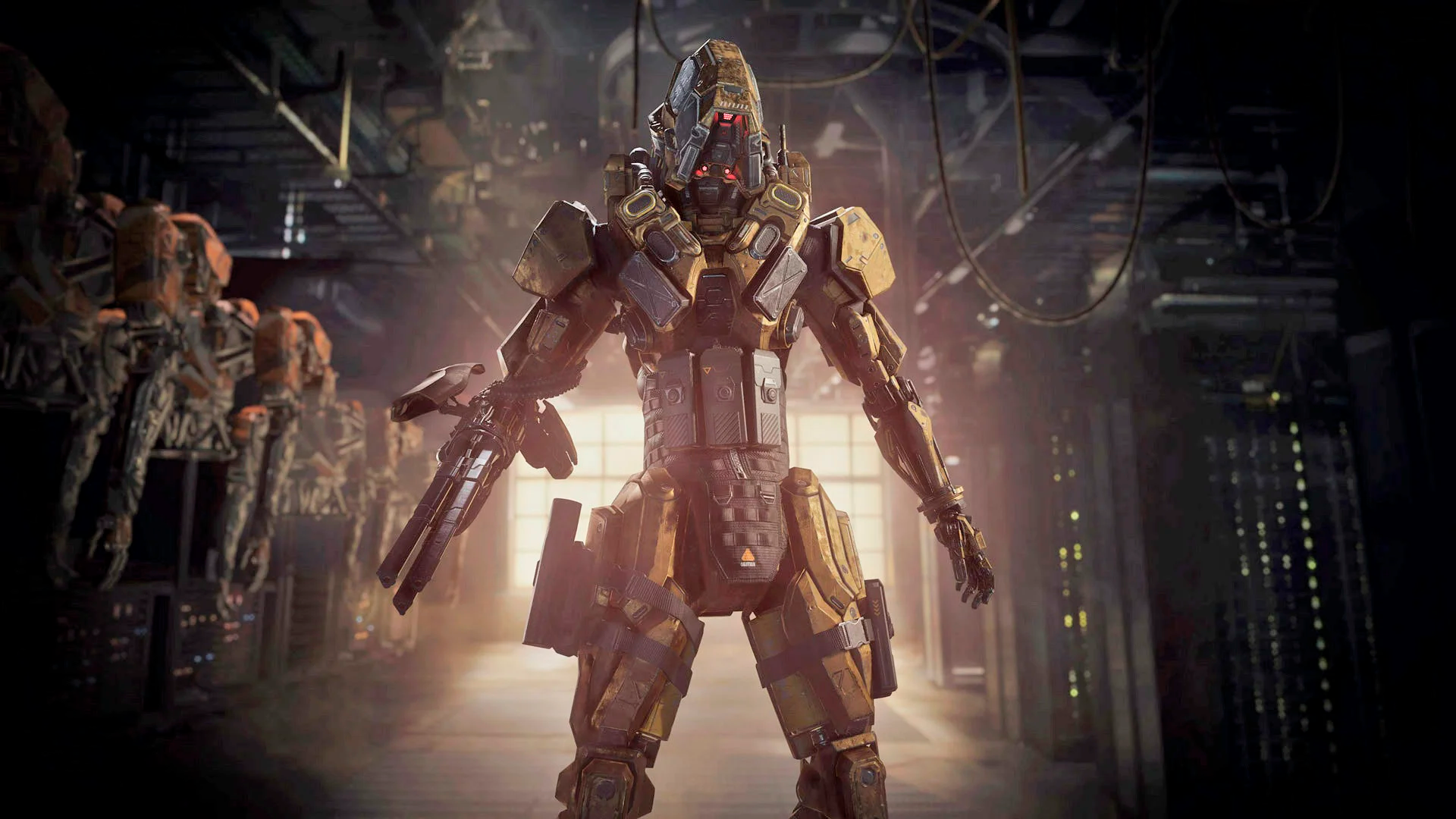
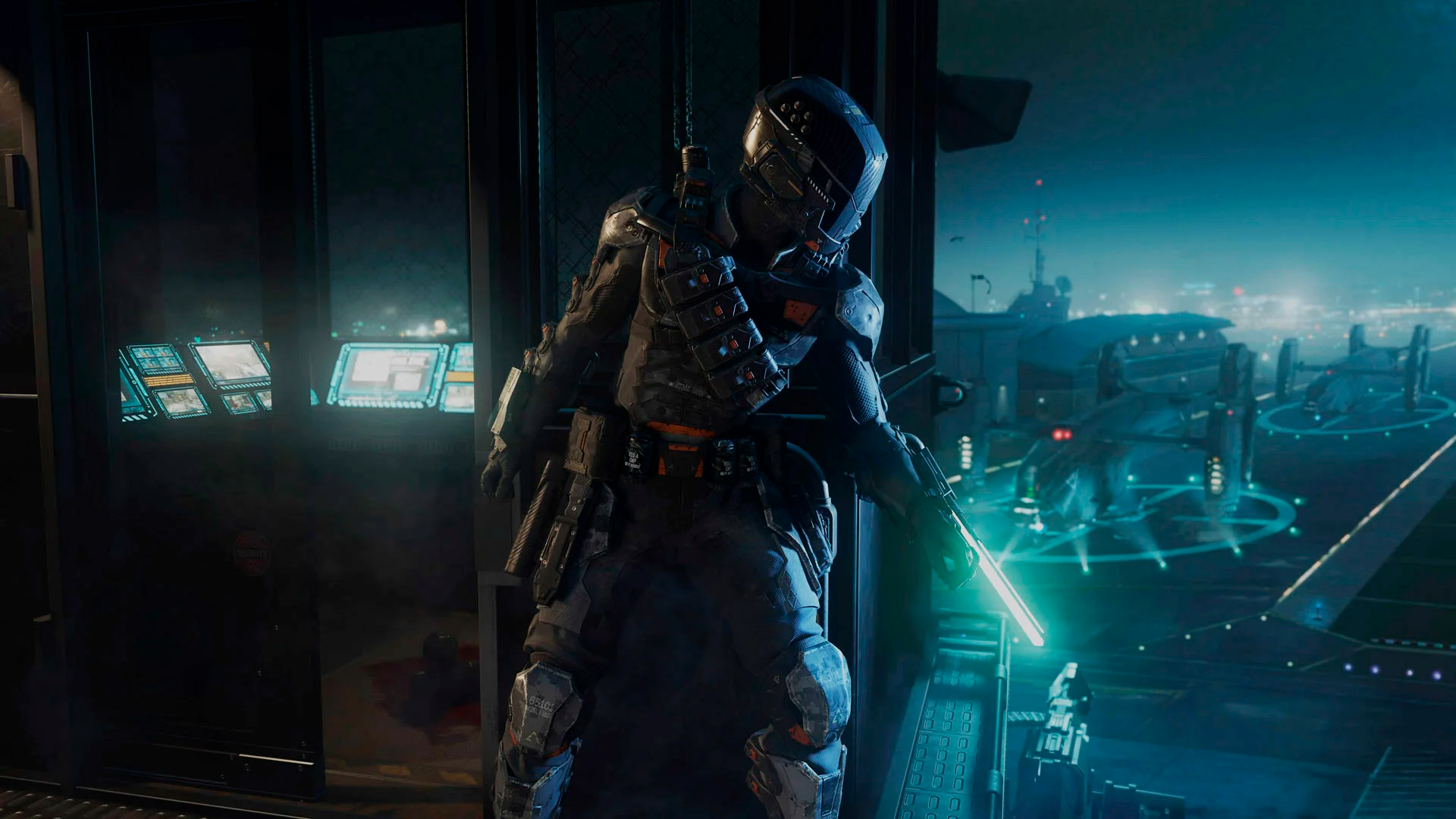
Today I'm sharing with you these Black Ops 3 Specialists Backgrounds for Black Ops 2 Multiplayer.
In the pack, I included these specialists:
-
Main Menu Character

-
Ruin

-
Outrider

-
Prophet

-
Battery
 ️
️ -
Seraph

-
Nomad 🦟
-
Reaper
-
Spectre
 ️
️ -
Firebreak

-
Blackjack

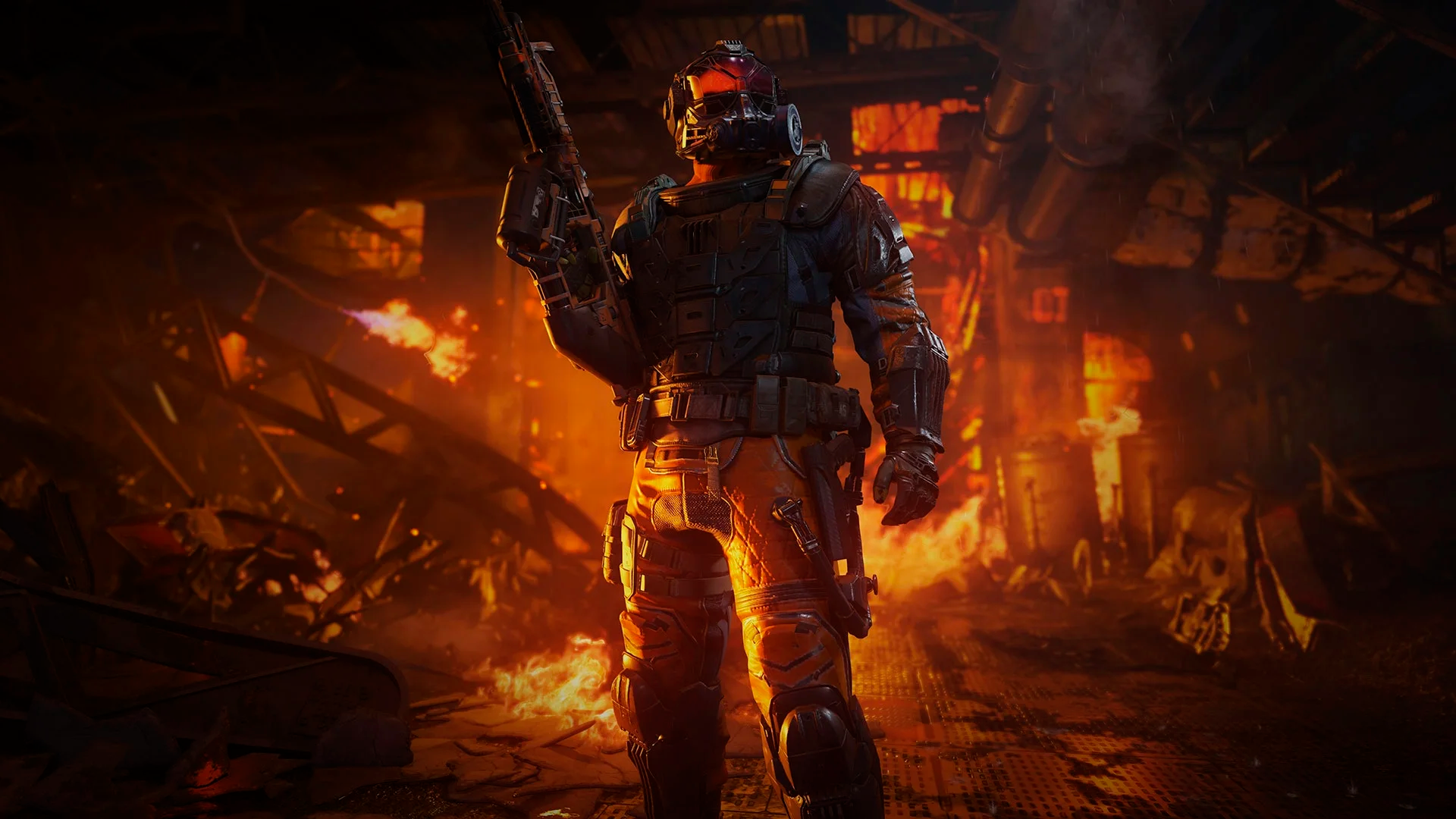
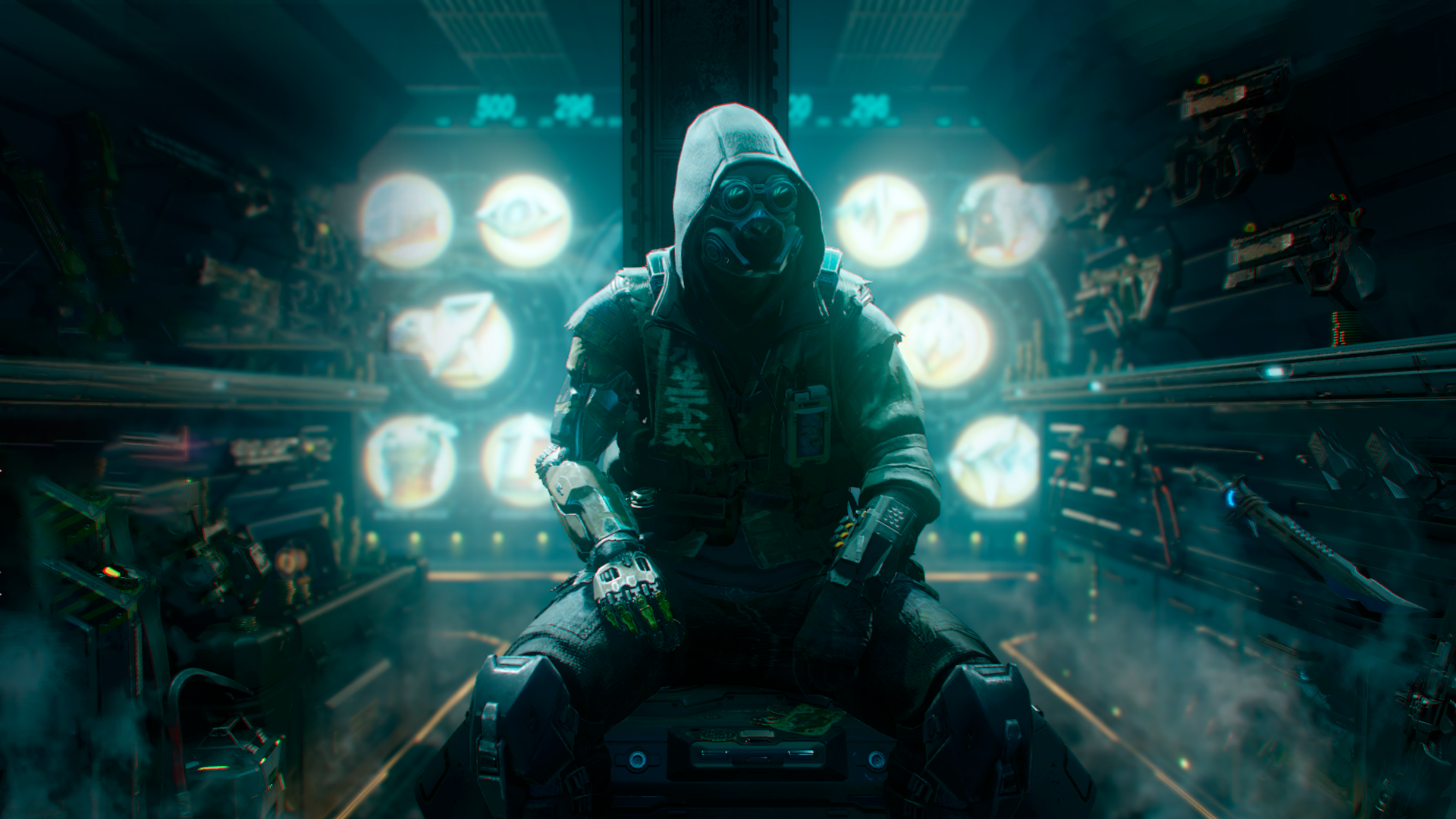
Here are a preview of all the backgrounds:

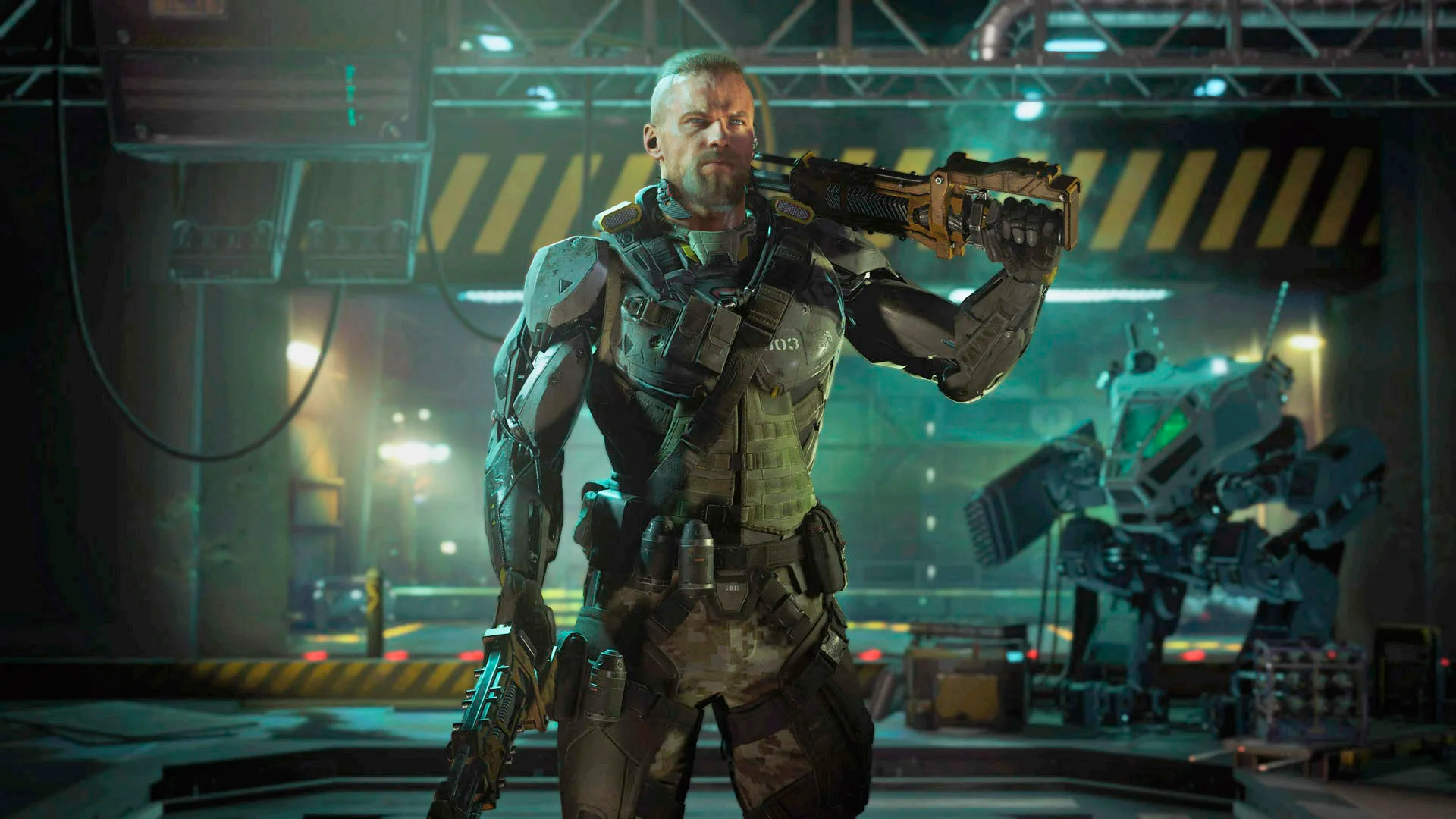
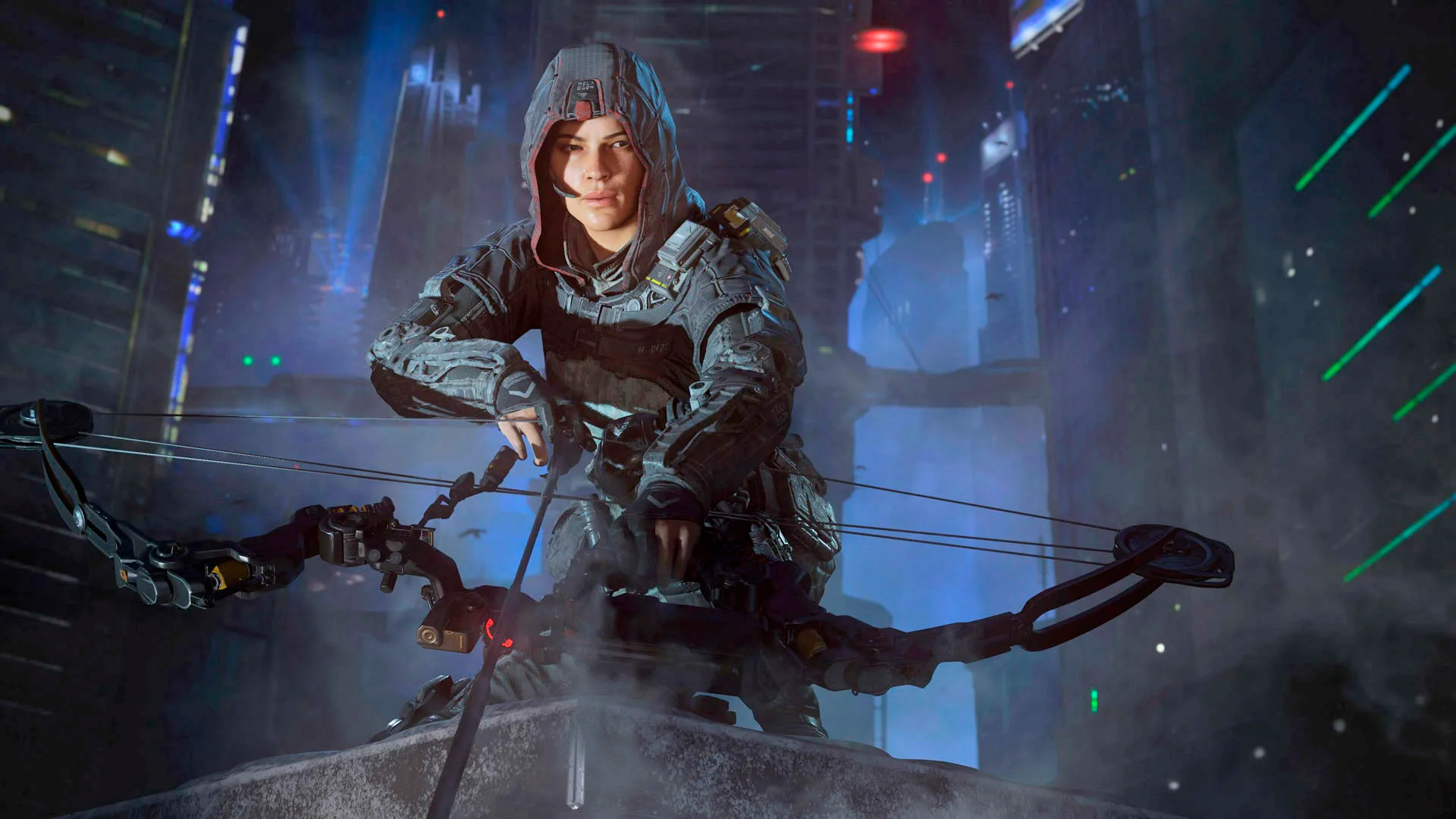
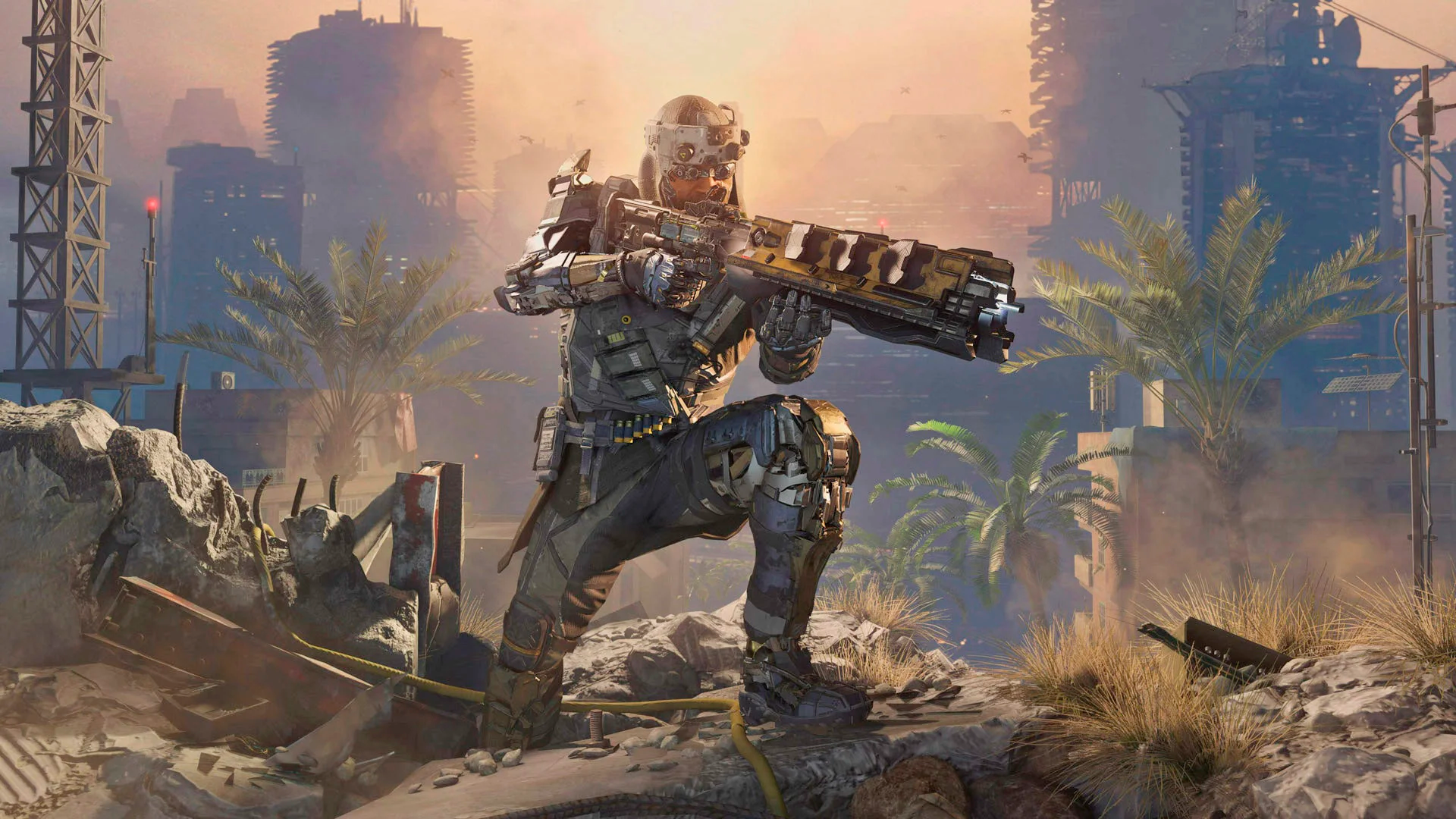
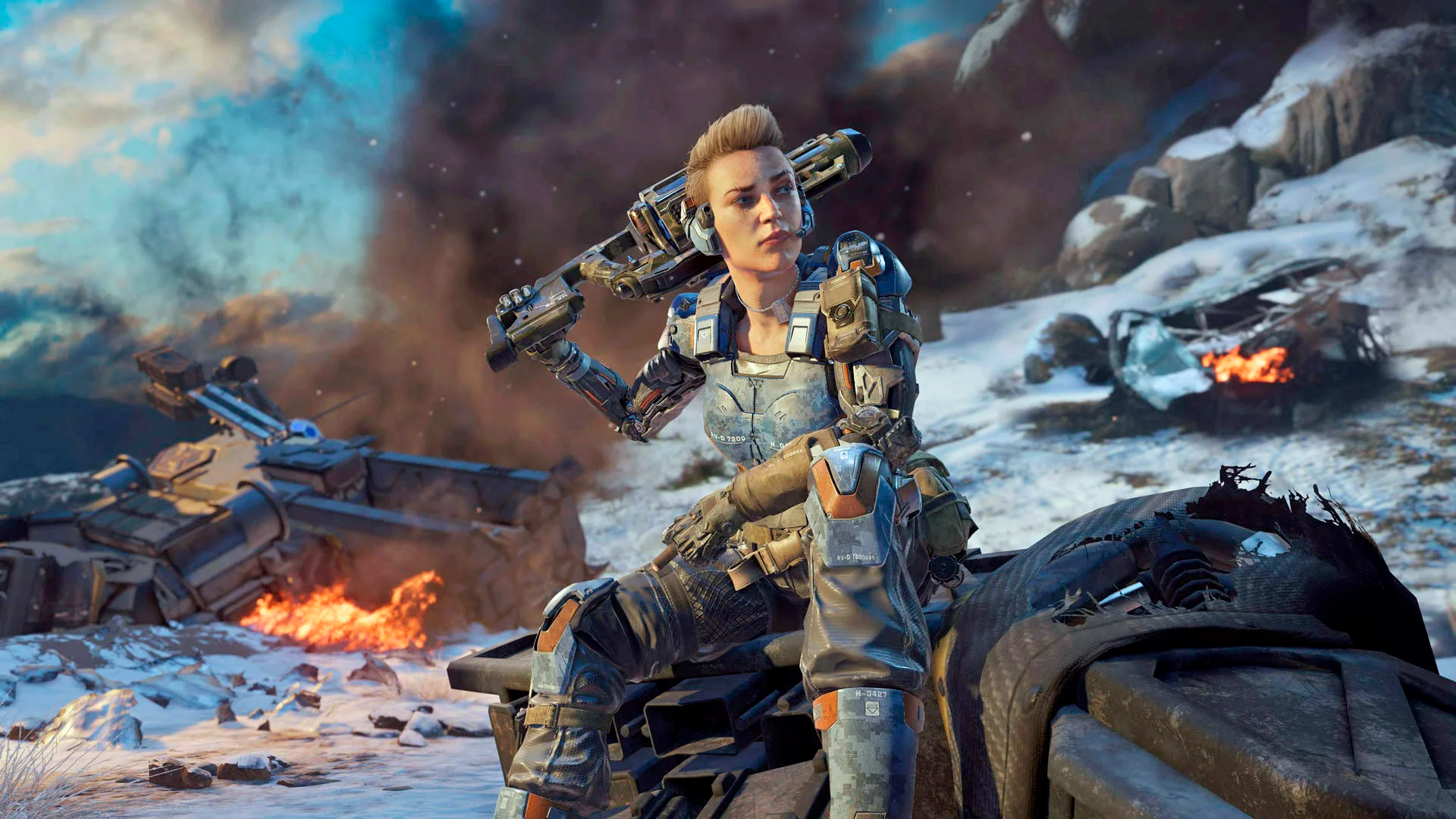
 STEPS TO REPLACE THE BACKGROUNDS:
 First of all, you need to download the files from this link below:
Once you've downloaded the files, extract it with WinRAR, 7Zip or WinZip.
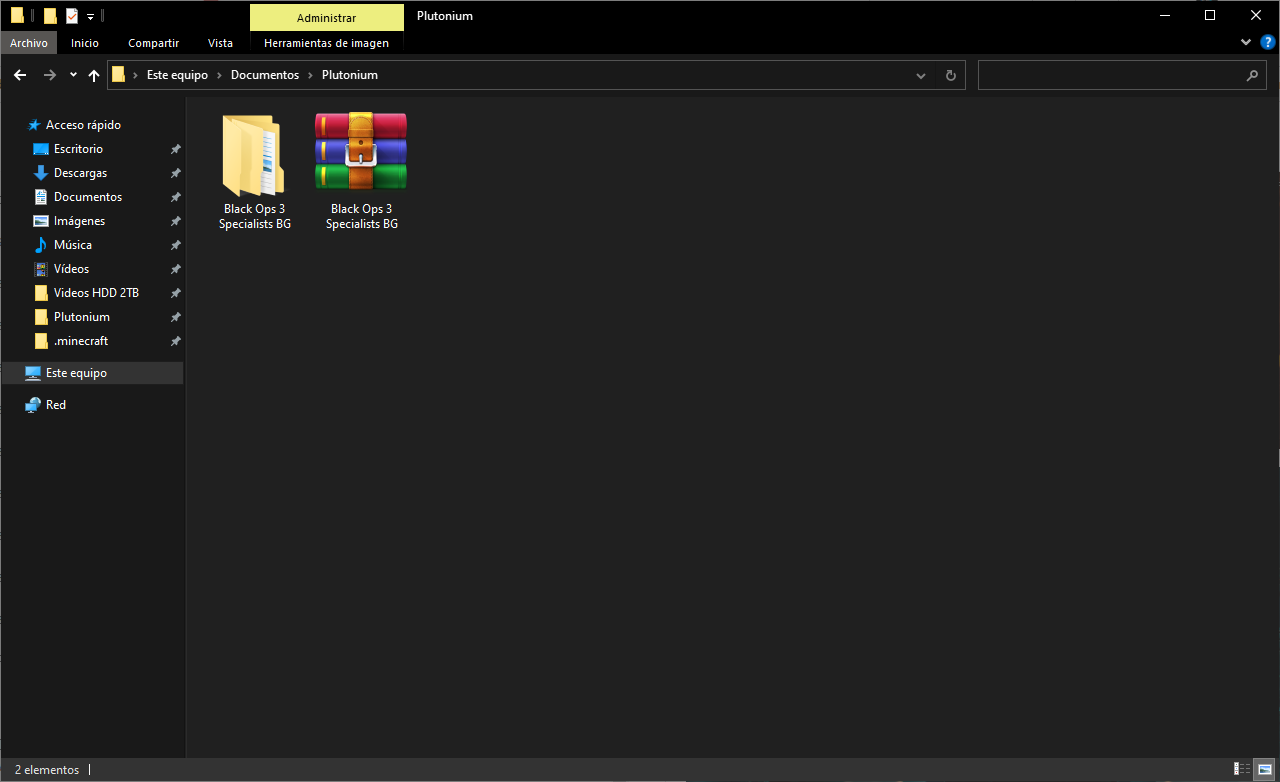
Now select the Specialist Background you want to change, open the folder and just "Drag & Drop" or "Copy & Paste" the files to the "images" folder where you have the game installed or in this directory (use Windows key + R and type "%localappdata%"):
C:\AppData\Local\Plutonium\storage\t6\images
️ NOTE!! ️The "menu_mp_soldiers" file is the main menu background and the "lui_bkg" file is the background that contains the "Server browser" option, "Custom game", etc.
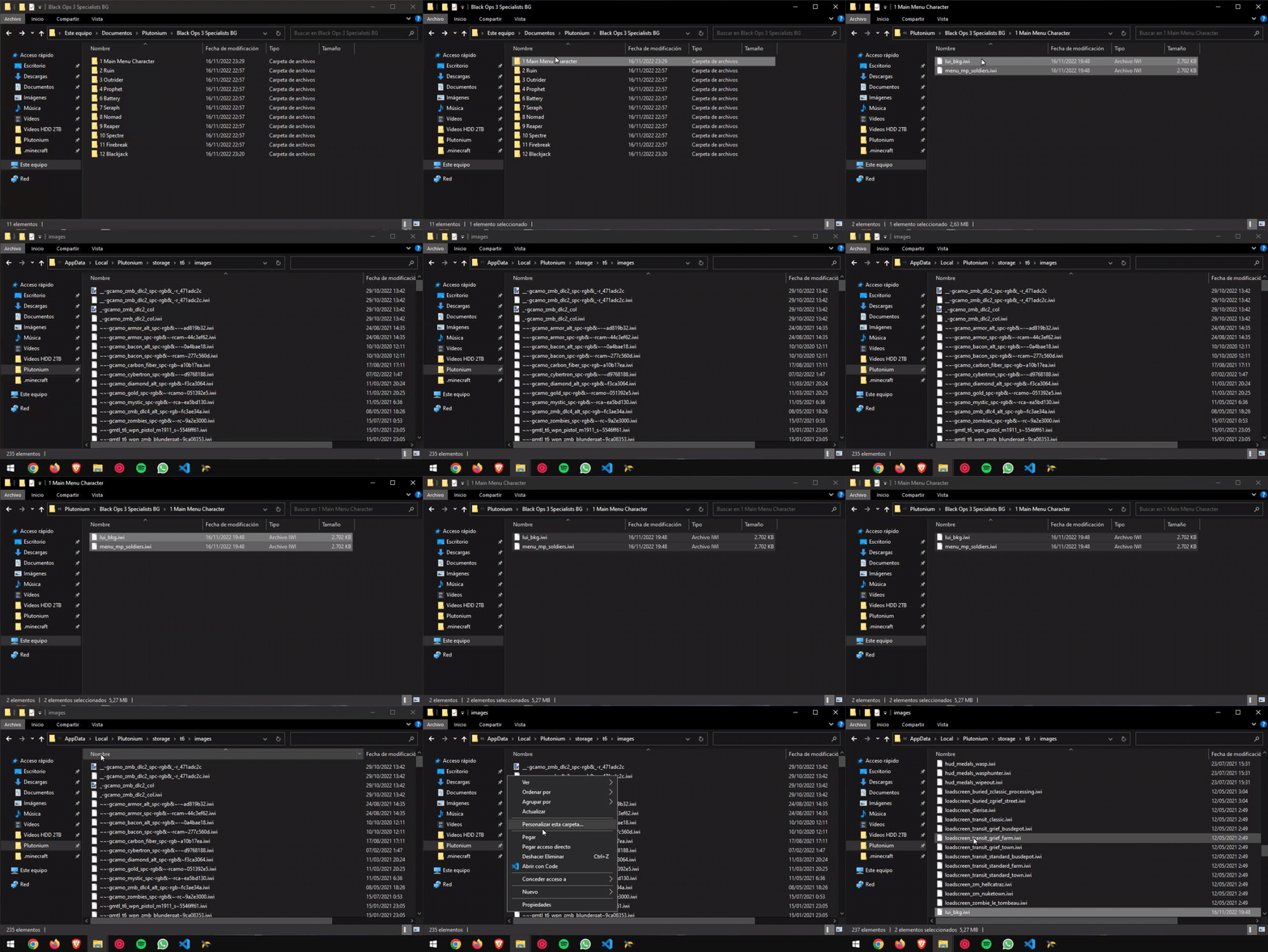
 And there you have it!! Ready to enjoy it!!
 -
-
whenever i open the link i get something like "Look like somefiles are missing" what do i do?
-
whenever i open the link i get something like "Look like somefiles are missing" what do i do?
CesarTorres998 I've updated the link
-
This post is deleted!


 DOWNLOAD LINK

Hello! It looks like you're interested in this conversation, but you don't have an account yet.
Getting fed up of having to scroll through the same posts each visit? When you register for an account, you'll always come back to exactly where you were before, and choose to be notified of new replies (either via email, or push notification). You'll also be able to save bookmarks and upvote posts to show your appreciation to other community members.
With your input, this post could be even better 💗
Register Login