[Release][MP] Reflex Reticle Re-colouring
-

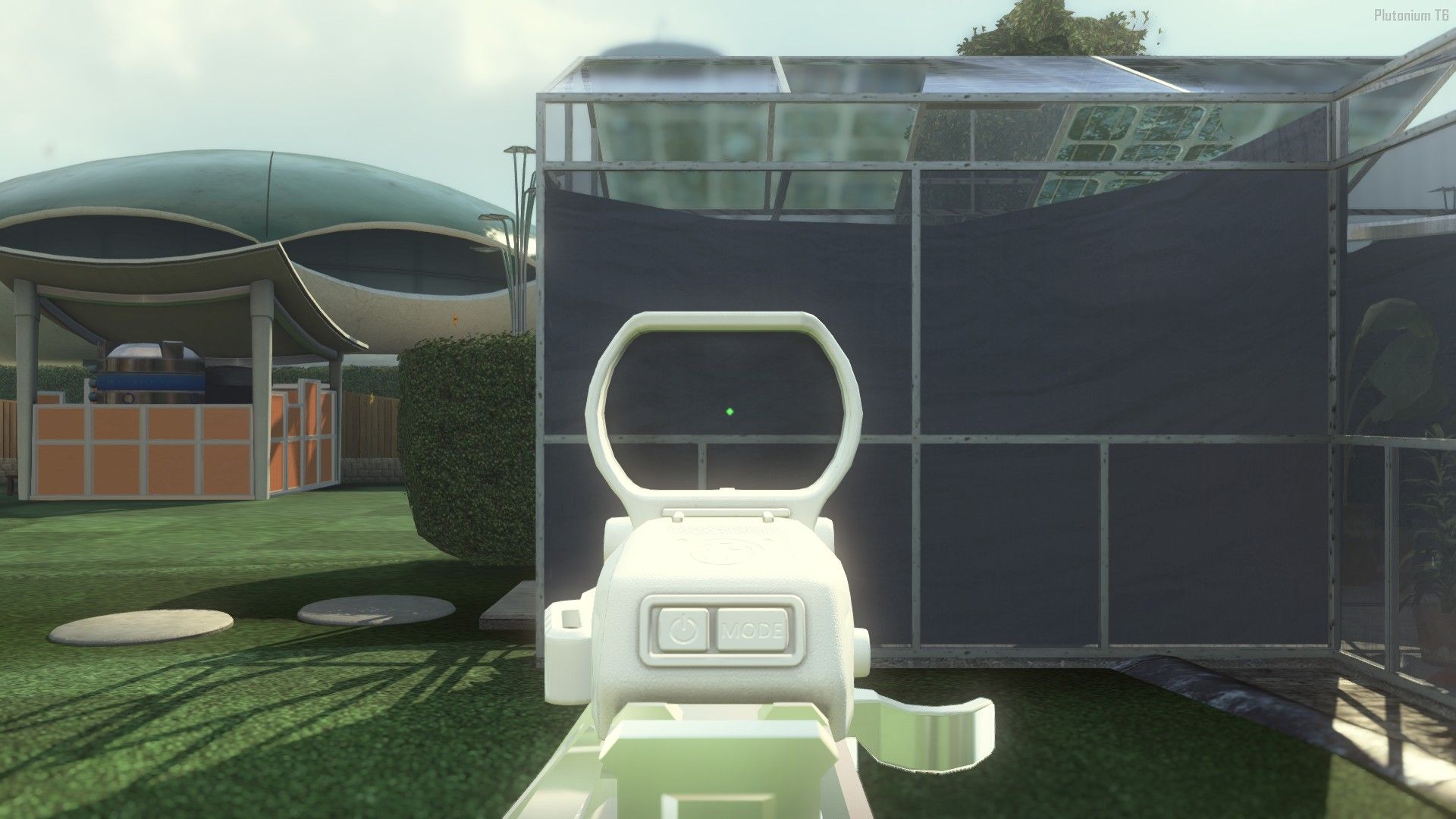
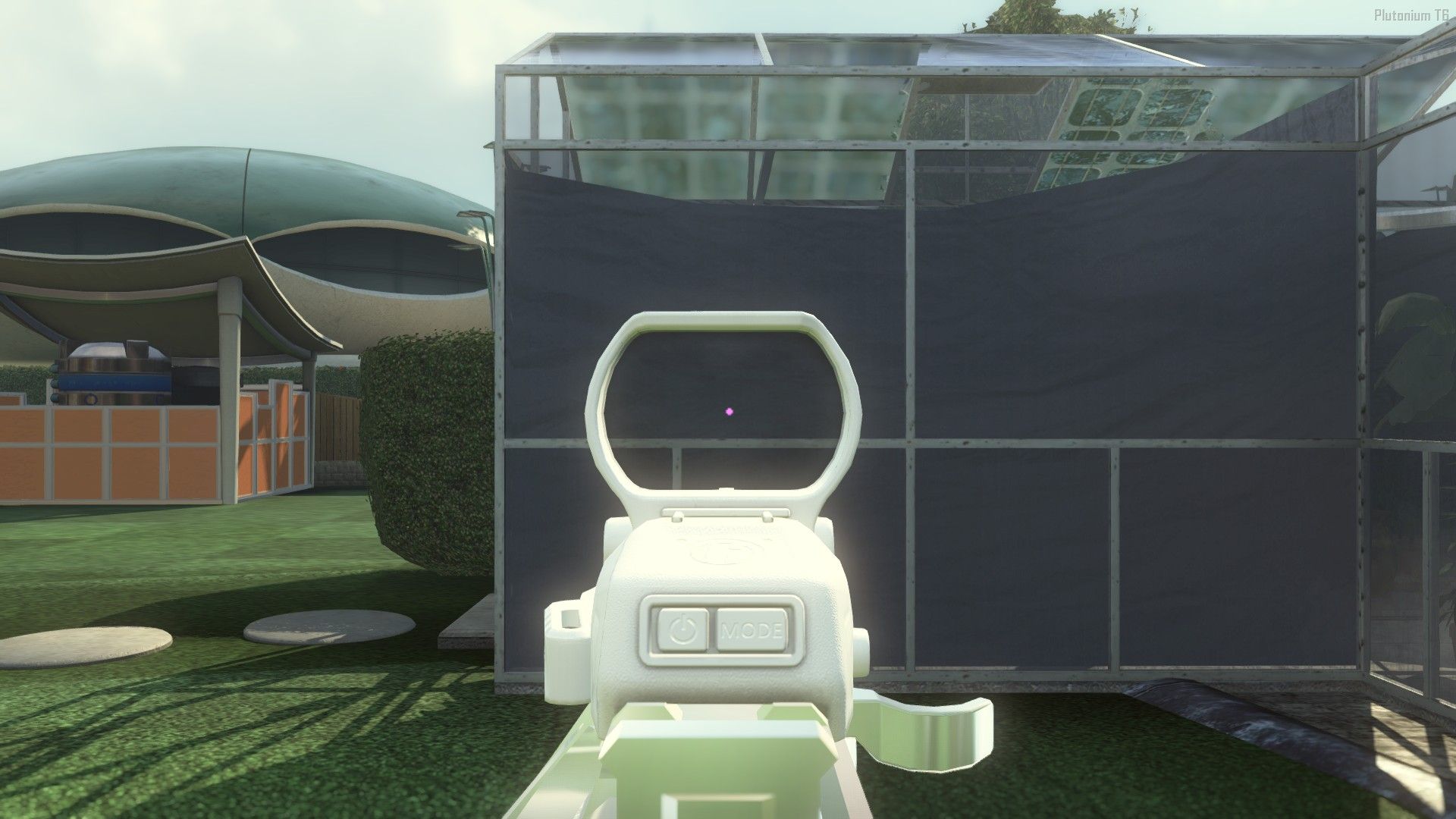
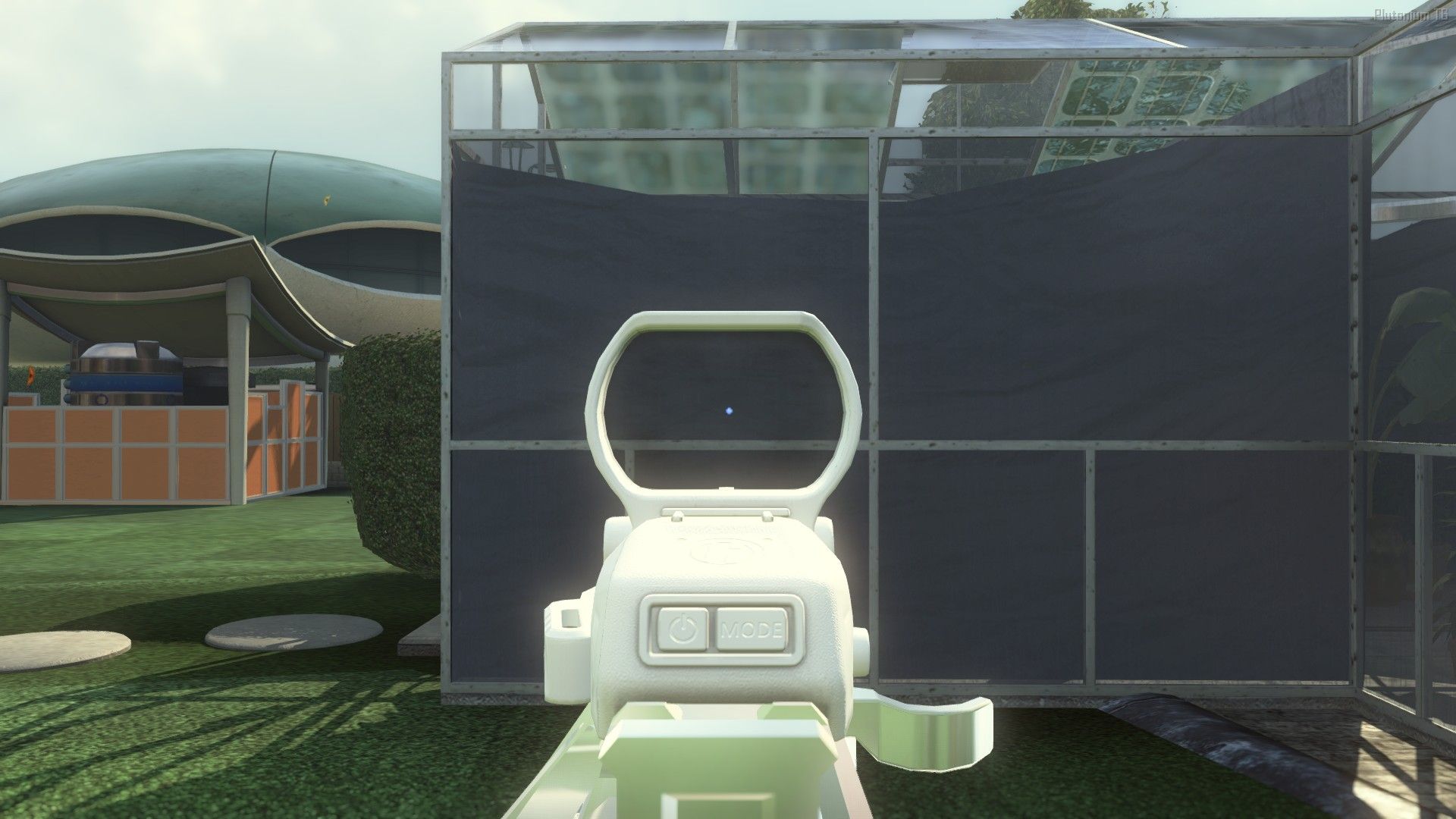
This release is essentially a re-colouring of the reflex red dot reticle, with options for green, pink, yellow and blue. The files included in the pack will replace the reticles 'Ka-ching', 'Tagged', 'Super Star', and 'Cross', for yellow, blue, pink, and green, respectively.
Mediafire download https://www.mediafire.com/file/1bajqez51ouyal5/Reticle_Recolour.zip/file
Mega download https://mega.nz/file/Tr4nXIZZ#WwFU5f71fksCjkRmvQpdtWoG2oX_y_hGdgEAsLwGtc8
As always, to install place the files in your /images folder.
Green
Pink
Blue
Yellow
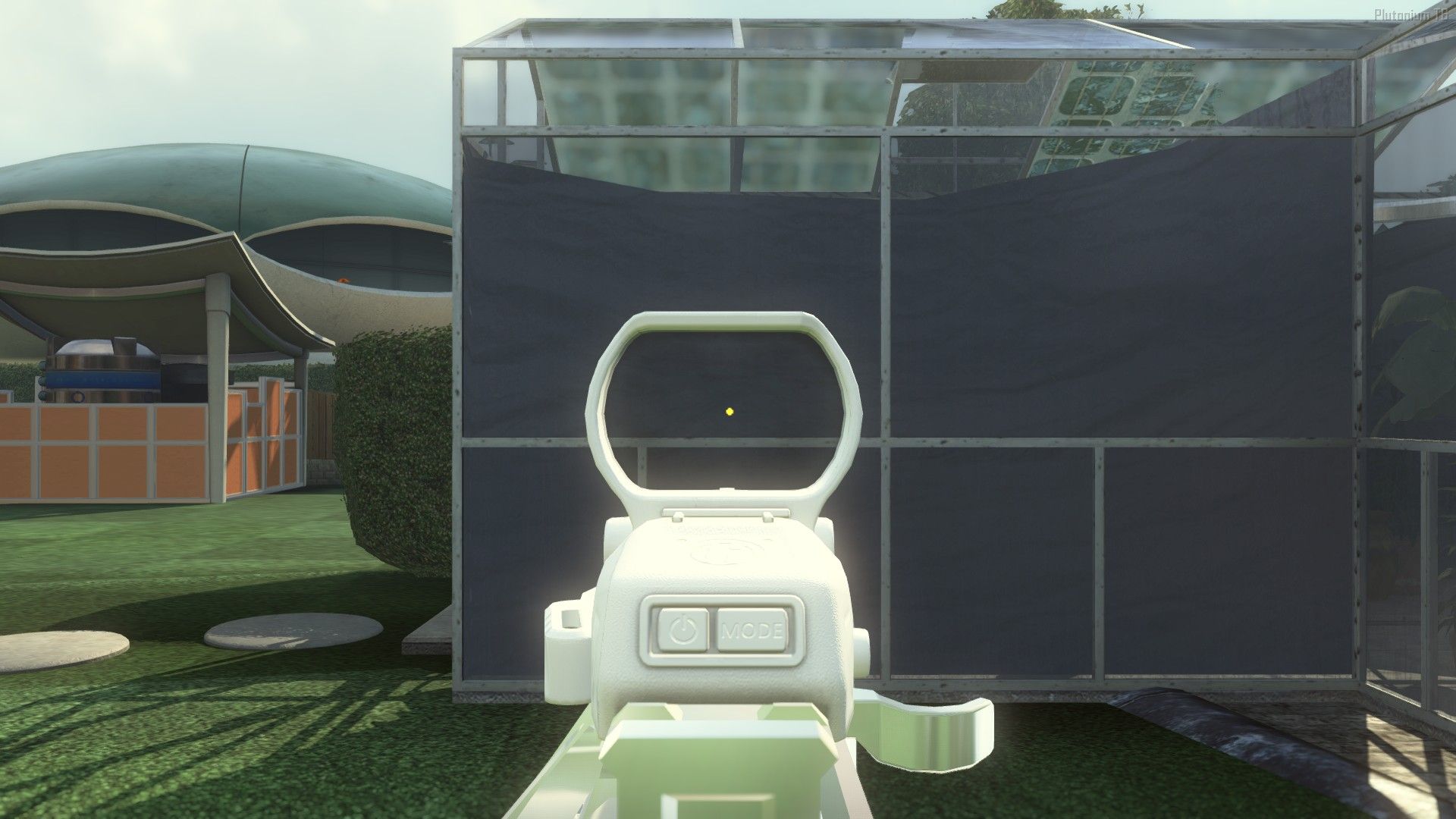
This was intended for personal use so the textures aren't perfect (I will perhaps clean them up at a later date), but I noticed that different colour red-dots were scarce on here, so hopefully it at least encourages people to make decent alternatives. Recolouring appears to be a tricky task, as far as I am aware it is not possible to change the colour of the default reticle -- one is instead forced to create a custom "shape" of a dot and replace a reticle that has a different colour with this shape (replace the 'Super Star' reticle with a custom circular shape to get a pink dot, for example). Each reticle seems to have unique properties, e.g., the same 'dot' texture applied to two different reticles will scale differently, so it is a laborious process. If anyone knows a trivial way to re-colour the default reflex sight feel free to let me know about it.
Note that mtl_t6_attach_optic_reflex_reticle_14 = Ka-Ching (Yellow), _16 = Tagged (Blue) , _18 = Super Star (Pink), _37 = Cross (Green)
-
This release is essentially a re-colouring of the reflex red dot reticle, with options for green, pink, yellow and blue. The files included in the pack will replace the reticles 'Ka-ching', 'Tagged', 'Super Star', and 'Cross', for yellow, blue, pink, and green, respectively.
Mediafire download https://www.mediafire.com/file/1bajqez51ouyal5/Reticle_Recolour.zip/file
Mega download https://mega.nz/file/Tr4nXIZZ#WwFU5f71fksCjkRmvQpdtWoG2oX_y_hGdgEAsLwGtc8
As always, to install place the files in your /images folder.
Green
Pink
Blue
Yellow
This was intended for personal use so the textures aren't perfect (I will perhaps clean them up at a later date), but I noticed that different colour red-dots were scarce on here, so hopefully it at least encourages people to make decent alternatives. Recolouring appears to be a tricky task, as far as I am aware it is not possible to change the colour of the default reticle -- one is instead forced to create a custom "shape" of a dot and replace a reticle that has a different colour with this shape (replace the 'Super Star' reticle with a custom circular shape to get a pink dot, for example). Each reticle seems to have unique properties, e.g., the same 'dot' texture applied to two different reticles will scale differently, so it is a laborious process. If anyone knows a trivial way to re-colour the default reflex sight feel free to let me know about it.
Note that mtl_t6_attach_optic_reflex_reticle_14 = Ka-Ching (Yellow), _16 = Tagged (Blue) , _18 = Super Star (Pink), _37 = Cross (Green)
-
This release is essentially a re-colouring of the reflex red dot reticle, with options for green, pink, yellow and blue. The files included in the pack will replace the reticles 'Ka-ching', 'Tagged', 'Super Star', and 'Cross', for yellow, blue, pink, and green, respectively.
Mediafire download https://www.mediafire.com/file/1bajqez51ouyal5/Reticle_Recolour.zip/file
Mega download https://mega.nz/file/Tr4nXIZZ#WwFU5f71fksCjkRmvQpdtWoG2oX_y_hGdgEAsLwGtc8
As always, to install place the files in your /images folder.
Green
Pink
Blue
Yellow
This was intended for personal use so the textures aren't perfect (I will perhaps clean them up at a later date), but I noticed that different colour red-dots were scarce on here, so hopefully it at least encourages people to make decent alternatives. Recolouring appears to be a tricky task, as far as I am aware it is not possible to change the colour of the default reticle -- one is instead forced to create a custom "shape" of a dot and replace a reticle that has a different colour with this shape (replace the 'Super Star' reticle with a custom circular shape to get a pink dot, for example). Each reticle seems to have unique properties, e.g., the same 'dot' texture applied to two different reticles will scale differently, so it is a laborious process. If anyone knows a trivial way to re-colour the default reflex sight feel free to let me know about it.
Note that mtl_t6_attach_optic_reflex_reticle_14 = Ka-Ching (Yellow), _16 = Tagged (Blue) , _18 = Super Star (Pink), _37 = Cross (Green)
-
 Xerxes moved this topic from BO2 Modding Releases & Resources on

Hello! It looks like you're interested in this conversation, but you don't have an account yet.
Getting fed up of having to scroll through the same posts each visit? When you register for an account, you'll always come back to exactly where you were before, and choose to be notified of new replies (either via email, or push notification). You'll also be able to save bookmarks and upvote posts to show your appreciation to other community members.
With your input, this post could be even better 💗
Register Login