Trying to modify dragon camo to no avail
-
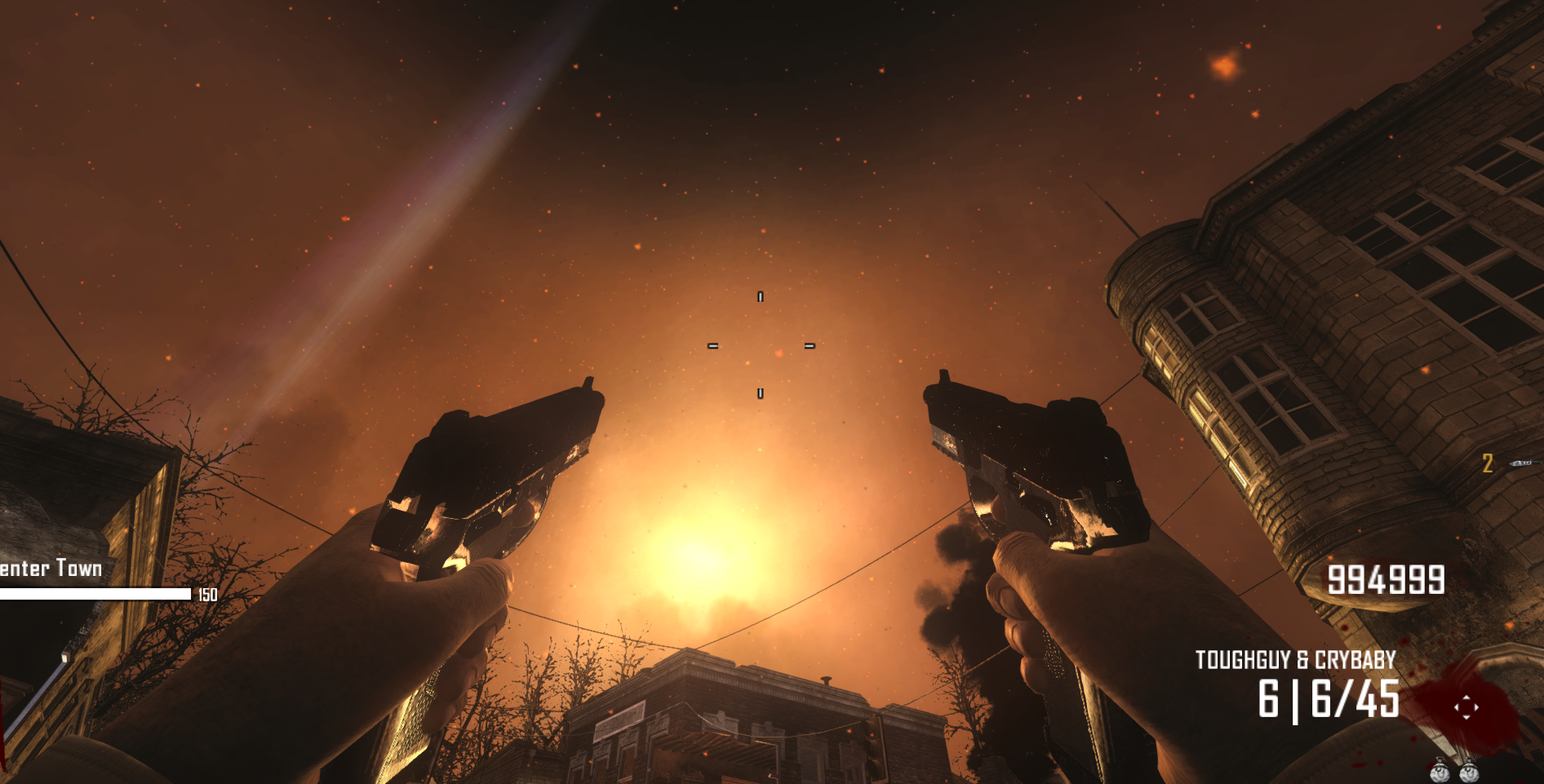
i was attempting to turn it green and it just keeps become pitch black
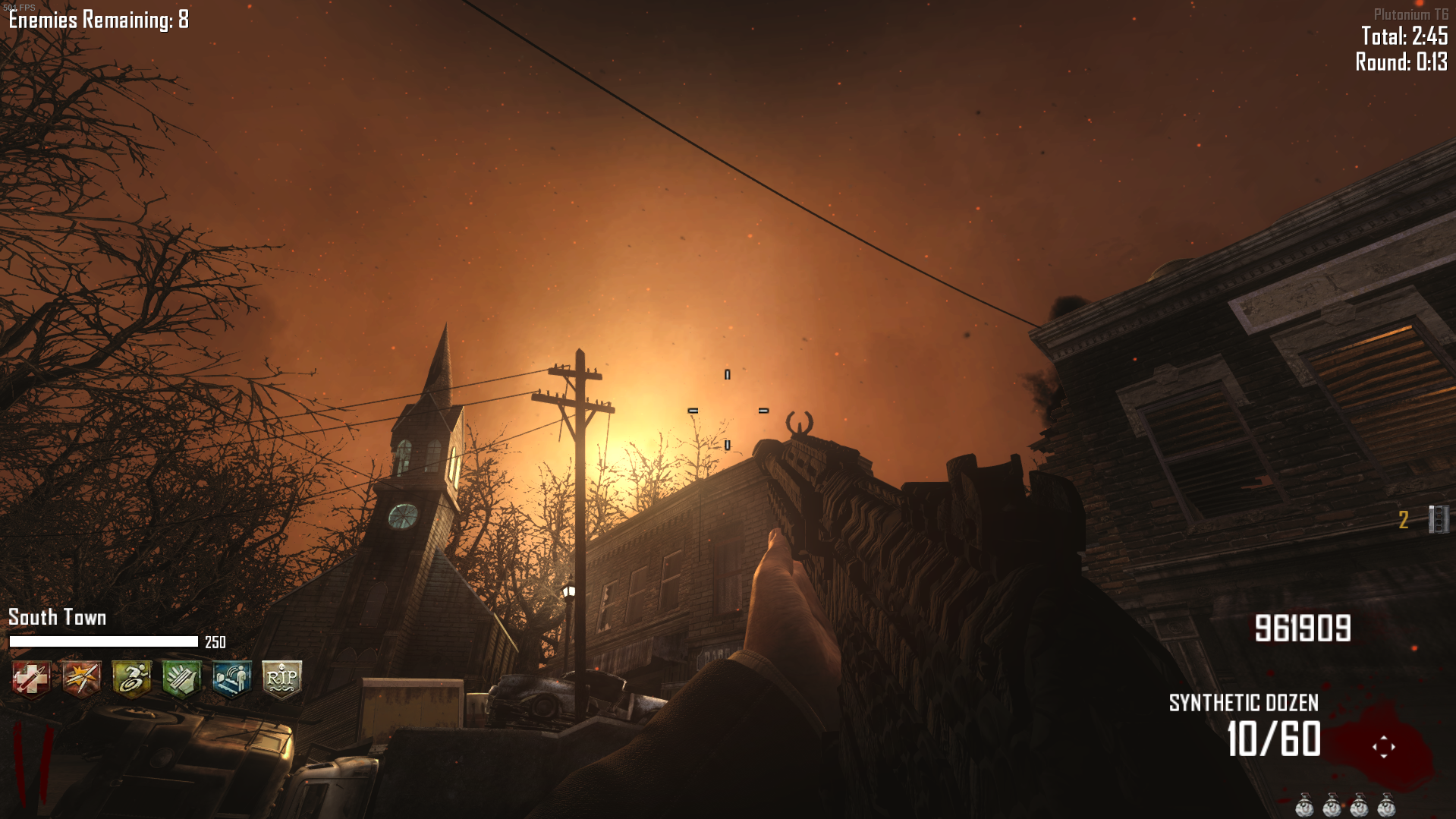
-
Yeah working with dragon camo is a pain it has so many layers and things that break it. Things to know t6_mtl_camo_dragon_heat white this for see thru. And black for most other layers means transparent because it doesn't seem to like alpha layers. I can look at what you got file wise and we might be able to find where you went wrong but you never attached anything so I can look yet.
-
Yeah working with dragon camo is a pain it has so many layers and things that break it. Things to know t6_mtl_camo_dragon_heat white this for see thru. And black for most other layers means transparent because it doesn't seem to like alpha layers. I can look at what you got file wise and we might be able to find where you went wrong but you never attached anything so I can look yet.
Justanotherguy69 i didnt know it was white for a reason, shouldnt have edited that one
-
You should edit it because it still changes how it looks just keep it the same white or gray as anything else can break it maybe. I think white is what exposes the ember texture could be wrong and other hides it. I do plan to make my dragon camo suck less someday because it is just a rotating image now so I will need to learn more about the camo. I suggest just making small adjustments at a time is about the only advice I can give on how you should go about editing it.

Hello! It looks like you're interested in this conversation, but you don't have an account yet.
Getting fed up of having to scroll through the same posts each visit? When you register for an account, you'll always come back to exactly where you were before, and choose to be notified of new replies (either via email, or push notification). You'll also be able to save bookmarks and upvote posts to show your appreciation to other community members.
With your input, this post could be even better 💗
Register Login