More fps
-
Debloat your windows and optimize it to see significant improvement


-
Debloat your windows and optimize it to see significant improvement
GhostRider0125 How do I do this exactly?
-
i advise you to know that debloating your windows will remove some features and apps
You can select in the menu it self on which ones you want to keep
but if your afraid that somethings you use might remove it then its better to only do the optimization videos only
Debloat
https://youtu.be/mwUBeqHqSas?si=LWQqIwo919ZN5F-J
Optimizations
https://m.youtube.com/watch?v=iBiNfa32AnE&pp=ygU2VGhlIG9ubHkgT3B0aW1pemUgYm9vc3Qgc3BlZWQgdXAgdGhhdCB3b3JrIHdpbmRvd3MgMTAg -
I added 4:3 in cfg file mp+zm (r_aspectRatio "4:3") but it doesn't work it goes back to auto again
-
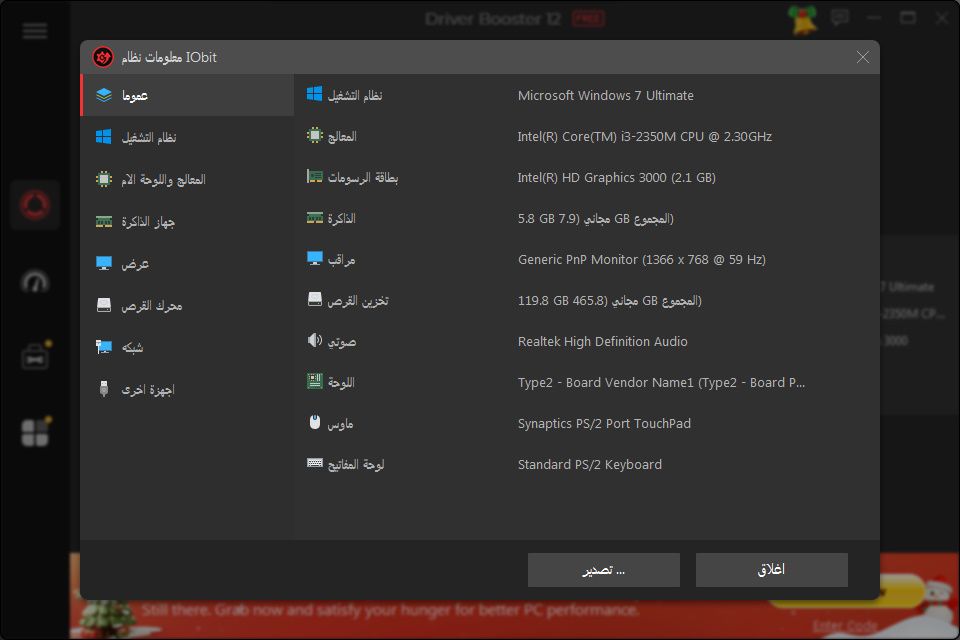
That would explain your poor fps. Isn't really designed for high gaming. More like very light gaming or retro gaming. Plus old games are poorly optimized so debloating won't do much.



Hello! It looks like you're interested in this conversation, but you don't have an account yet.
Getting fed up of having to scroll through the same posts each visit? When you register for an account, you'll always come back to exactly where you were before, and choose to be notified of new replies (either via email, or push notification). You'll also be able to save bookmarks and upvote posts to show your appreciation to other community members.
With your input, this post could be even better 💗
Register Login