PNG to DDS
-
Can someone help me? I'm trying to convert a PNG to DDS, but the colors get messed up during the conversion. When I convert it to IWI and load it in-game, the colors are completely off. Any idea what could be causing this?
These images are the example.
Im using tools I know should work but are not.
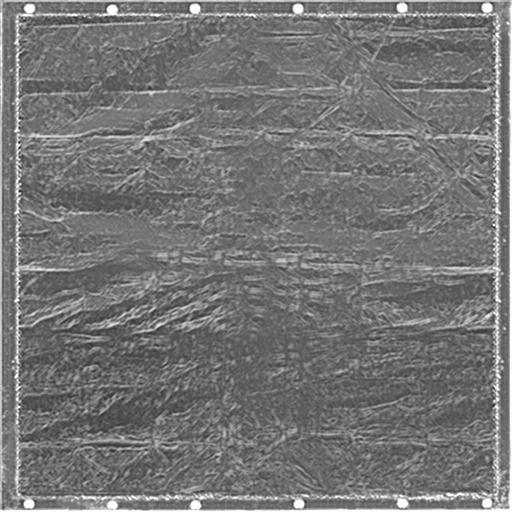
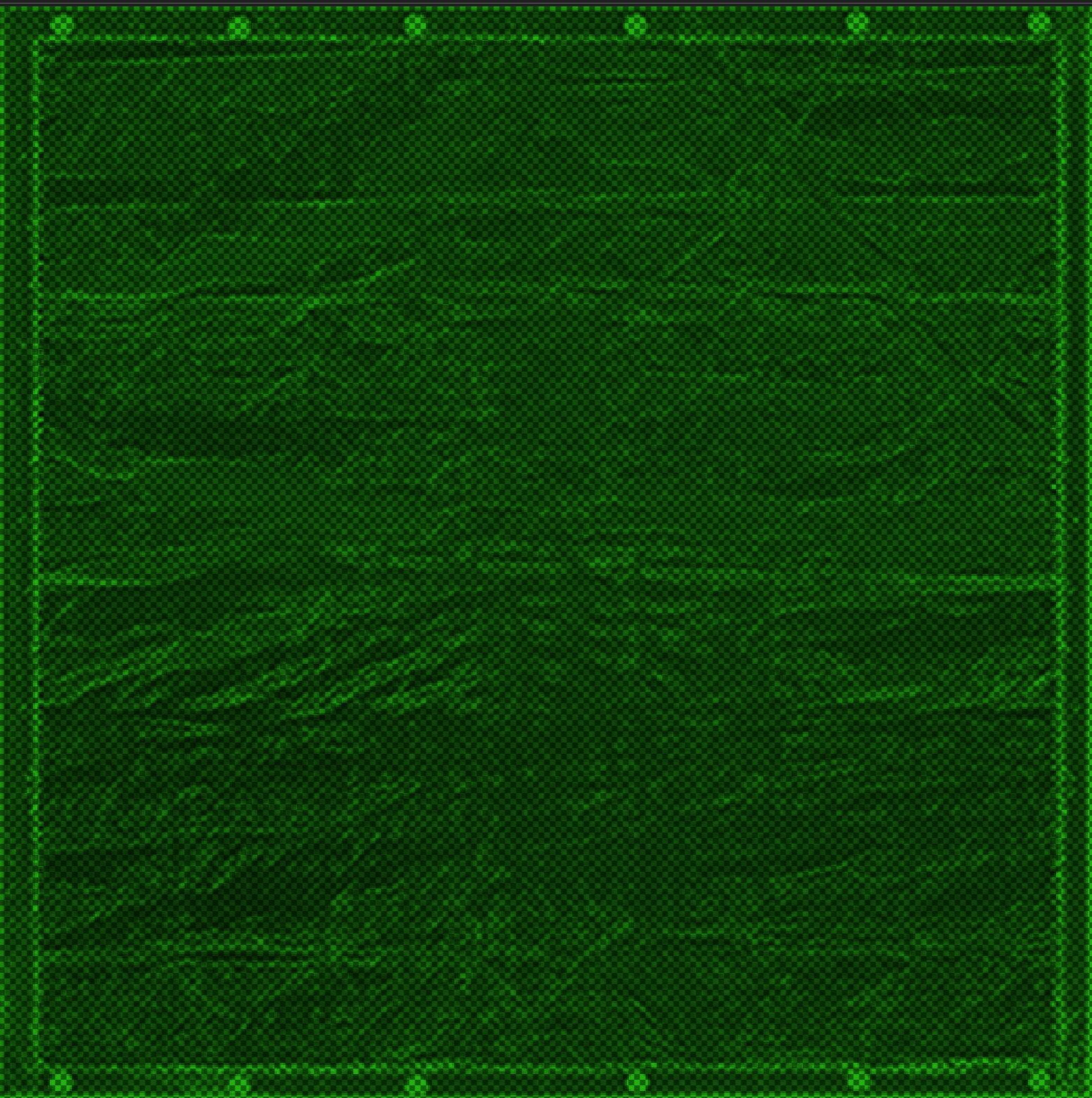
-
idk but maybe try coverting them with other apps paint.net or others?

https://github.com/paintdotnet/release/releases/download/v5.1.4/paint.net.5.1.4.install.anycpu.web.zip -
Have you tried this one from NVIDIA ?
https://developer.nvidia.com/downloads/texture-tools-standalone-app
Using the BC3 (DXT5) preset works fineIn my opinion, your gray texture becomes green and transparent, as if one color channel (Most likely the Red one) was stored in the alpha channel instead (This may happen to some DDS used for normal maps)
Could you please send your base texture and your green output ? (not screenshots ofc)


Hello! It looks like you're interested in this conversation, but you don't have an account yet.
Getting fed up of having to scroll through the same posts each visit? When you register for an account, you'll always come back to exactly where you were before, and choose to be notified of new replies (either via email, or push notification). You'll also be able to save bookmarks and upvote posts to show your appreciation to other community members.
With your input, this post could be even better 💗
Register Login