[Release][ZM] Nightmode x Commands
-
Hello again,
I’m presenting a mod that I had uploaded a while ago on my old account, but this time I’ve made a lot of modifications and fixed several bugs.Command Overview
Default Prefix
The default prefix for all commands is:
View Command List
To display the list of available commands in-game:
#command
#cd
#cLanguage Configuration
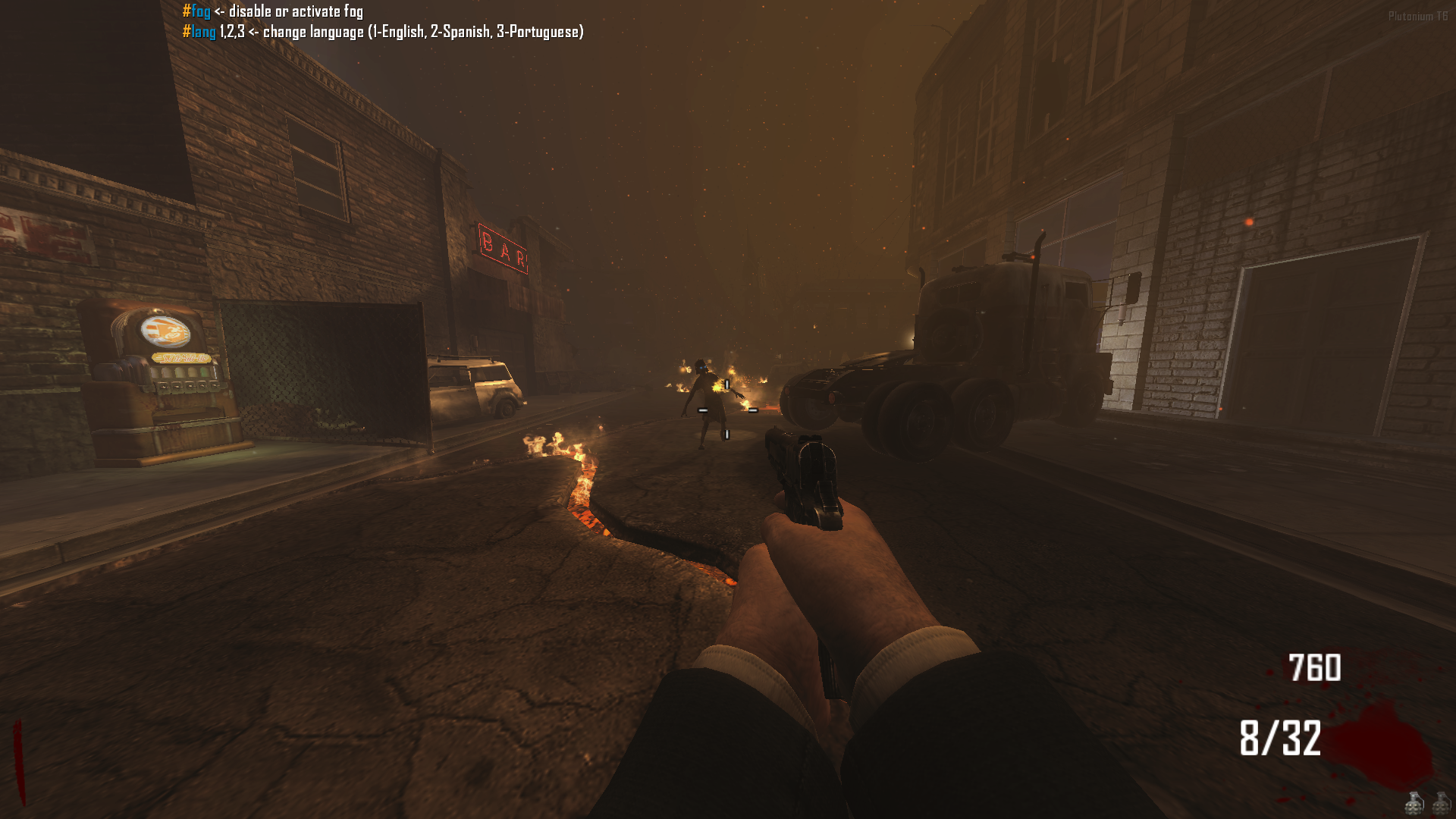
Change the language for default messages.
English is the default language.Example:
#lang 3 → PortugueseAvailable Languages:
1 = English
2 = Spanish
3 = PortugueseCommands:
#lang <value>
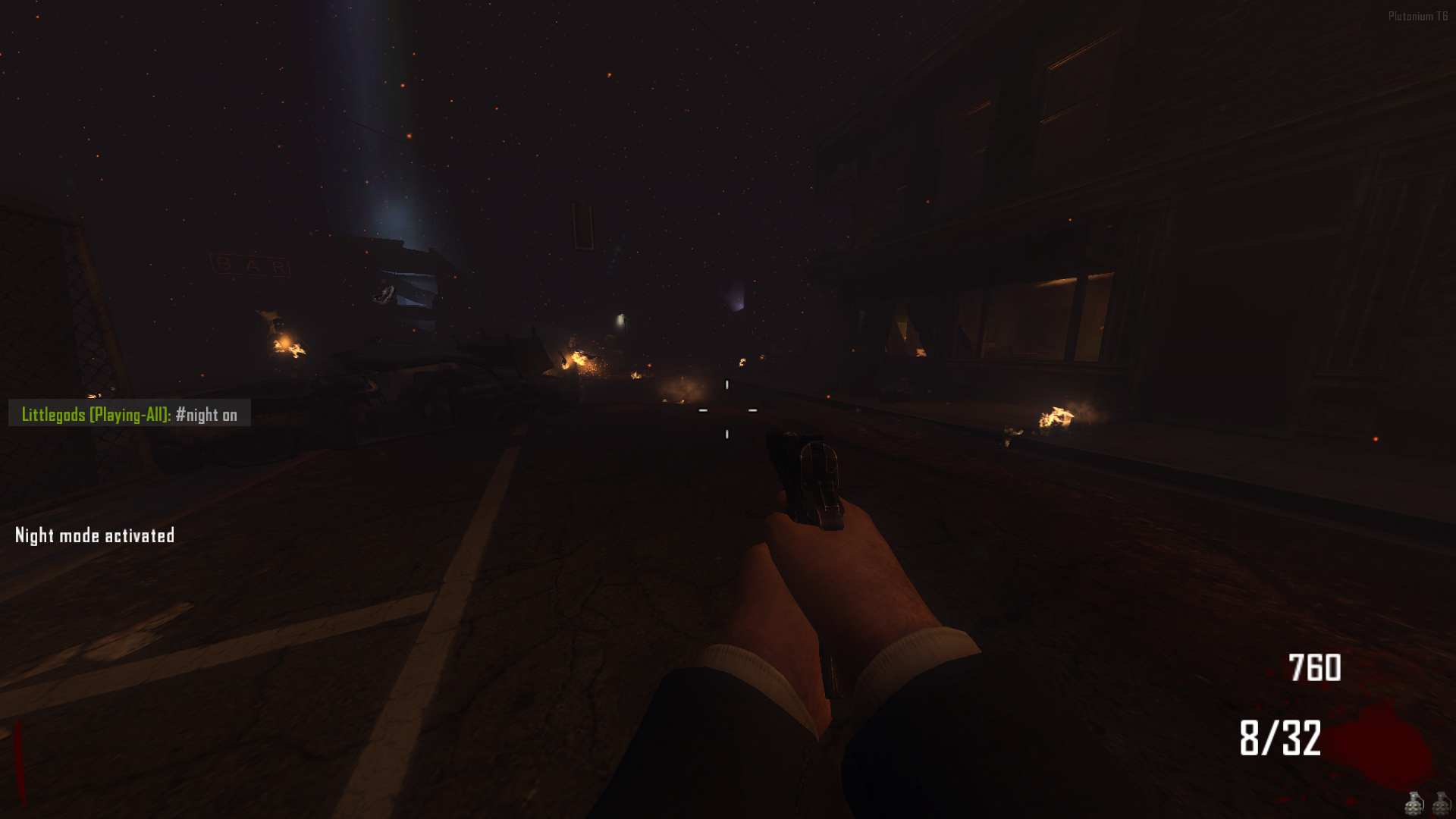
#l <value>Night Mode Control
Enable or disable the night mode feature.
Commands:
#night on / #night off
#ng on / #ng off
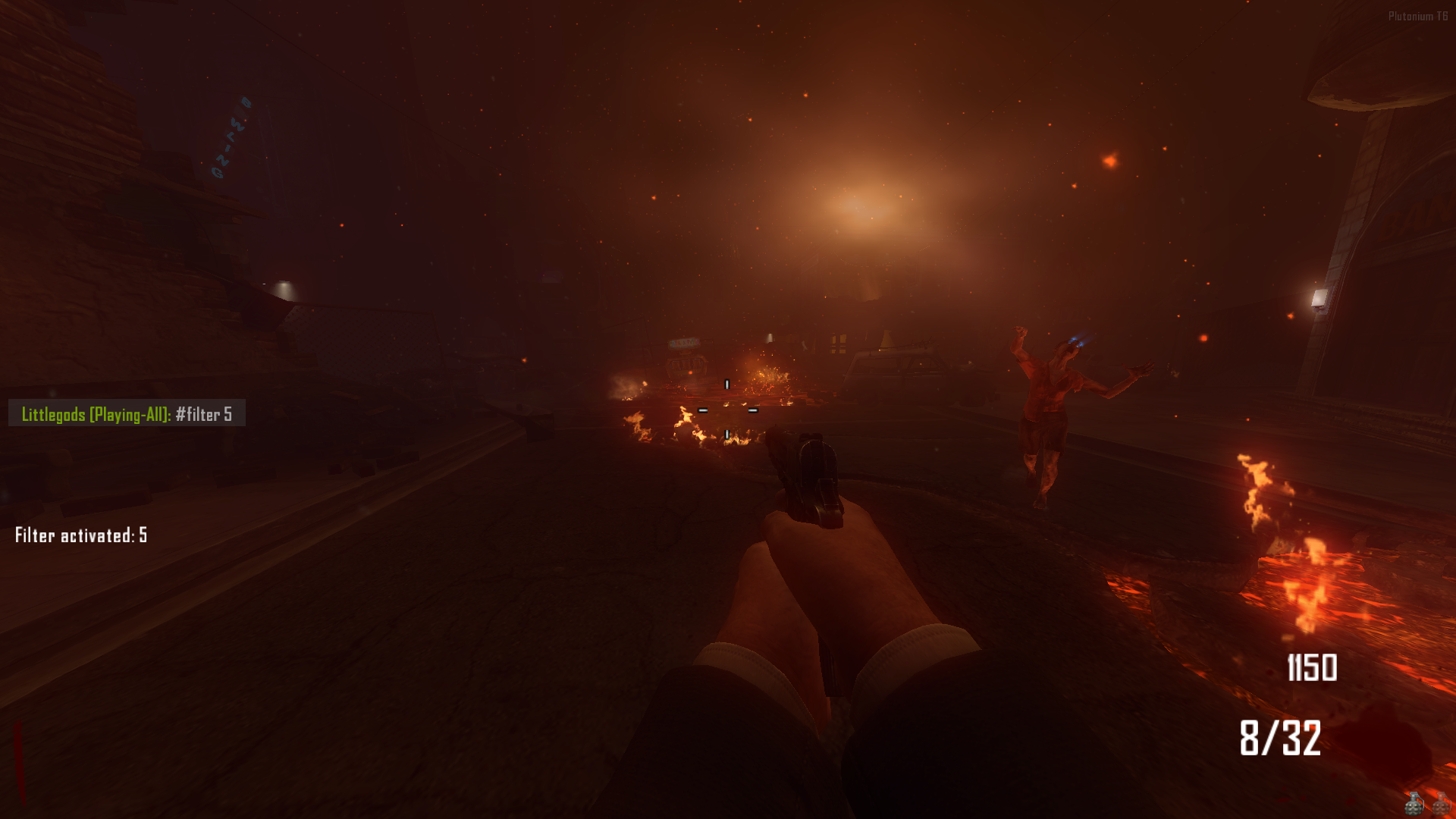
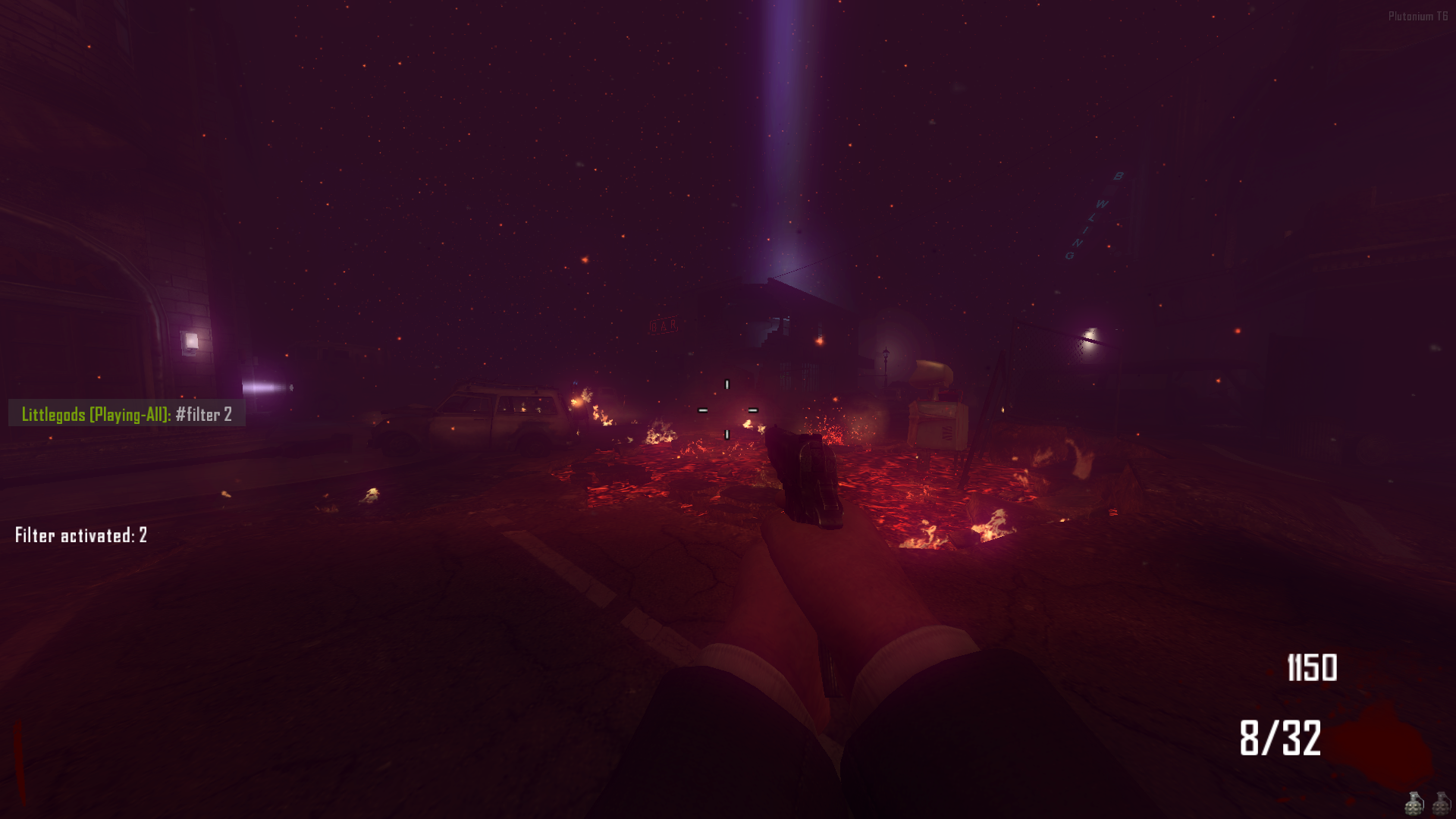
#n on / #n offFilter Configuration
Modify the night mode filter intensity or style.
There are a total of 35 filters, and 0 is the default mode.Example:
#filter 5Commands:
#filter <value>
#fl <value>
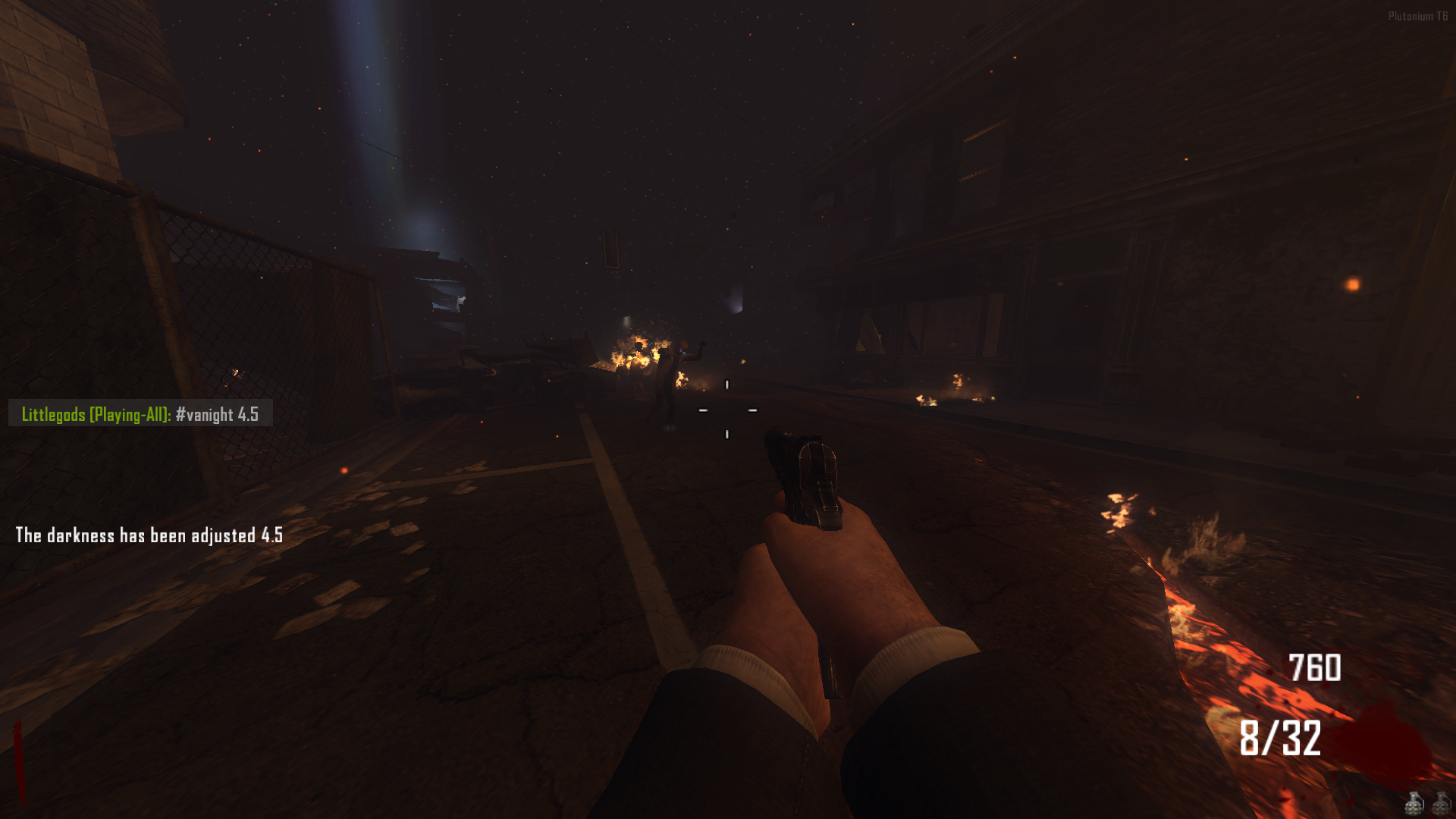
#f <value>Darkness Adjustment
Control how dark the night mode appears.
Higher values increase the darkness.Range:
4.5→10
Example:
#valuenight 6.4Commands:
#valuenight <value>
#vanight <value>
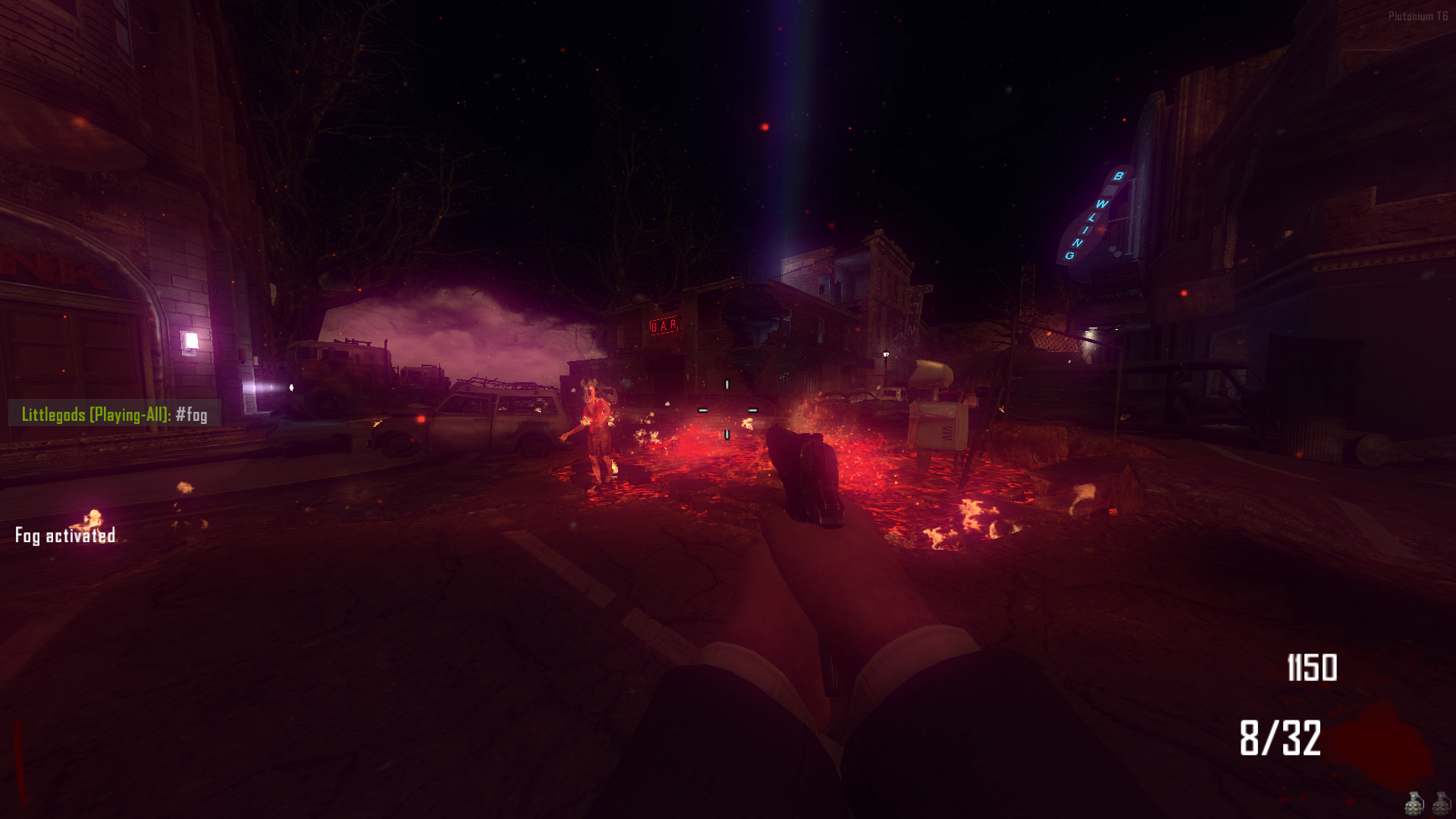
#vn <value>Fog Toggle
Enable or disable fog effects for better visibility.
Commands:
#fog
#fg
#f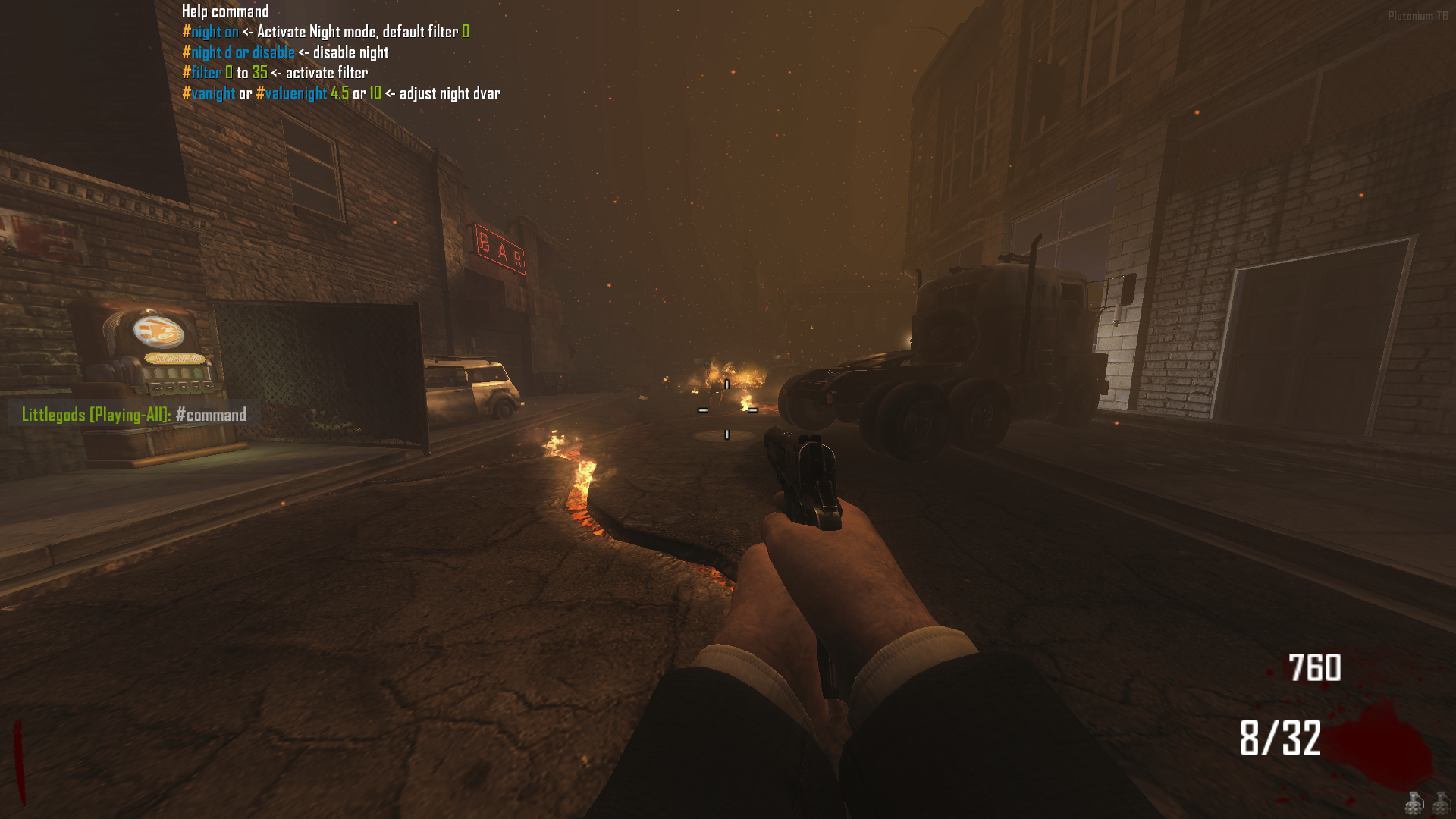
Source Code
Install
AppData\Local\Plutonium\storage\t6\raw\scripts\zm -
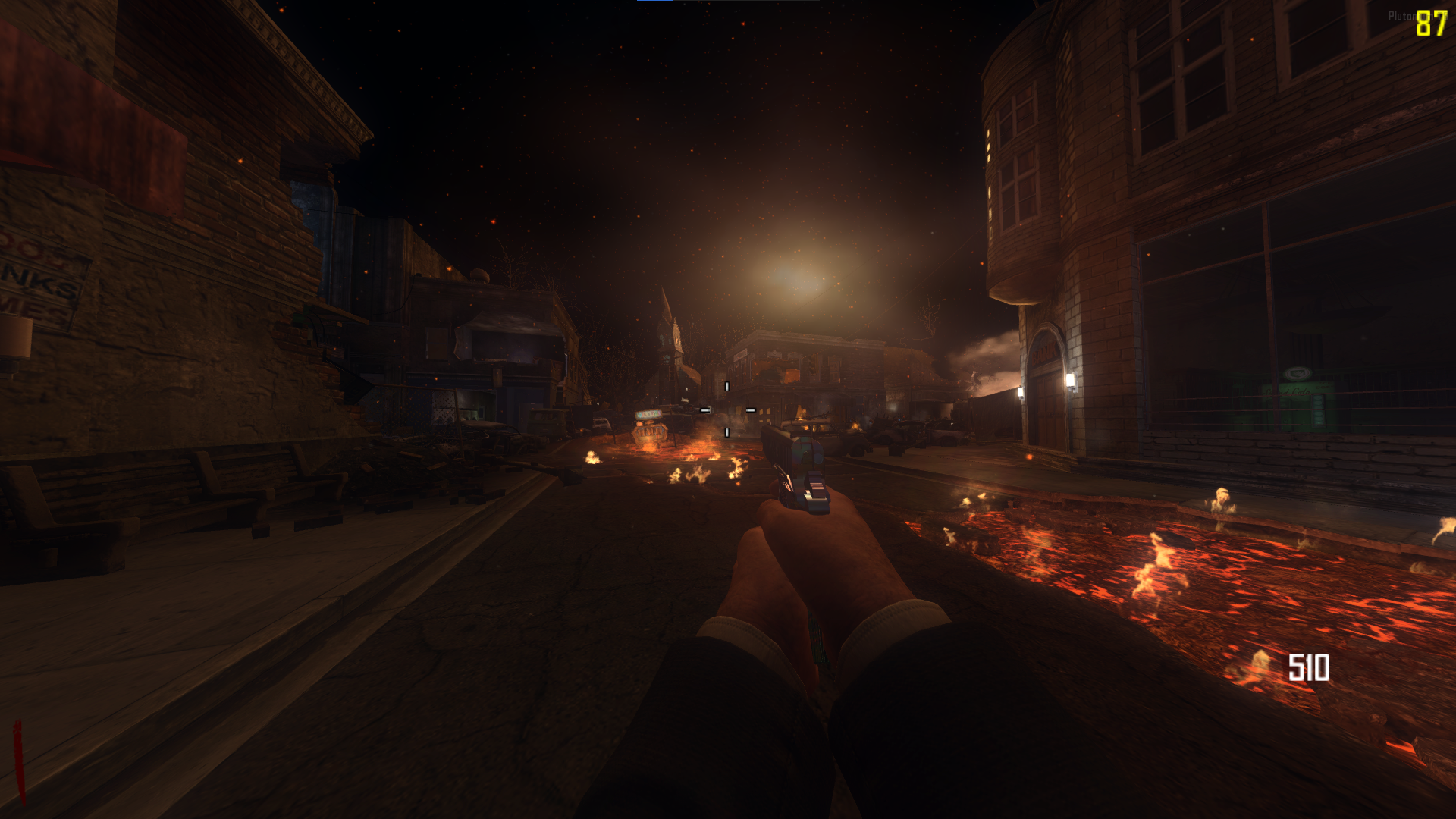
This mod looks amazing in-game. Thanks a lot.
Lyesw Thanks, friend! I’m glad you liked it. I recommend the map Origins, filter 5 it’s one of my favorites.
-
Enxito I accidentally pushed a commit. I’ll fix it within 1 to 2 hours.
-
Update 1.2.0 (Hotfix, Data)
Fixes
- ValueNight now persists when changing the filter
- Black screen when starting the game (Fixed)
- The
fast_restartandmap_restartcommands no longer negatively affect nightmode
Update
- You can now save the nightmode variables: state, filter, night value, and fog
- The
fast_restartandmap_restartcommands now correctly load the saved variables
Data
- state: enabled
- filter: 2
- nightvalue: 10
- fog: 1
This is the save path for your nightmode configuration file
AppData\Local\Plutonium\storage\t6\raw\scriptdata\nightmodeSource Code
Install
AppData\Local\Plutonium\storage\t6\raw\scripts\zmAcknowledgments
Thanks to mr.kennutbuster for testing the code and contributing improvements.
-
crazy work W mod and nightmode thanks for the shout out
-
Update 1.3.0 (mob of the dead | Remove lightning-flashing)
Fixes
When playing the zm_prison map, for some reason the map's lightning would reset to darkness. The map's lightning has been completely removed for a better experience.
Source remove lightning-flashing
https://forum.plutonium.pw/topic/43437/release-zm-hotfix-zm_prison-remove-lightning-flashing
Source Code
Install
AppData\Local\Plutonium\storage\t6\raw\scripts\zmAcknowledgments
Thanks to mr.kennutbuster for testing the code and contributing improvements.















Hello! It looks like you're interested in this conversation, but you don't have an account yet.
Getting fed up of having to scroll through the same posts each visit? When you register for an account, you'll always come back to exactly where you were before, and choose to be notified of new replies (either via email, or push notification). You'll also be able to save bookmarks and upvote posts to show your appreciation to other community members.
With your input, this post could be even better 💗
Register Login