Skip to content
  • 0 Unread 0
  • Recent
  • Popular
  • Users
  • Donate
Collapse
Home Docs Stats Discord Donate
Download
  1. Home
  2. BO2 Modding Support & Discussion
  3. How to make Bo2 zombies camo's

How to make Bo2 zombies camo's
Scheduled Pinned Locked Moved BO2 Modding Support & Discussion
22 Posts 8 Posters 6.8k Views 1 Watching
  • Oldest to Newest
  • Newest to Oldest
  • Most Votes
Reply
  • Reply as topic
Log in to reply
This topic has been deleted. Only users with topic management privileges can see it.
  • trexagon3 trexagon3

    im_foken_stup you need to grab the textures from the steam version i forgot to include that

    im_foken_stup
    im_foken_stup
    im_foken_stup
    wrote on last edited by im_foken_stup
    #10

    @lazerr_c4t hahahaha I'm a fucking beggar who can't afford to buy this game
    but I already found the textures of all the maps on the Internet, I’m not sure about the weapons, but I think I saw a post with the retexture of all the weapons, I’ll take it from there.
    still, thanks for the guide, I think it will be very helpful for those who also want to make skins

    1 Reply Last reply
    0
    • trexagon3 trexagon3

      im_foken_stup you need to grab the textures from the steam version i forgot to include that

      LKurama
      LKurama
      LKurama
      wrote on last edited by LKurama
      #11

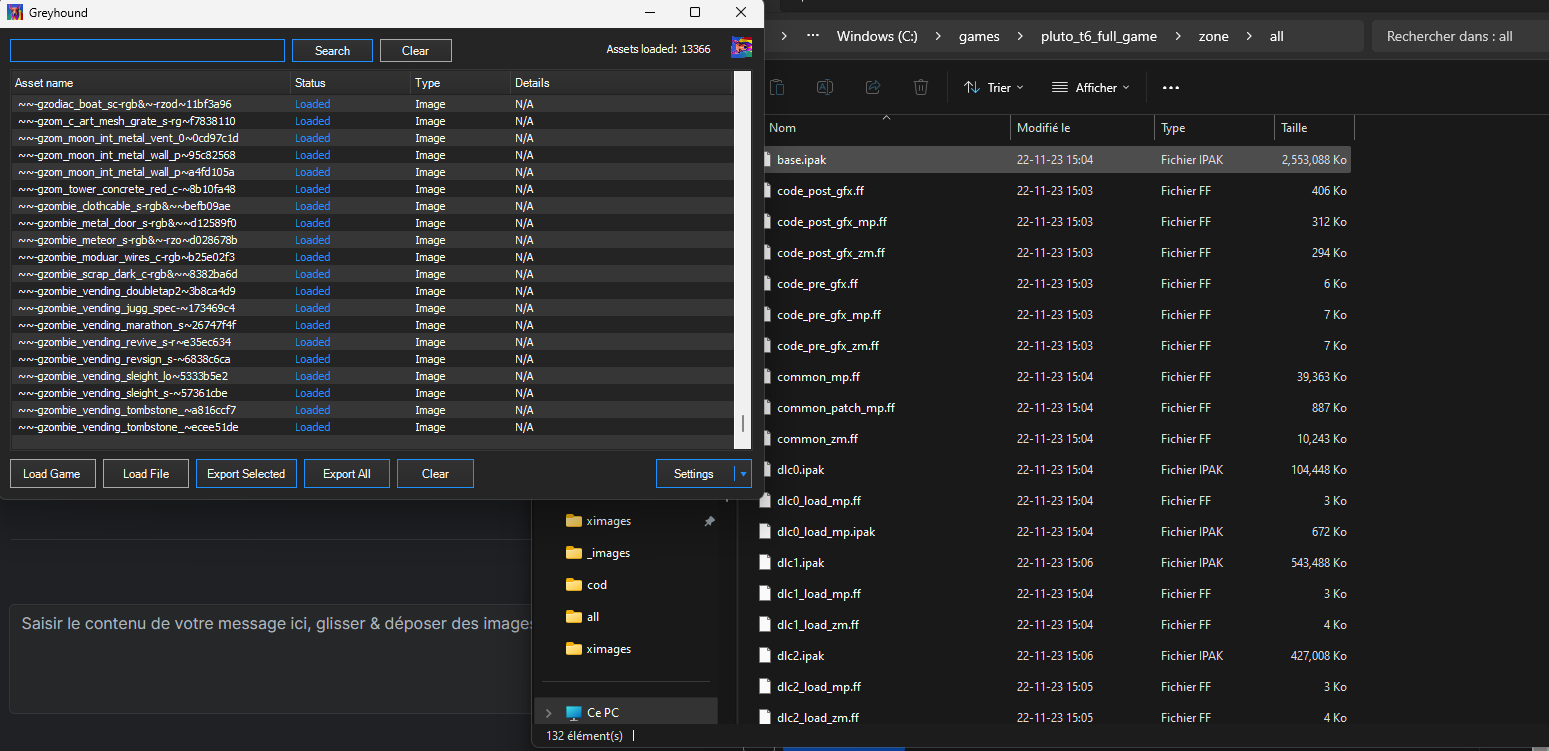
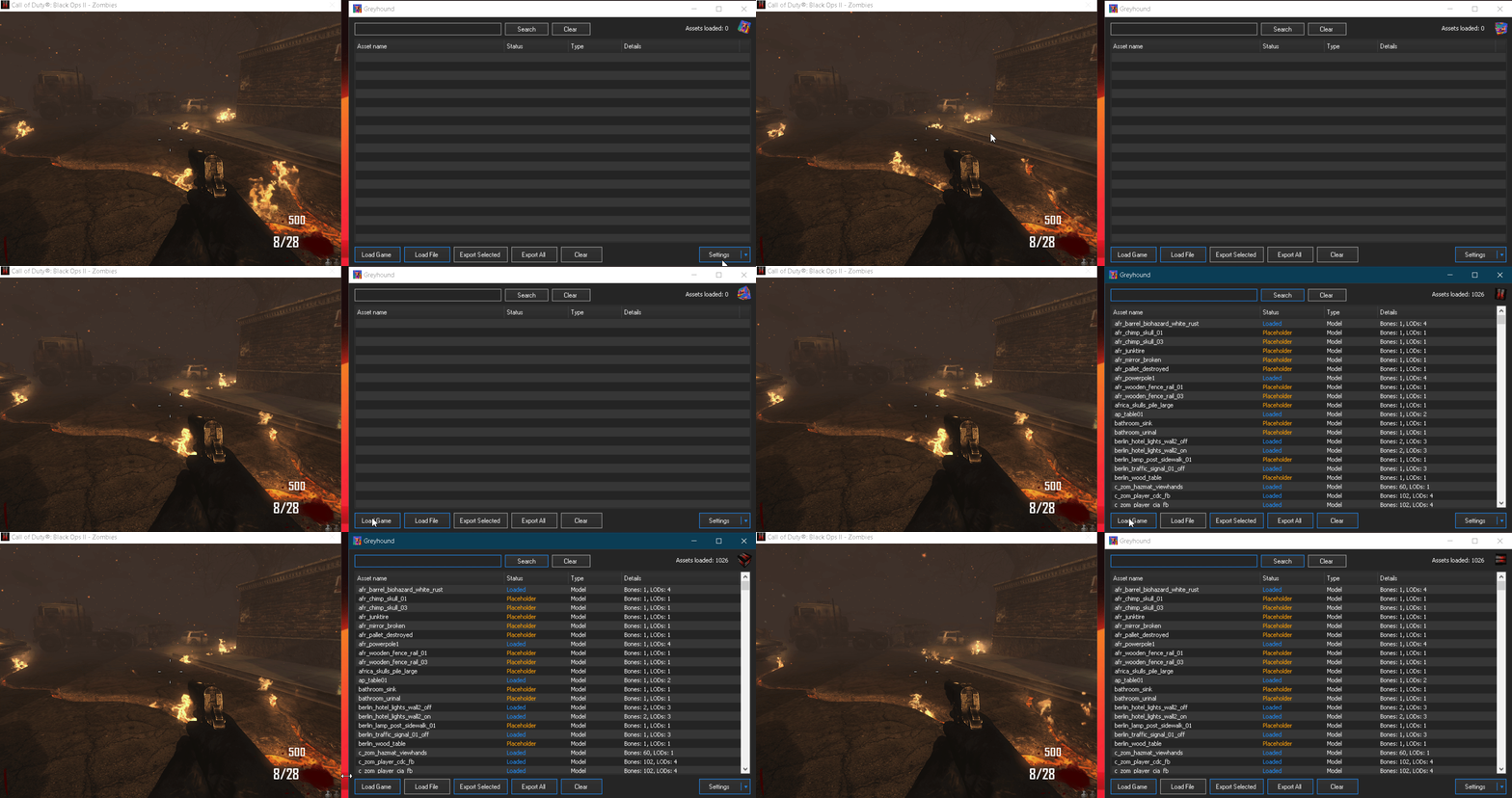
      @lazerr_c4t you can extract the .ipak files without owning the game on steam

      It might take more time (we're talking about a few seconds here), but it's better than buying a game

      However, it is the case for BO3 (only necessary to get the HUD) and BO4

      trexagon3 2 Replies Last reply
      0
      • LKurama LKurama

        @lazerr_c4t you can extract the .ipak files without owning the game on steam

        It might take more time (we're talking about a few seconds here), but it's better than buying a game

        However, it is the case for BO3 (only necessary to get the HUD) and BO4

        trexagon3
        trexagon3
        trexagon3
        wrote on last edited by
        #12

        LKurama no.

        LKurama 1 Reply Last reply
        0
        • trexagon3 trexagon3

          LKurama no.

          LKurama
          LKurama
          LKurama
          wrote on last edited by LKurama
          #13

          atomic-cat d7c81f1d-0b1e-4597-9551-075d51a5494a-image.png
          then explain

          dragon spore 1 Reply Last reply
          0
          • LKurama LKurama

            @lazerr_c4t you can extract the .ipak files without owning the game on steam

            It might take more time (we're talking about a few seconds here), but it's better than buying a game

            However, it is the case for BO3 (only necessary to get the HUD) and BO4

            trexagon3
            trexagon3
            trexagon3
            wrote on last edited by
            #14

            LKurama ah ok didn't know that

            trexagon3 1 Reply Last reply
            1
            • trexagon3 trexagon3

              LKurama ah ok didn't know that

              trexagon3
              trexagon3
              trexagon3
              wrote on last edited by
              #15

              atomic-cat thank you for teaching me another way to do this i was just basing the guide off of what i already knew

              LKurama 1 Reply Last reply
              0
              • trexagon3 trexagon3

                atomic-cat thank you for teaching me another way to do this i was just basing the guide off of what i already knew

                LKurama
                LKurama
                LKurama
                wrote on last edited by
                #16

                atomic-cat i've never read the guide for that
                When you see "load file" button, it's not really hard to see ".ipak/iwd files"

                1 Reply Last reply
                0
                • LKurama LKurama

                  atomic-cat d7c81f1d-0b1e-4597-9551-075d51a5494a-image.png
                  then explain

                  dragon spore
                  dragon spore
                  dragon spore
                  wrote on last edited by
                  #17

                  LKurama may your pillow be forever cold

                  1 Reply Last reply
                  0
                  • Legion_Legend
                    Legion_Legend
                    Legion_Legend
                    wrote on last edited by
                    #18

                    oh thanks

                    1 Reply Last reply
                    0
                    • CursedSFMS
                      CursedSFMS
                      CursedSFMS
                      wrote on last edited by
                      #19

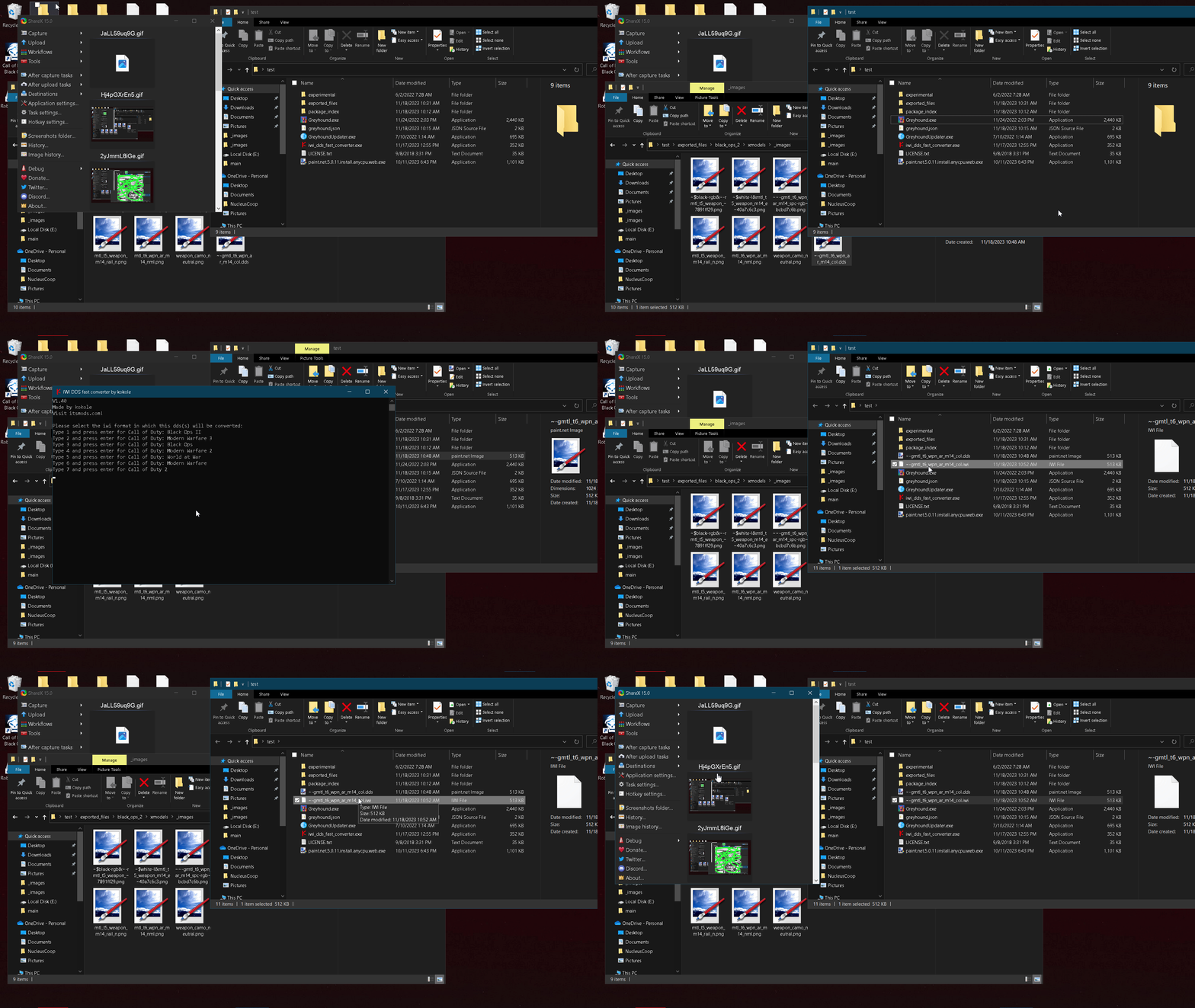
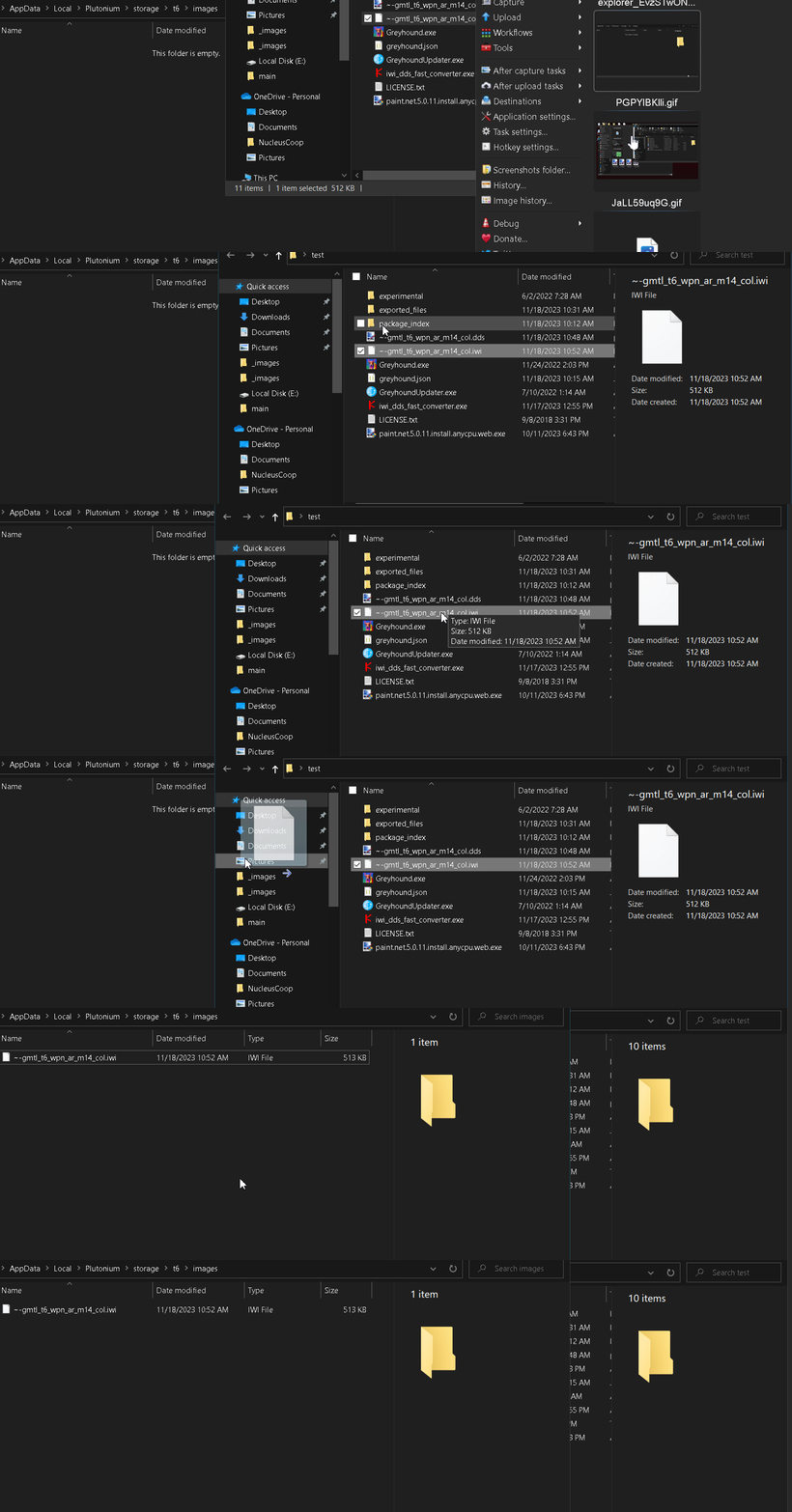
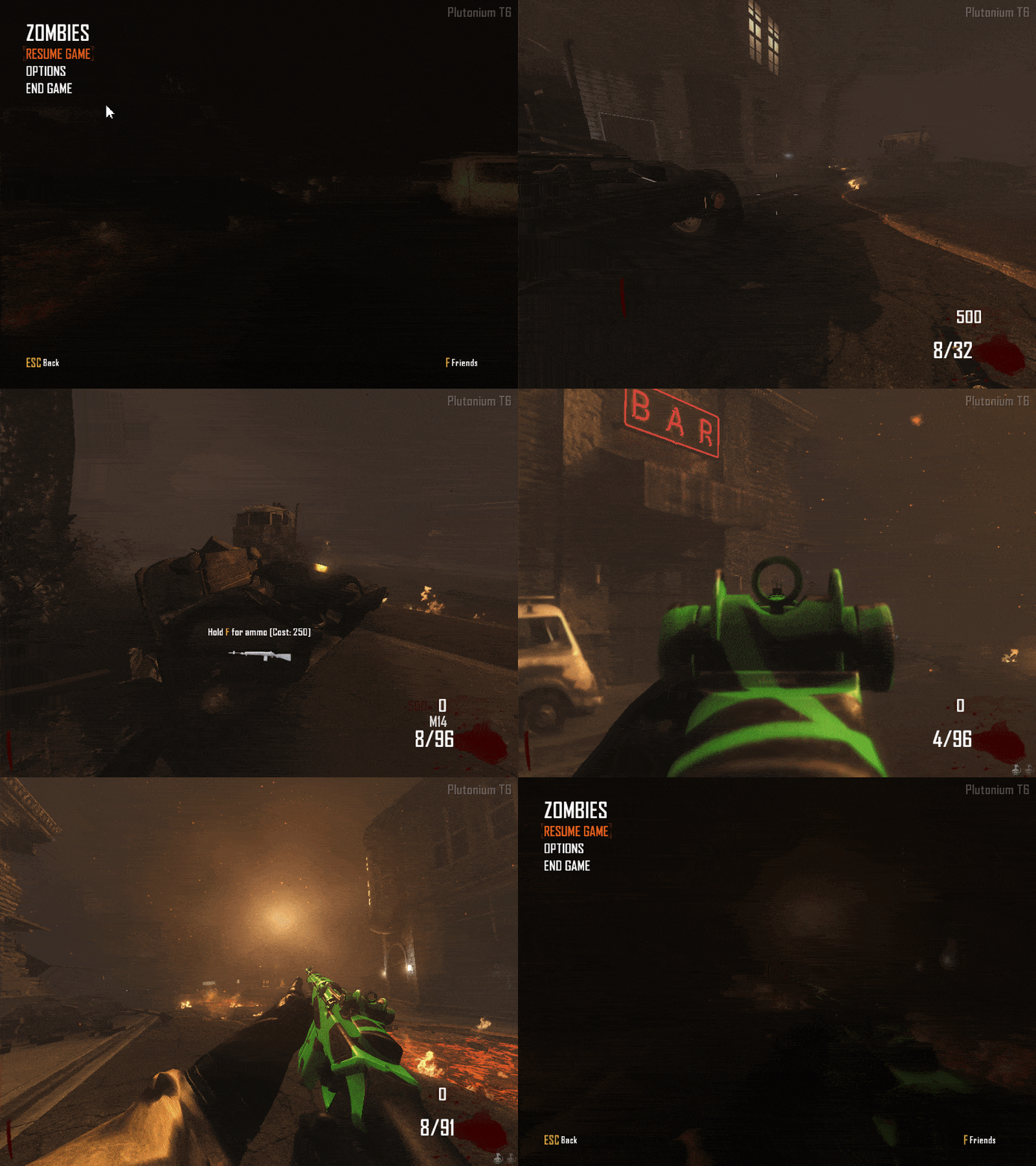
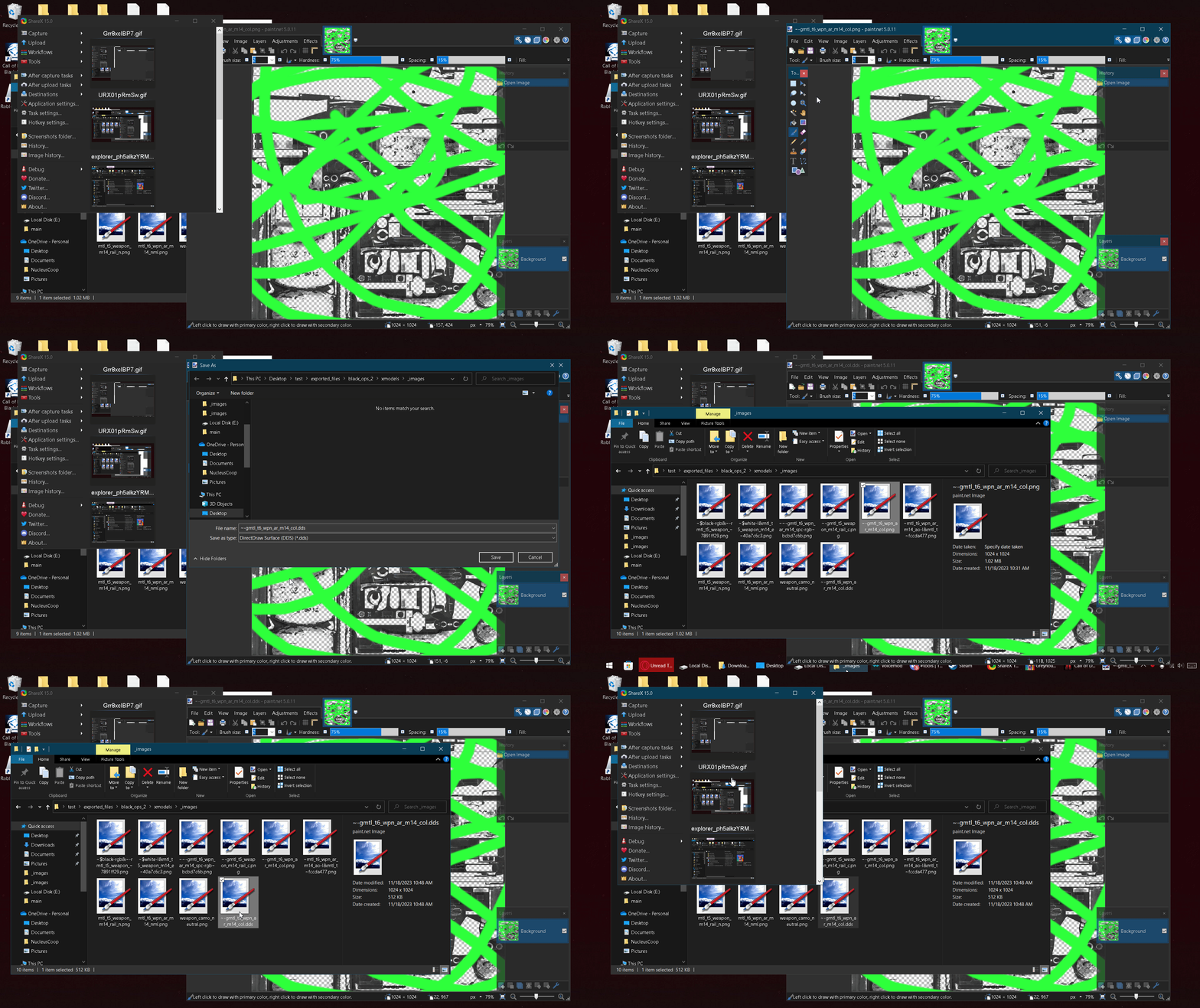
                      image_2026-09-08_144917191.png
                      image_2026-09-08_145103867.png
                      is this correct? because when i open the game it just shows the stock m14

                      mr.kennutbuster 1 Reply Last reply
                      0
                      • CursedSFMS CursedSFMS

                        image_2026-09-08_144917191.png
                        image_2026-09-08_145103867.png
                        is this correct? because when i open the game it just shows the stock m14

                        mr.kennutbuster
                        mr.kennutbuster
                        mr.kennutbuster
                        wrote on last edited by
                        #20

                        CursedSFMS only iwi files go into your images folder and I recommend putting the word "fesy" on the side of the weapon

                        1 Reply Last reply
                        0
                        • CursedSFMS
                          CursedSFMS
                          CursedSFMS
                          wrote on last edited by
                          #21

                          thank you

                          1 Reply Last reply
                          0
                          • CursedSFMS
                            CursedSFMS
                            CursedSFMS
                            wrote on last edited by
                            #22

                            oh also do i need to do a full game restart or just go back to the main menu?

                            1 Reply Last reply
                            0

                            Hello! It looks like you're interested in this conversation, but you don't have an account yet.

                            Getting fed up of having to scroll through the same posts each visit? When you register for an account, you'll always come back to exactly where you were before, and choose to be notified of new replies (either via email, or push notification). You'll also be able to save bookmarks and upvote posts to show your appreciation to other community members.

                            With your input, this post could be even better 💗

                            Register Login
                            Reply
                            • Reply as topic
                            Log in to reply
                            • Oldest to Newest
                            • Newest to Oldest
                            • Most Votes


                            • Login

                            • Don't have an account? Register

                            • Login or register to search.
                            • First post
                              Last post
                            0
                            • Unread 0
                            • Recent
                            • Popular
                            • Users
                            • Donate