Skip to content
  • 0 Unread 0
  • Recent
  • Popular
  • Users
  • Donate
Collapse
Home Docs Stats Discord Donate
Download
  1. Home
  2. BO2 Modding Releases & Resources
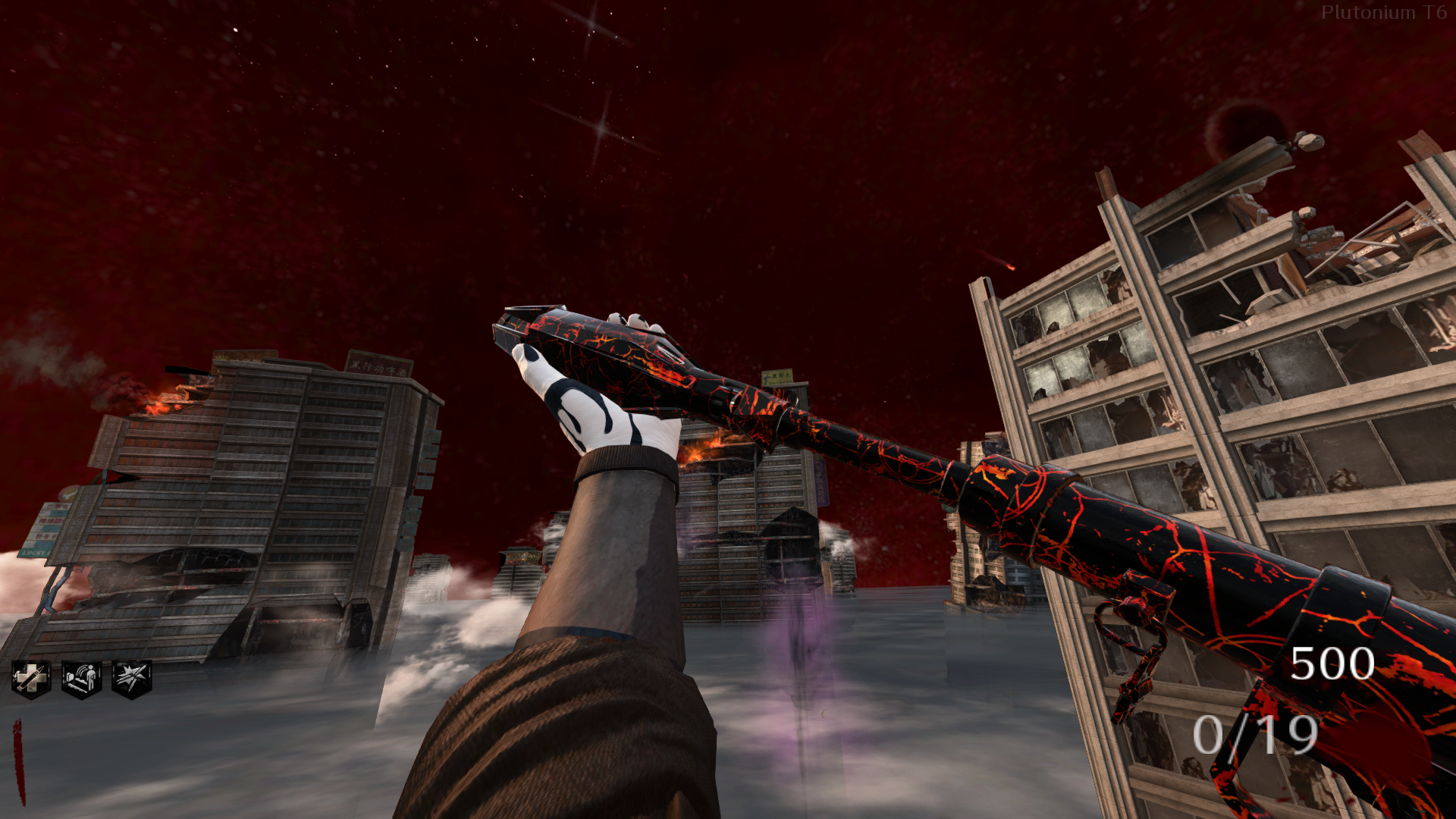
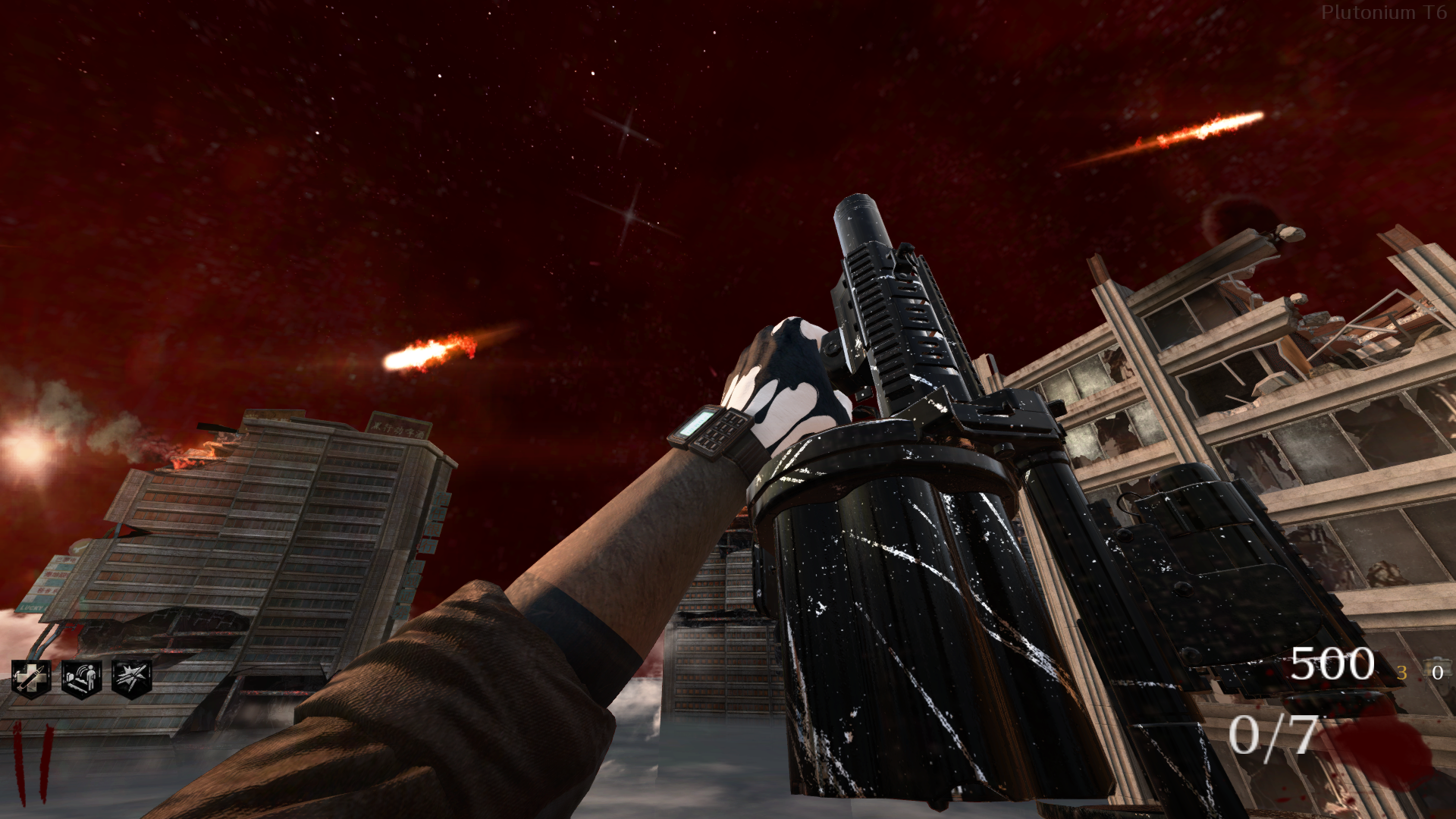
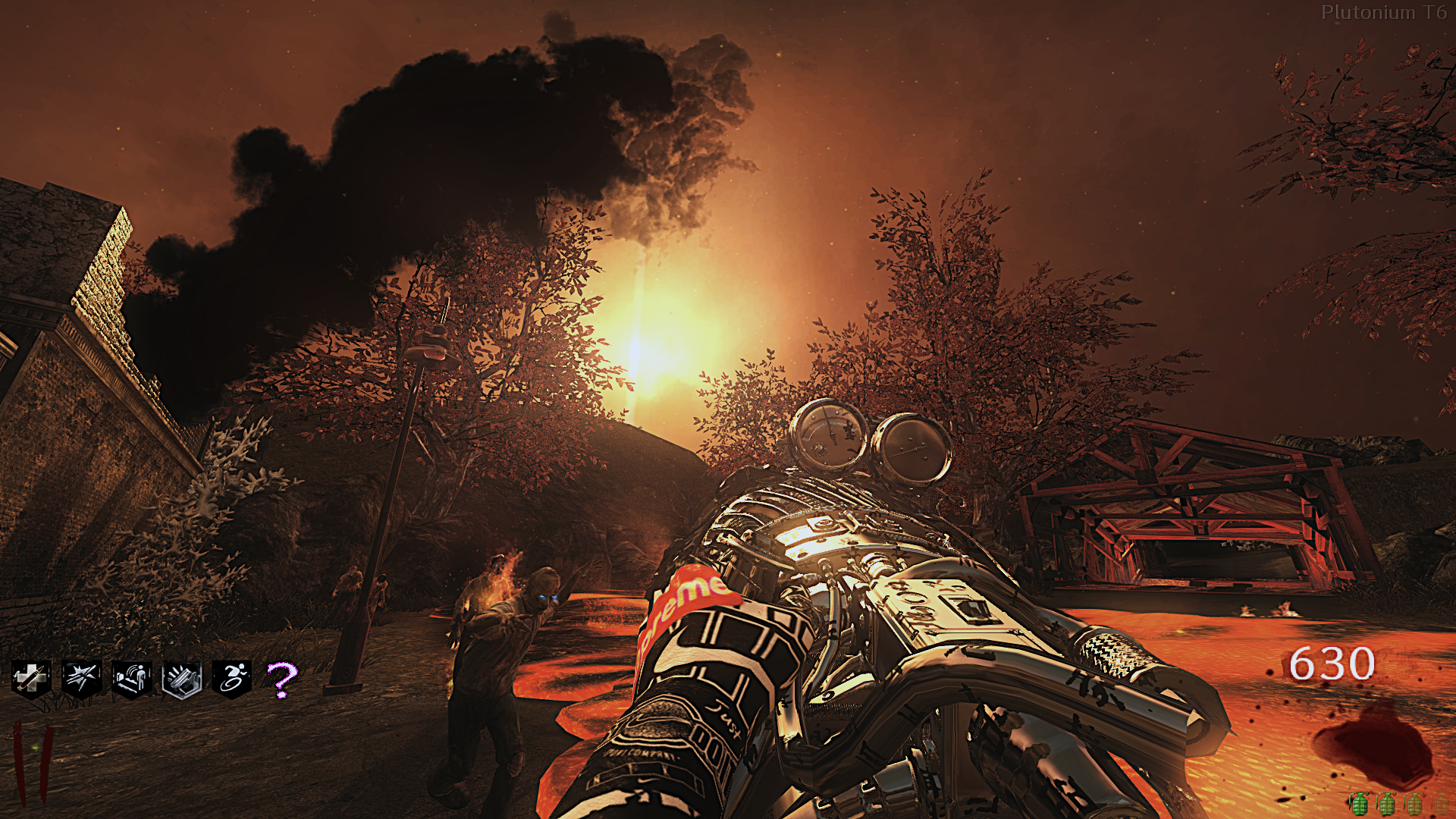
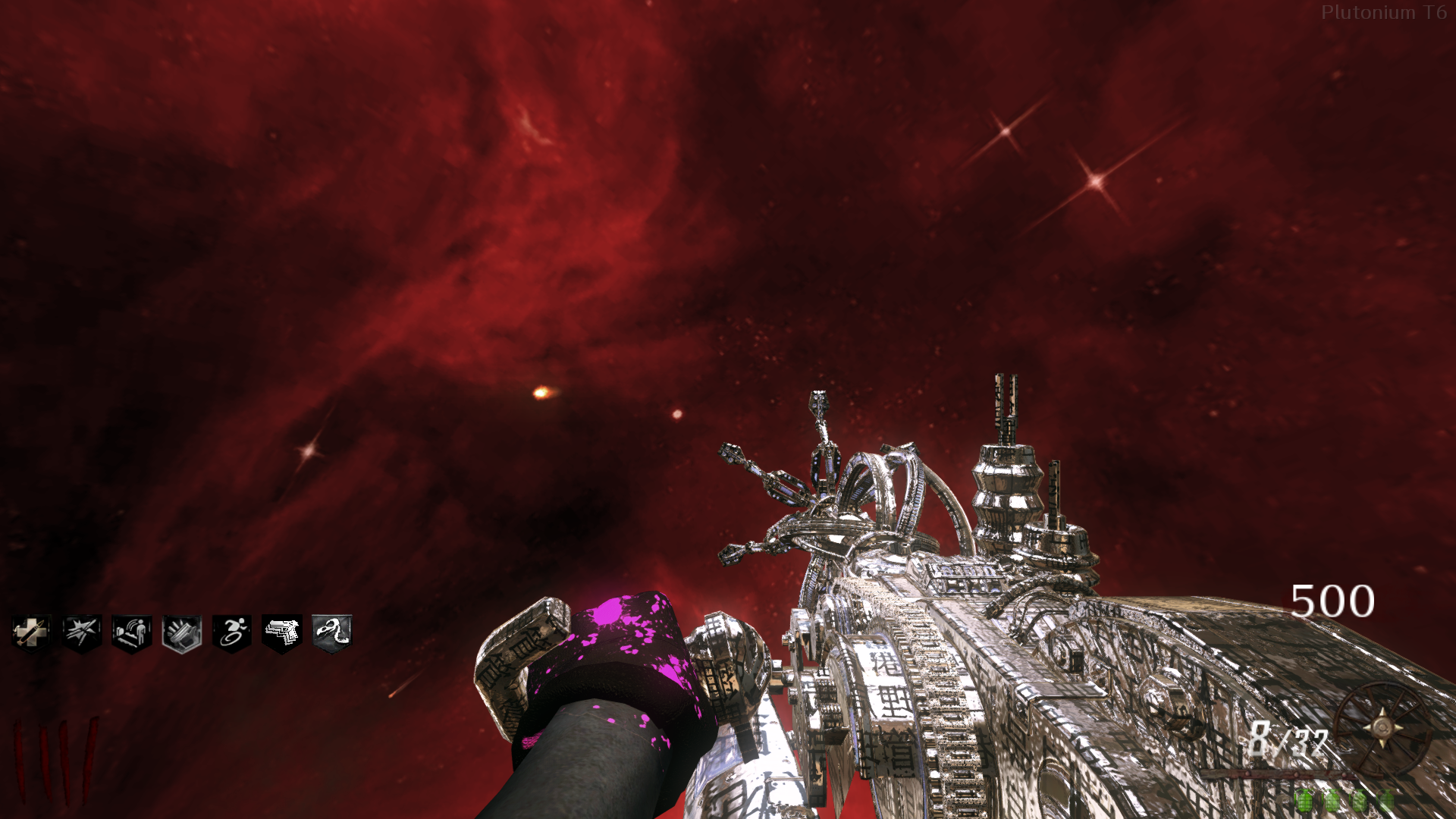
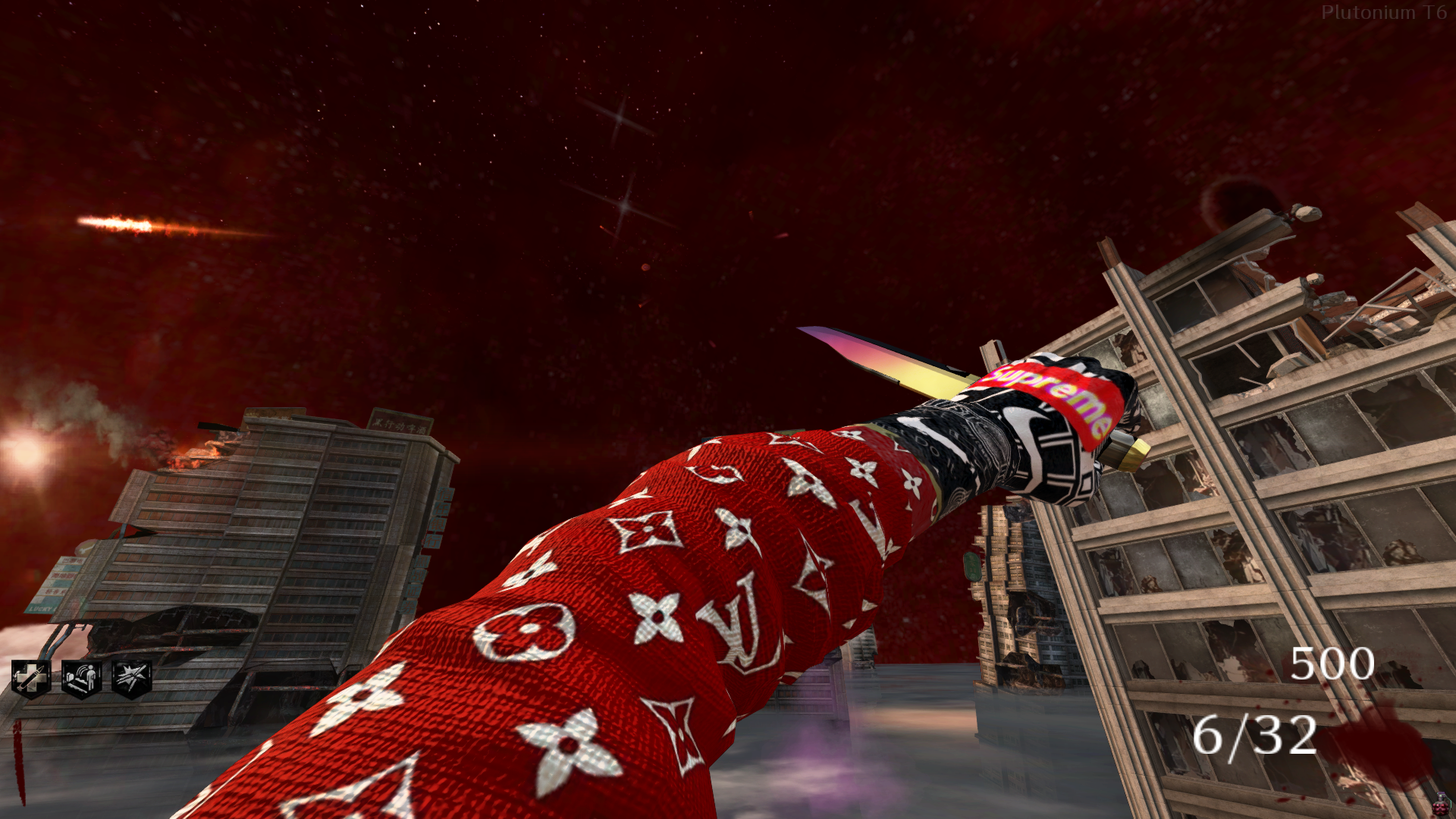
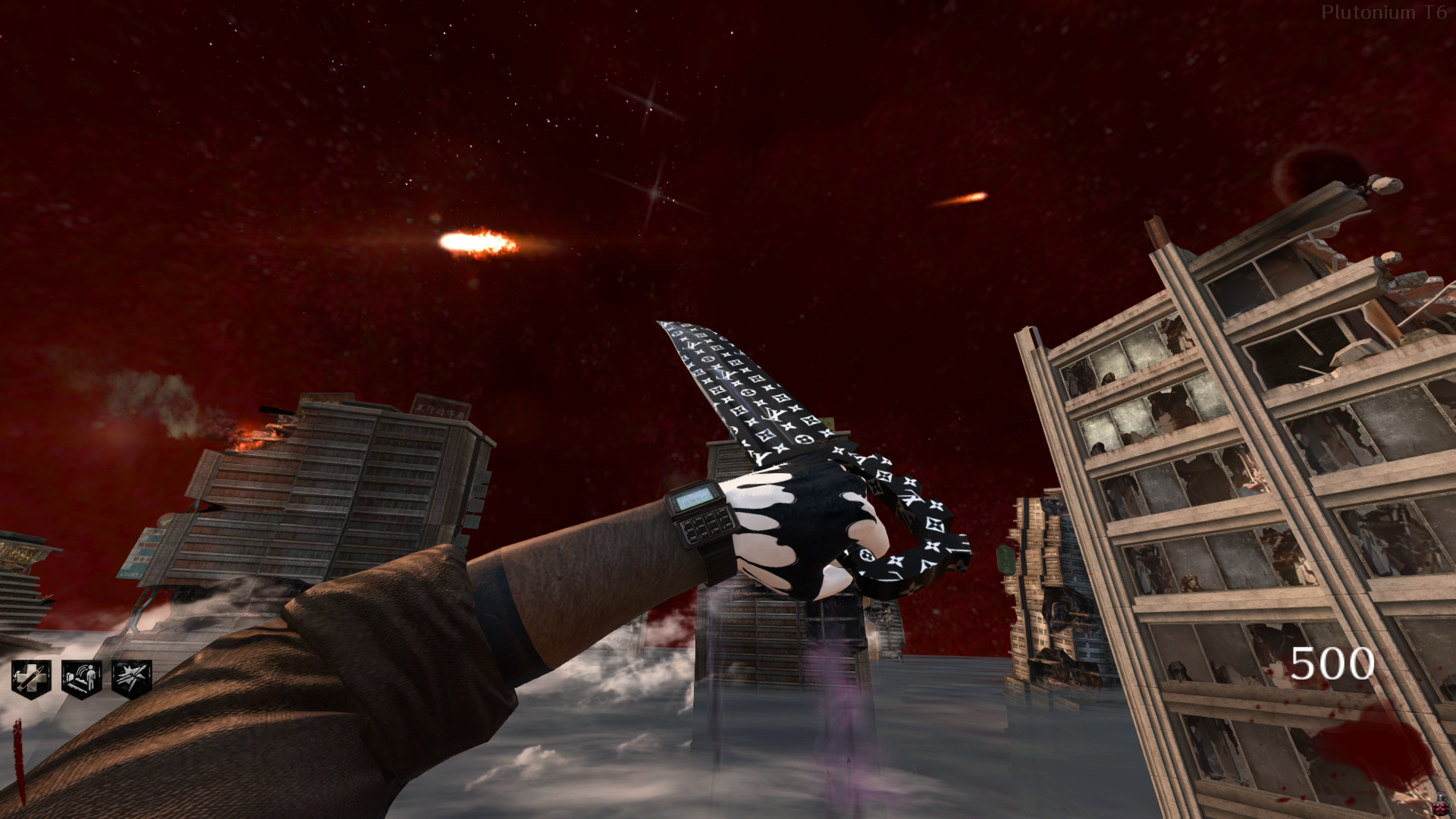
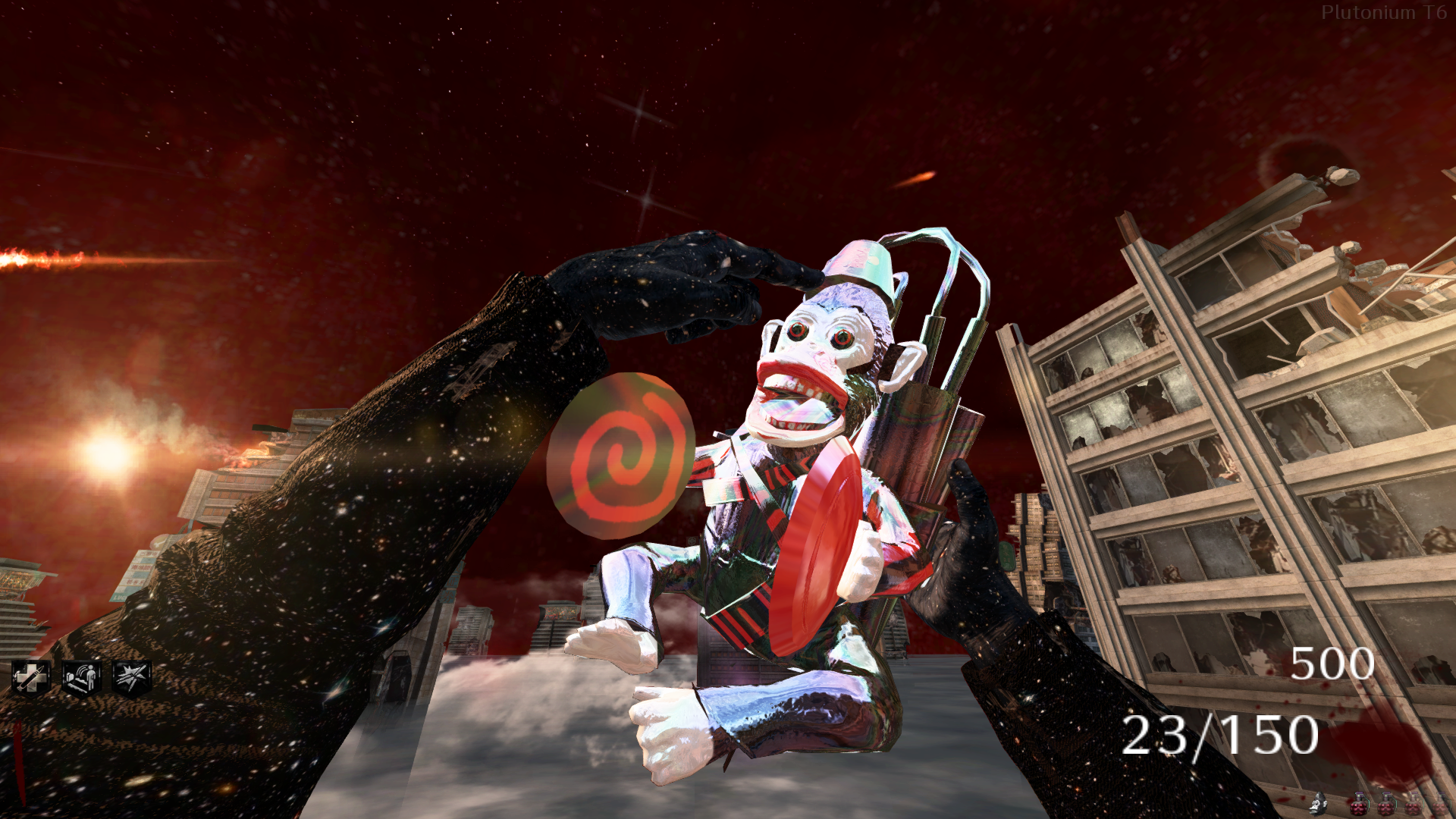
  3. [Release] [ZM] [MP] Project Paradox | A Complete Texture Overhaul | 2025
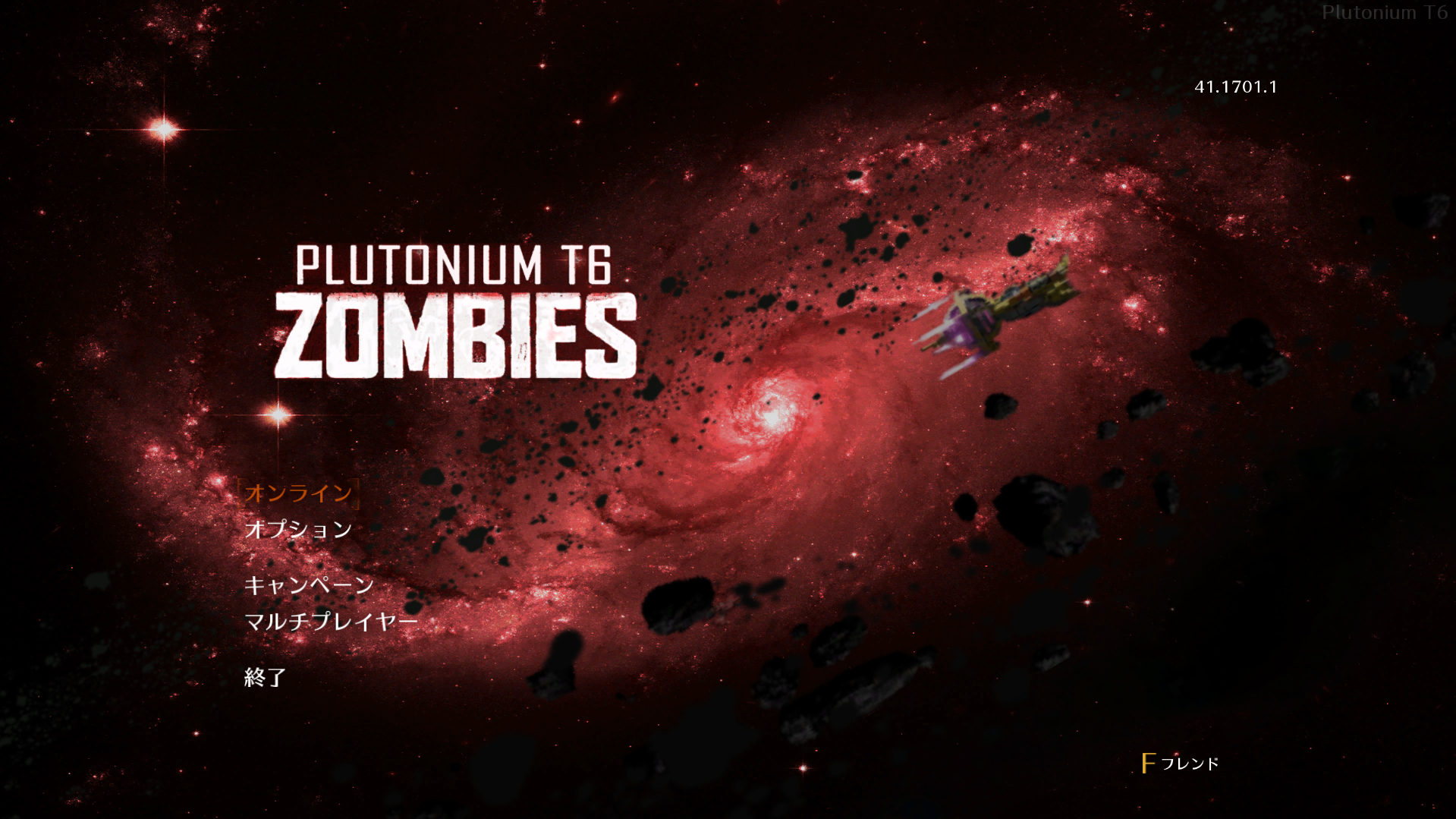
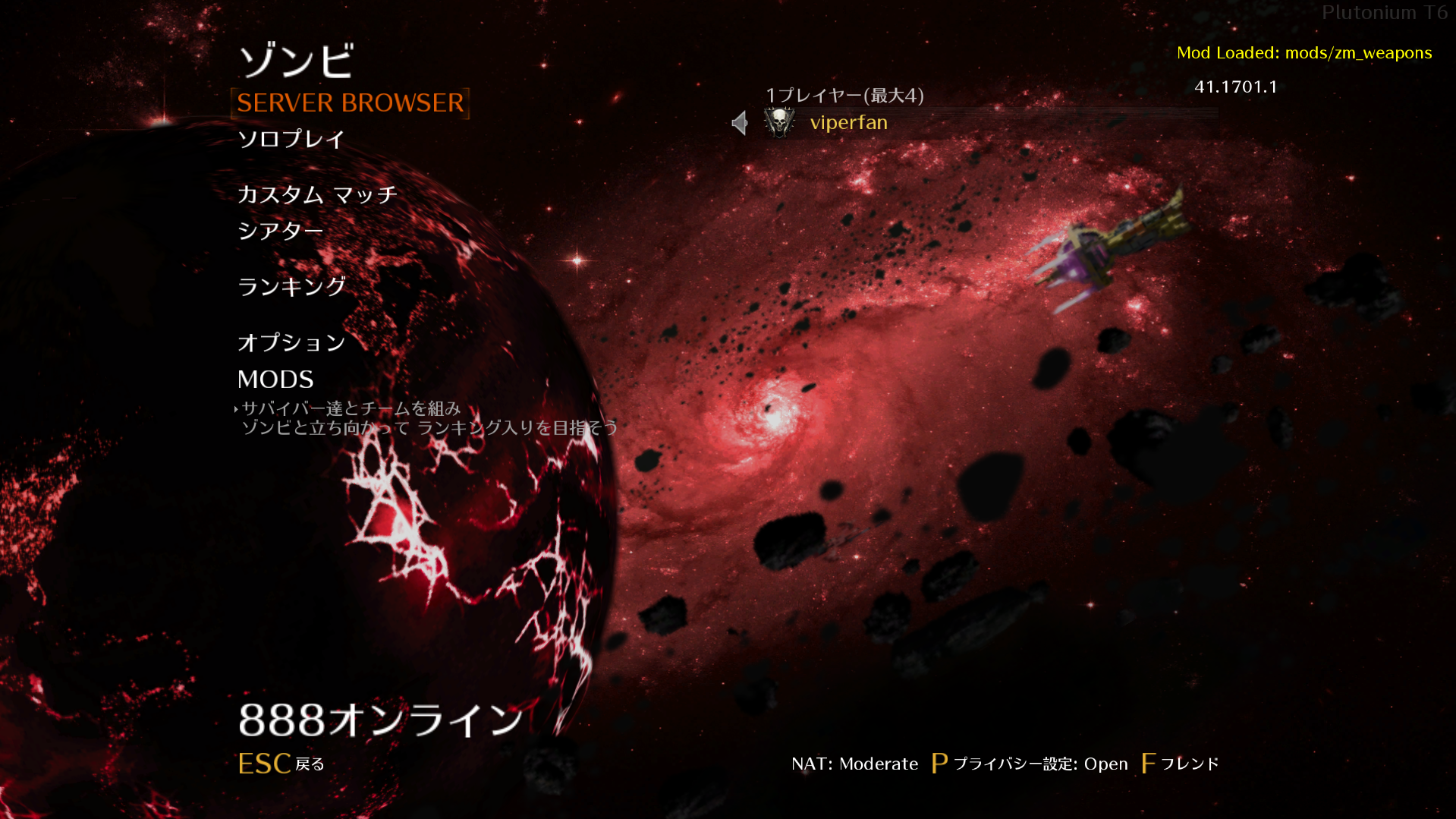
[Release] [ZM] [MP] Project Paradox | A Complete Texture Overhaul | 2025

Scheduled Pinned Locked Moved BO2 Modding Releases & Resources
bo2t6mpt6zmcamo packtexture packcustom camoscustom texturesoverhaul
91 Posts 37 Posters 49.7k Views 4 Watching
  • Oldest to Newest
  • Newest to Oldest
  • Most Votes
Reply
  • Reply as topic
Log in to reply
This topic has been deleted. Only users with topic management privileges can see it.
  • ash ash

    whats the font used here i love it

    viperfan
    viperfan
    viperfan
    wrote on last edited by
    #76

    roombound swapping the main localization language files to be japanese gives that exact font, see my post above for the files & how to install it

    1 Reply Last reply
    0
    • Flirty Flirty

      i only want the menu and the perk icons, which files are those?

      viperfan
      viperfan
      viperfan
      wrote on last edited by
      #77

      Flirty all of the perk icons are the iwi's that start with specialty_ and i believe every menu file starts with menu_zm

      1 Reply Last reply
      0
      • Raidboss786 Raidboss786

        Plutonium Screenshot 2026.02.04 - 16.38.08.68.png

        the main menu looks like this instead of:

        1754813836644-main-menu.png

        how do i fix this?

        viperfan
        viperfan
        viperfan
        wrote on last edited by
        #78

        @ShitBoxLuck did you have anything in your images folder prior to installing this? looks like a texture overlap of the vanilla file with the modified one being loaded simultaneously

        1 Reply Last reply
        0
        • LAZZATEDAGRABBA LAZZATEDAGRABBA

          mr.kennutbuster could u send the link or send it to me on discord my @ is Bakobandit67

          viperfan
          viperfan
          viperfan
          wrote on last edited by
          #79

          LAZZATEDAGRABBA just tried to add you but says username is invalid, feel free to add me @ viperfan and i can walk you through it

          1 Reply Last reply
          0
          • power_duck23 power_duck23

            Jesus, you just gave out the SAUCE. Thank you so much.

            viperfan
            viperfan
            viperfan
            wrote on last edited by
            #80

            power_duck23 much luv brotha ♥

            1 Reply Last reply
            0
            • oPulsy oPulsy

              beautiful fucking pack man well done

              viperfan
              viperfan
              viperfan
              wrote on last edited by
              #81

              oPulsy much appreciated brotha it means a ton, thank you n everyone else who has shown huge support for this project thus far as this was a deep passion project of mine for the time i was making it, still needa finish up the pack for bo1 which has been nearly done for awhile now but trying to break through on being able to change the main menu music for bo1 which turned into a crazy deep rabbit hole but gonna get it figured out for sure

              1 Reply Last reply
              1
              • Zolyode
                Zolyode
                Zolyode
                wrote on last edited by
                #82

                i downloaded the mod just for the fade knife and now my knife handle look weird (as in the texture looks flat) do you happen to know how i could fix this pls ?

                viperfan 1 Reply Last reply
                0
                • VxidEU
                  VxidEU
                  VxidEU
                  wrote last edited by
                  #83
                  This post is deleted!
                  1 Reply Last reply
                  0
                  • C0NFU510N
                    C0NFU510N
                    C0NFU510N
                    wrote last edited by
                    #84

                    viperfan are you able to make the tranzit pap camo the ruby damascus, but without the white and plutonium name?

                    viperfan 1 Reply Last reply
                    0
                    • viperfan viperfan referenced this topic
                    • Zolyode Zolyode

                      i downloaded the mod just for the fade knife and now my knife handle look weird (as in the texture looks flat) do you happen to know how i could fix this pls ?

                      viperfan
                      viperfan
                      viperfan
                      wrote last edited by
                      #85
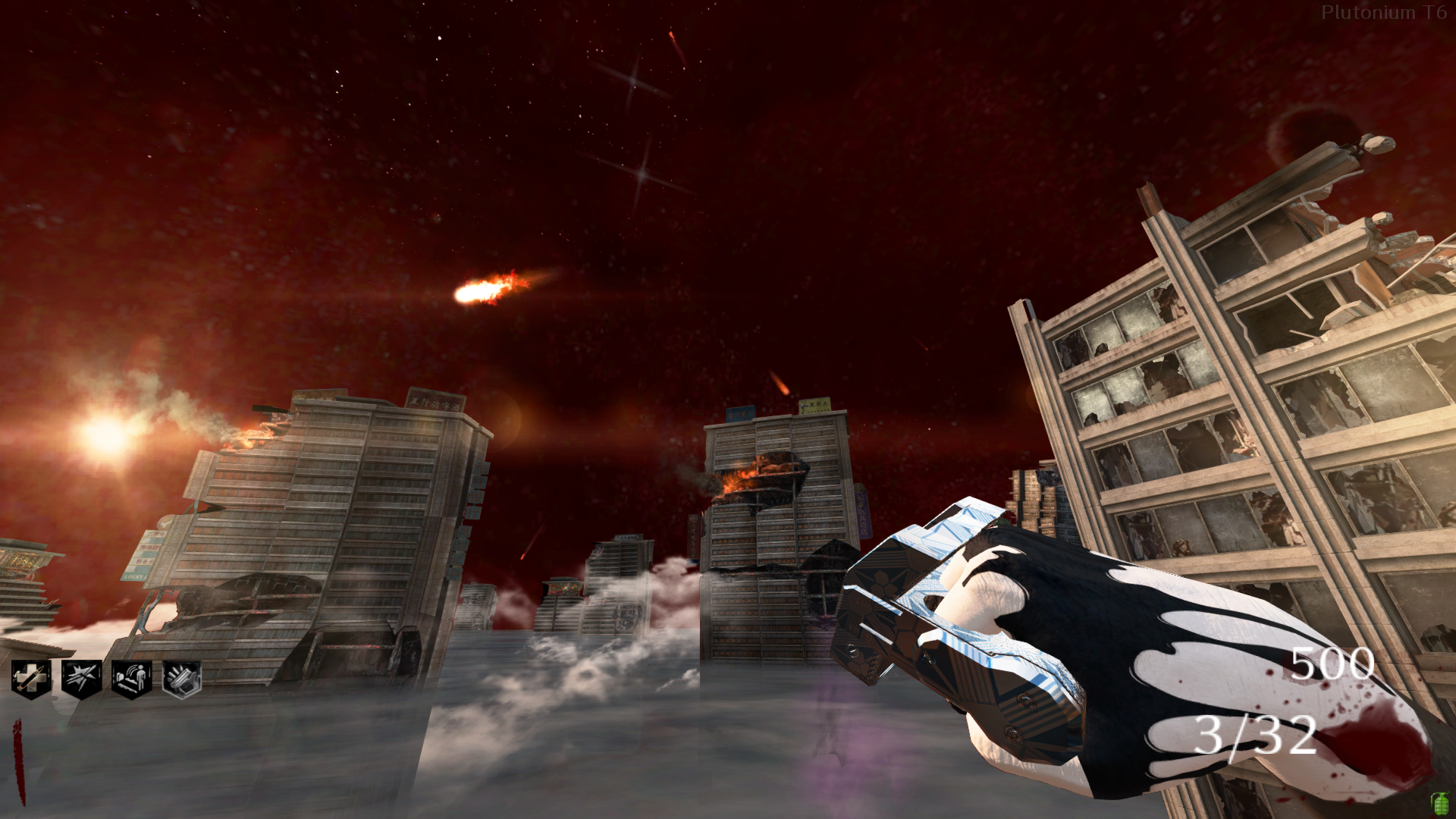
                      Zolyode did you have any textures in your images folder prior? it could be an issue with bo2's reflection maps that get applied to textures for something like the handle which is meant to be mostly obscured, try testing it without the reflection / bump maps by taking out ~~-gmtl_t6_wpn_knife_base_spc~9c97c3e4.iwi or mtl_t6_wpn_knife_base_nml.iwi to see if that fixes it

                      1 Reply Last reply
                      0
                      • C0NFU510N C0NFU510N

                        viperfan are you able to make the tranzit pap camo the ruby damascus, but without the white and plutonium name?

                        viperfan
                        viperfan
                        viperfan
                        wrote last edited by viperfan
                        #86

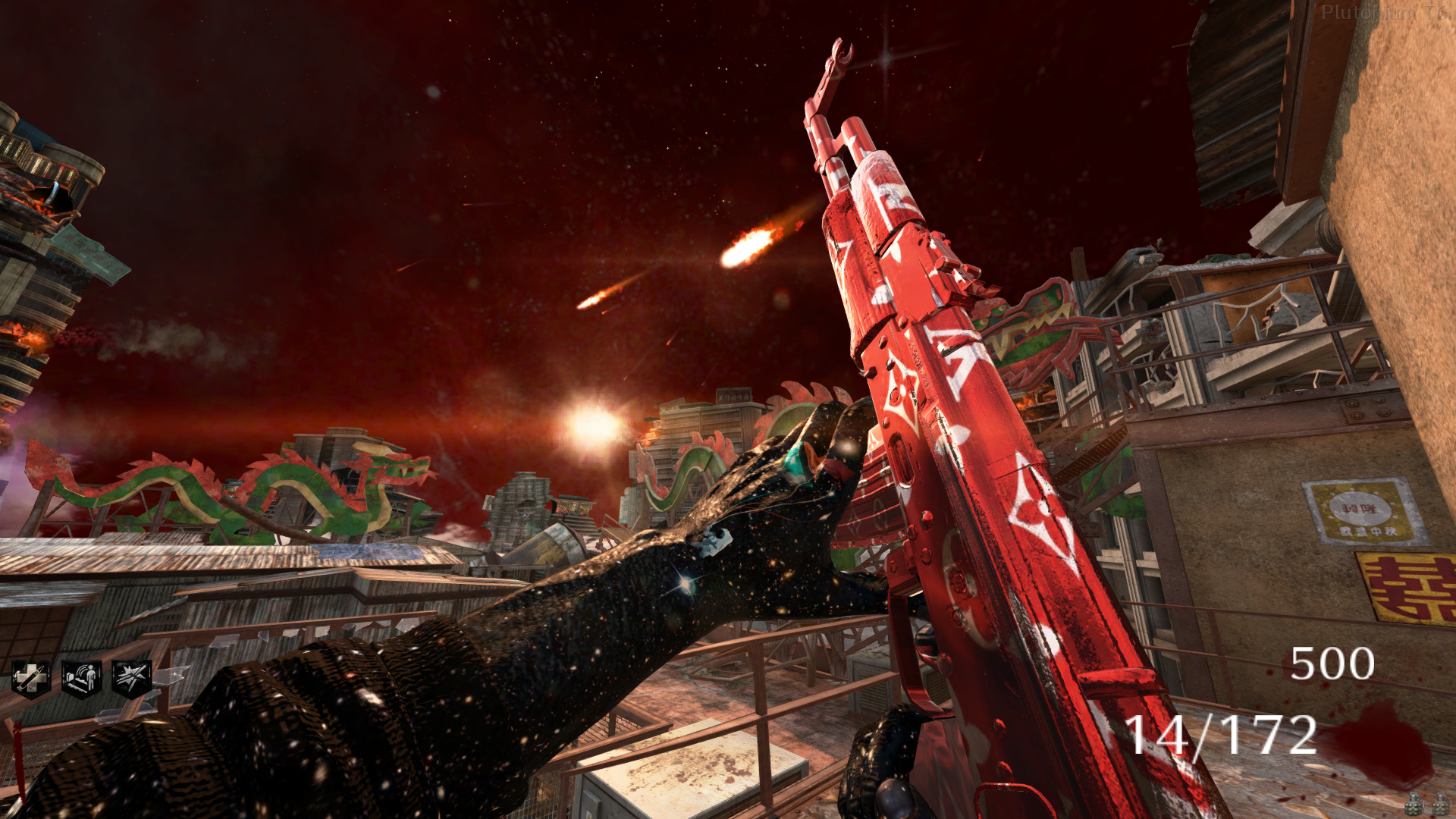
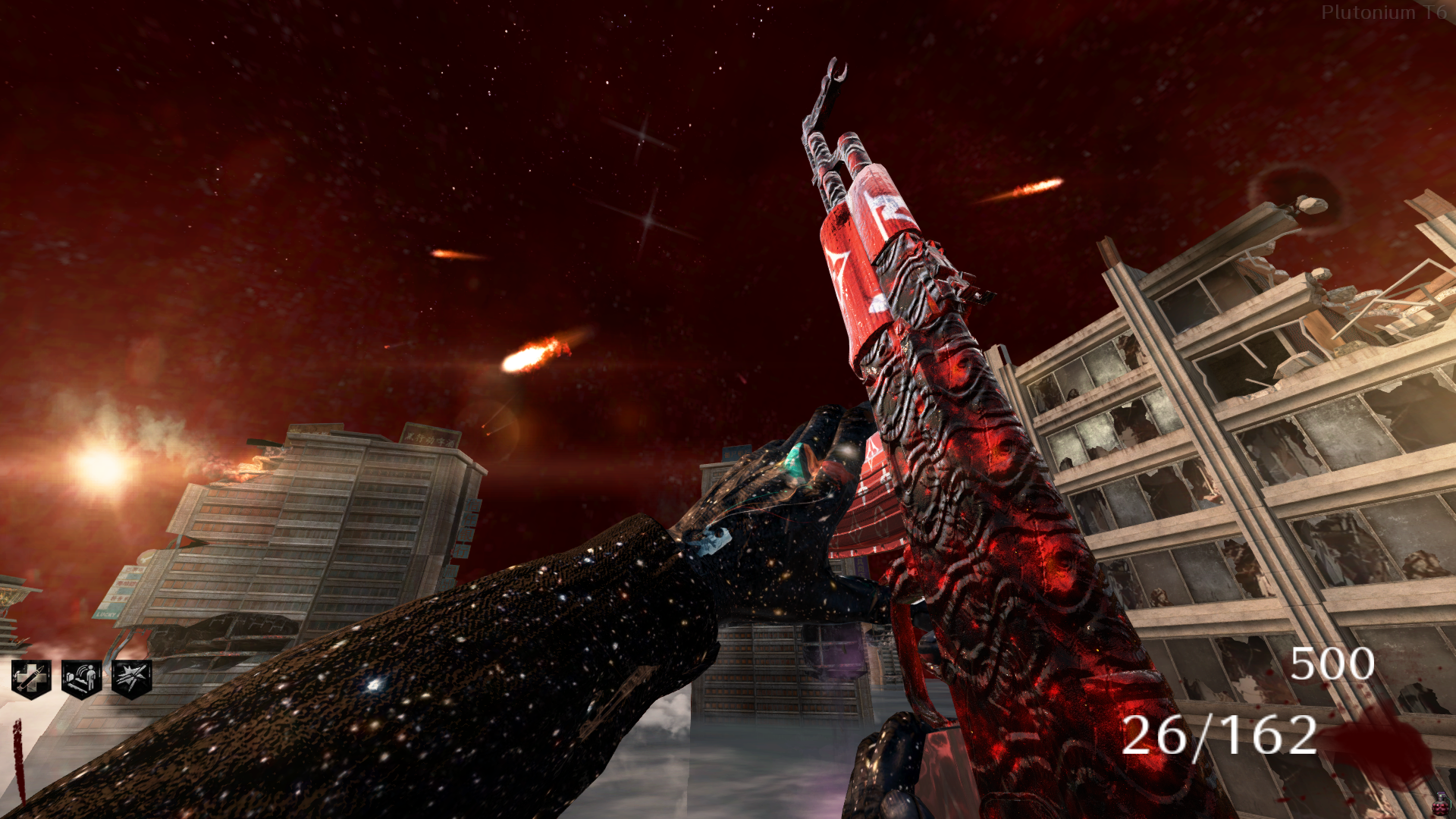
                        C0NFU510N here you go, actually looks quite nice ingame, definitely a solid request. drop these into your images folder. tranzit pap texture is shared between tranzit, die rise, and nuketown so it will appear on those maps as well

                        ~~-gcamo_zombies_spc-rgb&~-rc~9a2e3000.iwi
                        ~-gcamo_zombies_col.iwi

                        1 Reply Last reply
                        0
                        • C0NFU510N
                          C0NFU510N
                          C0NFU510N
                          wrote last edited by
                          #87

                          thanks, i put them in but it is shown with the normal pap? idk if it needs another file or smth
                          image.jpeg

                          viperfan 1 Reply Last reply
                          0
                          • C0NFU510N C0NFU510N

                            thanks, i put them in but it is shown with the normal pap? idk if it needs another file or smth
                            image.jpeg

                            viperfan
                            viperfan
                            viperfan
                            wrote last edited by
                            #88

                            C0NFU510N what texture quality is your game set to? try these, they should load on any setting -

                            ~~-gcamo_zombies_spc-rgb&~-rc~9a2e3000.iwi
                            ~-gcamo_zombies_col.iwi

                            also downloading from the forums changes the name of the file, make sure theyre named "~~-gcamo_zombies_spc-rgb&~-rc~9a2e3000.iwi" and "~-gcamo_zombies_col.iwi" in the images folder

                            1 Reply Last reply
                            0
                            • C0NFU510N
                              C0NFU510N
                              C0NFU510N
                              wrote last edited by C0NFU510N
                              #89

                              i had them named with the ~'s, but it still shows the base pap. some i've used had 3 files and they worked. my texture quality is medium

                              viperfan 1 Reply Last reply
                              0
                              • C0NFU510N C0NFU510N

                                i had them named with the ~'s, but it still shows the base pap. some i've used had 3 files and they worked. my texture quality is medium

                                viperfan
                                viperfan
                                viperfan
                                wrote last edited by
                                #90

                                C0NFU510N try these -

                                ~-gcamo_zombies_col.iwi
                                camo_code_nml.iwi
                                camo_zombies_nml.iwi
                                ~~-gcamo_zombies_spc-rgb&~-rc~9a2e3000.iwi
                                ~-gcamo_code_spc.iwi

                                the two i sent originally are the main color and specular maps for pap which should have worked, but these above are all the textures tied to the pap camo like the bump maps and extra spec map. if this still doesn't load id be curious to find out why, youre welcome to add my discord @ viperfan

                                1 Reply Last reply
                                0
                                • C0NFU510N
                                  C0NFU510N
                                  C0NFU510N
                                  wrote last edited by
                                  #91

                                  i sent you a request cause it still isnt working

                                  1 Reply Last reply
                                  0

                                  Hello! It looks like you're interested in this conversation, but you don't have an account yet.

                                  Getting fed up of having to scroll through the same posts each visit? When you register for an account, you'll always come back to exactly where you were before, and choose to be notified of new replies (either via email, or push notification). You'll also be able to save bookmarks and upvote posts to show your appreciation to other community members.

                                  With your input, this post could be even better 💗

                                  Register Login
                                  Reply
                                  • Reply as topic
                                  Log in to reply
                                  • Oldest to Newest
                                  • Newest to Oldest
                                  • Most Votes


                                  • Login

                                  • Don't have an account? Register

                                  • Login or register to search.
                                  • First post
                                    Last post
                                  0
                                  • Unread 0
                                  • Recent
                                  • Popular
                                  • Users
                                  • Donate