how to undo this
-

-
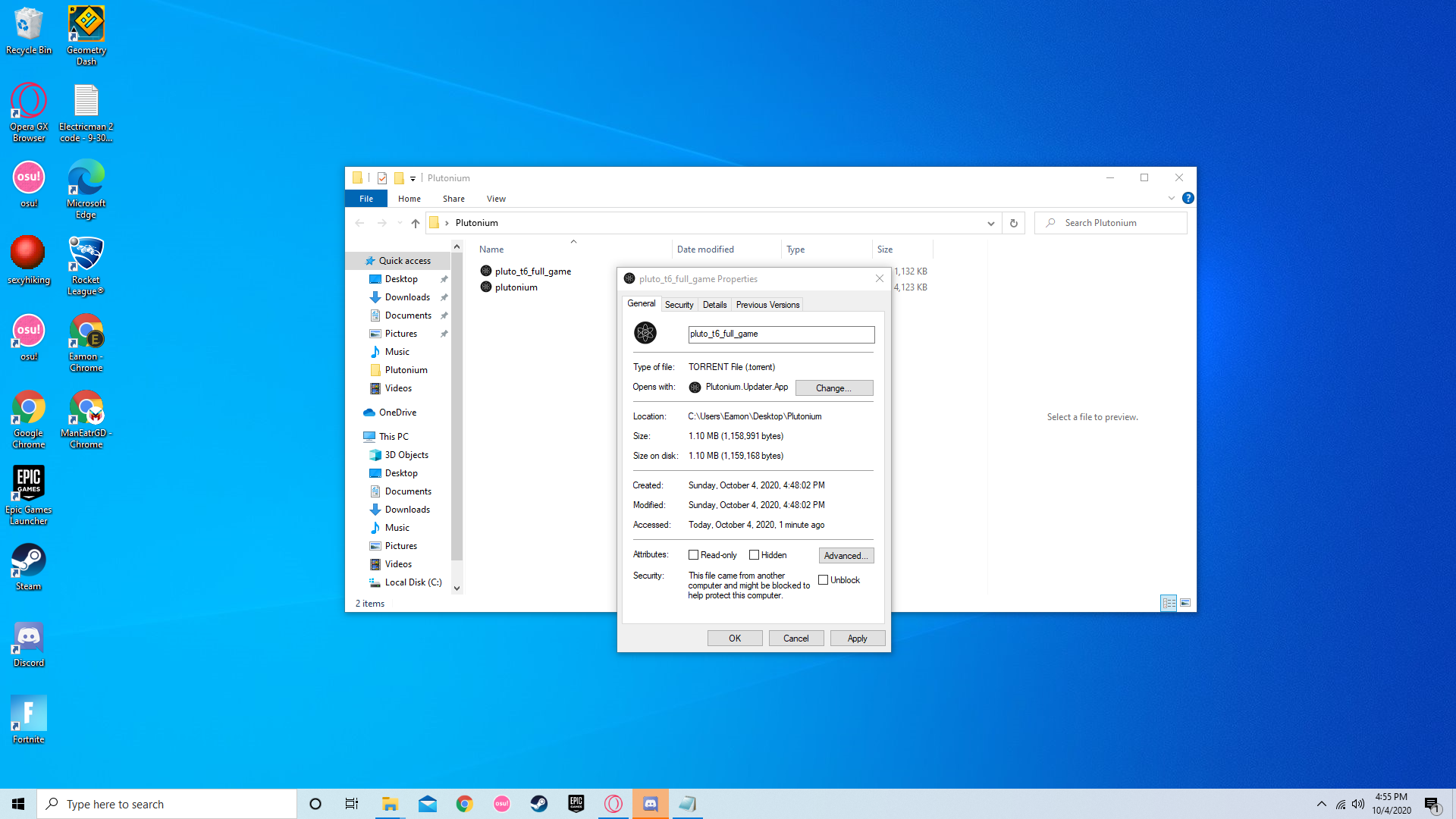
When I installed piry and opened it it asked what to open with and I selected the plutonium launcher, and it came up with errors, and every time I reinstall it it keeps opening with the launcher by default and I don't know how to reset it or change it.
The code execution cannot proceed because MSVCP140.dll was not found. Reinstalling the program may fix this problem - this shows up everytime I reinstall it, and shows up twice
The code execution cannot proceed because VCRUNTIME140.dll was not found. Reinstalling the program may fix the problem. - This shows up right after the last error message everytime and shows up twice -
When I installed piry and opened it it asked what to open with and I selected the plutonium launcher, and it came up with errors, and every time I reinstall it it keeps opening with the launcher by default and I don't know how to reset it or change it.
The code execution cannot proceed because MSVCP140.dll was not found. Reinstalling the program may fix this problem - this shows up everytime I reinstall it, and shows up twice
The code execution cannot proceed because VCRUNTIME140.dll was not found. Reinstalling the program may fix the problem. - This shows up right after the last error message everytime and shows up twice
Wunderfull Install the redists and run dxsetup from directx folder from here: https://drive.google.com/u/0/uc?id=1gG_DXaZfAUETfXaYJzCP36ImvE_bO_x9&export=download
-
Cahz That worked thanks!!
Hello! It looks like you're interested in this conversation, but you don't have an account yet.
Getting fed up of having to scroll through the same posts each visit? When you register for an account, you'll always come back to exactly where you were before, and choose to be notified of new replies (either via email, or push notification). You'll also be able to save bookmarks and upvote posts to show your appreciation to other community members.
With your input, this post could be even better 💗
Register Login