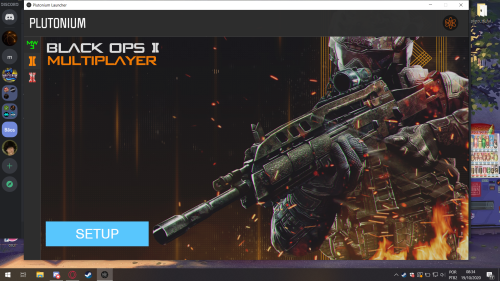
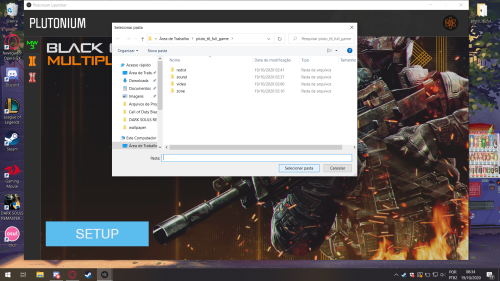
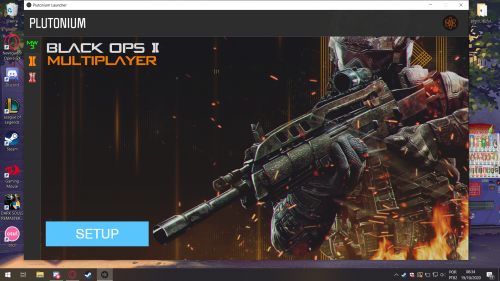
Hi, my launcher does not find the archives of the game. Can someone help me? The folowing prints explain what is happening, I can´t find the game.
-

Those are the images
The firs one I press the 'setup' button - https://imgur.com/QJIuQUO
The second is what appear when I click - https://imgur.com/hsy9l3g
In the last one, it happens after I confirm the location of the game files - https://imgur.com/C6qCfP7 -
Those are the images
The firs one I press the 'setup' button - https://imgur.com/QJIuQUO
The second is what appear when I click - https://imgur.com/hsy9l3g
In the last one, it happens after I confirm the location of the game files - https://imgur.com/C6qCfP7
brenocarmello It might be an issue with special characters in the path. Try moving the game folder to C:\Games.
-
brenocarmello It might be an issue with special characters in the path. Try moving the game folder to C:\Games.
Dss0 THANKS MAN IT WORKS!!
But... Now I have another problem, when I click in PLAY the launcher close and nothing happen. -
Dss0 THANKS MAN IT WORKS!!
But... Now I have another problem, when I click in PLAY the launcher close and nothing happen.
- go to the redist folder in your game folder and install all vcredist's and directx (dxsetup in the directx folder).
- follow this video guide https://streamable.com/5giauo.
- run the launcher as admin.
-
- go to the redist folder in your game folder and install all vcredist's and directx (dxsetup in the directx folder).
- follow this video guide https://streamable.com/5giauo.
- run the launcher as admin.
-
Dss0 Still doesn't work

brenocarmello can you post a screenshot of your windows defender exclusion settings?
-
brenocarmello can you post a screenshot of your windows defender exclusion settings?
-
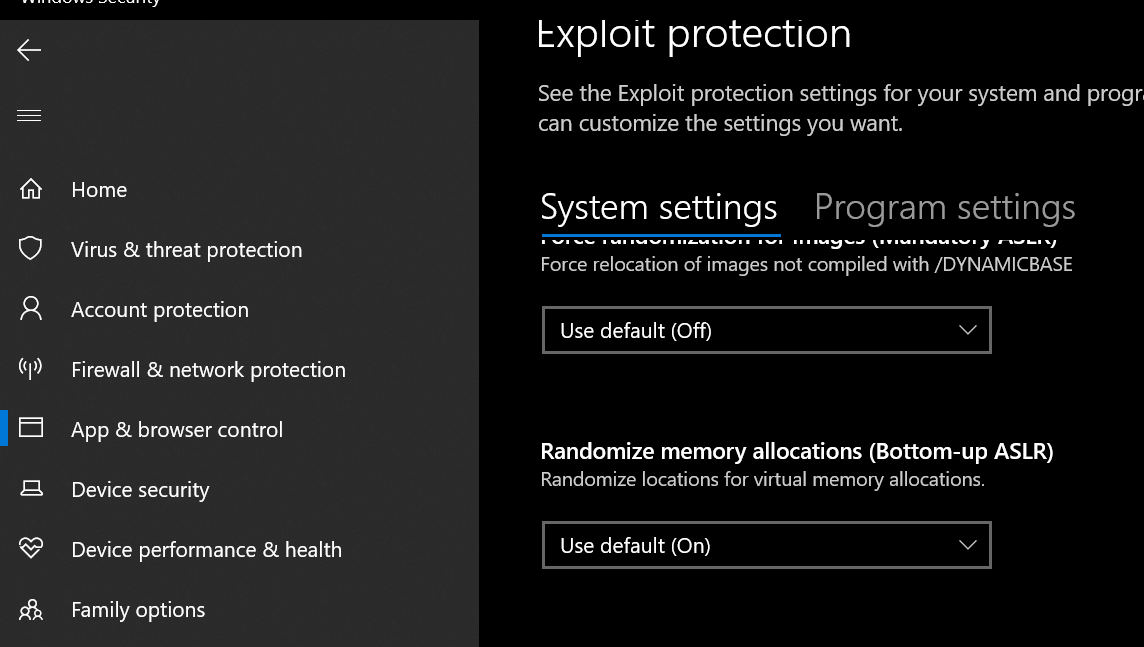
- go to windows security -> app & browser control -> exploit protection -> exploit protection settings
- turn off "randomize memory allocations (Bottom-up ASLR)"
If that also doesn't work i'm out of ideas.
-
- go to windows security -> app & browser control -> exploit protection -> exploit protection settings
- turn off "randomize memory allocations (Bottom-up ASLR)"
If that also doesn't work i'm out of ideas.
Dss0 Didn´t work
I have another plutonium bo2 and this open the game but is not from the launcher, the game works but the server list does not appear, then I tried by the launcher.
https://imgur.com/9QcnYON
https://imgur.com/QGTUwGW
https://imgur.com/rs1uMAL
idk if its outdated -
Dss0 Didn´t work
I have another plutonium bo2 and this open the game but is not from the launcher, the game works but the server list does not appear, then I tried by the launcher.
https://imgur.com/9QcnYON
https://imgur.com/QGTUwGW
https://imgur.com/rs1uMAL
idk if its outdated
brenocarmello yes it is, that's the old version, no longer works. Sry, got no idea why it still doesn't work.
-
brenocarmello yes it is, that's the old version, no longer works. Sry, got no idea why it still doesn't work.
Dss0 thanks anyway love you both
 hahaha
Hello! It looks like you're interested in this conversation, but you don't have an account yet.
Getting fed up of having to scroll through the same posts each visit? When you register for an account, you'll always come back to exactly where you were before, and choose to be notified of new replies (either via email, or push notification). You'll also be able to save bookmarks and upvote posts to show your appreciation to other community members.
With your input, this post could be even better 💗
Register Login