[ZM] The Purgatory - Mod Menu
-
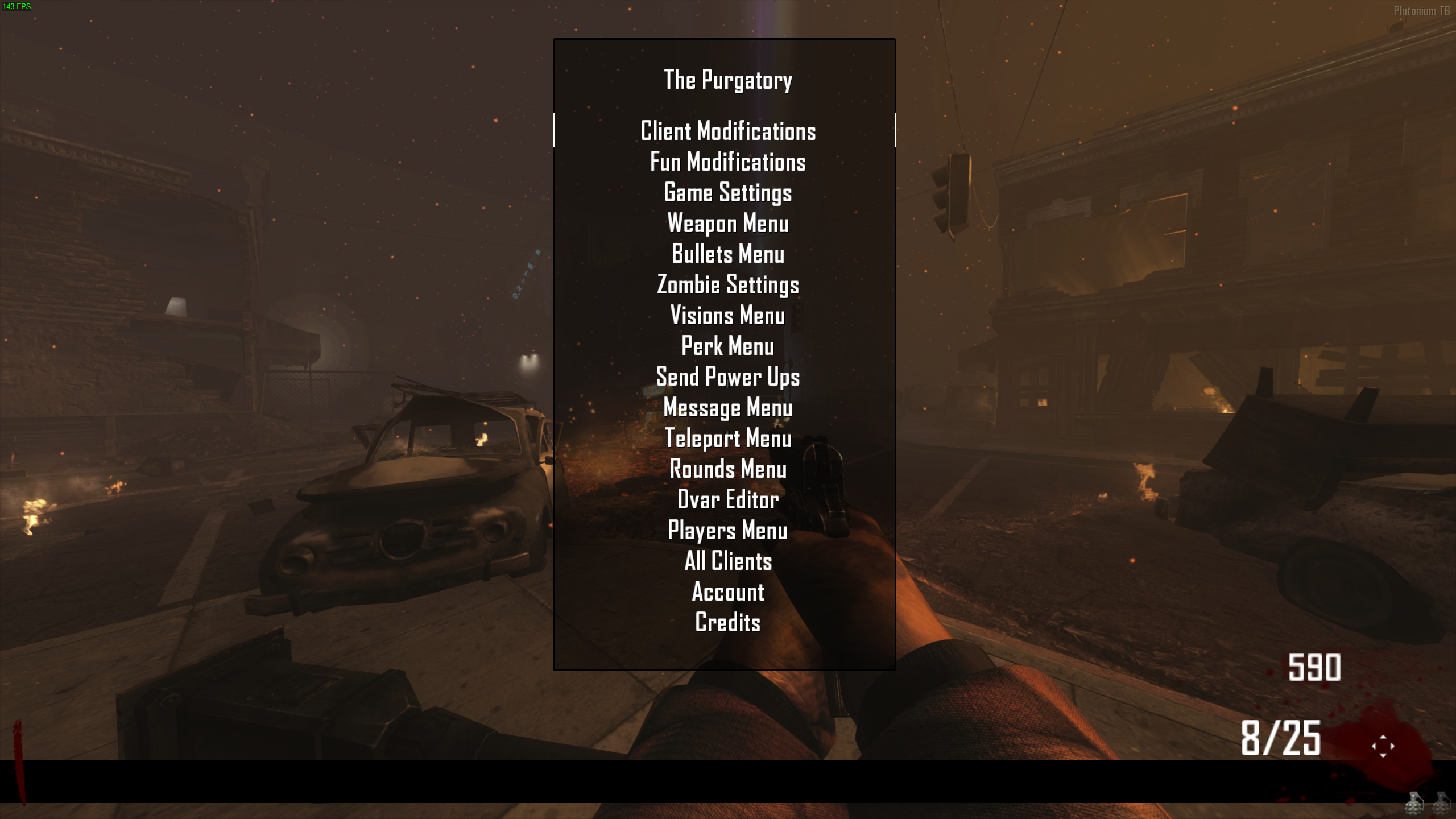
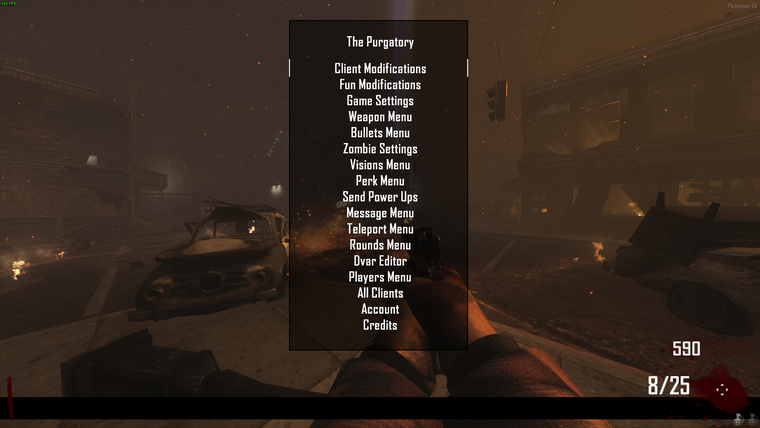
Today I'm sharing The Purgatory which is a zombie mod menu for Black Ops II.
Note that I am not the original author of this mod menu.It's already compiled so you just have to drag and drop it and enjoy!
I'm just uploading it here because it has more features than the ones you can already find here.
It's not recommended to mess with settings that weren't meant for PC or Plutonium like account settings, unlock trophies etc.
How to use
Open the menu:Aim key + Knife key
Confirm:Use key
Cancel:Knife key
Go down:Shoot key
Go up:Aim key
Installation
Follow the instructions on the T6 modding guideDownload
Proton Drive | Mediafire
You can watch a preview of the mod menu here
https://youtu.be/lezClFZAJZQ?t=46 -
Today I'm sharing The Purgatory which is a zombie mod menu for Black Ops II.
Note that I am not the original author of this mod menu.It's already compiled so you just have to drag and drop it and enjoy!
I'm just uploading it here because it has more features than the ones you can already find here.
It's not recommended to mess with settings that weren't meant for PC or Plutonium like account settings, unlock trophies etc.
How to use
Open the menu:Aim key + Knife key
Confirm:Use key
Cancel:Knife key
Go down:Shoot key
Go up:Aim key
Installation
Follow the instructions on the T6 modding guideDownload
Proton Drive | Mediafire
You can watch a preview of the mod menu here
https://youtu.be/lezClFZAJZQ?t=46 -
gotta rename it to _clientids.gsc i did that and it worked
@Enxxy where did you put the file? Send the full path.
I just tried again and it's working fine for me

-
Today I'm sharing The Purgatory which is a zombie mod menu for Black Ops II.
Note that I am not the original author of this mod menu.It's already compiled so you just have to drag and drop it and enjoy!
I'm just uploading it here because it has more features than the ones you can already find here.
It's not recommended to mess with settings that weren't meant for PC or Plutonium like account settings, unlock trophies etc.
How to use
Open the menu:Aim key + Knife key
Confirm:Use key
Cancel:Knife key
Go down:Shoot key
Go up:Aim key
Installation
Follow the instructions on the T6 modding guideDownload
Proton Drive | Mediafire
You can watch a preview of the mod menu here
https://youtu.be/lezClFZAJZQ?t=46@lResxt i was wondering is there a way to remove the black bar where the ammo counter is its very obstructive.
-
@lResxt i was wondering is there a way to remove the black bar where the ammo counter is its very obstructive.
TerrorRyze you'd have to look at the source code, find the code that displays the bar and delete it without deleting/breaking other stuff and then compile it following the T6 guide linked in the topic
-
[[topic:post-is-deleted]]
-
is source code available? would like to edit it
@SayKo_ I don't think no, didn't find it
-
is source code available? would like to edit it
@SayKo_ hey bro !! I cant find your Prism server did you removed me ?? or its gone ?!?!!?!
-
@SayKo_ hey bro !! I cant find your Prism server did you removed me ?? or its gone ?!?!!?!
Siam_Sarkar this aint the place to ask that, but yes it is down for 24-48 hours, we're moving servers.
-
How do I open the menu, knife+aim doesn't work. I see the text and all but I can't open the menu
-
Here is the video of me trying stuff. I also tried hold ADS option and setting meele to only V (I have it set to E or V), none worked.
https://www.youtube.com/watch?v=ONwssI_26ok -
Zayo21 you probably have a script/mod that conflicts with it idk works fine for me and other people with no modifications or additional scripts I can't help you further. Or use another mod menu







Hello! It looks like you're interested in this conversation, but you don't have an account yet.
Getting fed up of having to scroll through the same posts each visit? When you register for an account, you'll always come back to exactly where you were before, and choose to be notified of new replies (either via email, or push notification). You'll also be able to save bookmarks and upvote posts to show your appreciation to other community members.
With your input, this post could be even better 💗
Register Login