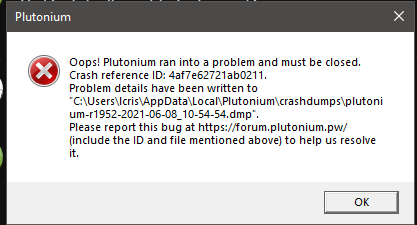
My game keeps crashing/closing here the crash dump file
-
https://drive.google.com/file/d/1yzidd5MNVfzFKOaWrKUUejjfl6kvVQeK/view?usp=sharing (here's my crash dump file please fix this thanks)
-
https://drive.google.com/file/d/1yzidd5MNVfzFKOaWrKUUejjfl6kvVQeK/view?usp=sharing (here's my crash dump file please fix this thanks)
Vootsuns crashes in d3d11.dll, try updating your graphics drivers. If you're playing on a laptop that has dual gpu's follow this guide to make sure the game uses the high performance one: https://forum.plutonium.pw/topic/7154/low-fps-read-this
-
Vootsuns crashes in d3d11.dll, try updating your graphics drivers. If you're playing on a laptop that has dual gpu's follow this guide to make sure the game uses the high performance one: https://forum.plutonium.pw/topic/7154/low-fps-read-this
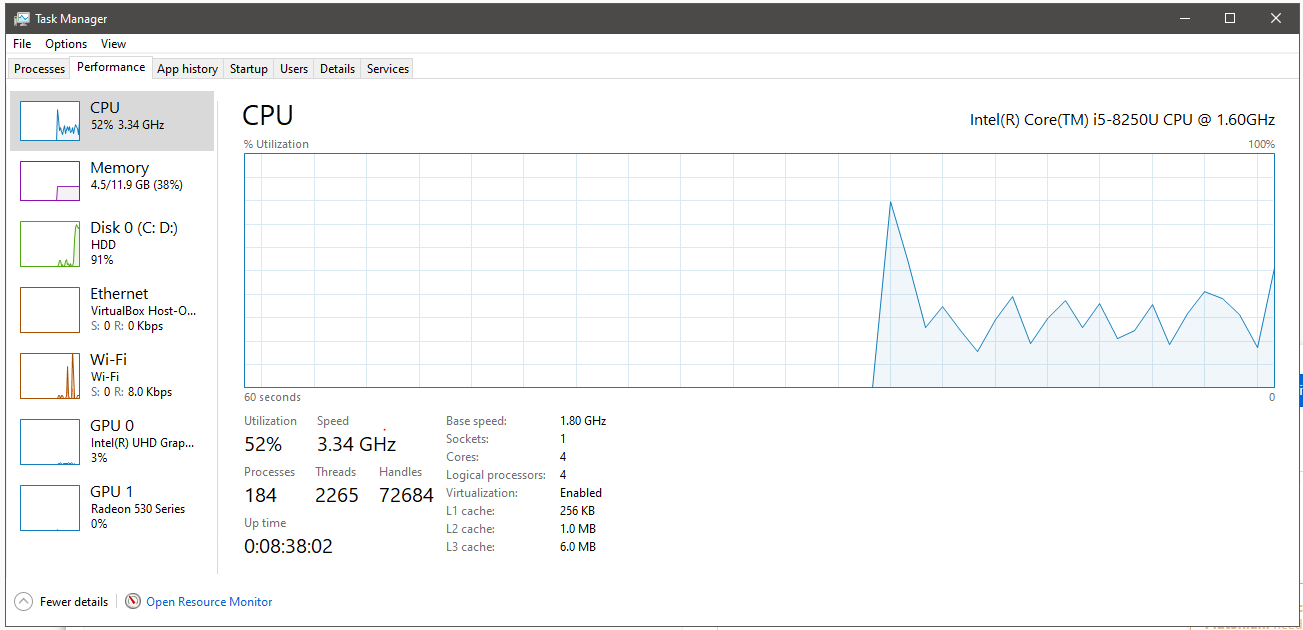
Dss0 i play on a laptop how do I know if I have dual gpus? and the one that says gpu 0 is my graphics card please help.
-
Dss0 i play on a laptop how do I know if I have dual gpus? and the one that says gpu 0 is my graphics card please help.
Vootsuns well you have gpu 0 and gpu 1 so dual gpu's, you need to make sure the game uses the rx530
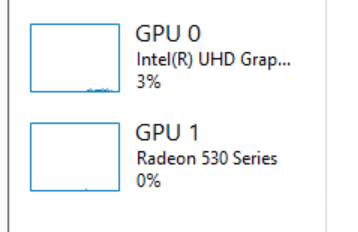
Check the "low fps" guide i linked above, it explains how to do that.
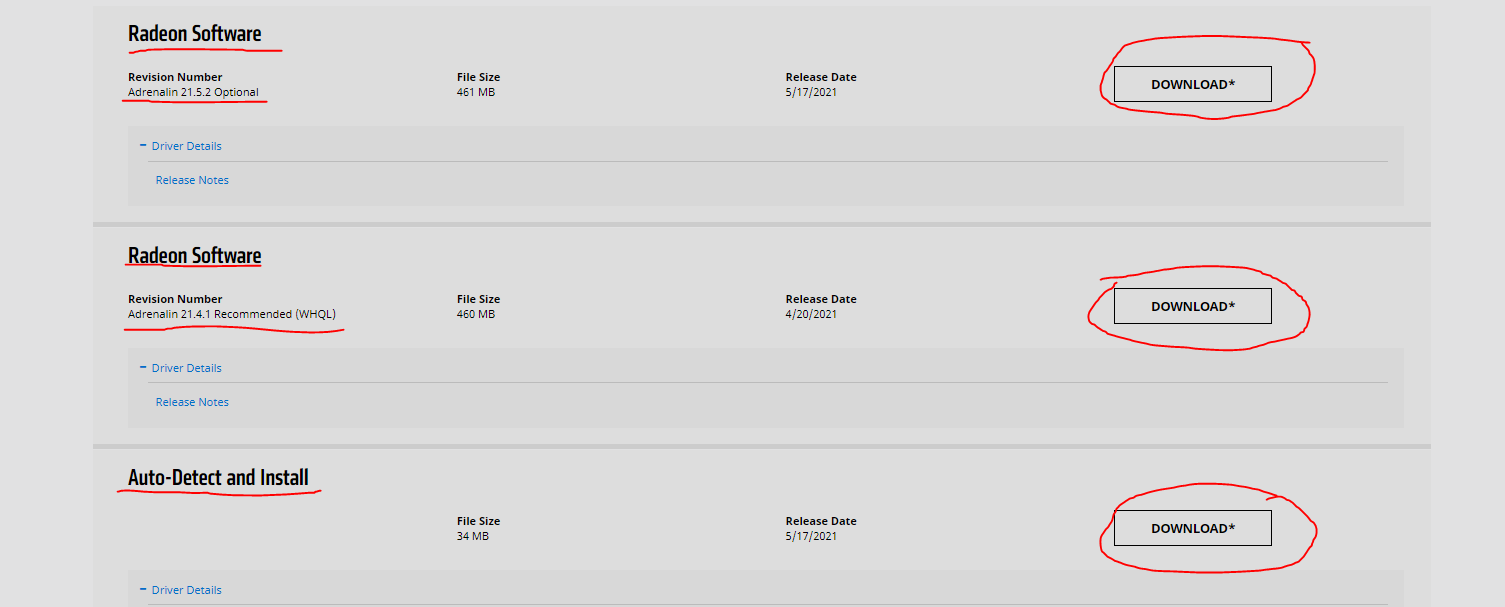
Also update the graphics drivers for your rx530: https://www.amd.com/en/support/graphics/radeon-500-series/radeon-500-series/radeon-530 -
what do I choose to download? sorry for responding to much and thank you!


Hello! It looks like you're interested in this conversation, but you don't have an account yet.
Getting fed up of having to scroll through the same posts each visit? When you register for an account, you'll always come back to exactly where you were before, and choose to be notified of new replies (either via email, or push notification). You'll also be able to save bookmarks and upvote posts to show your appreciation to other community members.
With your input, this post could be even better 💗
Register Login