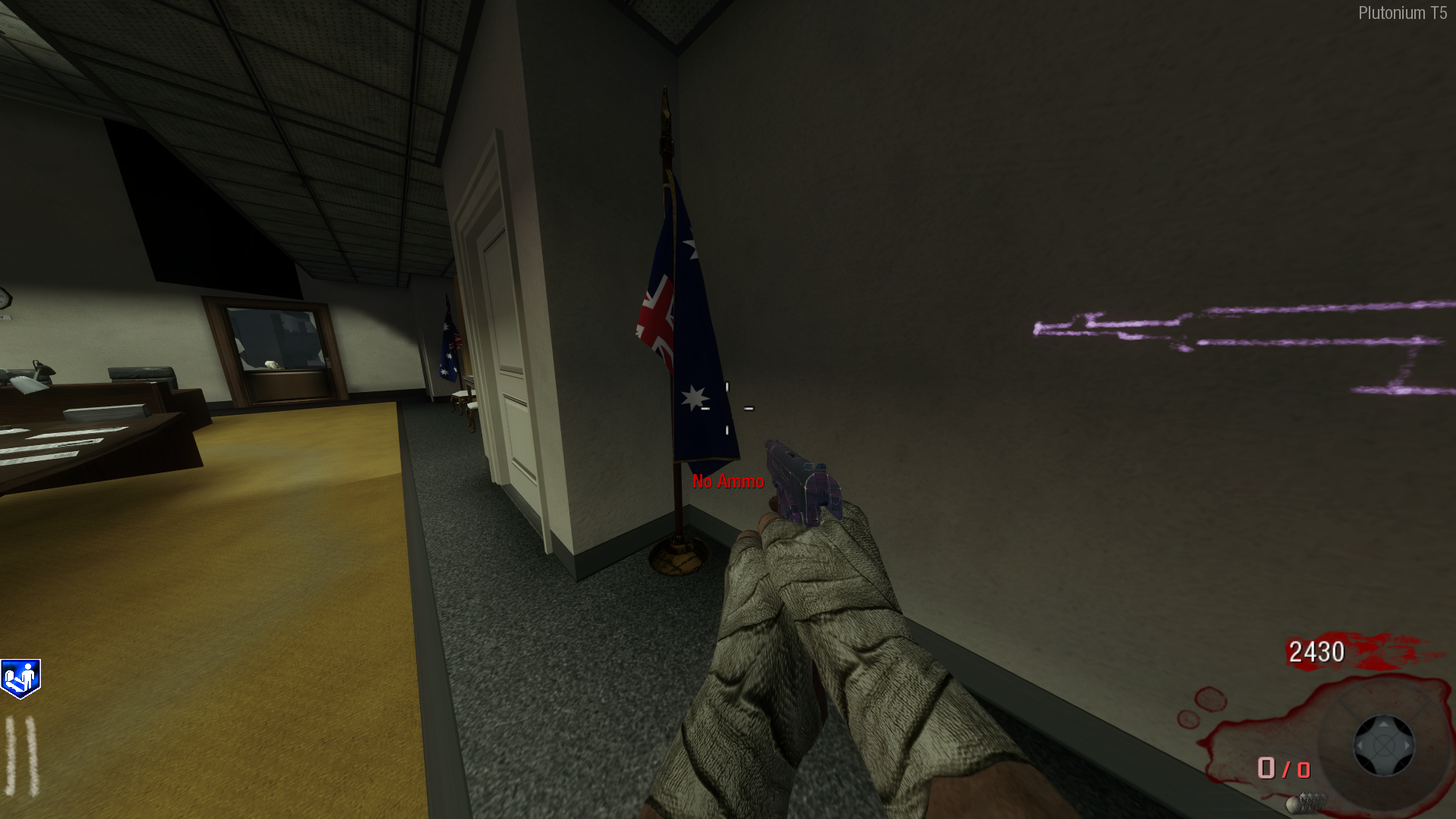
[ZM] Five - Australian Flag
-
Here's a preview of how it will look like:
How to install:- Download from here | https://www.mediafire.com/file/elilrnrojy5di5s/Five_-_Aussie_Flag.rar/file
- Extract the compressed folder using an extraction tool eg. 7zip, WinRar etc.
- Win Key + R (It will open the run box)
- Enter this text into the run box:
%AppData% - From there navigate through this path in your file explorer Local, Plutonium, Storage, T6
- Create a folder within the "T6" folder and name it "images" (Case sensitive, without the quotations).
- drag all the .iwi files from the folder you extracted earlier into the newly created images folder.
- Boom. Done.
-
 bhfff referenced this topic on

Hello! It looks like you're interested in this conversation, but you don't have an account yet.
Getting fed up of having to scroll through the same posts each visit? When you register for an account, you'll always come back to exactly where you were before, and choose to be notified of new replies (either via email, or push notification). You'll also be able to save bookmarks and upvote posts to show your appreciation to other community members.
With your input, this post could be even better 💗
Register Login