Skip to content
  • 0 Unread 0
  • Recent
  • Tags
  • Popular
  • Users
  • Groups
Collapse

Plutonium

  1. Home
  2. BO1 Client Support
  3. Issues with the POW

Issues with the POW

Scheduled Pinned Locked Moved BO1 Client Support
7 Posts 3 Posters 368 Views 1 Watching
  • Oldest to Newest
  • Newest to Oldest
  • Most Votes
Reply
  • Reply as topic
Log in to reply
This topic has been deleted. Only users with topic management privileges can see it.
  • Fallenkosm1undefined Offline
    Fallenkosm1undefined Offline
    Fallenkosm1
    wrote on last edited by
    #1

    Hi everyone, I completed all the steps to launch both T5 and T4.
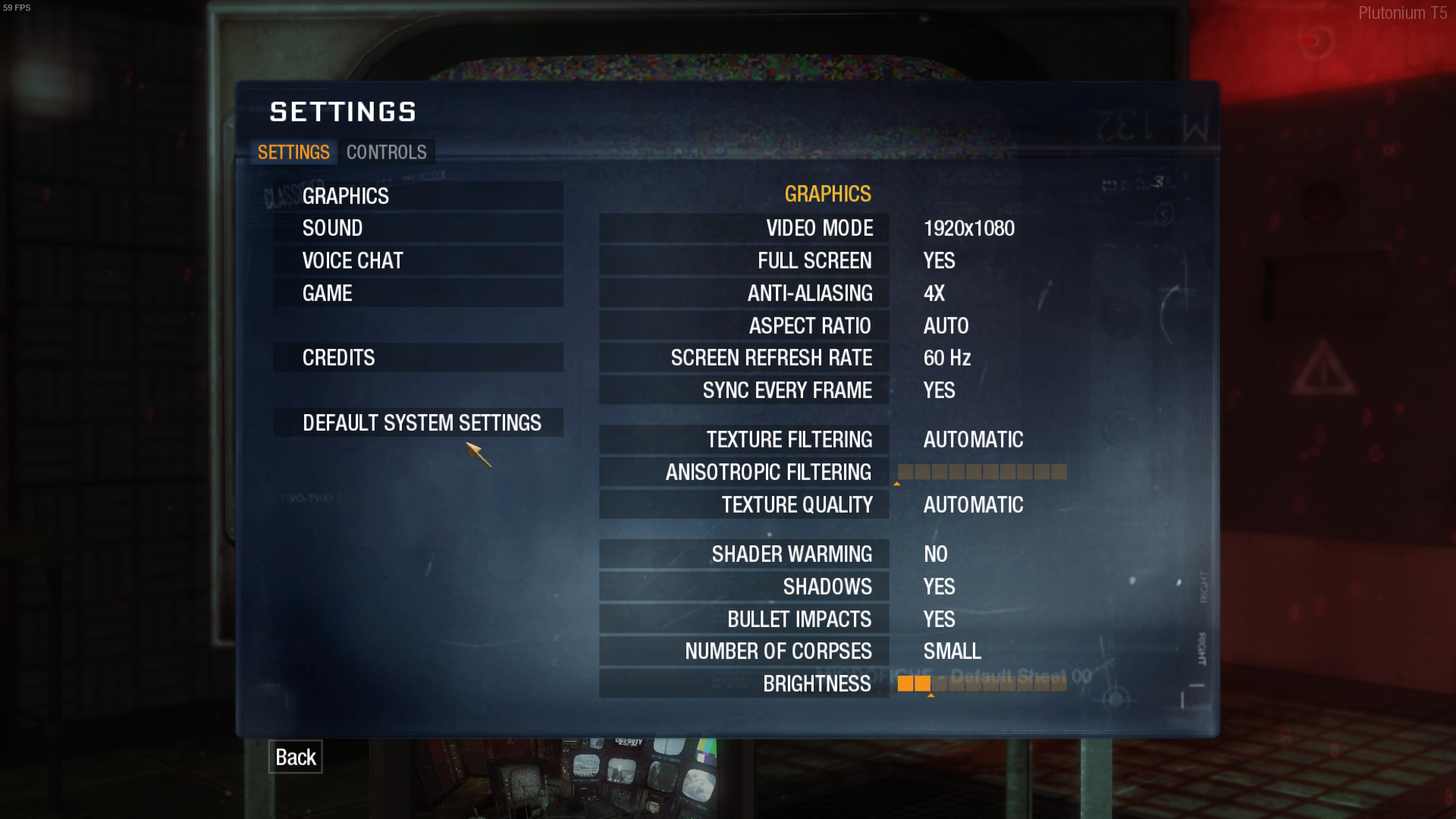
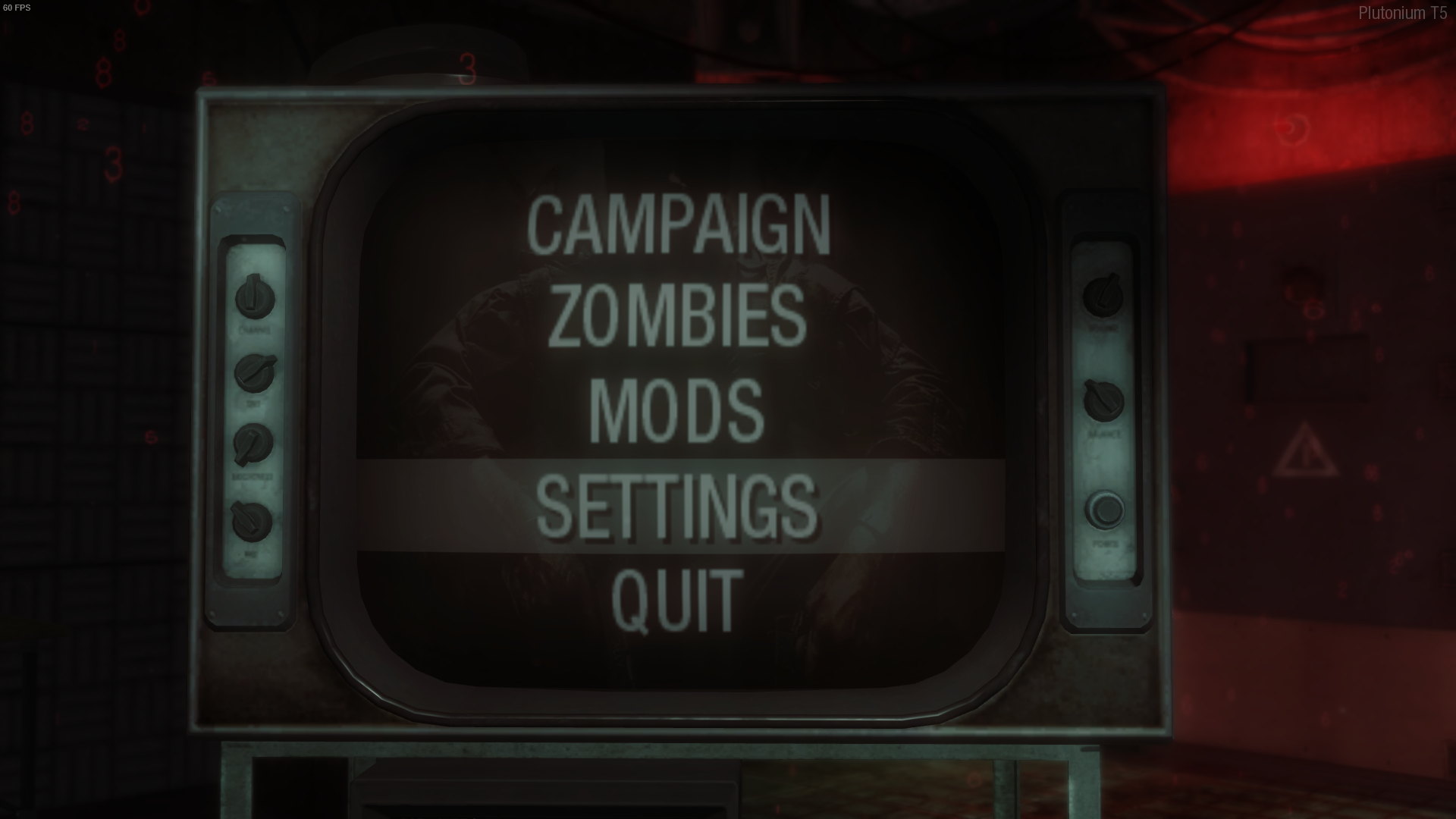
    I have some problems for what concerns the "point-of-view" of the T5 game, as you can see in the attached images it is too "zoomed", not only the menu but also the gameplay. I also posted the game settings,I tried changing everything and the problem is the same. I've also tried to disable fullscreen optimizations through the properties of the bootstrapper. How I can fix this issue? Thank you!T5 pow.png T5 settings.png
    1 Reply Last reply
    0
    • Fallenkosm1undefined Offline
      Fallenkosm1undefined Offline
      Fallenkosm1
      wrote on last edited by
      #2

      T5mp pow.png
      T5zombie pow.png
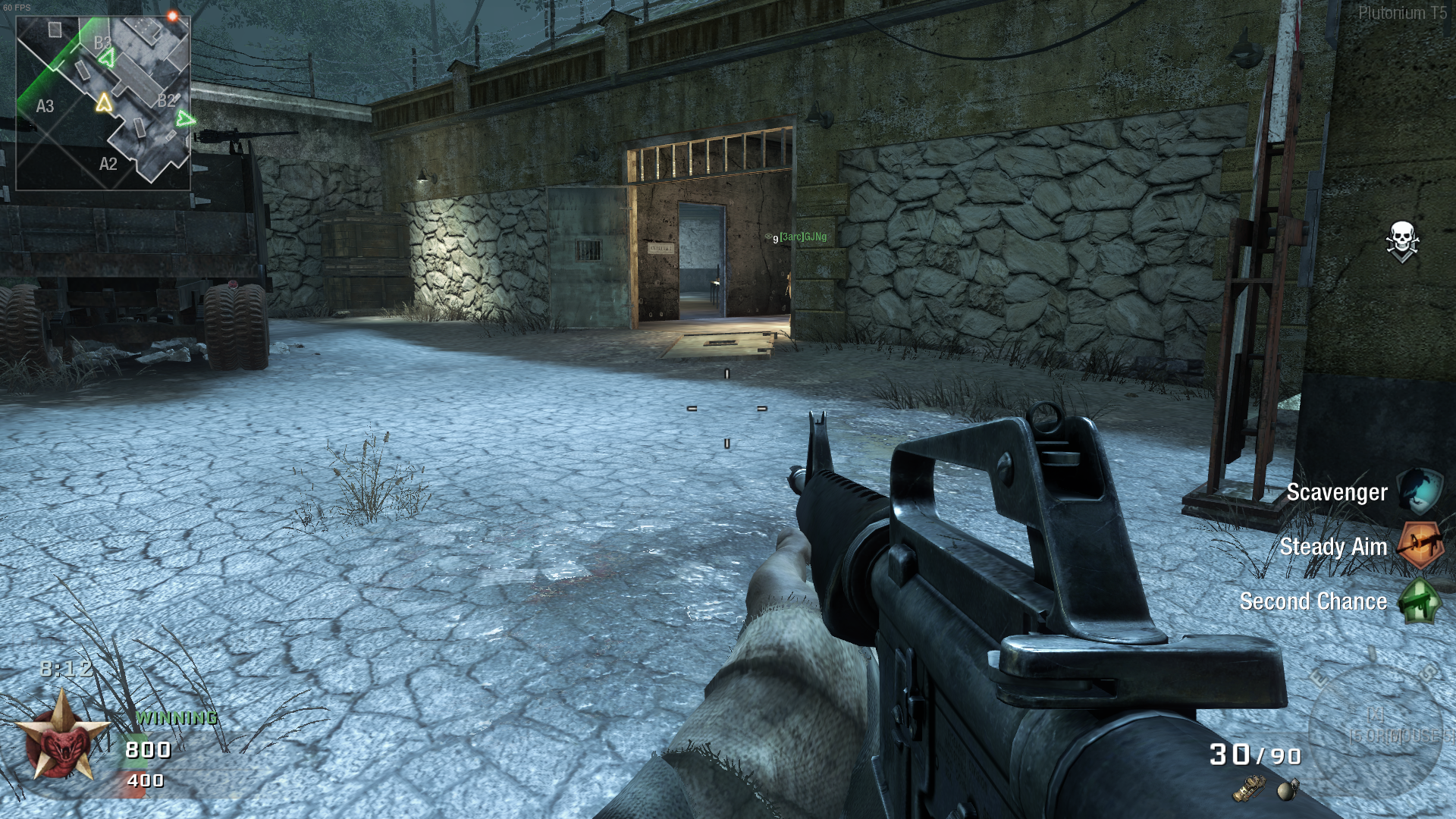
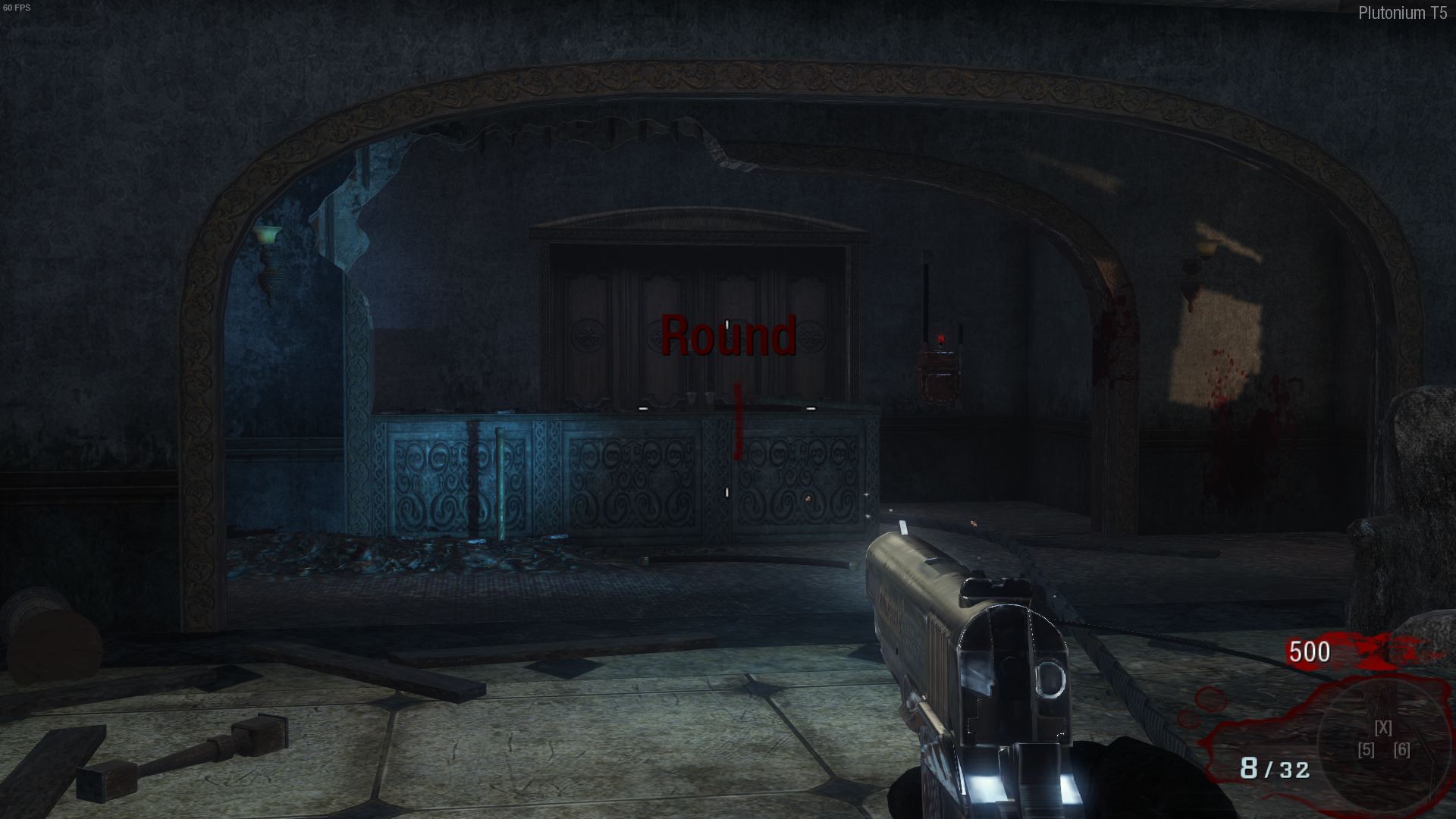
      I also add the difference between multiplayer and zombies, you can see that in multiplayer it is correct while on zombies and missions it is too zoomed.

      1 Reply Last reply
      0
      • Xerxesundefined Offline
        Xerxesundefined Offline
        Xerxes
        Plutonium Staff
        wrote on last edited by
        #3

        You need to change your FOV values.
        cg_fov
        cg_fov_default

        1 Reply Last reply
        1
        • Resxtundefined Offline
          Resxtundefined Offline
          Resxt
          Plutonium Staff
          wrote on last edited by
          #4

          cg_fov 90; cg_fov_default 90 in the console
          Replace the two 90 with the desired values
          For whatever reason BO1's menus uses the player's FOV

          1 Reply Last reply
          1
          • Fallenkosm1undefined Offline
            Fallenkosm1undefined Offline
            Fallenkosm1
            wrote on last edited by
            #5

            Thank you very much for your help. I have a doubt about the right value to set.
            Is there a way to understand what is the optimal value for the FOV? I mean, when I open a game there is a pre-set FOV which is usually correct, I don't need to change it. For example, when I launch Apex Legends on steam the FOV is already optimized, so is there a "normal" value?
            Thank you again, and sorry for the insistence.

            Resxtundefined 1 Reply Last reply
            0
            • Fallenkosm1undefined Fallenkosm1

              Thank you very much for your help. I have a doubt about the right value to set.
              Is there a way to understand what is the optimal value for the FOV? I mean, when I open a game there is a pre-set FOV which is usually correct, I don't need to change it. For example, when I launch Apex Legends on steam the FOV is already optimized, so is there a "normal" value?
              Thank you again, and sorry for the insistence.

              Resxtundefined Offline
              Resxtundefined Offline
              Resxt
              Plutonium Staff
              wrote on last edited by
              #6

              Fallenkosm1 FOV is personal preference. Just pick what you like. Nothing will give ultimate gaming skills or performance. Lot of people go with 90 if you want to copy a "standard" fov

              1 Reply Last reply
              1
              • Fallenkosm1undefined Offline
                Fallenkosm1undefined Offline
                Fallenkosm1
                wrote on last edited by
                #7

                Thank you both! With your help I managed to fix the issue!

                1 Reply Last reply
                0

                Hello! It looks like you're interested in this conversation, but you don't have an account yet.

                Getting fed up of having to scroll through the same posts each visit? When you register for an account, you'll always come back to exactly where you were before, and choose to be notified of new replies (either via email, or push notification). You'll also be able to save bookmarks and upvote posts to show your appreciation to other community members.

                With your input, this post could be even better 💗

                Register Login
                Reply
                • Reply as topic
                Log in to reply
                • Oldest to Newest
                • Newest to Oldest
                • Most Votes


                • Login

                • Don't have an account? Register

                • Login or register to search.
                • First post
                  Last post
                0
                • Unread 0
                • Recent
                • Tags
                • Popular
                • Users
                • Groups