Cant Open the game
-
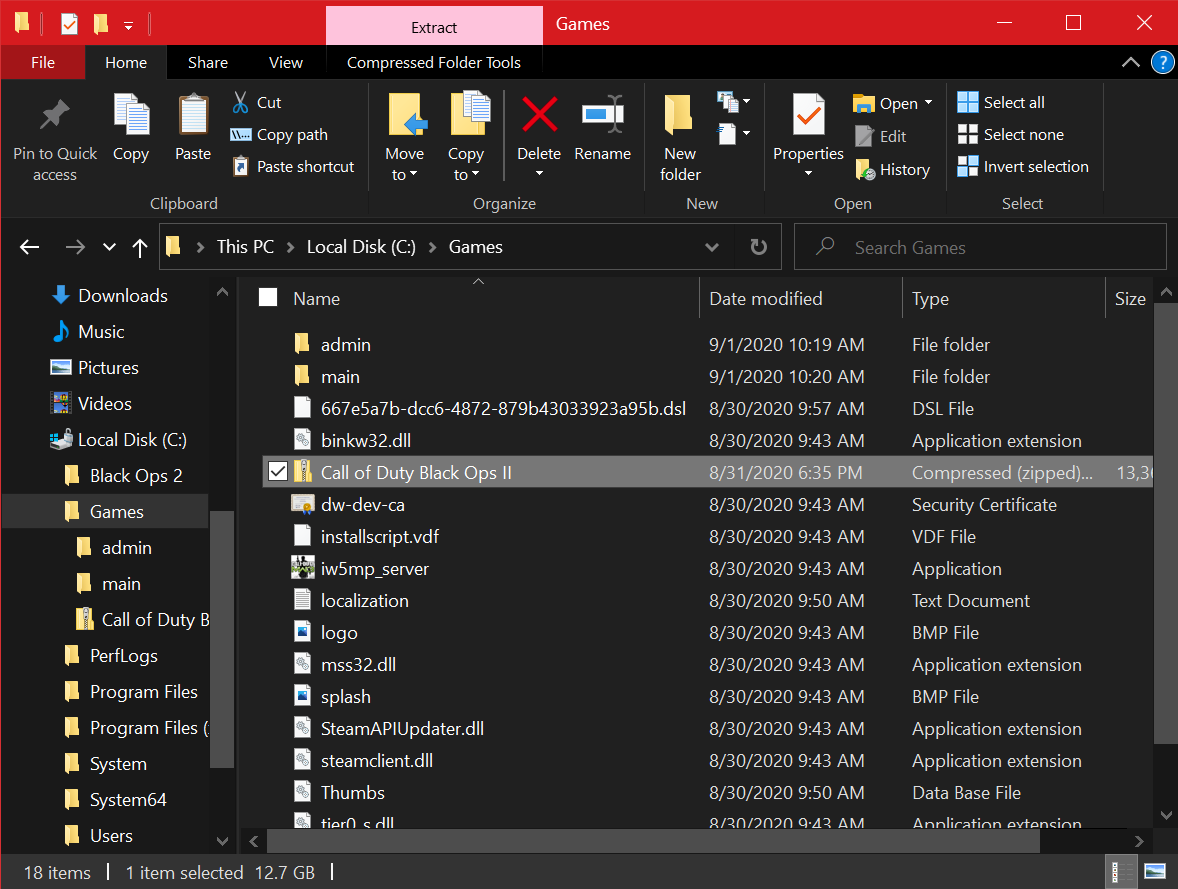
Well the BO2 files were s just there, and the MW3 files are used for Plutonium MW3 Multyiplayer, imma move it back
-

same problem -
100% sure you're still selecting the wrong folder. I told you to transfer it to C:/Games or something, not in your desktop. Why is it so hard to follow my advice?
-
100% sure you're still selecting the wrong folder. I told you to transfer it to C:/Games or something, not in your desktop. Why is it so hard to follow my advice?
HannesC its the right folder, im 100% sure, its not in desktop anymore, it will run, but it will reach the same problem
-
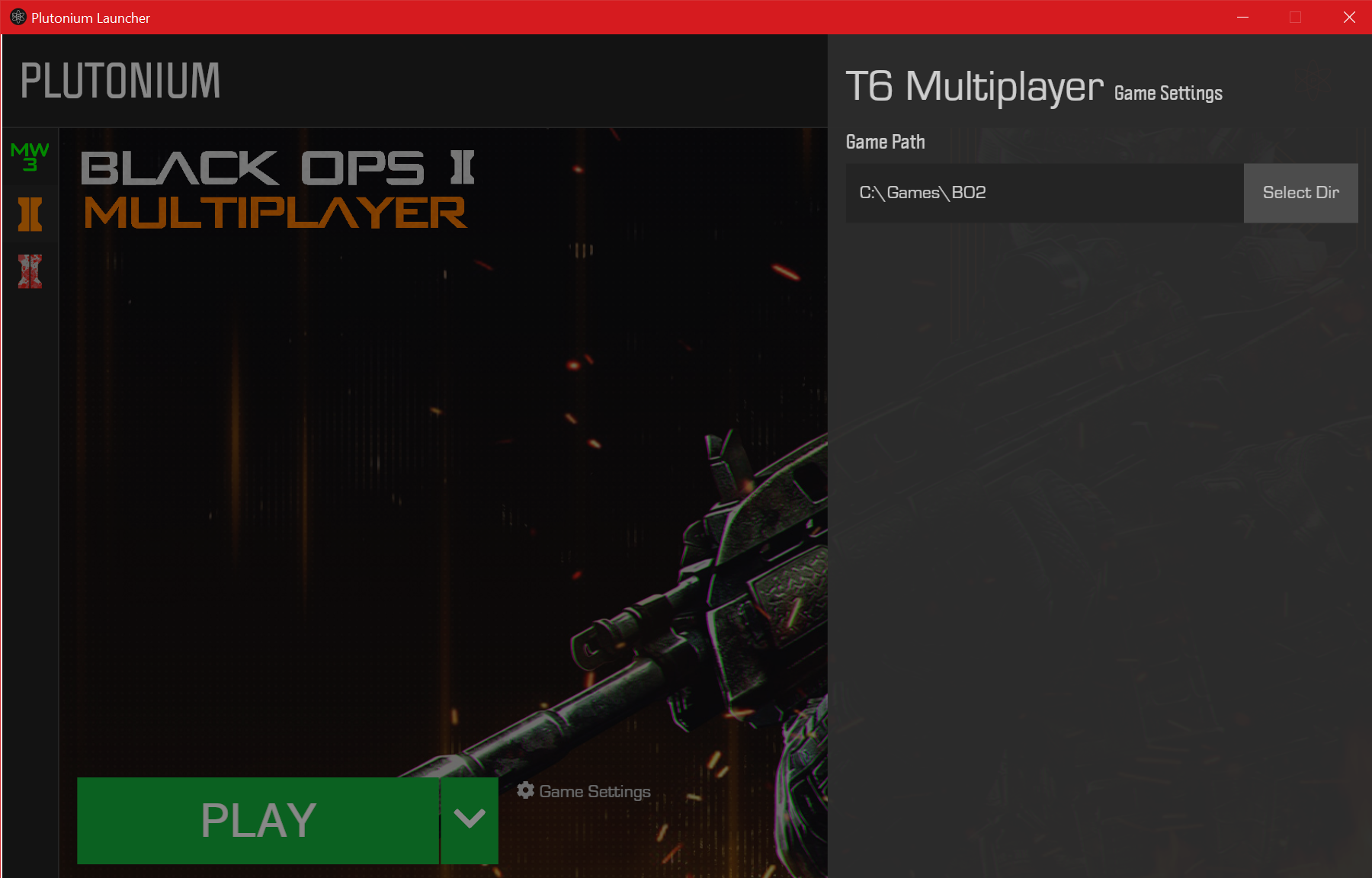
Show me a screenshot of your bo2 folder and your game settings. Do note 1 thing though, if it's still anywhere else other than what I said, you're not getting support anymore.
-
Show me a screenshot of your bo2 folder and your game settings. Do note 1 thing though, if it's still anywhere else other than what I said, you're not getting support anymore.
HannesC ok
-
Show me a screenshot of your bo2 folder and your game settings. Do note 1 thing though, if it's still anywhere else other than what I said, you're not getting support anymore.
HannesC also, my MW3 files are in games too
-
The MW3 and BO2 are in the game files -
Bruh dss0 just told you not to do that. Create a new folder called mw3 in games, transfer all of the mw3 files into it and create a folder for bo2 which contains the bo2 files.
-
Bruh dss0 just told you not to do that. Create a new folder called mw3 in games, transfer all of the mw3 files into it and create a folder for bo2 which contains the bo2 files.
HannesC thats what i did earlier
-
Bruh dss0 just told you not to do that. Create a new folder called mw3 in games, transfer all of the mw3 files into it and create a folder for bo2 which contains the bo2 files.
HannesC no wait, hold on i see what you mean
-
Also your game settings clearly shows you're not selecting the bo2 folder, you're just selecting the games subfolder. Sure it looks like a shitshow but I think it should work if you select that folder correctly
-
Also your game settings clearly shows you're not selecting the bo2 folder, you're just selecting the games subfolder. Sure it looks like a shitshow but I think it should work if you select that folder correctly
HannesC sorry if i dont understand correctly, im going through some stuff, my head is all messed up,
-

-
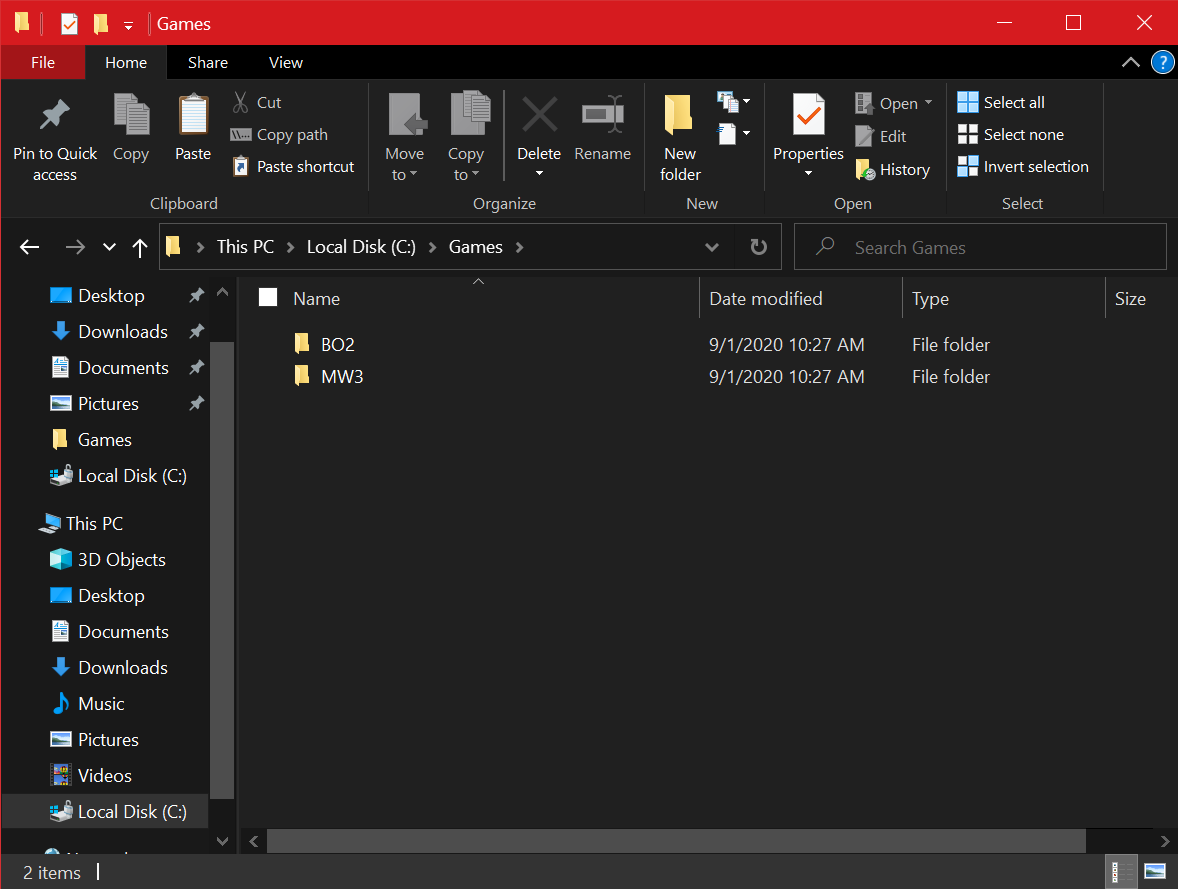
like that?
-
Yes, looks good now. Now go to game settings, and select C:/Games/bo2 and try launching the game now
-
Yes, looks good now. Now go to game settings, and select C:/Games/bo2 and try launching the game now
HannesC ok
-
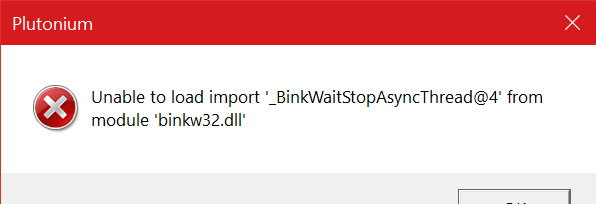
its the same problem

-
I FUCKING HATE MYSELF, THERE IS ONE FILE MISSING< OH MY FUCKING GOD AHHHH sorry guys for wasting your time
-
I FUCKING HATE MYSELF, THERE IS ONE FILE MISSING< OH MY FUCKING GOD AHHHH sorry guys for wasting your time
@DrBlitz0 i have the same problem how did you solve it?
Hello! It looks like you're interested in this conversation, but you don't have an account yet.
Getting fed up of having to scroll through the same posts each visit? When you register for an account, you'll always come back to exactly where you were before, and choose to be notified of new replies (either via email, or push notification). You'll also be able to save bookmarks and upvote posts to show your appreciation to other community members.
With your input, this post could be even better 💗
Register Login