[Release][ZM] Mod Menu | Healthbar | Weapons | Perks | Powerups | Upgrade | Night Mode | Teleport | Bank | Stats | Aimbot | Ufo | Freeze Zombies | Sound Menu | Legacy mods | Shader
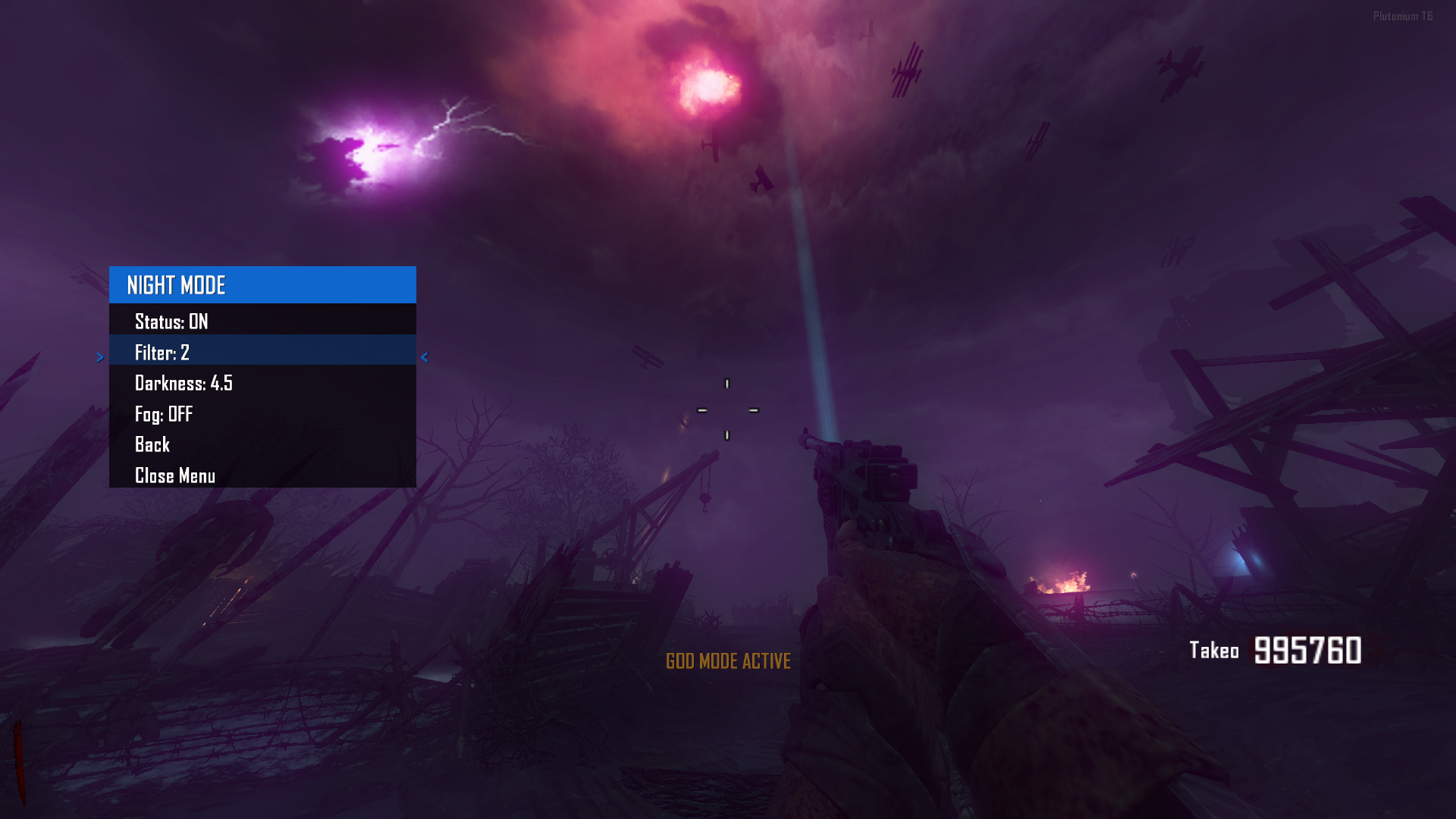
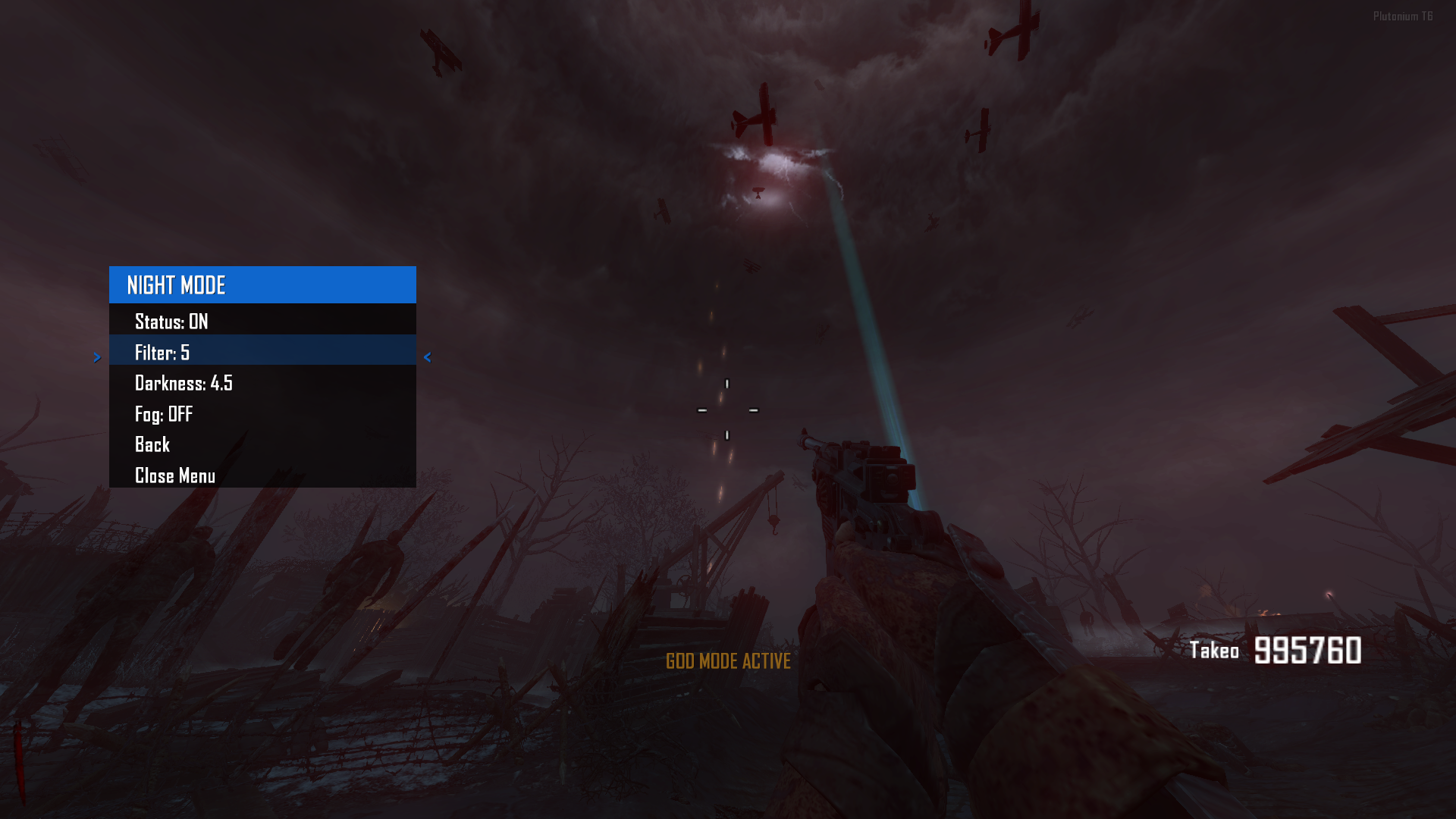
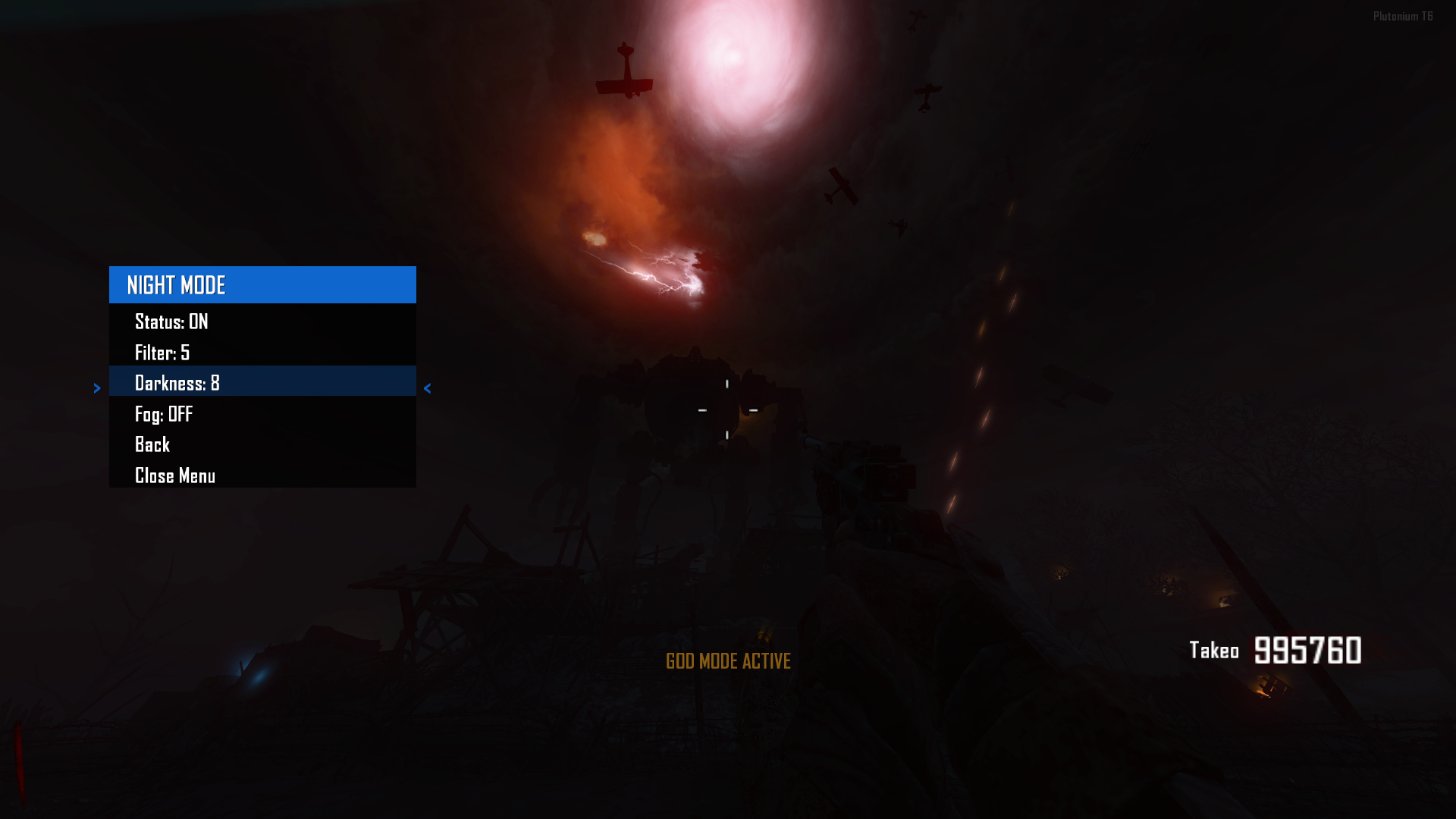
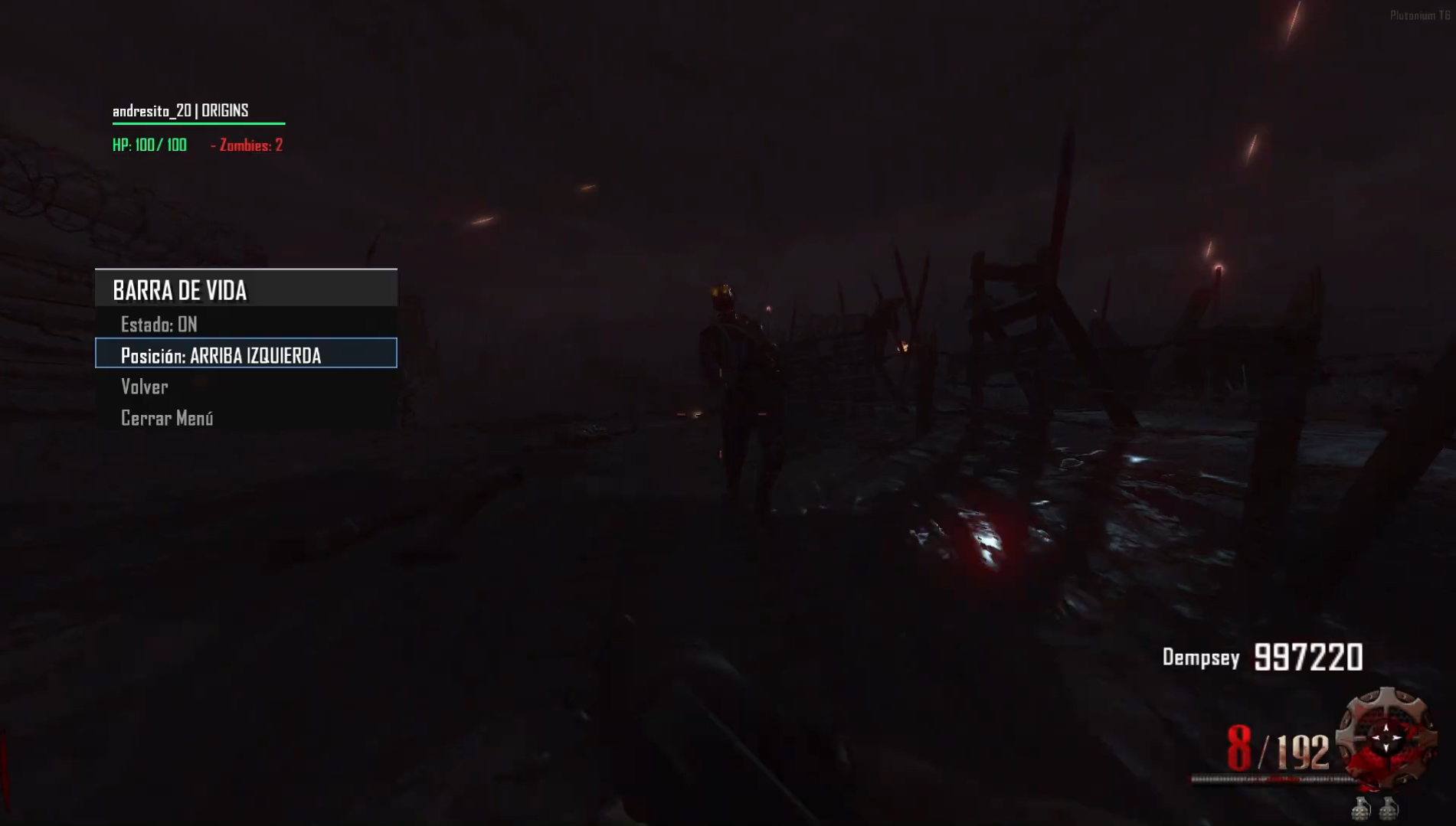
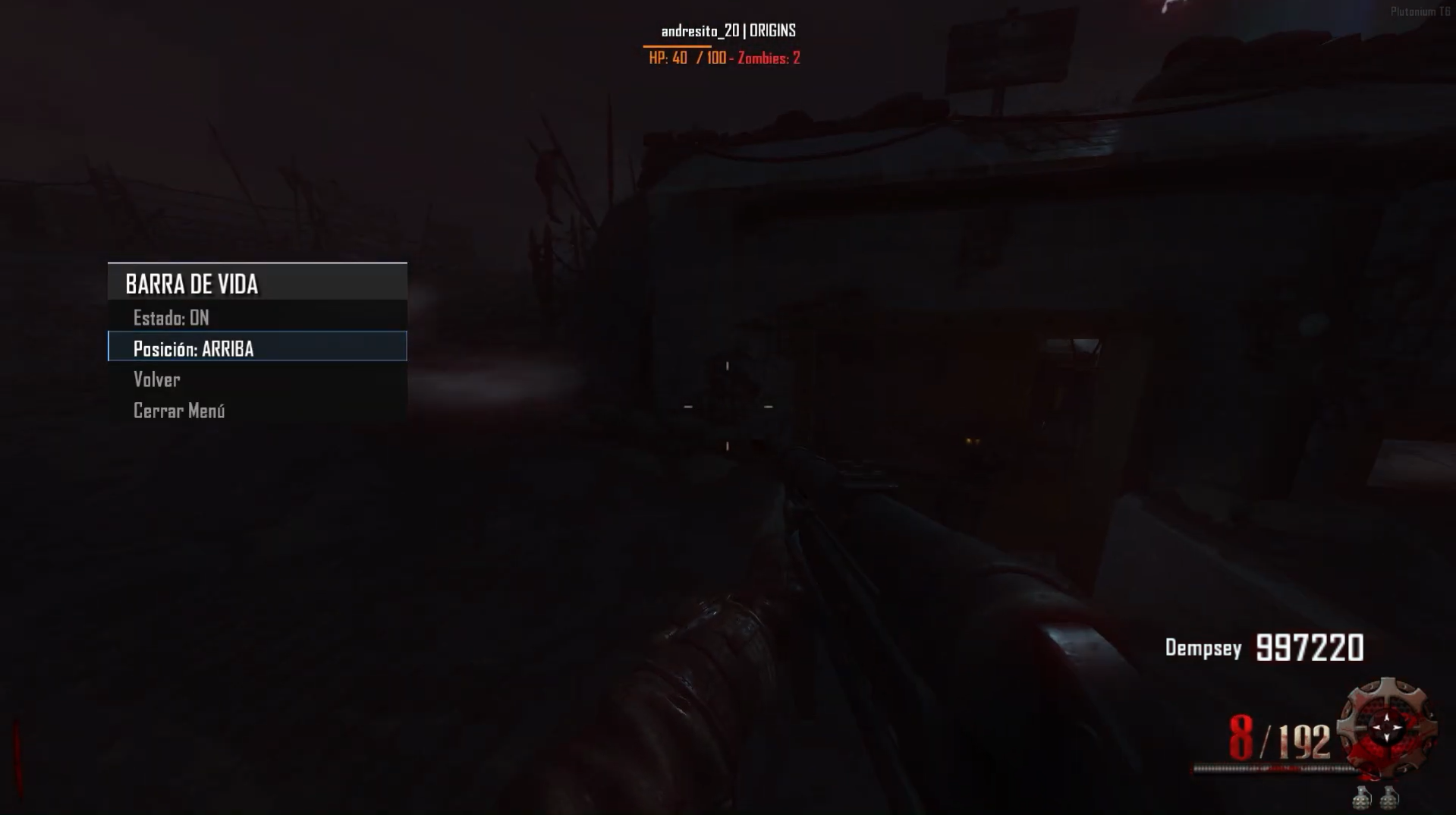
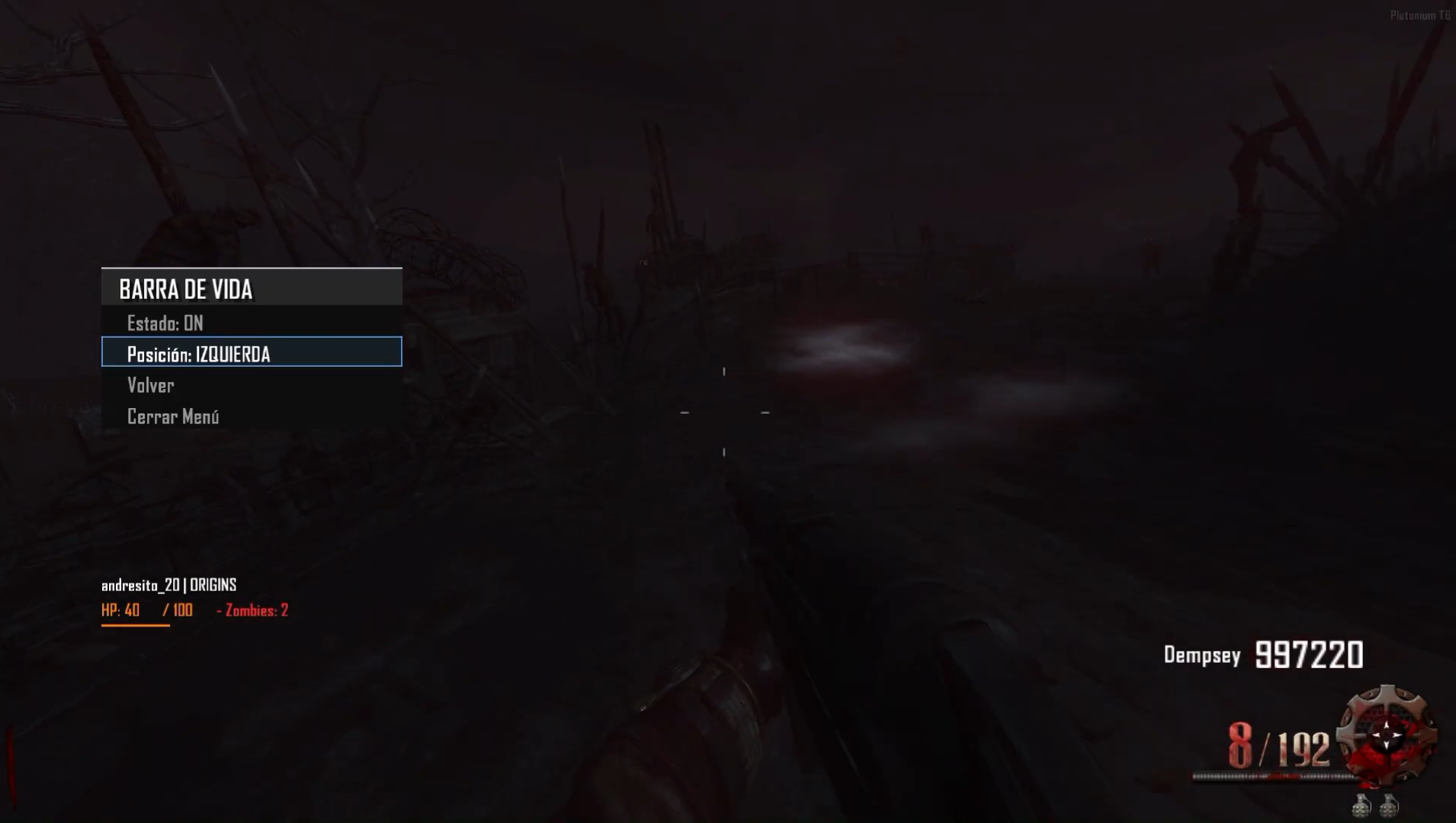
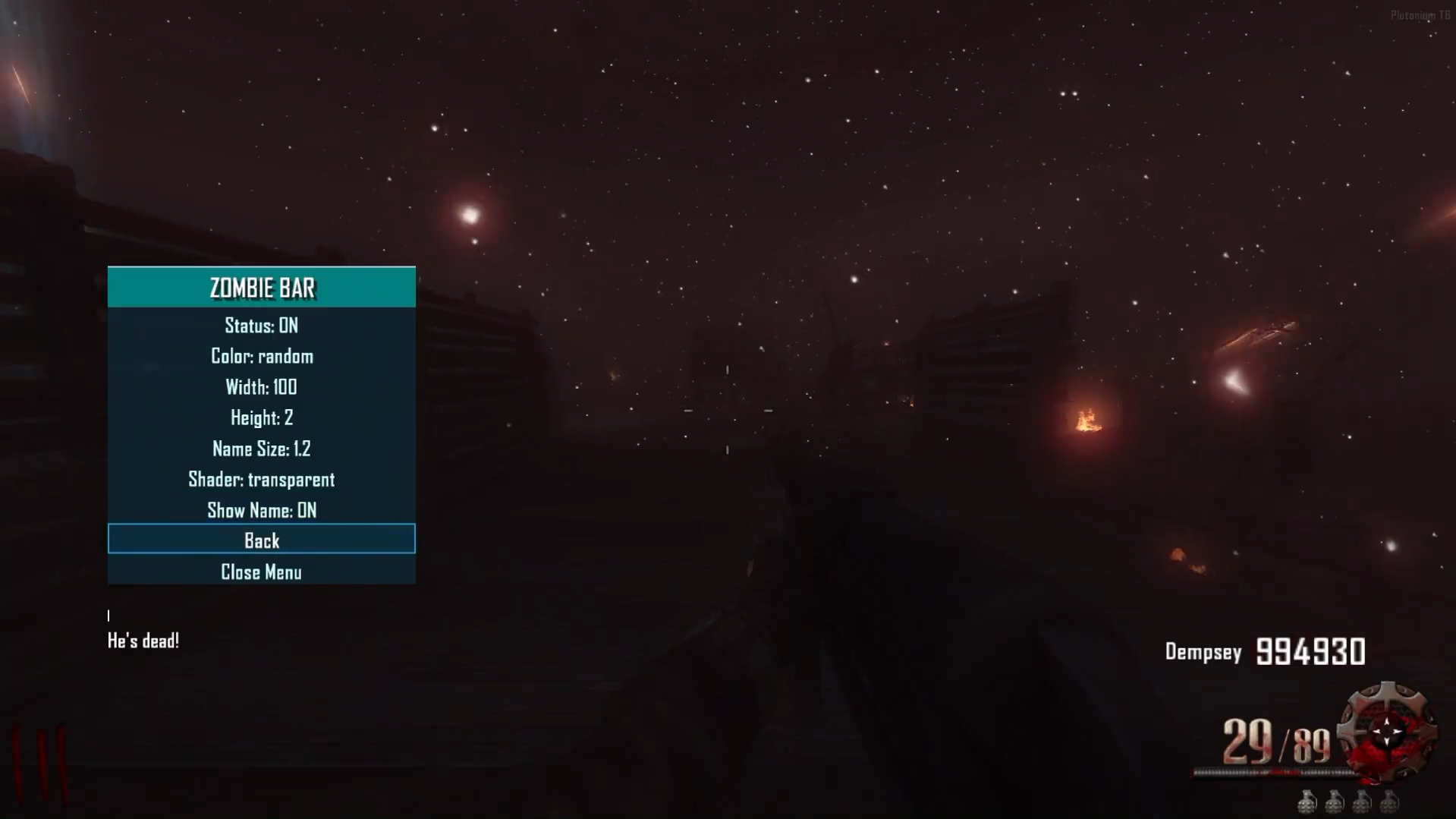
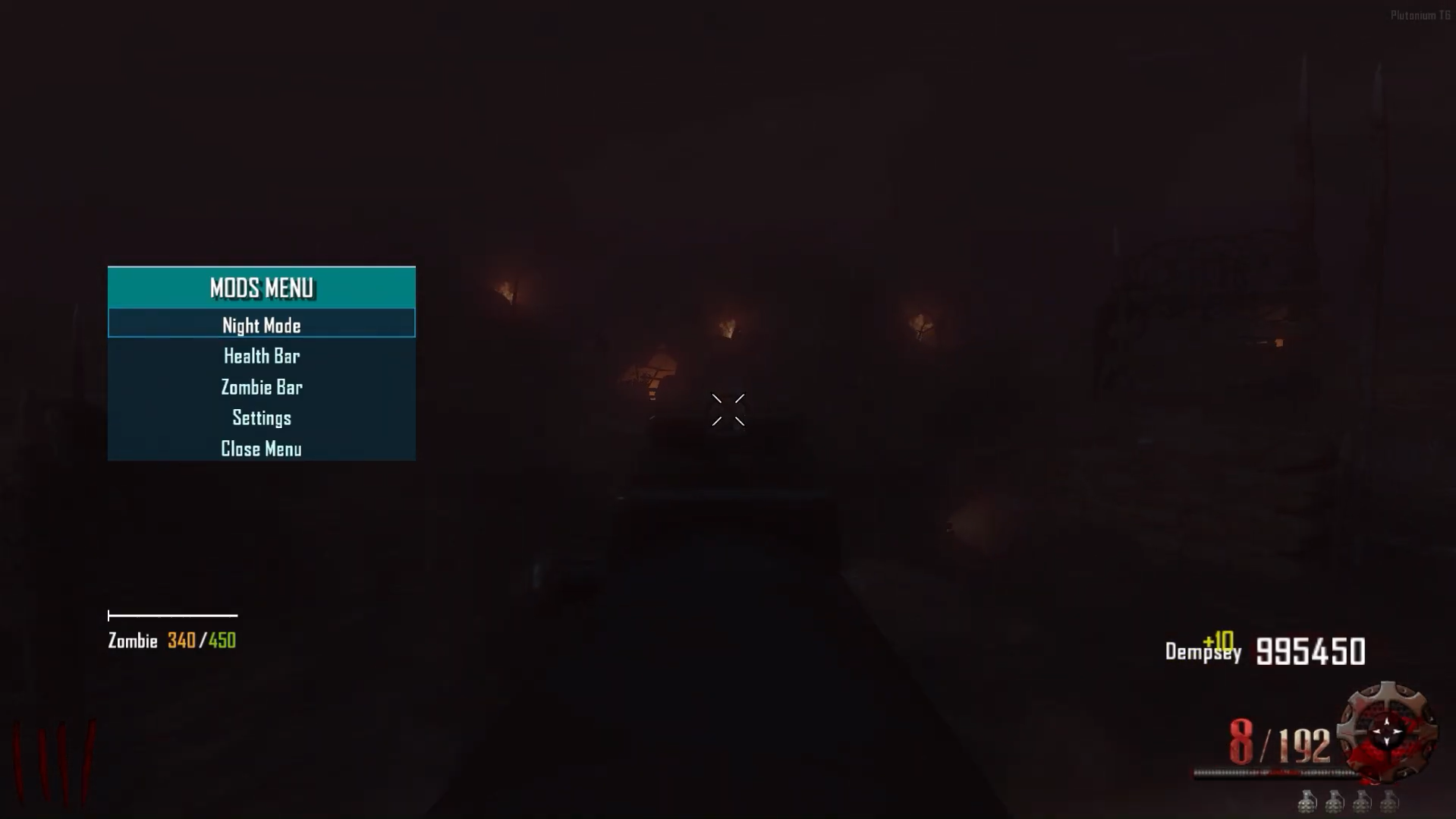
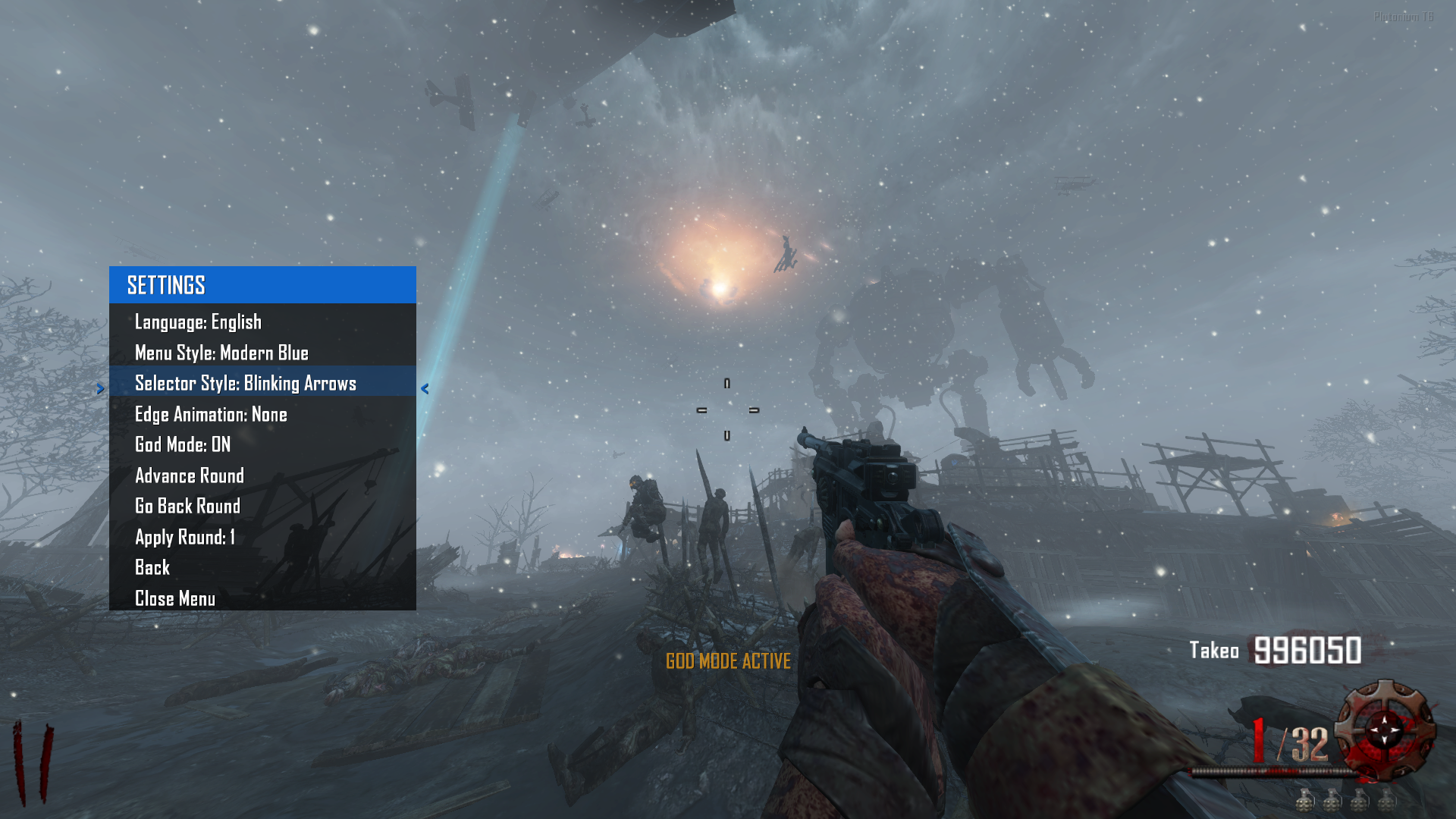
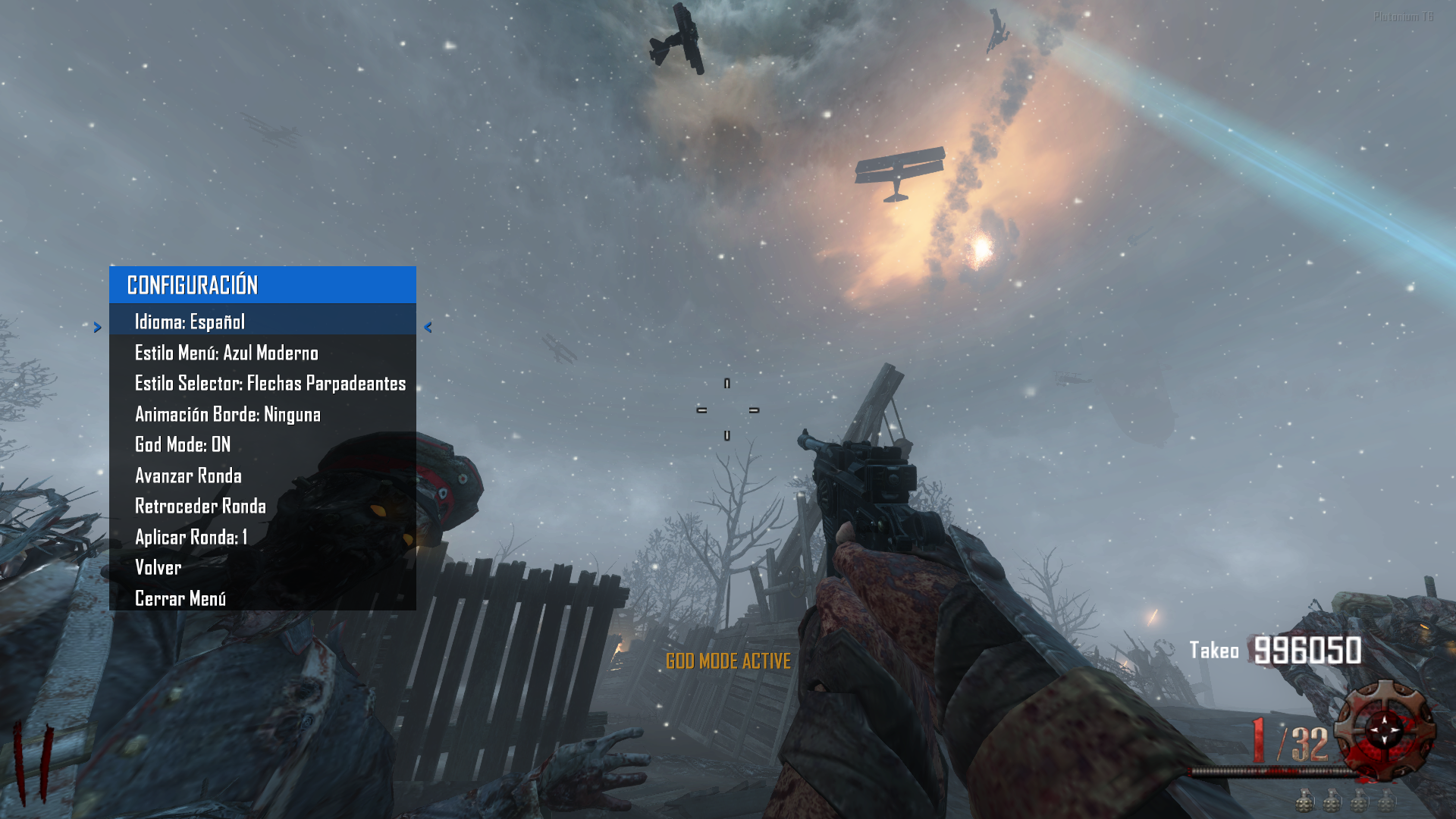
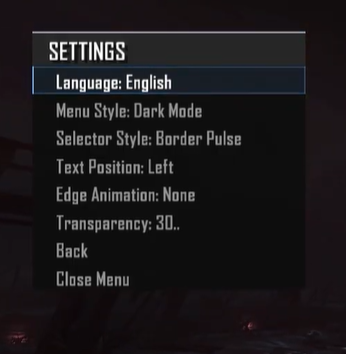
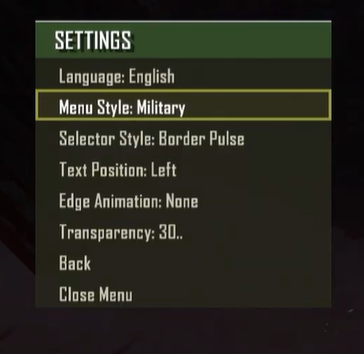
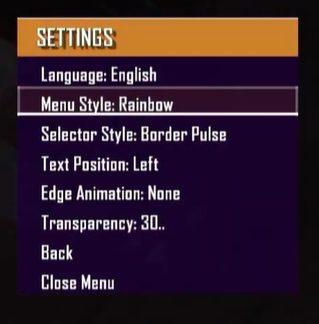
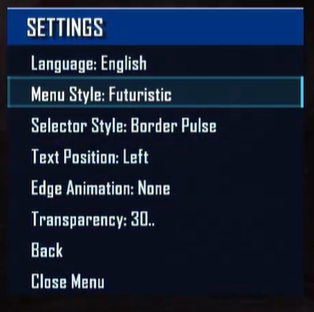
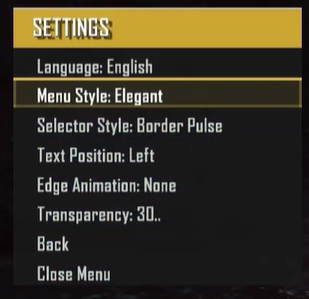
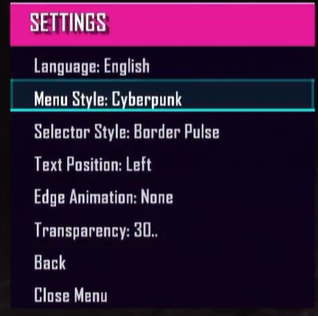
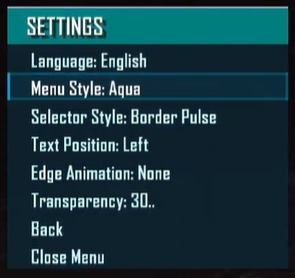
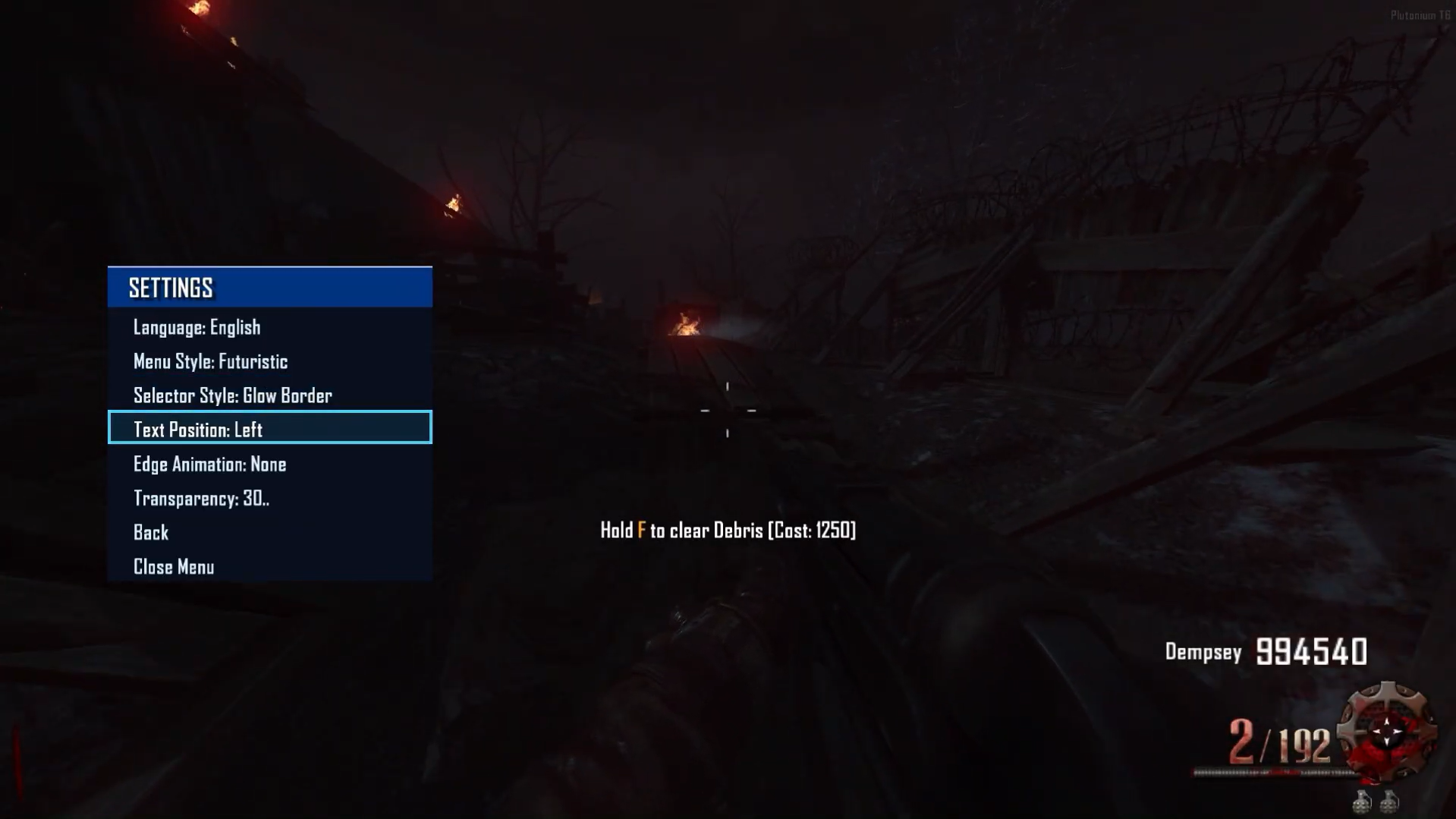
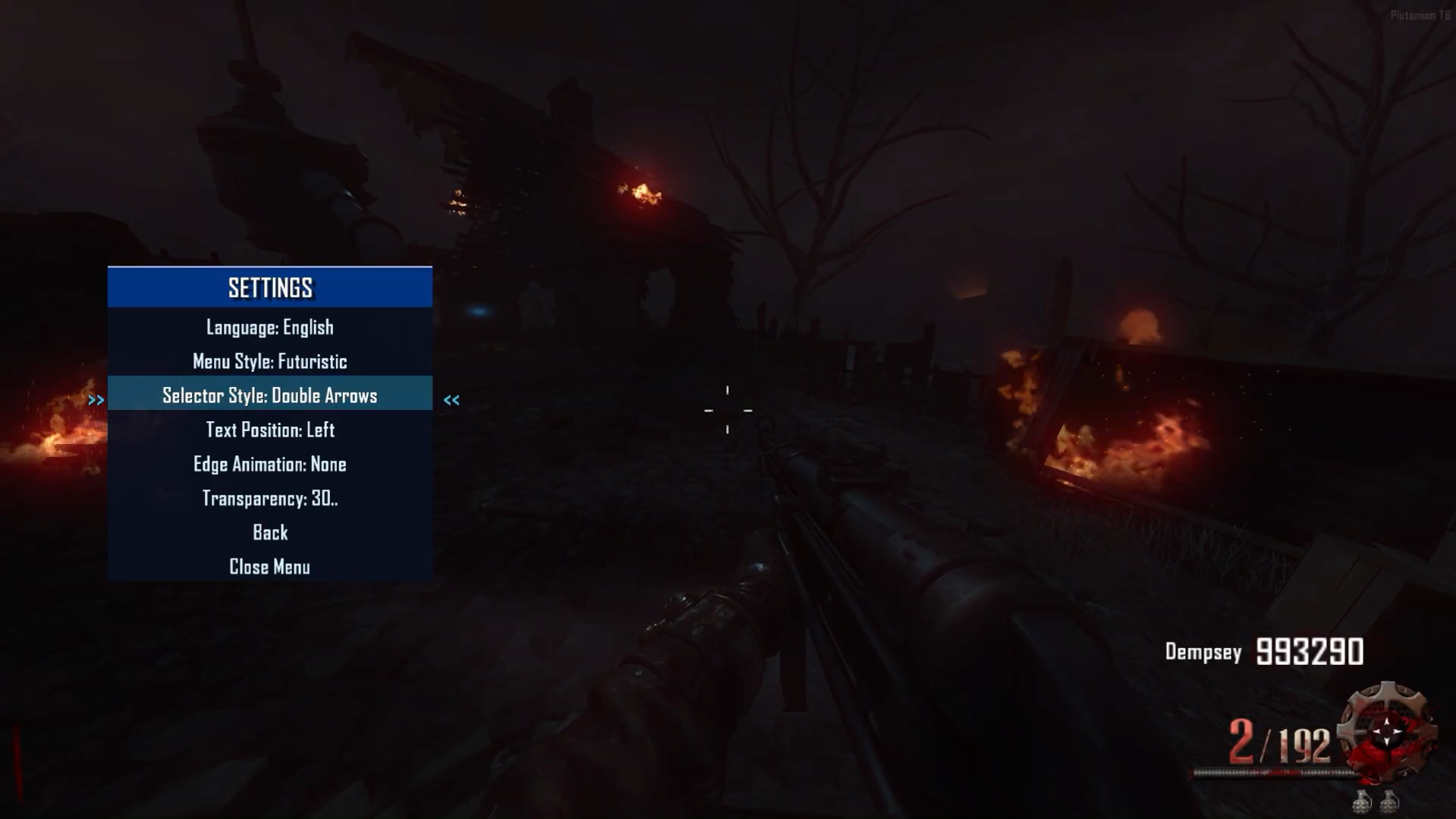
-
Update 1.0.8
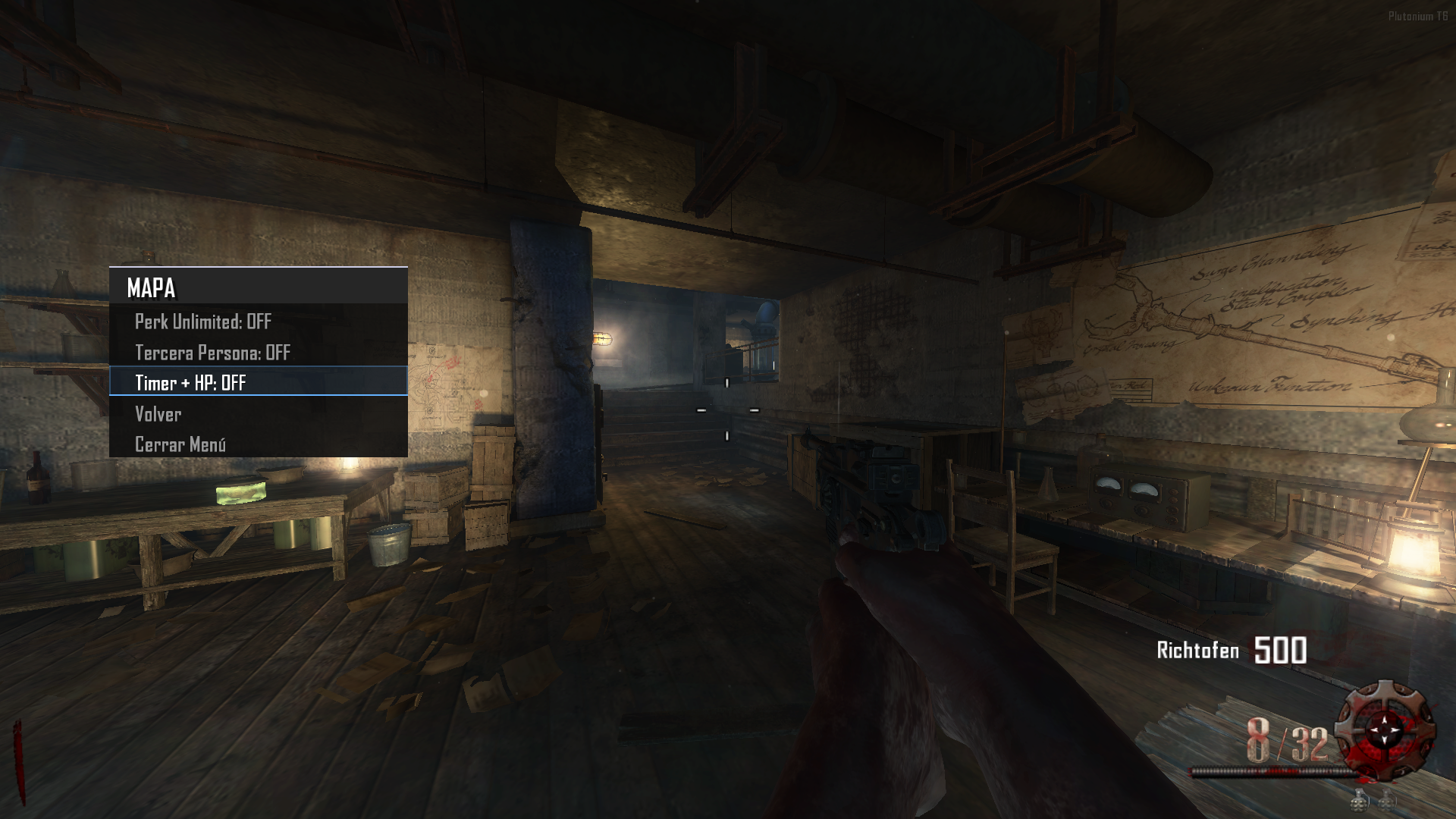
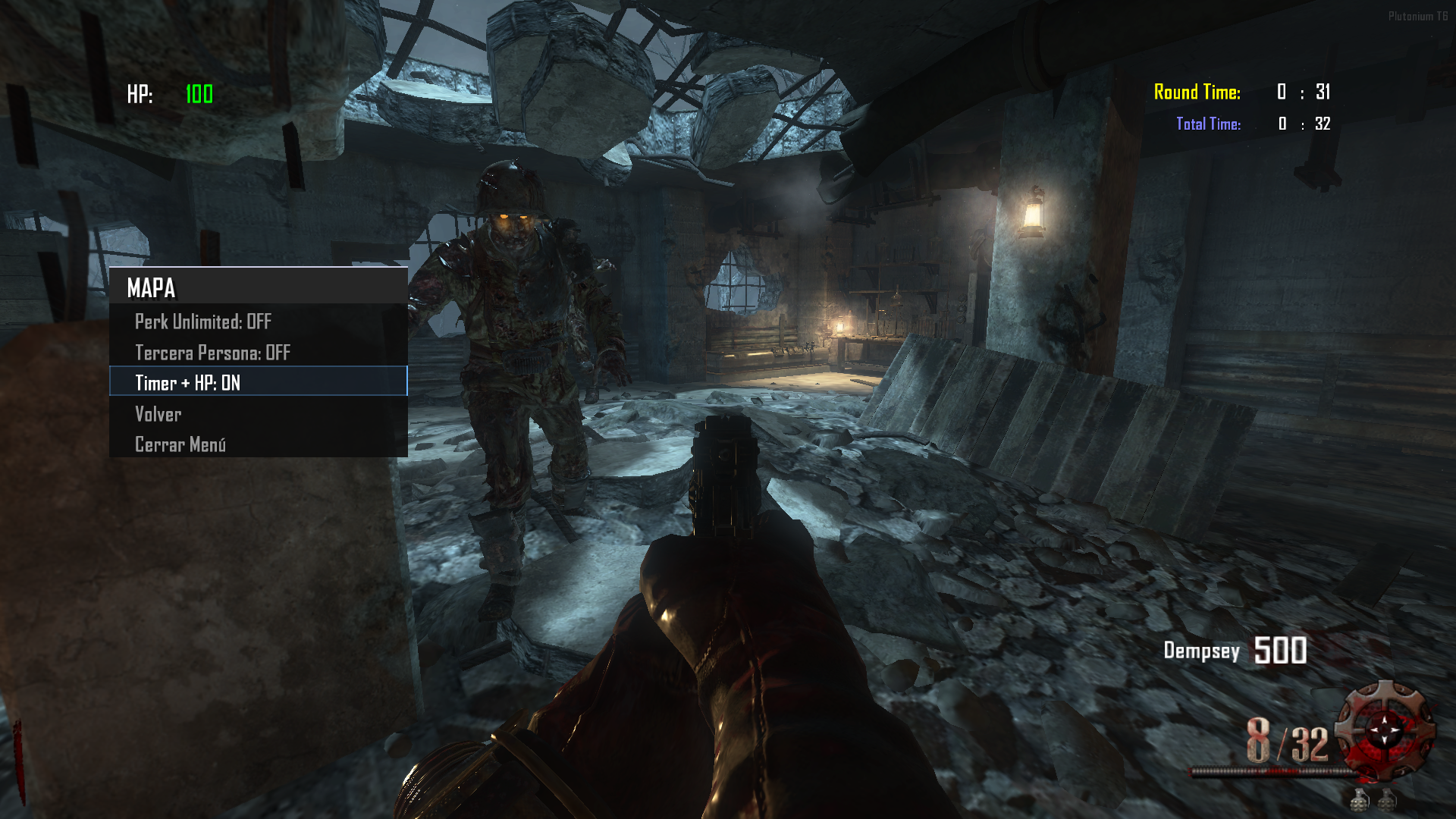
- Timer Round + Timer + HP: Round time counter plus total match time counter — and as a bonus, the player's HP, since for optimization reasons the health bar is locked to avoid HUD element limits.
Source Code:
Github v3.5.0
Maybe you don’t know how to use the mod menu?Here I’ll explain a few quick steps: To open the menu, you need to aim and knife at the same time. To move up, press the numeric key 1, and to move down, press the numeric key 2 To enter a menu, press F on your keyboard.**Video:
Menu Video
The download links are up to date. - Timer Round + Timer + HP: Round time counter plus total match time counter — and as a bonus, the player's HP, since for optimization reasons the health bar is locked to avoid HUD element limits.
-
Update 2.0.0 (Weapons - Perks - Staff - Upgrade Staff & Weapon)
-
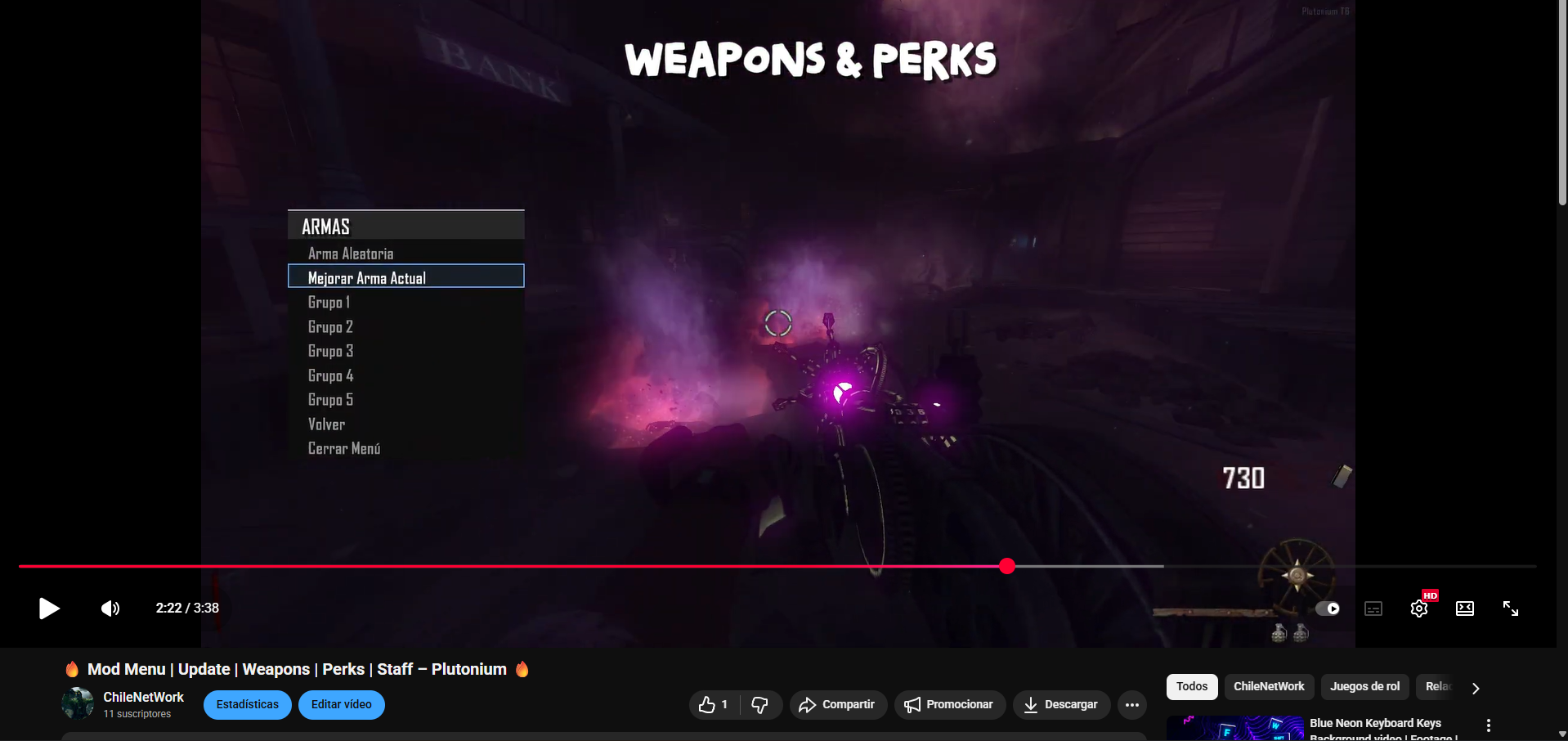
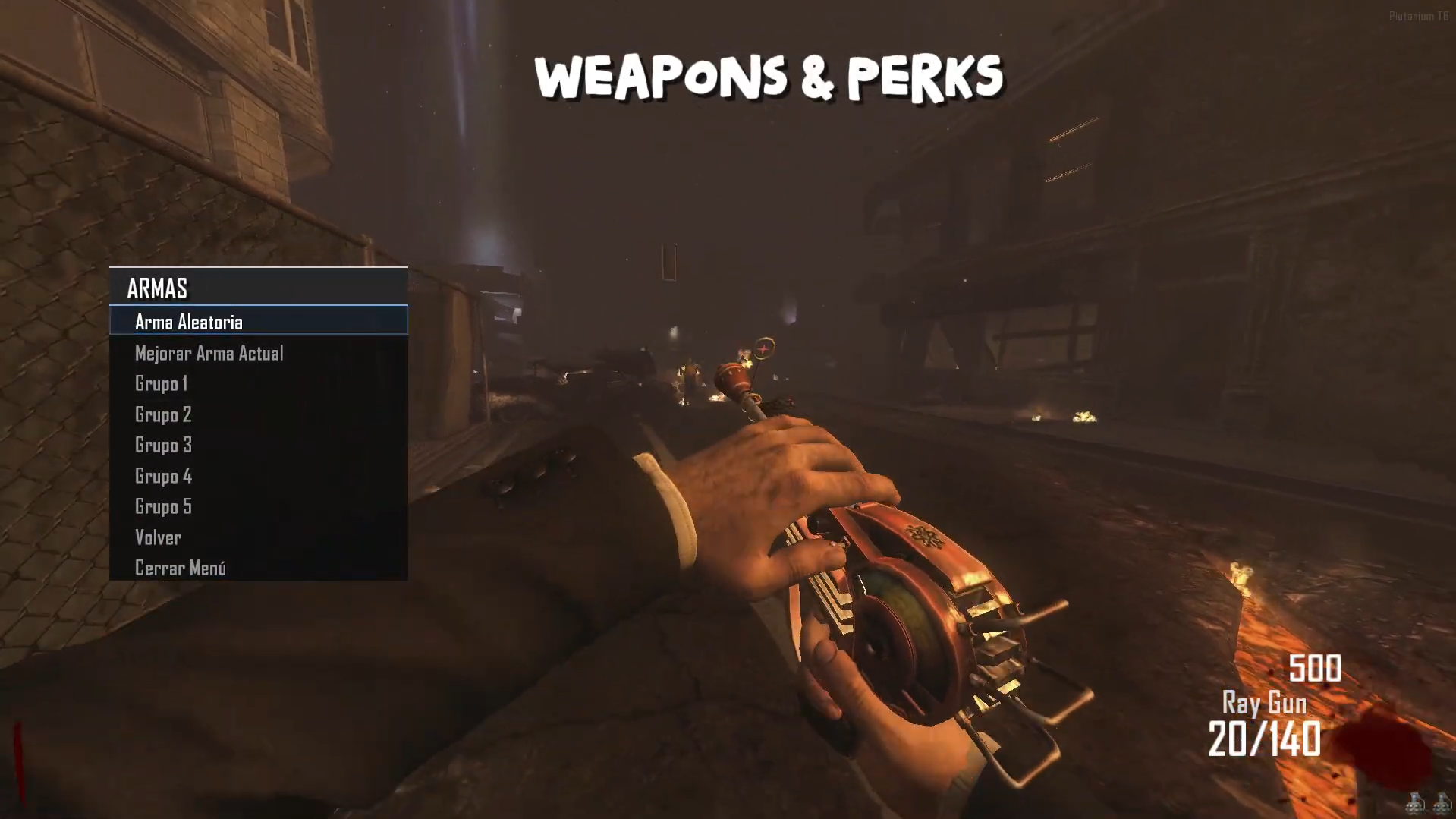
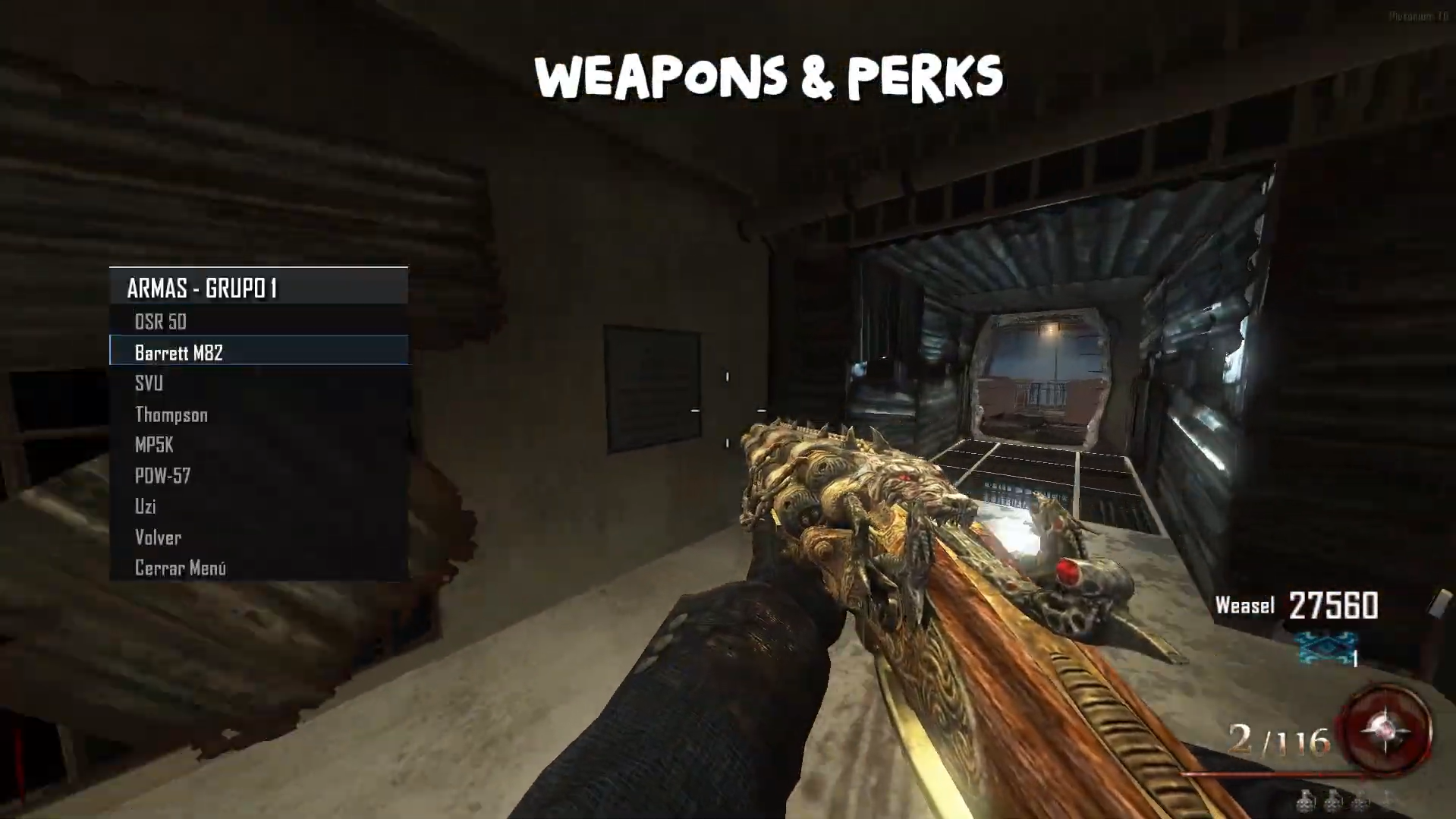
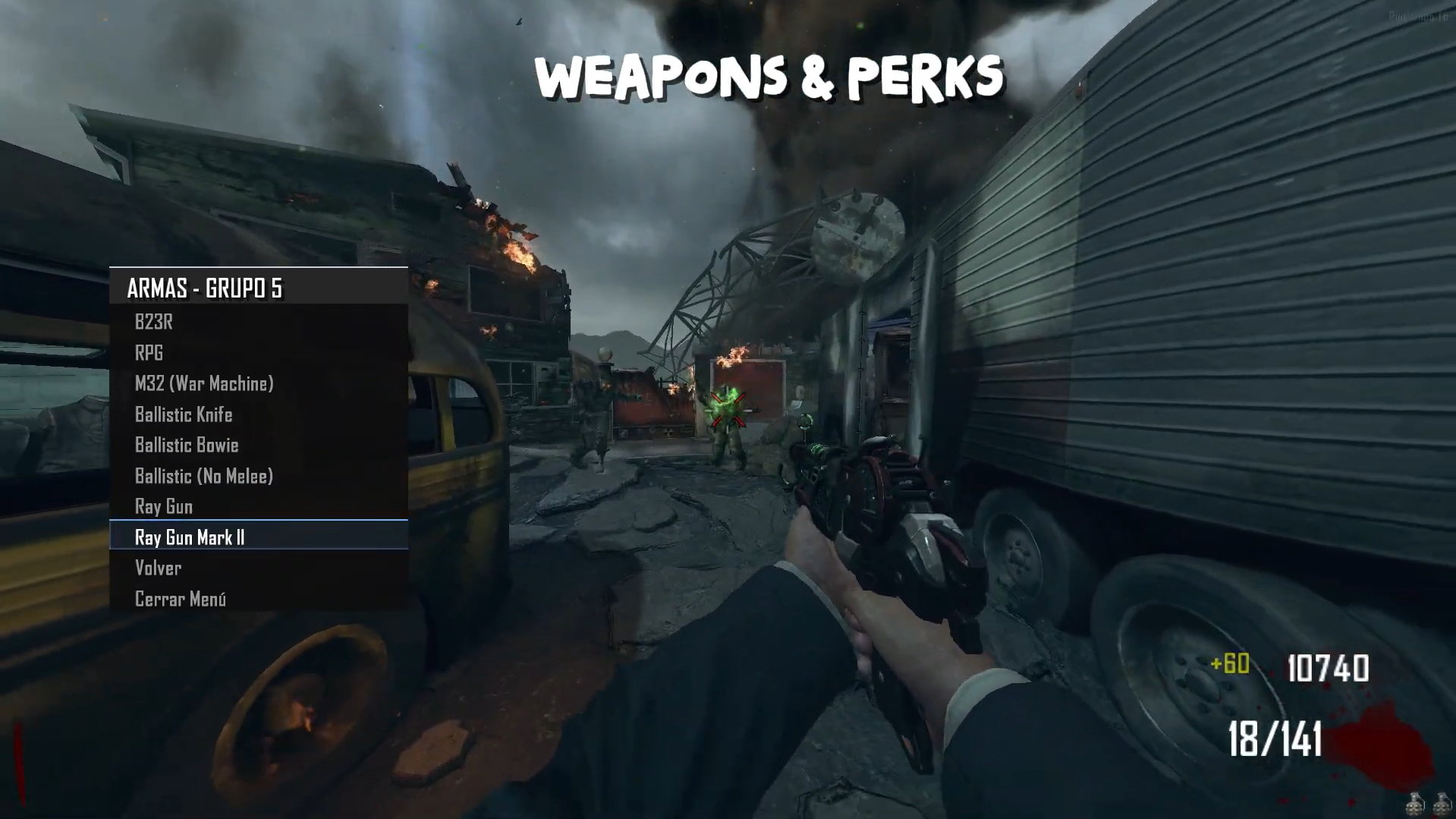
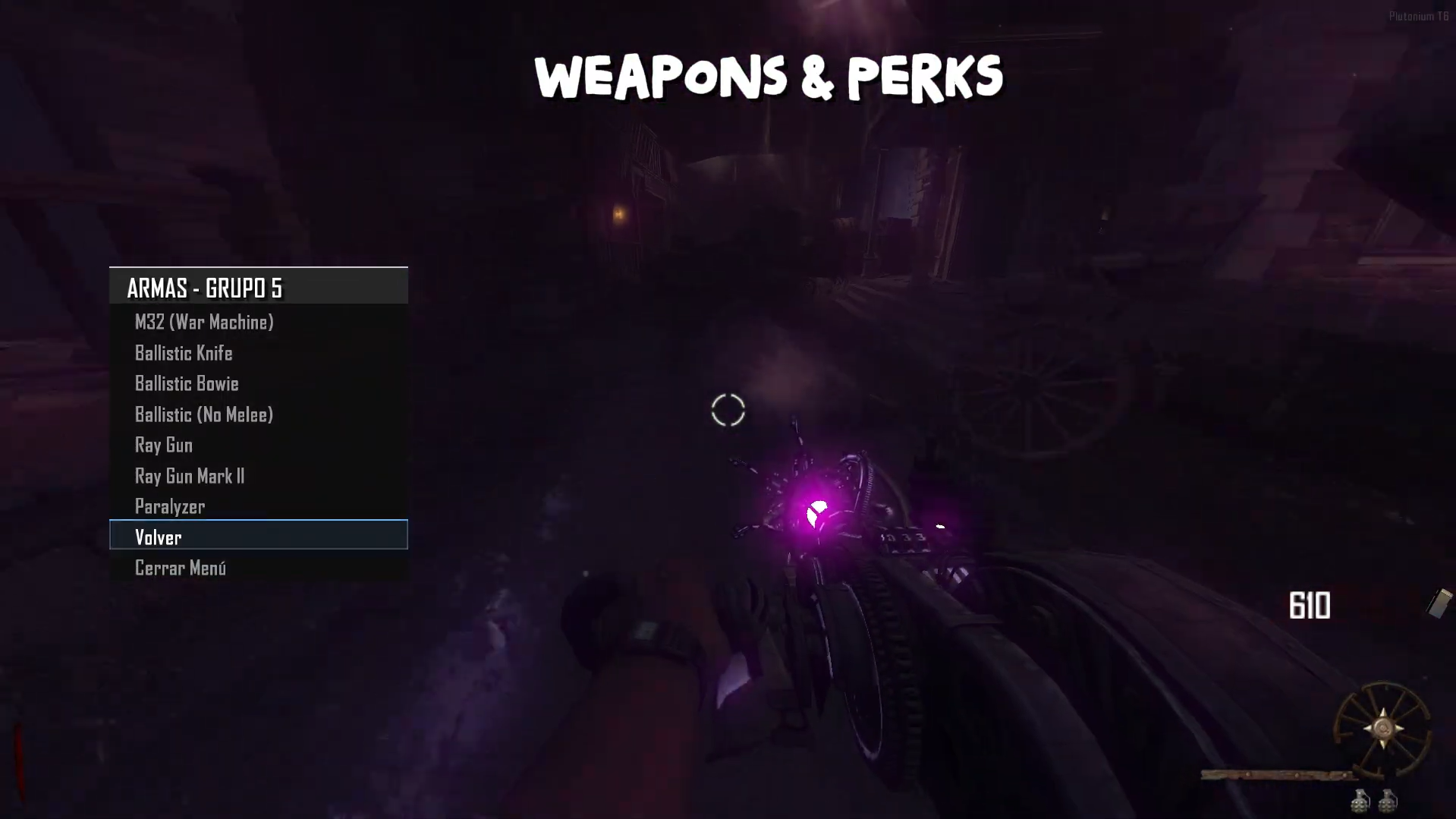
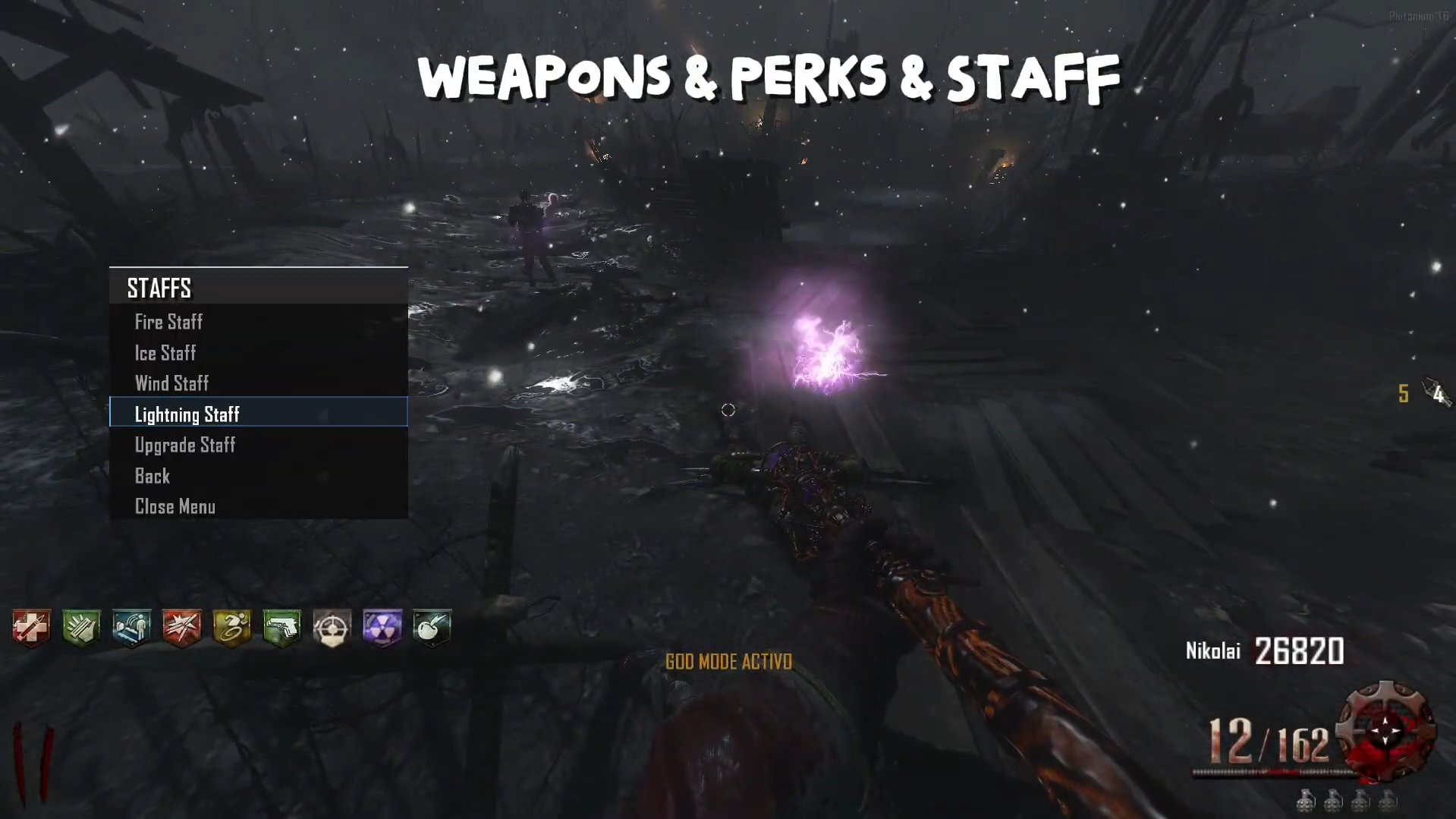
Weapon & Upgrade: In the developer menu, you can obtain all the weapons from the selected map, instantly upgrade the weapon you’re holding, and also get a random weapon.
-
Staff & Upgrade: In the Origins map, you can obtain the staffs and use the same weapon mechanics, allowing you to upgrade them instantly.
-
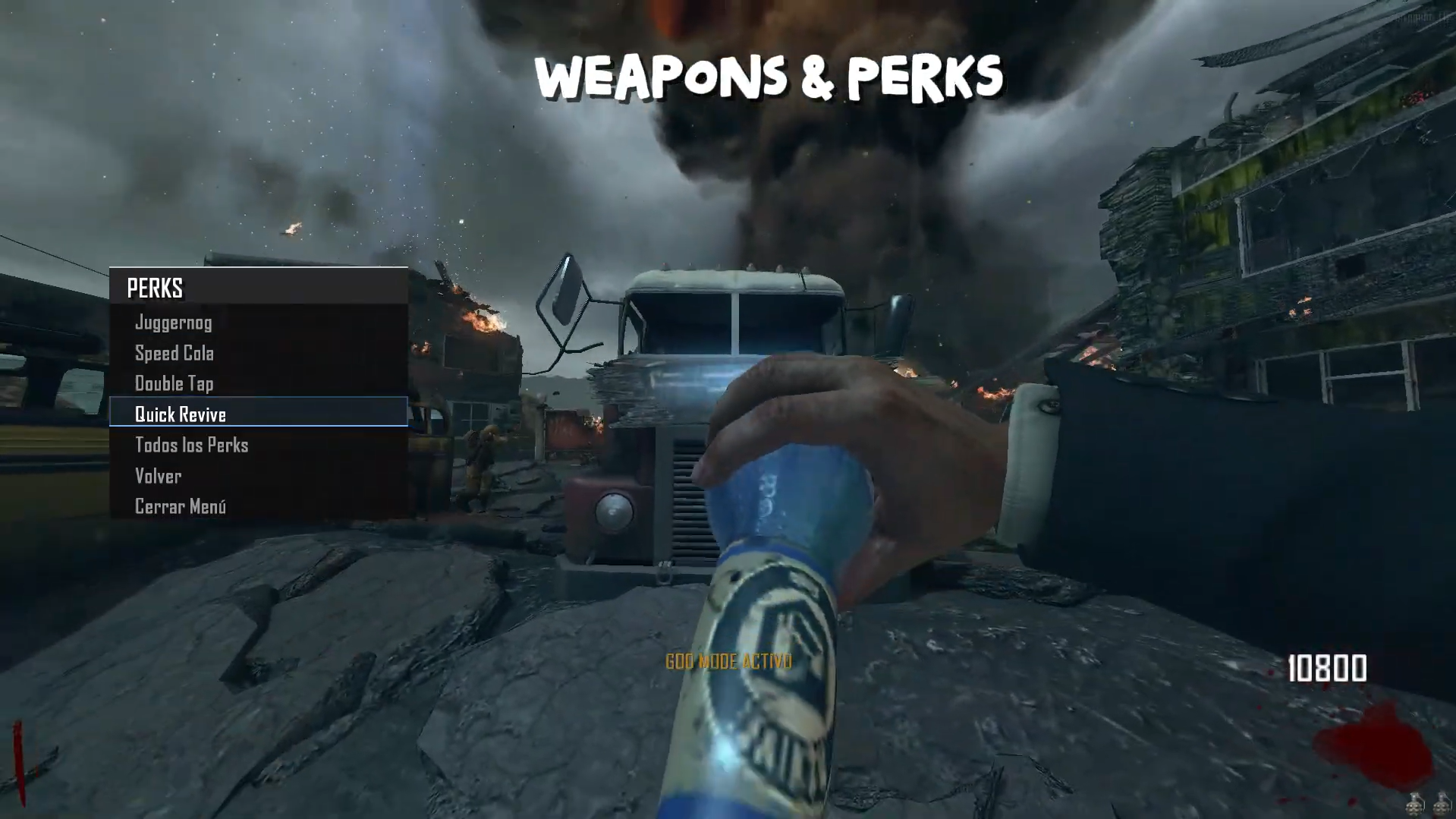
Perks: Obtain all the perks from their respective map — choose them manually or get all perks instantly.
Source Code:
Github v3.5.0
The download links are up to date.Install:
new folder AppData\Local\Plutonium\storage\t6\raw\scripts\zm\ old folder AppData\Local\Plutonium\storage\t6\scripts\zm\Maybe you don’t know how to use the mod menu?
Here I’ll explain a few quick steps: To open the menu, you need to aim and knife at the same time. To move up, press the numeric key 1, and to move down, press the numeric key 2 To enter a menu, press F on your keyboard.** -
-
Update 2.1.0 (Global Bank [all maps], Stats, Top Round) — Persistent Data
-
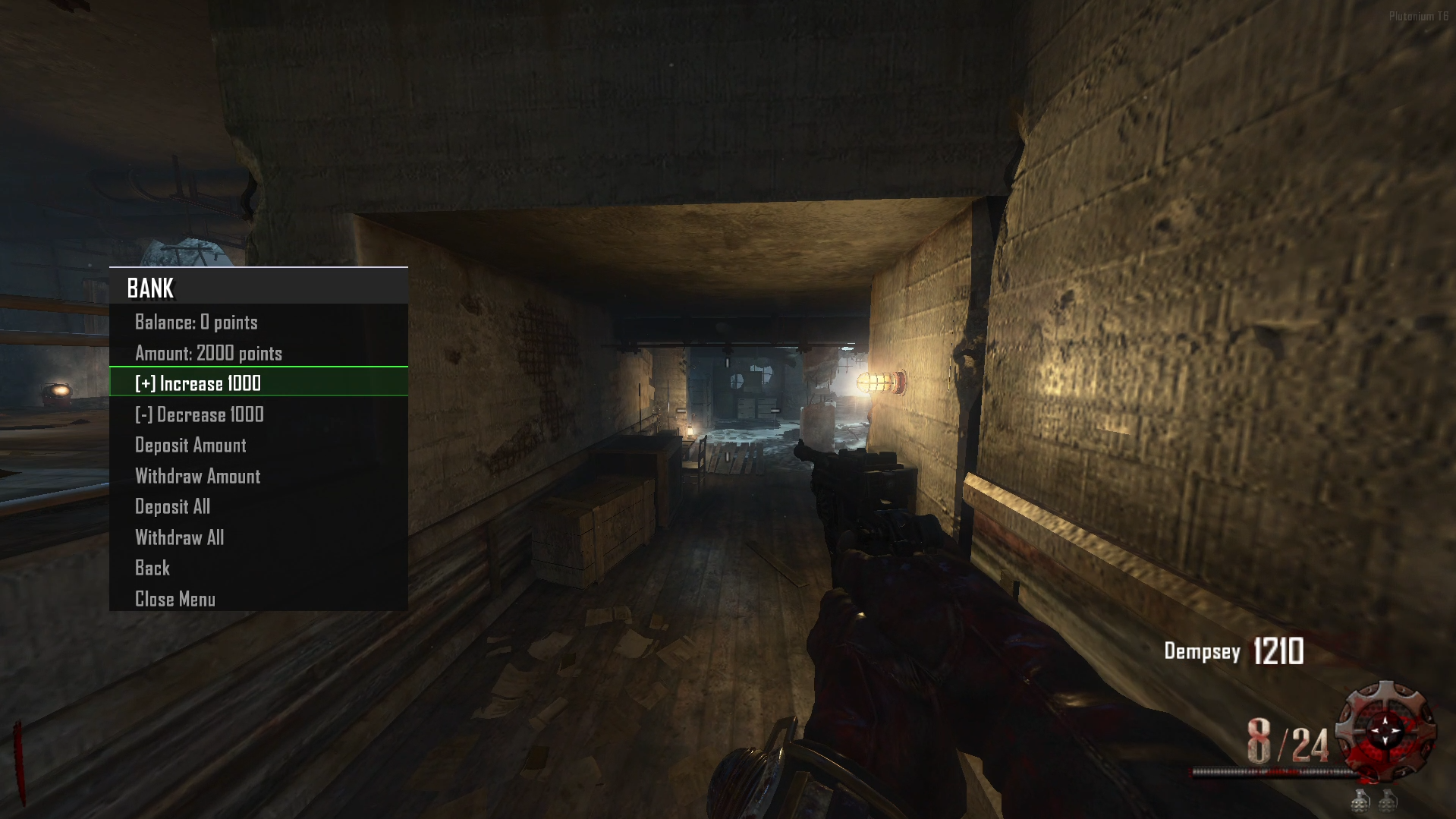
Bank: You can deposit money, and it will be saved locally and shared across all game maps.
-
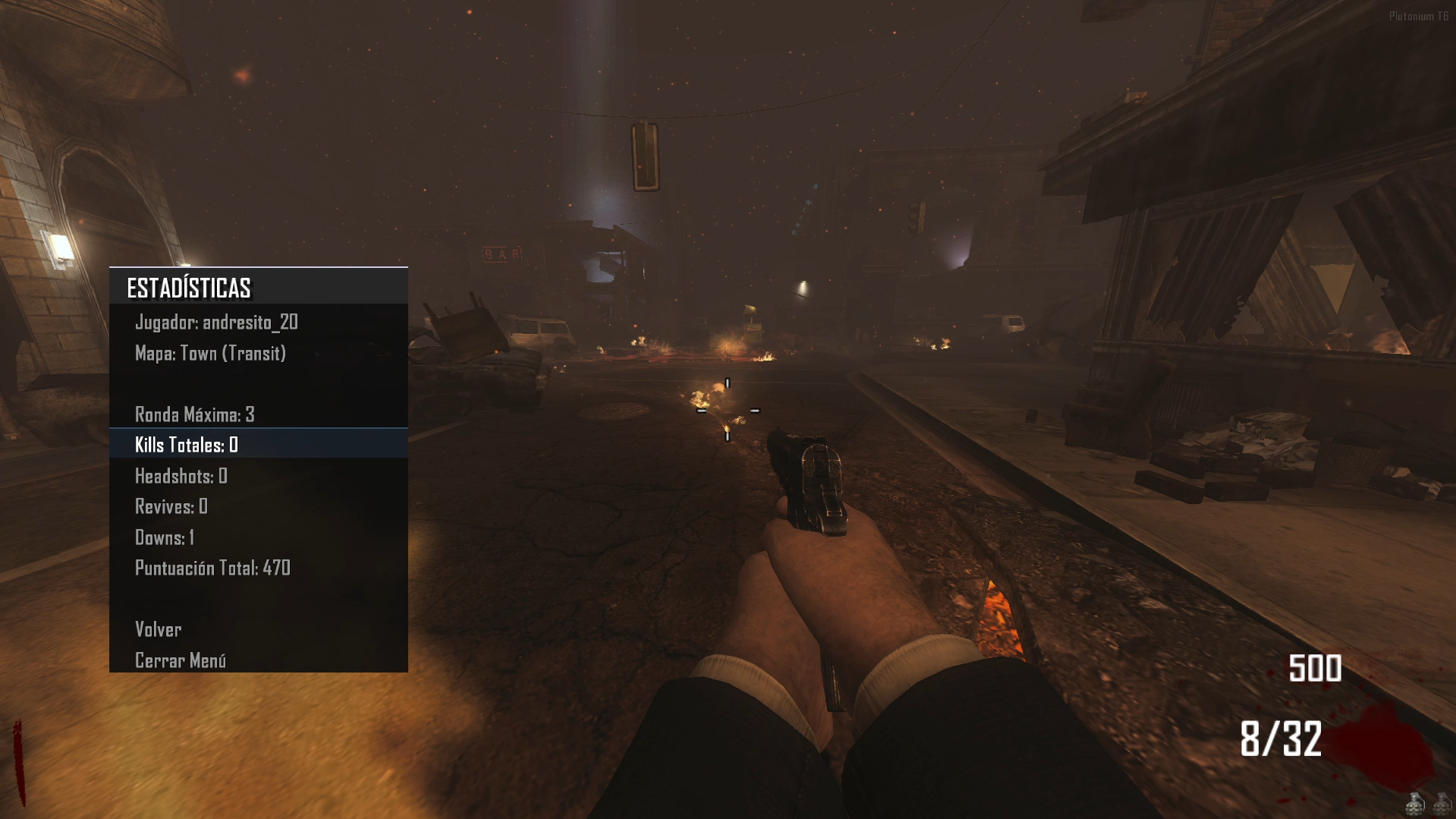
Stats: You can view your statistics from your previous match.
-
Top Round: In the stats section, you’ll see your Top Round, which you can try to beat after dying or disconnecting from the game.
-
Diagram:
 MENÚ DE MODS / MODS MENU
├── Mods Littlegods
│ ├── Night Mode
│ ├── ️ Barra de Vida / Health Bar
│ ├── Barra Zombie / Zombie Bar
│ ├── ️ Volver / Back
│ └── Cerrar Menú / Close Menu
│
├── ️ Mapa / Map
│ ├── Perk Unlimited: [ON/OFF]
│ ├── Tercera Persona / Third Person: [ON/OFF]
│ ├── ️ Timers: [ON/OFF]
│ ├── Banco / Bank (Solo si Developer NO está activado)
│ ├──️ Volver / Back
│ └── Cerrar Menú / Close Menu
│
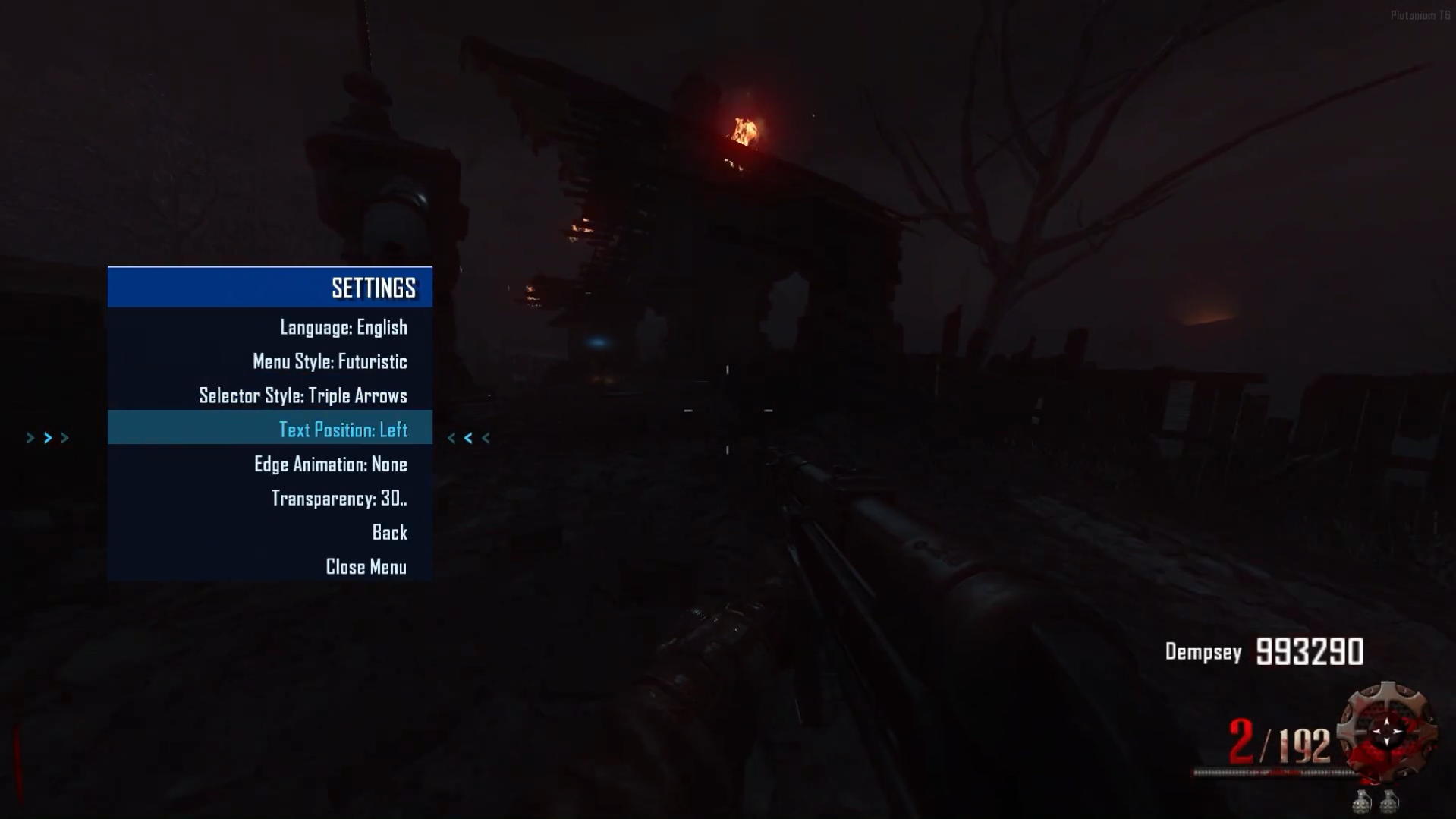
├── ️ Configuración / Settings
│ ├── Idioma / Language: [Español/Inglés]
│ ├── Estilo Menú / Menu Style: [Varios estilos]
│ ├── Estilo Selector / Selector Style: [Varios estilos]
│ ├── Posición Texto / Text Position: [Varias posiciones]
│ ├── ️ Animación Borde / Edge Animation: [Varios estilos]
│ ├──️ Volver / Back
│ └── Cerrar Menú / Close Menu
│
├── Estadísticas / Stats
│ └── [Muestra estadísticas del mapa actual]
│ ├── Ronda Máxima / Max Round
│ ├── Tiempo Total / Total Time
│ ├── Muertes / Deaths
│ ├── Rondas Jugadas / Rounds Played
│ └──️ Volver / Back
│
├── ️ Créditos / Credits
│ └── [Pantalla de créditos estilo HUD]
│
├── Developer (Solo visible después de escribir "admin")
│ ├── Jugador / Player
│ │ ├── ️ God Mode: [ON/OFF]
│ │ ├── Dar 10k Puntos / Give 10k Points
│ │ ├── Armas / Weapons
│ │ │ └── [Lista de armas del mapa actual]
│ │ ├── Perks
Perks
│ │ │ └── [Lista de perks disponibles]
│ │ ├── Bastones / Staffs (Solo en Origins)
│ │ │ └── [Bastones de Origins]
│ │ ├──️ Volver / Back
│ │ └── Cerrar Menú / Close Menu
│ │
│ └── 🧟 Zombie
│ ├── ️ Avanzar Ronda / Advance Round
│ ├── ️ Retroceder Ronda / Go Back Round
│ ├── Aplicar Ronda / Apply Round: [Número]
│ ├── Enemigos Especiales / Special Enemies (Solo en Origins)
│ │ └──️ Spawn Panzer Soldat (Solo en Origins)
│ ├──️ Volver / Back
│ └── Cerrar Menú / Close Menu
│
└── Cerrar Menú / Close Menu
MENÚ DE BANCO / BANK MENU (Accesible desde Mapa)
├── Balance: [Cantidad actual]
├── Cantidad: [Cantidad seleccionada]
├── Incrementar 1000 / Increase 1000
├── Decrementar 1000 / Decrease 1000
├── Depositar Cantidad / Deposit Amount
├── Retirar Cantidad / Withdraw Amount
├── Depositar Todo / Deposit All
├── Retirar Todo / Withdraw All
├──️ Volver / Back
└── Cerrar Menú / Close Menu- Note: If you activate the Developer Menu, the Bank Menu will disappear, and both the Stats and Top Round saving features will be disabled. This is to maintain a fair gameplay system.
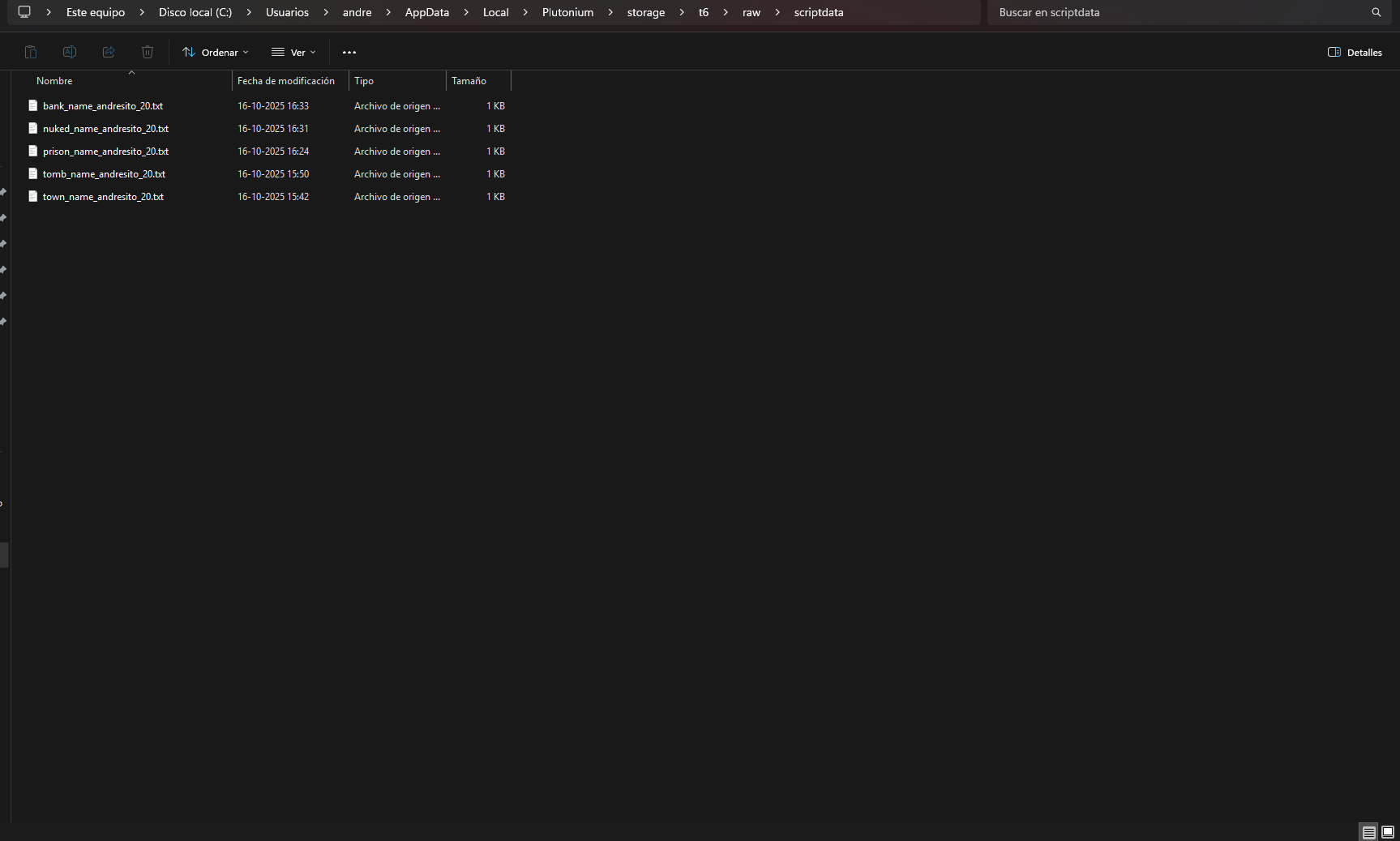
Data Folder:
AppData\Local\Plutonium\storage\t6\raw\scriptdataSource Code:
Github v3.5.0Install:
new folder
AppData\Local\Plutonium\storage\t6\raw\scripts\zm\
old folder
AppData\Local\Plutonium\storage\t6\scripts\zm\
Maybe you don’t know how to use the mod menu?
Here I’ll explain a few quick steps: To open the menu, you need to aim and knife at the same time. To move up, press the numeric key 1, and to move down, press the numeric key 2 To enter a menu, press F on your keyboard.**Video menu v2.0.0
The download links are up to date. -
-
Update 2.2.0 (Fix, Teleport)
-
Fix: The timer and round timer have been completely removed, since the timer hudelem running in the background caused HUD elements to disappear or animations to malfunction. A fix will be implemented in upcoming versions to prevent these issues.
A bug in the statistics system has been fixed — previously, data wasn’t saving correctly; now it’s stored properly without issues.
The menu transparency issue has been corrected — previously, when applying a transparency percentage, it only affected the settings menu while the others reset to 0; this has now been resolved. -
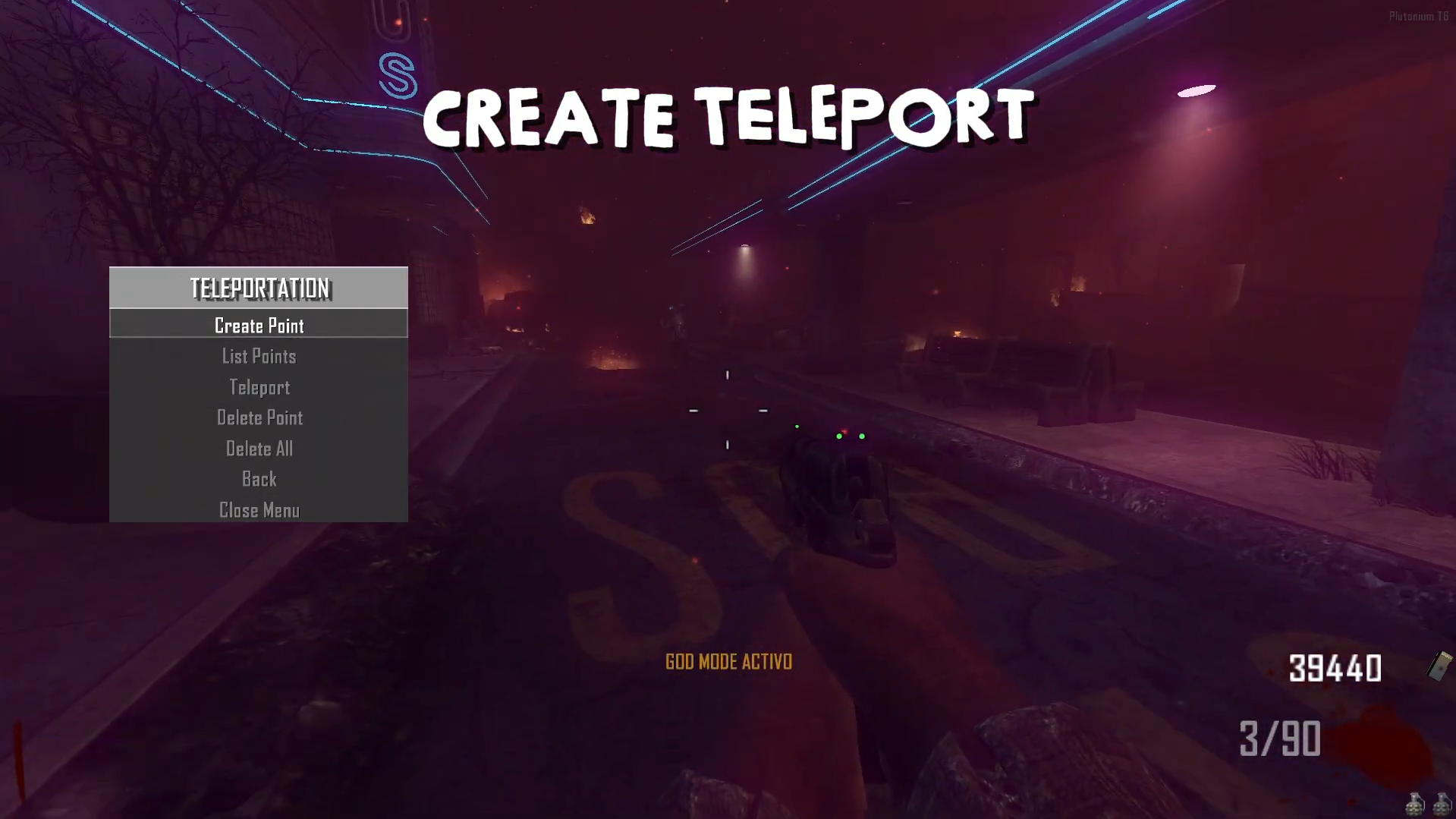
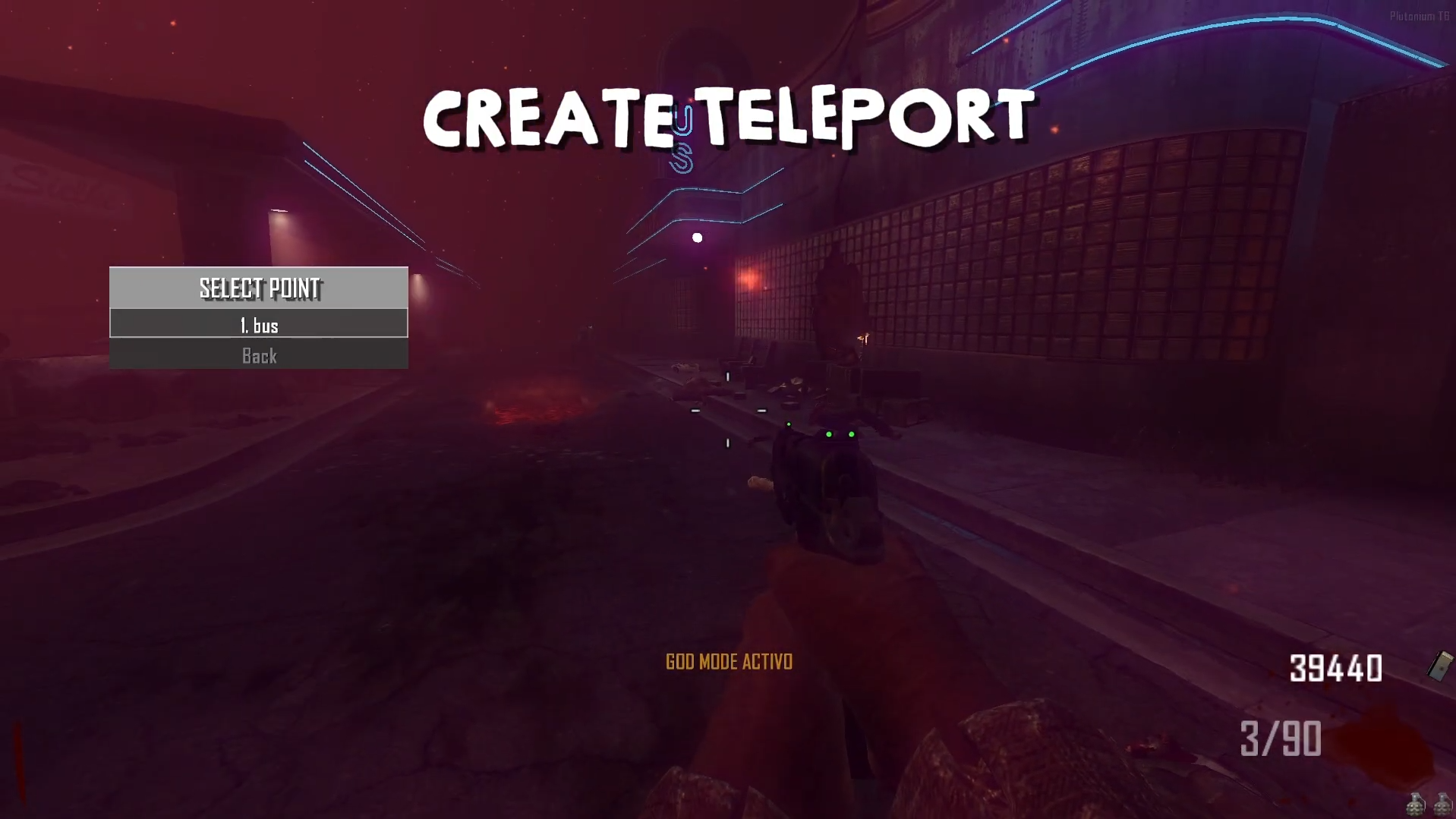
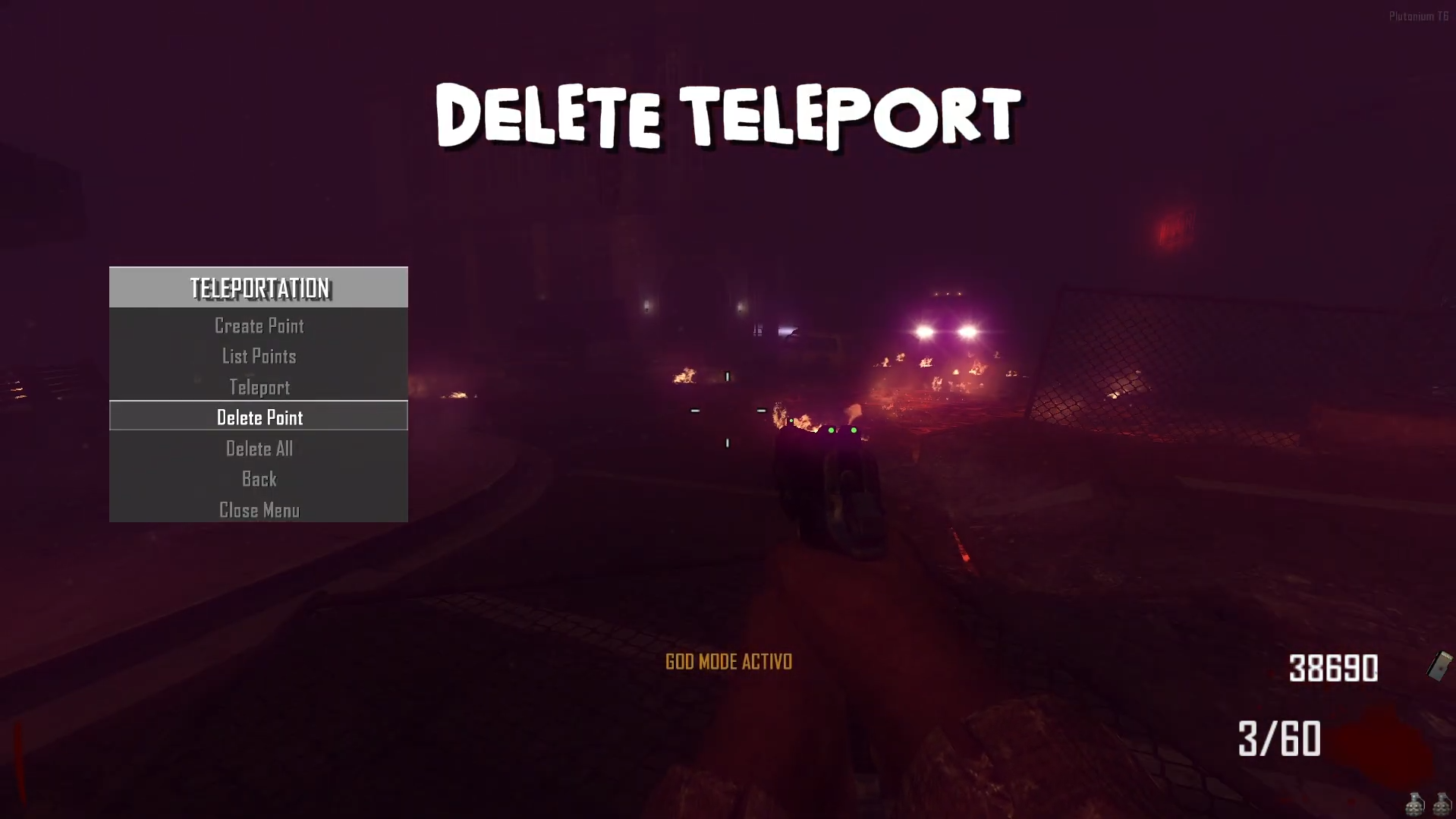
Teleport: Now, in the developer menu under the player section, a teleport menu has been implemented. You can create points, name them as you wish, view your list of teleport locations, and travel to them. You can also delete points and create new ones — for now, the maximum is 5 teleport points.
Source Code:
Mediafire v3.5.0
Install:new folder AppData\Local\Plutonium\storage\t6\raw\scripts\zm\ old folder AppData\Local\Plutonium\storage\t6\scripts\zm\Maybe you don’t know how to use the mod menu?
Here I’ll explain a few quick steps: To open the menu, you need to aim and knife at the same time. To move up, press the numeric key 1, and to move down, press the numeric key 2 To enter a menu, press F on your keyboard.**Video 2.2.0 - Teleport
The download links are up to date. -
-
Update 2.3.0 (Spawn Powerups)
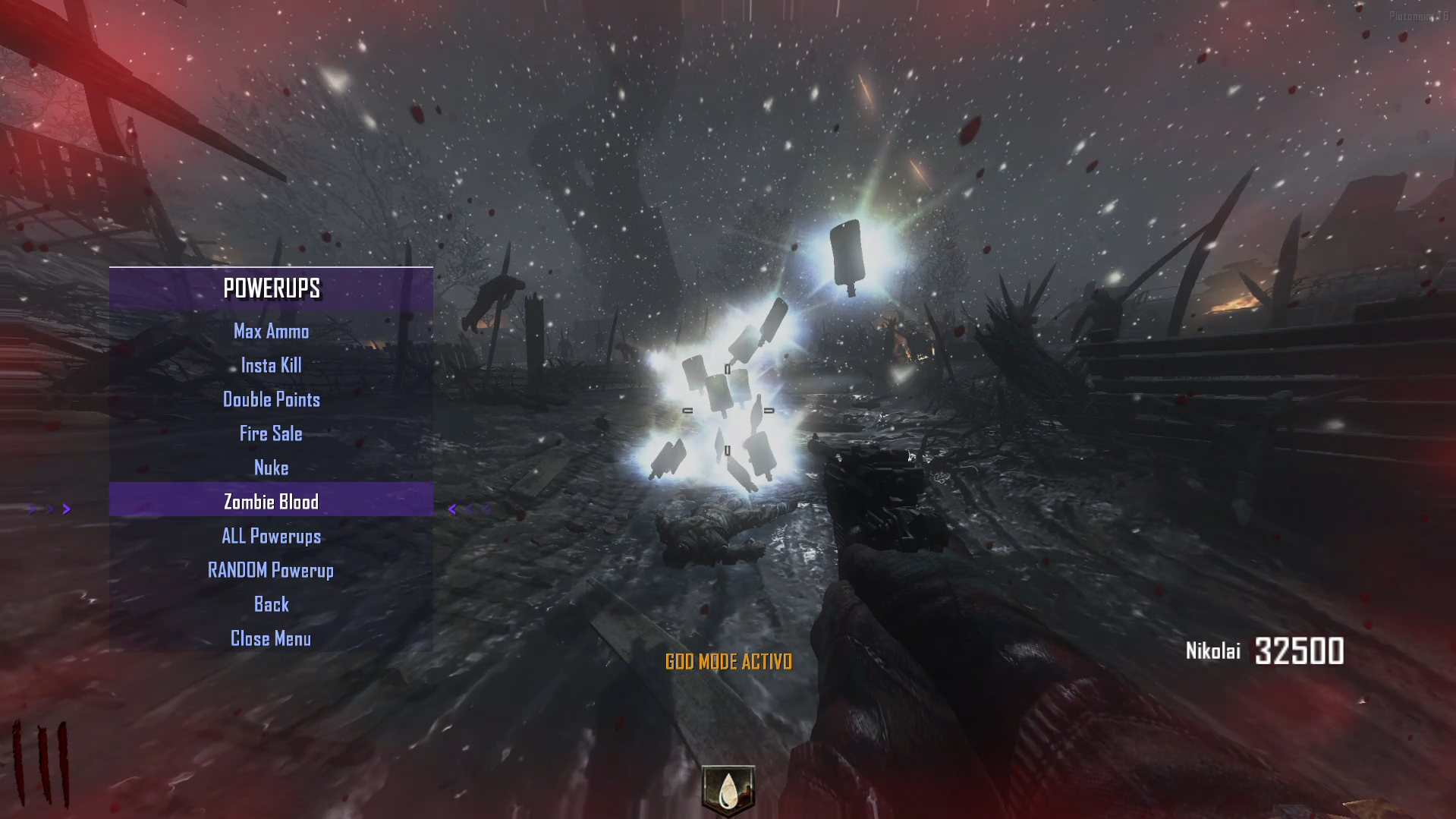
- Powerups: Now you can spawn power-ups through the menu — individually, randomly, or all power-ups at once.
Source Code:
Github v3.5.0
Install:new folder AppData\Local\Plutonium\storage\t6\raw\scripts\zm\ old folder AppData\Local\Plutonium\storage\t6\scripts\zm\Maybe you don’t know how to use the mod menu?
Here I’ll explain a few quick steps: To open the menu, you need to aim and knife at the same time. To move up, press the numeric key 1, and to move down, press the numeric key 2 To enter a menu, press F on your keyboard.**Video 2.3.0 - powerups
The download links are up to date. - Powerups: Now you can spawn power-ups through the menu — individually, randomly, or all power-ups at once.
-
Update 2.9.0 (Speed x2, Super Jump, Advanced Mods, Zombie Freeze, Kill All Zombies, Teleport Zombies, Disable Zombies)
I’ll be pausing updates for a while as I focus on developing the web-based statistics system, just as I mentioned in previous posts. Reference
Although there wasn’t much support, several people showed interest in seeing something new, and that motivates me to keep improving.I hope you enjoy this update and all the previous ones. Don’t forget to leave your feedback — I truly appreciate it.
If there’s any modification or feature you’d like to see added to this menu, let me know and I’ll gladly integrate it.Sincerely,
Andresito
 ️ Improvements:
Bank Menu: Now updates in real time without needing to reopen the menu.
 ️ UFO Warning: I haven’t yet found a way to prevent the UFO from dying when leaving the map, since there’s a death event that kills it instantly.
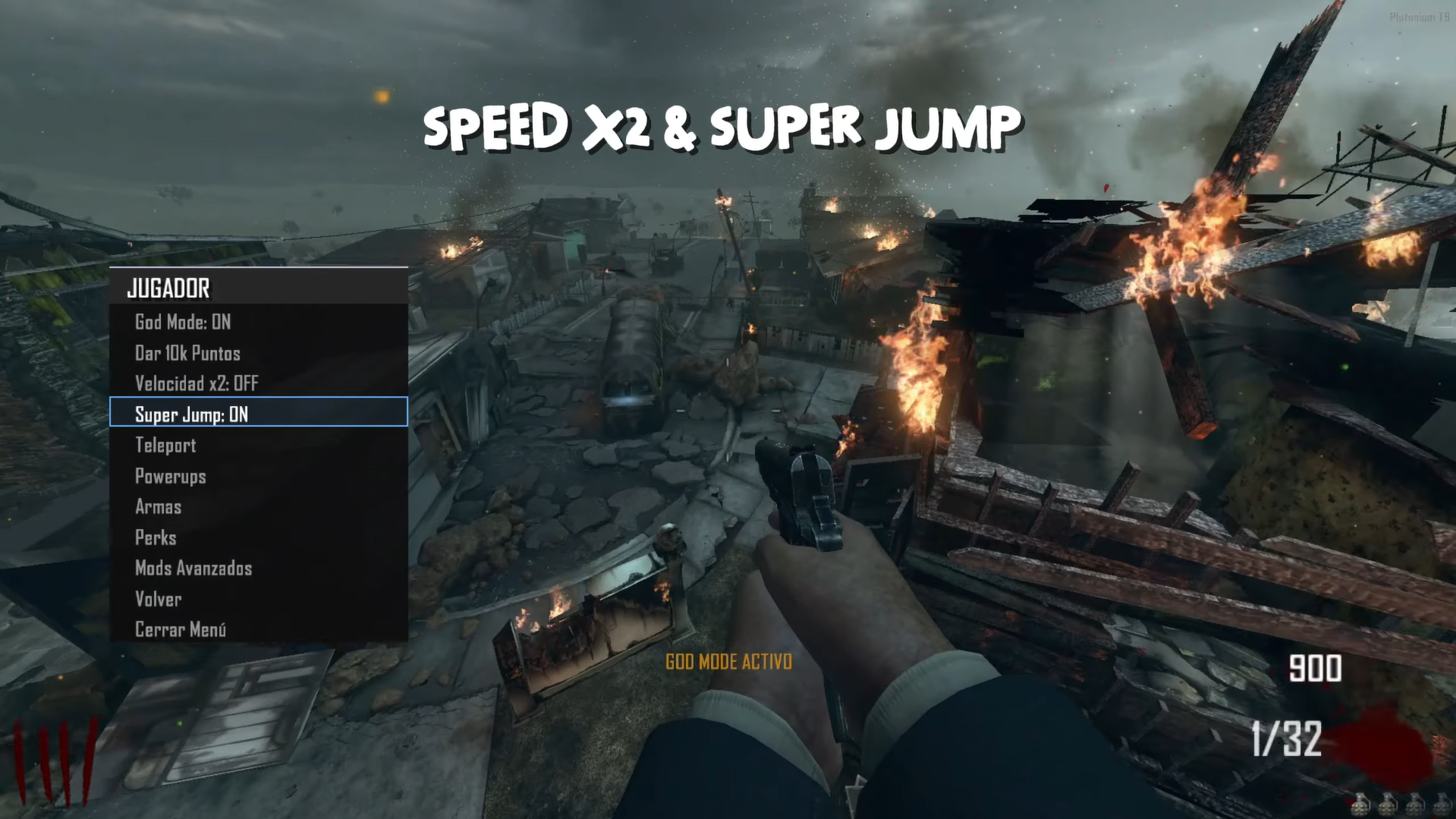
Speed x2:
- Status/Estado: Doubles player movement speed
- Allows faster movement around the map
- Affects walking and running speed
Super Jump:
- Status/Estado: Enables extremely high jumps
- Jump much higher than normal
- Useful for accessing elevated areas
Advanced Mods: - Clone Player/Clonar Jugador: Create a clone of the player
- Gore Mode: Enable extreme blood effects
- Open All Doors/Abrir Todas las Puertas: Open all doors on the map
- Kamikaze: Cause massive explosion at your location
- UFO Mode/Modo UFO: Fly freely around the map (press G to activate flight)
- Forge Mode: Move Object (press G to rotate object)
- JetPack: Limited flight backpack
- Aimbot: Auto-aim at enemies
- Artillery: Call artillery support
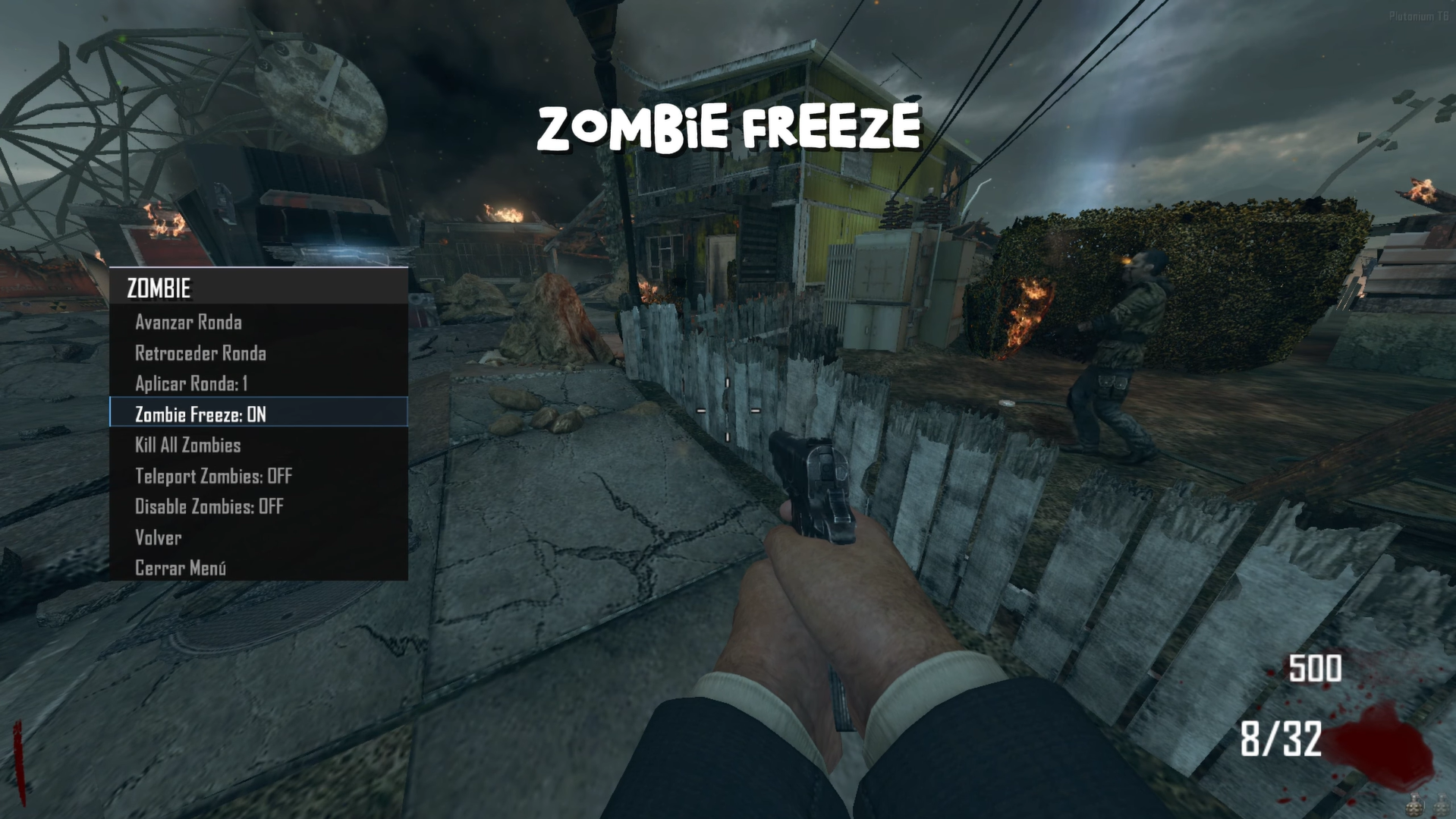
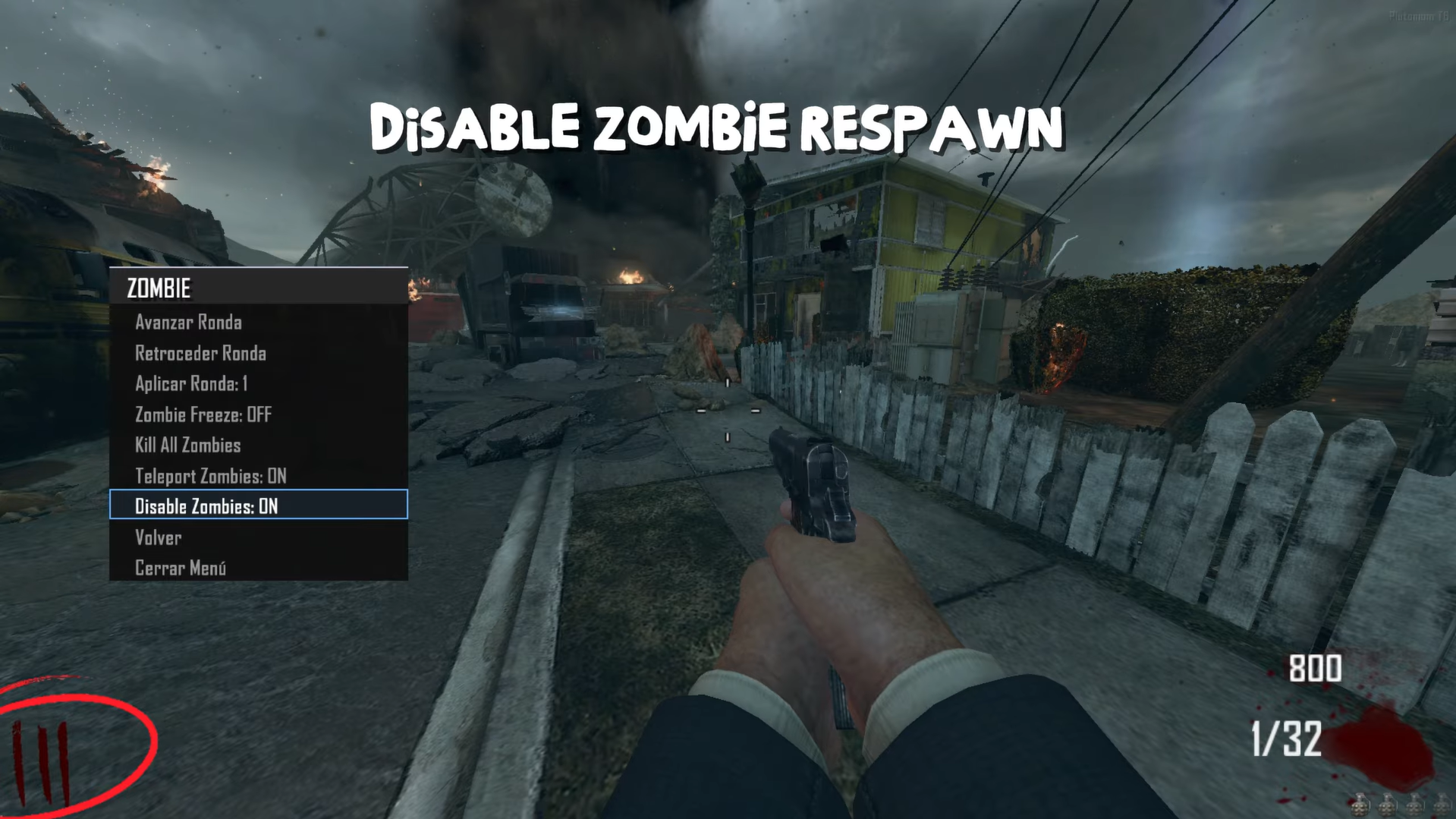
Zombie Freeze / Congelar Zombies:
- Status/Estado: Freeze/unfreeze all zombies
- When activated: Zombies become immobile
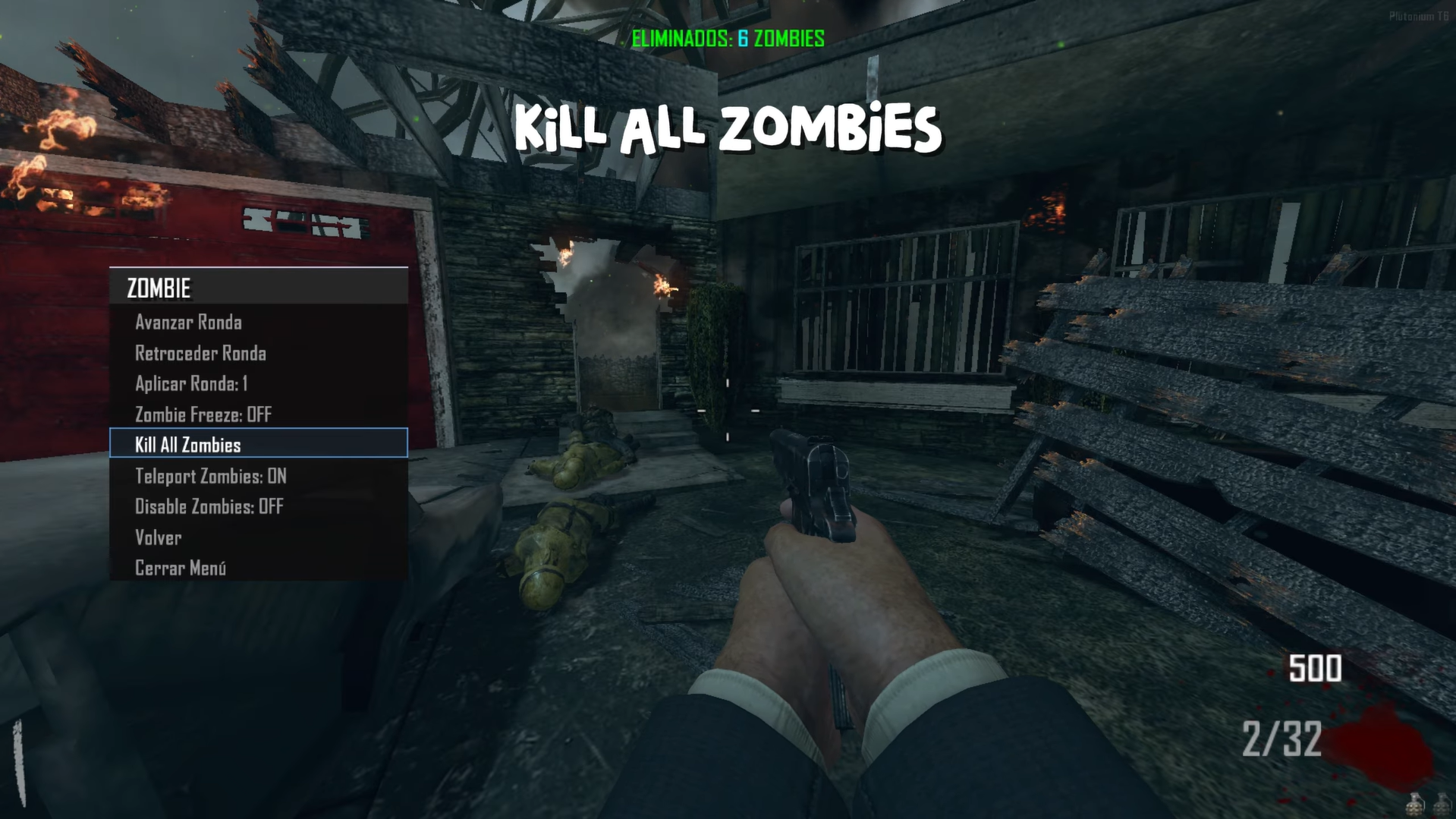
Kill All Zombies / Matar Todos los Zombies:
- Instantly kills all zombies on the map
- Useful for clearing large hordes
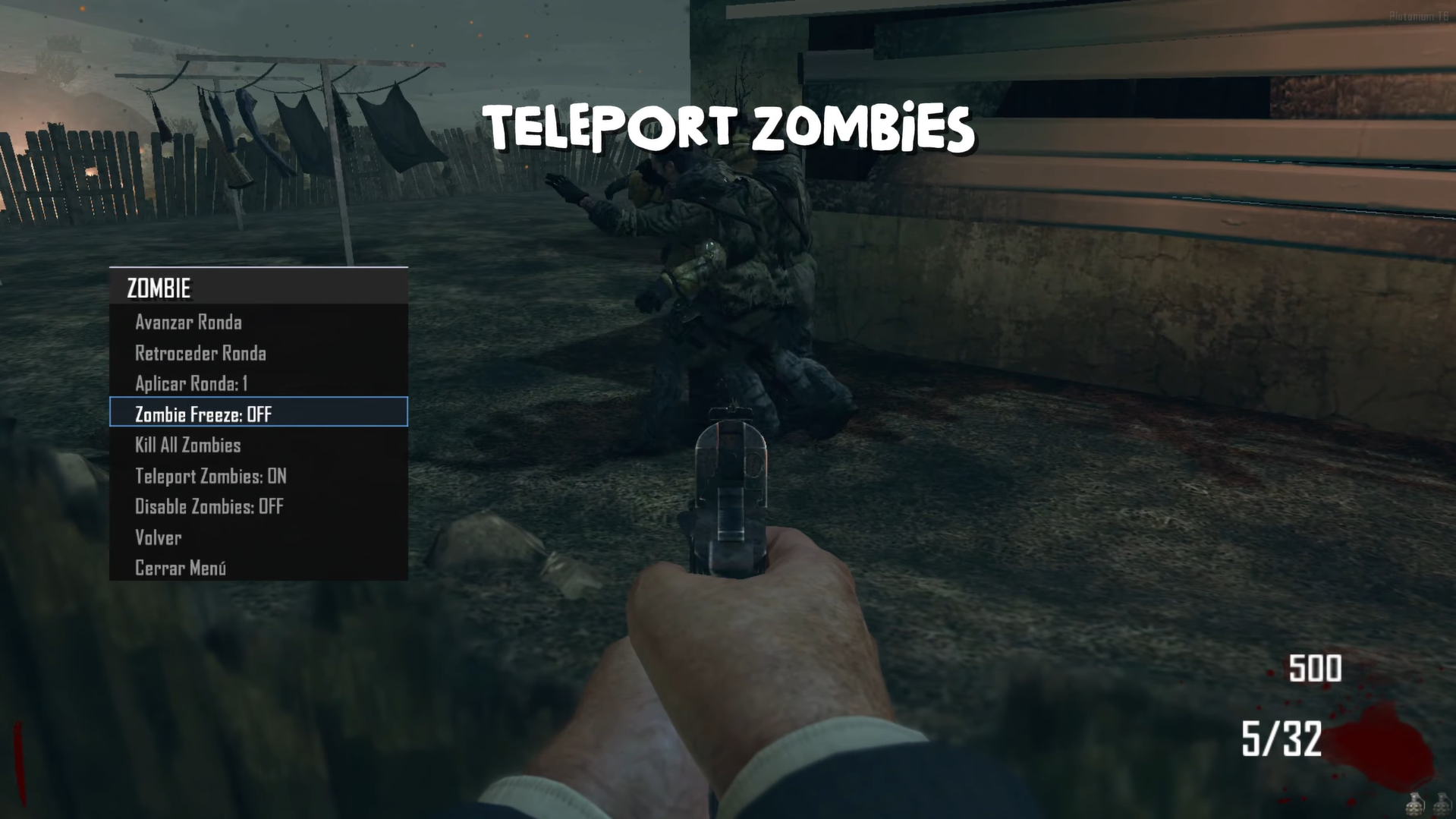
Teleport Zombies / Teleportar Zombies:
- Status/Estado: Makes zombies teleport toward you
- When activated: Zombies appear near the player
Disable Zombies / Desactivar Zombies:
- Status/Estado: Disable Spawn
Source Code
Github v3.5.0
Install:new folder AppData\Local\Plutonium\storage\t6\raw\scripts\zm\ old folder AppData\Local\Plutonium\storage\t6\scripts\zm\Maybe you don’t know how to use the mod menu?
Here I’ll explain a few quick steps: To open the menu, you need to aim and knife at the same time. To move up, press the numeric key 1, and to move down, press the numeric key 2 To enter a menu, press F on your keyboard.**Video 2.9.0 - Speed x2, Super Jump, Advanced Mods, Zombie Freeze, Kill All Zombies, Teleport Zombies, Disable Zombies
The download links are up to date. -
Update 3.0.0 (Style font animation / Sound [Open, Close, Select, Navegation - menu])
An immersive update — navigate with style through the menu featuring a brand-new animated text system. Scrolling used to be boring — now you can choose from multiple scroll styles with smooth animations, and even enjoy sound effects for every action: opening, closing, navigating, and selecting within the menu.
style_font_animation ← Elevate your menu with the signature Littlegods style.
playsound (Beta) ← Will continue to improve in future versions, adding many more sound effects.Fixes:
→ Fixed the annoying white line bug on the menu header (this one was a real pain to solve!).
→ Transparency settings now persist when switching between menu styles.
→ Fixed an issue where the Spanish “stats” text would overflow beyond the menu.Coming Soon
-> Legacy mod performance (v3.2.0)
→ Save System — Save your menu configuration locally so that every time you enter a match, your personalized settings are automatically restored. (v3.5.0)
→ Improved Mods — Enhancements and refinements to the existing mods for better stability and performance. (v3.5.0)gif example


Source Code
Github v3.5.0
Install
new folder
AppData\Local\Plutonium\storage\t6\raw\scripts\zm\
old folder
AppData\Local\Plutonium\storage\t6\scripts\zm\
Maybe you don’t know how to use the mod menu?Here I’ll explain a few quick steps:
To open the menu, you need to aim and knife at the same time. To move up, press the numeric key 1, and to move down, press the numeric key 2 To enter a menu, press F on your keyboard.**video
Youtube v3.0.0 (Style font animation / Sound [Open, Close, Select, Navegation - menu])
I recommend watching the video for the sound effects.

The download links are up to date.
-
the mod menu is in spanish also what key do i press to go back to the previous menu? nothing on the keyboard seems to work
-
the mod menu is in spanish also what key do i press to go back to the previous menu? nothing on the keyboard seems to work
flarewolf56
actionslotonebuttonpressed <- up menu
actionslottwobuttonpressed <- down menu
usebuttonpressed <- select menumenu settings (language)
-
Littlegods FYI the language of the forum is English, if you provide a Spanish translation for your forum's post that's okay, even though imho you should format the post with English first in mind, however as soon as you only write in Spanish its breaking our rules.
-
Littlegods FYI the language of the forum is English, if you provide a Spanish translation for your forum's post that's okay, even though imho you should format the post with English first in mind, however as soon as you only write in Spanish its breaking our rules.
Xerxes Sorry, I apologize for causing this inconvenience and this infraction.
-
 undefined Littlegods referenced this topic on
-
Update (3.2.0 & 3.5.0) (Legacy mods - Save System - Recent Matches)
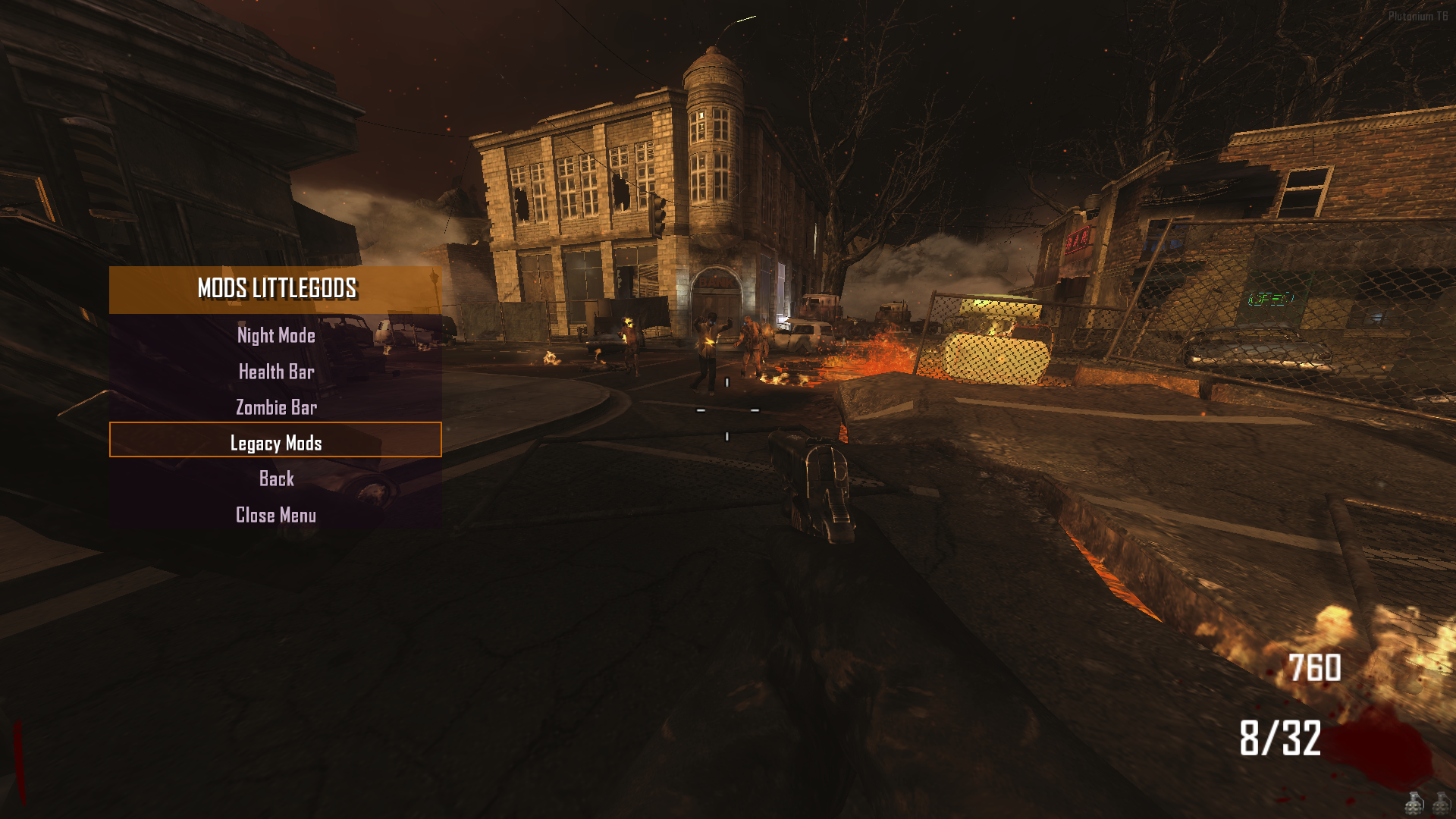
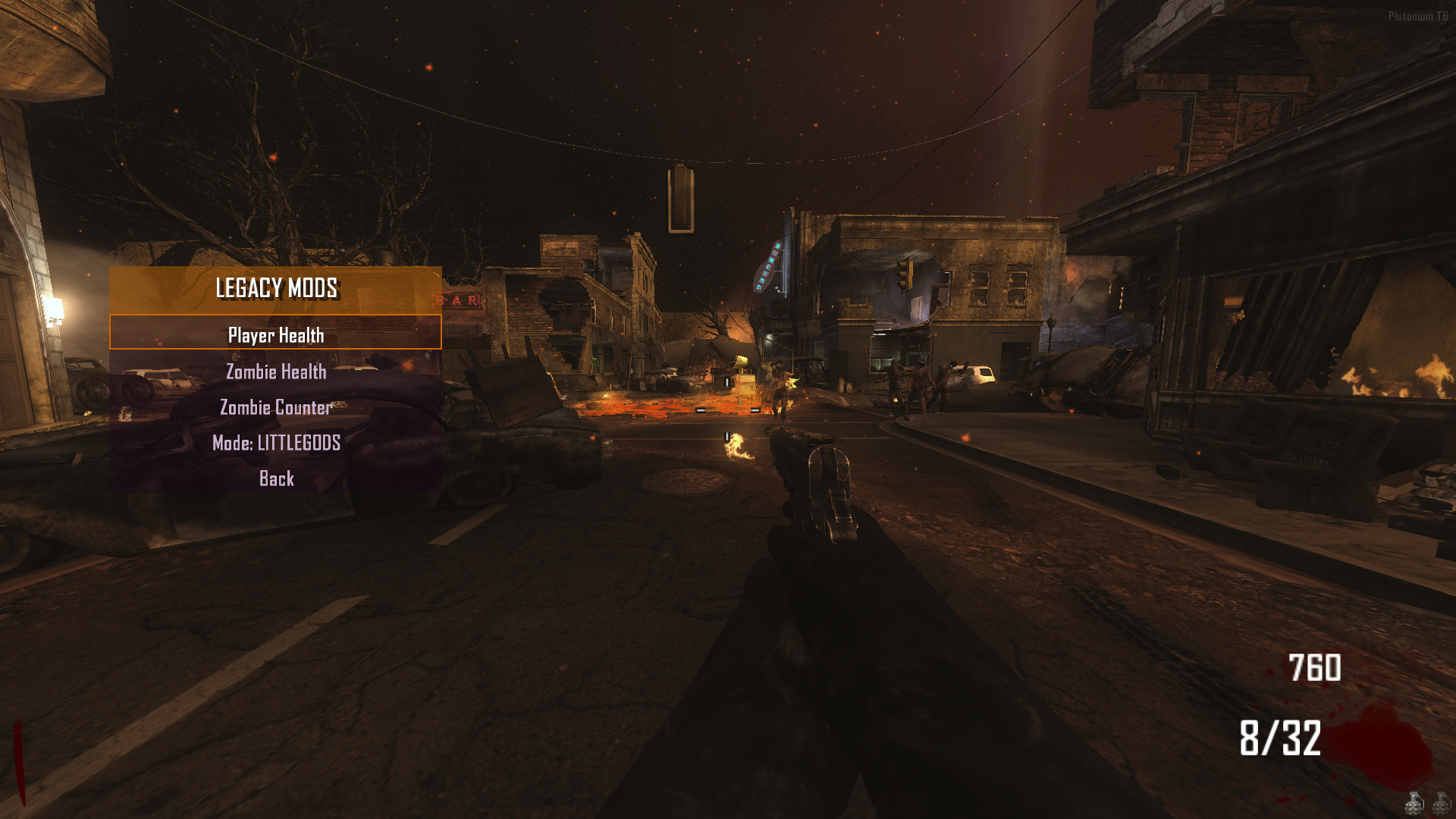
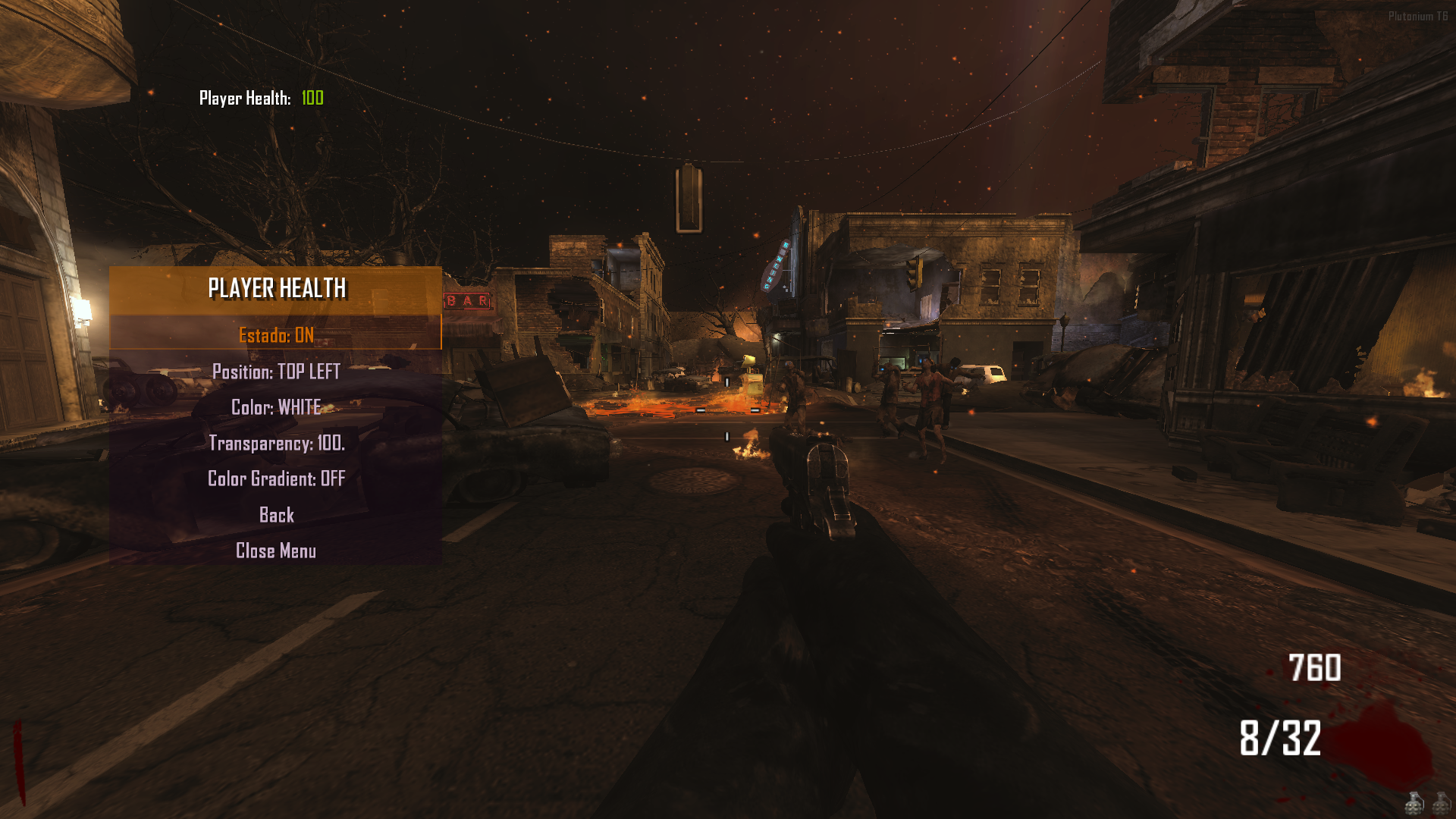
Legacy Mods:
If you’re not a fan of the health bar system, you can switch to the traditional setup with full customization. This version uses a compact HudElem system featuring player health, zombie health, and zombie counters. You can toggle these elements on or off, change modes like LittleGods, and choose between HudElem mode (top-left and top-right layout) or Classic mode (traditional display).
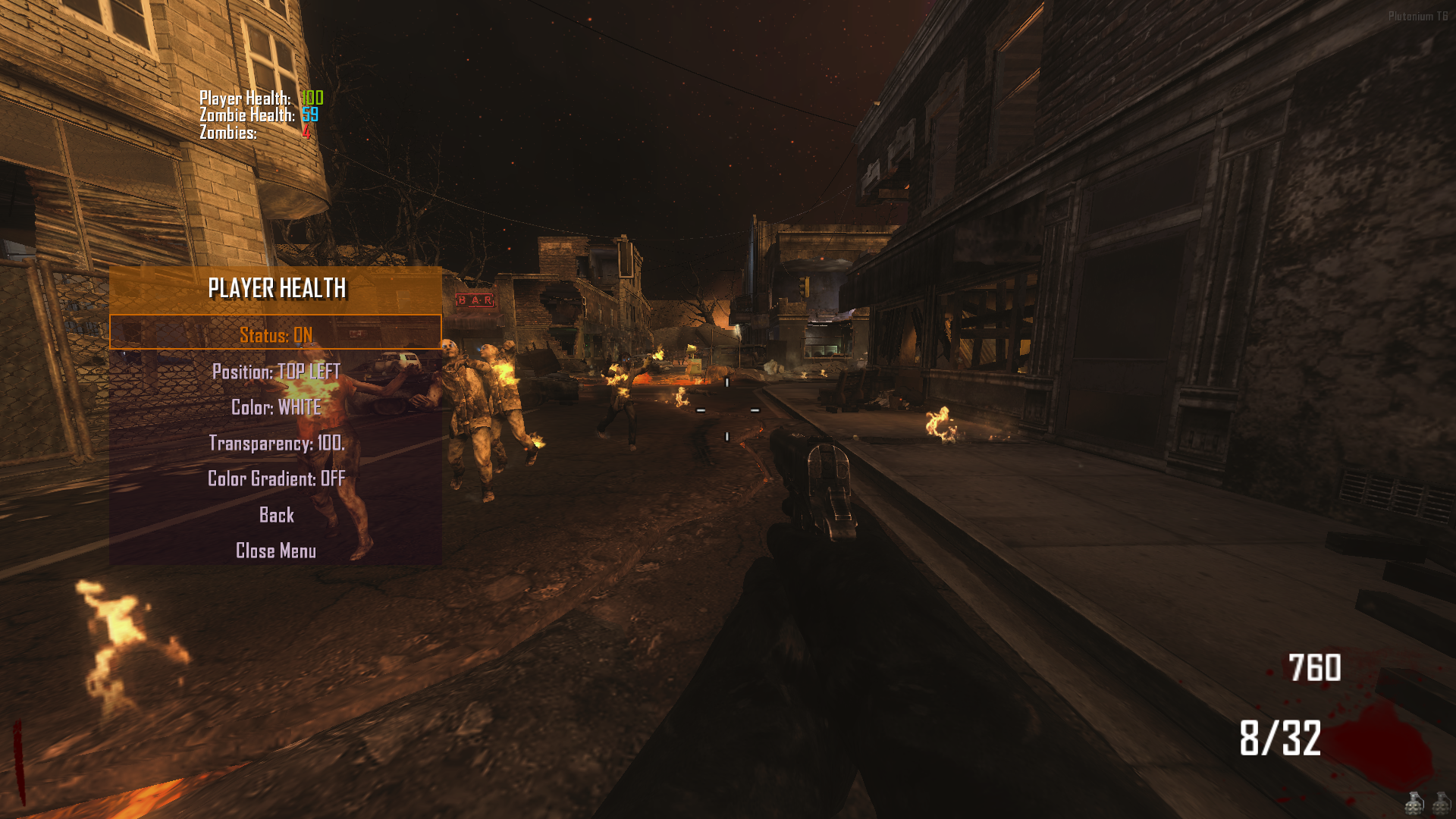
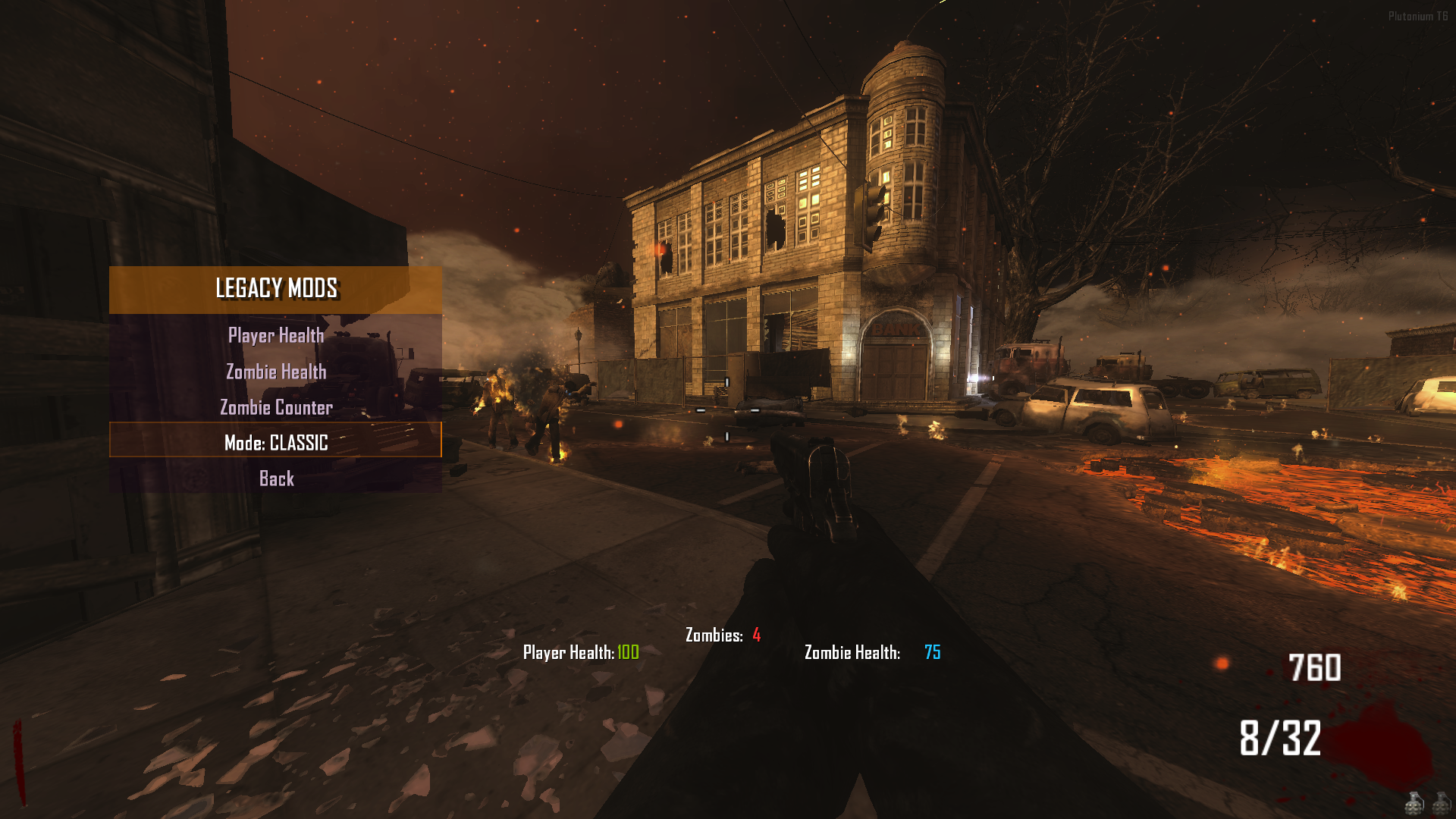
Save System
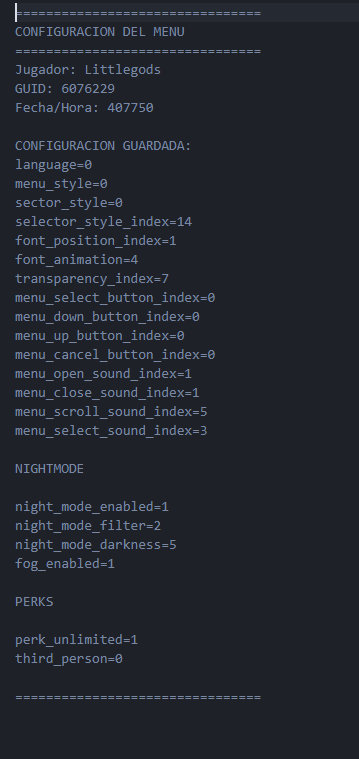
Now you can save your configuration just like in LittleGods — the only menu known to have persistent settings.
Got a menu style you like? A selector layout you prefer? Or your favorite language?
After dying and reloading the map, everything will be restored exactly as you left it before.
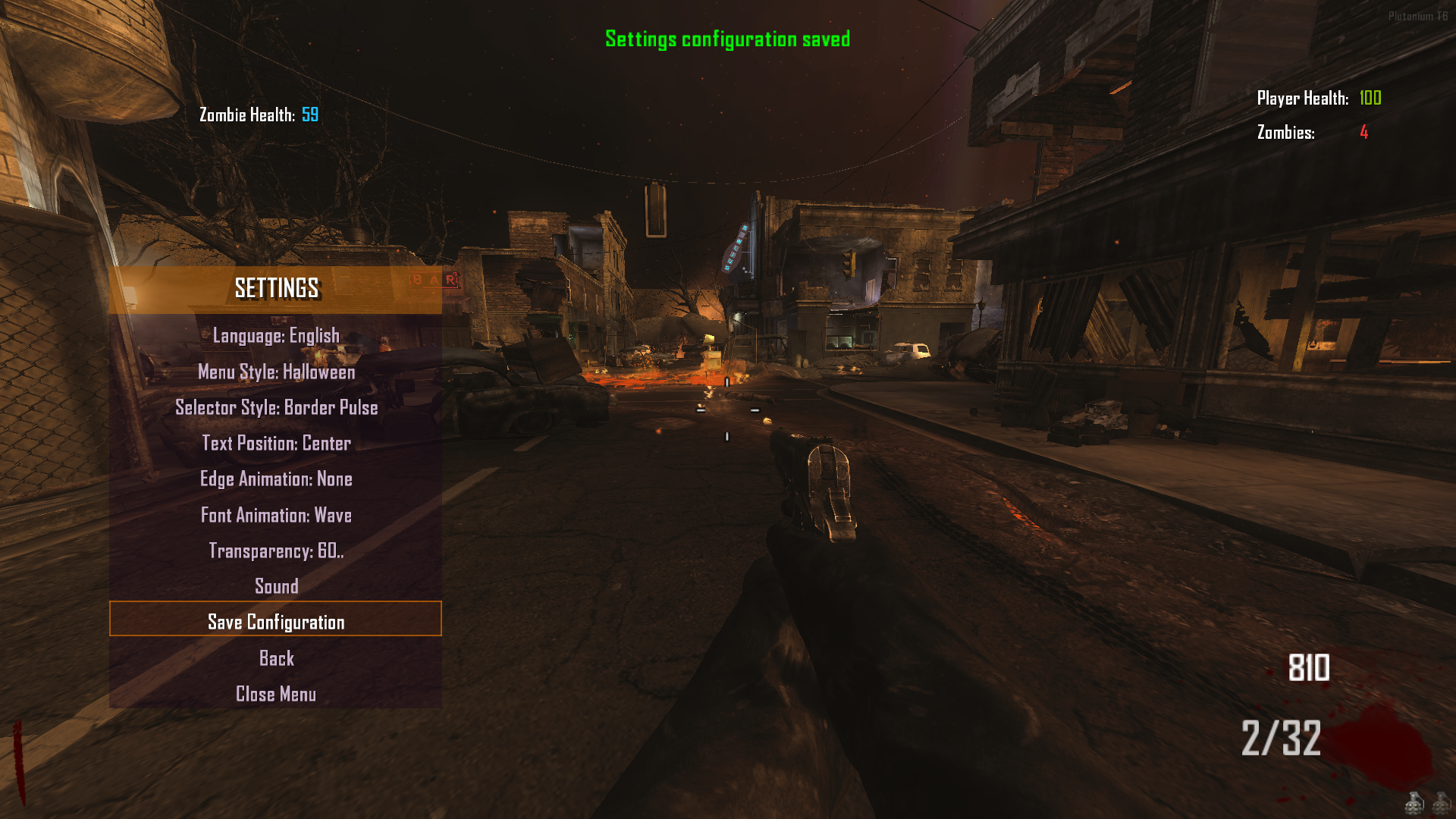
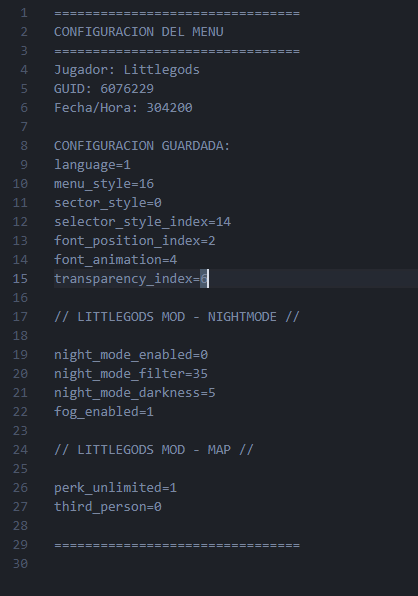
Current Save Structure (more options coming soon):
Fixes:
- The developer menu now opens automatically after typing “admin”.
- Changing the language now updates in real-time without reopening the menu.
- Some night filters that caused a black screen after restarting have been fixed.
Please avoid using fast_restart and map_restart — always trigger the end_game or disconnect flag to ensure Night Mode resets correctly without errors.
Warning x2:
Avoid using fast_restart or map_restart — always restart the map properly.
Changes:
-
The data save structure has been updated.
-
Files such as bank, recent, and menu are now saved using the player’s GUID (e.g., 172636.txt).
-
Reason for change: this improvement prepares the system for compatibility with the upcoming Stats Web feature.
Stats Update:
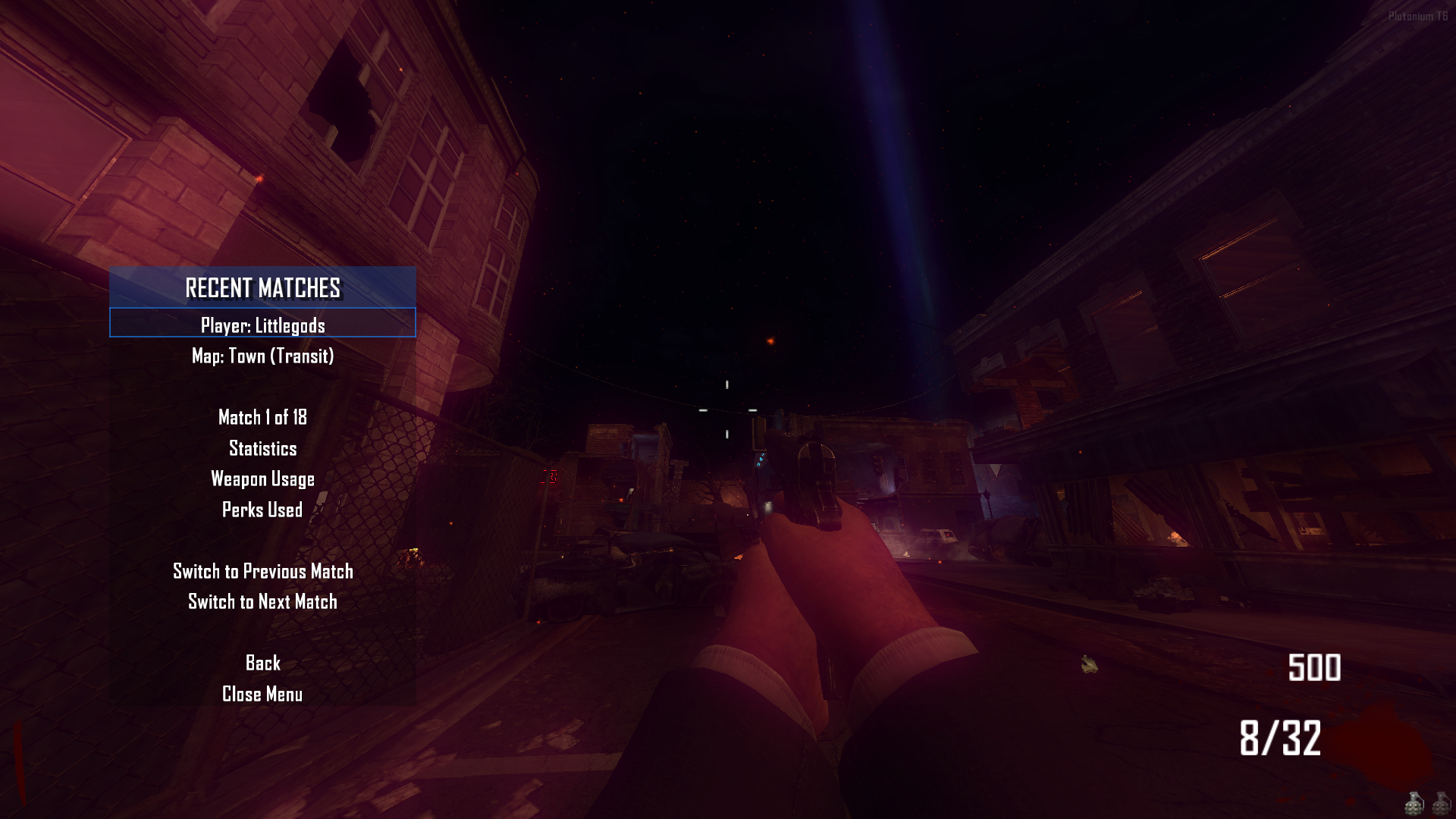
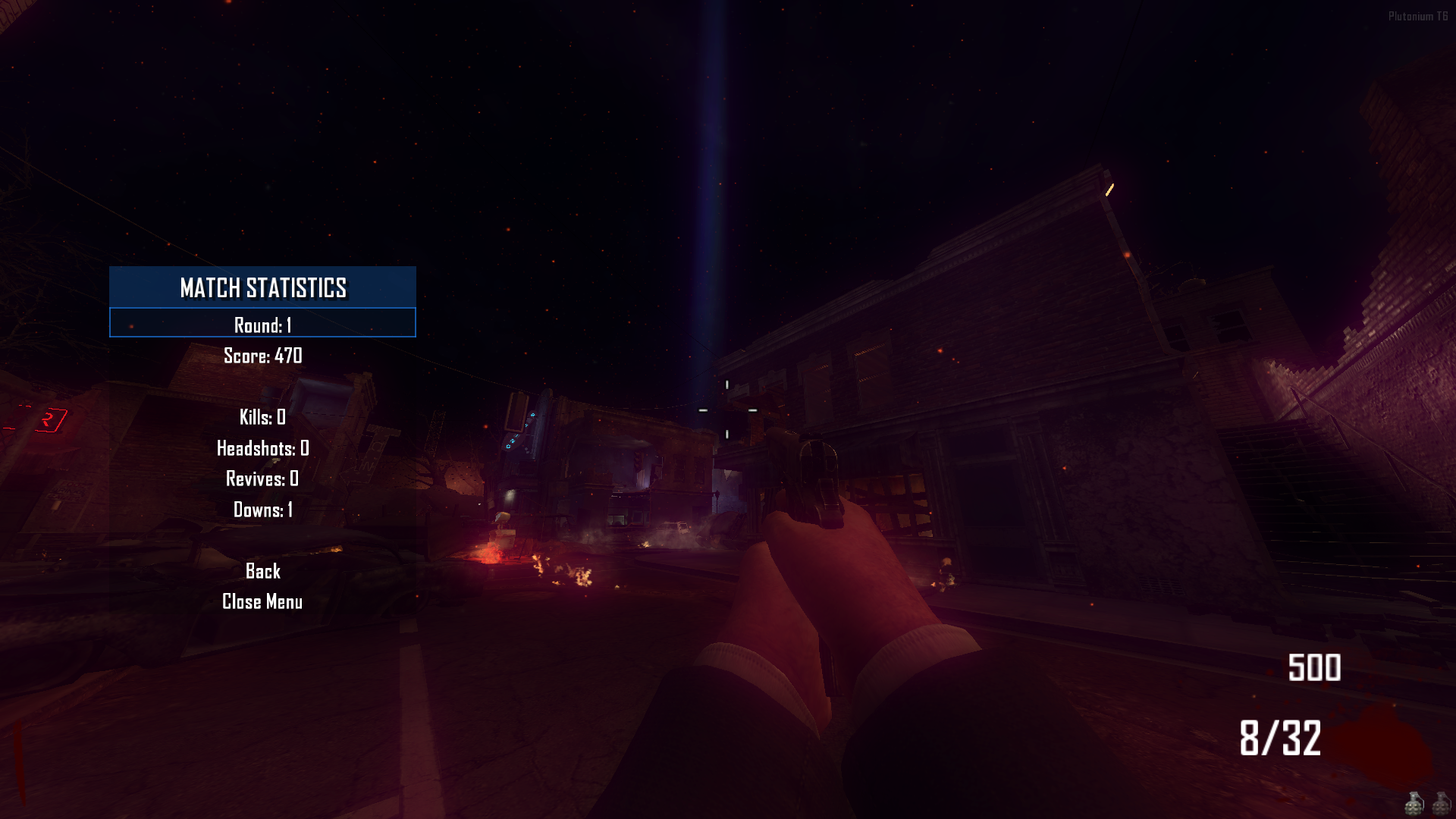
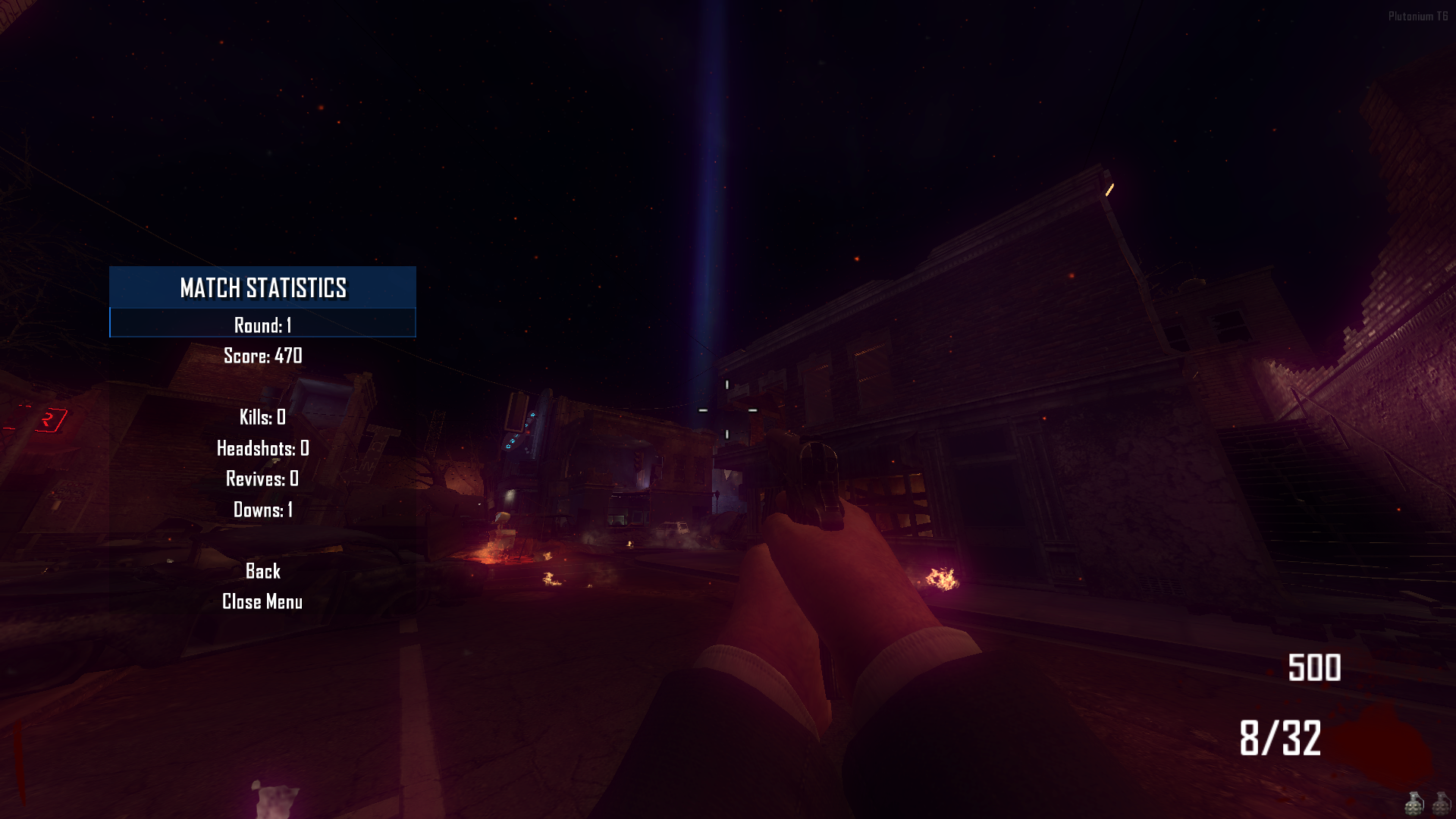
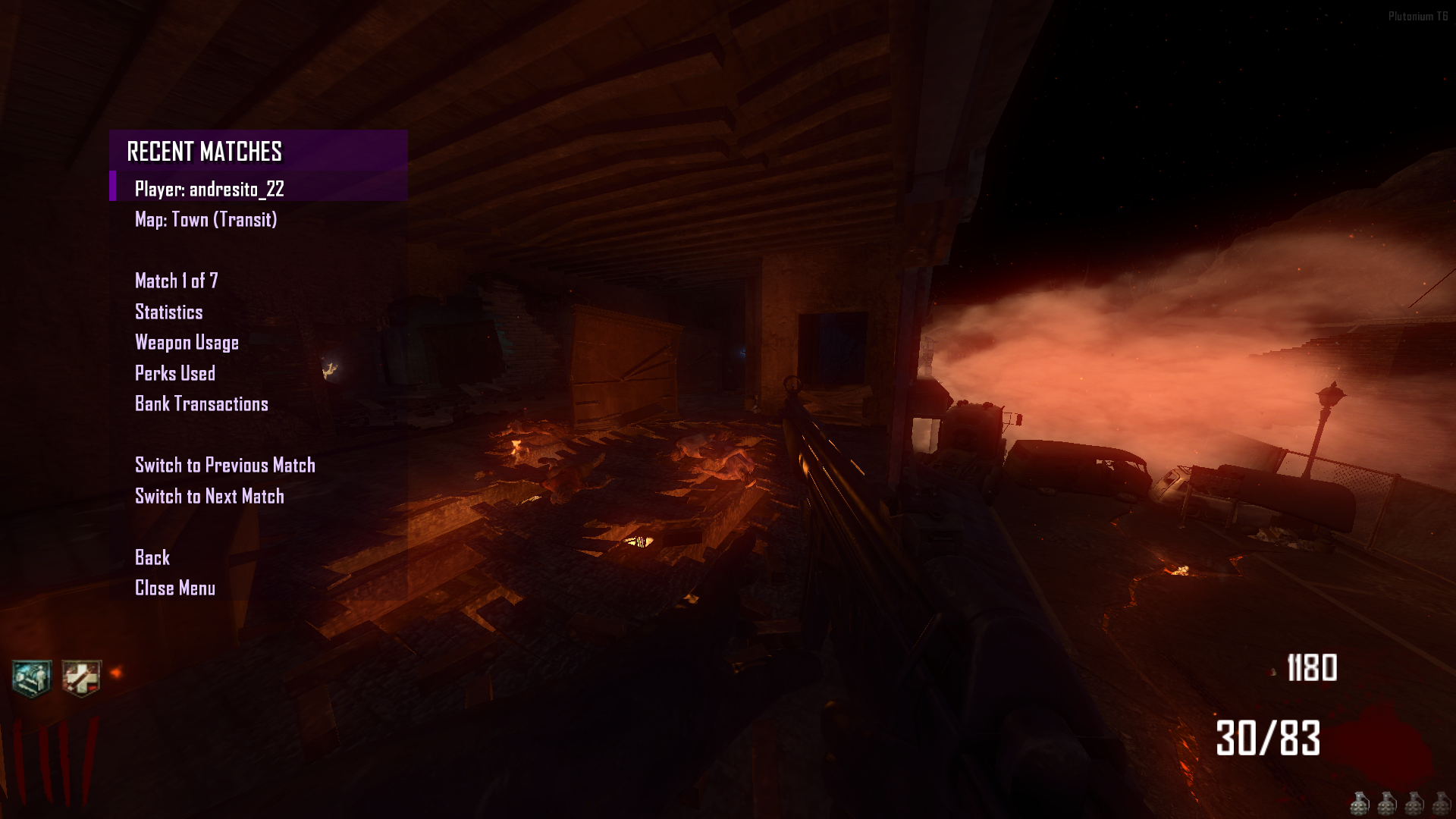
- The stats system has been reworked into Recent Match, allowing you to view your current and previous matches for each map.
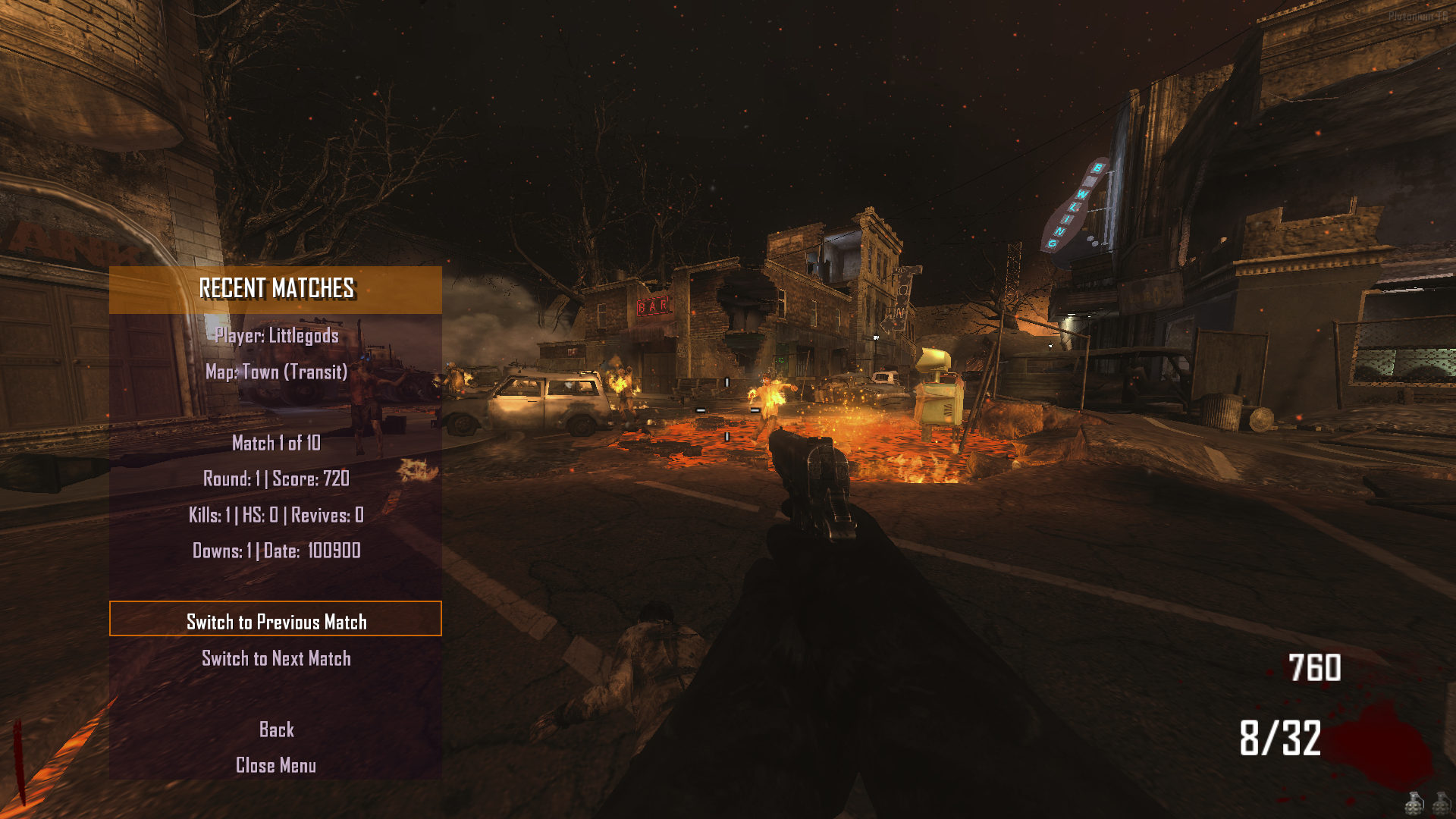
The zombie menu now includes a Round 255 option.
Source Code (Download)
Github v3.5.0
Install
new folder AppData\Local\Plutonium\storage\t6\raw\scripts\zm\ old folder AppData\Local\Plutonium\storage\t6\scripts\zm\Aquí explicaré algunos pasos rápidos:
ingles To open the menu, you need to aim and knife at the same time. To move up, press the numeric key 1, and to move down, press the numeric key 2 To enter a menu, press F on your keyboard.** spanish Para abrir el menú, debes apuntar y apuñalar al mismo tiempo. Para moverte hacia arriba, presiona la tecla numérica 1, y para moverte hacia abajo, presiona la tecla numérica 2. Para entrar a un menú, presiona F en tu teclado.The download links are up to date.
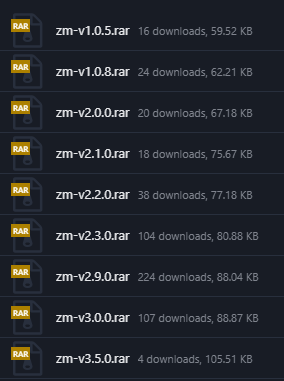
Thank you to everyone who downloads my mod — your support motivates me to keep uploading, updating, and improving even more. Amazing things are coming soon for the Zombies community!
-
-
Chipashz
Hey friend, the mod works fine for me, there are no issues. Please move all the contents of the ZIP file into the zm folder. If you don’t know how to install the mod, here’s a video tutorial. Version 3.5.0The MediaFire download has been removed — it will now only be available on GitHub.
-
yea i did everything in the vid right but i still get the error could it be because im on a steam deck?
-
yea i did everything in the vid right but i still get the error could it be because im on a steam deck?
Steam deck?
I think that causes issues since this mod is made for PC. -
Update 3.9.0 (Menu Control – Mystery Box – Weapon Use – Perk Use)
Fixes
- In the previous update, the Nightmode mod did not have the darkness set to 4.5, and when activated it appeared as 0. This is now fixed — darkness now works from 4.5 to 10.
- When the developer menu was activated, the recent match data did not disappear and continued saving even in a cheat-altered match. Now, when the developer menu is enabled, the recent match menu and all its saving functions are disabled.
- Opening the menu played a sound, but entering a submenu and returning to the main menu caused the sound to play again. Now it only plays once per opening.
- The Advanced Menu under player/advanced menu now appears correctly in English.
Improvements
- If
sv_cheats 1is enabled before entering a match, the developer menu will be active and your statistics and data will stop functioning. - If
sv_cheats 1is enabled from the console inside a match, the menu will reopen with the developer menu active and your statistics and data will stop functioning. - Setting
sv_cheats 0will reopen the menu with the developer menu disabled, but your statistics and data will still not function. The match is already affected by cheats. - Settings menu now saves:
- menu sound configuration
- menu control configuration
- The sound test was removed. Sounds now play dynamically as options change.
- The select/confirm sound does not play inside the sound menu for immersion.
Implementations
Menu Control
You can now choose alternative menu controls in the Settings Menu:
Scroll Up -> actionslotonebuttonpressed - adsbuttonpressed - actionslotfourbuttonpressed Scroll Down -> actionslottwobuttonpressed - attackbuttonpressed - secondaryoffhandbuttonpressed Menu Select -> usebuttonpressed - jumpbuttonpressed - sprintbuttonpressed - fragbuttonpressed Menu Cancel -> stancebuttonpressed - meleebuttonpressed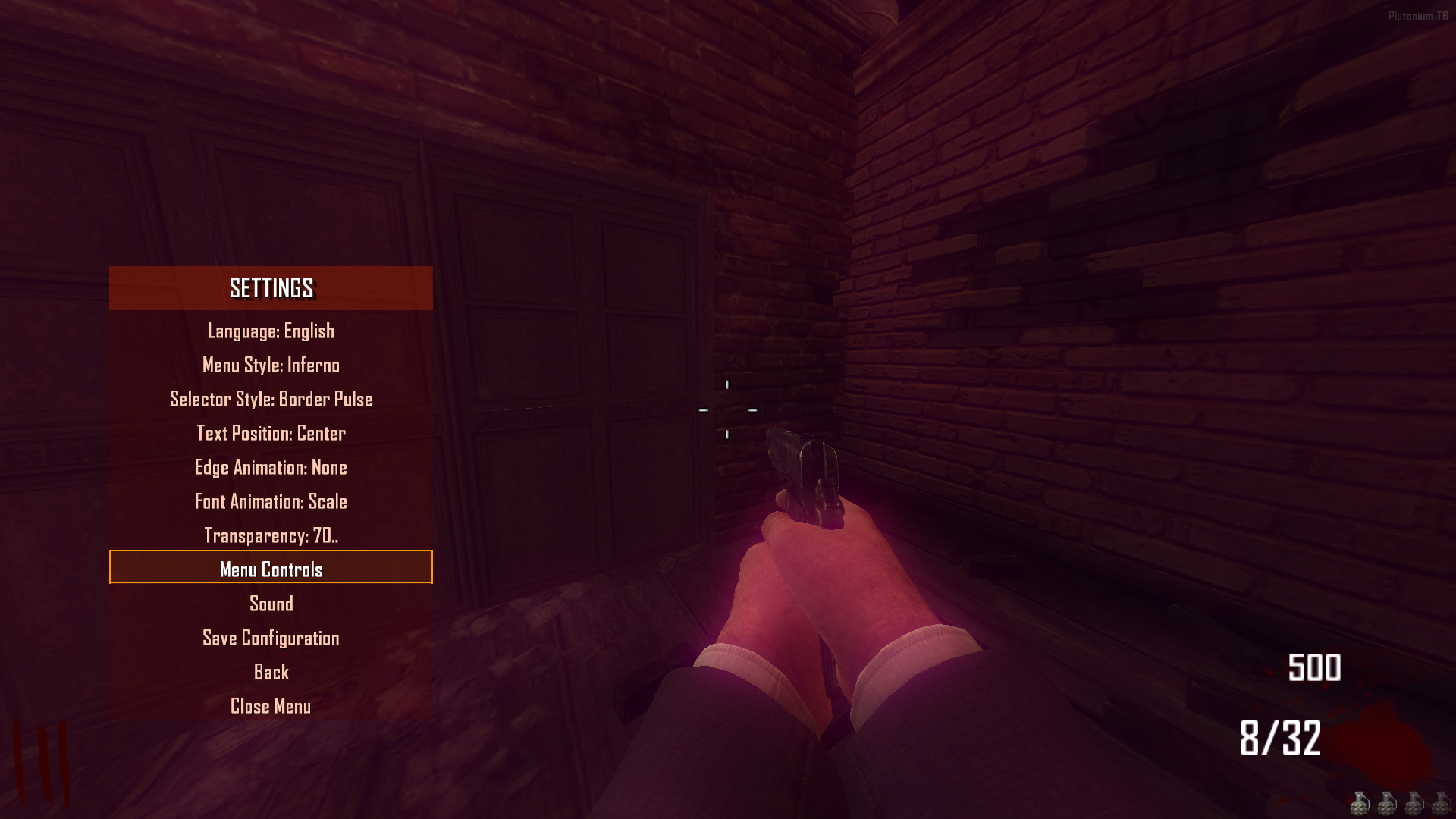
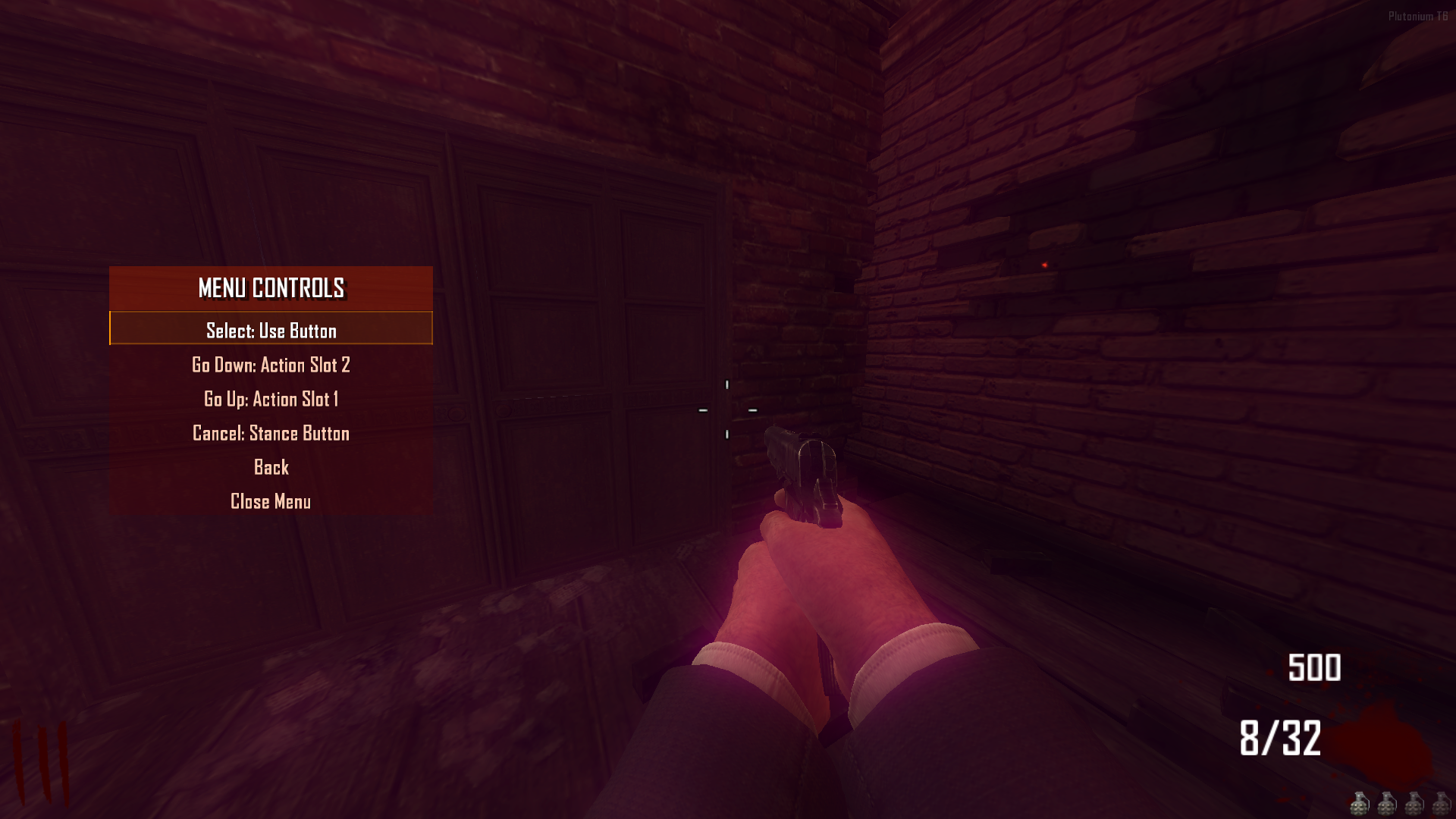
New Cancel Button
Allows you to go back in the menu with a dedicated key, with its own selectable sound.Recent Match
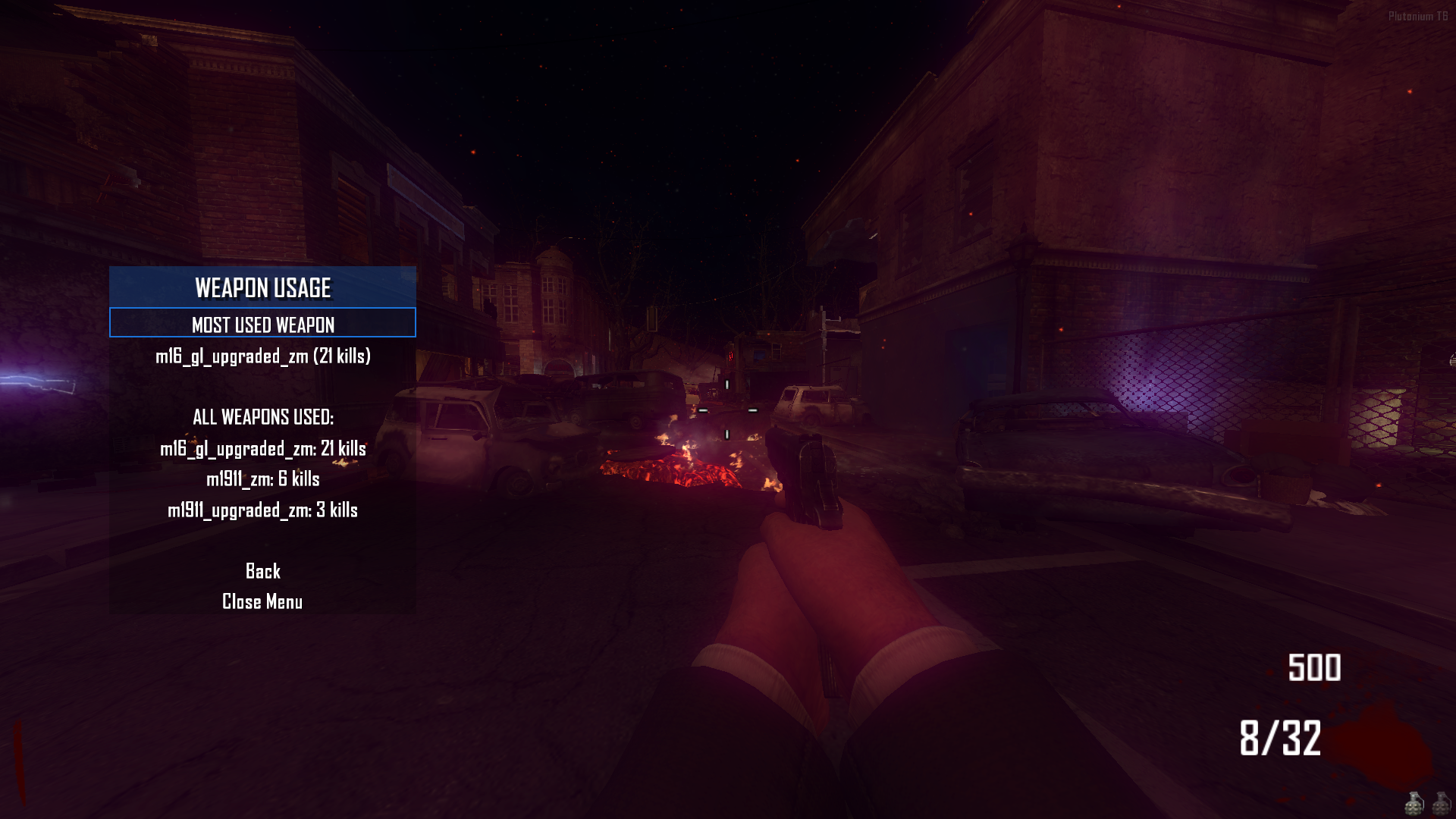
Weapon Use Menu(beta)
- Saves and displays all weapons used in the match.
- Shows which weapon achieved the most kills.
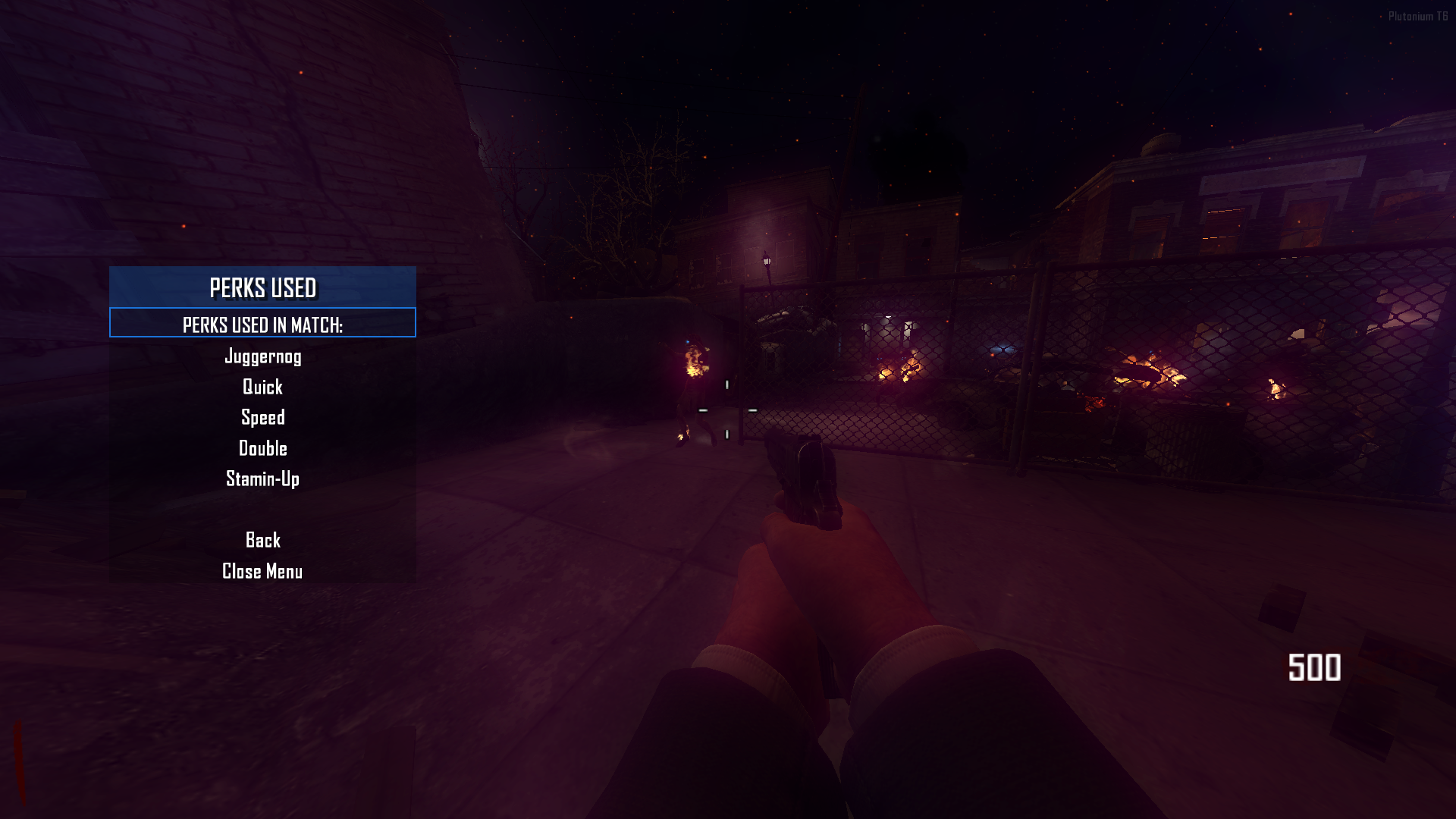
Perk Use Menu (beta)
- Saves and displays all perks used in the match.
Mystery Box
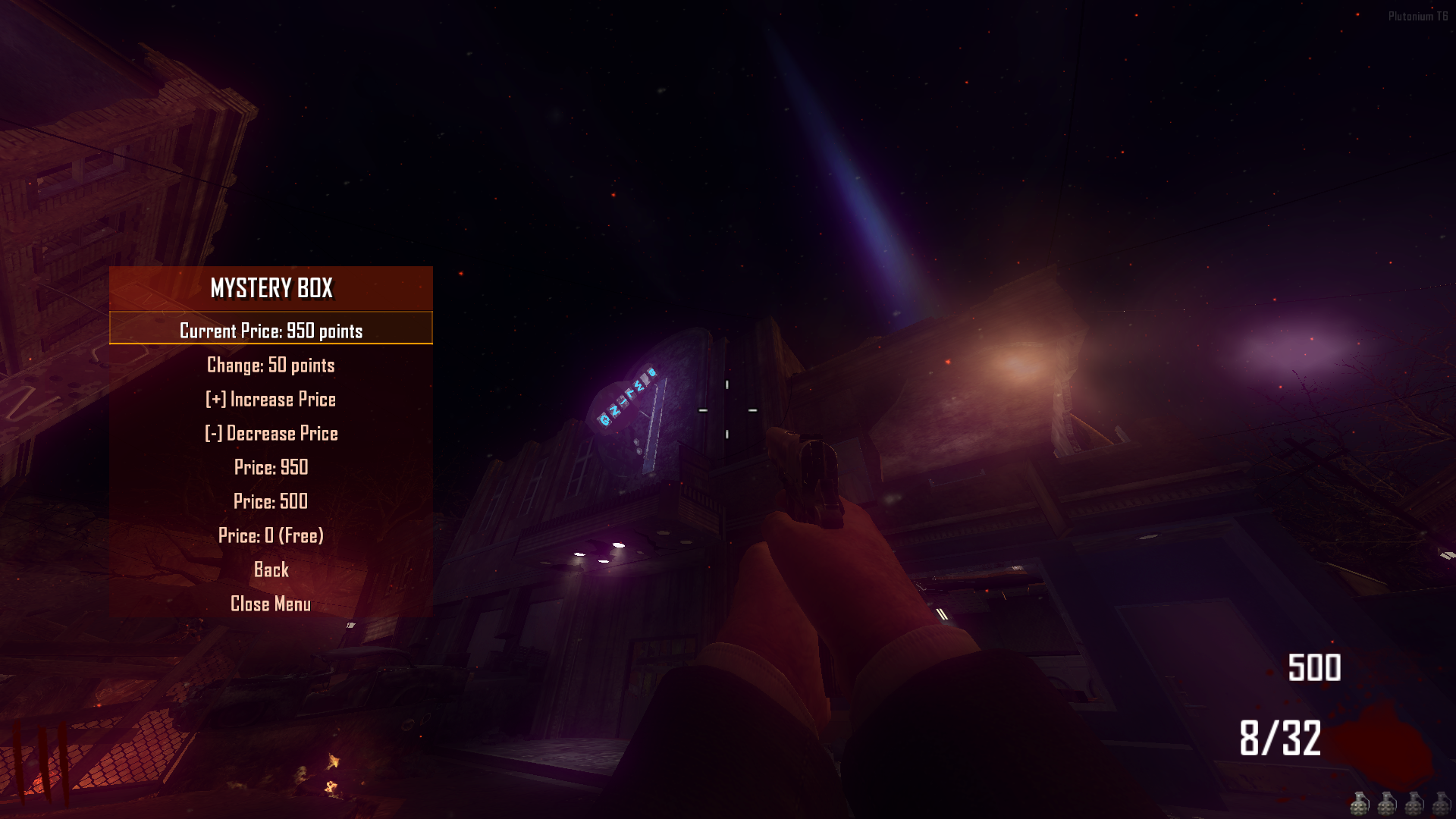
- Developer menu now allows modifying the Mystery Box price.

Source Code
Install
new folder AppData\Local\Plutonium\storage\t6\raw\scripts\zm\ old folder AppData\Local\Plutonium\storage\t6\scripts\zm\Aquí explicaré algunos pasos rápidos:
ingles To open the menu, you need to aim and knife at the same time. To move up, press the numeric key 1, and to move down, press the numeric key 2 To enter a menu, press F on your keyboard.** spanish Para abrir el menú, debes apuntar y apuñalar al mismo tiempo. Para moverte hacia arriba, presiona la tecla numérica 1, y para moverte hacia abajo, presiona la tecla numérica 2. Para entrar a un menú, presiona F en tu teclado. -
Update 4.0.0 (Compatibility with web statistics - Menu shader - Menu postition - Menu glow - Pack style menu - Pack style selector - bank hotfix - nightmode fix)
Overview
This update brings a huge wave of improvements and fixes, focusing on maximum user customization and stability.
Fixes
- Bank System: Fixed withdrawal errors. The specific withdrawal limit is now adjusted to 1,000,000 points, while deposits now support virtually unlimited amounts correctly.
- Bus Depot Support: Bus Depot survival map is now correctly detected as an independent map for statistics tracking.
- Night Mode Fixed: Comprehensive fix for Night Mode; it now functions correctly across all maps.
Improvements
- Night Mode Redesign: Night Mode has been completely overhauled for better visuals and performance.
- Standardized Menu Sizing: All menus now share consistent dimensions (fixing previous disproportionate sizing). This standardization enables the new "Menu Position" resizing features.
- Robust Banking: Further adjustments to the banking system to ensure stability with large transaction amounts.
- Rencent Match Menu: Supports bank transactions.
New Features
- Settings menu
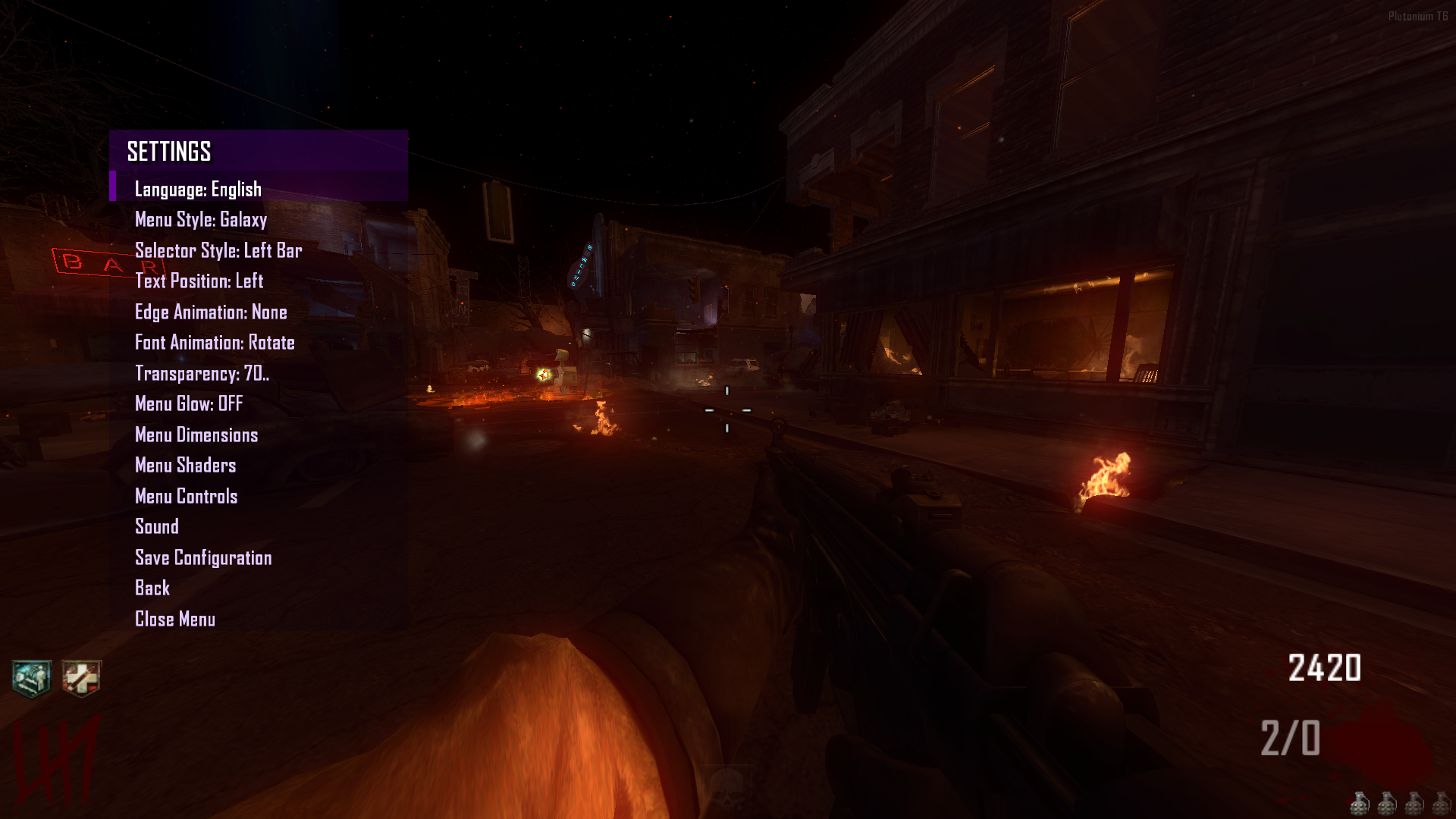
- Menu Glow (Beta): Added a dynamic glow effect to the menu.
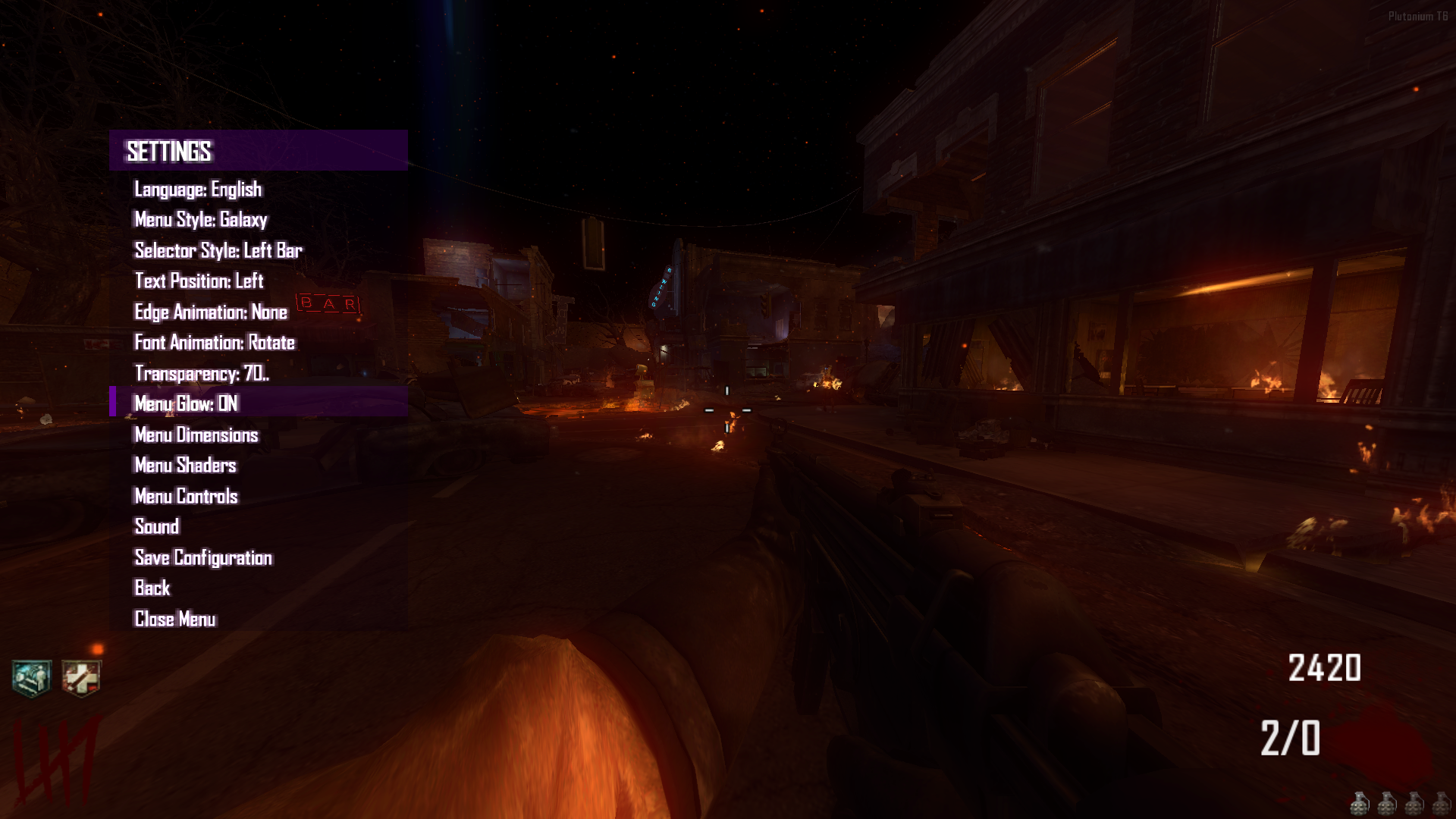
- Menu Shaders (Beta): New option to customize shaders for the Menu Background, Header, and Selector.

- Menu Position & Sizing (Beta): You can now move the menu, resize it, and fully customize its dimensions in-game. Changes can be saved.
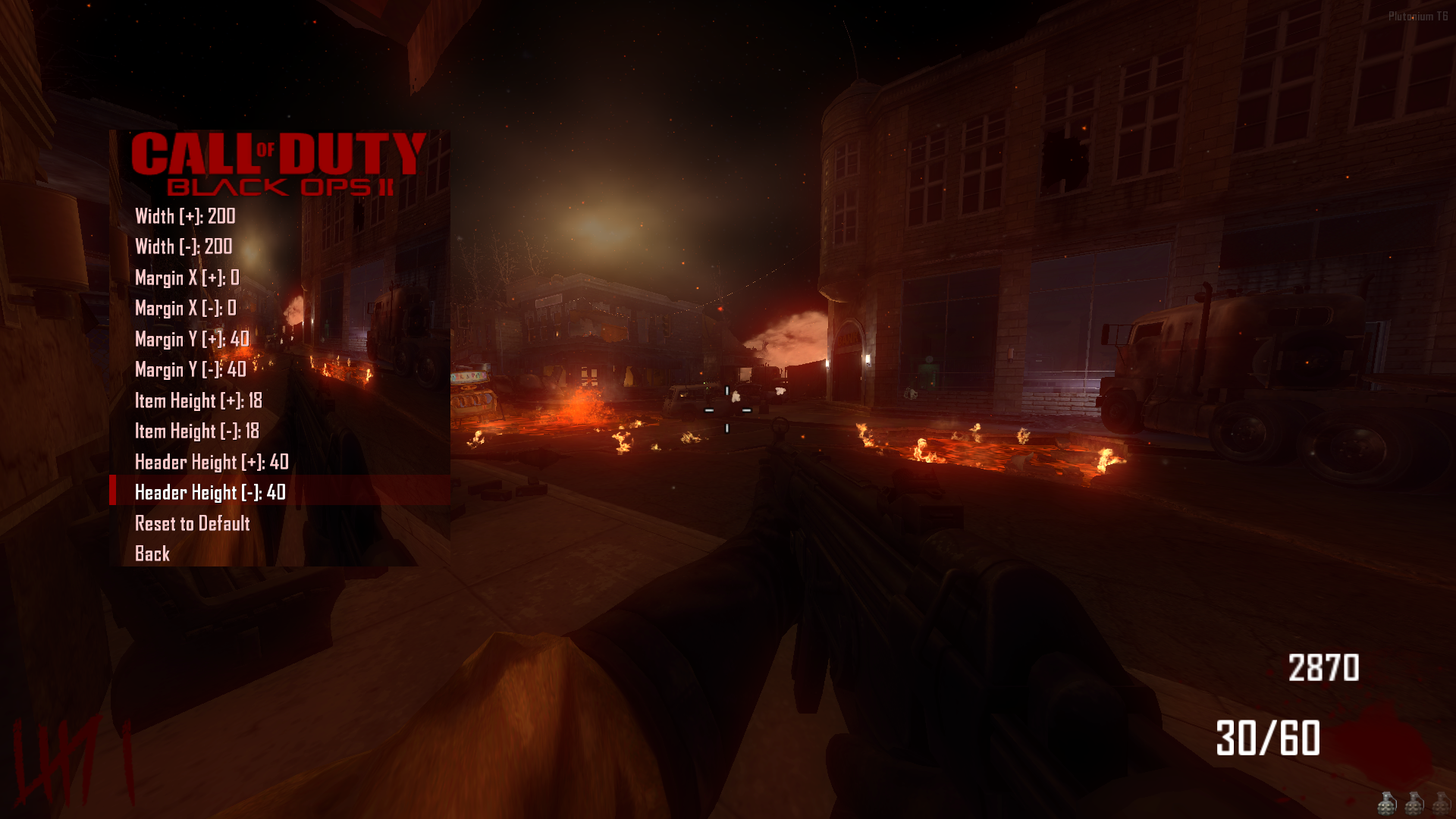
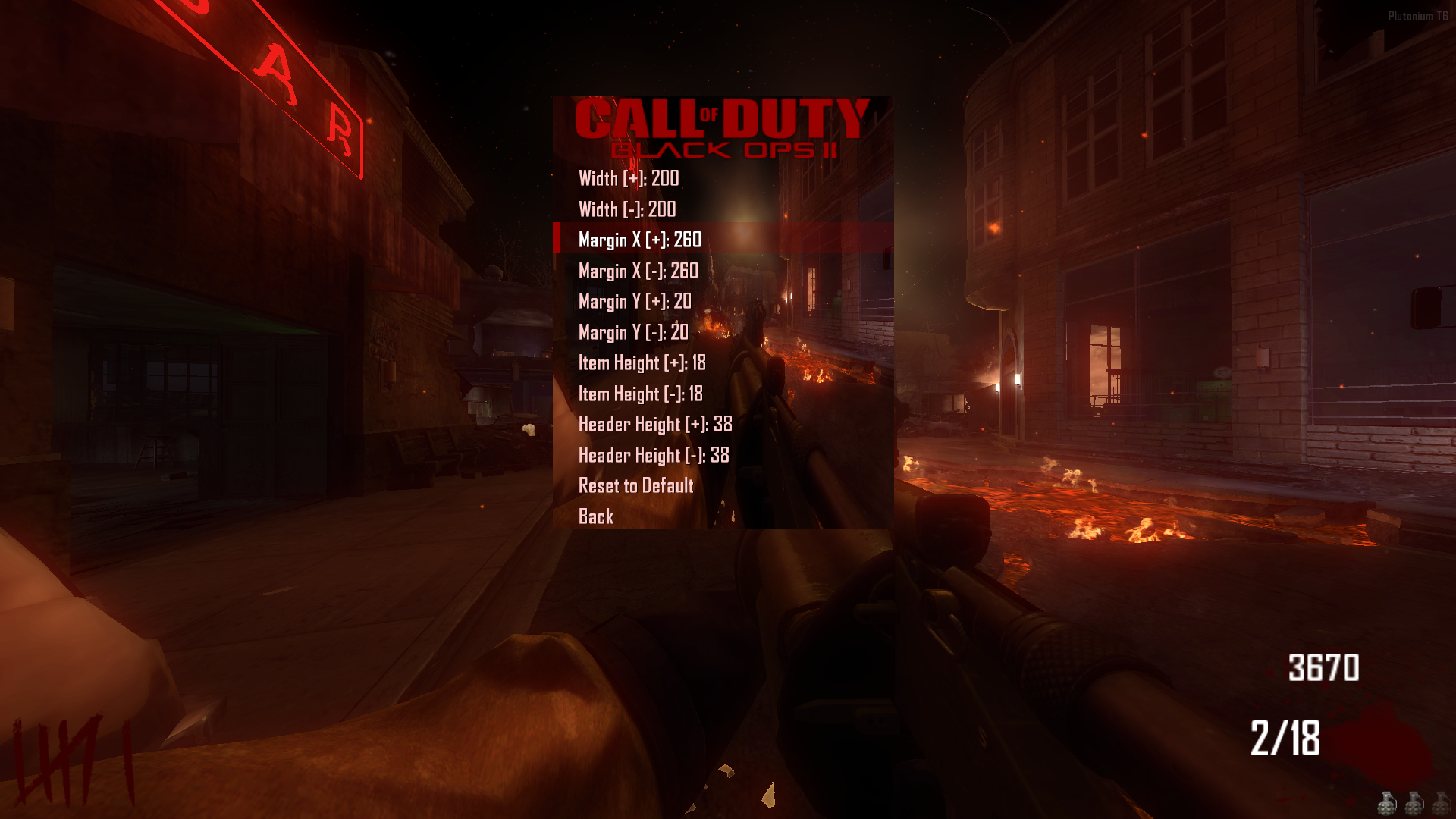
- Menu Style Pack: Added a total of 83 unique menu styles.
- Selector Style Pack: Added a total of 33 unique selector styles.
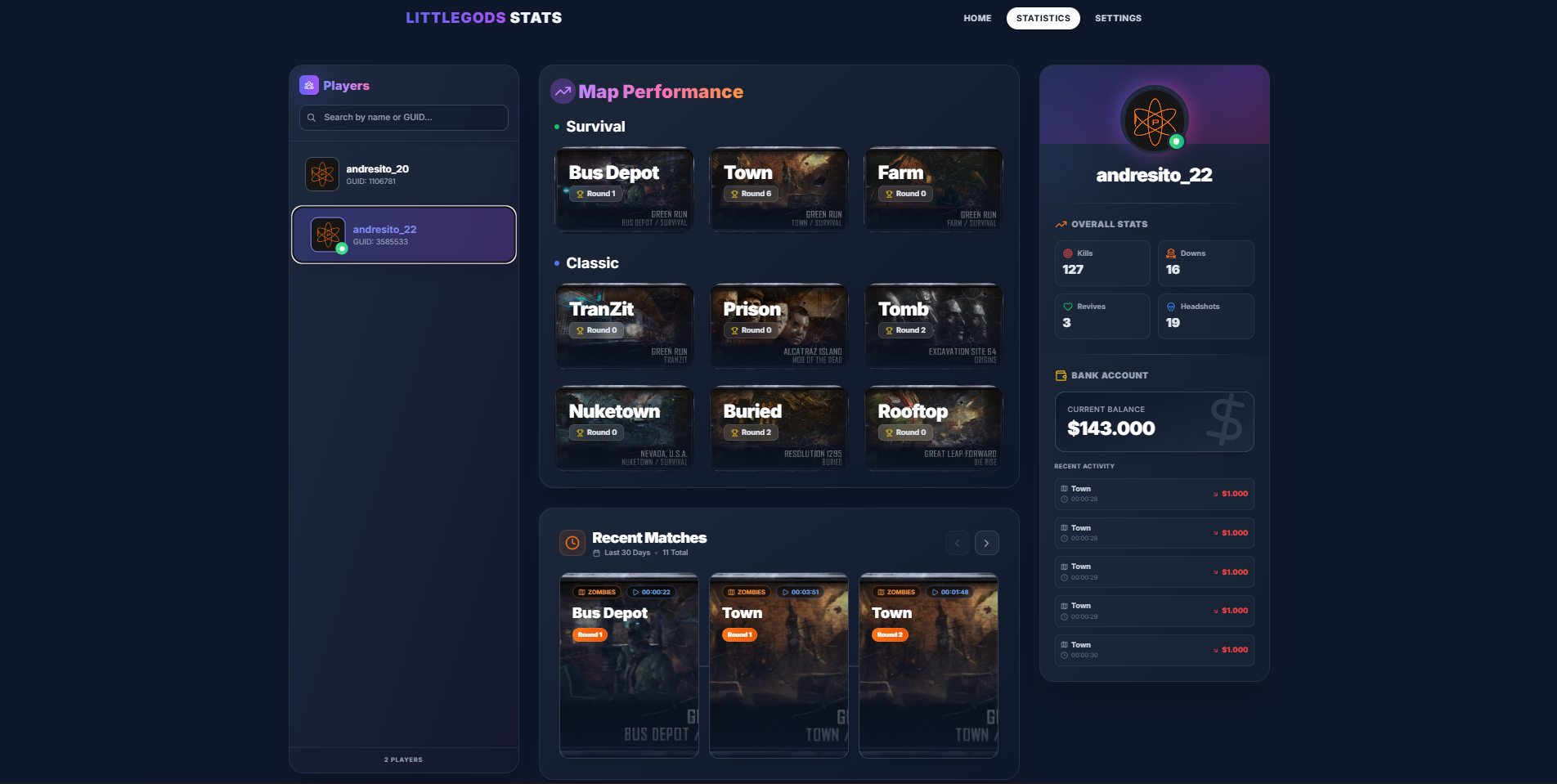
Web Statistics Integration
- Full Compatibility: The menu is now fully integrated with the Stats Web project. https://forum.plutonium.pw/topic/43291/release-zm-stats-web
- Important: Install the web project files, but DO NOT use the
scripts_zm.batutility to install the scripts. The menu already has these statistics features built-in.
Just run your stats and the website and you're all set
Important Notice
- Please refrain from using commands like
fast_restartormap_restart. Always launch maps correctly from the Main Menu to ensure all scripts load properly.
Beta
- Content consists of modifications that may have issues. If you use this mod and find anything problematic, please feel free to contact me through this post even if it’s not specifically related to the beta versions.
Source Code
Install
new folder AppData\Local\Plutonium\storage\t6\raw\scripts\zm\ old folder AppData\Local\Plutonium\storage\t6\scripts\zm\ Aquí explicé algunos pasos rápidos:ingles To open the menu, you need to aim and knife at the same time. To move up, press the numeric key 1, and to move down, press the numeric key 2 To enter a menu, press F on your keyboard.** spanish Para abrir el menú, debes apuntar y apuñalar al mismo tiempo. Para moverte hacia arriba, presiona la tecla numérica 1, y para moverte hacia abajo, presiona la tecla numérica 2. Para entrar a un menú, presiona F en tu teclado. -
holy hell W improvements
-
doing the math for bank functions is simple at first glance, but then you have to account for every interaction.