Bo1 error
-
Hello,
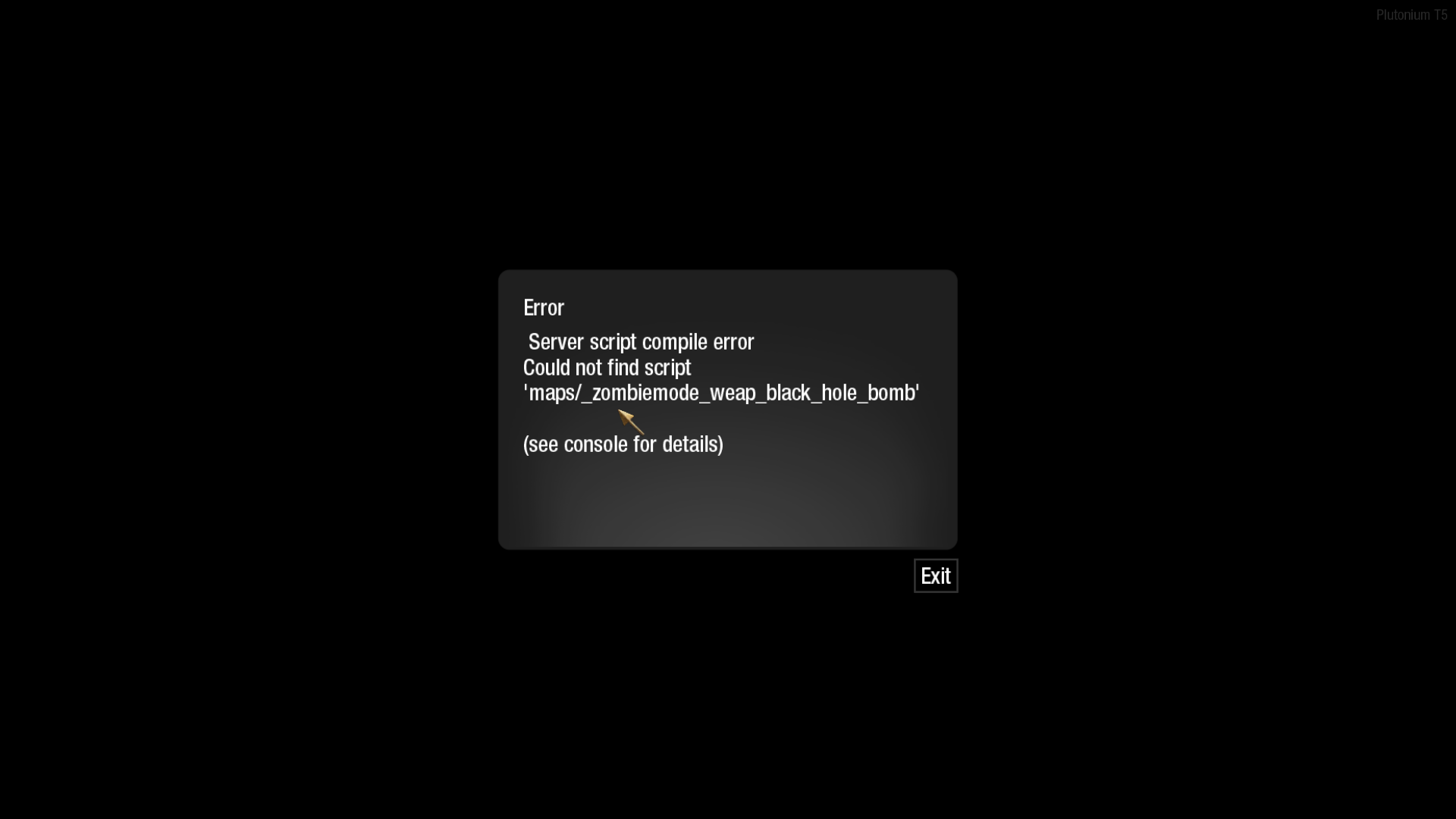
This is my first time posting here and was wondering why I keep getting these errors on bo1 everytime I try to load up a zombies map. The error says it's a script compile error or something like that. It'll tell me I am missing a script mainly one that says black hole bomb. I don't understand what's causing this and I could use some help here figuring it out.
Thanks.
-
This is caused by a custom script you installed, probably one that only works on Ascension or Moon. You can determine which script it is specifically by using this console command before starting the match
developer 1
This will show the name of the script causing the error. To fix the problem, remove the script or move it to a directory that only loads it when playing the map it’s made for. -
This is caused by a custom script you installed, probably one that only works on Ascension or Moon. You can determine which script it is specifically by using this console command before starting the match
developer 1
This will show the name of the script causing the error. To fix the problem, remove the script or move it to a directory that only loads it when playing the map it’s made for.Hey, thanks for the response, but I still don't understand how to fix it. Where would the script be in order to move it? I also don't know how I would move it to a specific map folder. If you could tell me how to do that, that would be great, thanks.
-
Hey, thanks for the response, but I still don't understand how to fix it. Where would the script be in order to move it? I also don't know how I would move it to a specific map folder. If you could tell me how to do that, that would be great, thanks.
Medawr press Win+R, paste this
%localappdata%\Plutonium\storage\t5then press Ok.
To remove the script, delete the foldersclientscripts,common_scripts,maps,raw, andscripts, then run the Plutonium updater/installer which isplutonium.exe. Don’t worry about if you don’t have some of those folders or if some of them come back after running the updater.
To move the script to a map-specific directory, check if it’s insidescriptsorraw\scriptsor inside their subfolders. If it is, create a folder, name it the same name as the console name of the map it’s made for (look them up), move the script to inside it, and move the map folder to insidescripts\<mode>where mode is eithermporspdepending on whether you’re using the script on T5MP (Multiplayer) or T5SP (Campaign, Zombies). For example,scripts\sp\zombie_cosmodromeis where you can place scripts made for Ascension. You can ignoremp_spawn_fix.gscandzm_spawn_fix.gscas they’re not the problem. If it was a script inside something other thanscriptsorraw\scriptsor their subdirectories, then I’d suggest removing it because the alternatives would be either to only install it when you play the map it’s made for and keep it removed it all other times, or edit it to make it use Plutonium’s getFunction so that it doesn’t cause errors which would require being familiar with coding gsc.

