Verify ownership error
-
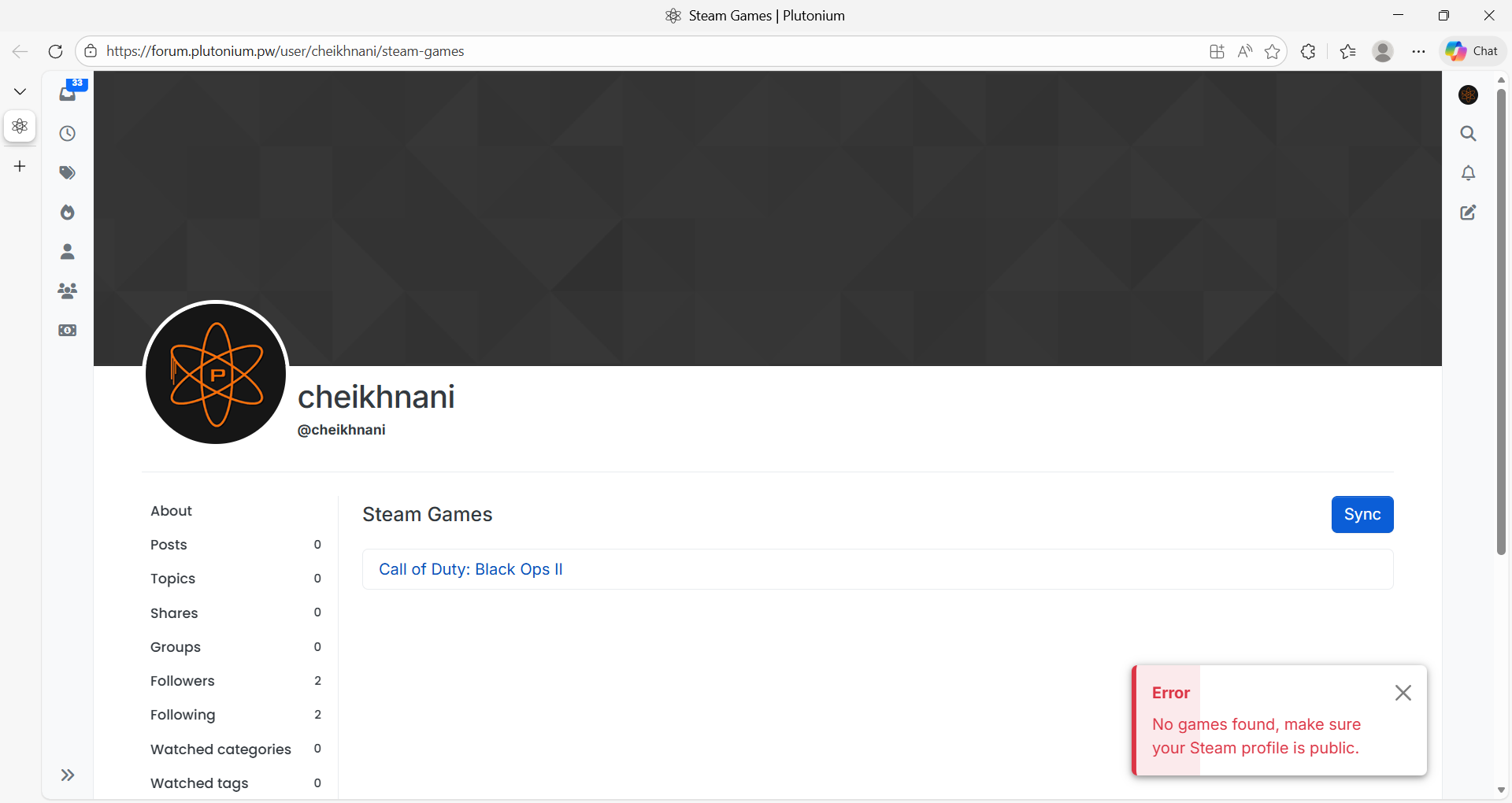
When ever i try to verify the ownership, this message pops up, although I'm connected to the right account and my profile is set to public, and i went through some Chat-gbt steps, but nothing changed -
I’ll relay here my Discord messages to you. Facing the error “verify your game files with Steam” doesn’t refer to performing ownership verification on Plutonium.
The game is in the list, thus you’ve verified ownership.
Check my comment from here: https://forum.plutonium.pw/topic/39666/error-during-initialization-invalid-patch-fastfiles-please-verify-your-game-files-with-steam/2 -
Hi sir, thank you for your help but i've done all this steps before and nothing changed the step number 4 is the new for me i tried it and i still get the same error
-
If after following the 4th suggestion you’ve clicked install on the mode you’re trying to play and made sure the selected game path in the Plutonium launcher is correct, then you should no longer face the problem assuming you’ve done everything correctly. All I can help with at this point is to tell you to either redo the 4 suggestions or send screenshots for me to check if you’ve done the suggestions correctly. If you’d like for me to check for you, then show pictures of the 2 paths mentioned in suggestion 3 (hide the
"token"fromconfig.jsonwhen taking the screenshot) and also show the contents of the game folder.


Hello! It looks like you're interested in this conversation, but you don't have an account yet.
Getting fed up of having to scroll through the same posts each visit? When you register for an account, you'll always come back to exactly where you were before, and choose to be notified of new replies (either via email, or push notification). You'll also be able to save bookmarks and upvote posts to show your appreciation to other community members.
With your input, this post could be even better 💗
Register Login