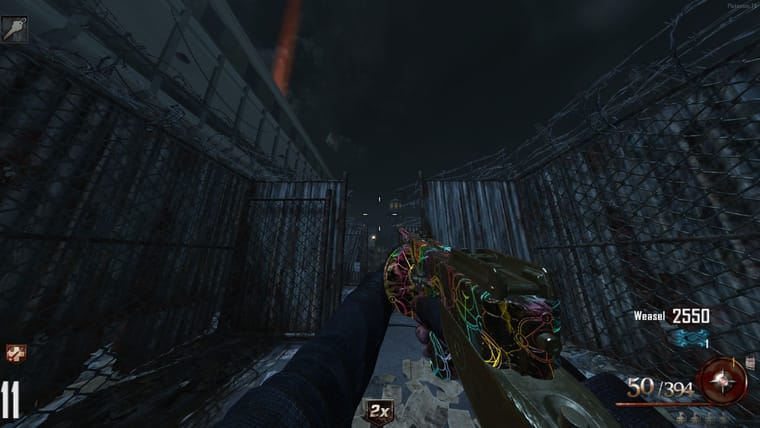
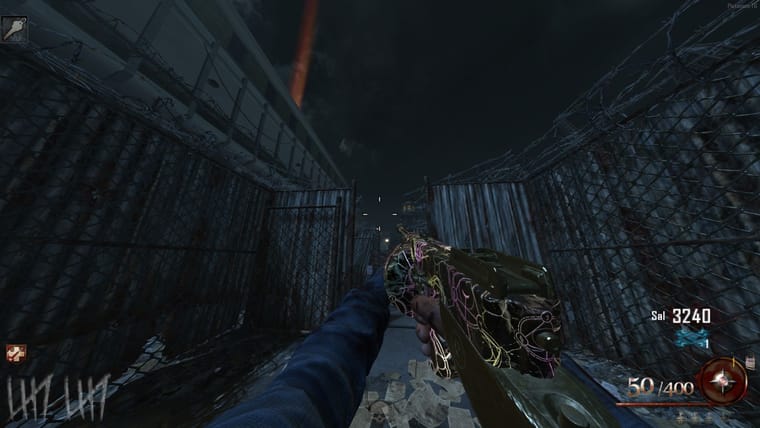
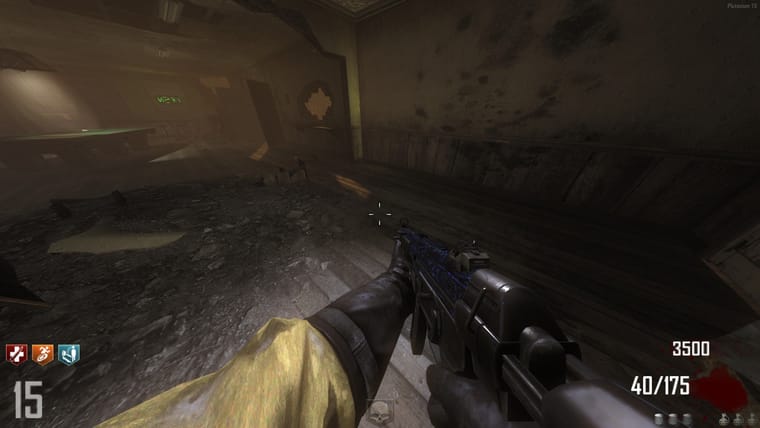
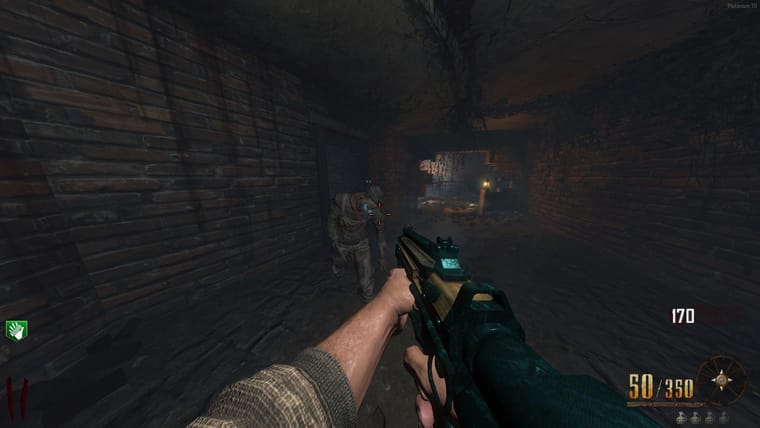
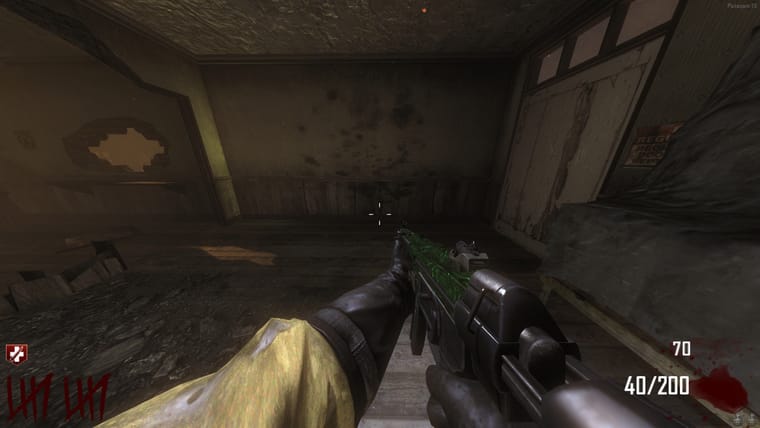
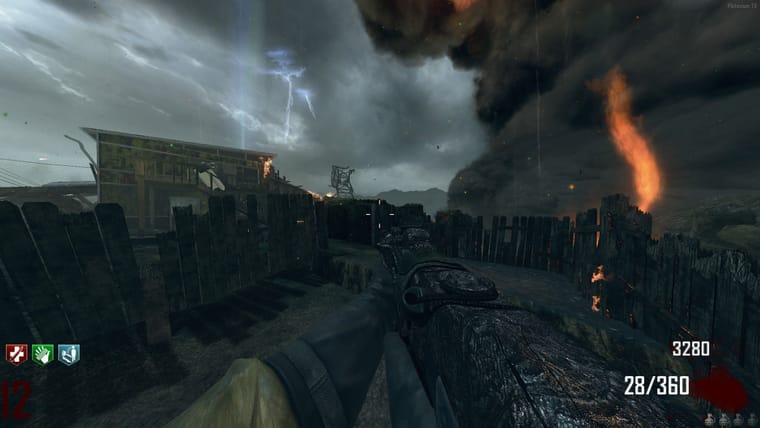
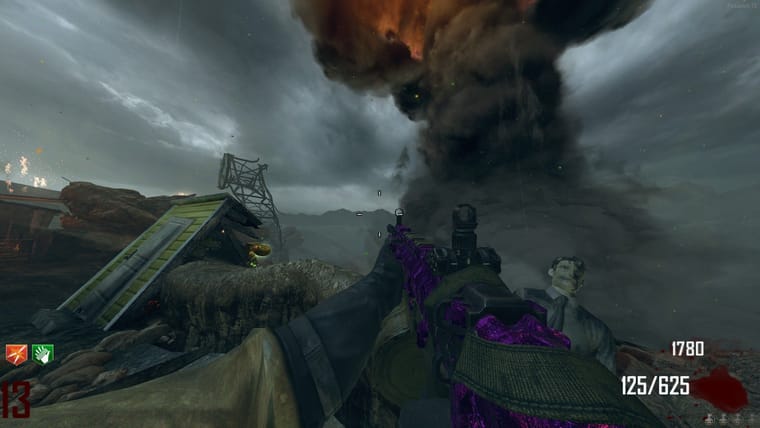
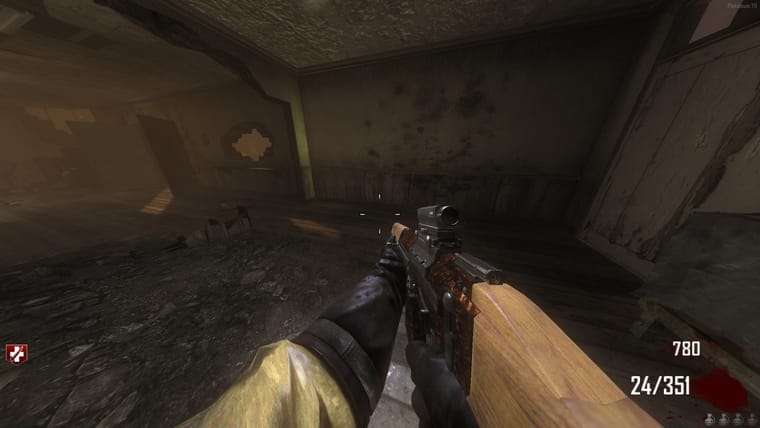
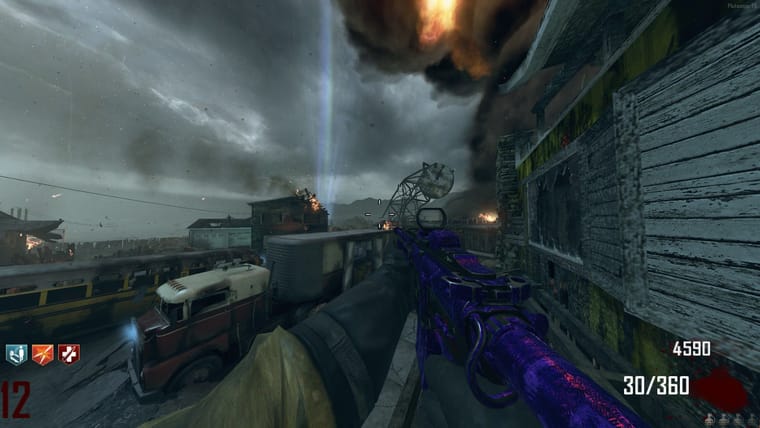
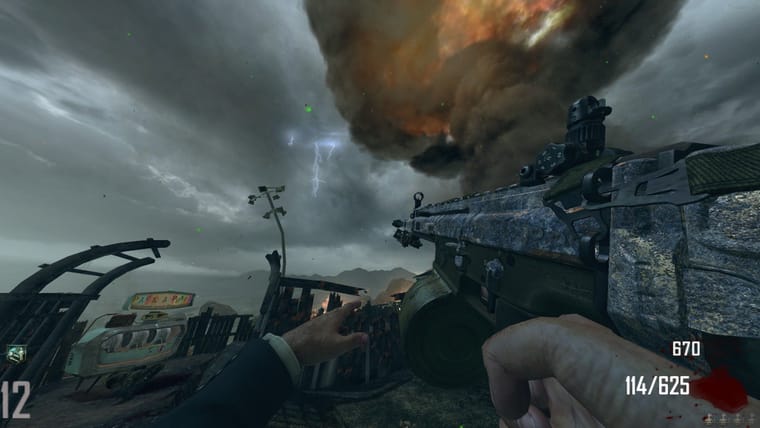
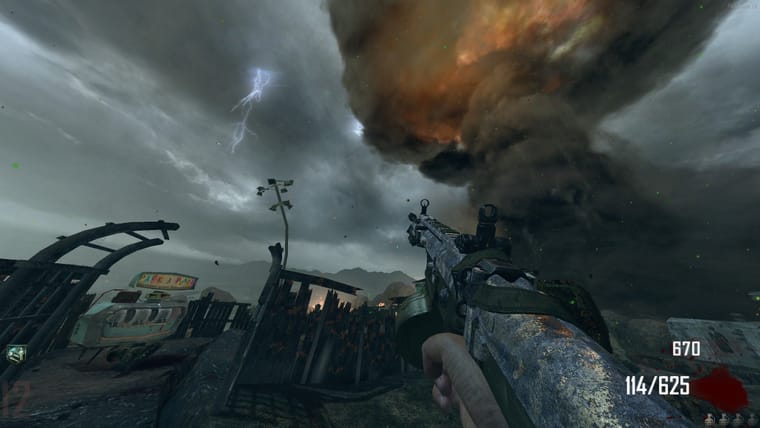
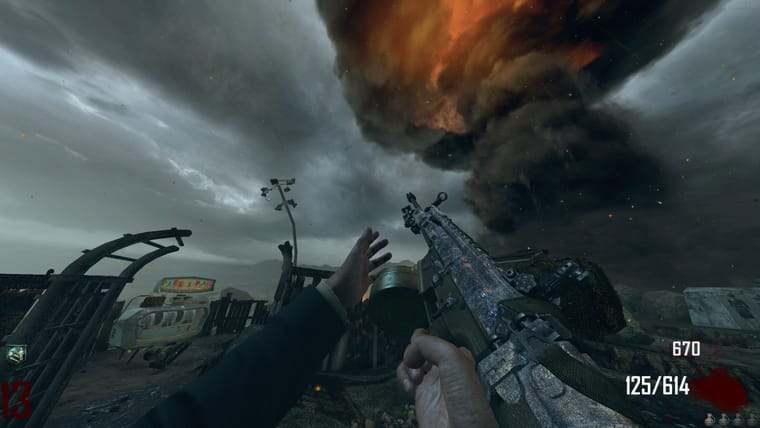
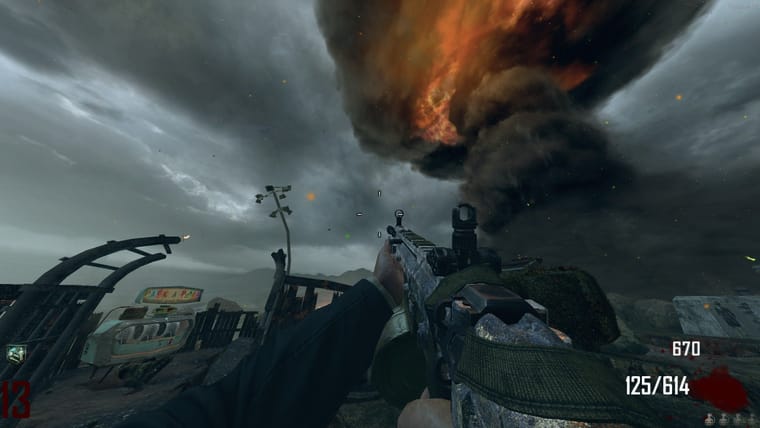
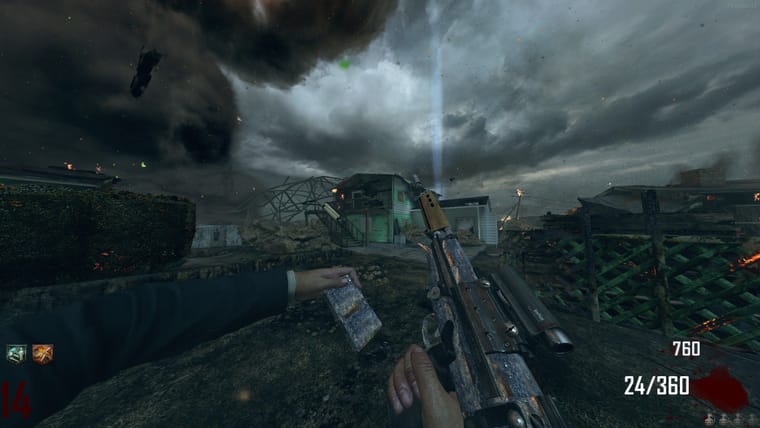
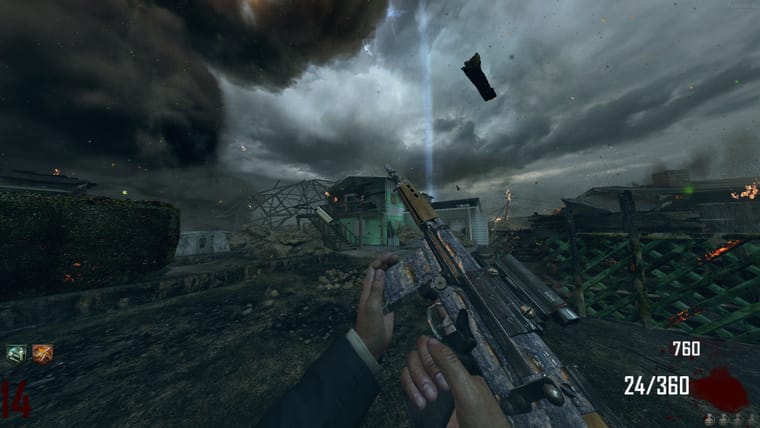
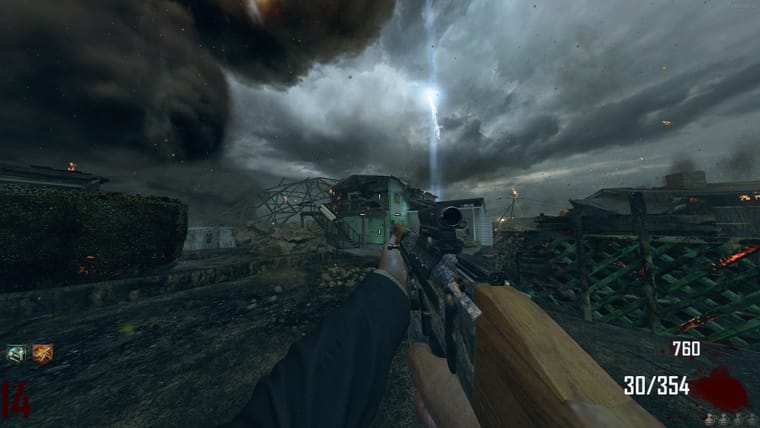
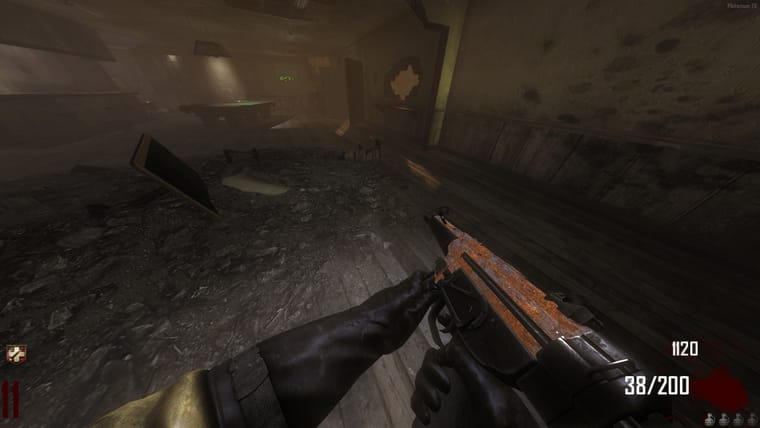
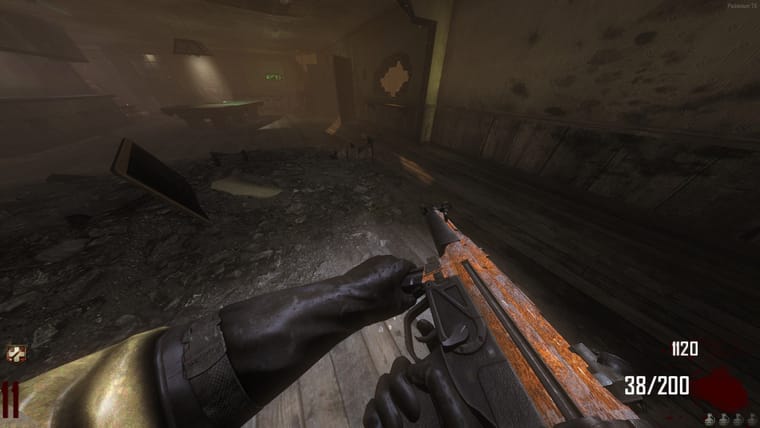
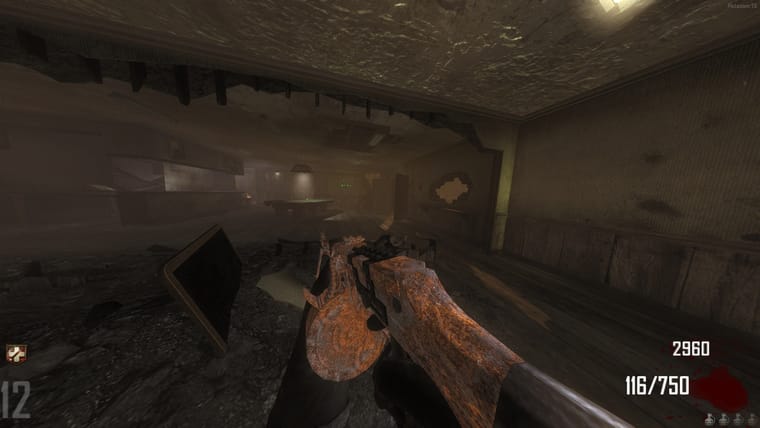
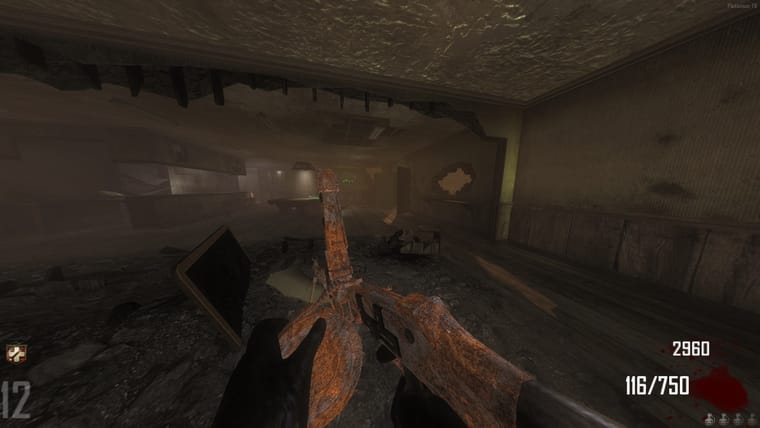
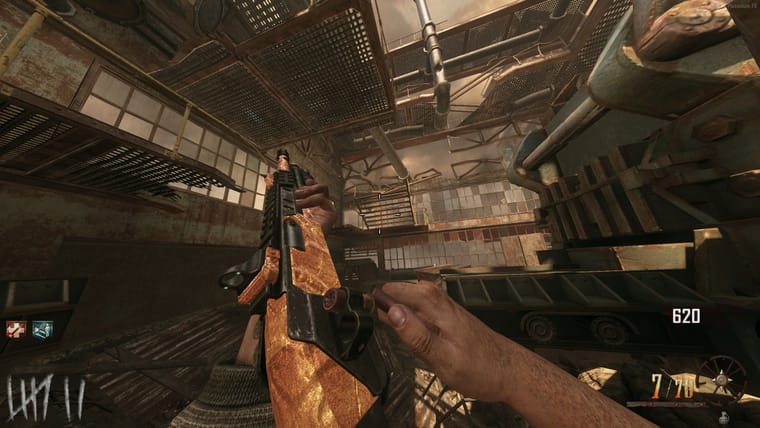
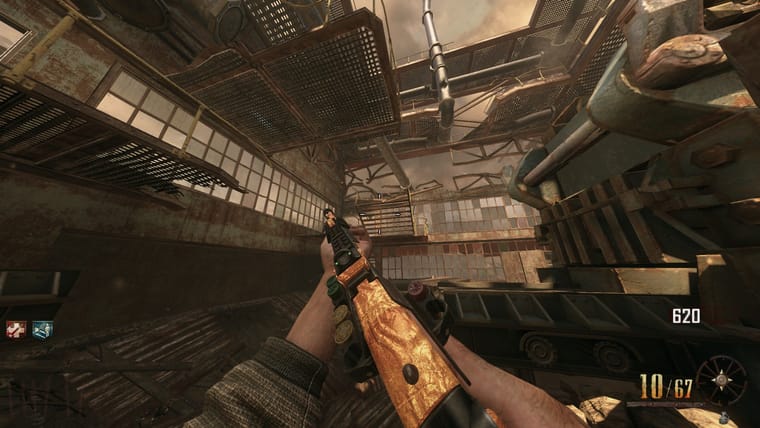
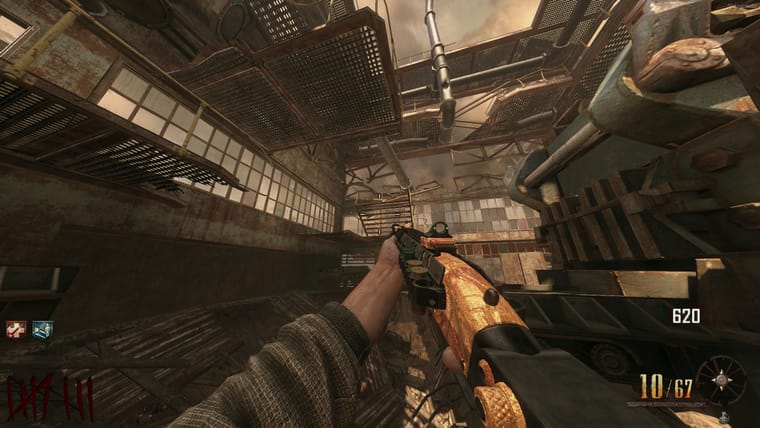
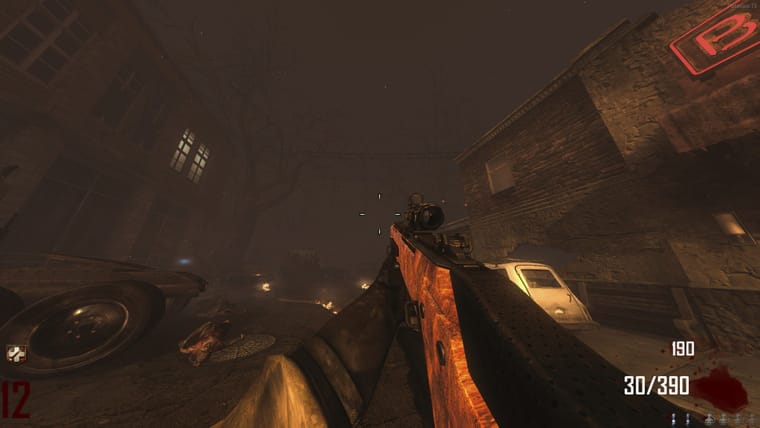
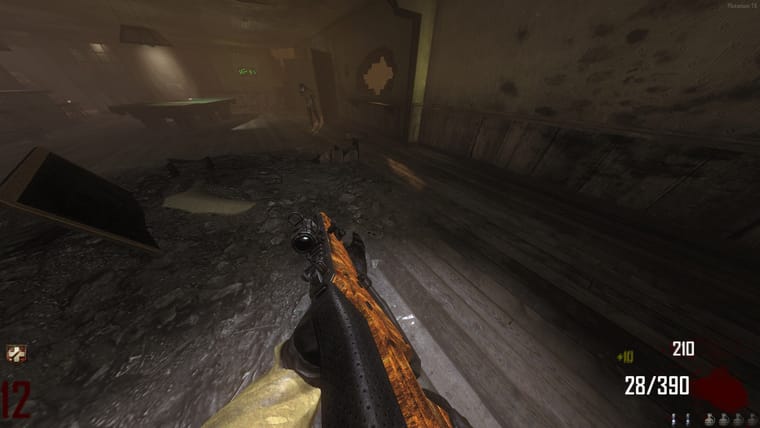
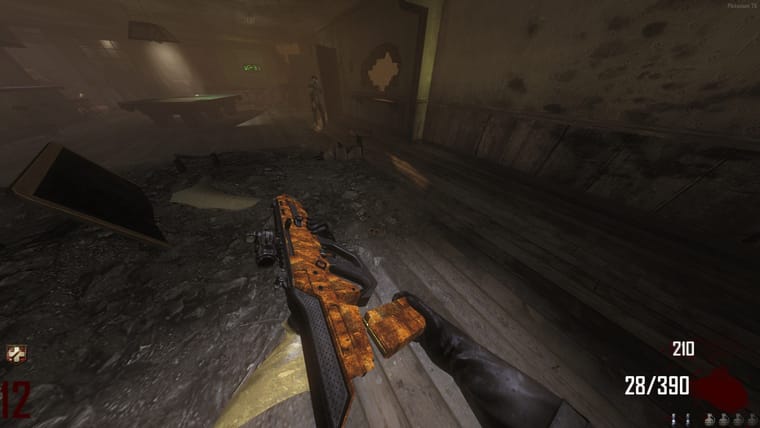
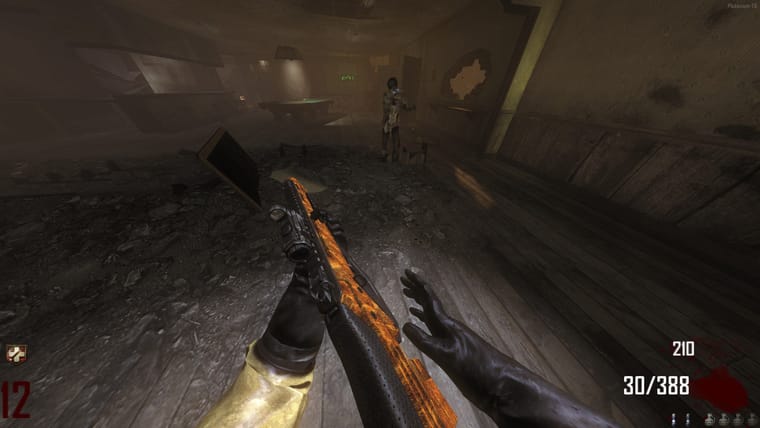
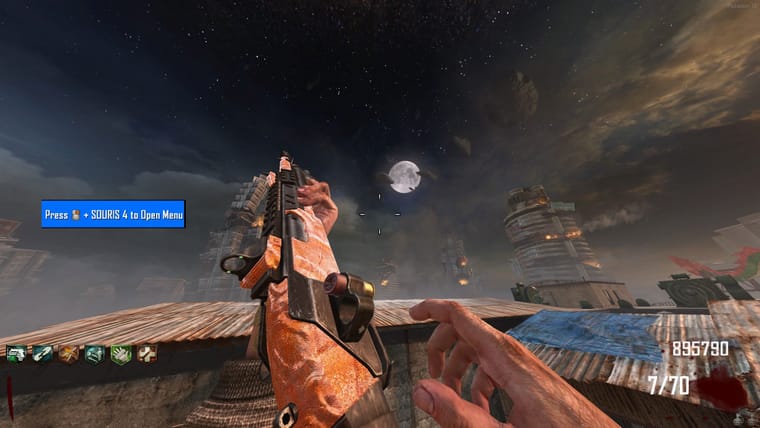
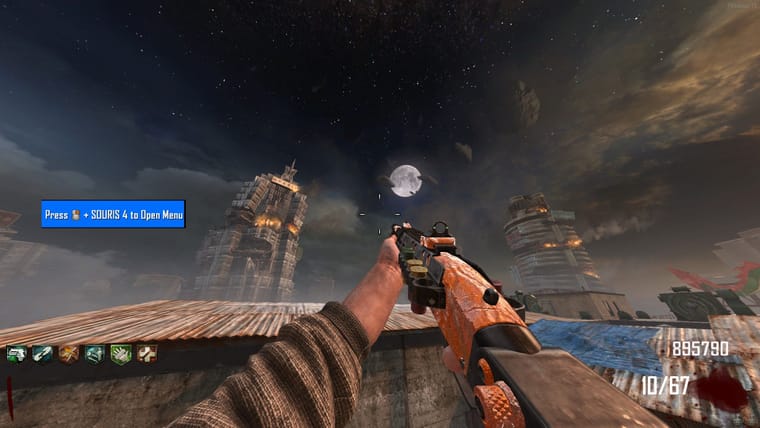
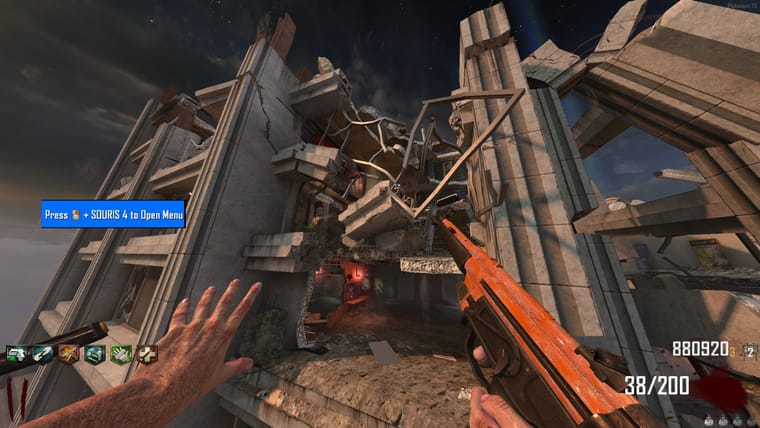
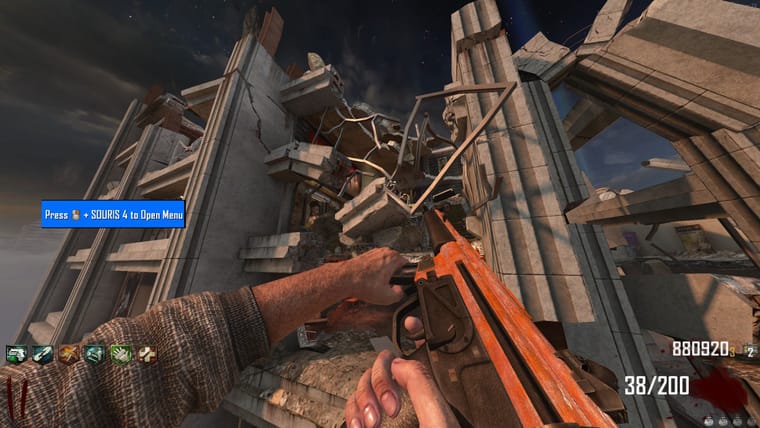
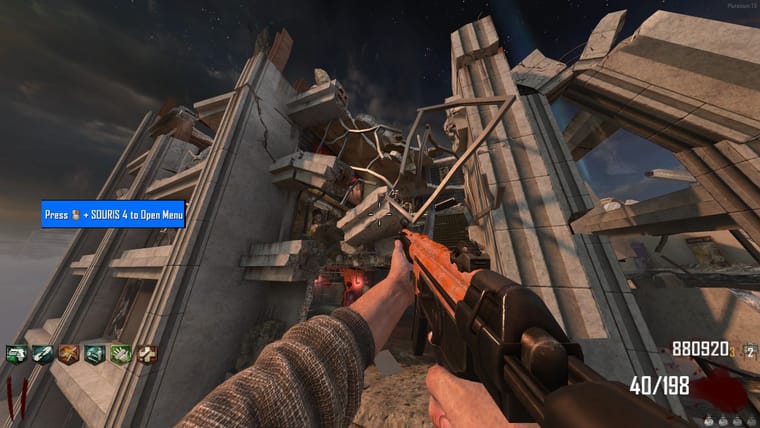
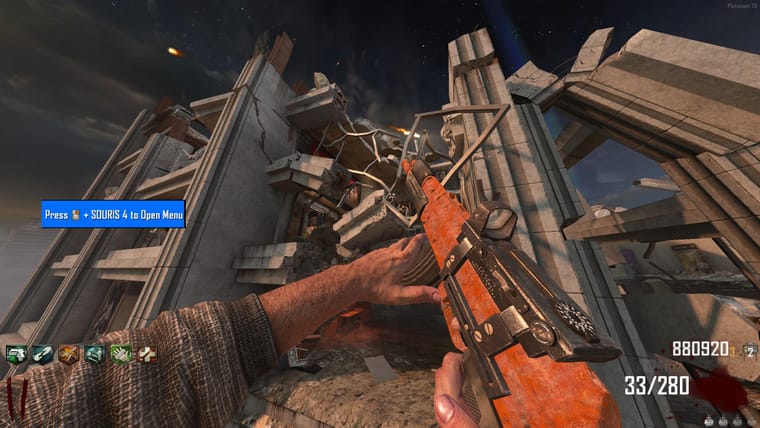
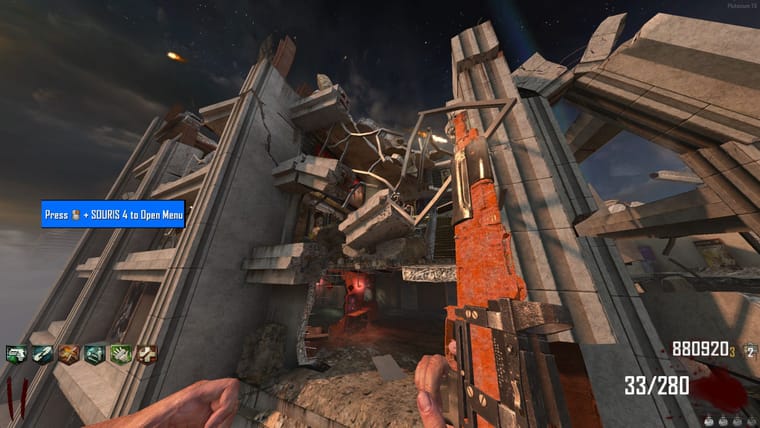
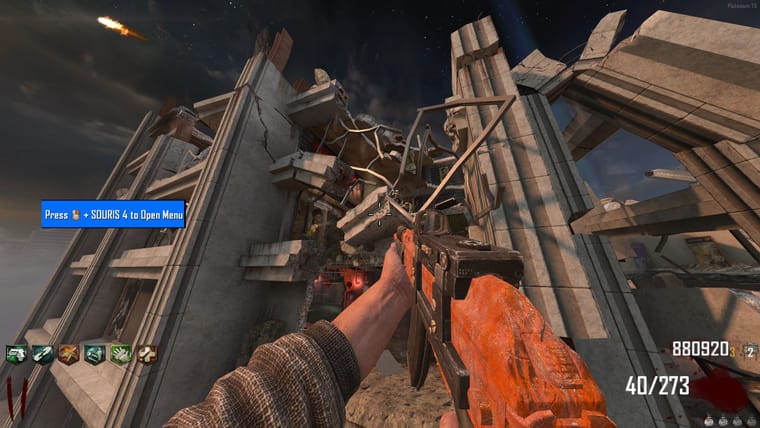
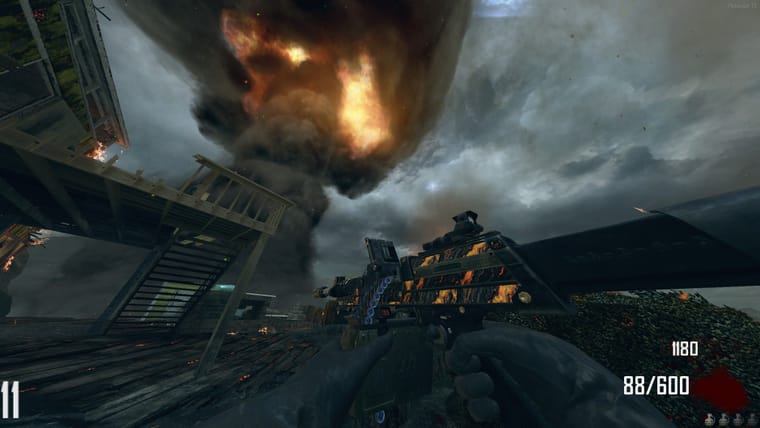
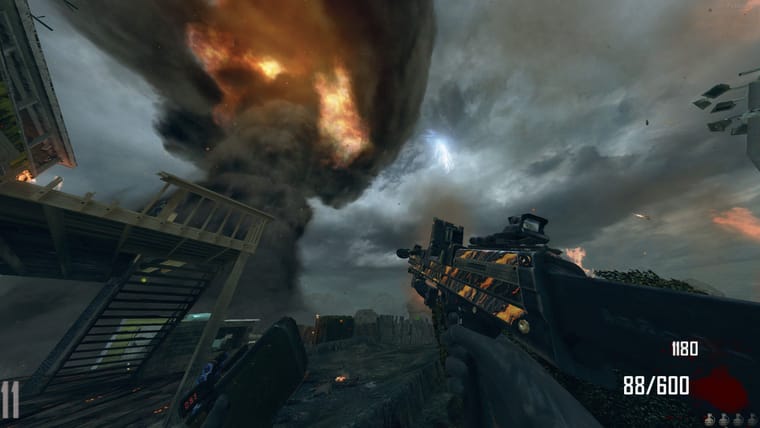
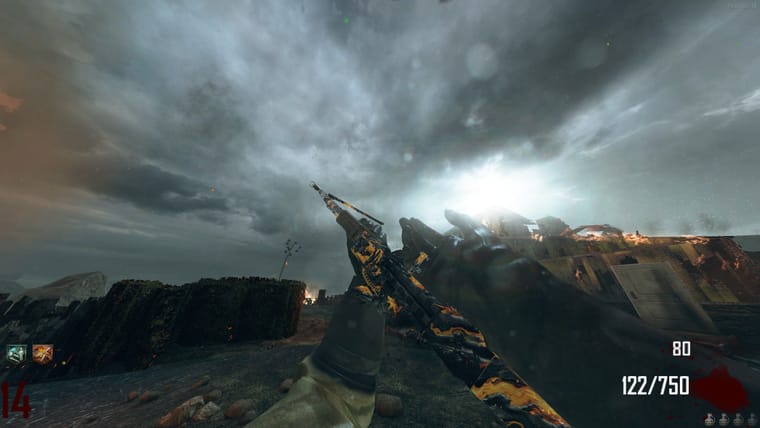
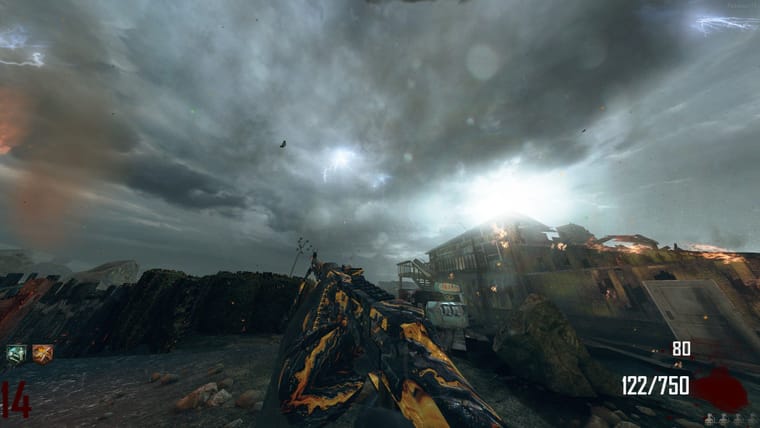
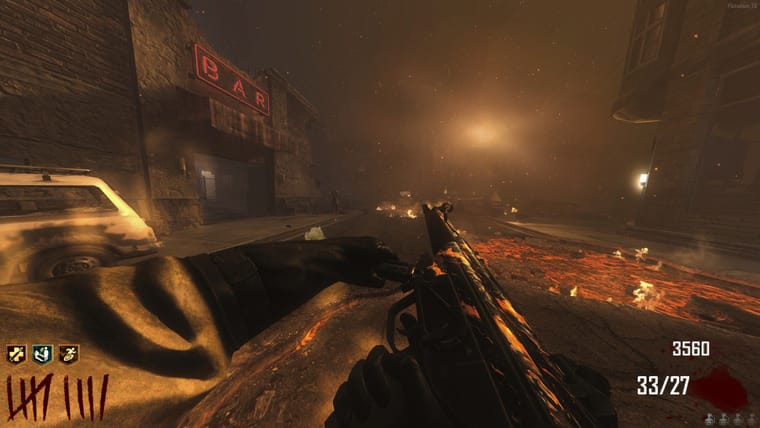
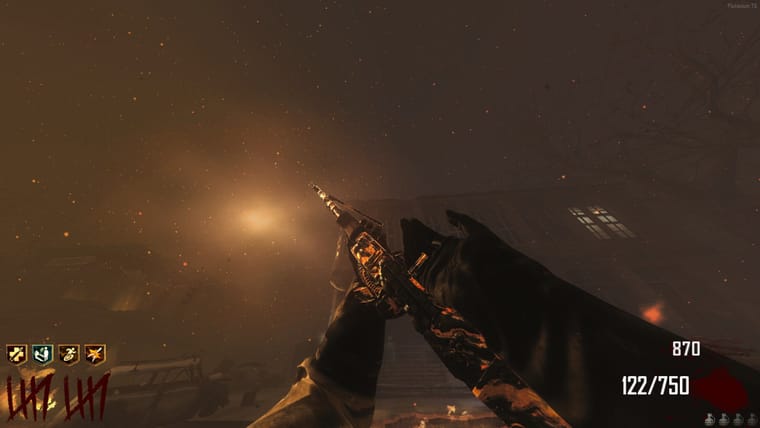
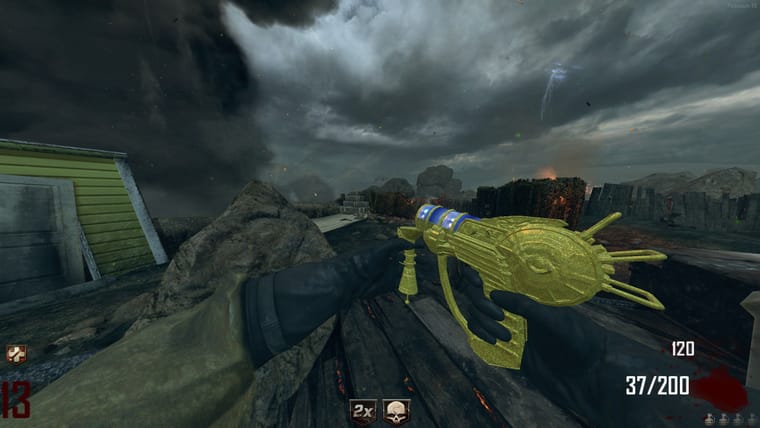
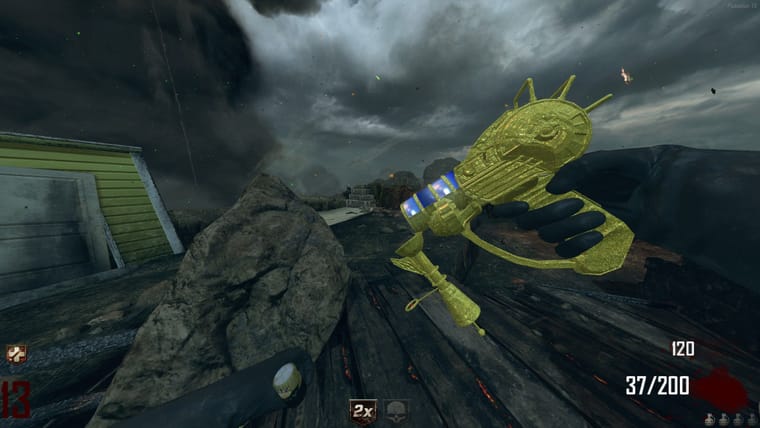
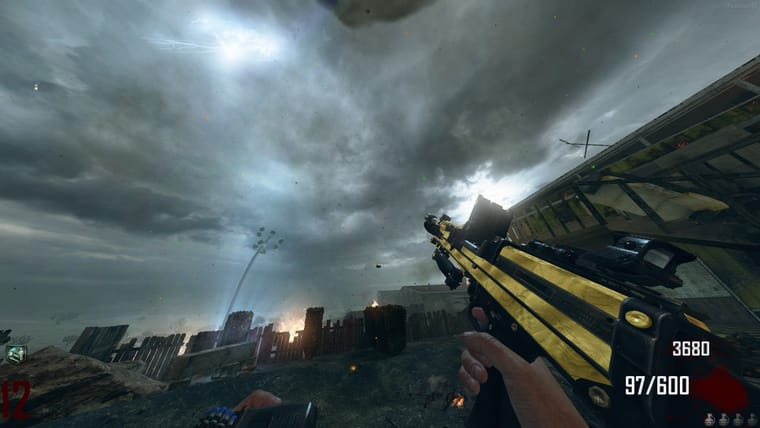
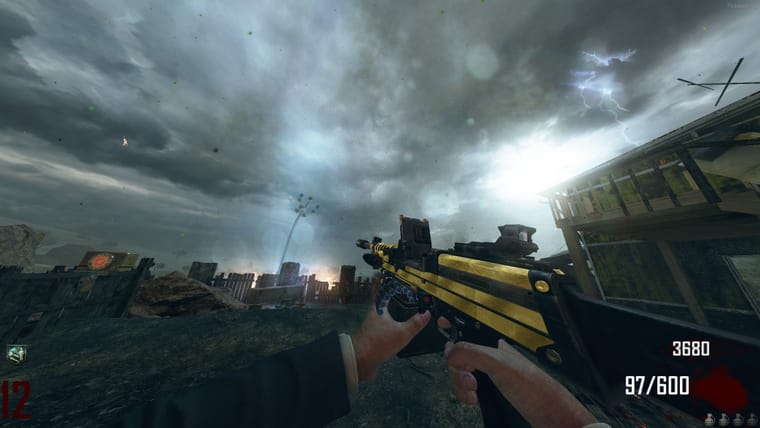
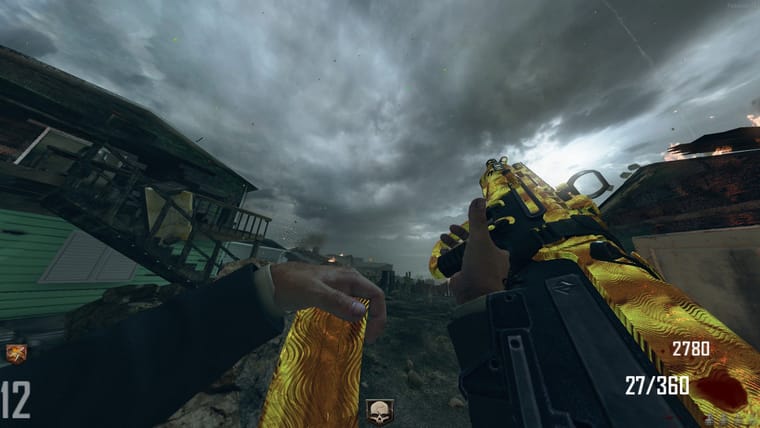
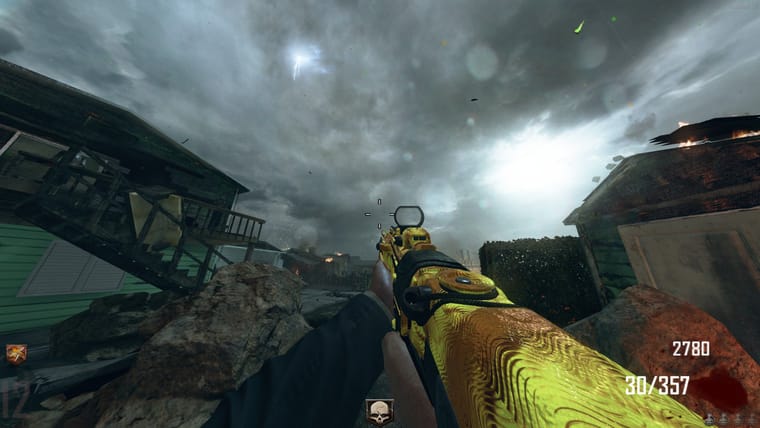
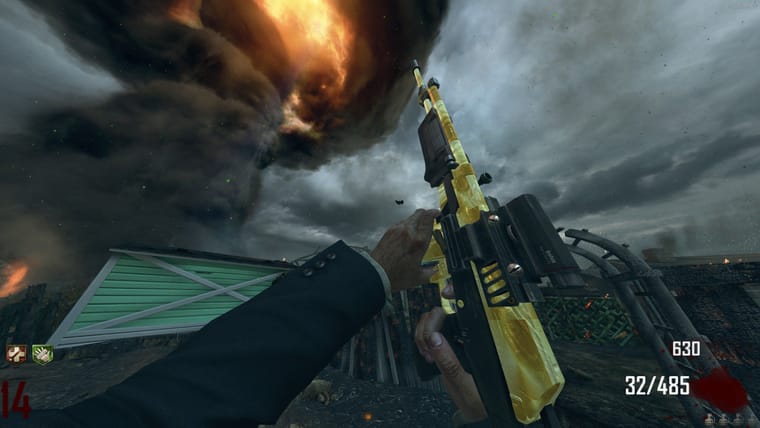
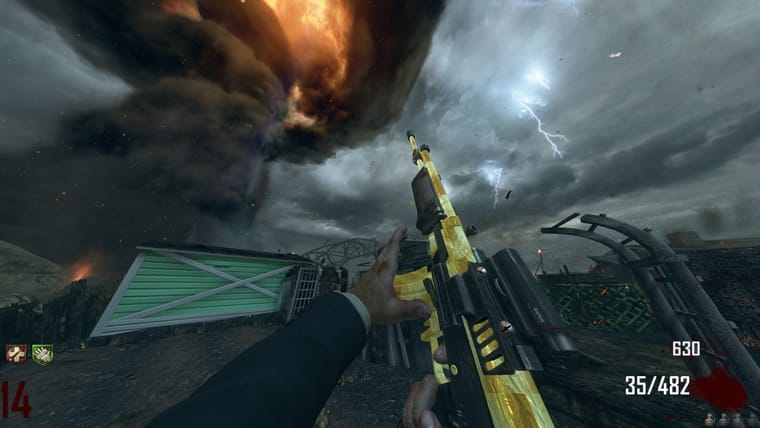
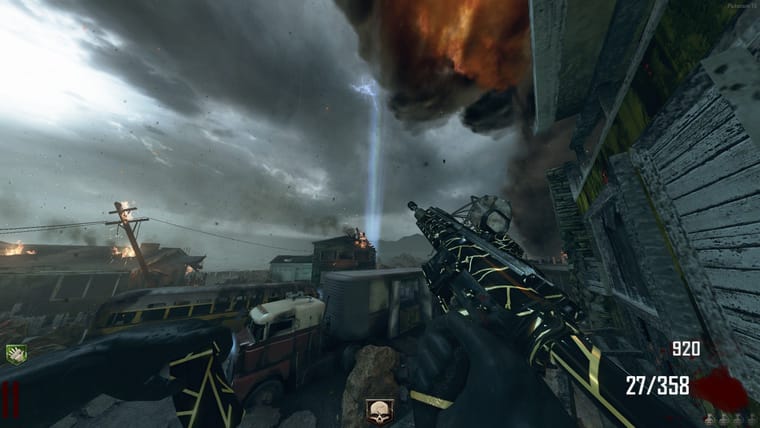
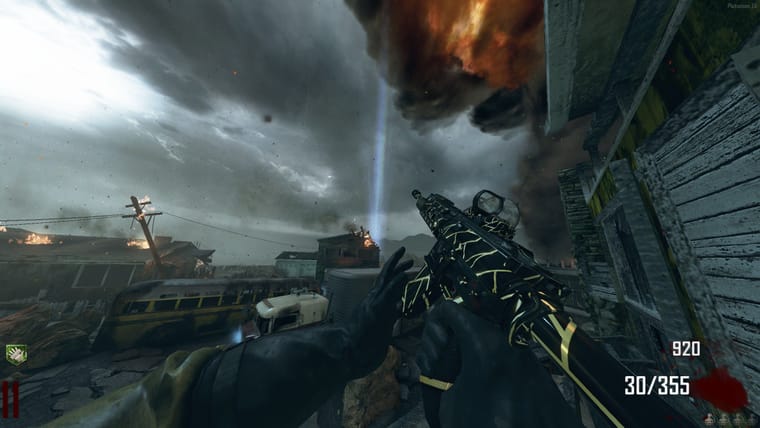
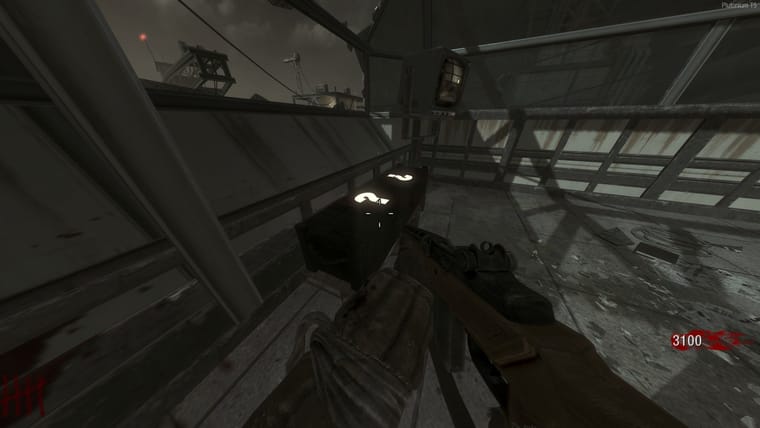
#1 (Black Wood)
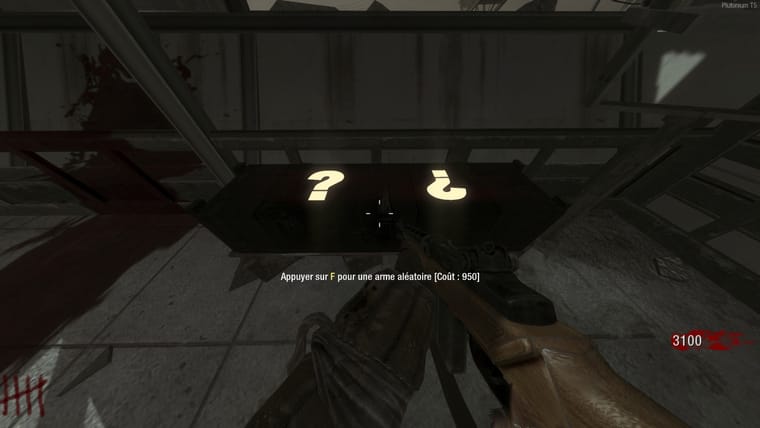
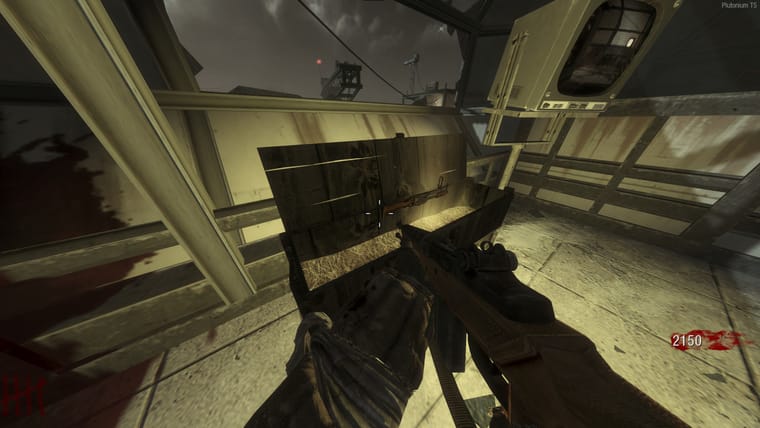
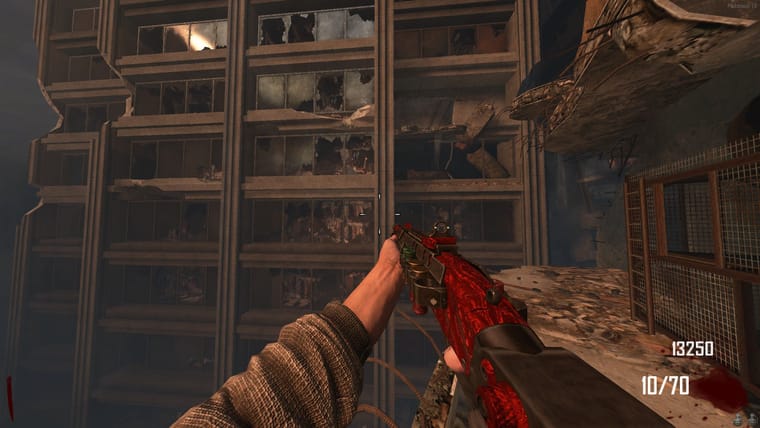
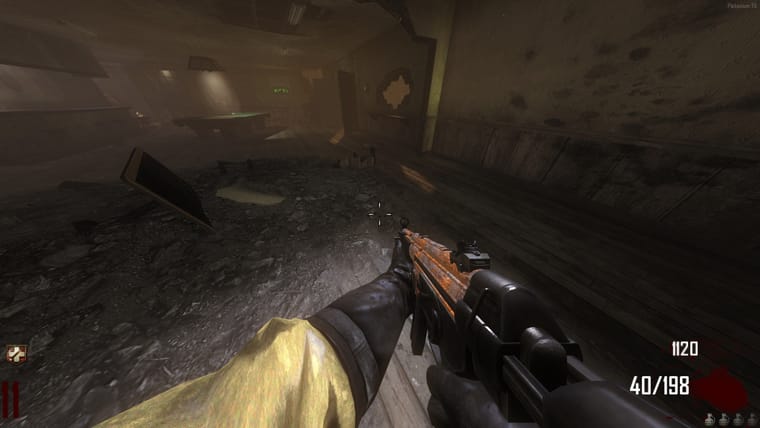
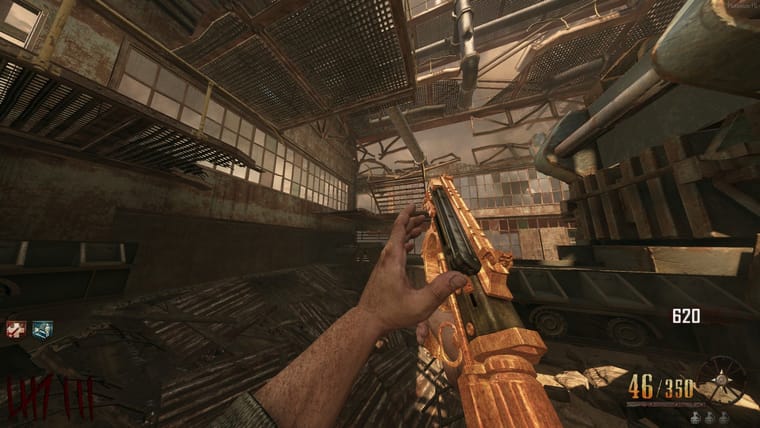
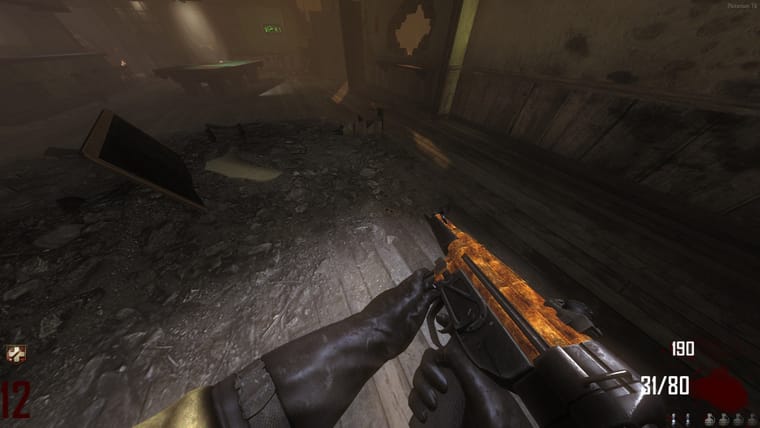
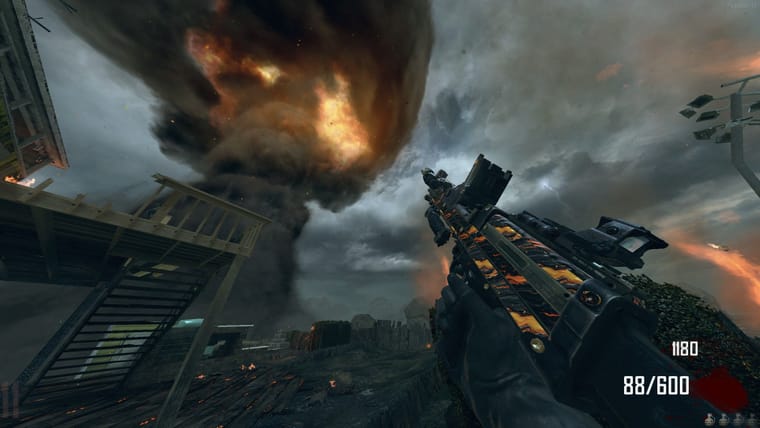
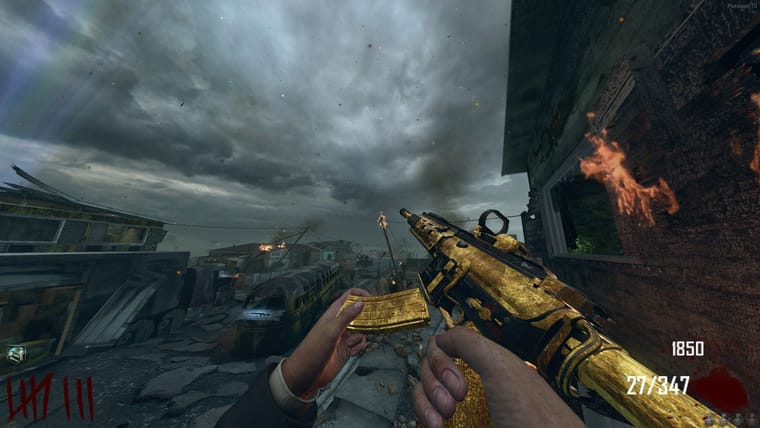
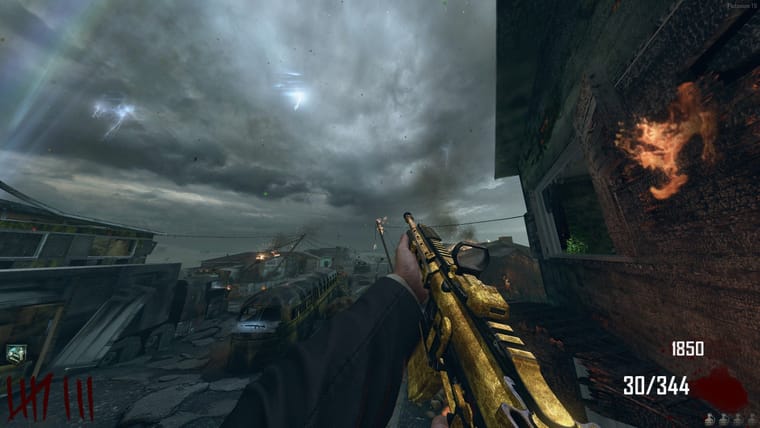
#2 (Gold)
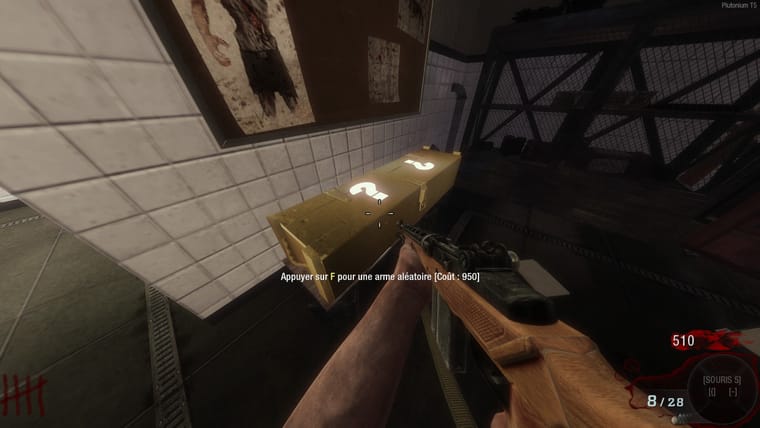
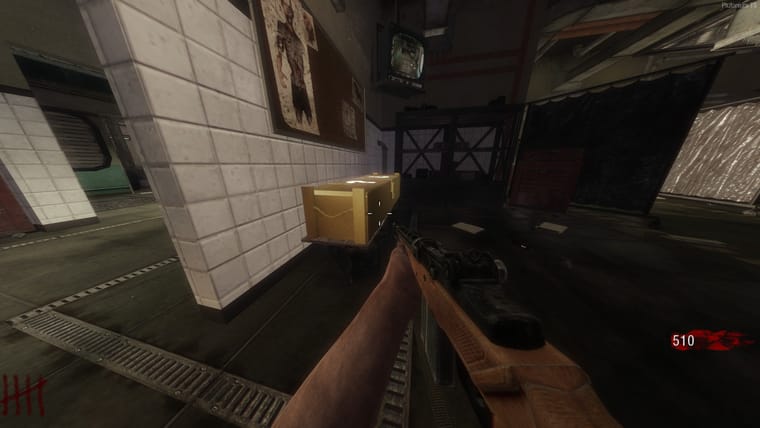
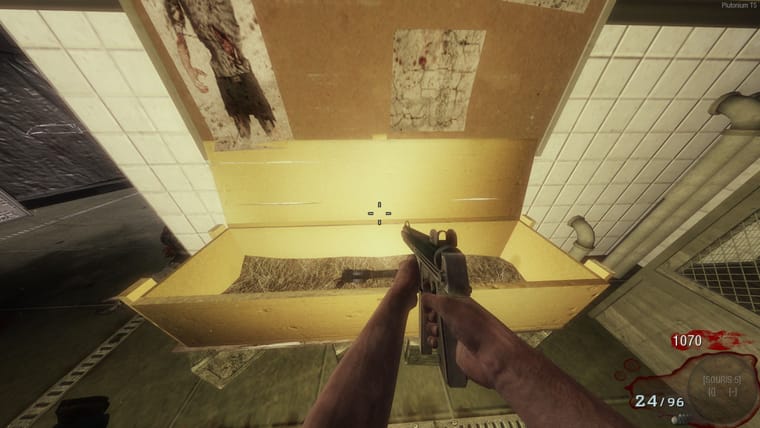
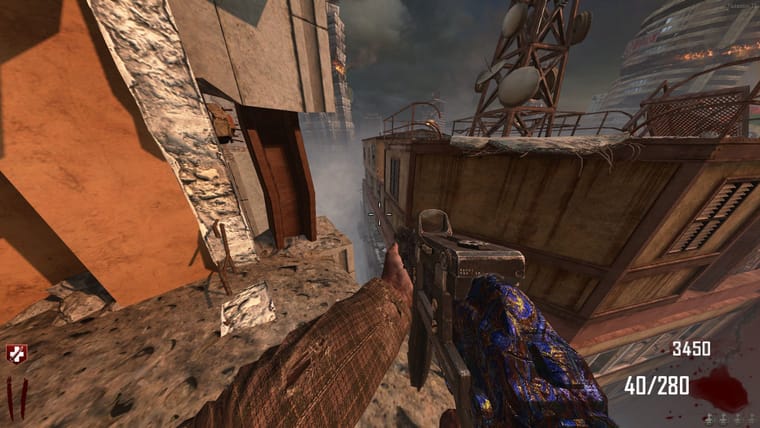
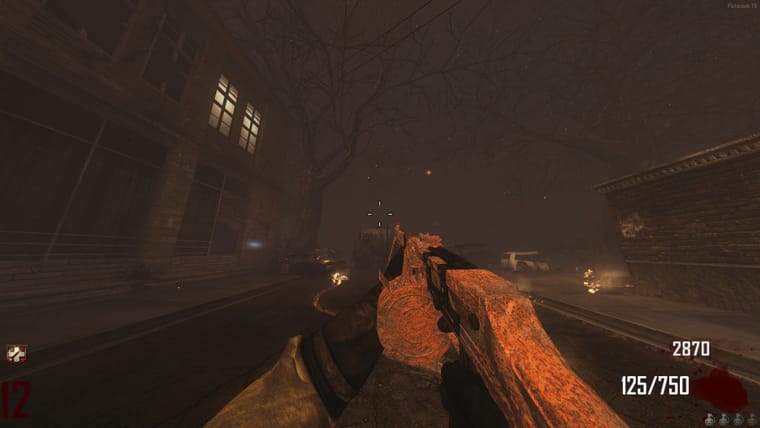
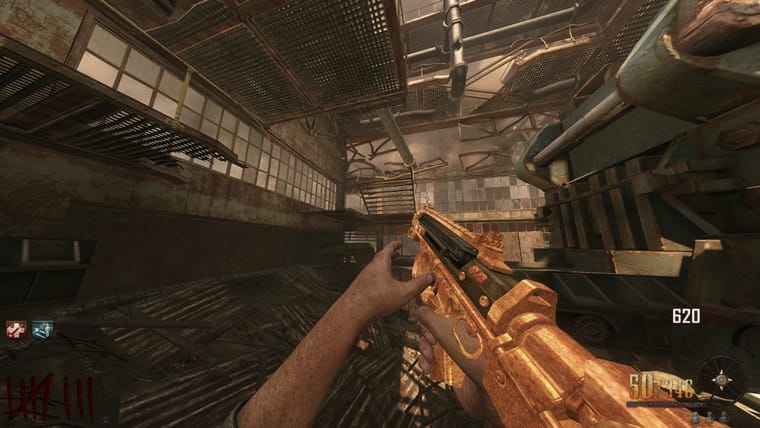
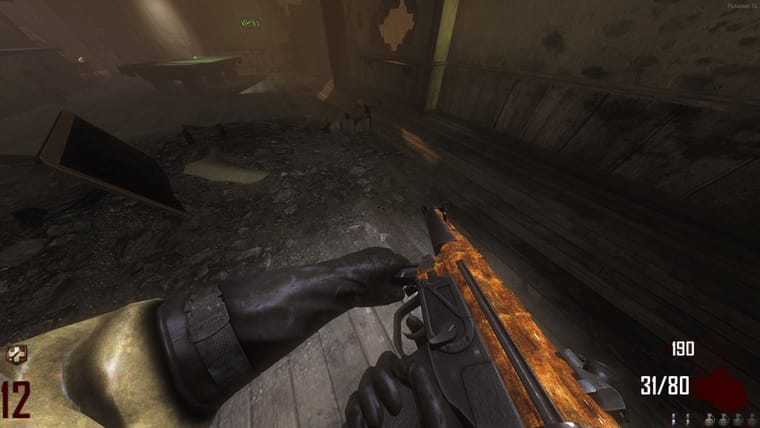
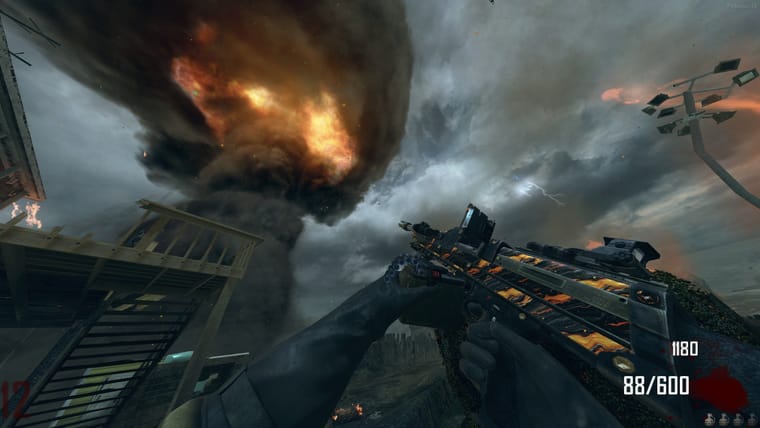
#3 (Rainbow)
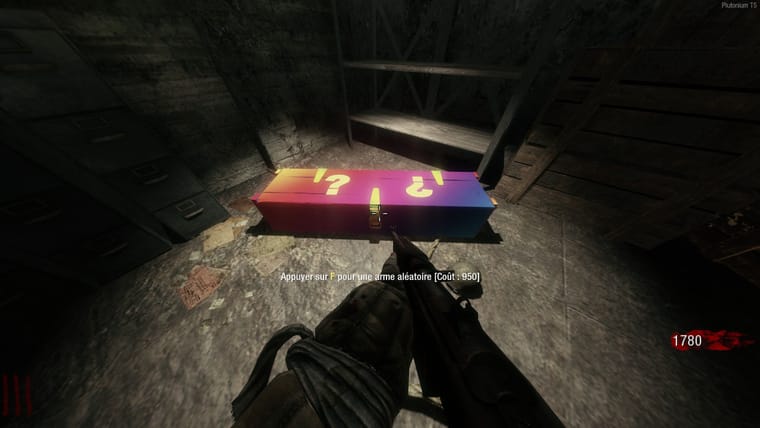
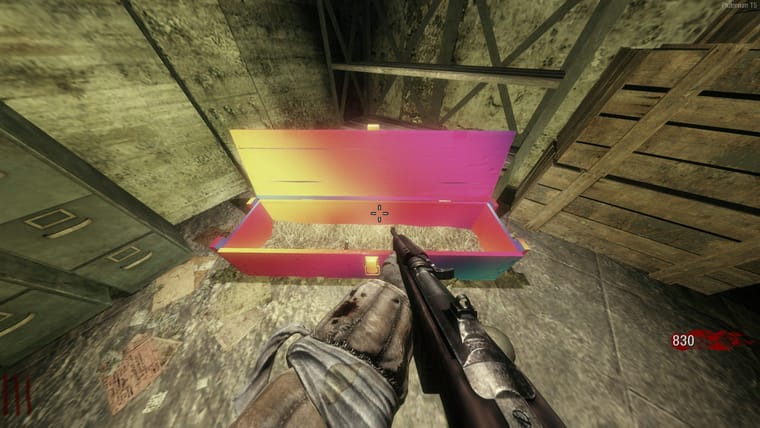
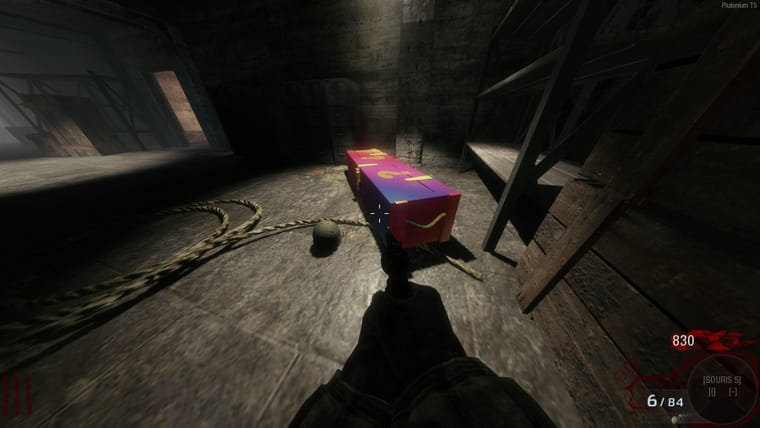
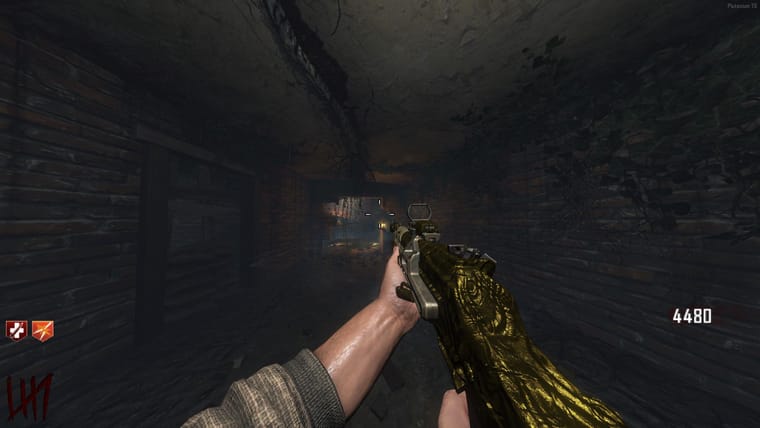
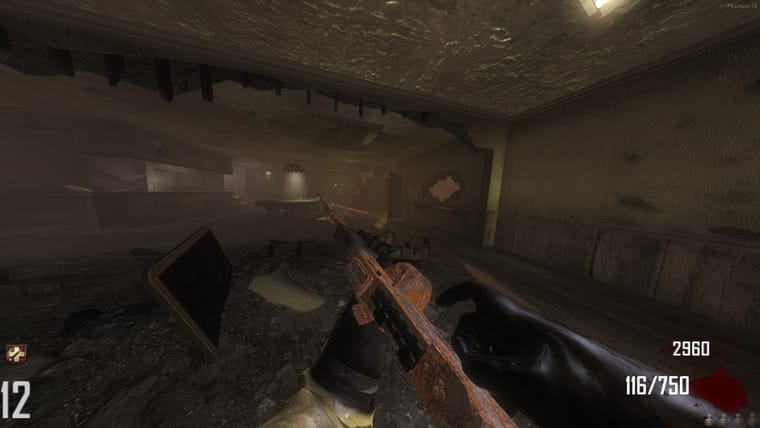
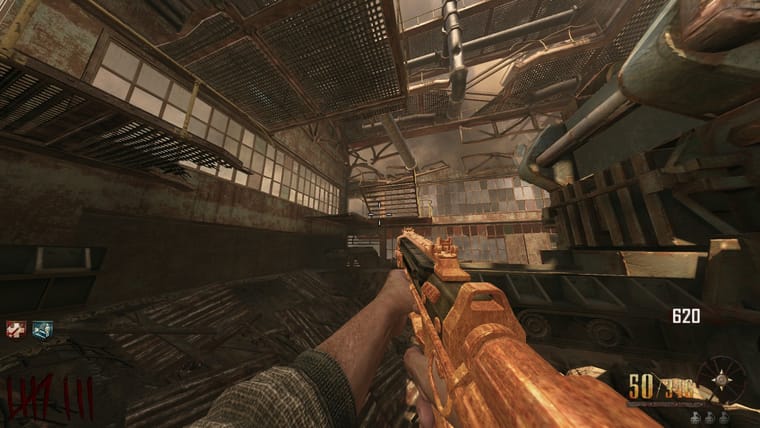
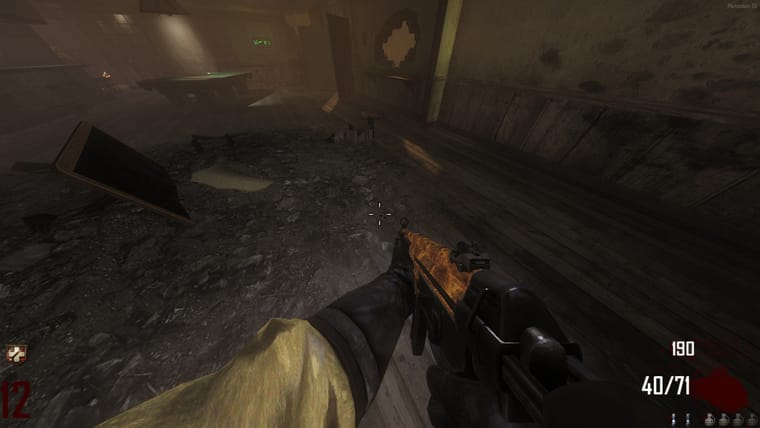
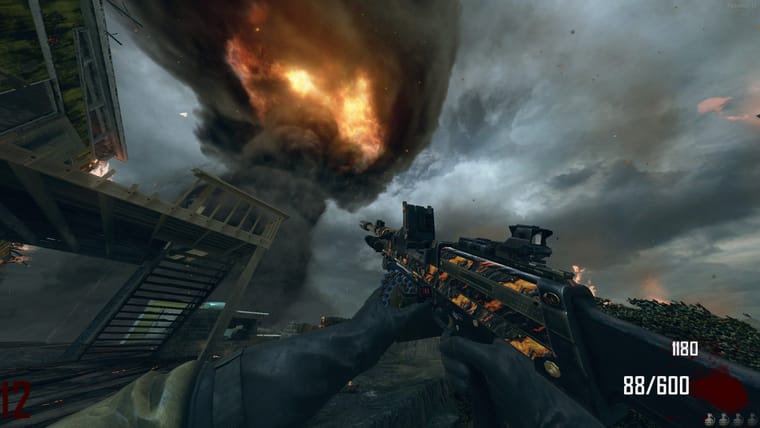
#4 (Wood 1)
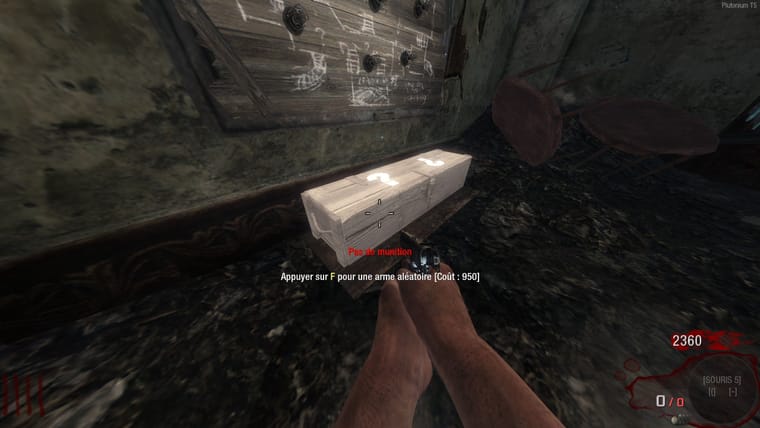
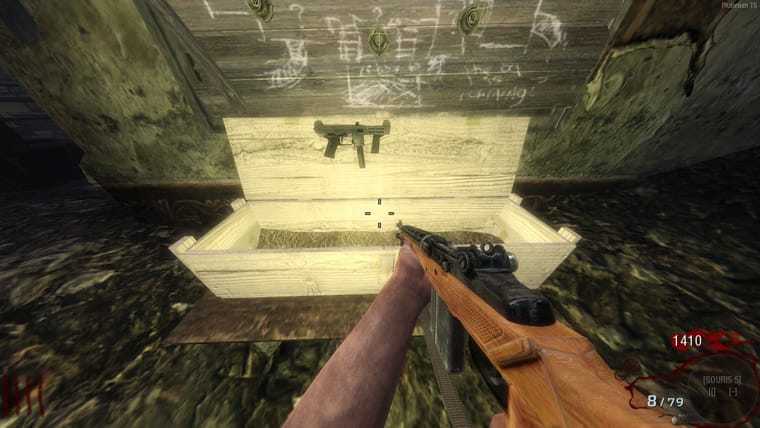
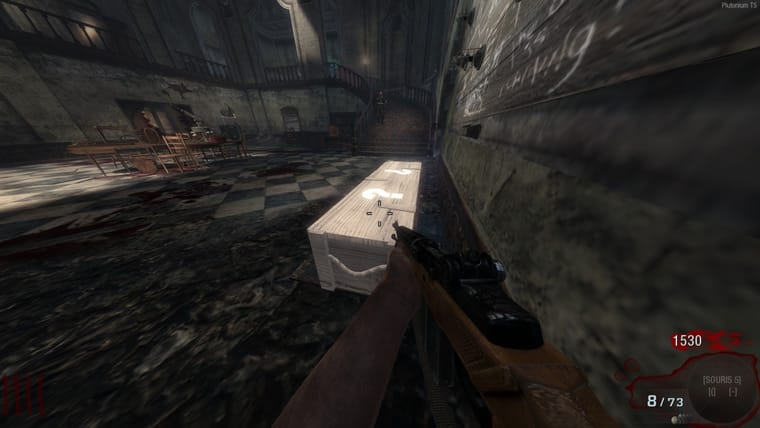
#5 (Wood 2)
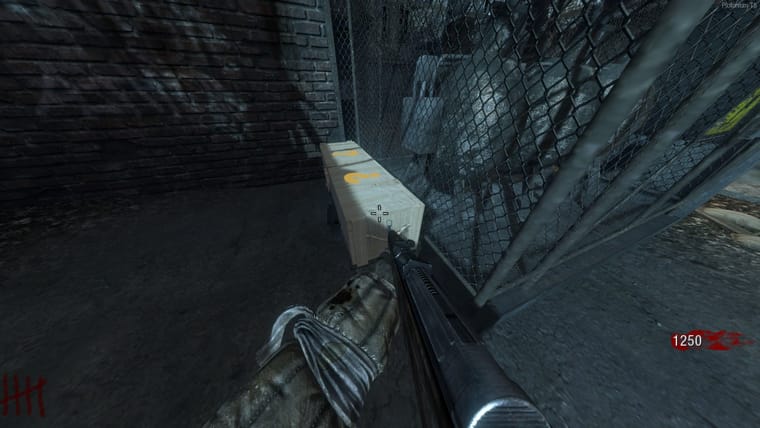
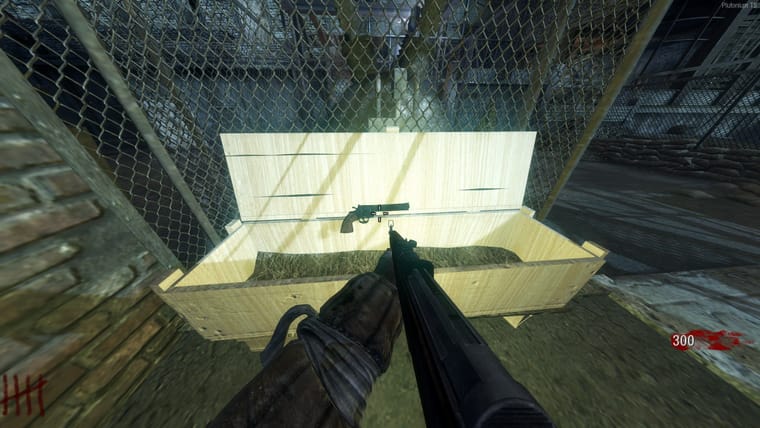
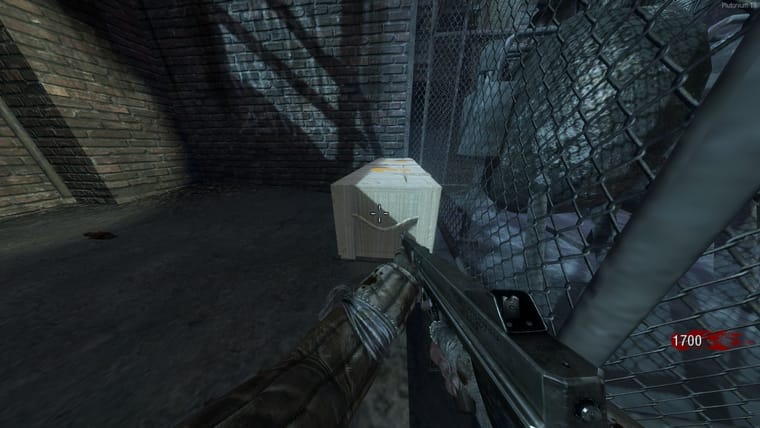
For Black Ops 2> https://forum.plutonium.pw/topic/40523/t6-custom-mysterybox-pack-by-folbix

#1 (Black Wood)
#2 (Gold)
#3 (Rainbow)
#4 (Wood 1)
#5 (Wood 2)
For Black Ops 2> https://forum.plutonium.pw/topic/40523/t6-custom-mysterybox-pack-by-folbix
#1 (Black Wood)
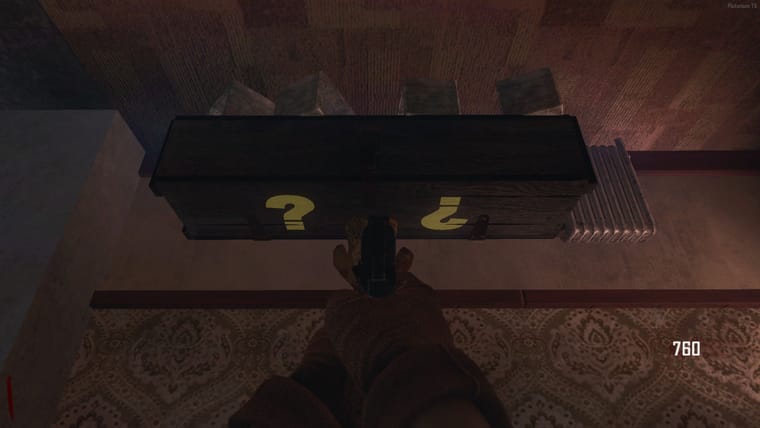
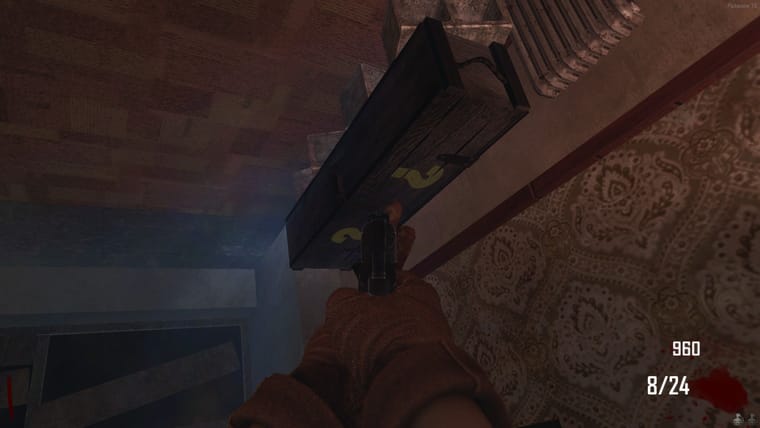
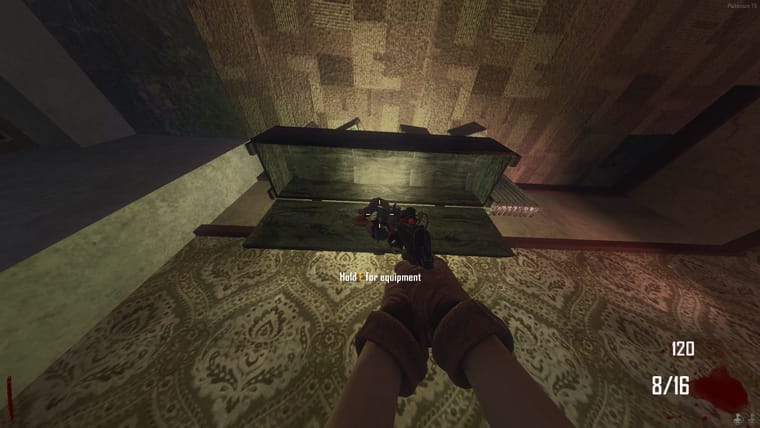
#2 (Galaxy)
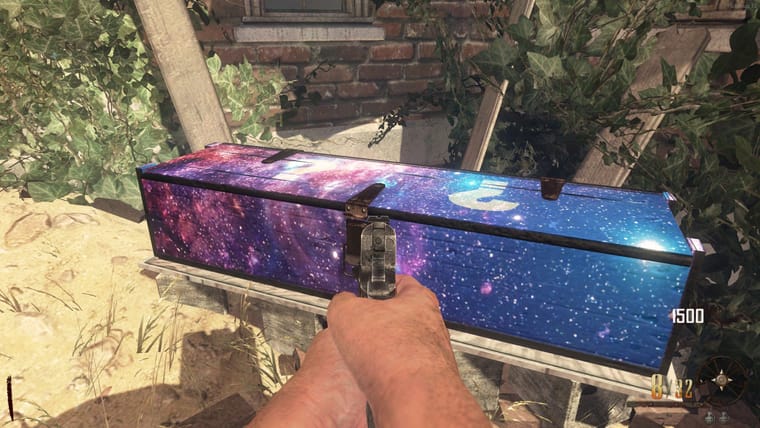
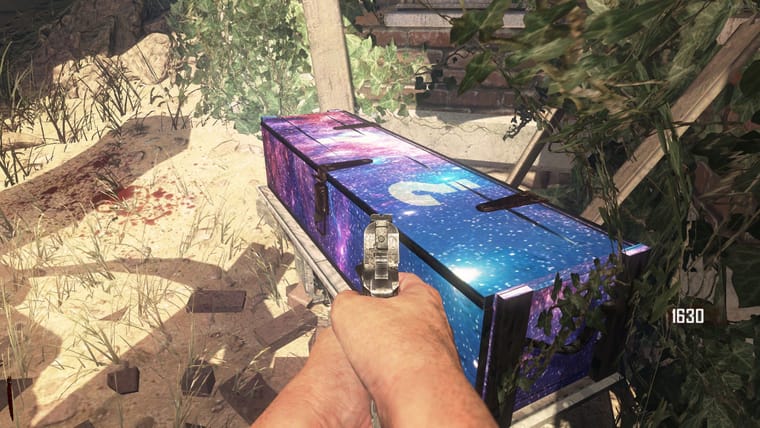
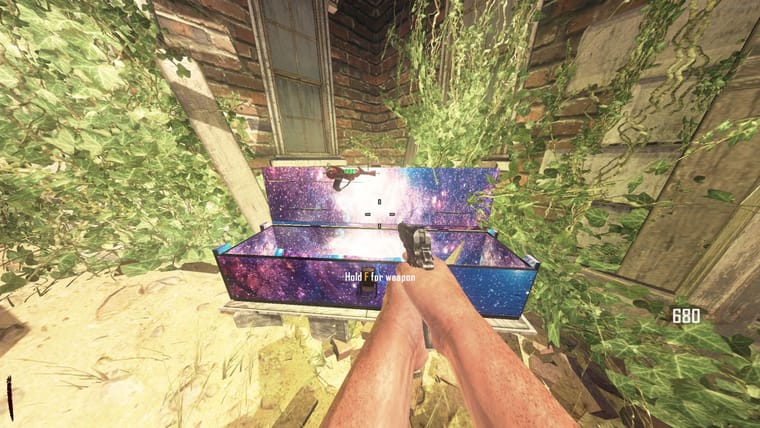
#3 (Minecraft Chest)
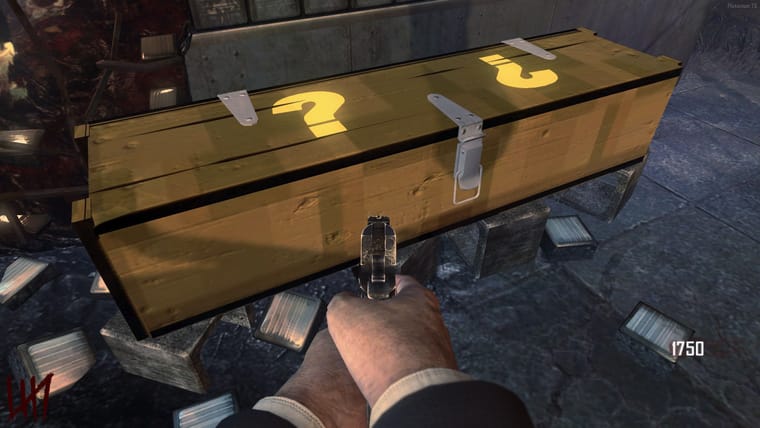
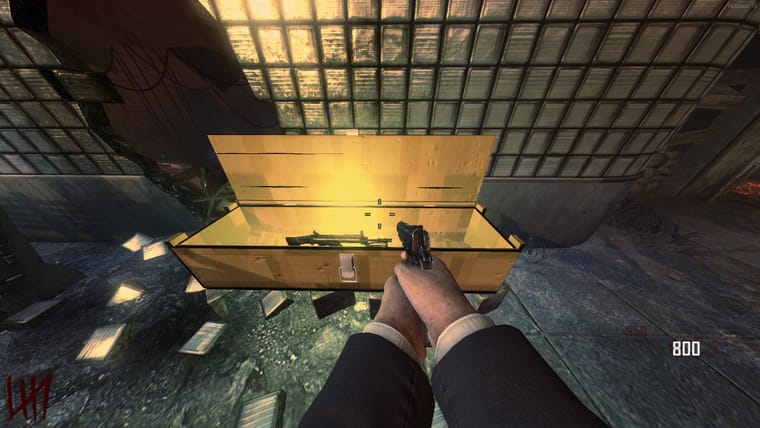
#4 (Rainbow)
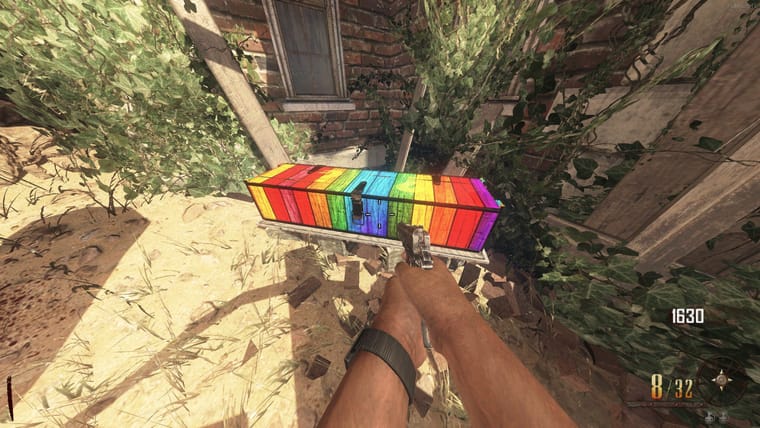
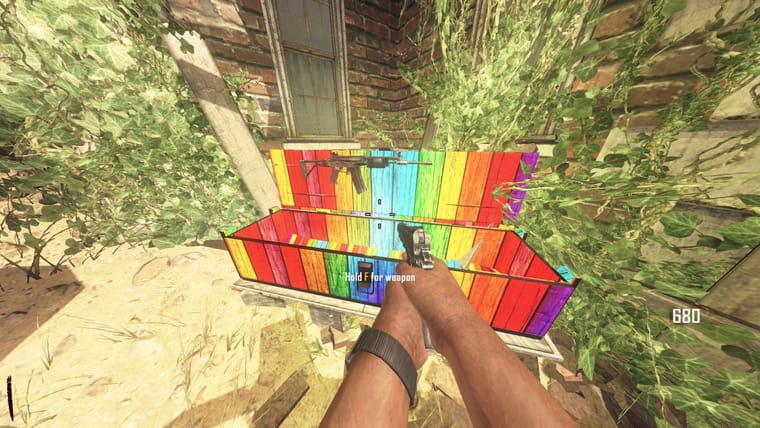
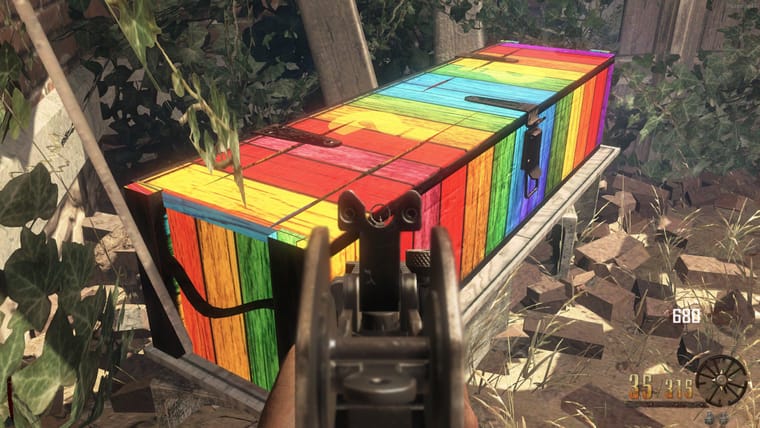
#5 (Space)
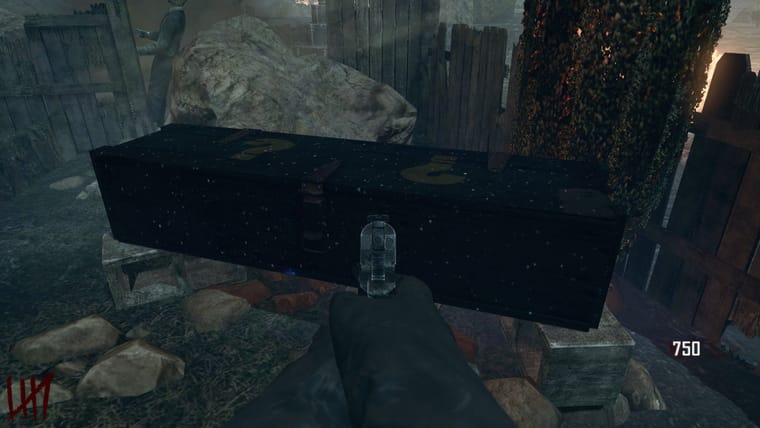
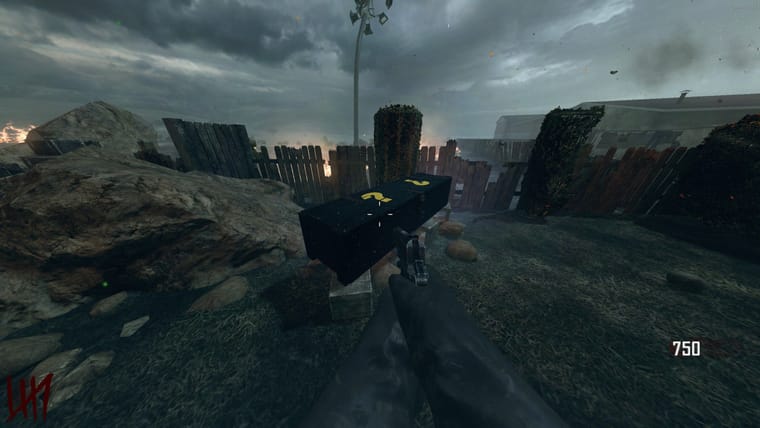
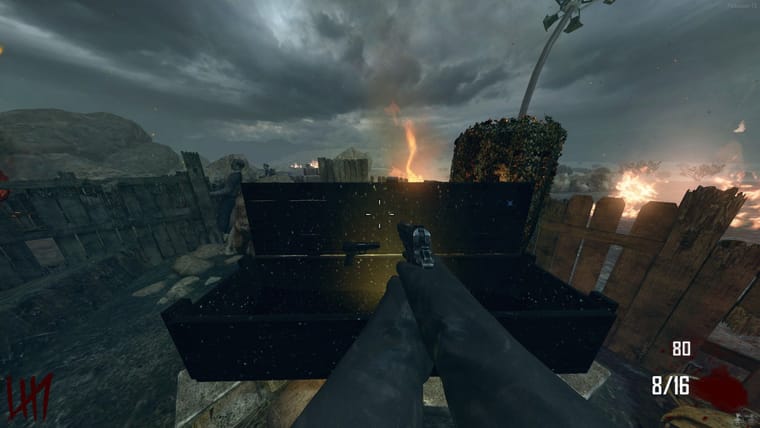
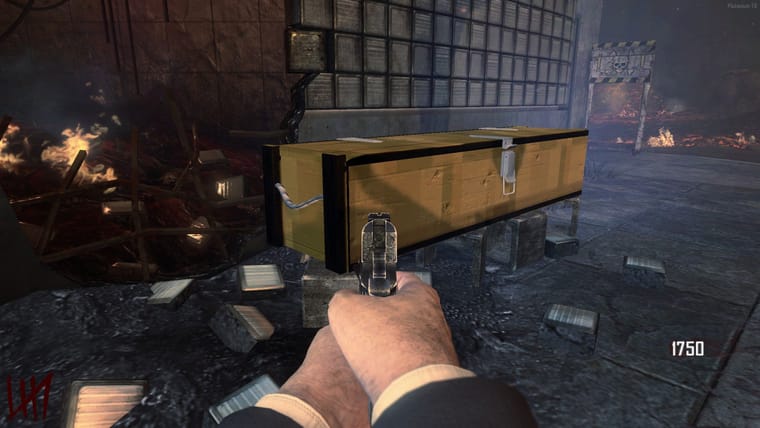
#6 (Wood 1)
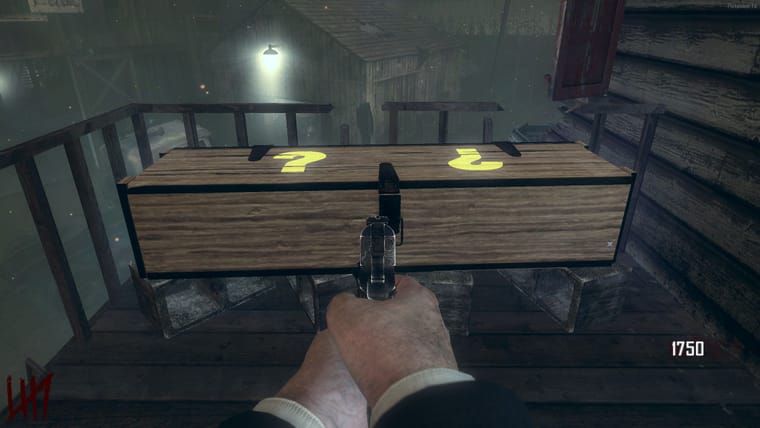
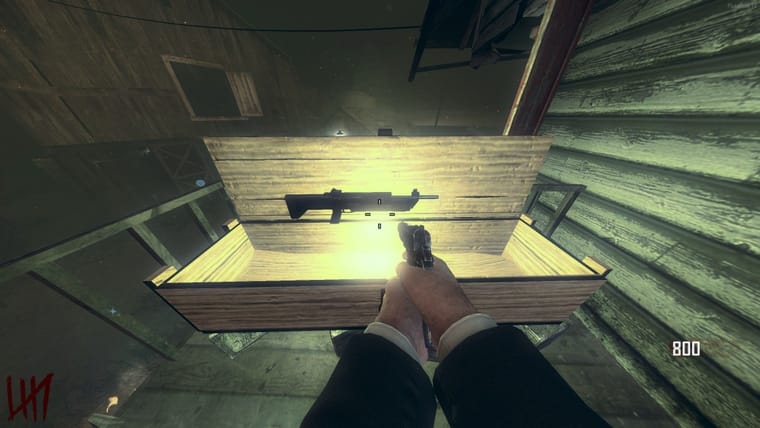
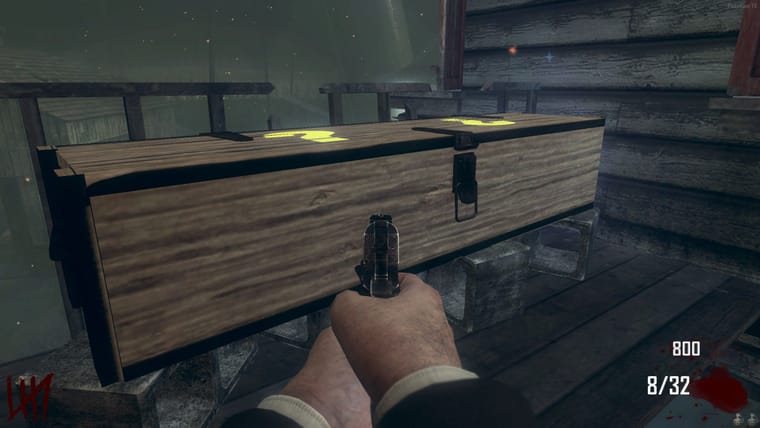
#7 (Wood 2)
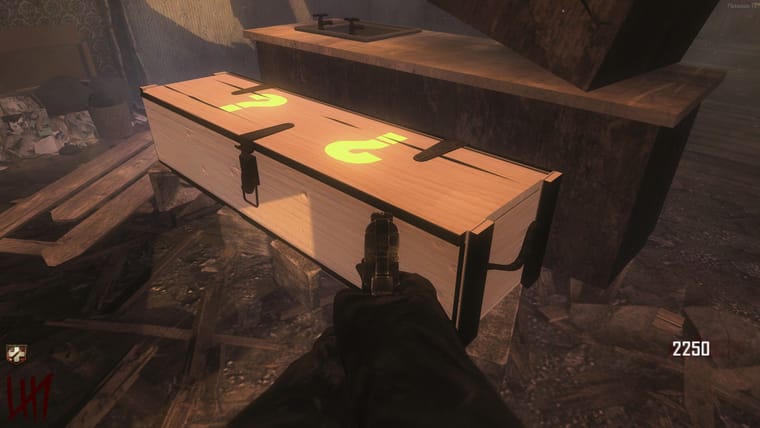
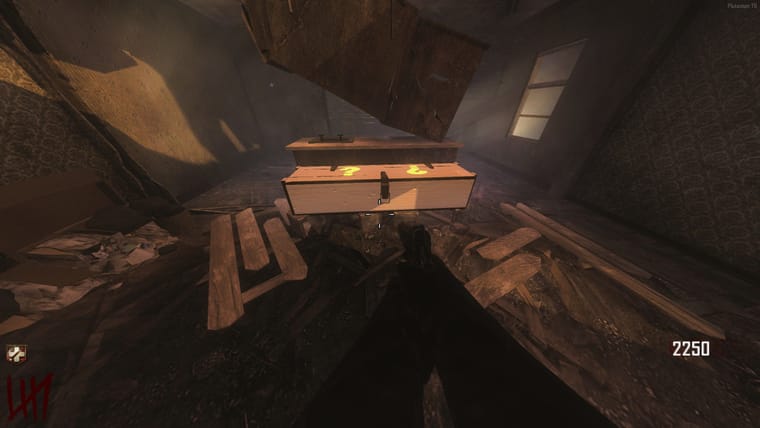
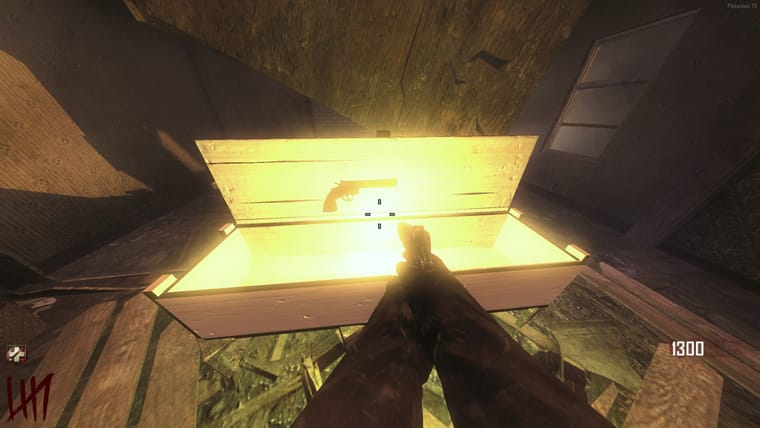
For Black Ops> https://forum.plutonium.pw/topic/40524/t5-custom-mysterybox-pack-by-folbix
GhostRider0125 I'll try to fix that later.
GhostRider0125 Thanks!
!!!ONLY FOR TRANZIT,NUKETOWN,DIE RISE,BURIED,TOWN&ORIGINS!!!
a old project i wanted to finish to have more space on my PC, xD
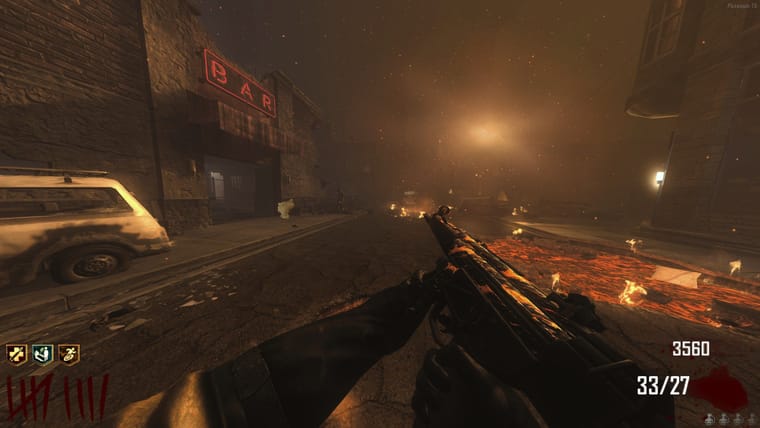
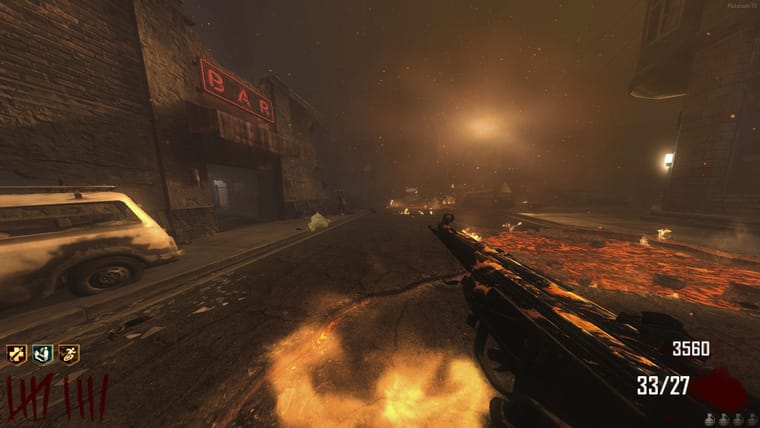
Pics:
Camo-
Victis&Nuketown-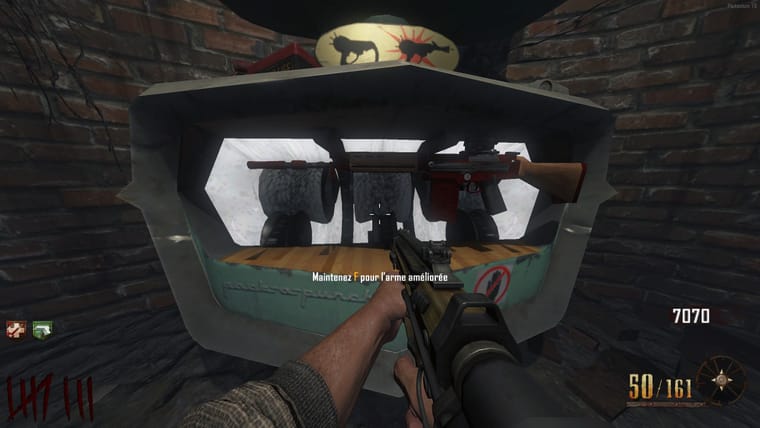
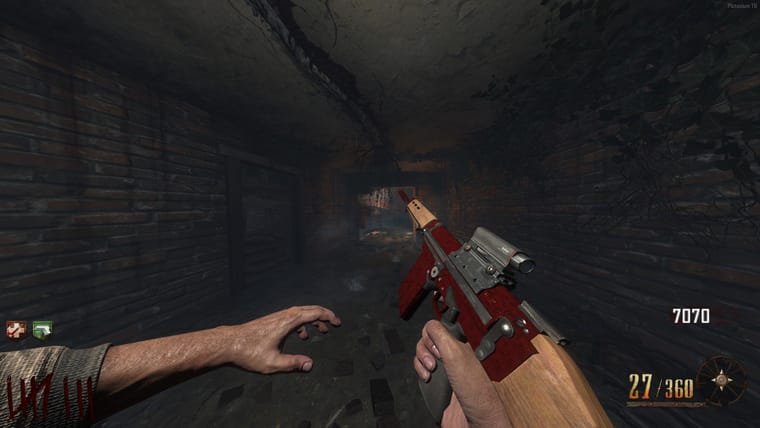
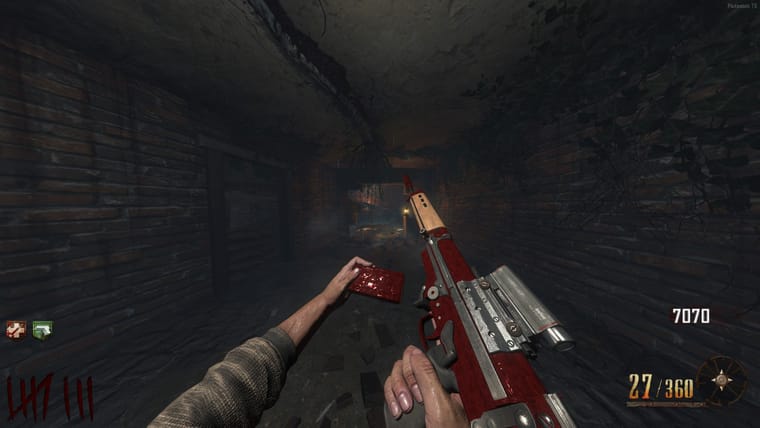
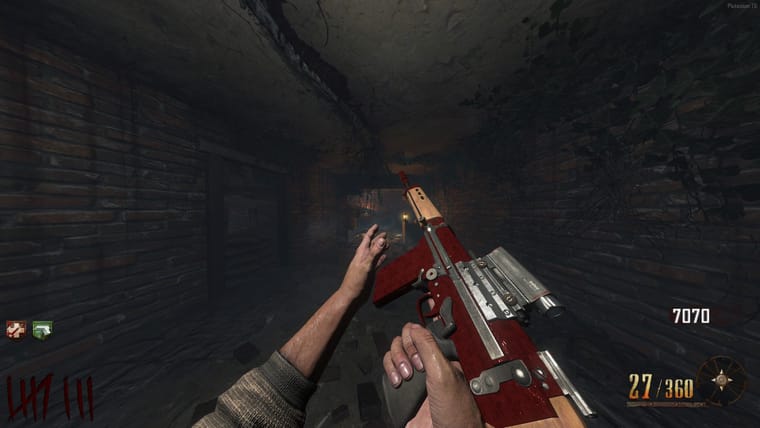
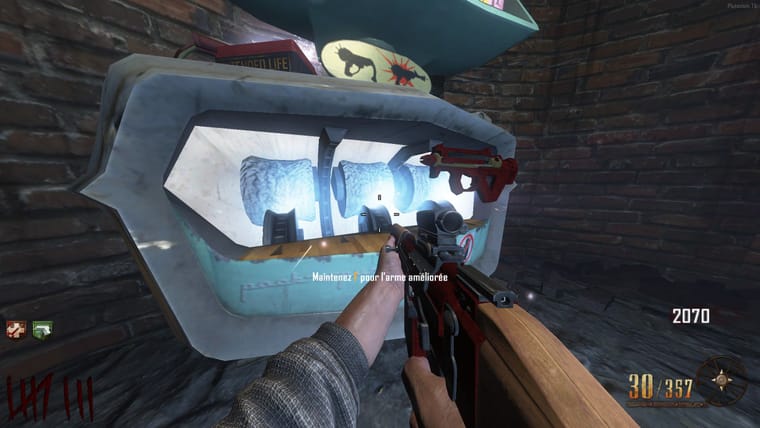
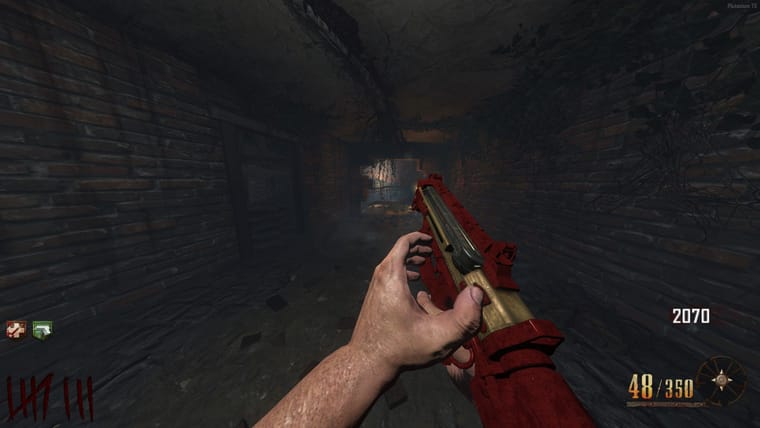
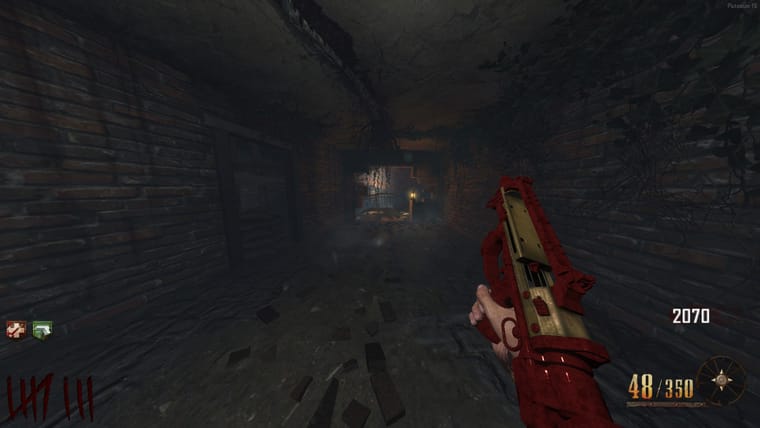
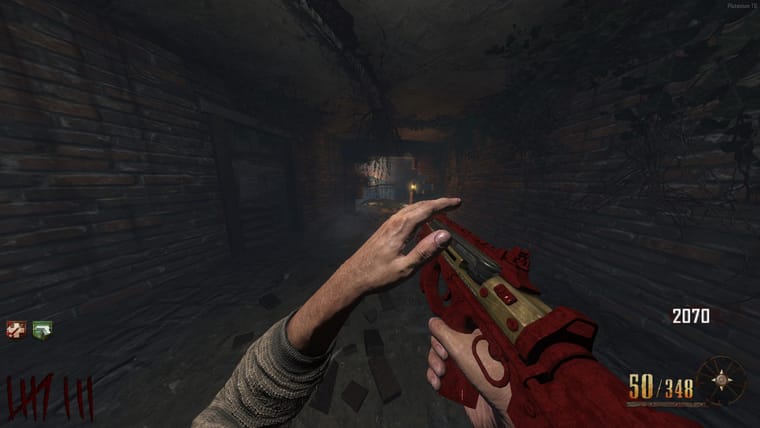
Origins-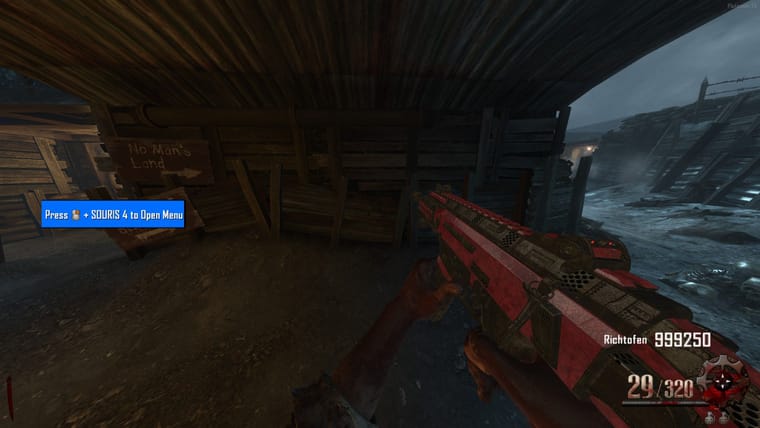
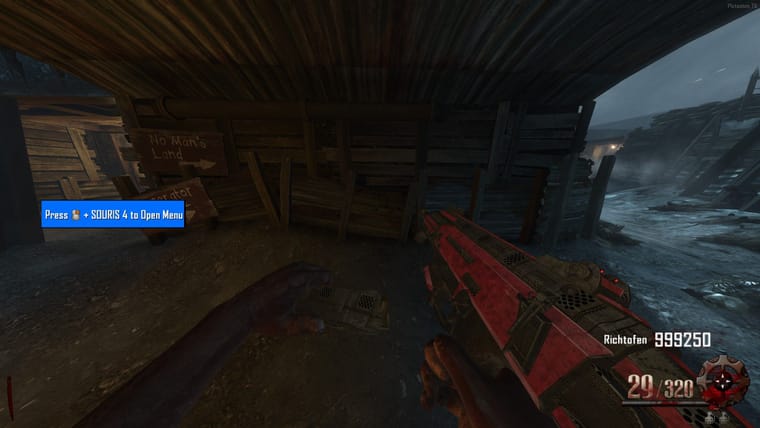
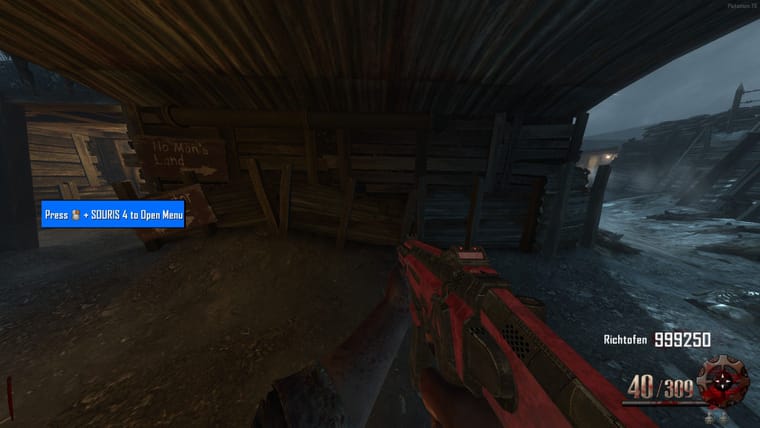
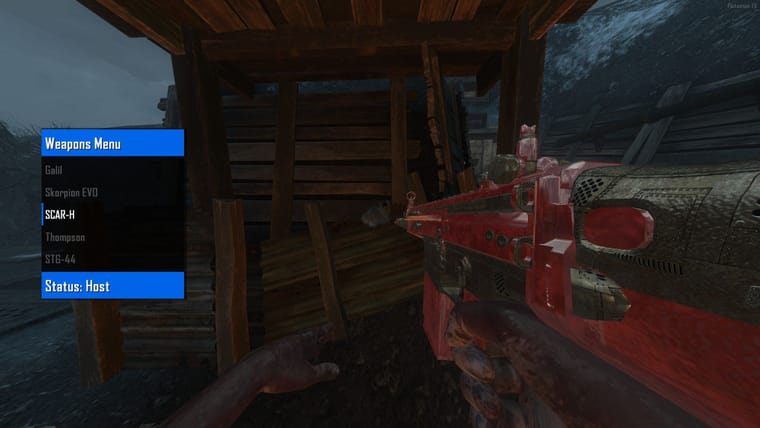
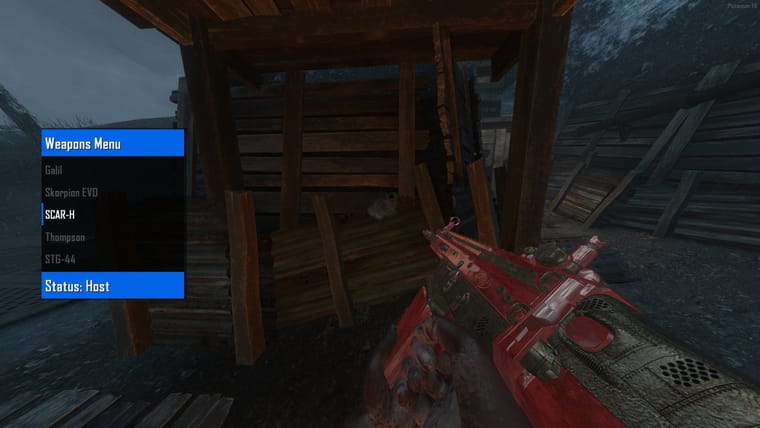
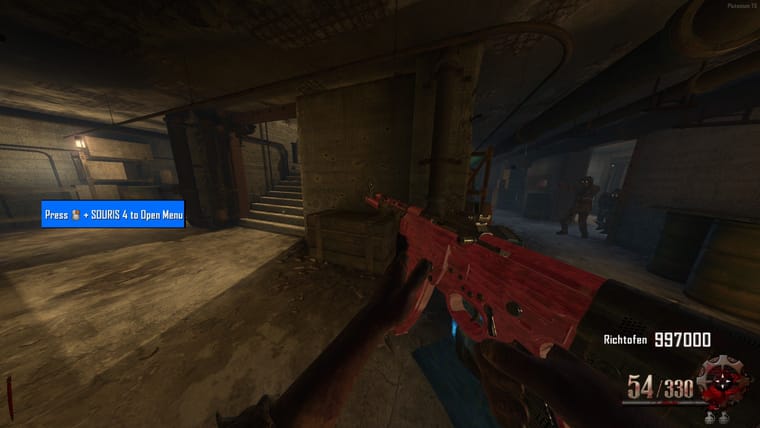
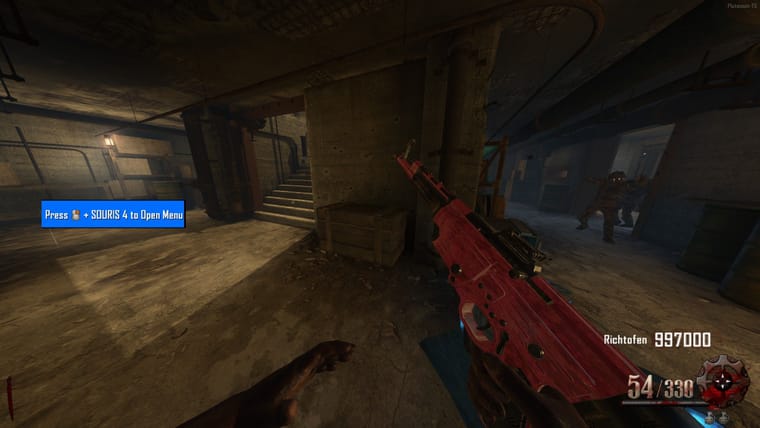
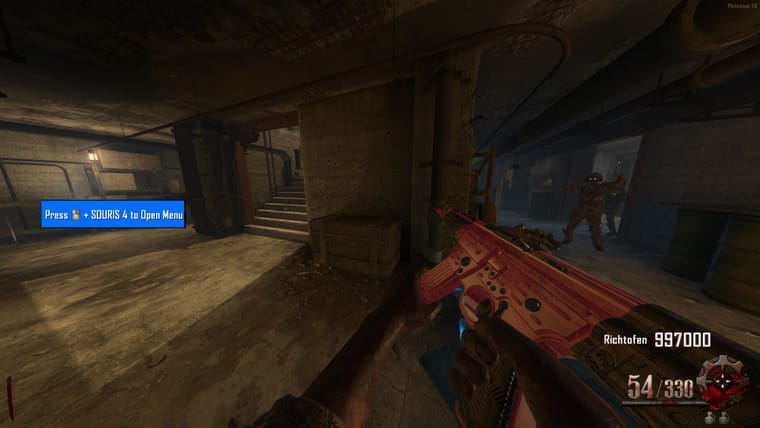
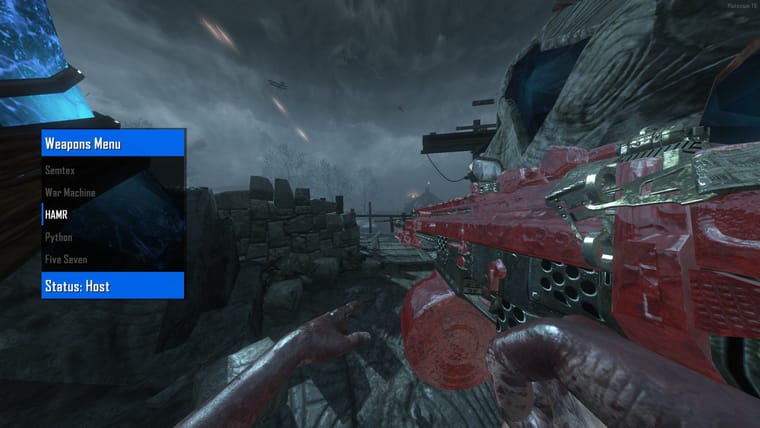
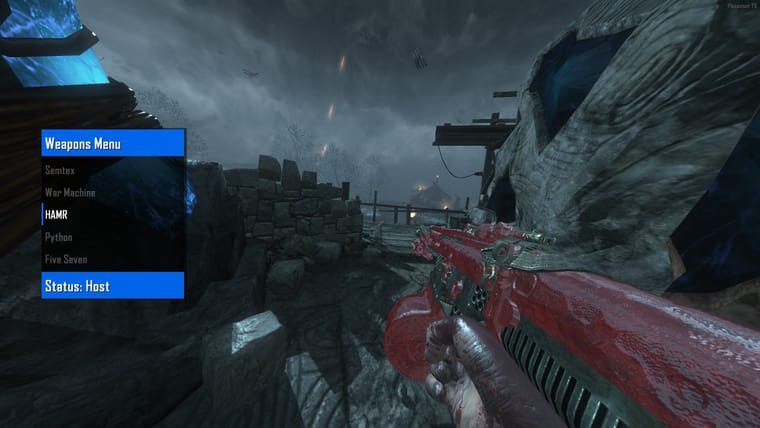
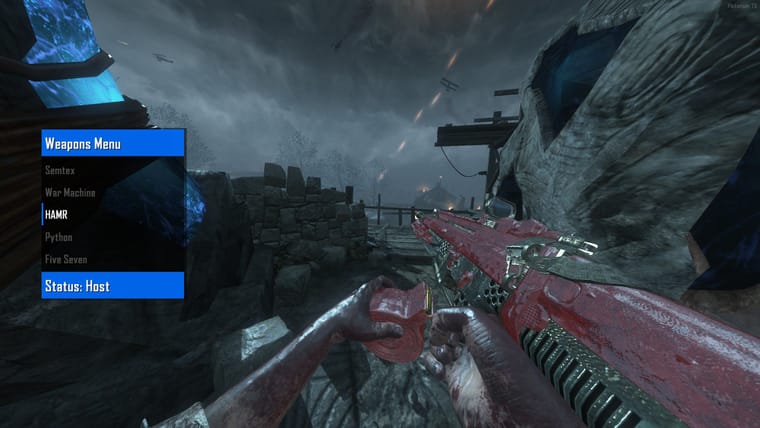
Pack:
-Blue
-Green
-Light Blue
-Light Orange
-Classic Remasterized
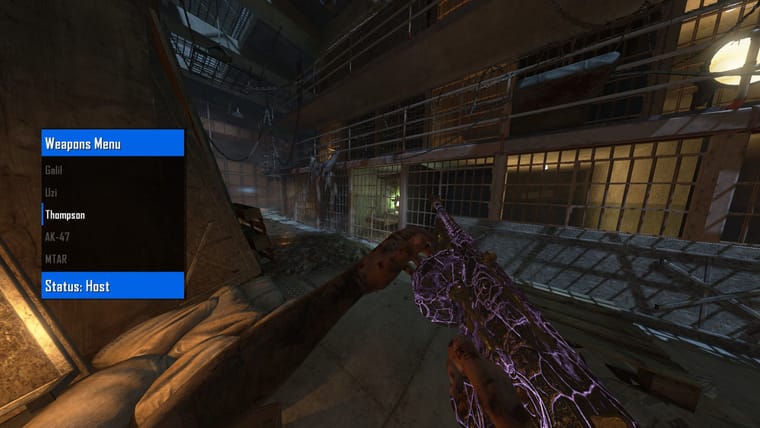
-Purple
-Red
-Red2
-Yellow
IMAGES:
Blue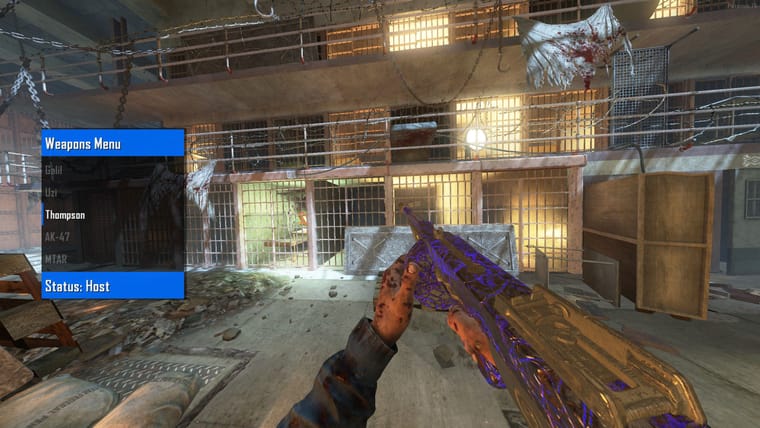
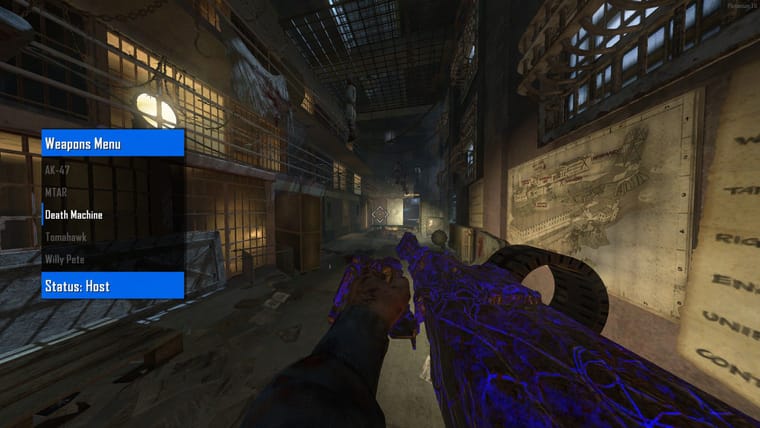
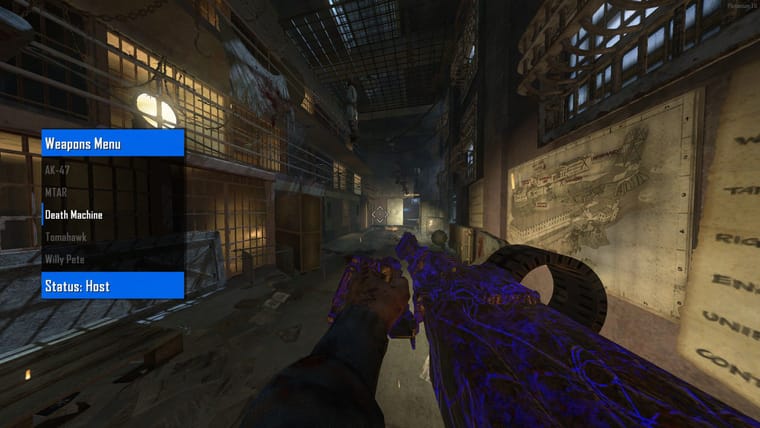
Green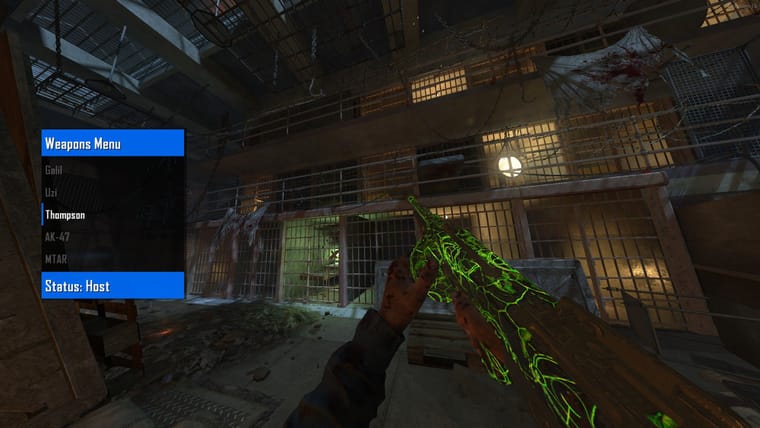
Classic Remasterized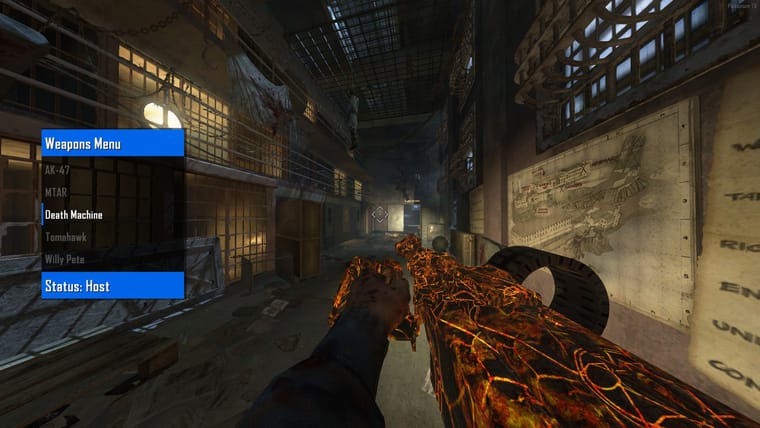
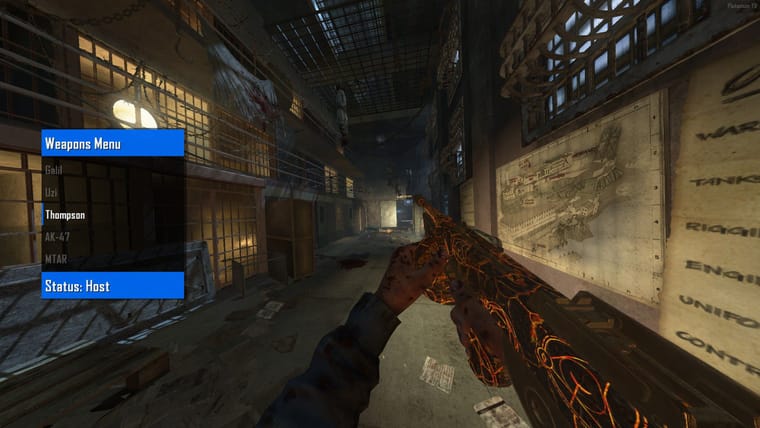
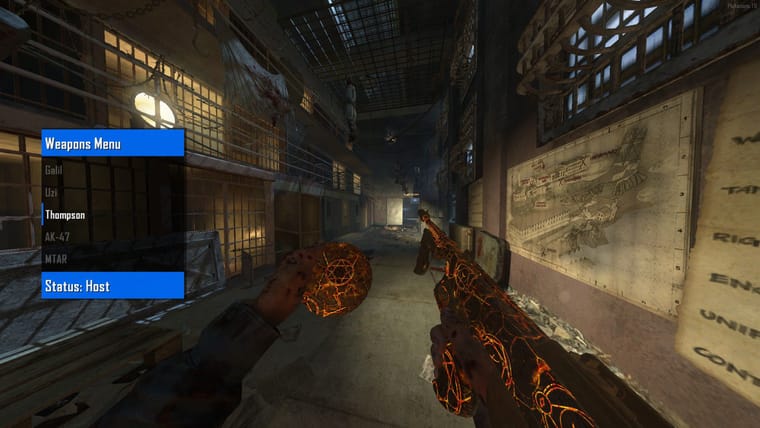
Light Blue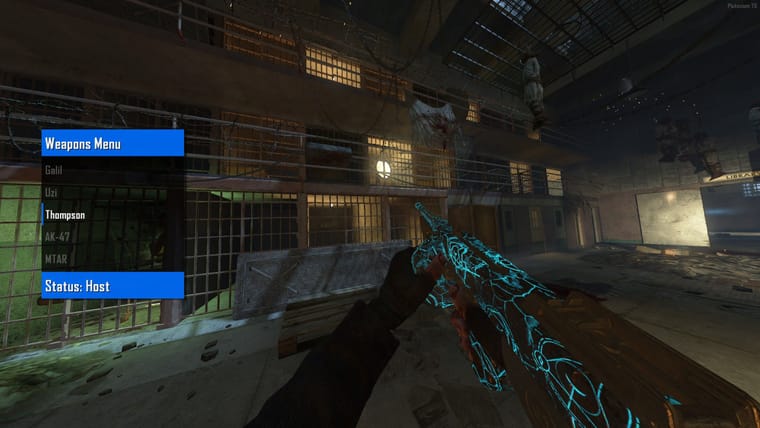
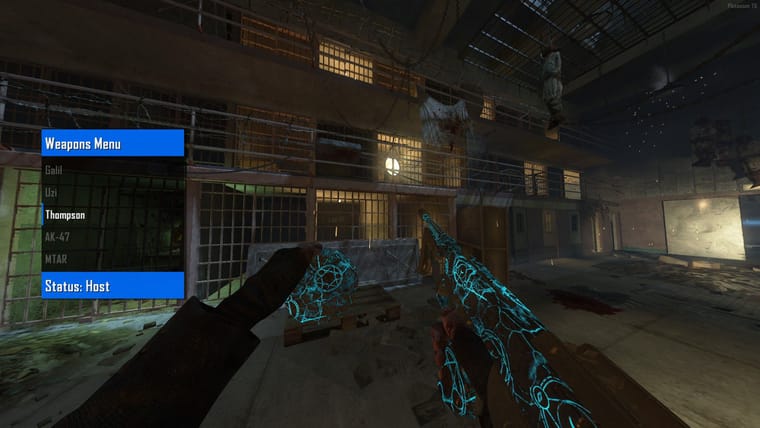
Purple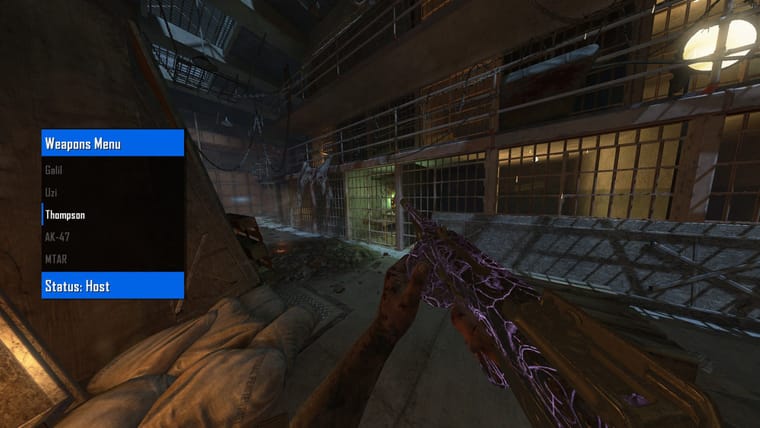
Light Orange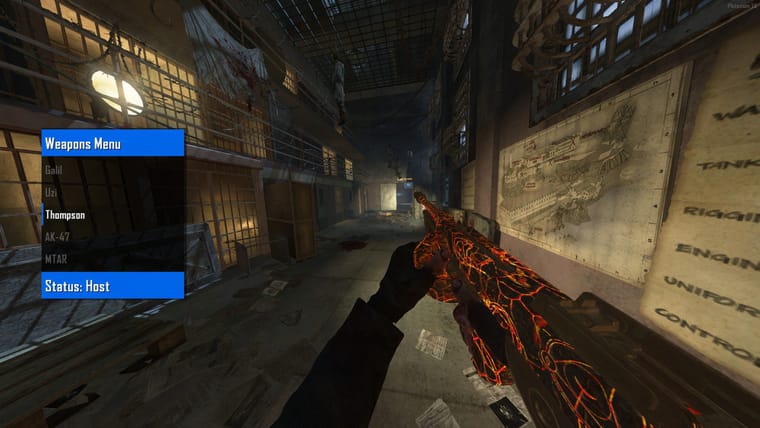
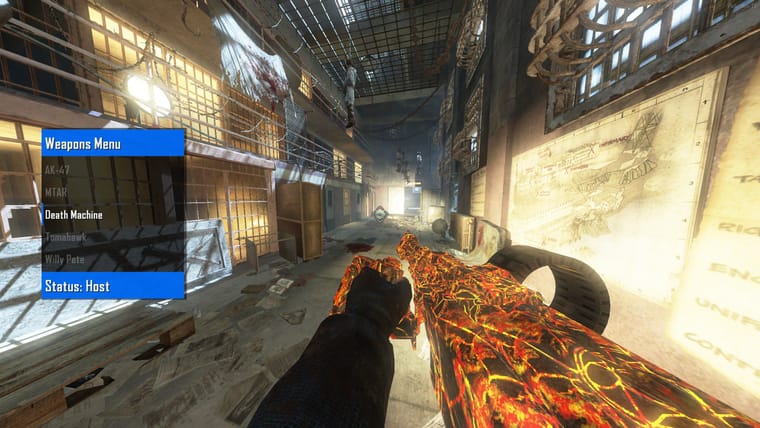
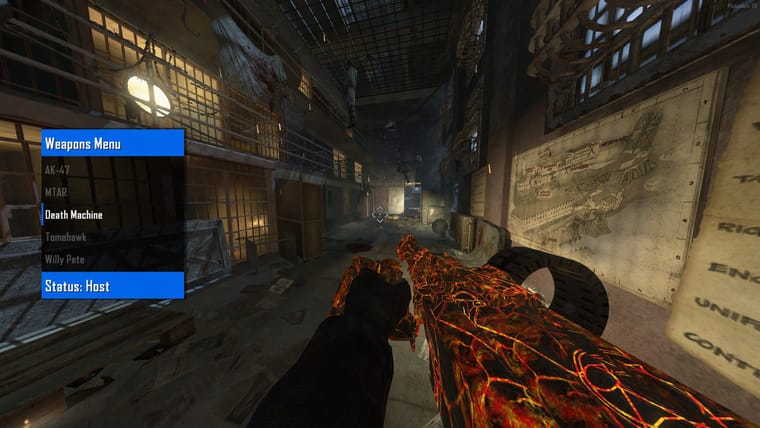
Red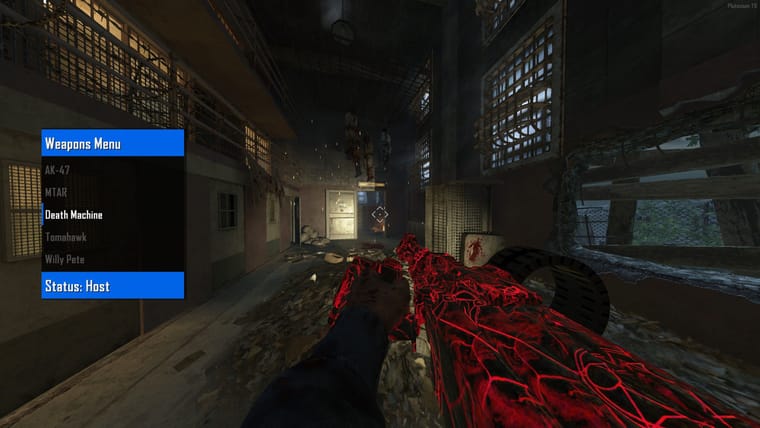
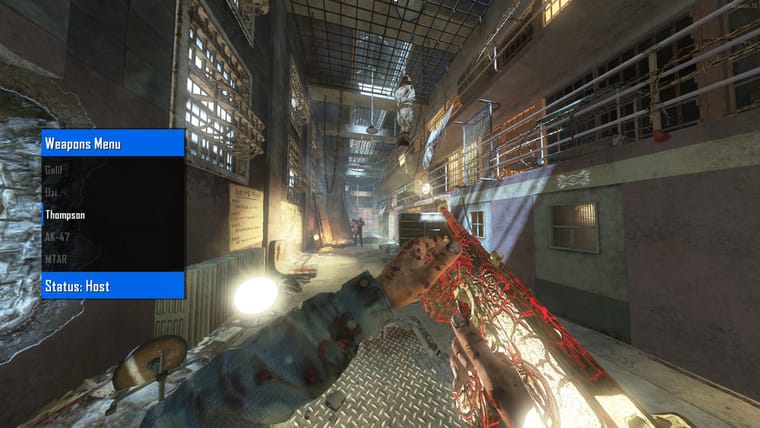
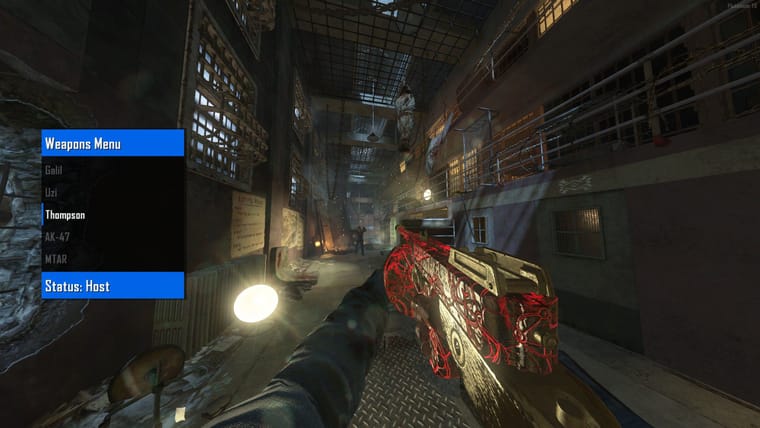
Red2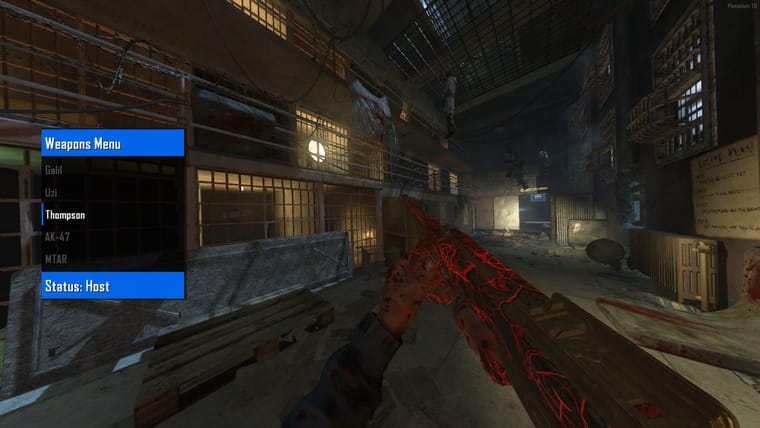
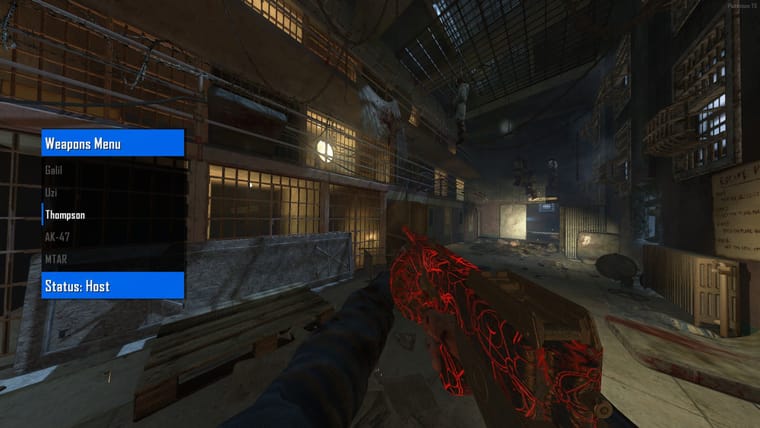
Yellow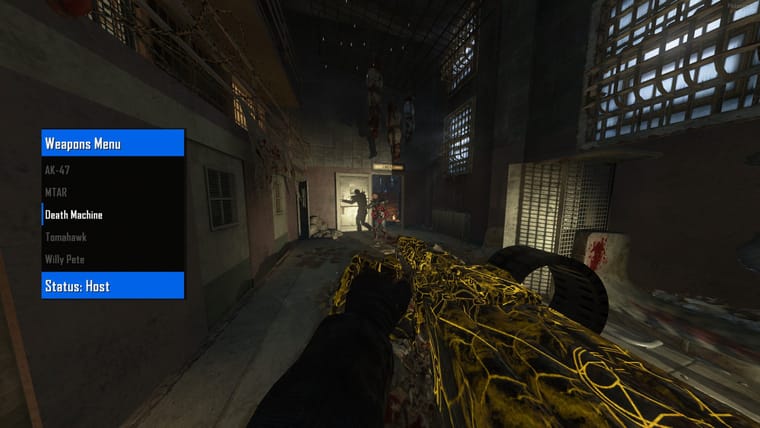
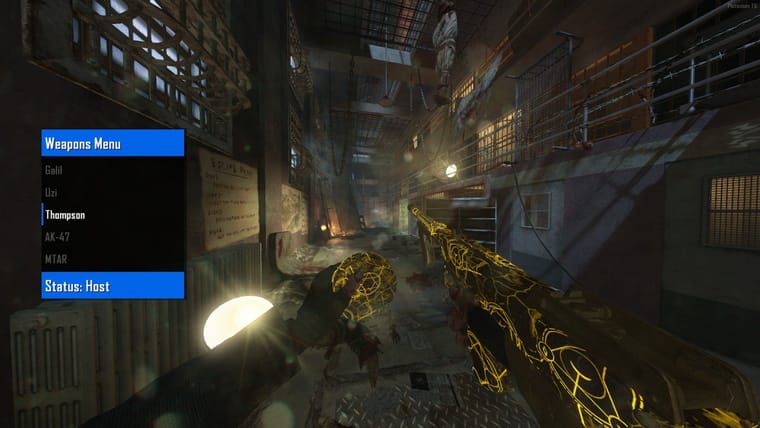
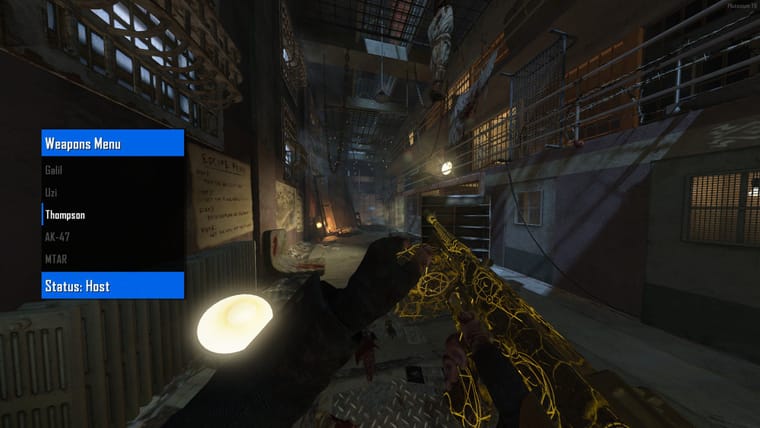
Just a small project i wanted to finish
[!!!PACK ONLY FOR MOB OF THE DEAD!!!]
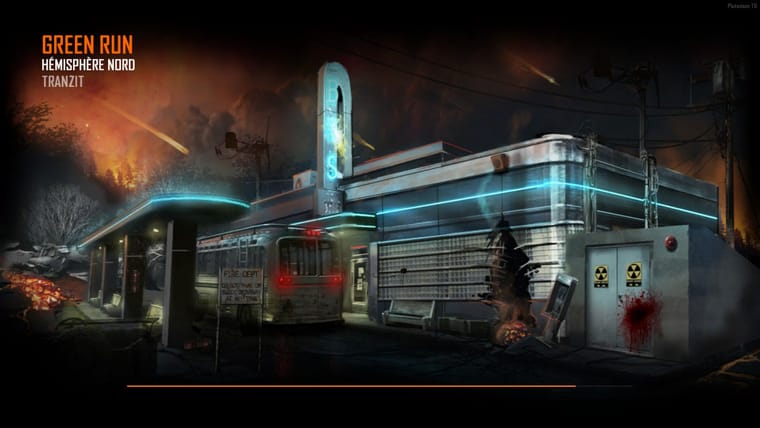
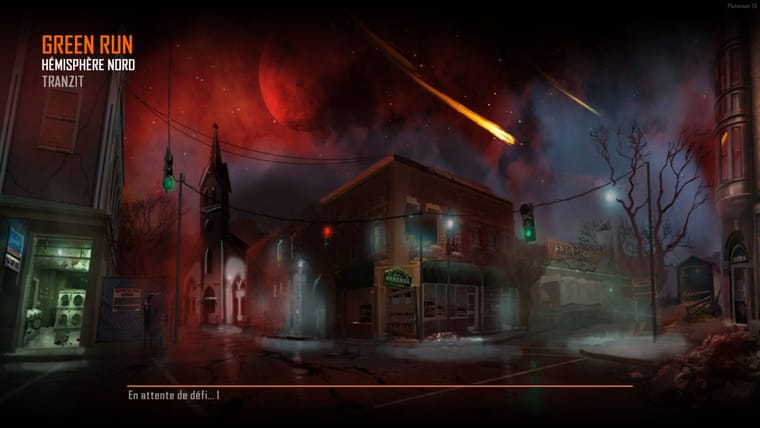
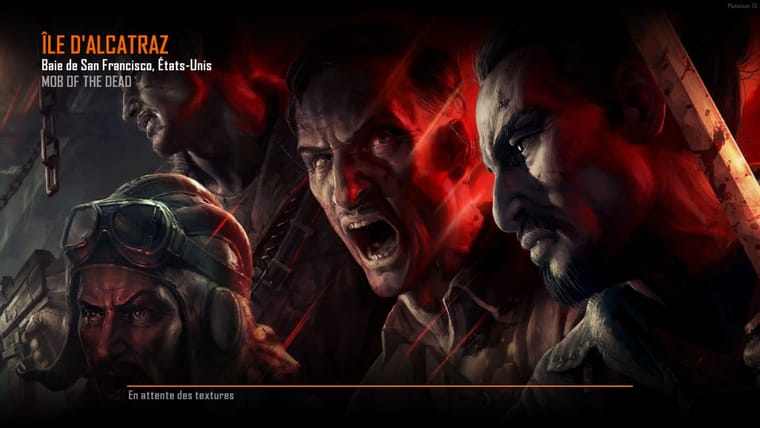
Loading Screen:
BO4 Perks Icons
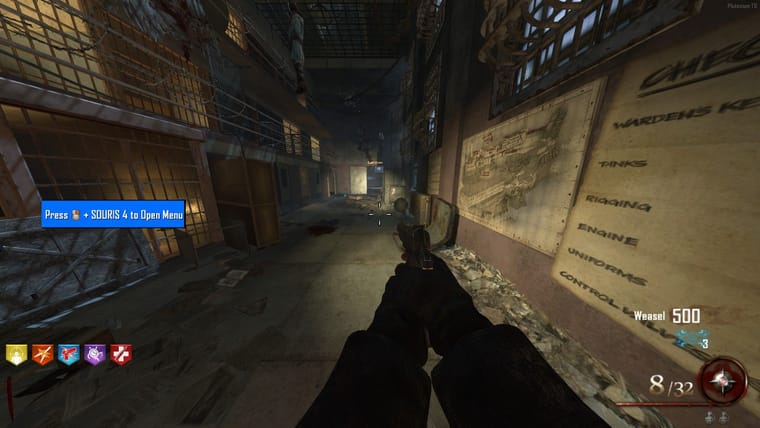
Power Up Icons:
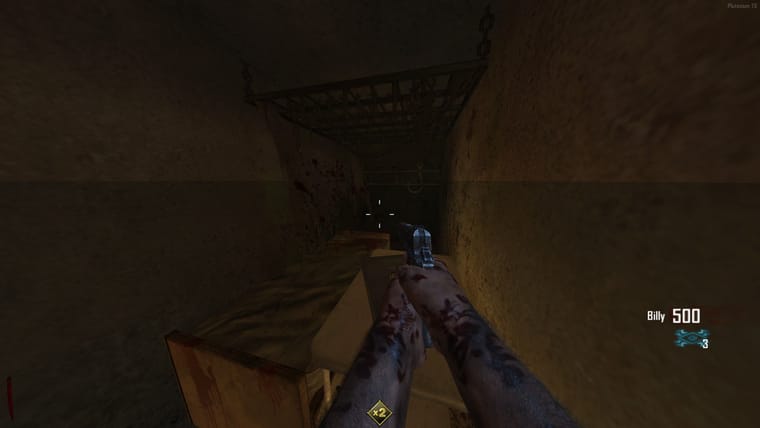
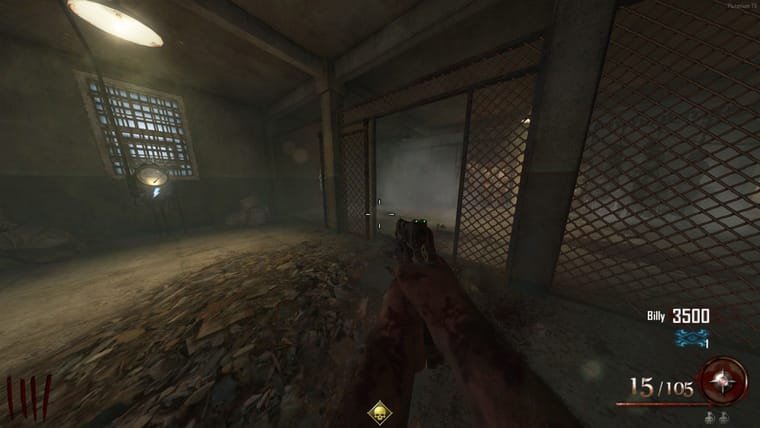
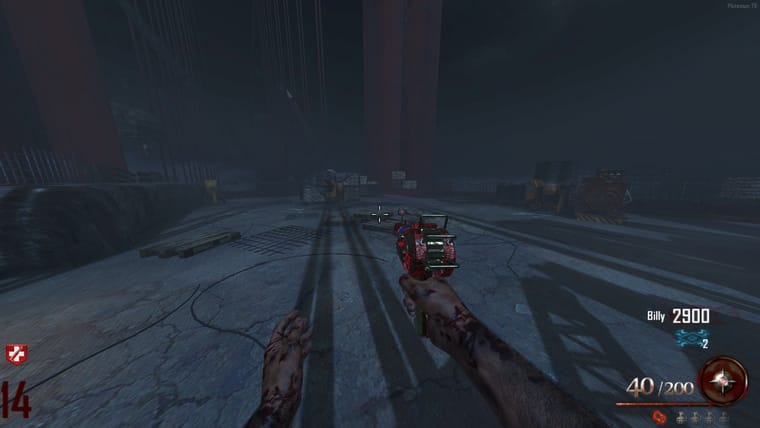
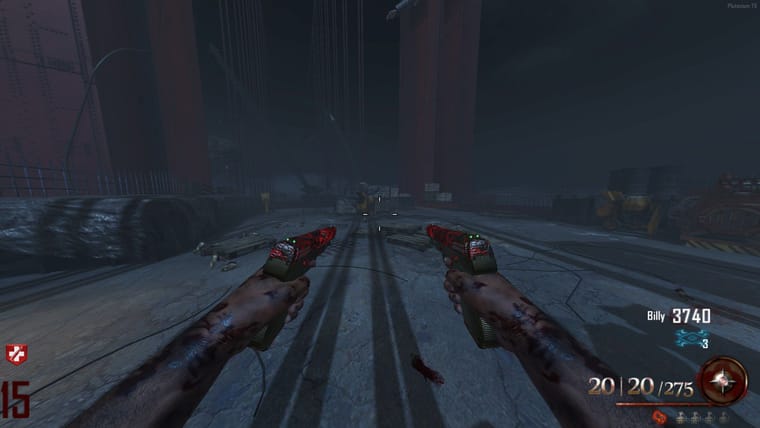
And a custom Pack-A-Punch Camo in bonus  (I always thought red would look better than orange...so i did it)
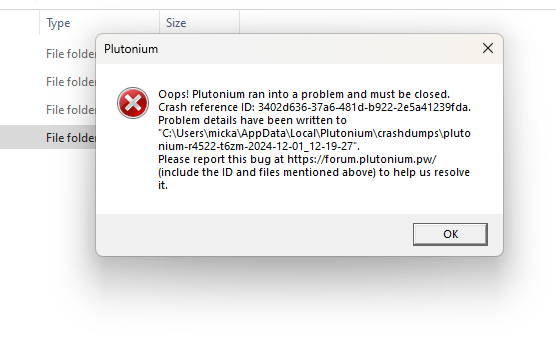
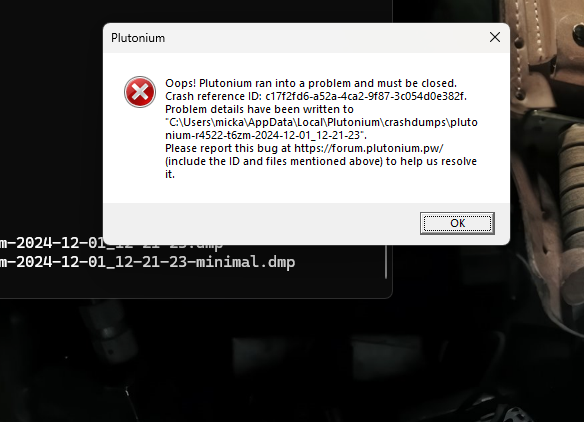
Hey guy's, I have a problem with my bo2 plutonium
My game launches and runs normally but as soon as I add my "images" folder, the game crashes when launching a map, I checked the BO2 Steam files and everything is ok, I downloaded again Plutonium and still nothing...If I want to play the game, I have to play classic bo2 without modifying image and it only does it with bo2
here is my error code:
Exception Code: 0xC0000005
Exception Address: 0x0074C175
Thanks
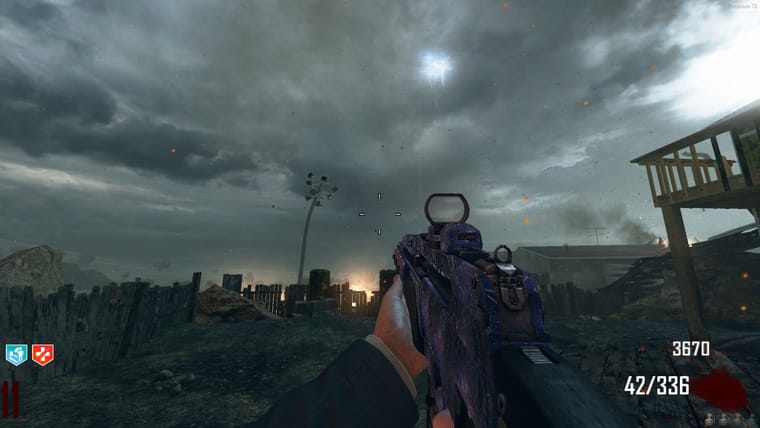
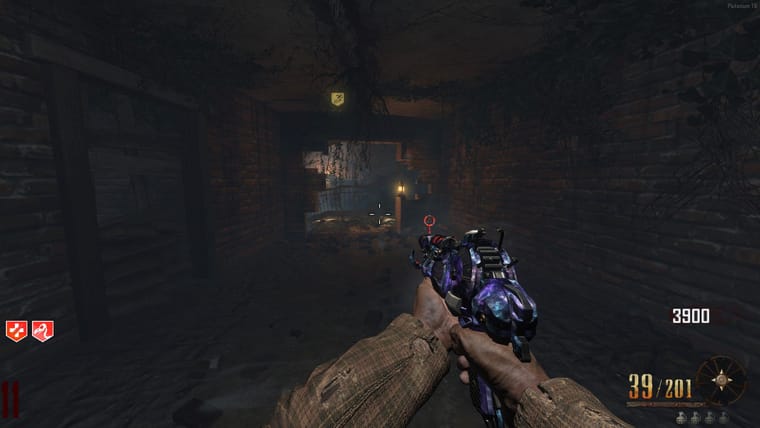
!!!ONLY FOR TRANZIT,NUKETOWN,DIE RISE&BURIED FOR NOW!!!
#1
#2
#3
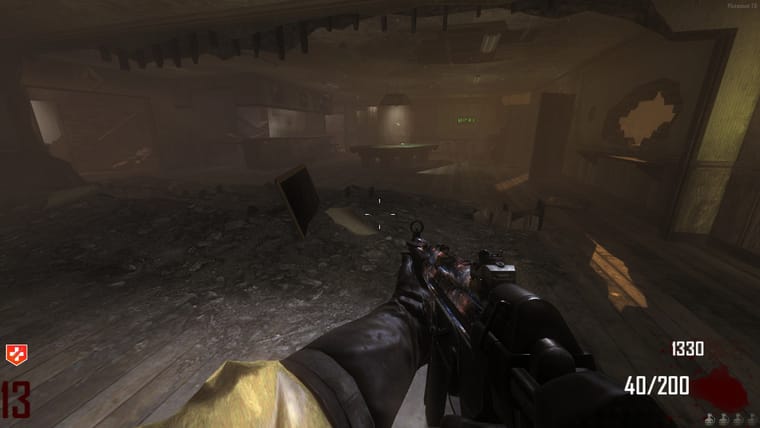
#4
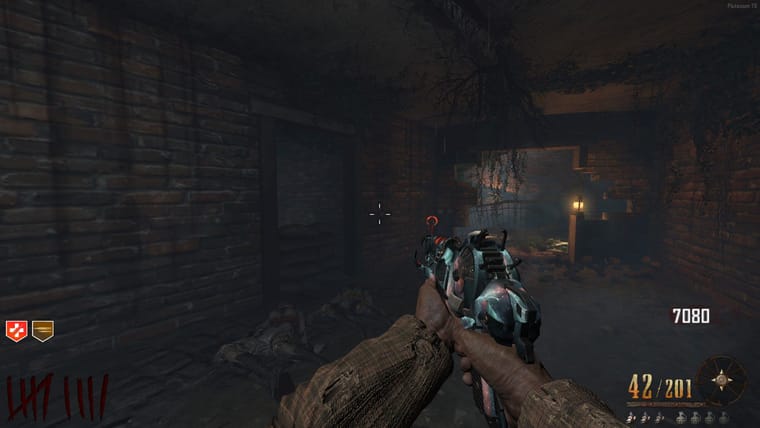
#5
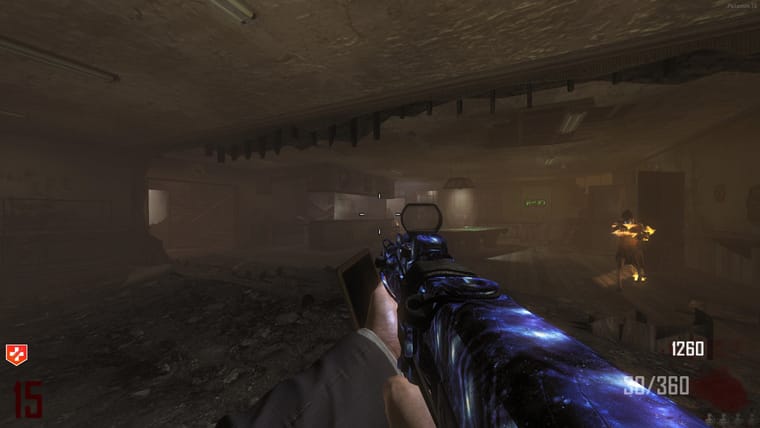
#6
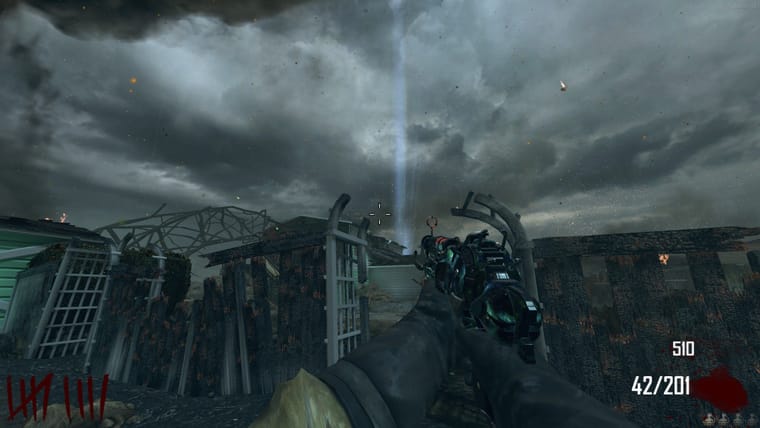
#7
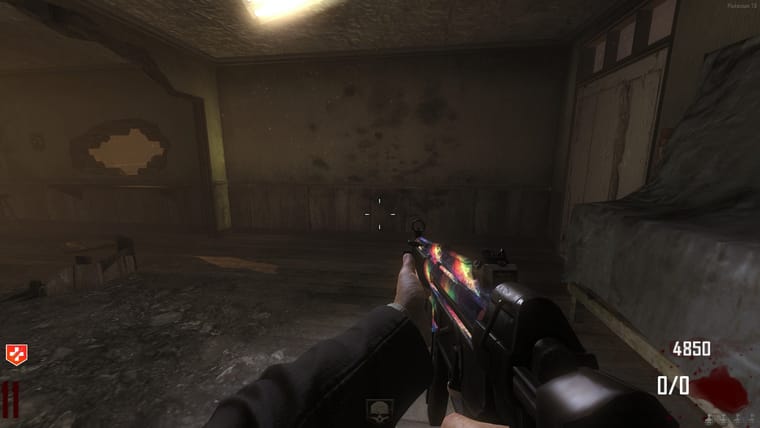
#8
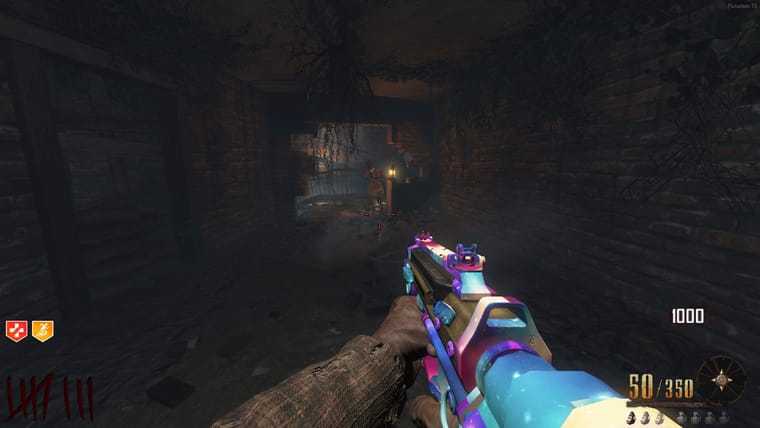
#9
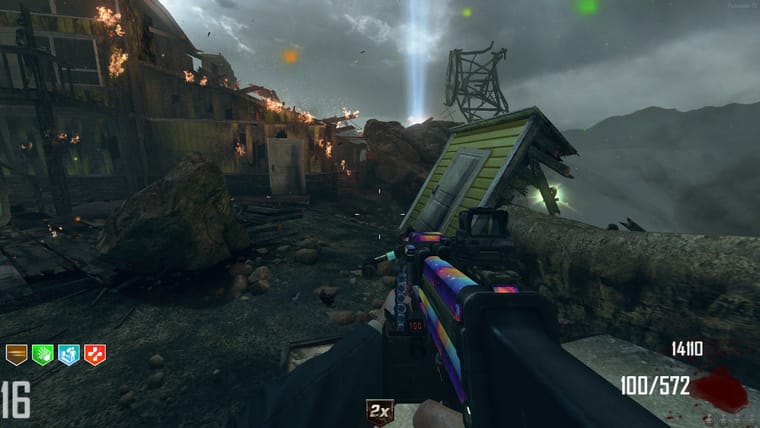
#10
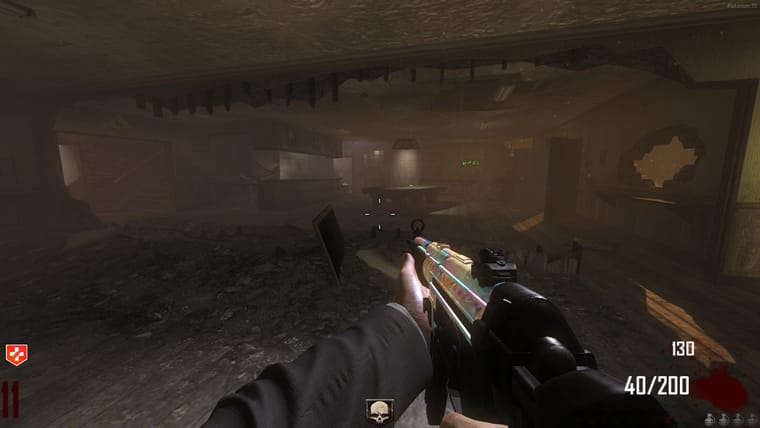
@_Argonn Yes, you can