update, went through plutonium config files, went to cod waw and changed config fullscreen setting from '0' to '1'.
made it actually open, but still can't window.

update, went through plutonium config files, went to cod waw and changed config fullscreen setting from '0' to '1'.
made it actually open, but still can't window.
So, I turned off fullscreen mode in CoD WaW and when I pressed apply, it simply no longer displays like it's supposed to, I can't even see it on my desktop screen.
From some of my observations, it seems like the plutonium console is saying the game is opening in a coordinate point on my screen that does not exist- that may be the issue.
I have tried playing with the cfg files but it hasn't appeared to work.
Lmk if you guys have any support.
As you can see, the coords are unusual

T4 multiplayer (supposed to be windowed) is not visible

gggg
As you can see, it is not visible on my desktop

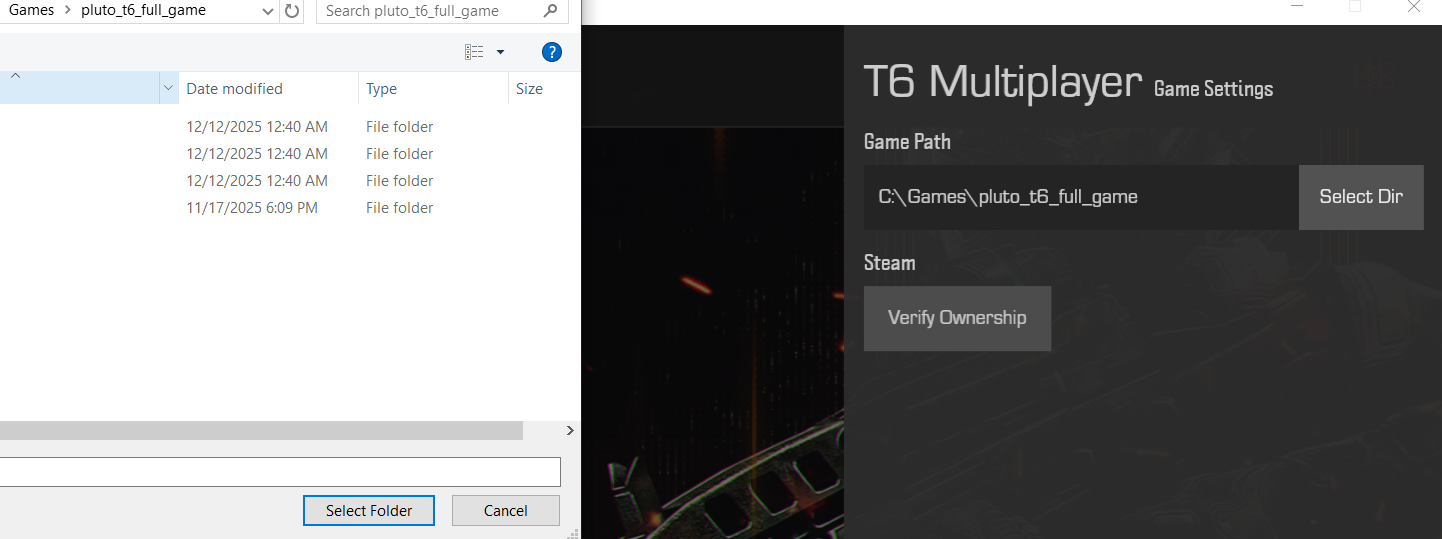
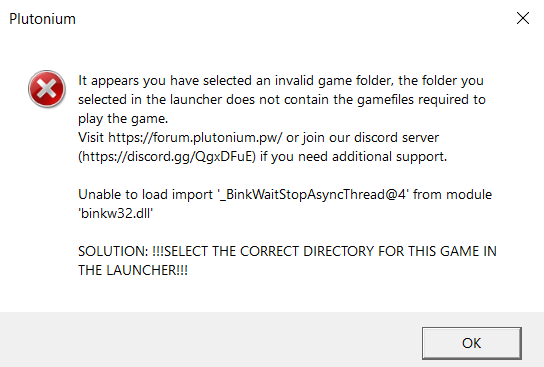
Someone lmk what this means, and if I can solve the issue. Have had this game for 4 years and it's my first time experiencing this.