Skip to content

BO1 Modding Releases & Resources

515 Topics 4.0k Posts

Plutonium T5 Mod releases and resources go here.

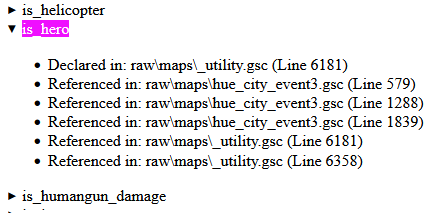
  • [Tool] BO1 Code explorer

    Pinned
    4
    2
    7 Votes
    4 Posts
    18k Views
    FemurDealer
    very useful tool thank you
  • 9 Votes
    59 Posts
    21k Views
    Datguyphiff
    @G0LD3N-4RM Nah, I did download the link you sent me. Think of it as a bonus that you handed out to me. You did nothing wrong.
  • [ZM] Add All Perks to All Maps

    13
    3
    2 Votes
    13 Posts
    1k Views
    C0NFU510N
    could pap be added to this mod?
  • Animated Camos for All Weapons

    35
    3
    4 Votes
    35 Posts
    15k Views
    corycannon
    not working for me i load it up and nothing shows
  • 3 Votes
    59 Posts
    34k Views
    AlexInVr
    @PumpMyAnxiety Send me your discord, I'll send you a patched version
  • 3D Cinema - Custom Zombies Map [Updated]

    12
    3
    2 Votes
    12 Posts
    597 Views
    yaybeat
    @crackero420 Hi! You need to go to your Plutonium BO1 path, normally: AppData\Local\Plutonium\storage\t5. Then, create a folder named mods inside t5, and put the map folder in it.
  • 17 Votes
    157 Posts
    94k Views
    darkpacexd
    does this work for five
  • [Release] [Zombies] Xytox Ammomatic

    27
    11 Votes
    27 Posts
    15k Views
    maxwellington04
    i'm like 3-4 years late but i'm having trouble installing this mod properly.
  • [Release] [T5] ZShare - Share with your friends!

    3
    1 Votes
    3 Posts
    96 Views
    God's Child
    Would love to try this but it consistently freezes my game over and over again
  • Animated camos, dpad & more

    16
    7
    3 Votes
    16 Posts
    860 Views
    SiriusSymboli
    @Bone-Crusher right kinda forgot
  • [Release] [T5] [Zombies] ZPause T5 - a synced co-op pause mod by Xep

    3
    1 Votes
    3 Posts
    148 Views
    Xeptix
    ZPause T5 v1.5 Chat commands, a settings menu while paused, settings that stay set — and two fixes that matter: anybody can unpause again, and Black Ops no longer stops at boot with ZPause installed. Download: https://github.com/Xeptix/ZPauseT5/releases/latest Fixed — read these first Black Ops no longer stops at boot. v1.4 called two of the game's zombies functions in a way Black Ops has to resolve while it boots, before any zombies script is loaded, and a build carrying them stopped the game there. They're looked up once a match is running now. Anybody can unpause, not only whoever paused. The crouch half of a combo reads the stance you're in, and freezing a player freezes their stance — so whoever paused stayed crouched and everybody else, frozen standing, could never make it. While paused, resume with use + aim (or !unpause). The pause banner says so. use_ads and use_attack do what they say. Both are the default down combos, and neither name was ever tested for, so both fell through to crouch + melee — the one combo a downed player can't make. New — chat commands !pause, !p, !unpause, !resume, and yes / no while a vote is open — the same words as Black Ops II. This port shipped without them because nothing in the game's own scripts listens for chat; the game raises it anyway. zp_allow_short_words widens them to the bare words, off by default. New — a settings menu while paused The host holds fire + melee: aim and fire move through the list, grenade changes a setting, melee closes it, and what the setting does is written under the list. zp_menu 0 turns it off. New — settings stick The menu saves to scriptdata\zpause.cfg as it closes, and the script reads it back as the next match loads. The installer's settings editor writes the same file and opens on it, so the menu and the installer always agree. Also zp_freeze_players 0 lets players walk around a paused game with their weapons down. Not recommended — doors, the box and perks still work. none empties a setting from the console, so set zp_pause_sound none is silence. Changing zp_godmode during a pause no longer leaves players invulnerable after it. The installer's -To works when it already remembers a folder. Install Unchanged. Run installer\windows\install.bat from the extracted folder, or copy the Plutonium folder into %localappdata% yourself. Your settings are carried over. No game restart needed — end the current match and start a new one. Only the host needs the file. Full dvar list and the how-it-works writeup are in the README: https://github.com/Xeptix/ZPauseT5

  • Fix for bo1/Black ops 1 FPS drops when looking at certain spots.

    9
    2 Votes
    9 Posts
    5k Views
    ZurkaDurka
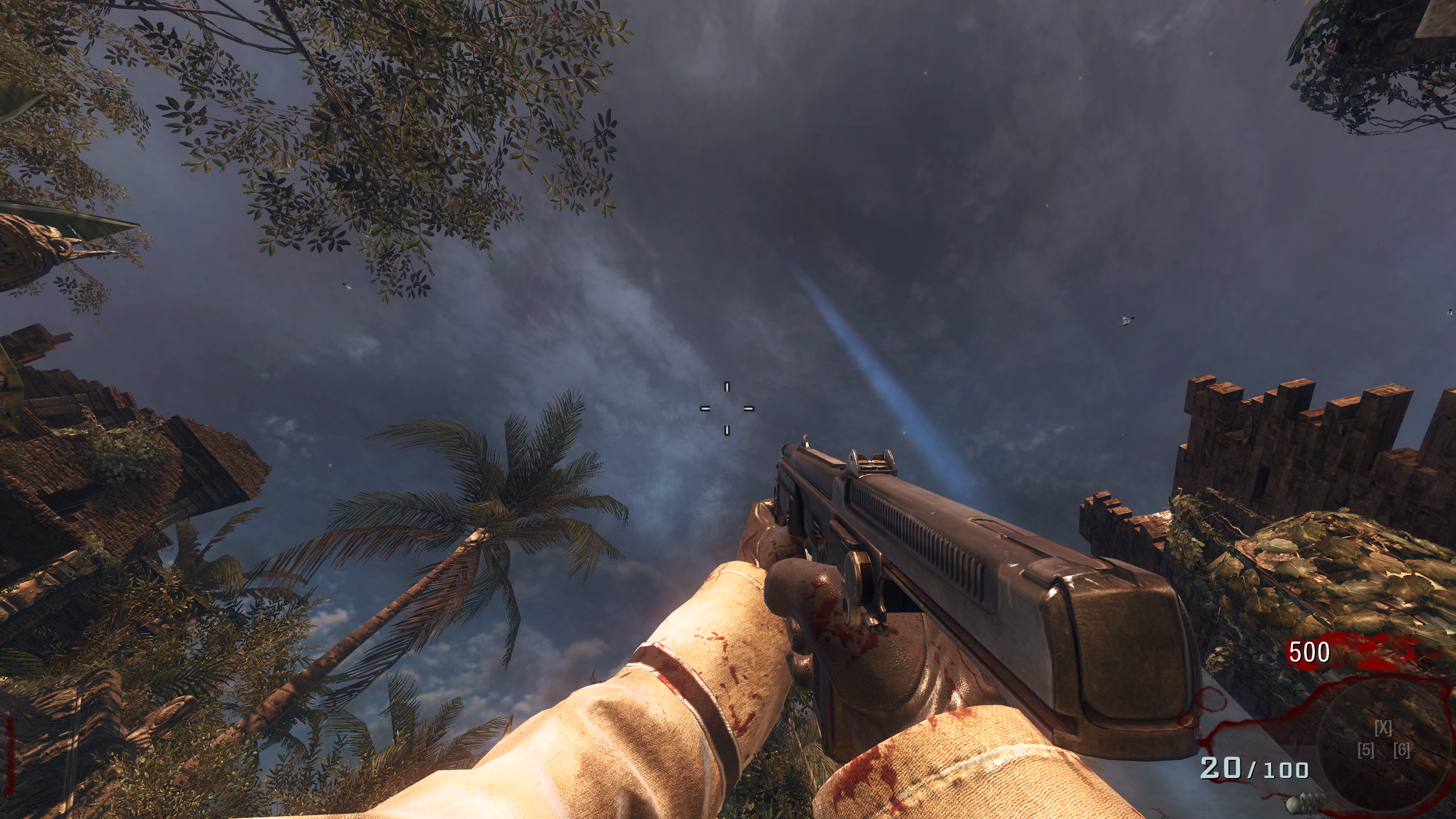
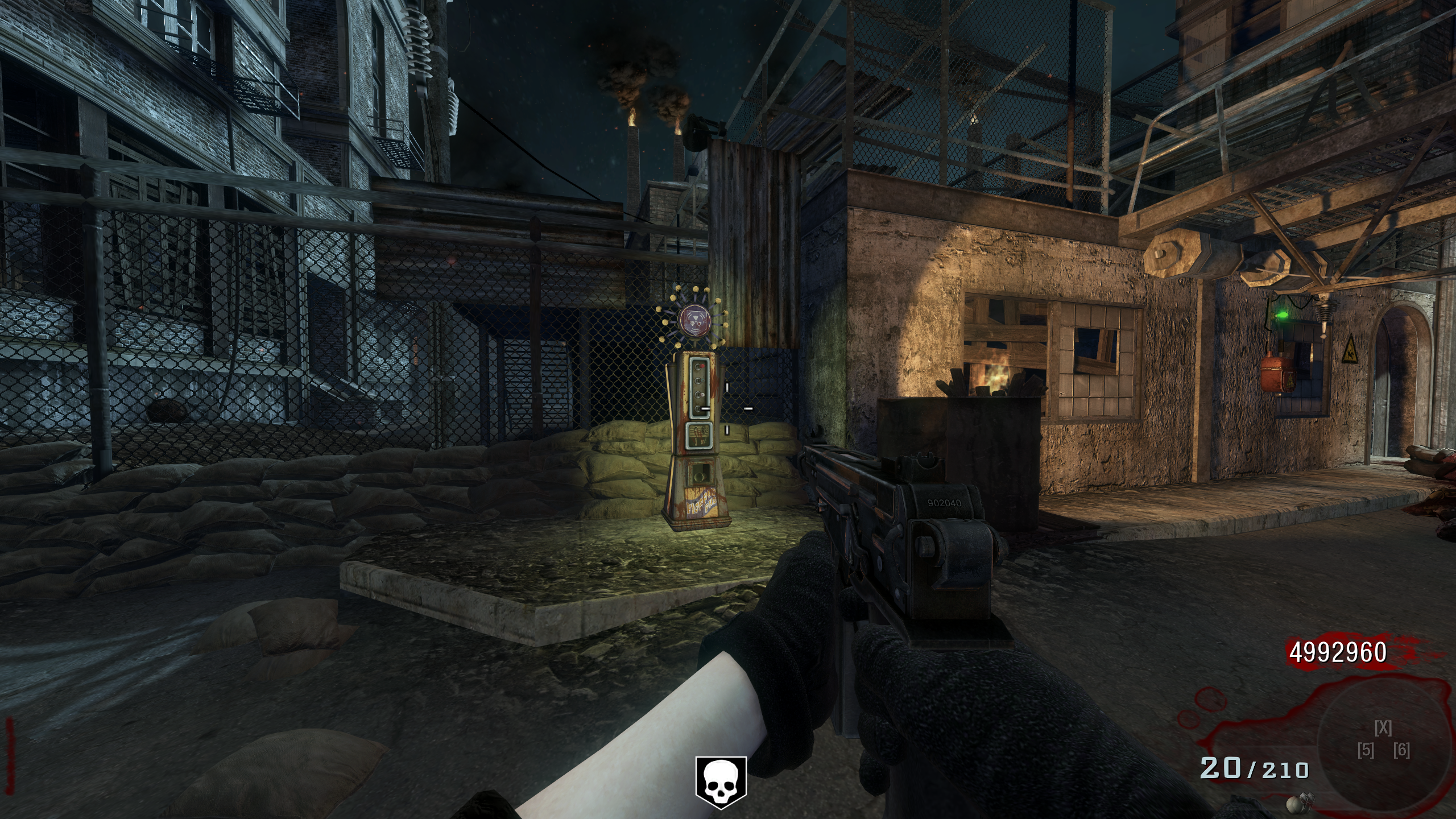
    [image: 1789441570579-a949466c-9afd-43fe-b100-2280cc35a116-image.jpeg] [image: 1789441614370-80469792-9900-4d6a-a1b0-9dd7ff77445b-image.jpeg] [image: 1789441636192-ea362a9e-ff88-4f2d-9177-ed4475508bb7-image.jpeg] Tried different FPS caps. They all have the same issue. Massive frame spikes
  • 2 Votes
    3 Posts
    285 Views
    kakyoin777
    @DrSkum88 Michael Oliver (@michaeloliver__) is already working on this with the CodXenon project team; take a look at the maps that are already running on the 360: https://www.youtube.com/@motehpro/videos
  • Neon Glow Perk Icons For Black ops 1/2

    9
    1
    8 Votes
    9 Posts
    7k Views
    Blue Square
    SO COOL
  • [ZM] Hasanabi Ascension Mural

    9
    1 Votes
    9 Posts
    3k Views
    _3rick
    [image: 1788814901227-3ac84433-c1bc-4de2-ac4d-db86335fdfc8-image.jpeg]
  • Kid Cudi "Indicud" Mystery Box & Teddy Bear

    1
    3
    0 Votes
    1 Posts
    164 Views
    No one has replied
  • [MP] EnCoRe V8 - Mod Menu

    36
    2
    4 Votes
    36 Posts
    37k Views
    A S S MASTER171
    i have tried everything and i cant get this to work is there anyone can help
  • Goth Girls Perk Icons

    BO2 Modding Releases & Resources
    1
    1
    1 Votes
    1 Posts
    913 Views
    No one has replied
  • [BO1 Zombies] Slightly Enhanced Reimagined Edition

    2
    2 Votes
    2 Posts
    577 Views
    kakyoin777
    Small update – Minigun fix I removed the custom Death Machine/minigun behavior from the external scripts because it was causing problems in-game. The minigun is now handled entirely by the original BO1/Slightly logic again, while all the other features remain unchanged. I also updated the download link with the new fixed build. If you already downloaded the previous version, just replace the old se_advanced_experimental.gsc with the updated one.
  • This topic is deleted!

    1
    0 Votes
    1 Posts
    1 Views
    No one has replied