The official mod tools released with the game allow for creation of custom FF and IWD files. That’s likely how they built the mod.
IWD files are just archives similar to a ZIP file. You can rename their extension to .zip and/or open them with something that opens archives to look into their contents.
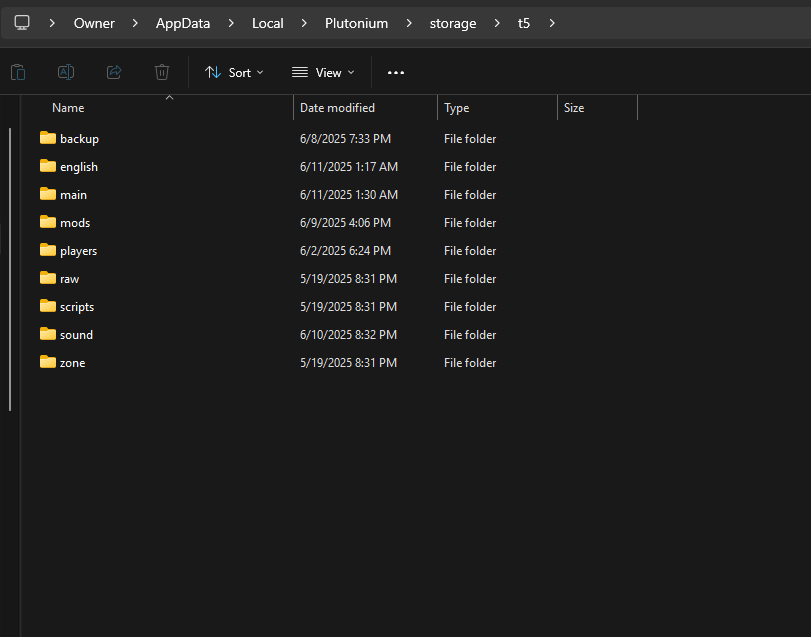
As for the FF files, you’d need a tool to look into their contents. You could use Plutonium’s dump_assets 1 console command to dump the assets that Plutonium can dump as well as an asset list of what the FF has (dumps will get stored in a subfolder in %localappdata%\Plutonium\storage\t5).
You could alternatively look into using OpenAssetTools to dump the assets it can dump from the FF files and also compile new FF files.
However, there’s also the possibility of loading .str files directly on Plutonium. See this for an implementation.