Servers don't load when I press f10
-

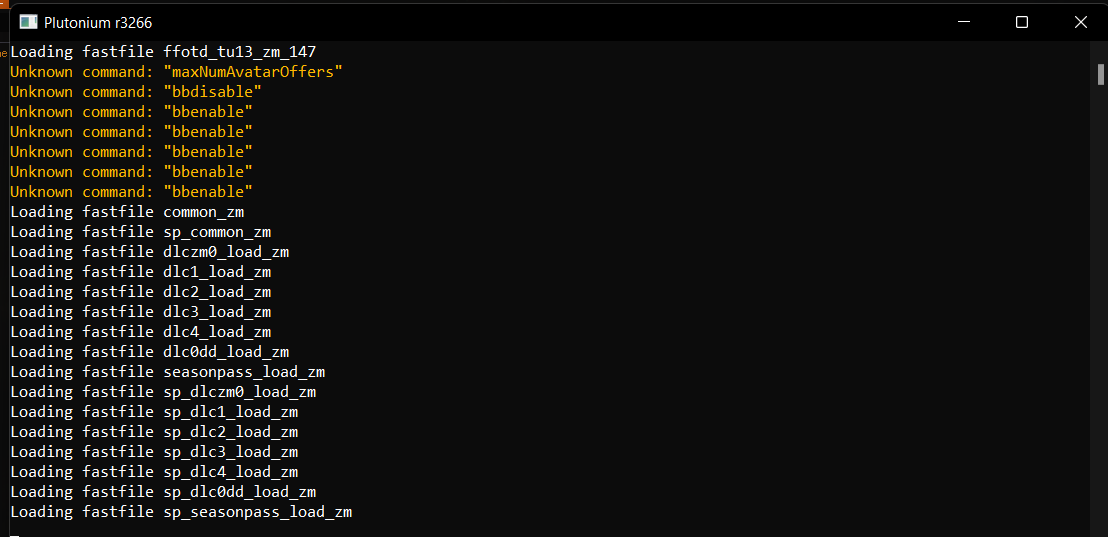
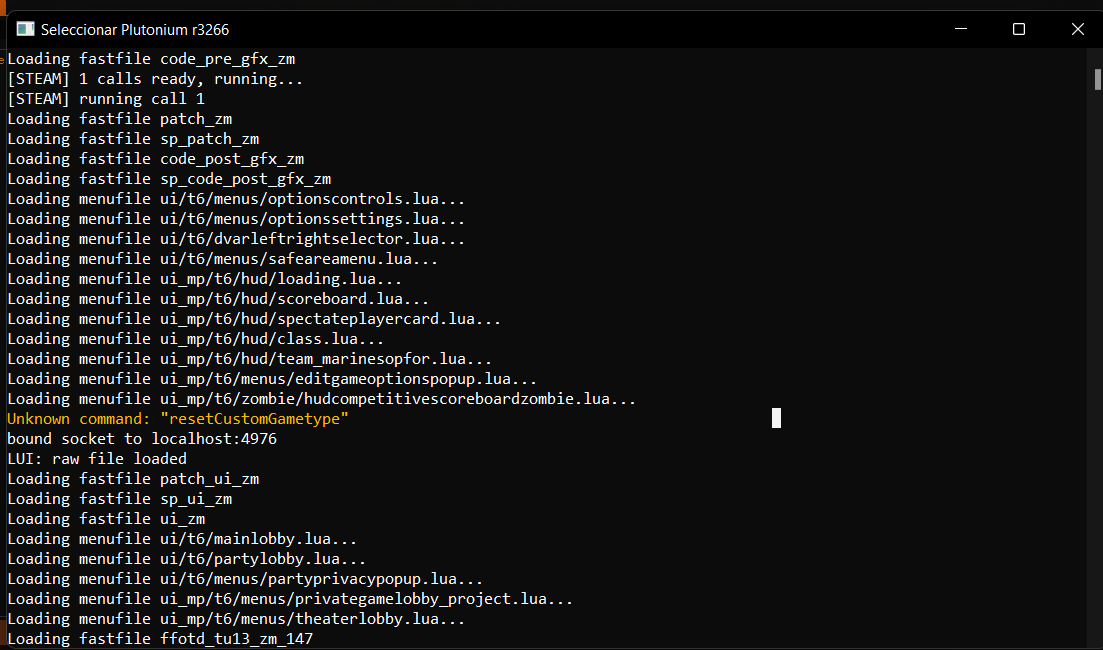
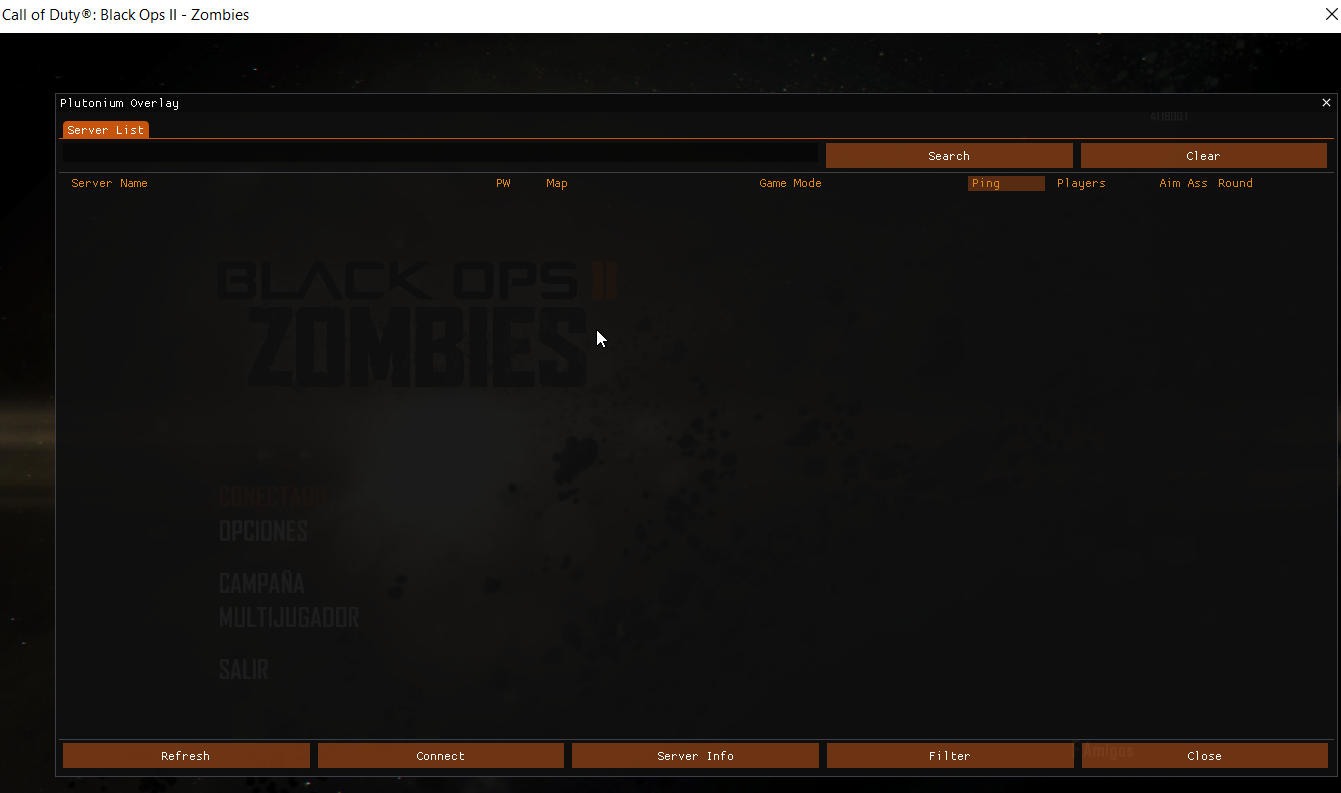
Hello everyone, I have a problem and the plutonium servers do not load me, the error is very curious because when I install the game and open it for the first time the servers do load me and they work fine, but when I close the game shortly after when I want to open it again to play on the servers these are no longer on the list, they no longer load me, please if someone knows how to solve it it would be of great help, I'm new but for the short time I've been playing already I love this project. I attach photos of the console and how the interface appears when I press f10.
-
Hello everyone, I have a problem and the plutonium servers do not load me, the error is very curious because when I install the game and open it for the first time the servers do load me and they work fine, but when I close the game shortly after when I want to open it again to play on the servers these are no longer on the list, they no longer load me, please if someone knows how to solve it it would be of great help, I'm new but for the short time I've been playing already I love this project. I attach photos of the console and how the interface appears when I press f10.
anarky005 let plutonium through ur firewall if u havent
-
anarky005 let plutonium through ur firewall if u havent
hindercanrun said in Servers don't load when I press f10:
let plutonium through ur firewall if u havent
I already did it, and nothing... I still have the problem
-
hindercanrun said in Servers don't load when I press f10:
let plutonium through ur firewall if u havent
I already did it, and nothing... I still have the problem
anarky005 hmmmm, have you connected online?
-
hindercanrun said in Servers don't load when I press f10:
hmmmm, have you connected online?
Yep, always with my wifi
-

- Restart your router
- Turn off any VPN/proxy completely
- Change DNS
- Read the antivirus doc
Do these steps and try restarting your game two or three times.
If nothing works then you need to say everything security tool/antivirus/firewall you have installed -
- Restart your router
- Turn off any VPN/proxy completely
- Change DNS
- Read the antivirus doc
Do these steps and try restarting your game two or three times.
If nothing works then you need to say everything security tool/antivirus/firewall you have installed -
- Restart your router
- Turn off any VPN/proxy completely
- Change DNS
- Read the antivirus doc
Do these steps and try restarting your game two or three times.
If nothing works then you need to say everything security tool/antivirus/firewall you have installed
Resxt Hello bro, thank you very much for your help, an hour ago I did all the steps and even restarted my pc and it is already working, I hope it stays that way, as additional measures I turn off the antivirus every time I start the game and add the exclusions from windows defender to the corresponding folders as it was in the link you sent. If for some reason I have the same problem I will come to your help. Thank you very much bro you are the best
-
Resxt Hello bro, thank you very much for your help, an hour ago I did all the steps and even restarted my pc and it is already working, I hope it stays that way, as additional measures I turn off the antivirus every time I start the game and add the exclusions from windows defender to the corresponding folders as it was in the link you sent. If for some reason I have the same problem I will come to your help. Thank you very much bro you are the best
anarky005 don't disable your antivirus, just add an exclusion
Hello! It looks like you're interested in this conversation, but you don't have an account yet.
Getting fed up of having to scroll through the same posts each visit? When you register for an account, you'll always come back to exactly where you were before, and choose to be notified of new replies (either via email, or push notification). You'll also be able to save bookmarks and upvote posts to show your appreciation to other community members.
With your input, this post could be even better 💗
Register Login