How can I hide the Plutonium console when starting the game?
-
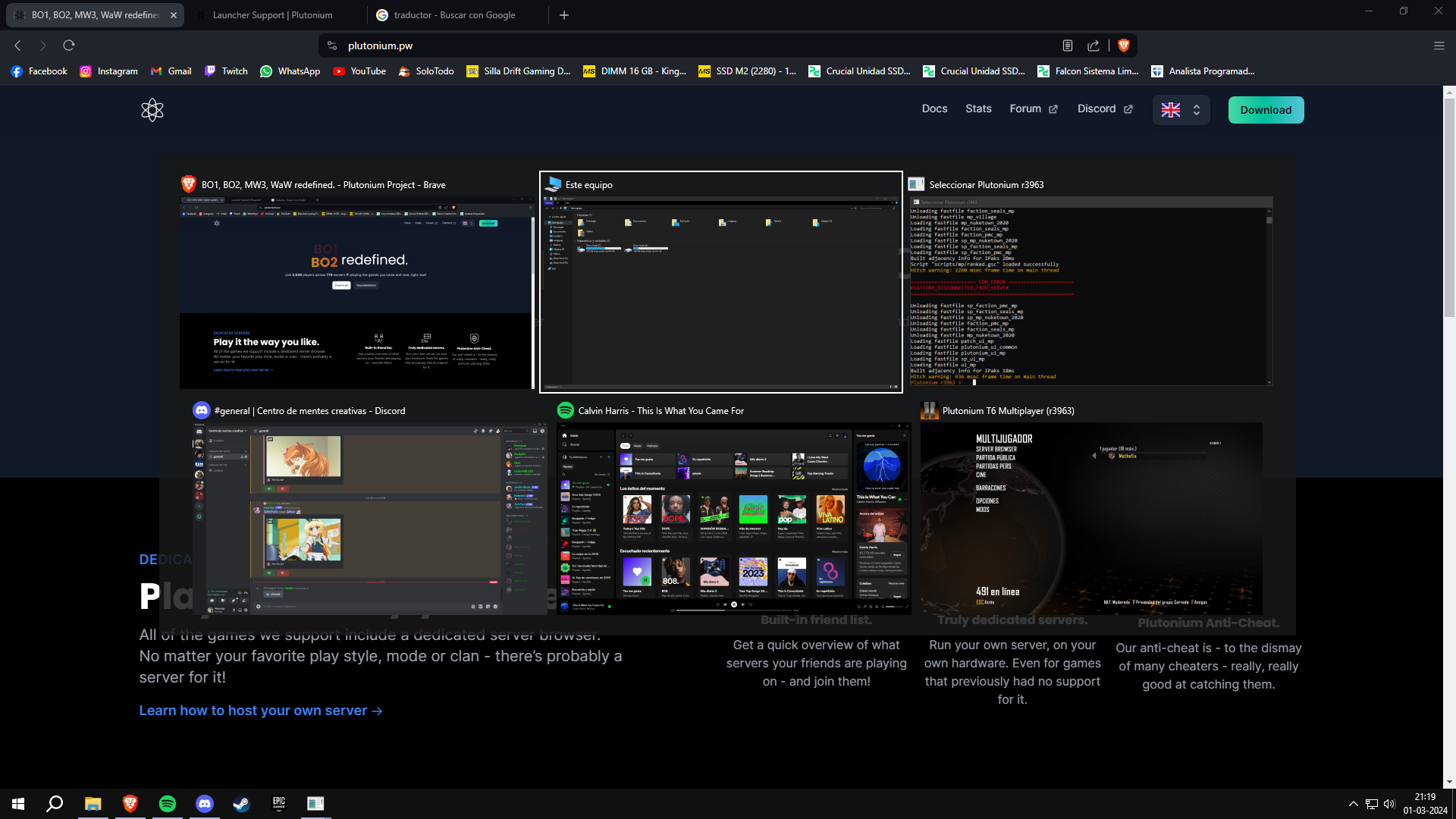
Hi everyone, I'm writing to see if anyone knows how I can hide the Plutonium console once the game is running. I tend to press Alt + Tab very often and I find it annoying to see the console window in this mode. I look forward to your comments guys, thank you very much for reading.
-
You can press Windows + TAB and click on the window you want alternatively. Hiding the console is gonna need some third party app or coding (idk any)
-
BUMP:
This is especially annoying when JIZZcord confuses the console for the running game as the "GAME WINDOW" when it is not.




Hello! It looks like you're interested in this conversation, but you don't have an account yet.
Getting fed up of having to scroll through the same posts each visit? When you register for an account, you'll always come back to exactly where you were before, and choose to be notified of new replies (either via email, or push notification). You'll also be able to save bookmarks and upvote posts to show your appreciation to other community members.
With your input, this post could be even better 💗
Register Login