[Release] MWR Rank And Prestige Icons
-
[Release] MWR Rank And Prestige Icons!
Hello all!
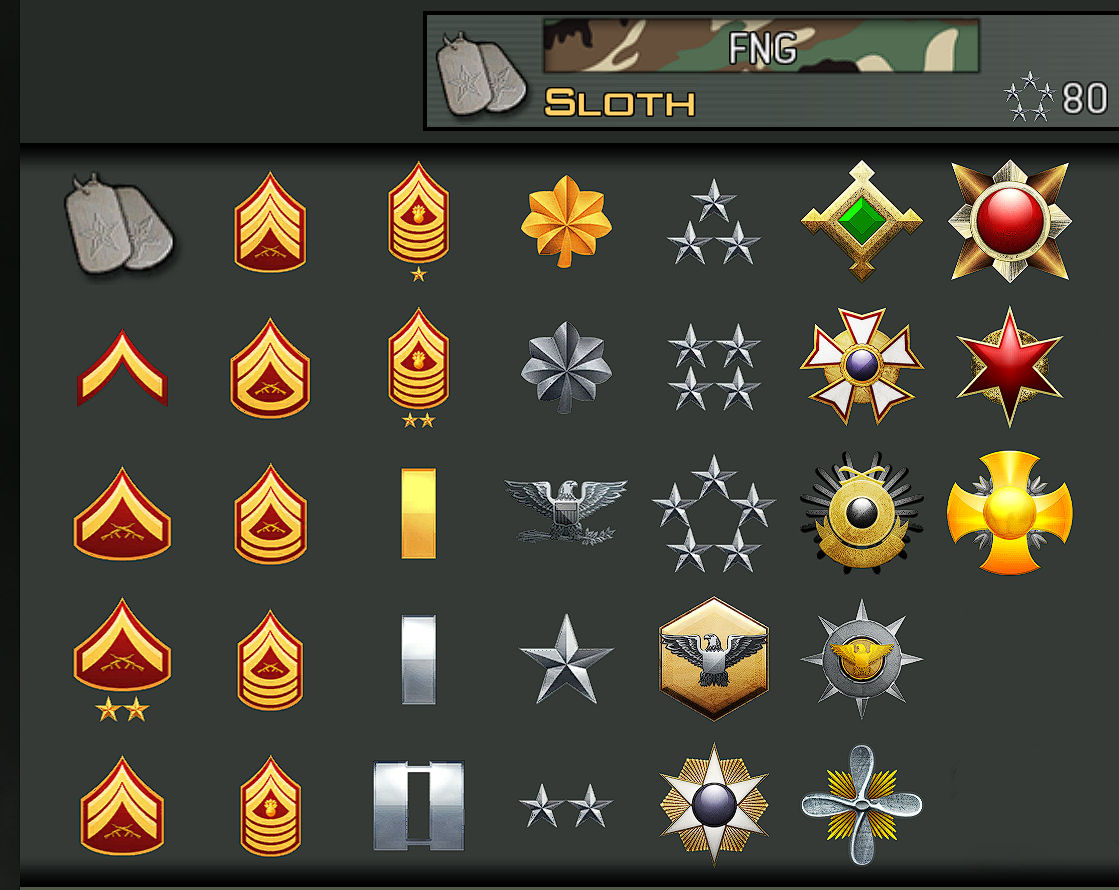
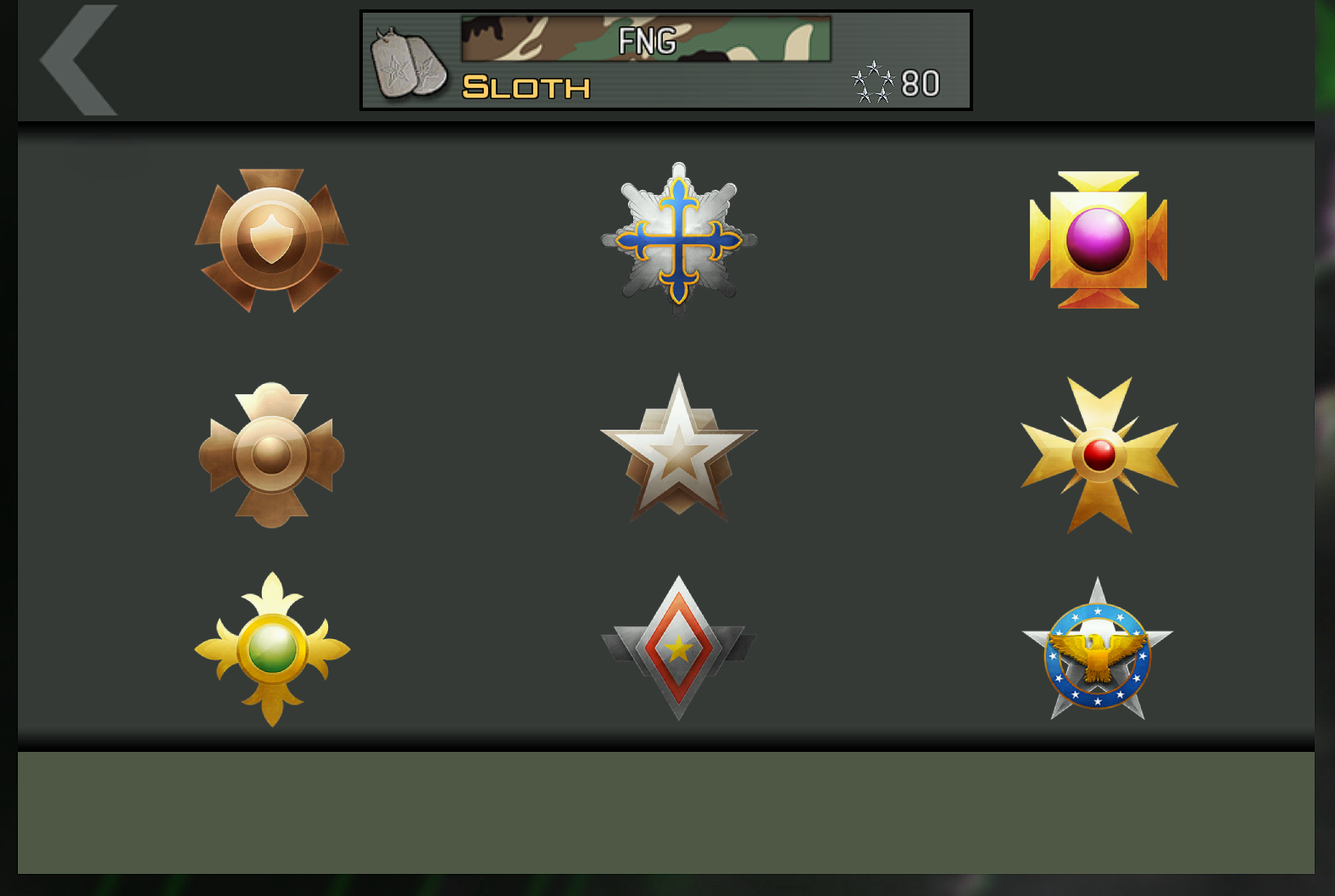
Today I am releasing MWR Rank And Prestige Icons!
How to install
-
Download the Icons from Here.
-
Head to your plutonium IW5 folder by holding Win + R
(Windows key + Letter R) and pasting this%localappdata%\Plutonium\storage\iw5into run and hitting ok or enter. -
Open the zip you just downloaded and move the
mwr_rank_prestige_icons.iwdfolder into your iw5 folder -
You're done! you may load up iw5 and enjoy!
(If you wish to remove them, just delete the
mwr_rank_prestige_icons.iwd)
Please if you have any issues leave a comment and I will try and help as soon as possible!
Hope you enjoy!

In-game screenshot(s)
-
-
could you add the other emblems from mwr like the ffa top 3




Hello! It looks like you're interested in this conversation, but you don't have an account yet.
Getting fed up of having to scroll through the same posts each visit? When you register for an account, you'll always come back to exactly where you were before, and choose to be notified of new replies (either via email, or push notification). You'll also be able to save bookmarks and upvote posts to show your appreciation to other community members.
With your input, this post could be even better 💗
Register Login