Lubes Powerup Icon Pack
-
Hello!
I was requested to make a powerup icon for a design I had in my first powerup icon. I did do it, but ended up making a powerup icon for EACH of the types of design I made. No graphics, unfortunately, but I will show how they look ingame.
DOWNLOAD:
1.
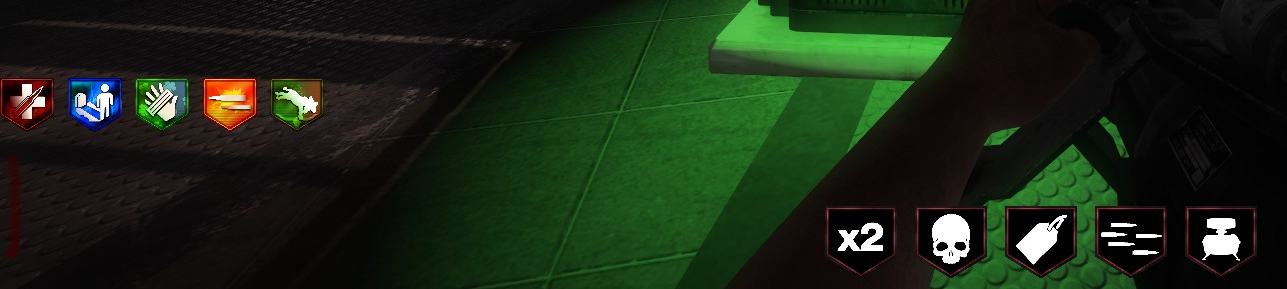
2
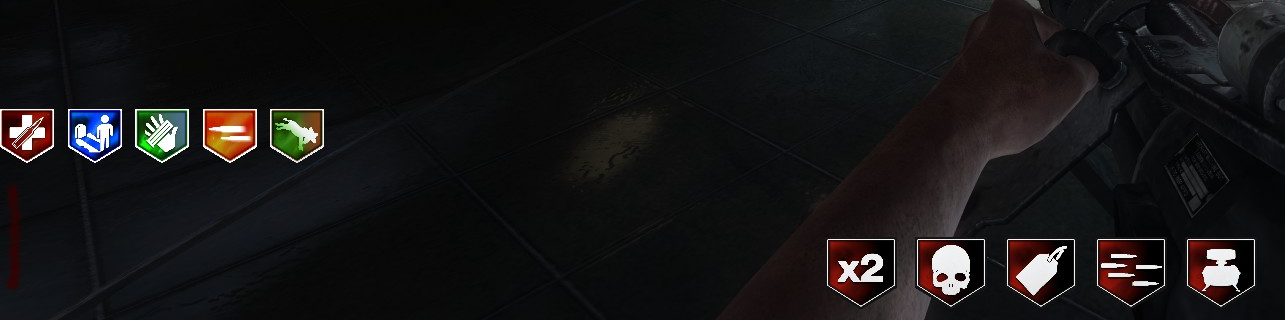
3.
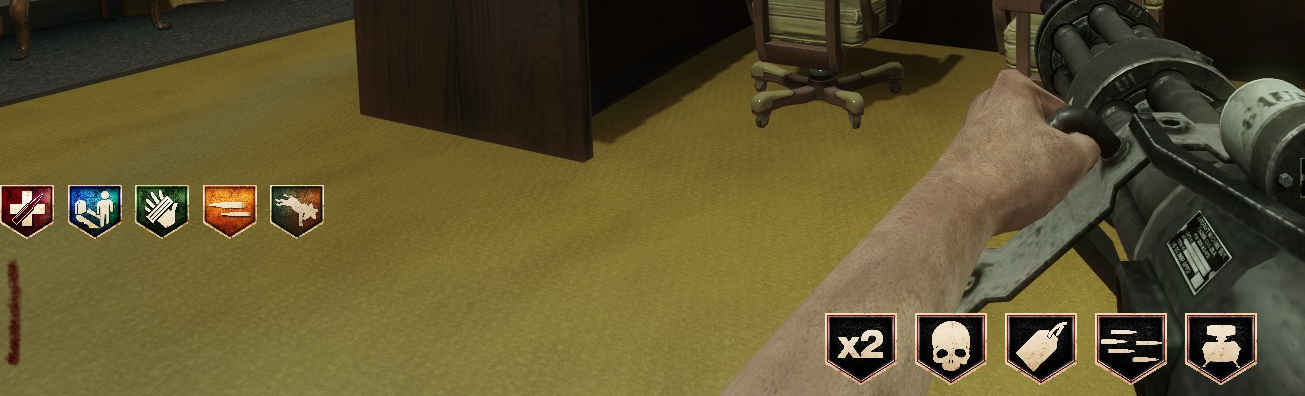
4.

5.

6.

7.

8.

PERK ICONS ARE NOT PROVIDED IN THE PACK. IF YOU'D LIKE THEM, JUST HEAD OVER TO THE FIRST PERK ICON I MADE: HERE
INSTALLATION PROCESS
- Download and extract the file.
- Go into the folder of whichever perk icon you like, copy all of the IWI files.
- Click windows key + r. Write appdata, and click "ok". Open your "Local" folder.
- Scroll down to Plutonium. Open it. Open storage. Then open T5.
- IF you have a images folder, just paste all the IWI files into the images folder, and your done.
- IF you don't, create a new images folder, then paste all of the IWI files into the images folder, and your done.
- Open up your game, click play, and enjoy! (this is mandatory)
-
 Lube referenced this topic on
-
 bhfff referenced this topic on
Hello! It looks like you're interested in this conversation, but you don't have an account yet.
Getting fed up of having to scroll through the same posts each visit? When you register for an account, you'll always come back to exactly where you were before, and choose to be notified of new replies (either via email, or push notification). You'll also be able to save bookmarks and upvote posts to show your appreciation to other community members.
With your input, this post could be even better 💗
Register Login