Skip to content
  • 0 Unread 0
  • Recent
  • Tags
  • Popular
  • Users
  • Groups
  • Donate
Collapse

Plutonium

  1. Home
  2. BO2 Server Hosting Support
  3. Server not showing up on server list ?
Server not showing up on server list ?

Scheduled Pinned Locked Moved BO2 Server Hosting Support
15 Posts 6 Posters 7.3k Views 1 Watching
  • Oldest to Newest
  • Newest to Oldest
  • Most Votes
Reply
  • Reply as topic
Log in to reply
This topic has been deleted. Only users with topic management privileges can see it.
  • DirkRockface Offline
    DirkRockface Offline
    DirkRockface
    Contributor
    wrote on last edited by
    #4

    depending on the VPS you may still need to use a dashboard to open ports...
    and you have 2 rules in both inbound and outbound? total of 4?
    and they are all enabled (check marks)
    and the outbound once (which default to deny) you changed to allow?

    1 Reply Last reply
    0
    • XyIoArc Offline
      XyIoArc Offline
      XyIoArc
      wrote on last edited by
      #5

      yes, everything is good on my end, i have 0 clue and im really confused 😞

      1 Reply Last reply
      0
      • DirkRockface Offline
        DirkRockface Offline
        DirkRockface
        Contributor
        wrote on last edited by
        #6

        it's not all good on your end... that's the issue. otherwise your server would be listed.

        if you come to discord and want to share screen shots, we might be able to find it.

        1 Reply Last reply
        0
        • Xerxes Offline
          Xerxes Offline
          Xerxes
          Plutonium Staff
          wrote on last edited by
          #7

          Which provider do you use?

          DirkRockface 1 Reply Last reply
          0
          • Xerxes Xerxes

            Which provider do you use?

            DirkRockface Offline
            DirkRockface Offline
            DirkRockface
            Contributor
            wrote on last edited by
            #8

            Xerxes

            I helped him fix it last night! probably should have edited his post with a "SOLVED" 😄

            1 Reply Last reply
            1
            • XyIoArc Offline
              XyIoArc Offline
              XyIoArc
              wrote on last edited by
              #9

              SOLVED (SORRY ABOUT THAT) JUST WOKE UP

              Joeadr18 1 Reply Last reply
              1
              • XyIoArc XyIoArc

                SOLVED (SORRY ABOUT THAT) JUST WOKE UP

                Joeadr18 Offline
                Joeadr18 Offline
                Joeadr18
                wrote on last edited by
                #10

                XyIoArc What was your problem? I have the same issue and want to know if its the same pls

                DirkRockface 1 Reply Last reply
                0
                • Joeadr18 Joeadr18

                  XyIoArc What was your problem? I have the same issue and want to know if its the same pls

                  DirkRockface Offline
                  DirkRockface Offline
                  DirkRockface
                  Contributor
                  wrote on last edited by
                  #11

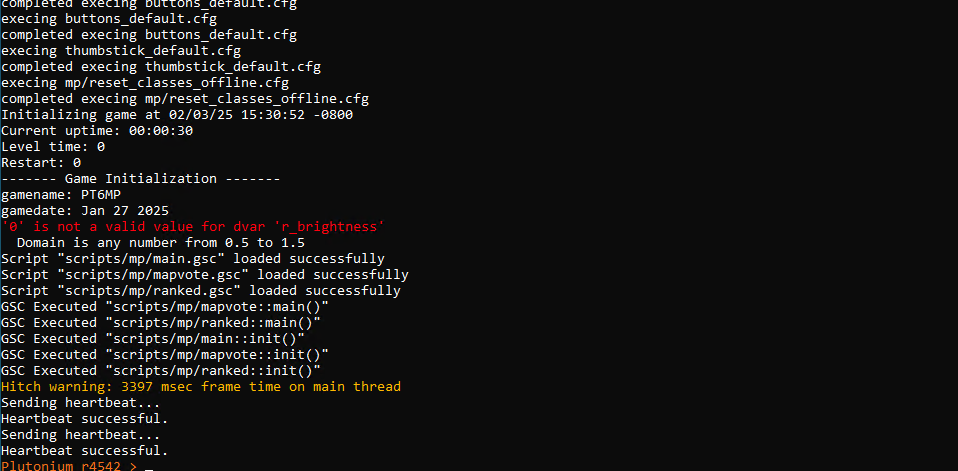
                  Joeadr18 if your server has a heartbeat and is running but doesn't show up on the server list then (like it says above) your issue is port forwarding.

                  GuardYaGrill Joeadr18 2 Replies Last reply
                  0
                  • DirkRockface DirkRockface

                    Joeadr18 if your server has a heartbeat and is running but doesn't show up on the server list then (like it says above) your issue is port forwarding.

                    GuardYaGrill Offline
                    GuardYaGrill Offline
                    GuardYaGrill
                    wrote on last edited by GuardYaGrill
                    #12

                    DirkRockface I'm also encountering the same thing however i can confirm that my port-forwarding is working correctly as i can run the command "connect public-ip:4977" and connect, i was also able to connect behind an SRV record such as "connect "t6.mydomain.tld:4977".

                    I checked my Asus WRT router for NAT-Loopback as it appears to people have resolved their issue by enabling it however, my router has it enabled by default and offers no way of disabling it.

                    I should note my environment is on a headless Debian VM with IW4MADMIN & T6-Zombies containerized in Docker.

                    GuardYaGrill 1 Reply Last reply
                    0
                    • DirkRockface DirkRockface

                      Joeadr18 if your server has a heartbeat and is running but doesn't show up on the server list then (like it says above) your issue is port forwarding.

                      Joeadr18 Offline
                      Joeadr18 Offline
                      Joeadr18
                      wrote on last edited by
                      #13

                      DirkRockface damn. ok ty man, i tried everything, I called the internet company and they supposedly activated the ports I specified (4976), but maybe they didn't; they just said that so I wouldn't call again, lol.

                      1 Reply Last reply
                      0
                      • GuardYaGrill GuardYaGrill

                        DirkRockface I'm also encountering the same thing however i can confirm that my port-forwarding is working correctly as i can run the command "connect public-ip:4977" and connect, i was also able to connect behind an SRV record such as "connect "t6.mydomain.tld:4977".

                        I checked my Asus WRT router for NAT-Loopback as it appears to people have resolved their issue by enabling it however, my router has it enabled by default and offers no way of disabling it.

                        I should note my environment is on a headless Debian VM with IW4MADMIN & T6-Zombies containerized in Docker.

                        GuardYaGrill Offline
                        GuardYaGrill Offline
                        GuardYaGrill
                        wrote on last edited by GuardYaGrill
                        #14

                        Replying to my previous comment -

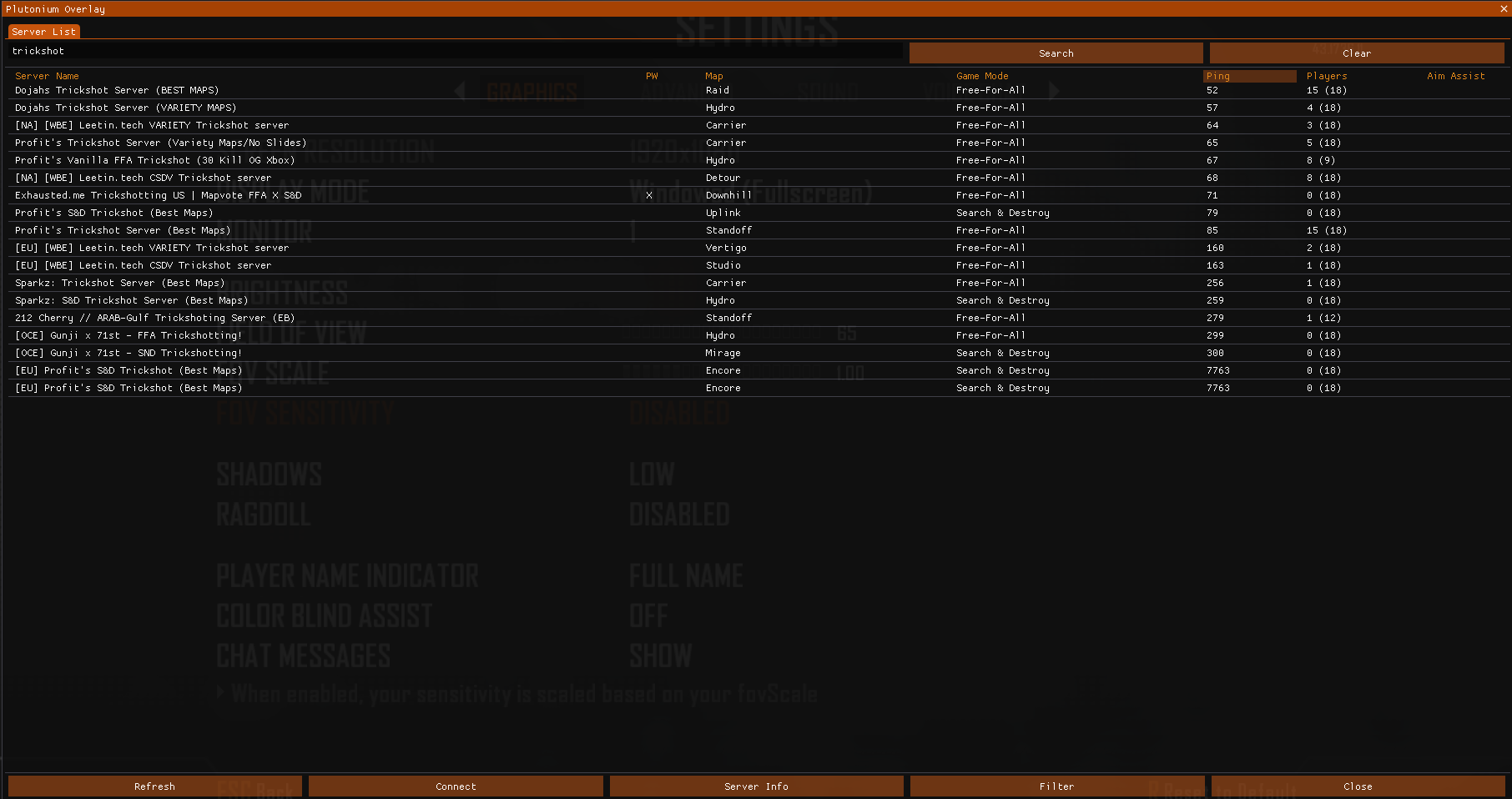
                        Turns out my server is displaying on the server list however, i suspect due to it being forced through a VPN tunnel via my router Plutonium is displaying the VPN's IP opposed to my at-home IP, this is likely preventing people from connecting through the server browser.

                        i figured this out when i checked out https:// pluservers.ddns .net/ (i cannot post links here, hence the spaces) and was able to see my server there with the VPN's IP.

                        Unfortunately my other machine, that isn't behind a VPN and is exposed to the internet via port-forwarding, has an Arm chipset and currently will not work with the container images that i currently use.

                        TIL

                        1 Reply Last reply
                        0
                        • snrgabe Offline
                          snrgabe Offline
                          snrgabe
                          wrote on last edited by
                          #15

                          How did you solve this because I have triple checked all my settings and all 6 of my T6 servers went offline. They're all orchestrated via Docker and can confirm connecting directly is working perfectly fine it just fails to display on the server list... Tried new keys, new IP and nothing!


                          1 Reply Last reply
                          0

                          Hello! It looks like you're interested in this conversation, but you don't have an account yet.

                          Getting fed up of having to scroll through the same posts each visit? When you register for an account, you'll always come back to exactly where you were before, and choose to be notified of new replies (either via email, or push notification). You'll also be able to save bookmarks and upvote posts to show your appreciation to other community members.

                          With your input, this post could be even better 💗

                          Register Login
                          Reply
                          • Reply as topic
                          Log in to reply
                          • Oldest to Newest
                          • Newest to Oldest
                          • Most Votes


                          • Login

                          • Don't have an account? Register

                          • Login or register to search.
                          • First post
                            Last post
                          0
                          • Unread 0
                          • Recent
                          • Tags
                          • Popular
                          • Users
                          • Groups
                          • Donate

