I cant open server
-
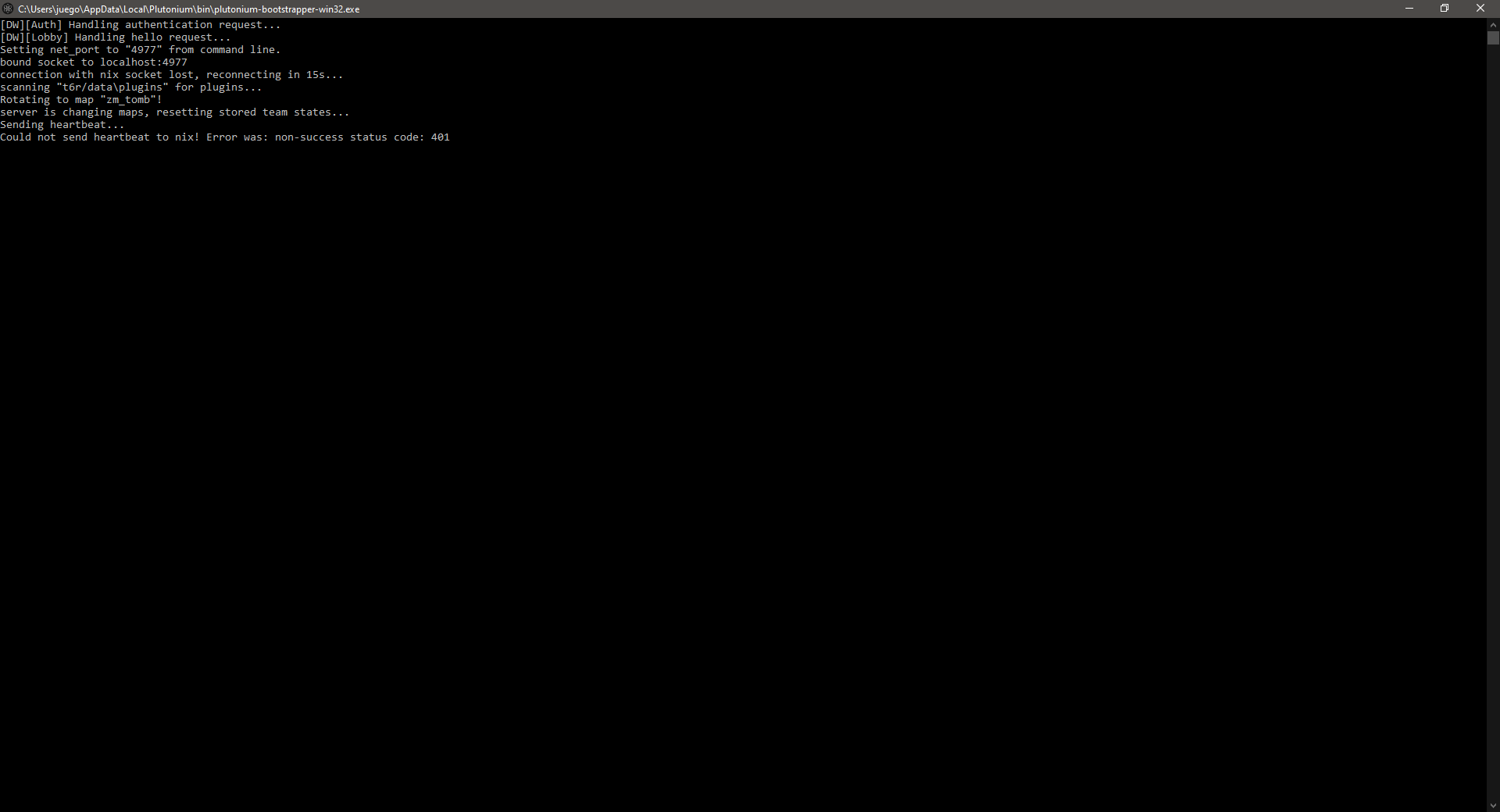
My server (zm) is stuck in
scanning for pluginsIt might be because it cant find zombis.cfg.
Where should i put this file? Ive tried in ./main, and in the bat folder -
Frask99 this is completely wrong. Follow the dedicated server guide step by step https://forum.plutonium.pw/topic/13/plutot6-server-set-up-guide
-
Frask99 this is completely wrong. Follow the dedicated server guide step by step https://forum.plutonium.pw/topic/13/plutot6-server-set-up-guide
-
Frask99 no you didn't, you just downloaded the entire github directory, that folder doesn't even contain any game files which a server folder should.
ok so.- Make a copy of your bo2 game folder and put it into C:\Games or smth, don't put it into program files, this will now be your server folder.
- Put the 3 batch files
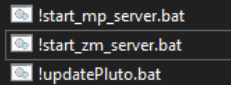
into your server folder so they are next to localization.txt and so on. - create a folder called
mainin your server folder.
- Put the gamesettings folder into the main folder you just created
- Put dedicated.cfg, restricted.cfg and zombis.cfg into the main folder aswell
- Make a copy of your plutonium launcher (plutonium.exe) and put it into the bo2 server folder (so it's next to the batch files)
- Edit !start_zm_server.bat (right click -> edit) and make sure it actually loads
zombis.cfg- Change the server's port to 4977 in the batch file
- Make sure your server key is also correct in the batch file
- run !updatePluto.bat
- run !start_zm_server.bat
-
Frask99 no you didn't, you just downloaded the entire github directory, that folder doesn't even contain any game files which a server folder should.
ok so.- Make a copy of your bo2 game folder and put it into C:\Games or smth, don't put it into program files, this will now be your server folder.
- Put the 3 batch files
into your server folder so they are next to localization.txt and so on. - create a folder called
mainin your server folder.
- Put the gamesettings folder into the main folder you just created
- Put dedicated.cfg, restricted.cfg and zombis.cfg into the main folder aswell
- Make a copy of your plutonium launcher (plutonium.exe) and put it into the bo2 server folder (so it's next to the batch files)
- Edit !start_zm_server.bat (right click -> edit) and make sure it actually loads
zombis.cfg- Change the server's port to 4977 in the batch file
- Make sure your server key is also correct in the batch file
- run !updatePluto.bat
- run !start_zm_server.bat
-
Frask99 did you put the correct server key into your !start_zm_server.bat? Make sure it's a t6 zombies key https://platform.plutonium.pw/serverkeys
-
Frask99 did you put the correct server key into your !start_zm_server.bat? Make sure it's a t6 zombies key https://platform.plutonium.pw/serverkeys
-
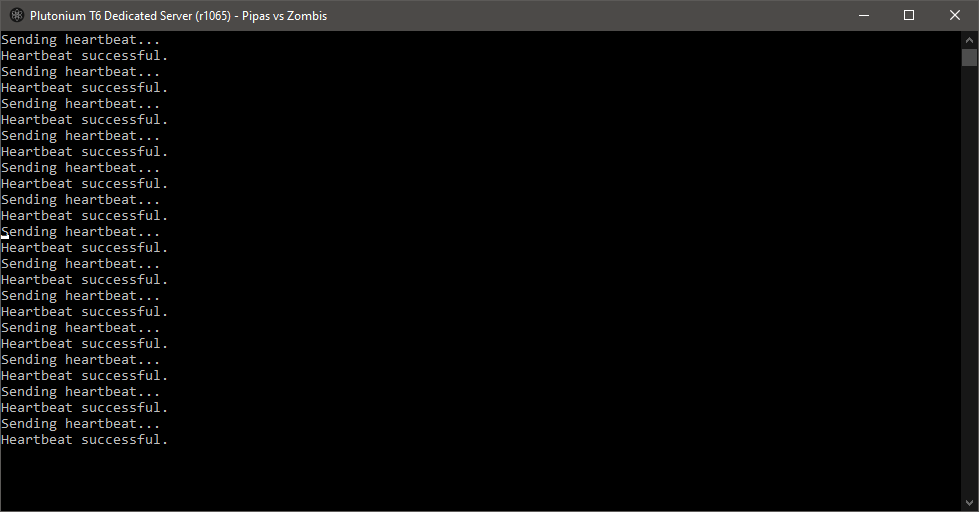
Dss0 i did, the server is opened, but neither me or my friend cant join, the port is opened, and the firewall turned off




Hello! It looks like you're interested in this conversation, but you don't have an account yet.
Getting fed up of having to scroll through the same posts each visit? When you register for an account, you'll always come back to exactly where you were before, and choose to be notified of new replies (either via email, or push notification). You'll also be able to save bookmarks and upvote posts to show your appreciation to other community members.
With your input, this post could be even better 💗
Register Login