when I enter game zombies mode it crashes
-
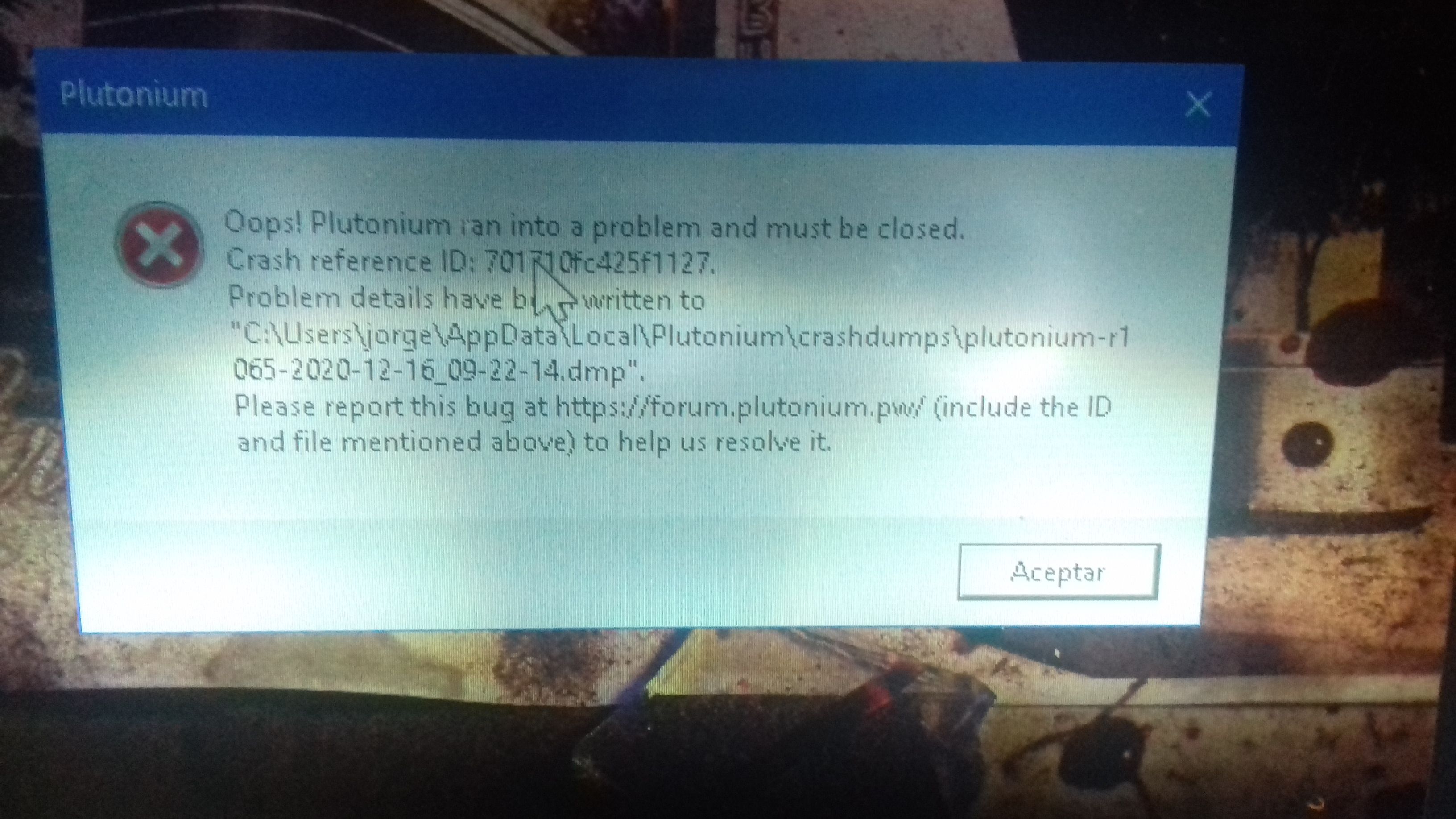
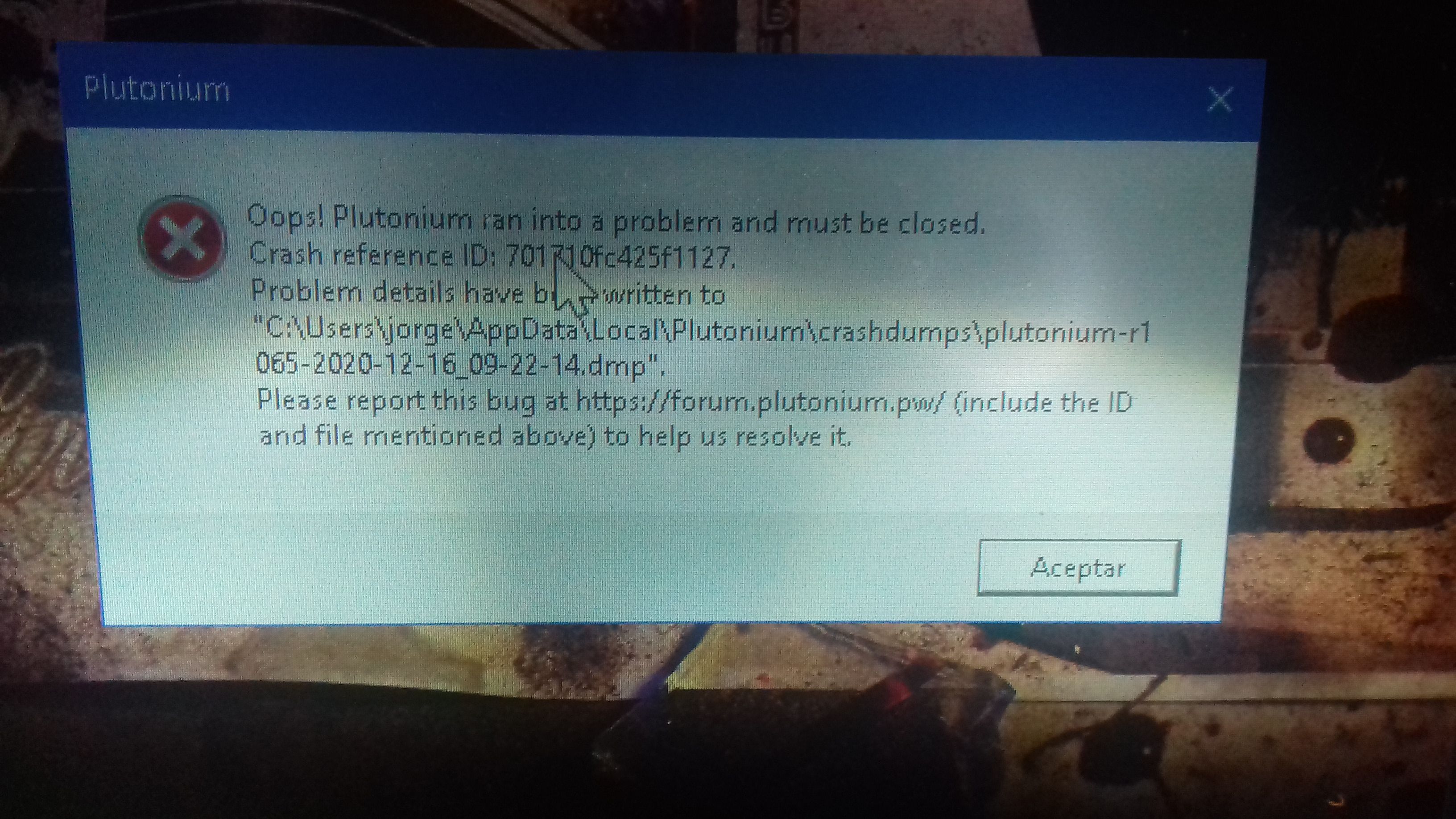
can someone help me? when I enter game zombies mode the loading screen appears but when it is about to finish I get a message saying that I crash
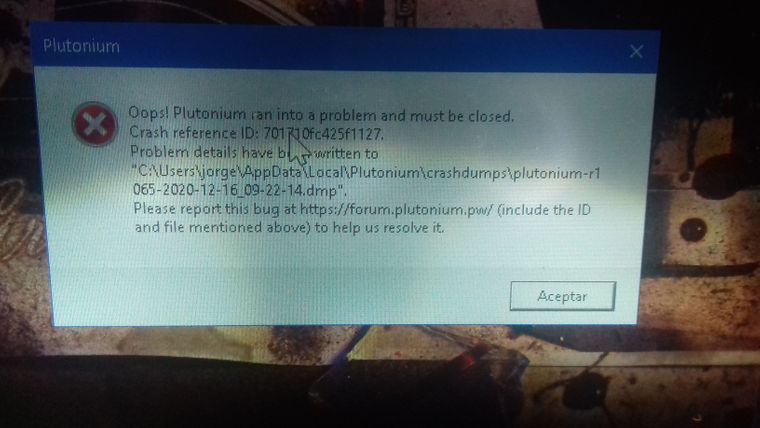
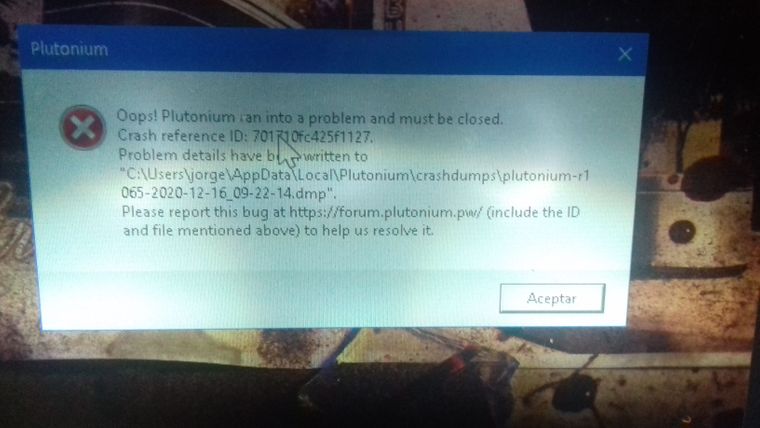
I went to the crashdumps folder and it appears some crashdumps files and txt files I open them and this appears
Exception Code: 0xC0000005
Exception Address: 0x00A7A0C2Sorry if you don't understand very well, I'm Latino and I had to translate it with google translator
-
I just installed this launcher and I have the same problem with zombie mode. Can anyone help?
I click start then the screen goes black and I hear a blip. After a couple of seconds, the game exits automatically. -
angel72342 So it happens exactly after you try to join a game? Did you recently download any camos? Try deleting them if you did, from t6r\data\images. Stats can get corrupted sometimes as well, try resetting your stats ->
resetstatsin console. -
angel72342 So it happens exactly after you try to join a game? Did you recently download any camos? Try deleting them if you did, from t6r\data\images. Stats can get corrupted sometimes as well, try resetting your stats ->
resetstatsin console.HannesC No, the game won't even open up.
It just shows a black screen then exit.
However, I tried logging in with a VPN and it went well. But I could not play so I had to disconnect VPN and reopen the game again and it was ok. But I didn't try more to see if I get an error during the game or not.


Hello! It looks like you're interested in this conversation, but you don't have an account yet.
Getting fed up of having to scroll through the same posts each visit? When you register for an account, you'll always come back to exactly where you were before, and choose to be notified of new replies (either via email, or push notification). You'll also be able to save bookmarks and upvote posts to show your appreciation to other community members.
With your input, this post could be even better 💗
Register Login