Plutonium failed to check for update
-

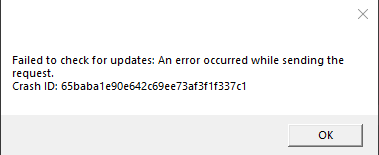
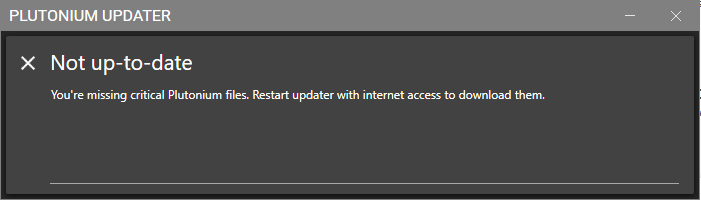
I need help with this problem I have tried all of the methods on previous forum posts and it still did not work for me. The only method that I haven't tried is deleting plutonium folder in local appdata because the folder isn't there. I don't know how that folder was supposed to be created but I'm sure that I'm the admin of my PC so I have full control over it
-

Changing DNS didn't work? Try using a VPN tho, it should definitely work.
-
-
Any free VPN works tbh. Try NordVPN?
-
-
Out of ideas tbh. And no you don't, the plutonium.exe auto-updates itself and replaces itself with plutonium.new.exe. Only thing I can think of are any 3rd party firewalls blocking Pluto. What antivirus do you use?
-
-
Windows date/time and clock is synchronized as well right?
-
Hello! It looks like you're interested in this conversation, but you don't have an account yet.
Getting fed up of having to scroll through the same posts each visit? When you register for an account, you'll always come back to exactly where you were before, and choose to be notified of new replies (either via email, or push notification). You'll also be able to save bookmarks and upvote posts to show your appreciation to other community members.
With your input, this post could be even better 💗
Register Login