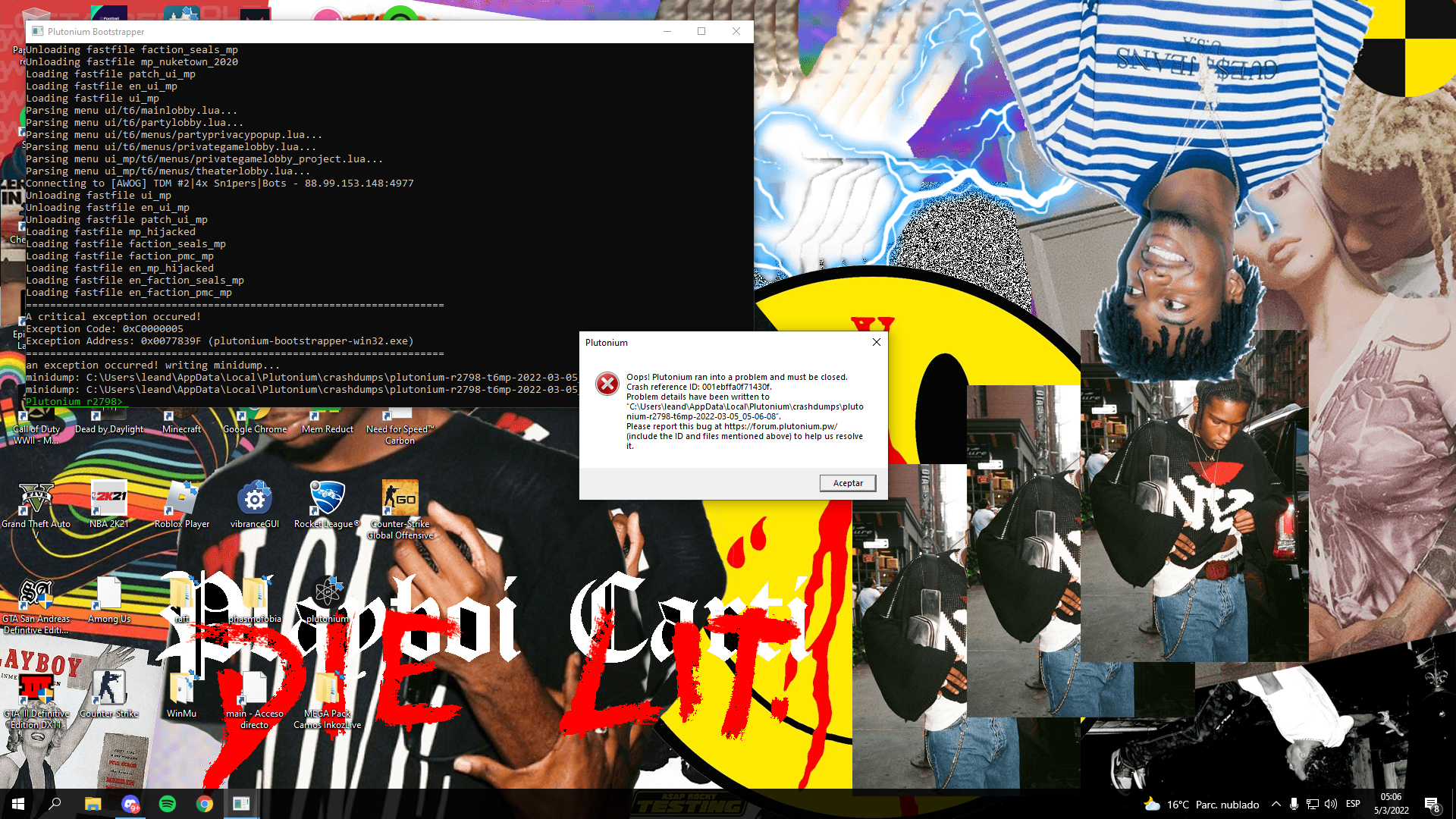
Hello, I installed Plutonium hours ago and I can play games but at various times I get this error. I already tried to run as administrator and I have nothing of msi downloaded to close
-
-
try some of these solutions
https://forum.plutonium.pw/topic/6832/common-launcher-issues-solutionsalso upload the crash dump file to this thread so that the support team can have a better idea of you'r problem
-
This post is deleted!
-
try some of these solutions
https://forum.plutonium.pw/topic/6832/common-launcher-issues-solutionsalso upload the crash dump file to this thread so that the support team can have a better idea of you'r problem
kyemel_person
when opening the crash dump notepad it tells me thisException Code: 0xC0000005
Exception Address: 0x0077839F
-
kyemel_person
when opening the crash dump notepad it tells me thisException Code: 0xC0000005
Exception Address: 0x0077839F
@issor
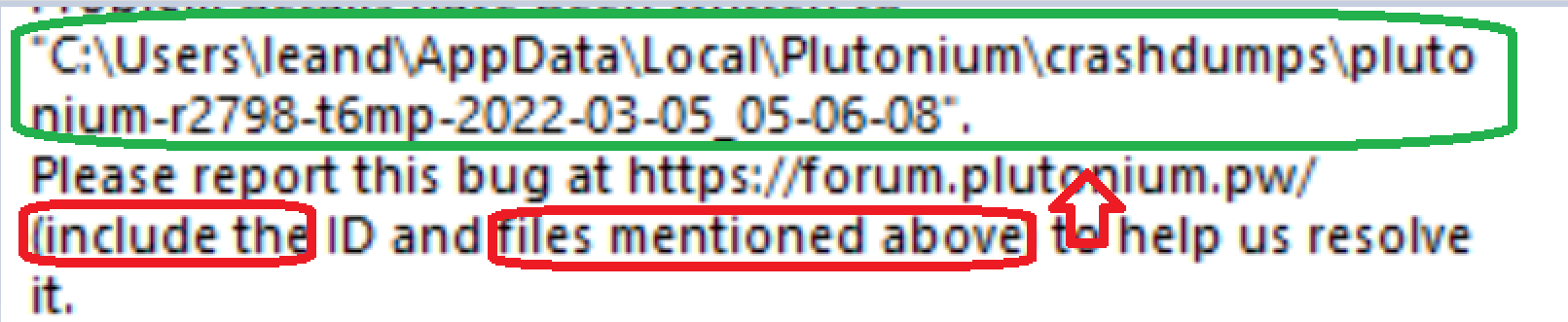
upload the dump to google drive. Meanwhile you can try a few things:
- repair your installation: https://plutonium.pw/docs/repair/
- running the game in a virtual machine doesn't work
- try closing all programs that are running in the background (especially steam, msi afterburner and rivatuner if you have them)
- try excluding pluto from scanning in your av software: https://plutonium.pw/docs/antivirus/#how-do-i-fix-this-windows-defender
- update your graphics drivers
- if you have a vr headset plugged in unplug it
- if you use an avermedia capture card uninstall it's drivers
- verify the integrity of your system files:
- open the start menu and search for "cmd"
- run cmd as admin
- execute the following command
dism /online /cleanup-image /restorehealth- restart your pc
-
https://drive.google.com/drive/folders/17d3v6rJOaUJlZhoMo50Mx6By2YNTrF40?usp=sharing
this is the drive of the crash dump folder
-
@issor
upload the dump to google drive. Meanwhile you can try a few things:
- repair your installation: https://plutonium.pw/docs/repair/
- running the game in a virtual machine doesn't work
- try closing all programs that are running in the background (especially steam, msi afterburner and rivatuner if you have them)
- try excluding pluto from scanning in your av software: https://plutonium.pw/docs/antivirus/#how-do-i-fix-this-windows-defender
- update your graphics drivers
- if you have a vr headset plugged in unplug it
- if you use an avermedia capture card uninstall it's drivers
- verify the integrity of your system files:
- open the start menu and search for "cmd"
- run cmd as admin
- execute the following command
dism /online /cleanup-image /restorehealth- restart your pc
Dss0
I already found the solution, I had created a folder called "t6r" which is to put custom skins and when I delete it I no longer get the error and I can play, the bad thing is that I cannot use the custom skins -
you should put custom skins in appdata/local/Plutonium/Storage/t6/images
The file directory for custom skins was recently changed in an update so t6r wont work anymore



Hello! It looks like you're interested in this conversation, but you don't have an account yet.
Getting fed up of having to scroll through the same posts each visit? When you register for an account, you'll always come back to exactly where you were before, and choose to be notified of new replies (either via email, or push notification). You'll also be able to save bookmarks and upvote posts to show your appreciation to other community members.
With your input, this post could be even better 💗
Register Login