hello plutonium
-
i tried downloading bo1 through the google drive it didnt work for me and says binkregisterframebuffers@8' from moduel 'binkw32.dll'
thx for under standing !
sry for bad english .
ni-7 which google drive link? we only provide torrents. https://plutonium.pw/docs/install/#t5-black-ops-1
-
ni-7 which google drive link? we only provide torrents. https://plutonium.pw/docs/install/#t5-black-ops-1
-
Dss0 hello i used this one[ https://plutonium.pw/pluto_t5_full_game.torrent ]
-
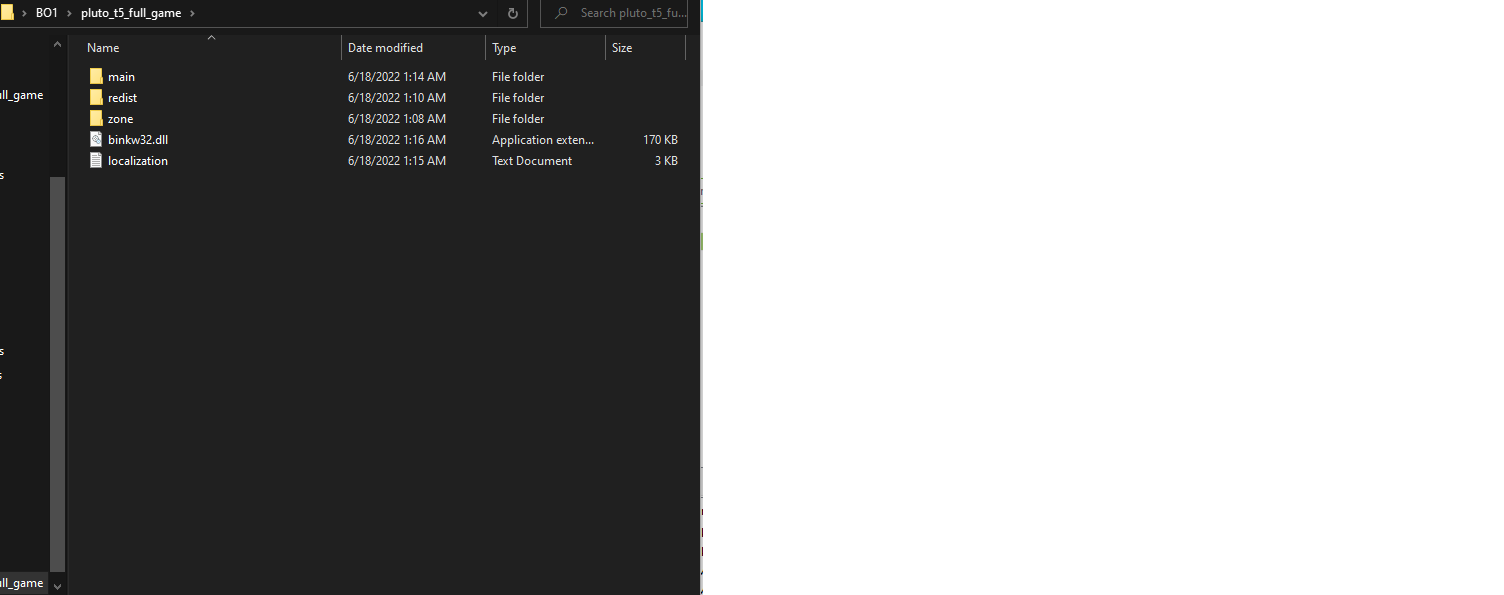
ni-7 that's not google drive tho? you download this using a torrent client like qbittorrent. Did you do that? then pls post a screenshot of your game folder and one of the game settings in the launcher.
-
ni-7 that's not google drive tho? you download this using a torrent client like qbittorrent. Did you do that? then pls post a screenshot of your game folder and one of the game settings in the launcher.
Dss0 said in hello plutonium:
ni-7 and one of the game settings in the launcher.
-
i tried downloading bo1 through the google drive it didnt work for me and says binkregisterframebuffers@8' from moduel 'binkw32.dll'
thx for under standing !
sry for bad english .
-
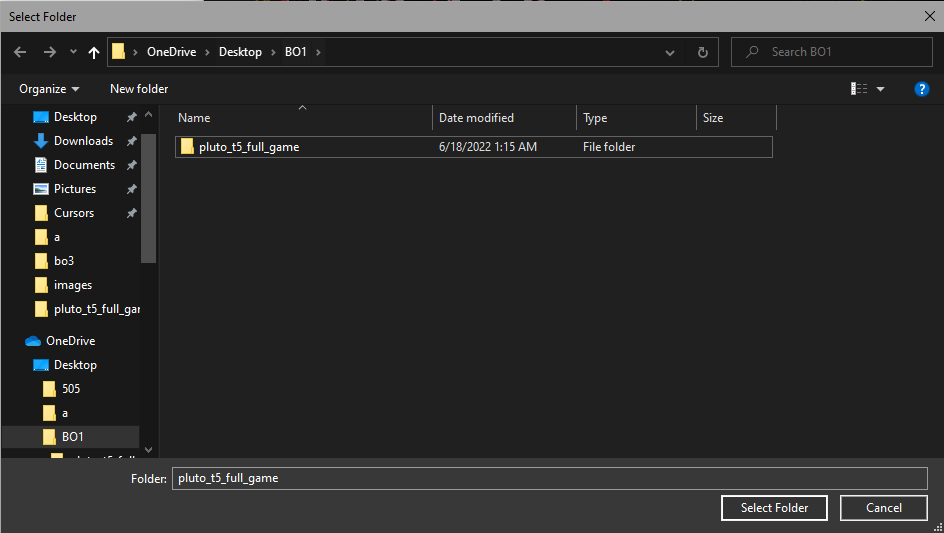
ni-7 i wouldn't recommend putting the game into a onedrive synced folder. Move pluto_t5_full_game to smth like C:\Games then make sure the path in the launcher (in the t5 tab) is C:\Games\pluto_t5_full_game
-
ni-7 Try installing everything from the folder "redist". Previously, I had the same issue after trying to start the game, and it instantly got fixed after I ran through the redist folder!
ShiftyWorks vcredist_x86 doesnt launch and gives an error [the file name, directory name, or volume label syntax is incorrect]
-
ni-7 Try installing everything from the folder "redist". Previously, I had the same issue after trying to start the game, and it instantly got fixed after I ran through the redist folder!
ShiftyWorks thank you so much i installed all the redist file and the game finally worked !



Hello! It looks like you're interested in this conversation, but you don't have an account yet.
Getting fed up of having to scroll through the same posts each visit? When you register for an account, you'll always come back to exactly where you were before, and choose to be notified of new replies (either via email, or push notification). You'll also be able to save bookmarks and upvote posts to show your appreciation to other community members.
With your input, this post could be even better 💗
Register Login