setup button doesn't work
-
@Alyx-J click on game settings it's right next to the play/setup button

-

@Alyx-J what is your antivirus? Please mention everything even if it's disabled
Also click on your profile picture top right and screenshot the 2 versions displayed at the bottom core and launcher -
@Alyx-J what is your antivirus? Please mention everything even if it's disabled
Also click on your profile picture top right and screenshot the 2 versions displayed at the bottom core and launcher
Resxt
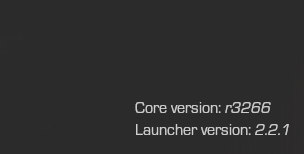 had malware bites and avg but both disabled then clean installed everything and still wont work
 -
AVG probably messed with something, I don't see how you don't even have the game settings button
I would recommend uninstalling both, or at least AVG (which is a terrible AV anyways)Then restart your PC, don't start the launcher and delete the Plutonium folder found in
%localappdata%
This will delete any data/setting you have so backup anything importantThen run the launcher again, let it download everything, login again and see what you can do
-
AVG probably messed with something, I don't see how you don't even have the game settings button
I would recommend uninstalling both, or at least AVG (which is a terrible AV anyways)Then restart your PC, don't start the launcher and delete the Plutonium folder found in
%localappdata%
This will delete any data/setting you have so backup anything importantThen run the launcher again, let it download everything, login again and see what you can do
Resxt yeah i uninstalled avg (missclick install because its borderline scamware) and restarted 2x then fresh installed plutonium after deleting it and its still not working.
-
Resxt yeah i uninstalled avg (missclick install because its borderline scamware) and restarted 2x then fresh installed plutonium after deleting it and its still not working.

@Alyx-J as a last resort workaround you could manually edit the launcher config to fill in the path. Go to %localappdata%/Plutonium and open config.json with a text editor then manually type in the path to your bo2 game folder.
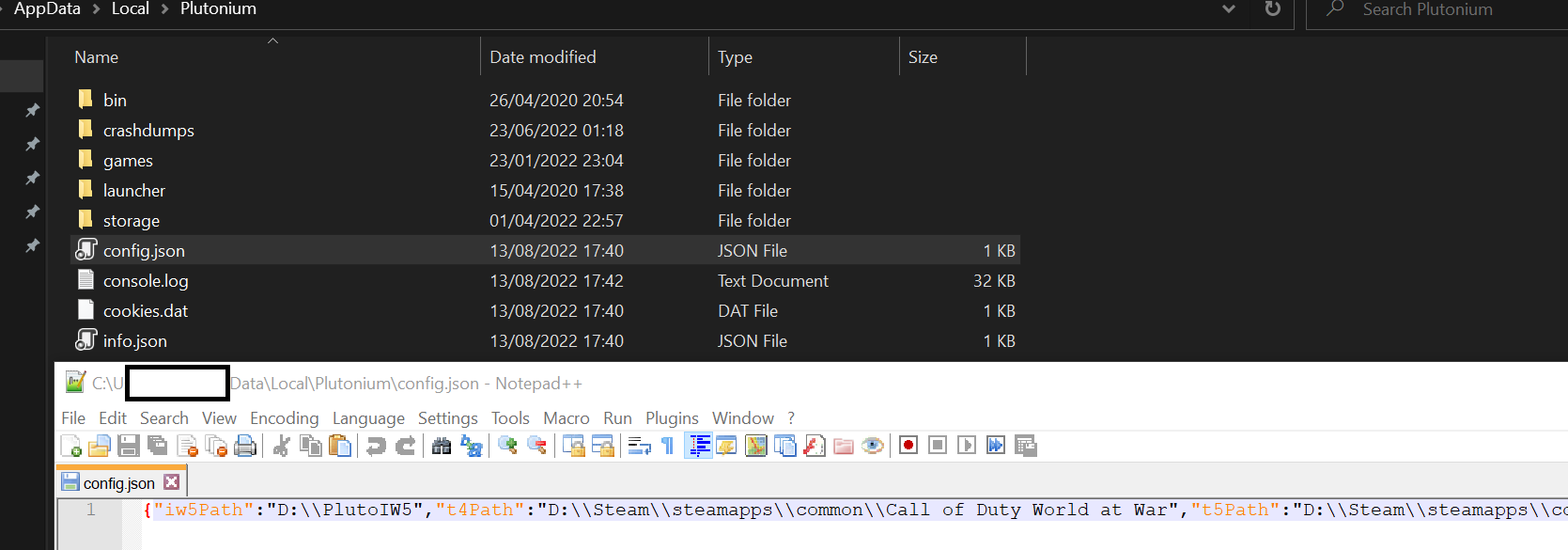
"t6Path":"D:\\Steam\\steamapps\\common\\Call of Duty Black Ops II" -
@Alyx-J as a last resort workaround you could manually edit the launcher config to fill in the path. Go to %localappdata%/Plutonium and open config.json with a text editor then manually type in the path to your bo2 game folder.
"t6Path":"D:\\Steam\\steamapps\\common\\Call of Duty Black Ops II"
Dss0
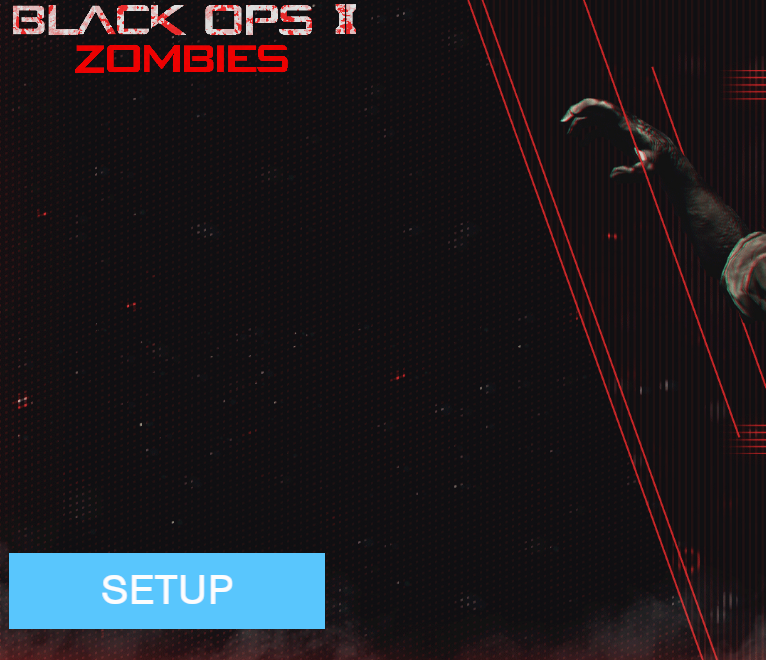 bruh even that didn't work, idk what else to try. i have all antivirus off my pc and full clean removed and reinstalled like 9 times now.
 -
Dss0
bruh even that didn't work, idk what else to try. i have all antivirus off my pc and full clean removed and reinstalled like 9 times now.
@Alyx-J uninstall your antivirus. Disabling it won't work
-
@Alyx-J uninstall your antivirus. Disabling it won't work
WolflexZ i did, full uninstall avg and Malwarebytes
-
Dss0
bruh even that didn't work, idk what else to try. i have all antivirus off my pc and full clean removed and reinstalled like 9 times now.
-
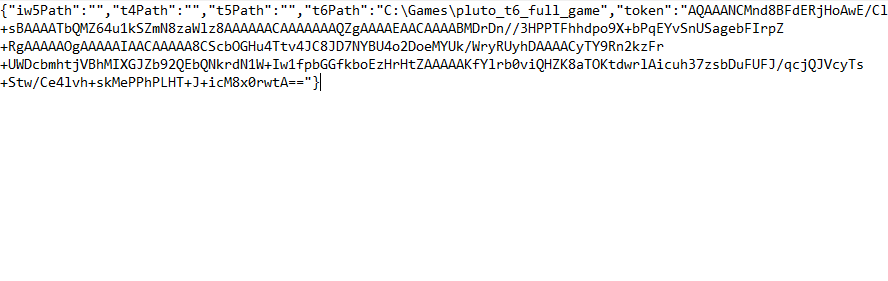
@Alyx-J can you show us your config.json?
-
@Alyx-J the double slashes are there for a reason.
"t6Path":"C:\\Games\\pluto_t6_full_game" -
-
it worked, thanks

Hello! It looks like you're interested in this conversation, but you don't have an account yet.
Getting fed up of having to scroll through the same posts each visit? When you register for an account, you'll always come back to exactly where you were before, and choose to be notified of new replies (either via email, or push notification). You'll also be able to save bookmarks and upvote posts to show your appreciation to other community members.
With your input, this post could be even better 💗
Register Login