Window Mode Not Working Correctly
-
Hi all, I'm running the game just fine but am having trouble getting windowed mode to work. Unless this is normal for BO1 window mode and I'm just buggin haha. I know many people like borderless window mode but I'm not a fan personally.
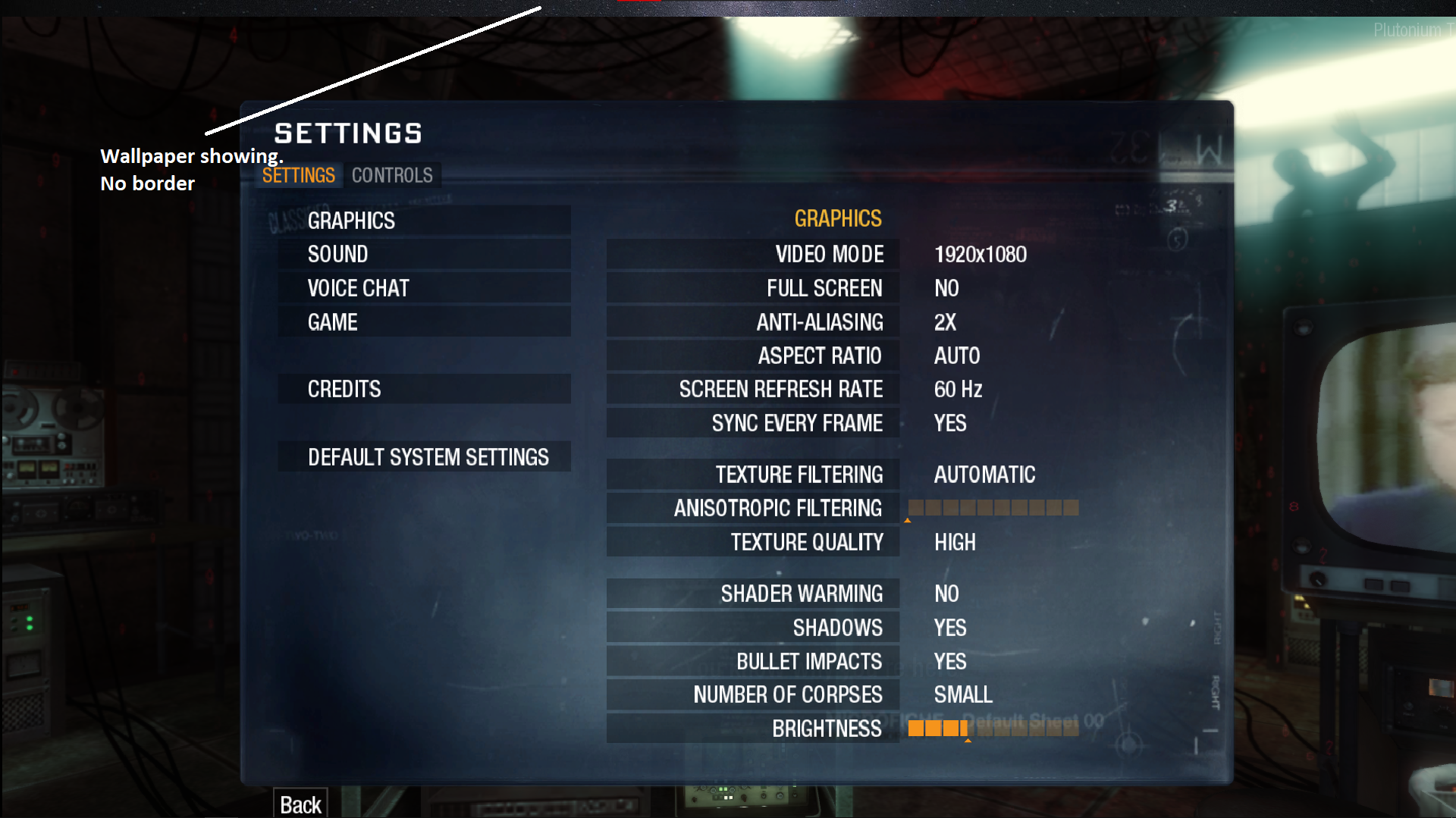
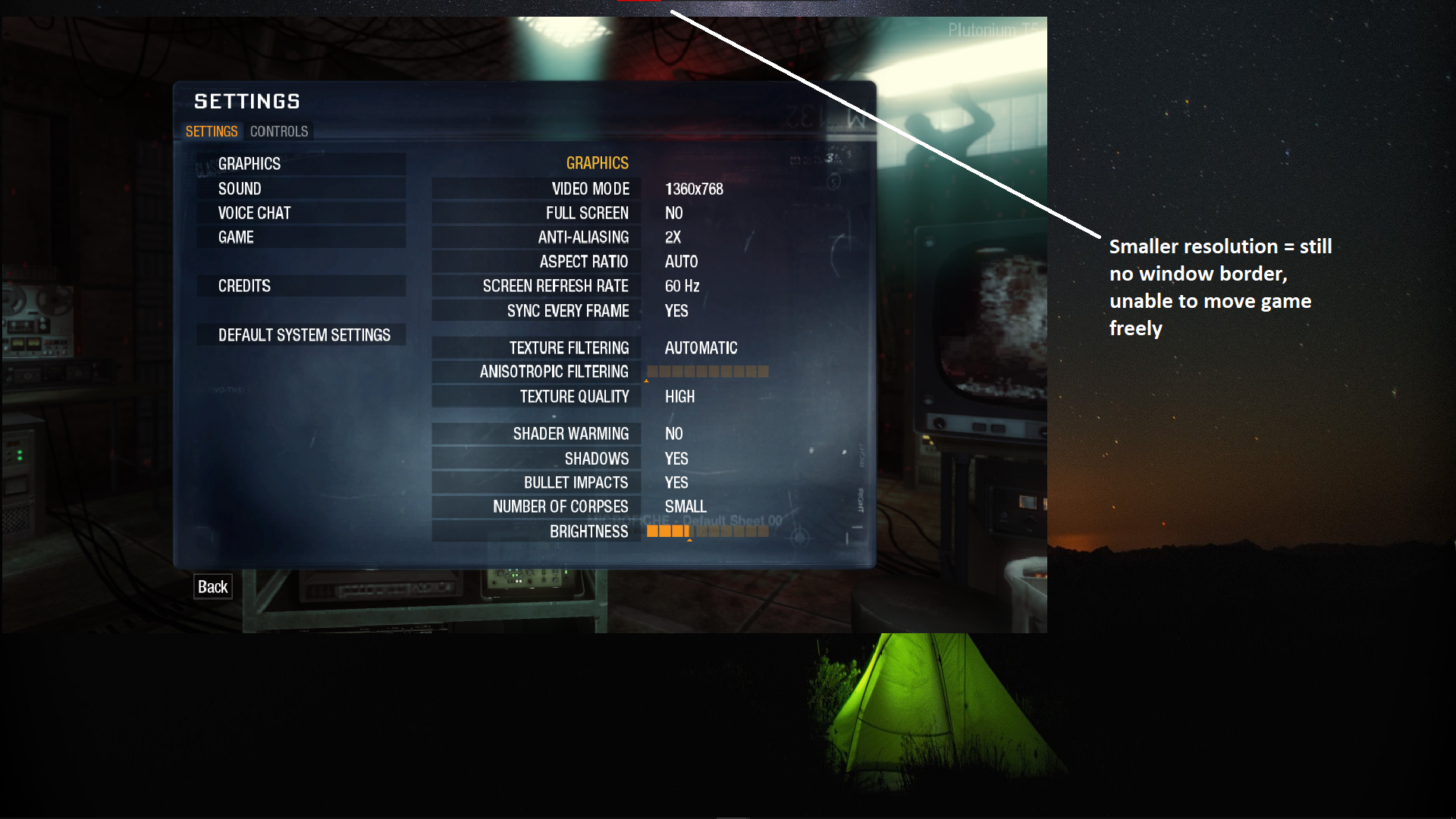
In BO2, window mode has a normal border and I can move the window around just fine. But with BO1, I notice when I put it in window mode, regardless of resolution it has no border to let me move it or anything. If I choose a resolution smaller than 1920x1080 it kinda just moves to the corner of my screen and I still can't move it freely. See below:
-
Why don't you move it through the console?
Xerxes Sorry I'm kinda new to this stuff, can I ask how you do that?
-
Change vid_xpos and vid_ypos. Or if you want the border back change r_noborder then use vid_restart.
Xerxes I have the same issue, but when i goto change vid_xpos or vid_ypos it does nothing.
-
r_fullscreen 0; vid_xpos 0; vid_ypos 0; r_noborder 1; vid_restart
i dont like the fullscreen because i like to alt tab alot but this command gave me what i wanted it made it borderless window mode. (dont know if u actrully wanted the border but maby put a 0 where the 1 is) -
Fish Slappin' hey, i have this problem too vid_xpos and vid_ypos command not work but i fixed it
just download app called "BorderlessGaming" then open game and add it to favorite in app
and when u open game automatically game will run without border (must app be runining)




Hello! It looks like you're interested in this conversation, but you don't have an account yet.
Getting fed up of having to scroll through the same posts each visit? When you register for an account, you'll always come back to exactly where you were before, and choose to be notified of new replies (either via email, or push notification). You'll also be able to save bookmarks and upvote posts to show your appreciation to other community members.
With your input, this post could be even better 💗
Register Login