Launcher not Downloading Correctly
-
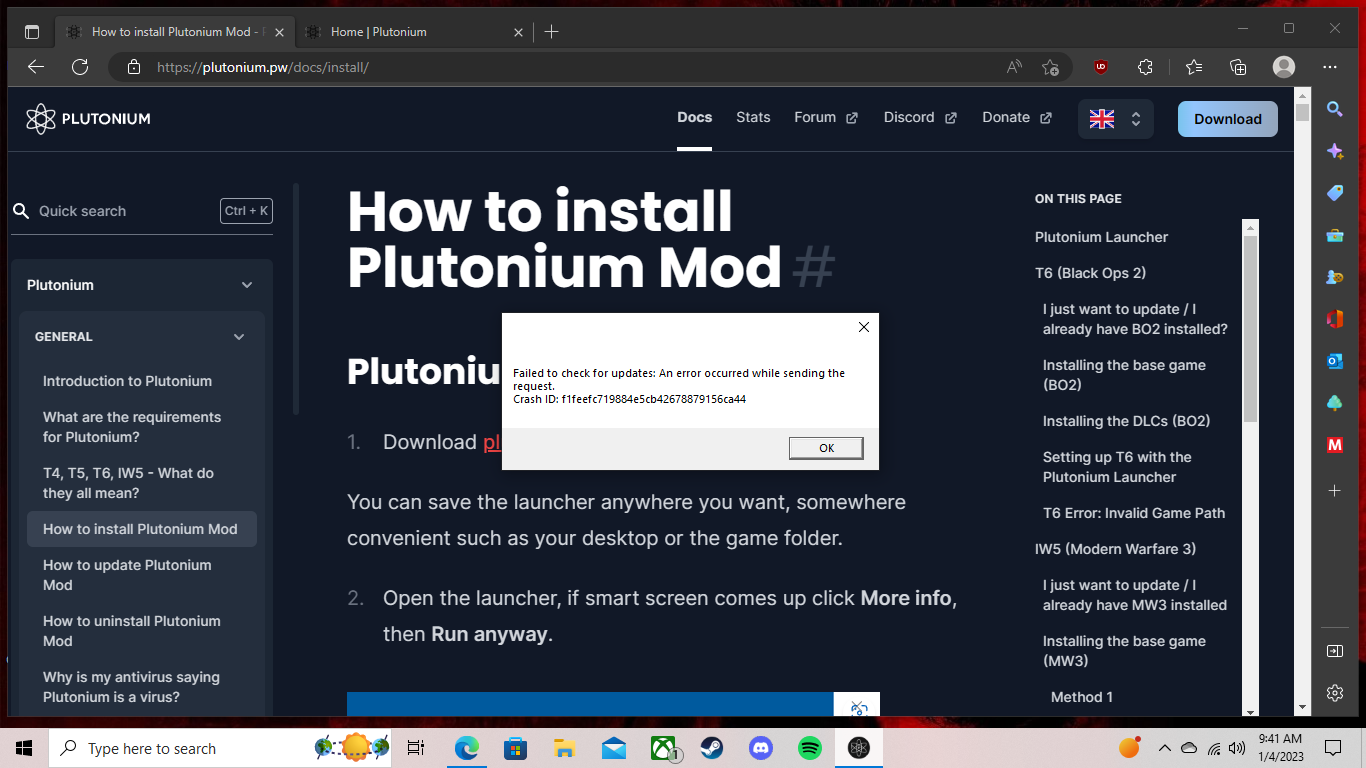
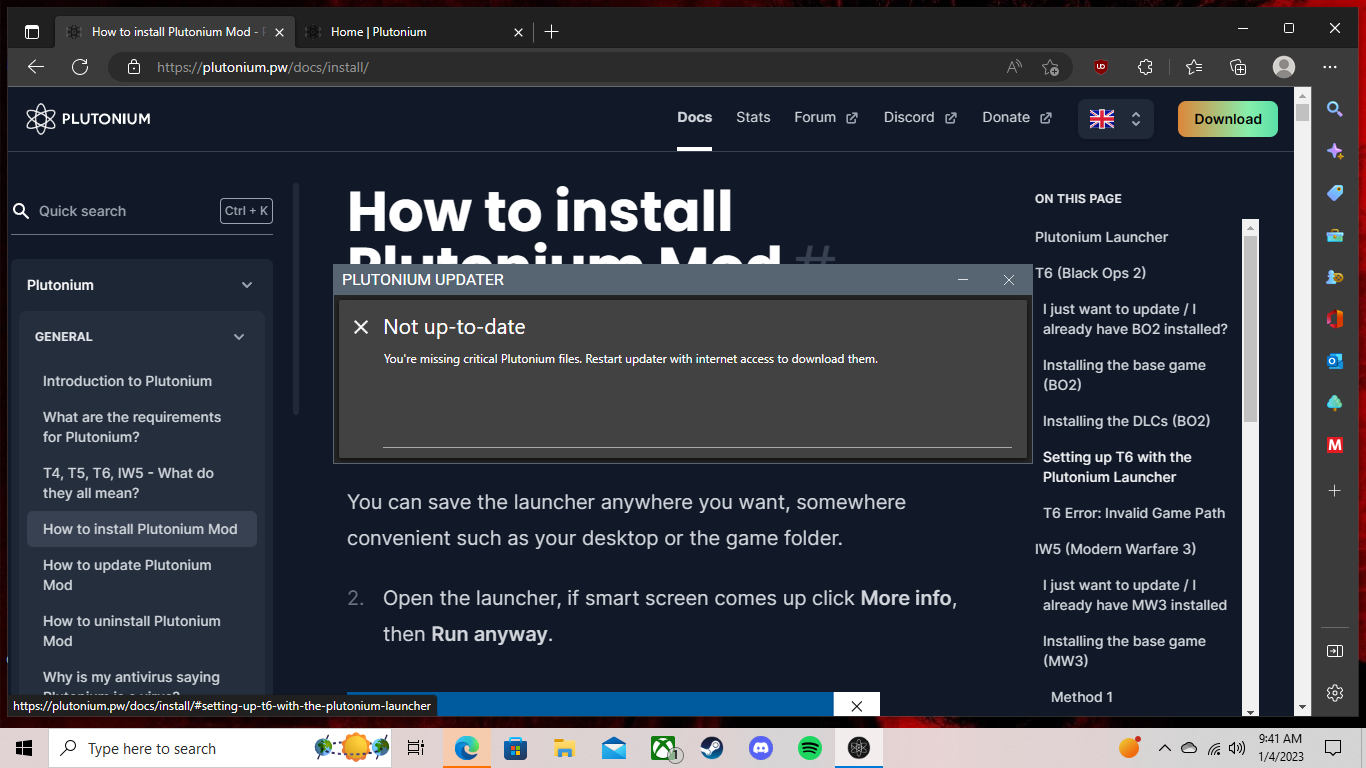
I've tried changing my dns settings, using a vpn, disabling windows defender, running the .exe as administrator, making sure it isn't pinned, and nothing seems to work. The first time I downloaded plutonium it worked fine without any of this extra stuff but eventually stopped updating and wouldn't allow me to. I uninstalled it from %localappdata% and now when I redownload it doesn't make it back there.
-
Something on your side is blocking the updater
Read this doc and try all the methods
https://plutonium.pw/docs/update/#fixing-failed-to-check-for-updates -
Something on your side is blocking the updater
Read this doc and try all the methods
https://plutonium.pw/docs/update/#fixing-failed-to-check-for-updatesResxt so whenever I try to download it from the site it doesn't go into my %localappdata% into a folder. I was trying to make an exception for it in windows defender, but I can't. I don't think that's the problem though because it doesn't work if I completely turn it off. Do you or anyone else have a vpn that they used, and it worked for them?
-
Something on your side is blocking the updater
Read this doc and try all the methods
https://plutonium.pw/docs/update/#fixing-failed-to-check-for-updatesResxt I ended up fixing the problem. My pc came with a free upgrade to windows 11 and I tried that as a last resort and it worked. Thanks for your assistance.


Hello! It looks like you're interested in this conversation, but you don't have an account yet.
Getting fed up of having to scroll through the same posts each visit? When you register for an account, you'll always come back to exactly where you were before, and choose to be notified of new replies (either via email, or push notification). You'll also be able to save bookmarks and upvote posts to show your appreciation to other community members.
With your input, this post could be even better 💗
Register Login