Plutonium - Linux Install Guide

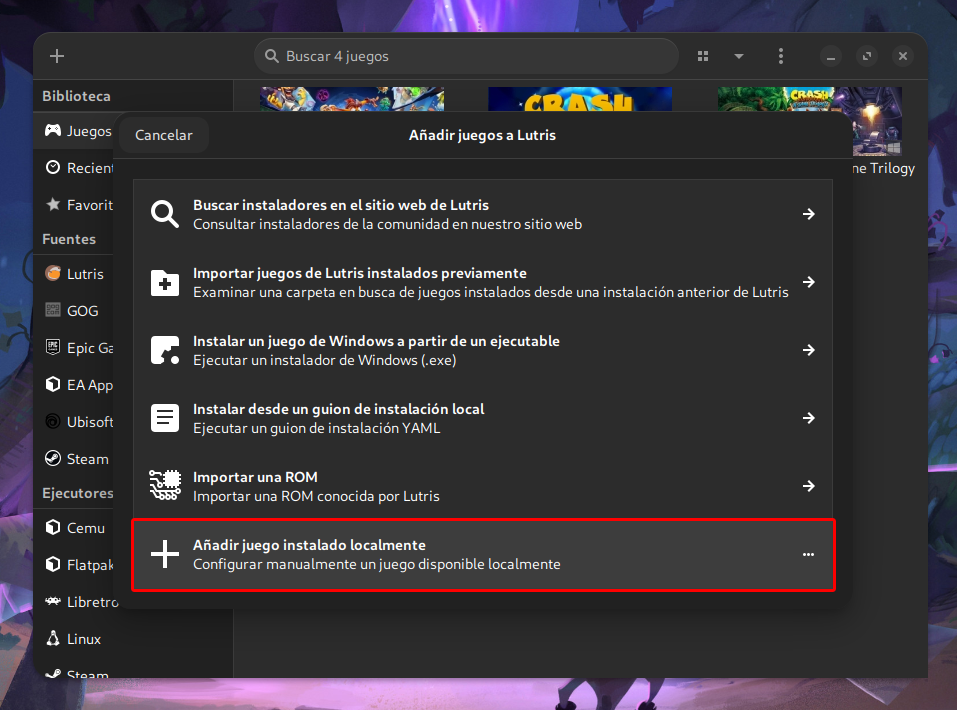
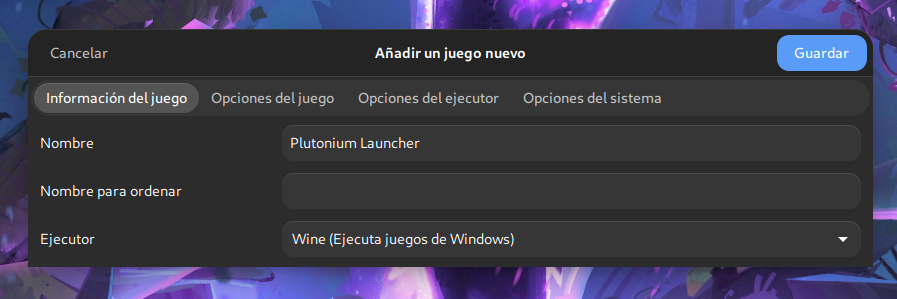
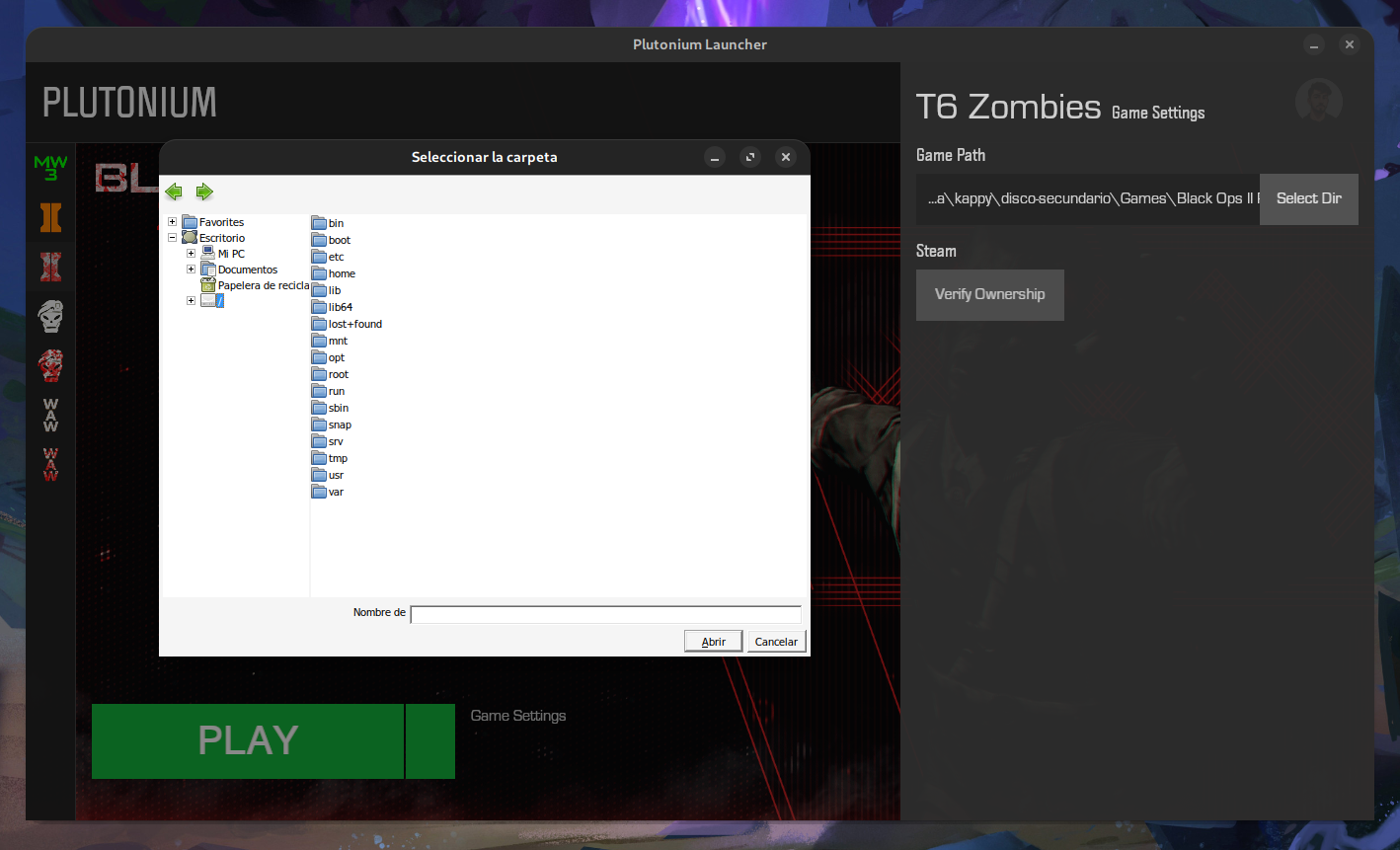
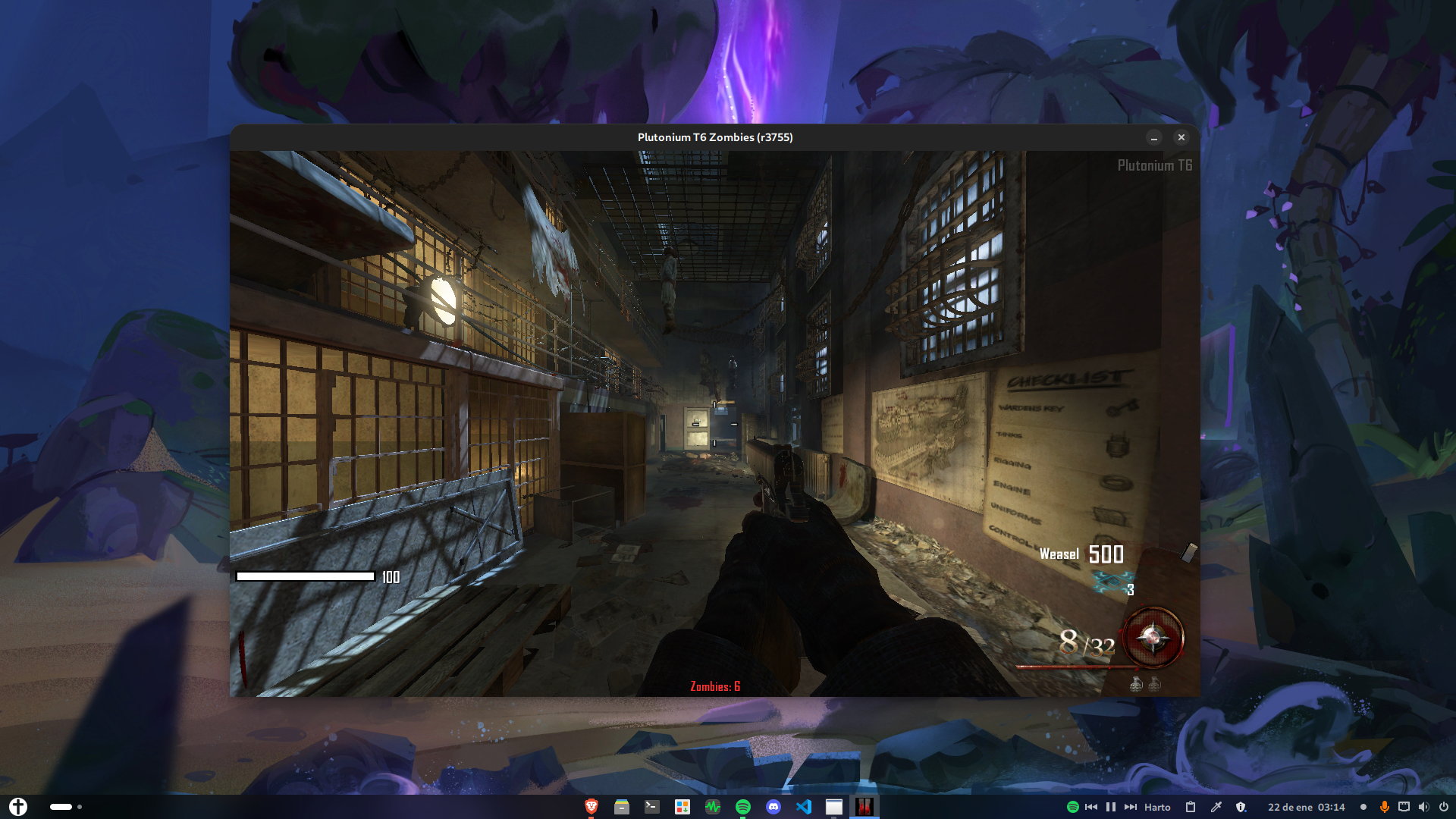
-
SoyKappy Hey Soy (or anyone else) would you mind seeing if you could reproduce an odd issue. I updated to wine 9.0-1 a few nights ago, and played plutonium the same day. Now, when trying to launch with lutris again, im getting thrown some errors. I downgraded to 8.21, it launched with no issue. I updated back to 9.0-1, tried running plutonium with just "wine plutonium.exe" and it ran with no issues. I tried again in Lutris, same issue as before. I tried switching my runner from system to any other runner, none of them work. It just throws me the same errors. I can only get the game to launch in Lutris if my system wine is 8.21 (assuming atp lutris isnt updated for wine 9.0-1) If someone could just confirm this is also happening to them with lutris, it would be appreciated.
-
@KutaG59 What distro are you on?
-
Is it possible to use the files from the steam version of the game? For instance can I download bo2 on steam, and when directing plutonium to the game files, just put 'Z:\home\user.steam\steam\steamapps\common\Call of Duty Black Ops II'? For some reason plutonium cannot find the exe.
-
For those following this guide, and encounter the error "Missing wine-mono". Use the wine runner "wine-ge". GE's version of wine includes wine-mono.
Other problems I encounter and their solution:
- White screen when booting game (Black ops 2 in my case). Solution was to move game files to another drive.
- Blurry text in Black ops 2. My solution was to reinstall Lutris from a binary .deb package, and move the BlackOps game files to Lutris' c_drive folder.
edit:
I don't understand the difference between installing Plutonium through the .exe vs installing from Lutris' prepacked Plutonium https://lutris.net/games/plutonium-launcher/. My latest install on Debian is working with installing from the prepacked Plutonium. -
Hello, I need help, my problem is, I have a friend who cannot run the launcher, I don't know why but every time we try to run it he needs some special permission and we don't know which one, if you can help us I would appreciate it.
-
Hello, I need help, my problem is, I have a friend who cannot run the launcher, I don't know why but every time we try to run it he needs some special permission and we don't know which one, if you can help us I would appreciate it.
-
 Astrocule referenced this topic on
-
what runner settings would i want on when playing cause with default it lags and is very delayed and i cant even get to the game
but on windows ive gotten into maps no problem at 100 fps
-
Hi, followed your guide and managed to get Plutonium opened, i located the games in it and then moved to your optimizition guide right along, after setting it up step by step by that guide, i tried to launched plutonium but it won't start or even open for a second. I tried to setting everything back to my original setting before the optimization guide but no luck either. It won't start if i try any wine/proton version.
Linux Mint 22, Cinnamon 6.2.9If anyone is willing to help me, thank you!
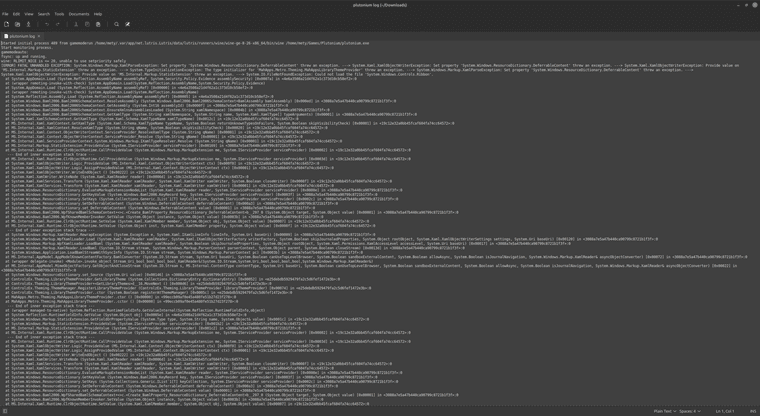
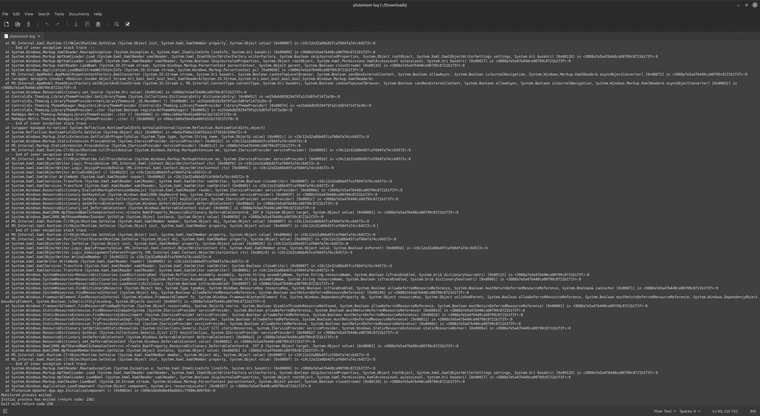
-
okey managed to get it working fine when i uninstalled my initial installation and downloaded plutonium thru Lutris site (link is up here in the discussion from user Cybergear791) then i just switched wine version to 9.0 which is my current and it worked perfectly
-
My copy of BO2 is on steam, I cannot access it from the wine file search and yes .file search is enable on winecfg. All the other people I find have it fixed once they turn it on but it doesn't work for me.
-
My copy of BO2 is on steam, I cannot access it from the wine file search and yes .file search is enable on winecfg. All the other people I find have it fixed once they turn it on but it doesn't work for me.
@gaming_time In the Wine file explorer window that appears when you press the SETUP button inside the Plutonium Launcher there is usually a disk “Z:” which is usually the root of Linux, that is if you go to Z:Home there you should have your home user.
-
Do you know if I can do it on the heroic launcher?
mikelxeneize It does work with heroic. Just install all the dependencies using your distro's package manager.
I did not install wine-staging as it conflicted with wine however. Worked for me though...
-
I know this thread is pretty old, but wanted to share my experience. To get Plutonium working for me in Linux (Arch), all I did was download the exe and added it to Steam as a non-Steam game. Once I did that, I downloaded my CoD MP titles from Steam (using Proton Experimental as my compatibility). I created a /home/myUser/Games/Plutonium directory and inside that directory, I symlinked the CoD directories that Steam created from the CoD MP downloads. I did this because the Plutonium Setup would not allow me to enter the .steam directory in my home for, but once I created a directory and symlinks that the Plutonium exe could view, Setup was a breeze. I then added the Plutonium exe to my Application Manager (in KDE) so that I could add the Plutonium launcher icon on my task bar.
Doing it this way, eliminates the need to use Wine or Lutris and was honestly, the easiest setup I have had for getting Plutonium to work on Linux. Hope this helps anyone who finds it!
-
whenever i press play i get an error saying it couldnt find the bink file
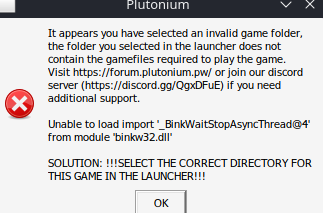 if it helps im using bazzite
pokie1122 did you find a workaround?


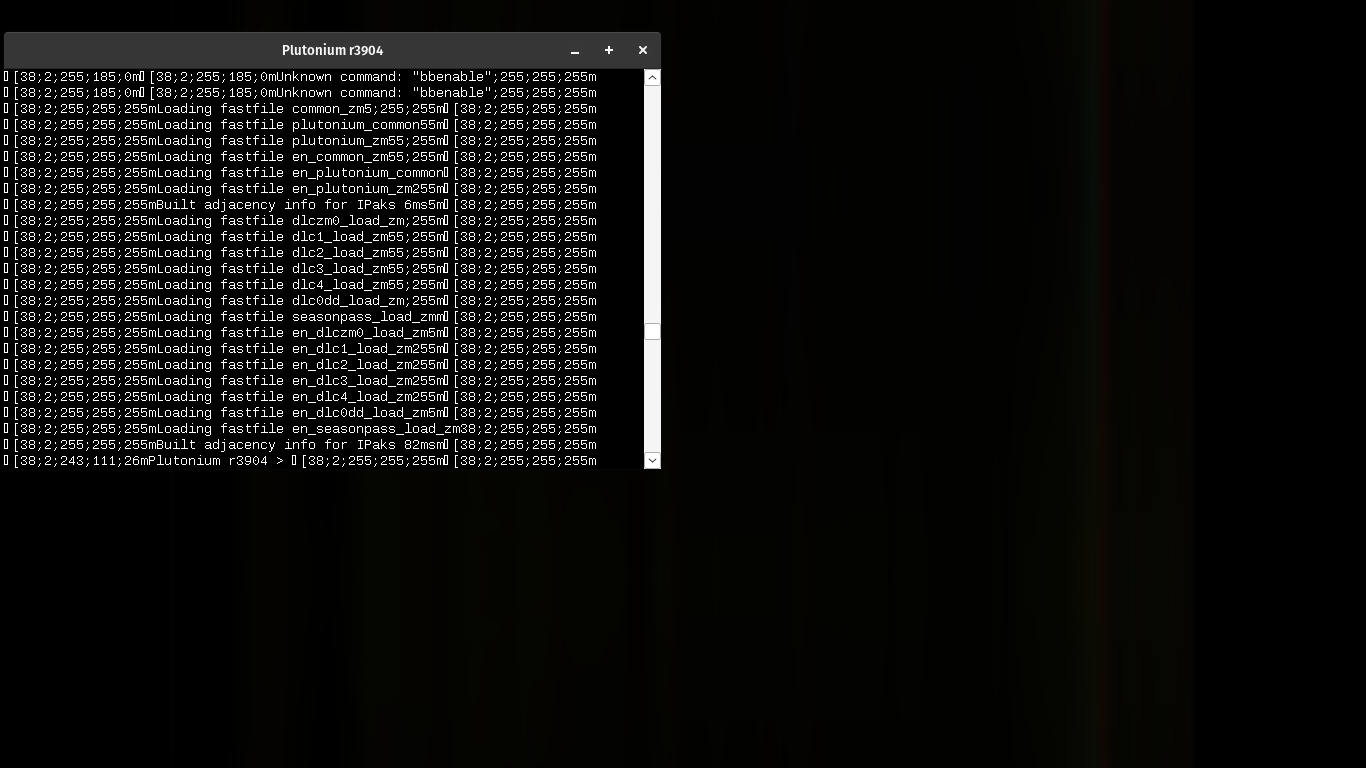





Hello! It looks like you're interested in this conversation, but you don't have an account yet.
Getting fed up of having to scroll through the same posts each visit? When you register for an account, you'll always come back to exactly where you were before, and choose to be notified of new replies (either via email, or push notification). You'll also be able to save bookmarks and upvote posts to show your appreciation to other community members.
With your input, this post could be even better 💗
Register Login