[Release][ZM] Mod Menu | Healthbar | Weapons | Perks | Powerups | Upgrade | Night Mode | Teleport | Bank | Stats | Aimbot | Ufo | Freeze Zombies | Sound Menu | Legacy mods | Shader
-
Update 4.0.0 (Compatibility with web statistics - Menu shader - Menu postition - Menu glow - Pack style menu - Pack style selector - bank hotfix - nightmode fix)
Overview
This update brings a huge wave of improvements and fixes, focusing on maximum user customization and stability.
Fixes
- Bank System: Fixed withdrawal errors. The specific withdrawal limit is now adjusted to 1,000,000 points, while deposits now support virtually unlimited amounts correctly.
- Bus Depot Support: Bus Depot survival map is now correctly detected as an independent map for statistics tracking.
- Night Mode Fixed: Comprehensive fix for Night Mode; it now functions correctly across all maps.
Improvements
- Night Mode Redesign: Night Mode has been completely overhauled for better visuals and performance.
- Standardized Menu Sizing: All menus now share consistent dimensions (fixing previous disproportionate sizing). This standardization enables the new "Menu Position" resizing features.
- Robust Banking: Further adjustments to the banking system to ensure stability with large transaction amounts.
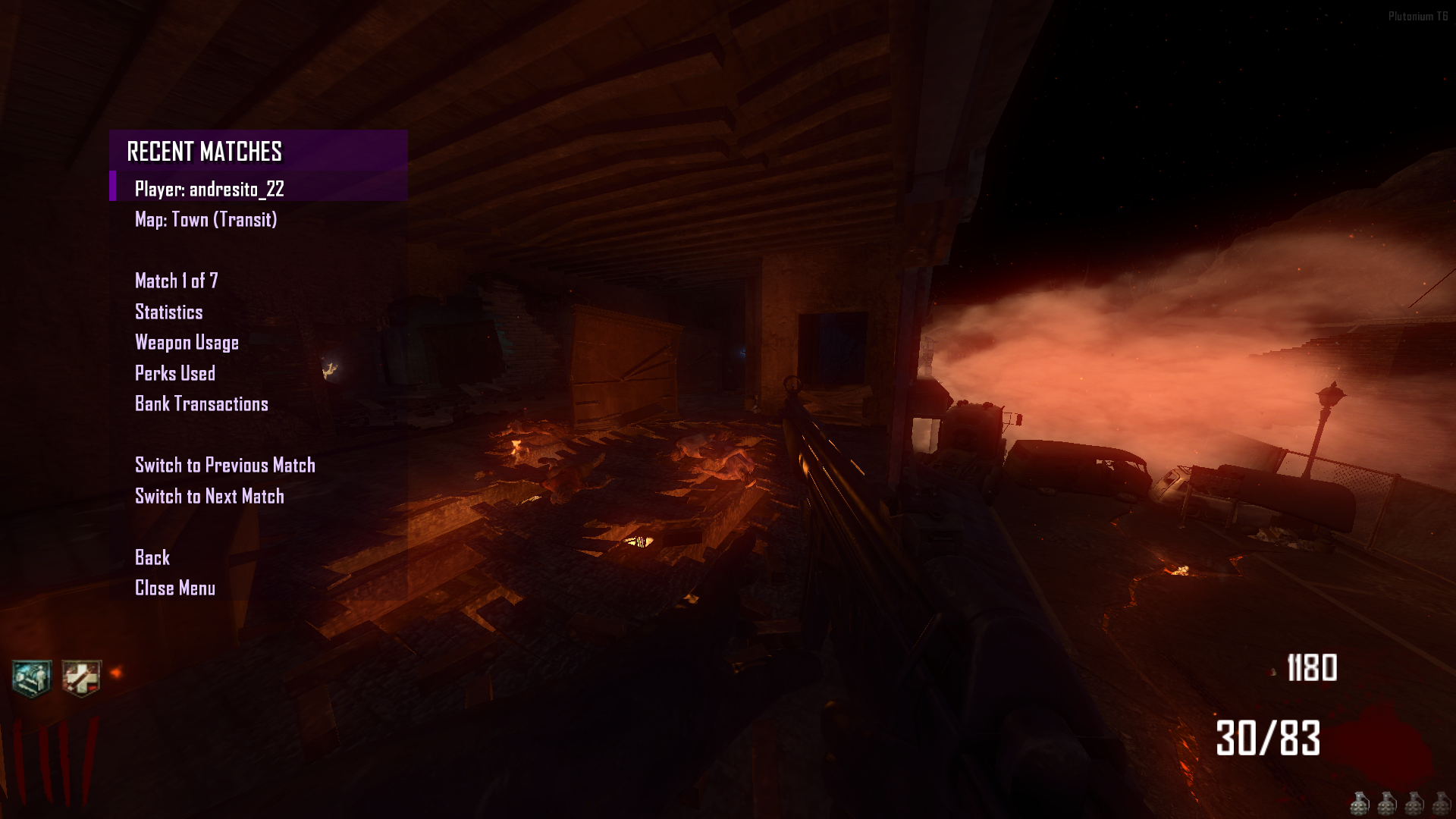
- Rencent Match Menu: Supports bank transactions.
New Features
- Settings menu
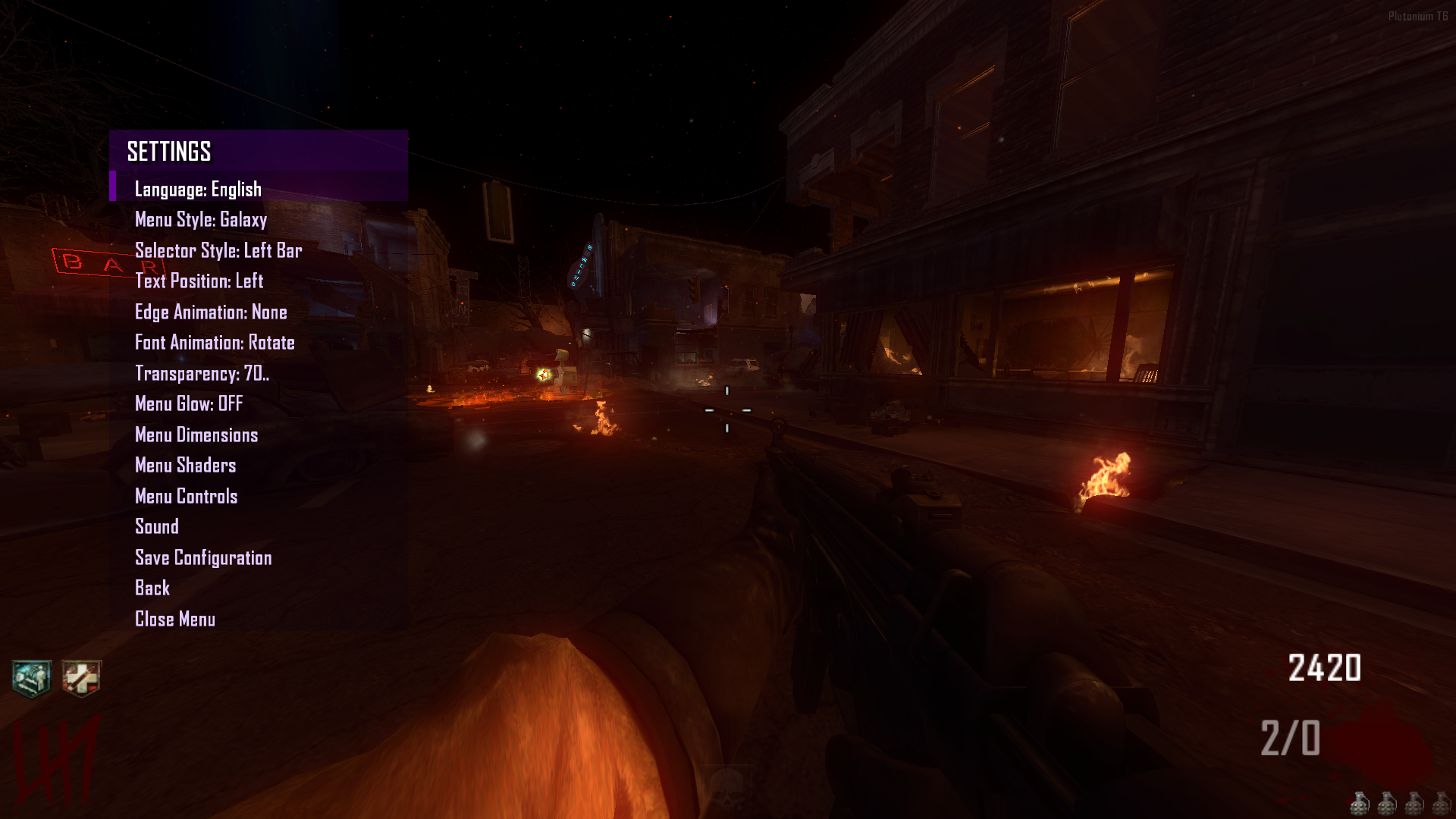
- Menu Glow (Beta): Added a dynamic glow effect to the menu.
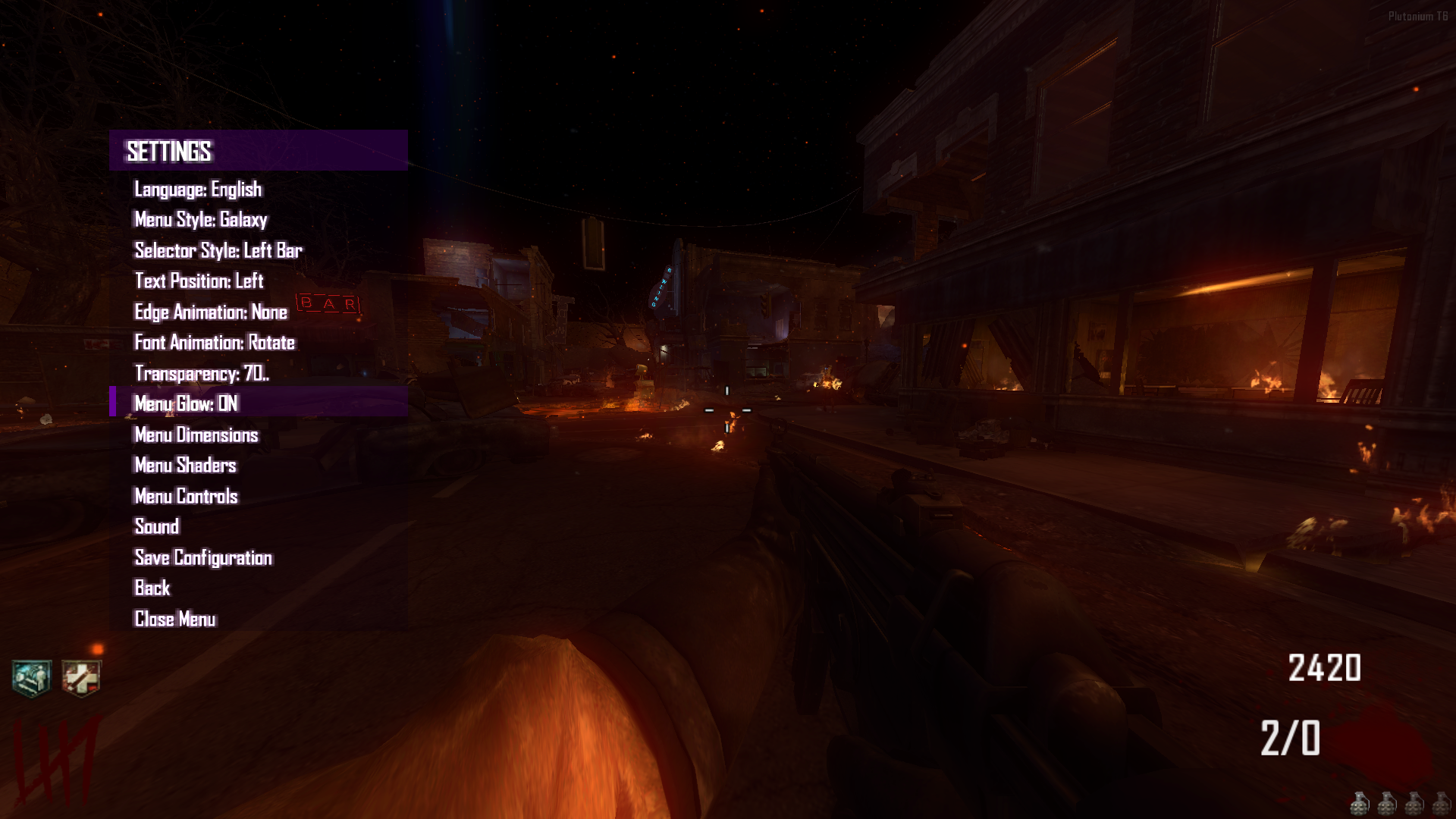
- Menu Shaders (Beta): New option to customize shaders for the Menu Background, Header, and Selector.

- Menu Position & Sizing (Beta): You can now move the menu, resize it, and fully customize its dimensions in-game. Changes can be saved.
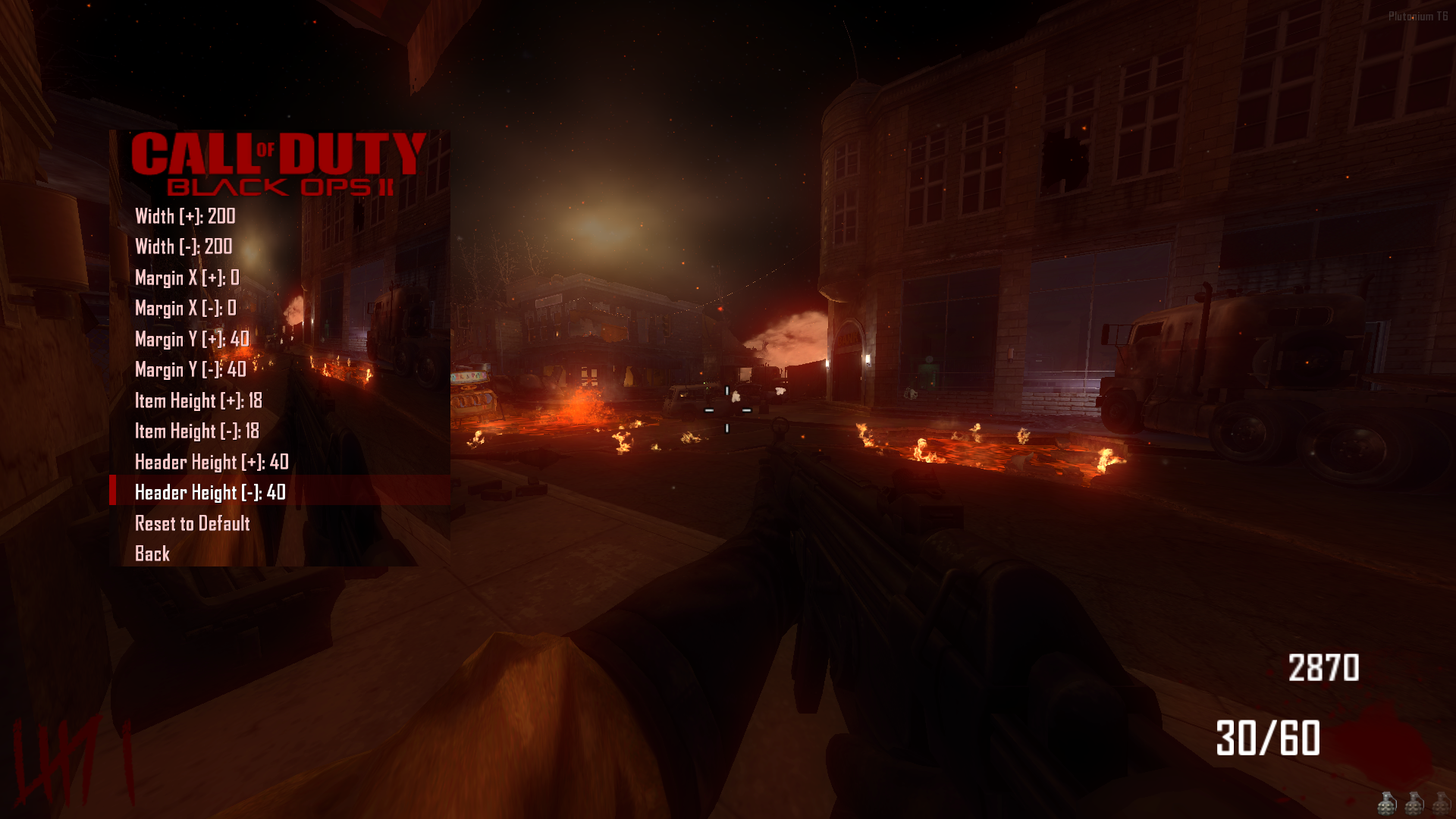
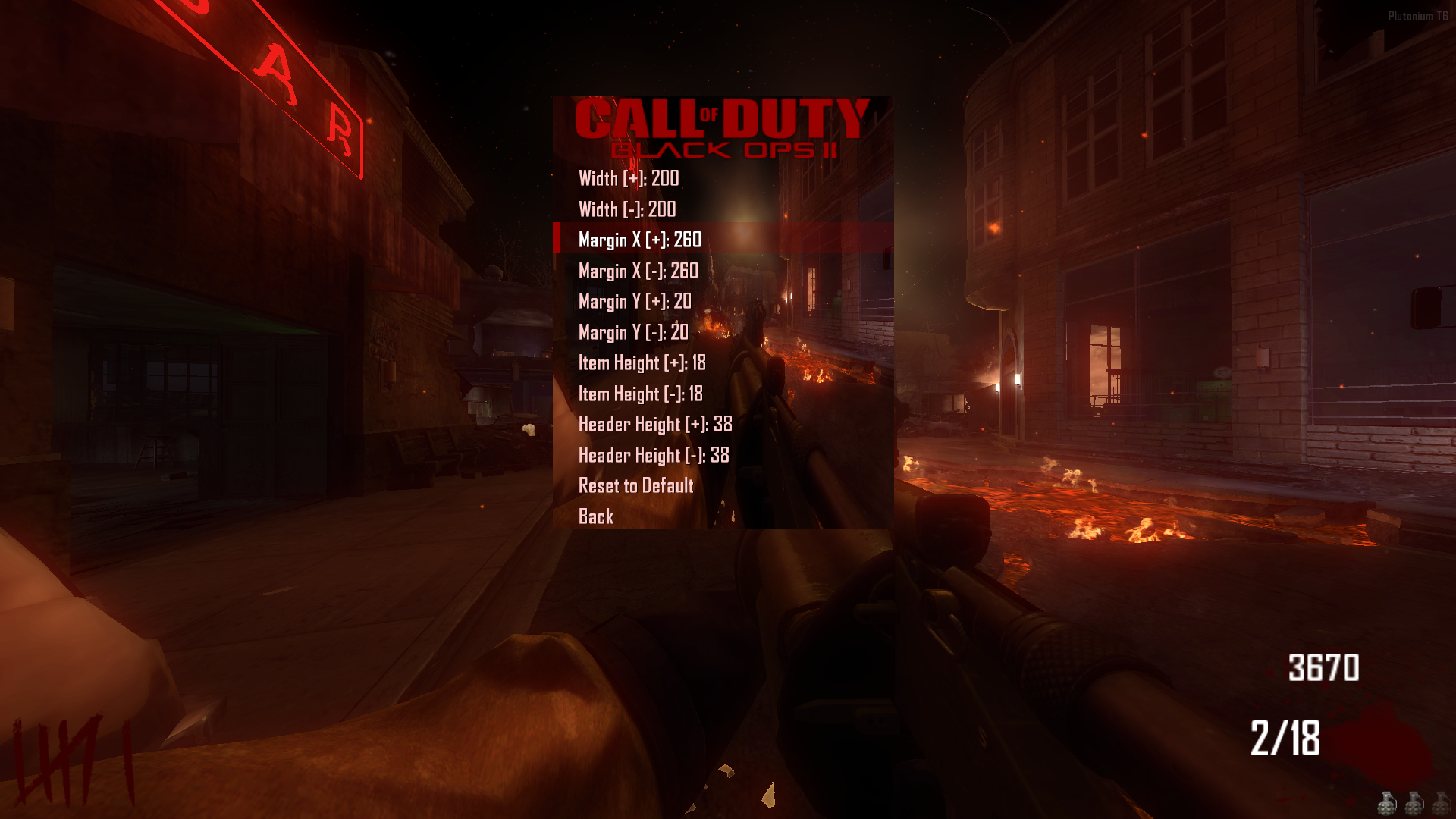
- Menu Style Pack: Added a total of 83 unique menu styles.
- Selector Style Pack: Added a total of 33 unique selector styles.
Web Statistics Integration
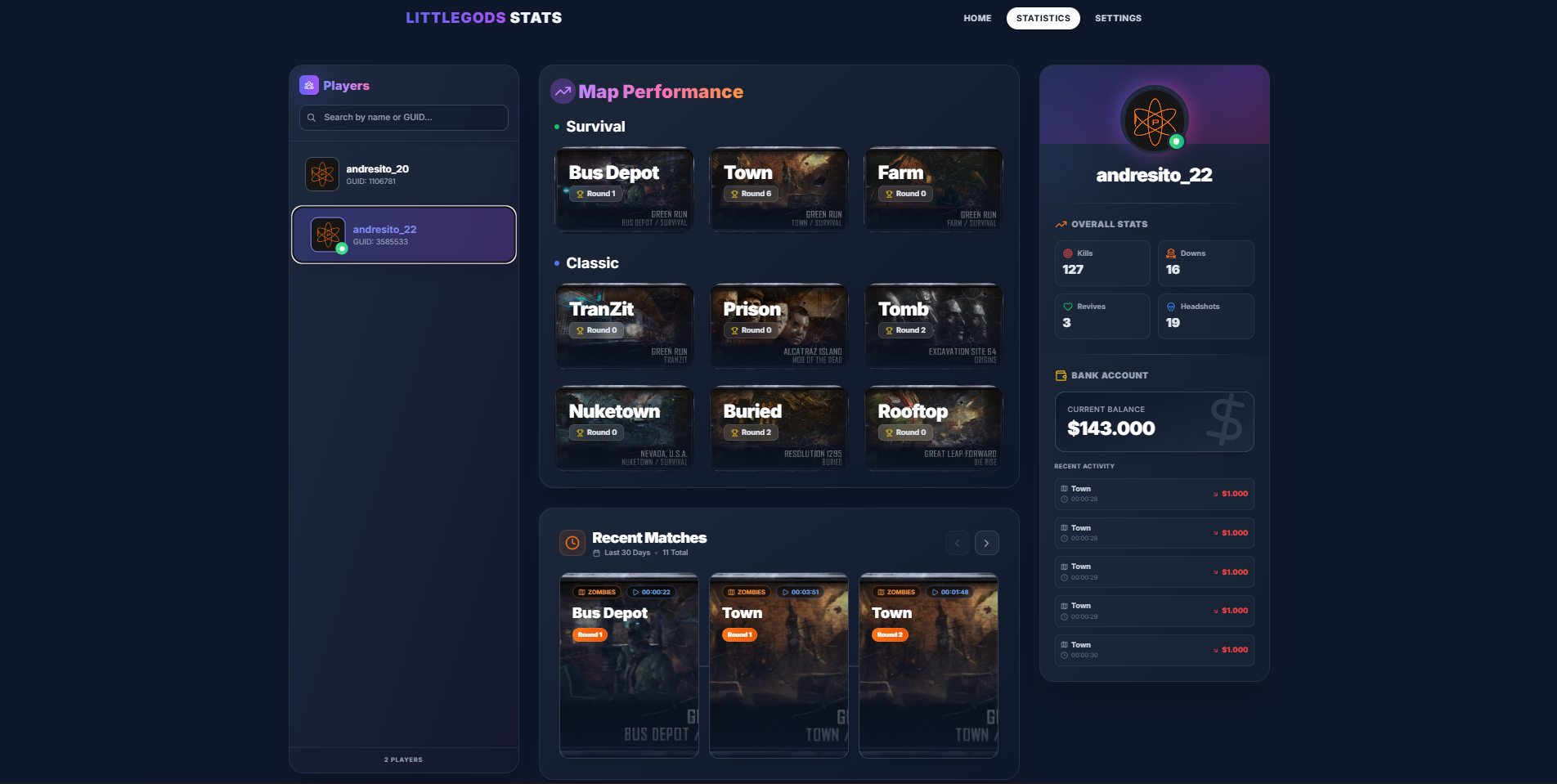
- Full Compatibility: The menu is now fully integrated with the Stats Web project. https://forum.plutonium.pw/topic/43291/release-zm-stats-web
- Important: Install the web project files, but DO NOT use the
scripts_zm.batutility to install the scripts. The menu already has these statistics features built-in.
Just run your stats and the website and you're all set
Important Notice
- Please refrain from using commands like
fast_restartormap_restart. Always launch maps correctly from the Main Menu to ensure all scripts load properly.
Beta
- Content consists of modifications that may have issues. If you use this mod and find anything problematic, please feel free to contact me through this post even if it’s not specifically related to the beta versions.
Source Code
Install
new folder
AppData\Local\Plutonium\storage\t6\raw\scripts\zm\
old folder
AppData\Local\Plutonium\storage\t6\scripts\zm\
Aquí explicé algunos pasos rápidos:
ingles To open the menu, you need to aim and knife at the same time. To move up, press the numeric key 1, and to move down, press the numeric key 2 To enter a menu, press F on your keyboard.** spanish Para abrir el menú, debes apuntar y apuñalar al mismo tiempo. Para moverte hacia arriba, presiona la tecla numérica 1, y para moverte hacia abajo, presiona la tecla numérica 2. Para entrar a un menú, presiona F en tu teclado. -
holy hell W improvements
-
doing the math for bank functions is simple at first glance, but then you have to account for every interaction.
-
doing the math for bank functions is simple at first glance, but then you have to account for every interaction.
Ivobardolf
Yes, the truth is I forgot about the bank limit. It was a disaster if the amount exceeded a million; the account would go into overdraft and the player would be ruined. -
can i get a video of it getting installed im lowkey retarded and need to visually see it happen
-
can i get a video of it getting installed im lowkey retarded and need to visually see it happen
-
Hello friends, it’s a pleasure to be active once again on this great forum. I know I left some projects unfinished, but it’s nothing serious; I simply wanted to restructure the way I share my projects and scripts into a more compact and user-friendly format. I’ve worked extensively on an interactive menu, and that’s what I’d like to announce here. This is one of the biggest projects I’ve personally made, and I hope you enjoy this new format.
Also, I want to inform you that I’ve completely lost access to my old account andresito_20, so this will be my new official account.
I’ve finished this new update so you can enjoy some of my most popular mods, such as:
🩸 HealthBar (New Design)
 HealthBarZombie (New Design)
 New customizations for the menu itself
From now on, if you’re looking for my mods, they’ll only be available through this new menu and not individually.
Important: this menu is completely free. Upon release, it may not be sold or shared on other sites — this mod is exclusively for this community. It can be edited and improved if you’re an experienced programmer. If you’d like to help optimize it, enhance it, or add new features to improve the menu, you’re more than welcome to share your contributions on the release forum.
Mods / ScriptsNIGHTMODE -> This mod allows you to enable night mode across all maps in the game and also includes a set of filters to enhance the overall experience. Additionally, it lets you adjust the game’s darkness level, giving users full control to tailor the visual atmosphere to their preference.
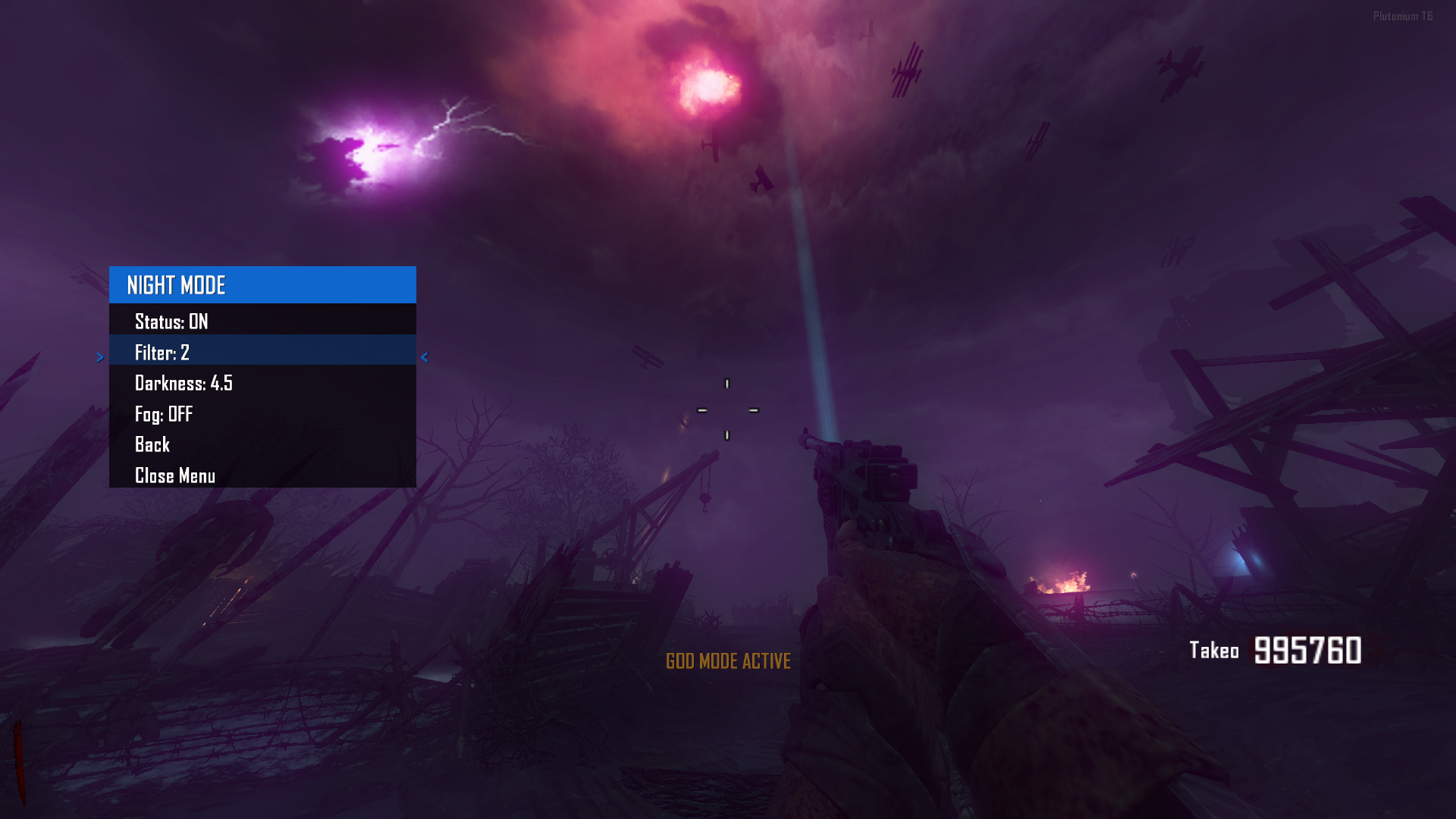
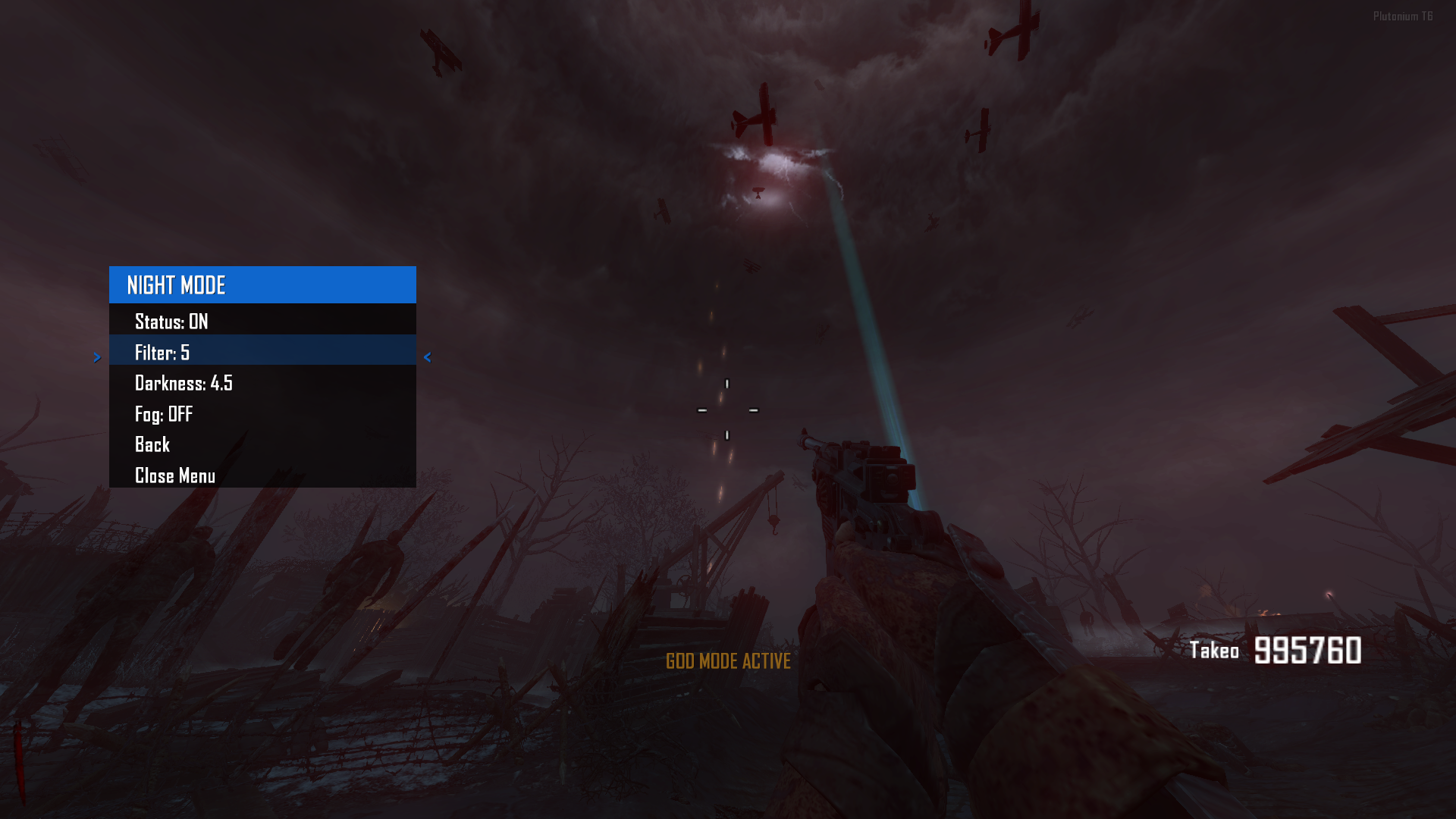
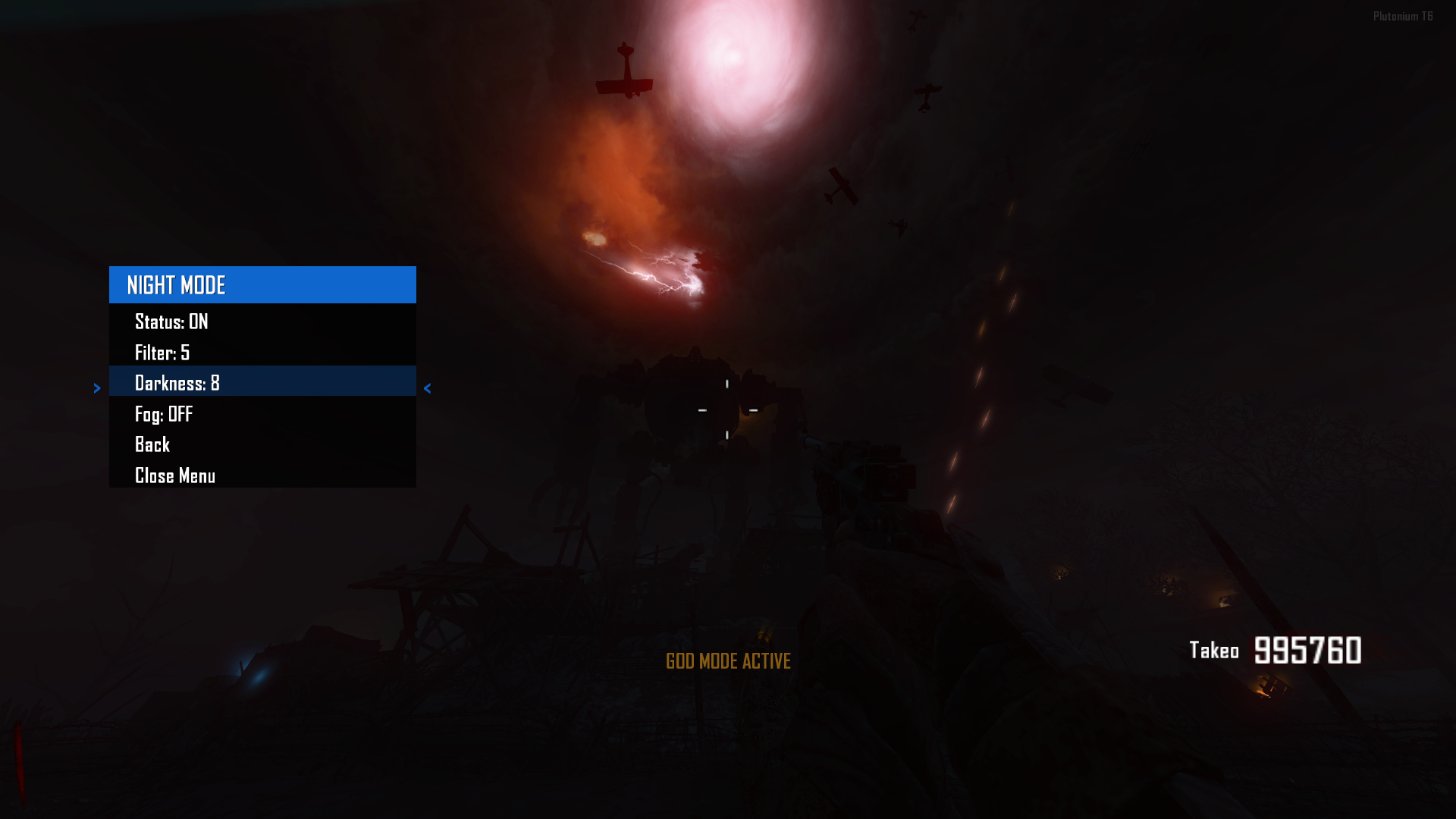
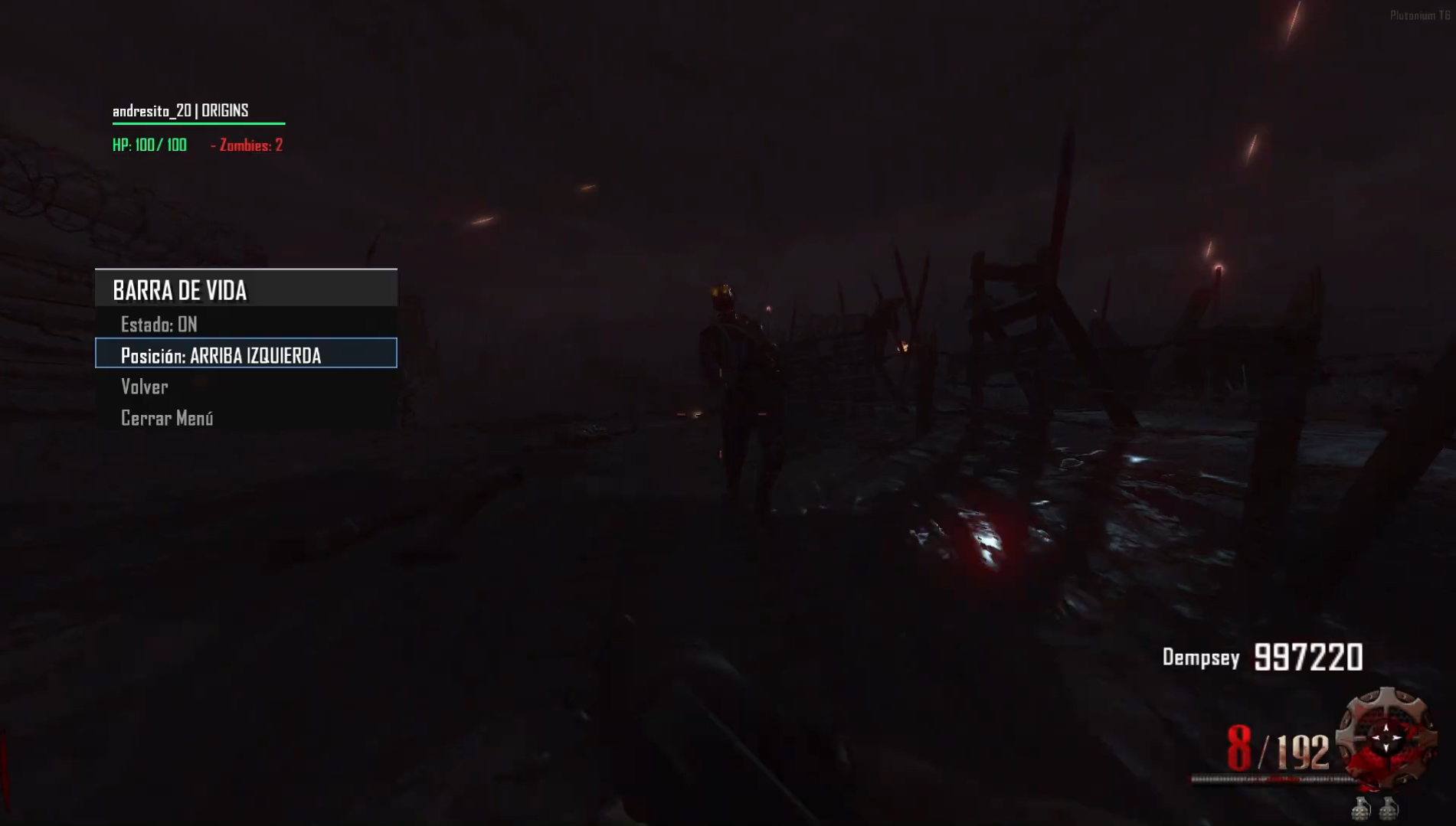
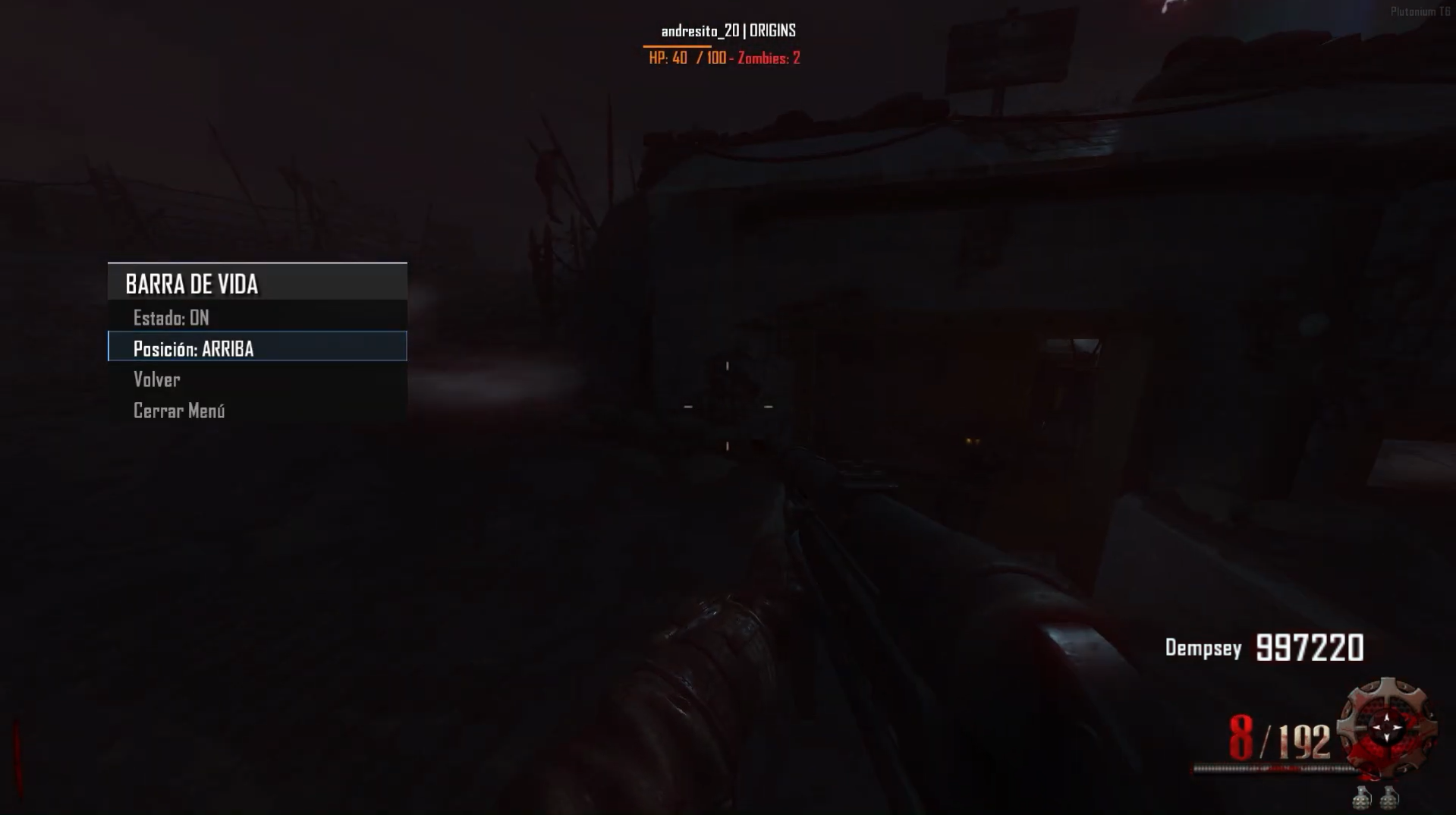
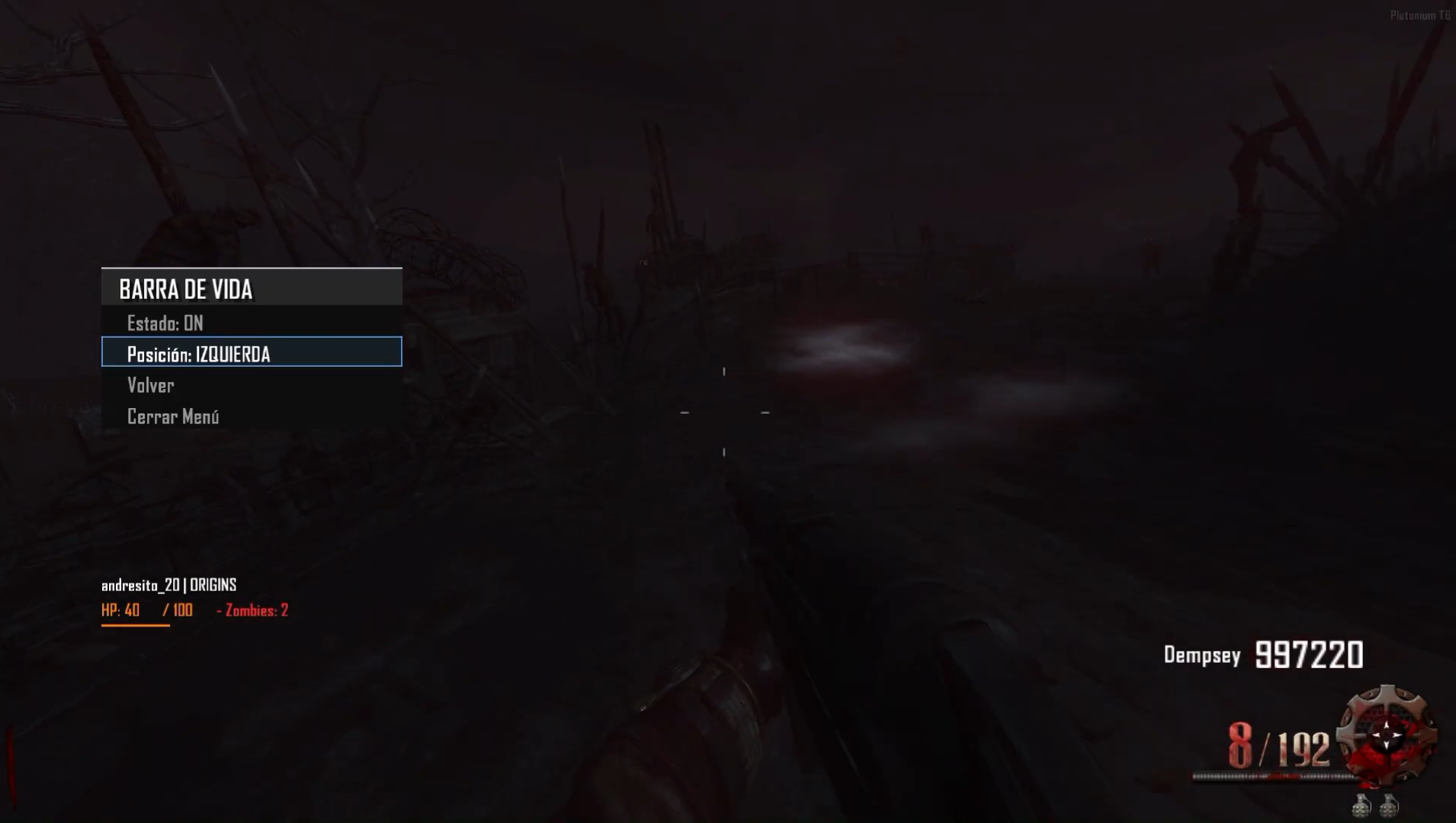
HEALTHBAR -> The mod features a clean and visually appealing health bar that shows your own health. This version is optimized compared to the previous one shared on the forum. For now, the bar isn’t fully customizable like the zombie health bar — you can only move it between the top and bottom left of the screen. Extras include total zombie count and player name display. The health bar is currently in beta and will be updated in the future to include many more features.
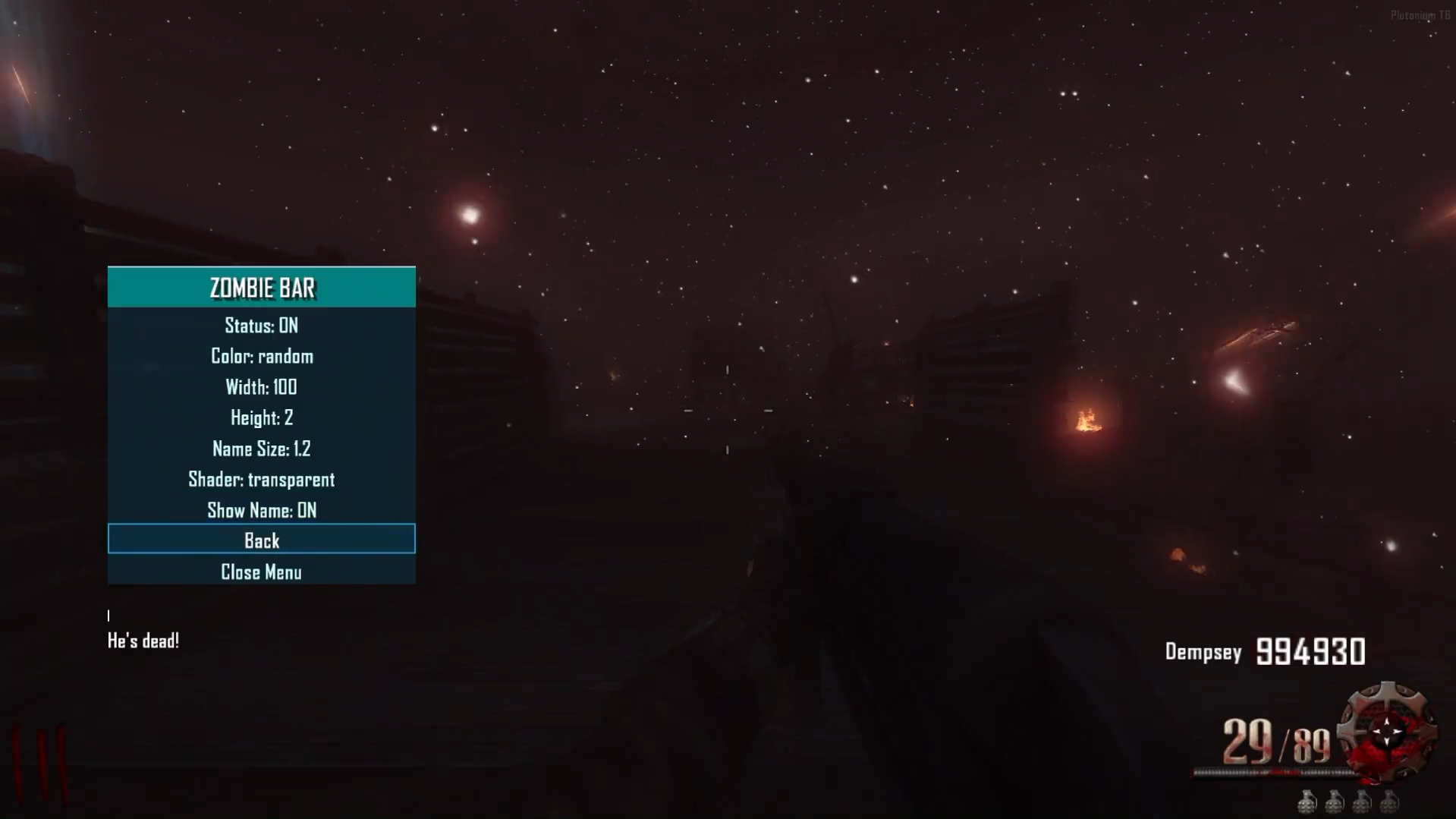
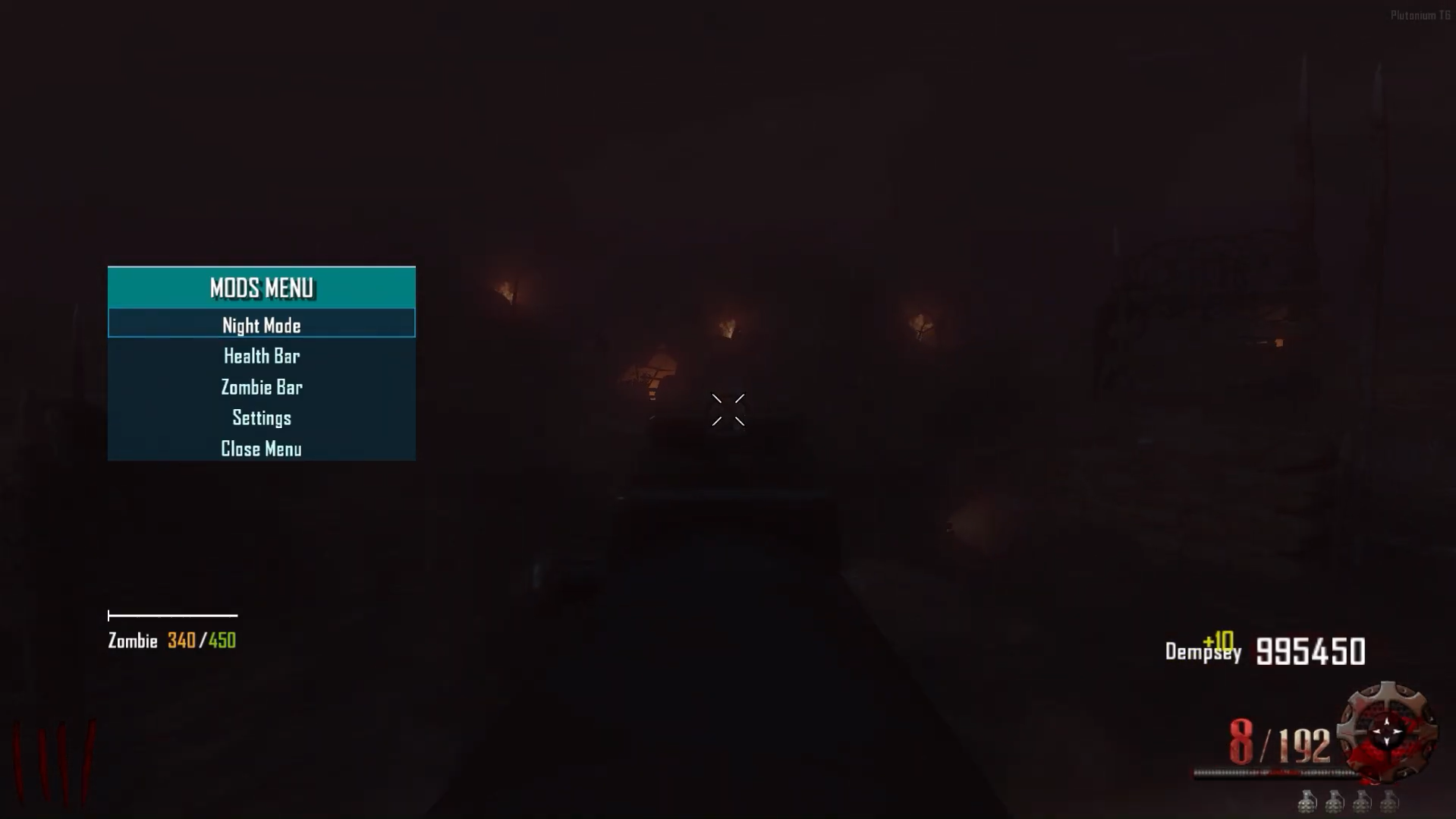
HEALTHBARZOMBIE ->The mod features a clean, visually appealing, and fully customizable health bar that displays the health of zombies (including zombies and Panzer Soldat). Compared to the previous version released on this forum, I’ve updated the names of custom zombies and added full detection for both zombies and the Panzer Soldat. The health bar accurately shows the exact health and HP count of the targeted enemy and includes a hitmarker as well.
Menu
Español y Ingles -> Now you’ll be able to switch the entire menu and messages between English and Spanish.
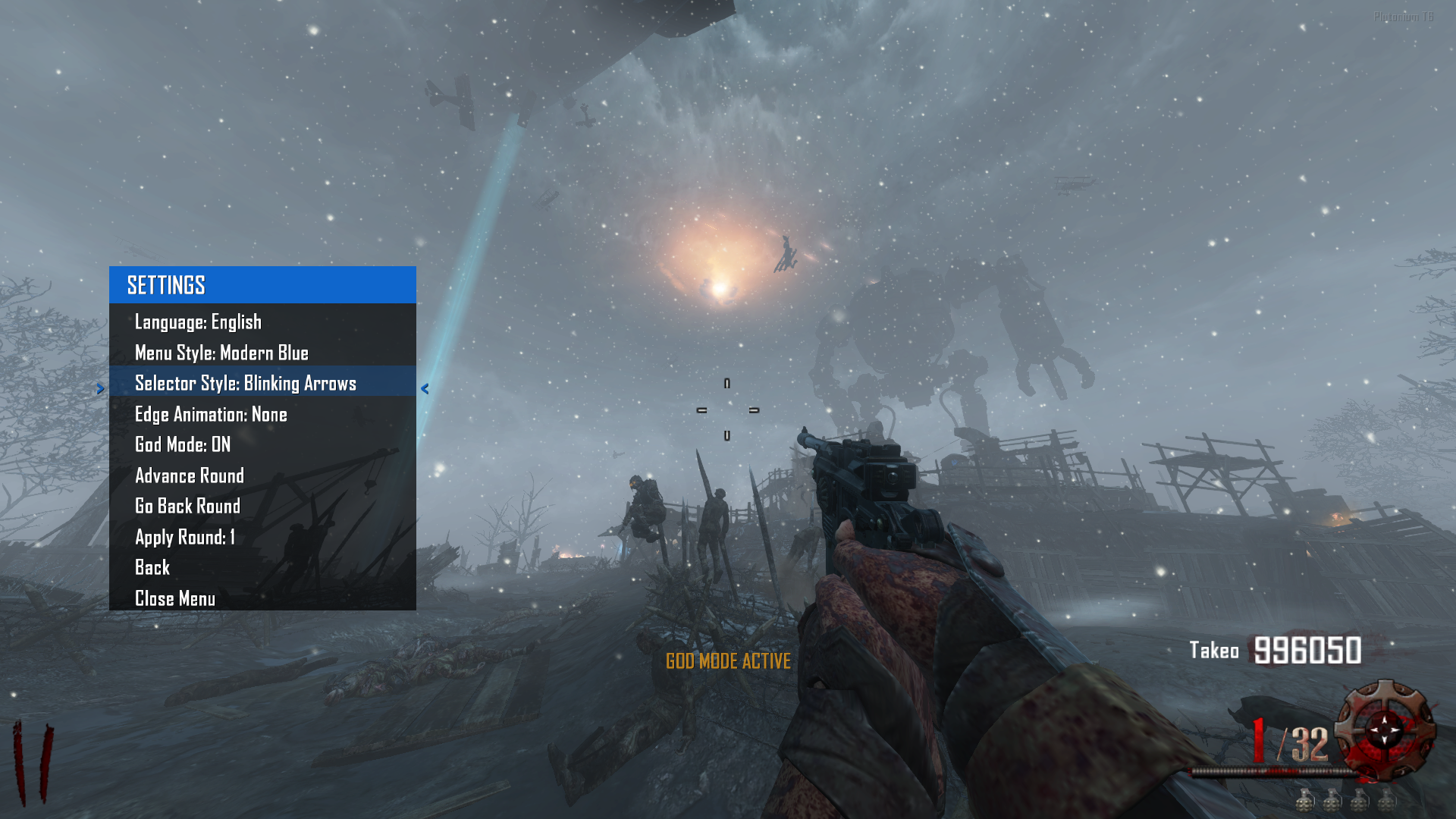
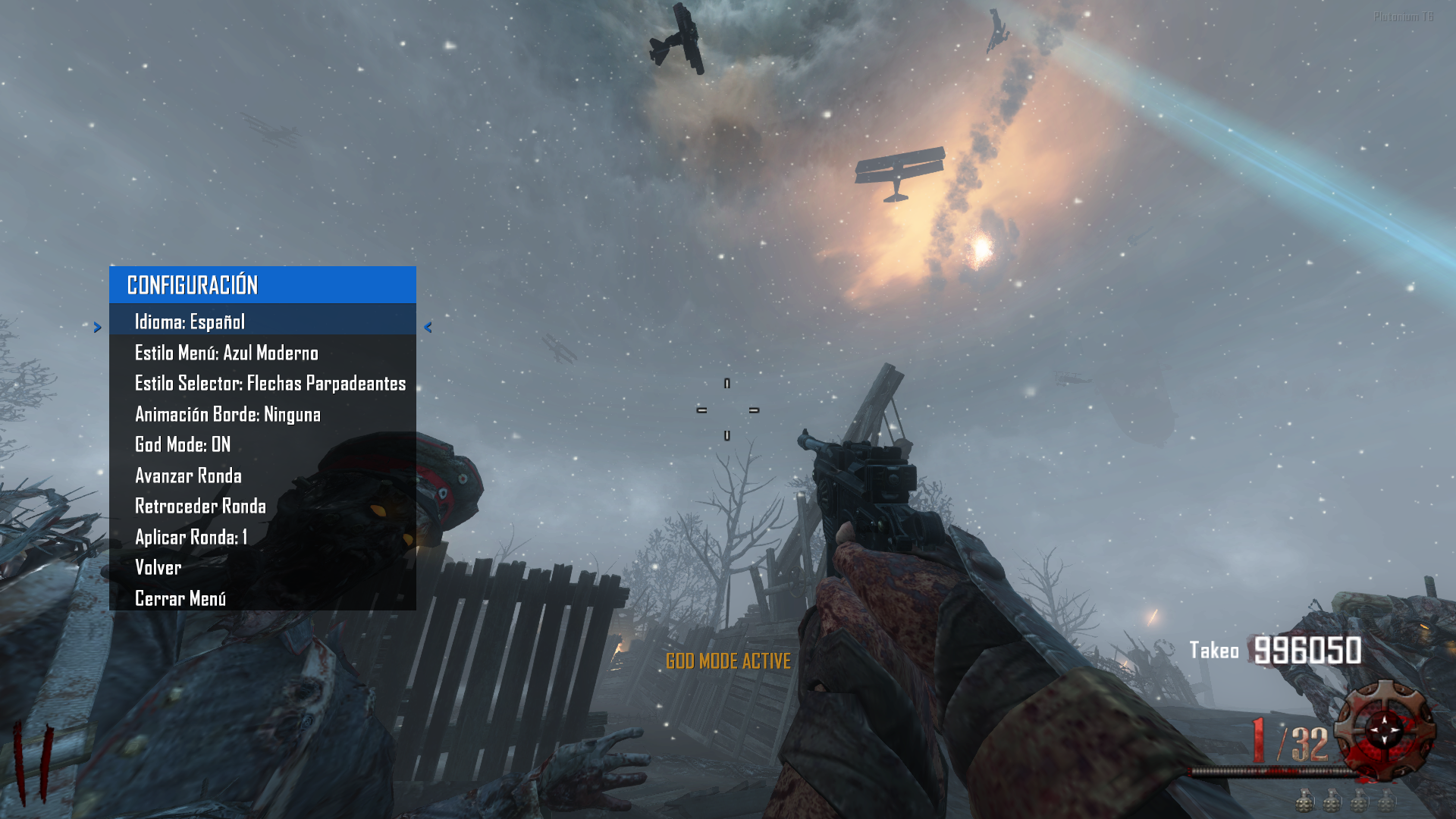
StyleMenu -> You’ll be able to change a bunch of menu styles to your liking with tons of customizations. Here are some examples.
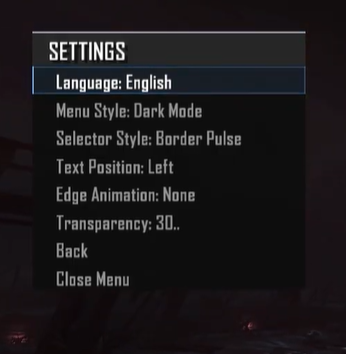
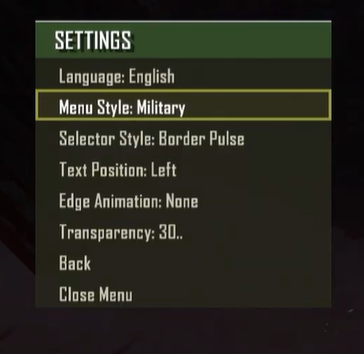
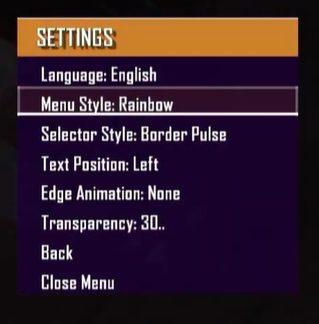
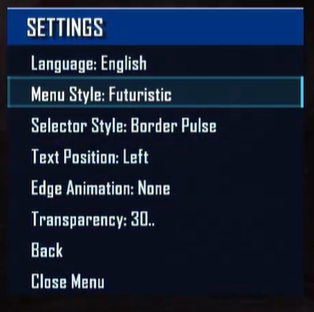
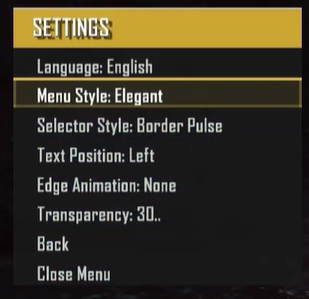
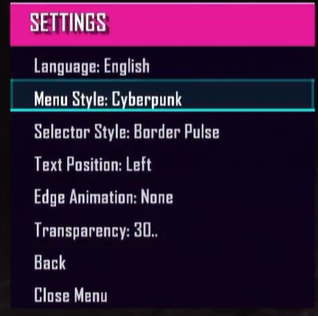
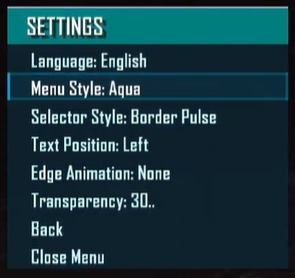
y muchos mas...
StyleSelector → Customize the menu selector with various styles and animations.
GIFs coming soon since the elements are animated.EdgeAnimation → Customize the menu border with a variety of styles and animations.
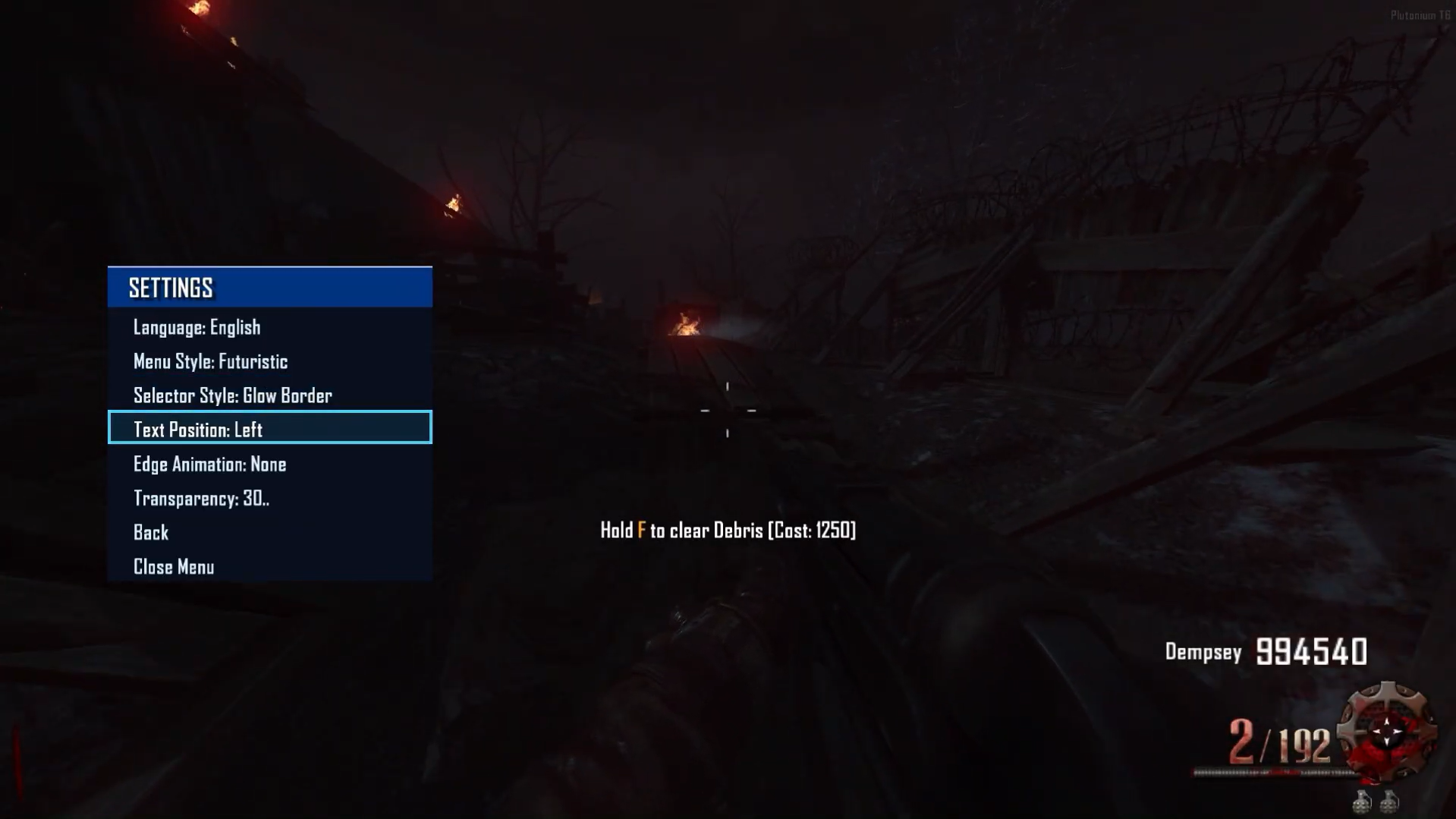
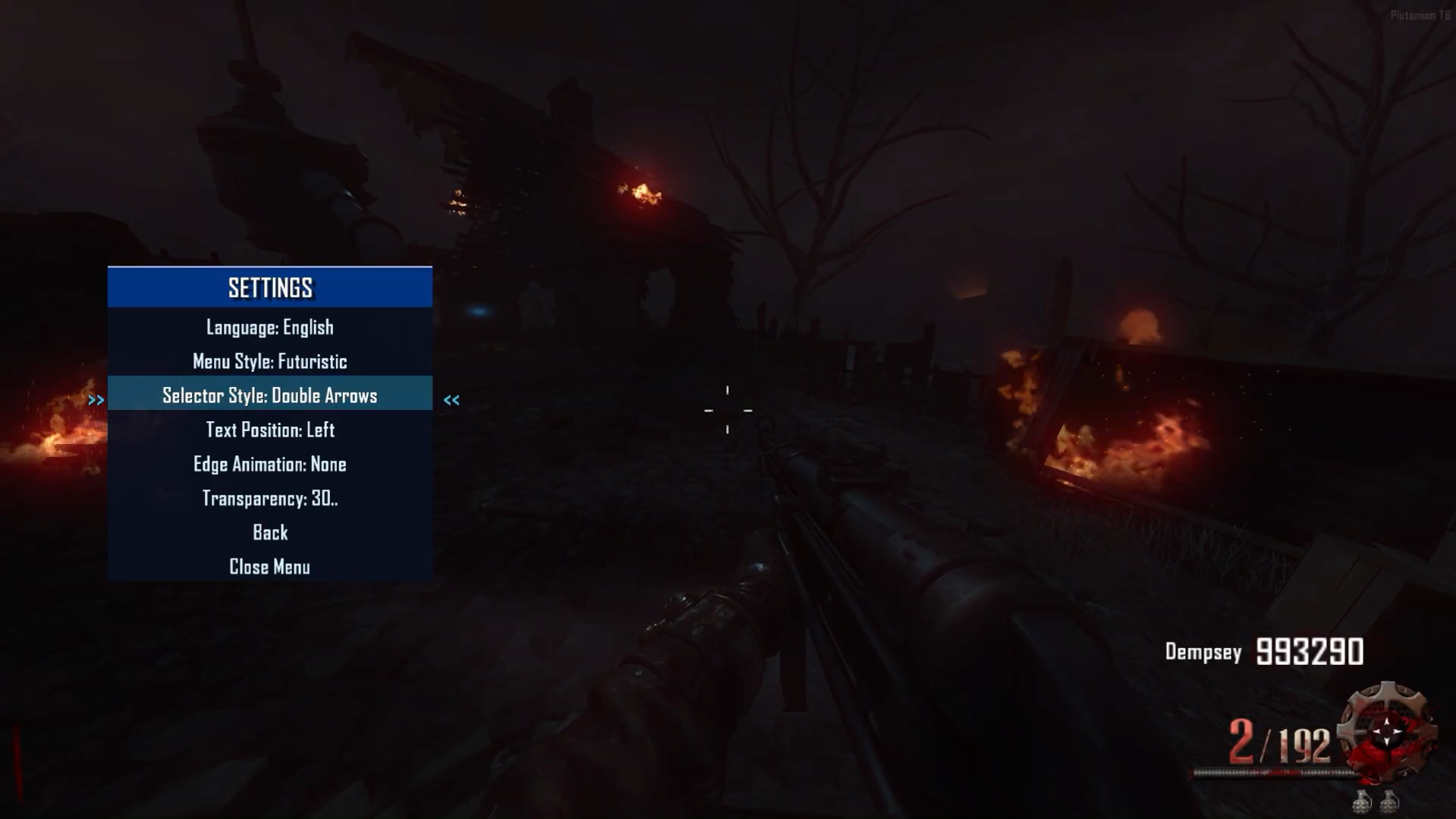
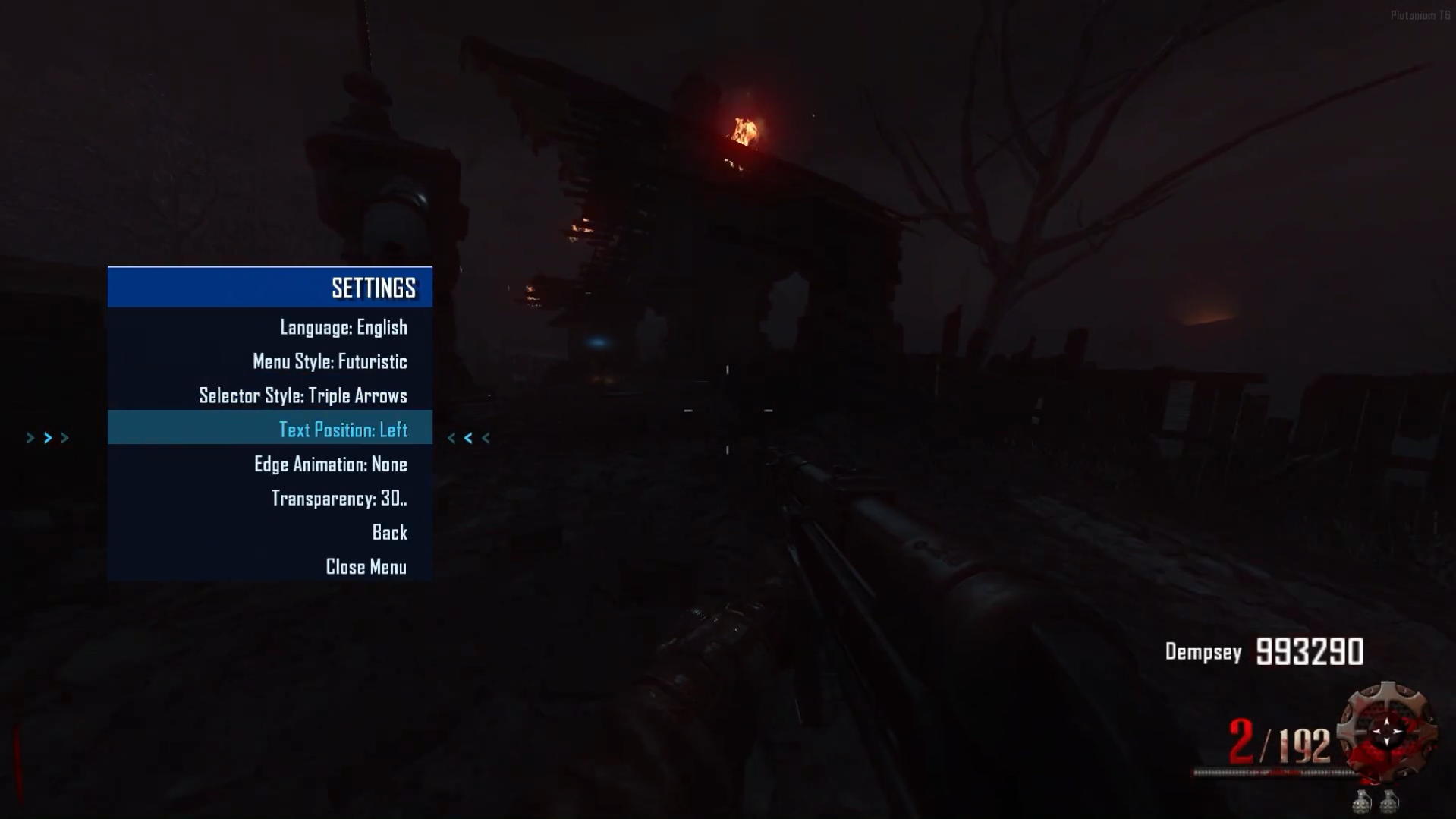
GIFs coming soon as the elements are animated.TextPosition
Left
Center
Right
MODS I'M DEVELOPING
Mod TimerRound - Timer, Coming soon.Mod RiotShieldBar will be implemented soon.
Mod BankMenu coming soon.
Mod TopRound and HighRound coming soon.
Mod Stats coming soon.
Reference
-> https://forum.plutonium.pw/topic/38285/gsc-zm-healthbarzombie
-> https://forum.plutonium.pw/topic/37109/gsc-zm-nightmode
-> https://forum.plutonium.pw/topic/33928/gsc-zm-healthbarv2
-> https://forum.plutonium.pw/topic/40769/preview-zm-gsc-mod-menu-littlegods-serverVideo:
Menu Video
Source Code:
Github v3.5.0
Install:new folder AppData\Local\Plutonium\storage\t6\raw\scripts\zm\ old folder AppData\Local\Plutonium\storage\t6\scripts\zm\Maybe you don’t know how to use the mod menu?
Here I’ll explain a few quick steps:
To open the menu, you need to aim and knife at the same time.
To move up, press the numeric key 1, and to move down, press the numeric key 2
To enter a menu, press F on your keyboard.**
vote topic
 ️
️Littlegods Is there any way to disable god mode and restore the bank options? I activated it out of curiosity but I don't want to use it.
-
i like it bro!!