
Main Menu (Zombies Edition)
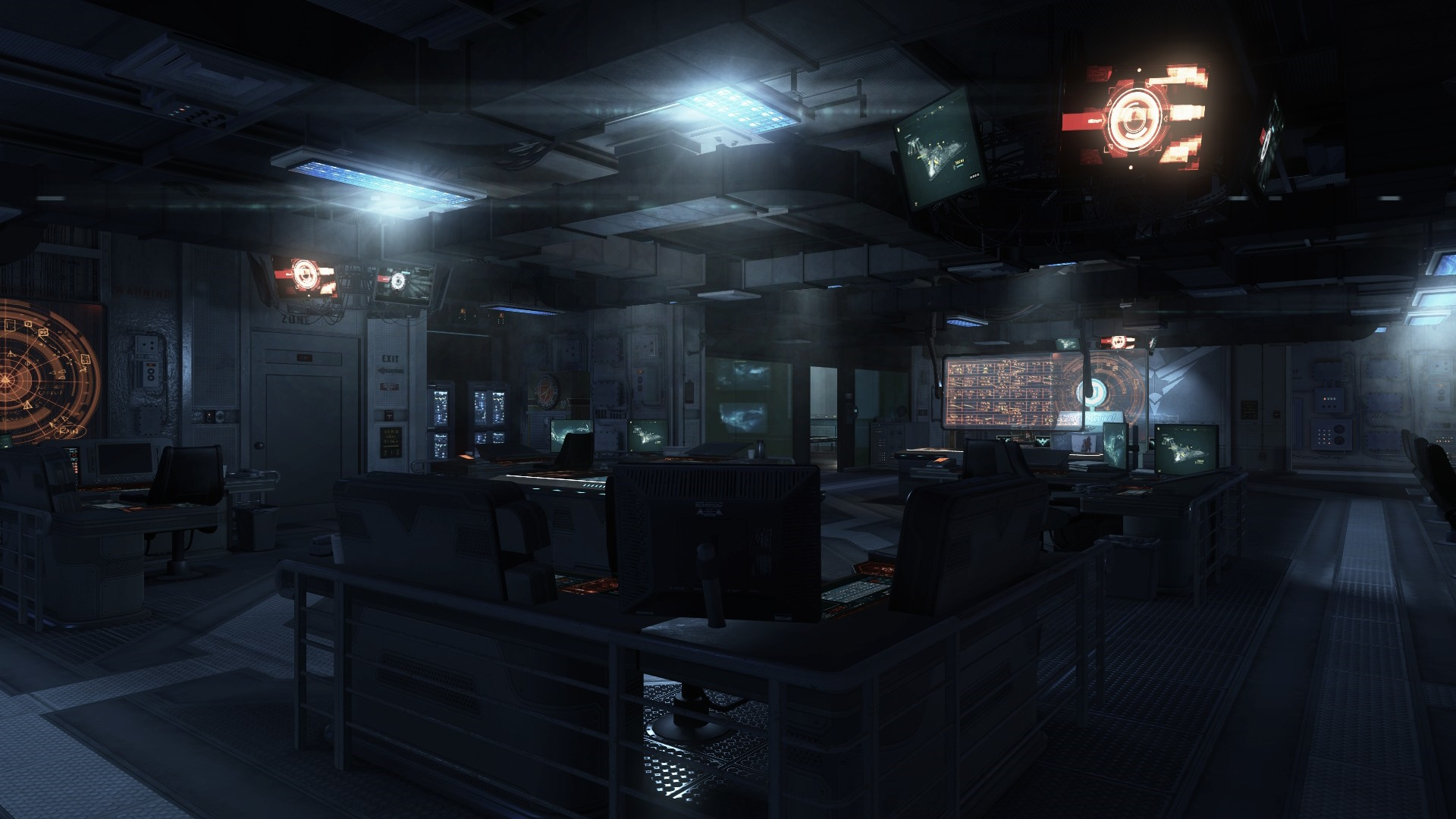
This is the first custom map release for Black Ops II Zombies, this one takes place in the main menu from the campaign.
Installing
- Download
zm_frontend.zipfrom this github release. - Navigate to the
%LocalAppData%\Plutonium\storage\t6\modsfolder, if themodsfolder doesn't exist you will have to create it. - Extract the contents of
zm_frontend.zipinto your mods folder. - Load the mod from the main menu.
- To play, there is a new button above the Server Browser button that will take you straight into the map.
Disclaimer
Since this map uses a lot of campaign assets, it might not work properly if you do not have the Campaign installed on Steam.
Also, make sure you are on Plutonium r5140+ as the map will not work on older versions.