This is fire, dude! Although it is sad the hud parts are gone with this mod (I mean when you press Tab to see what you have).
Another thing I just realized: In Die Rise, if you pick up all parts of any buildables and then pick up the elevator key, you can't build anything unless you get rid of it. Just a small problem since you can use the key whenever you want and lose it, but it would be better if it didn't prevent you to build stuff.
I could be wrong, but I think the same applies to the cage's key, booze and candy on Buried since they aren't buildable parts.

hzp13
@hzp13
Posts
-
[V1.9 PATCH | PROJECT SCAVENGER ] Global Buildable System for Victis Maps! -
[Release] [ZM] Carrying multiple parts in TranzitI just tested this script. It works perfectly on solo and I even tested it in Die Rise and Buried and it... actually works as well! So maybe you should make this script global for all the Victs maps.
Nice work,dude! -
[Release] [T6ZM] T5ZM M1911 for T6ZMAmazing work, dude! This is making it possible to have all the BO1 weapons ported to BO2.
-
Zero Chronicles Mod (beta 1.0)I've been playing with this mod for a while and found more bugs:
-Getting the Pap drop while holding the winter's howl makes the weapon disappear (tested on Verruckt);
-If you pap a weapon while having the DG-2 reward on COTD makes you lose your secondary weapon (since you can't have 3 weapons unless you buy Mule Kick);
-The m2 flamethrower has two icons of cooldown when you hold it (which is unnecessary and it should be removed).I hope you're still working on this and have plans for future updates, because this mod is very well made and it feels like an "enhanced experience" for bo1, which I enjoyed very much.
-
Zero Chronicles Mod (beta 1.0)Awesome mod, dude! Btw, I found some bugs for you to fix in the future:
-Sometimes I couldn't buy more than 4 perks from the wunderfizz machine, although the limit is set to 8. Tested on Natch der Untoten;
-Some bo1 weapons like the RPK still have the "circuits camo" instead of the "Etching camo" on waw maps when I get the "pap drop";
-The Ray Gun mark 2 has no animations when you crawl, making it very weird to look at it, also would it be possible to make its "sound effects" a little louder? Because I can barely hear the weapon firing or reloading. -
BO3's 3-Hit System & increased health for Juggernog on BO1!This is great for us to experience bo1 zombies with some bo3 features. But it has a problem: shouldn't we get a red screen after the second hit? I mean it serves the purpose to warn you that you are in your last hit.
-
[Release][ZM] Make your BO2 look like Black Ops 1 with these shaders! -
[Release][ZM] Make your BO2 look like Black Ops 1 with these shaders!This is a shader pack that I had for some time and I thought it would be nice to release here.
This pack contains some black ops 1 shaders and textures ported to BO2. Just know that I did not make everything, I just put them to make a proper shader pack. All credits are listed below.Features:
Nickelplate M1911 from BO1:
Made by LKurama
See his post hereM14 Retexture from BO1:
Made by LKurama
See his post hereHD perk and powerup icons from BO1:
Made by RonanCircuits Pack-a-Punch Camo from BO1:
Made by Hogarth
Note: This replaces the Pap camo from Tranzit, Nuketown, Die Rise and Buried.Images:
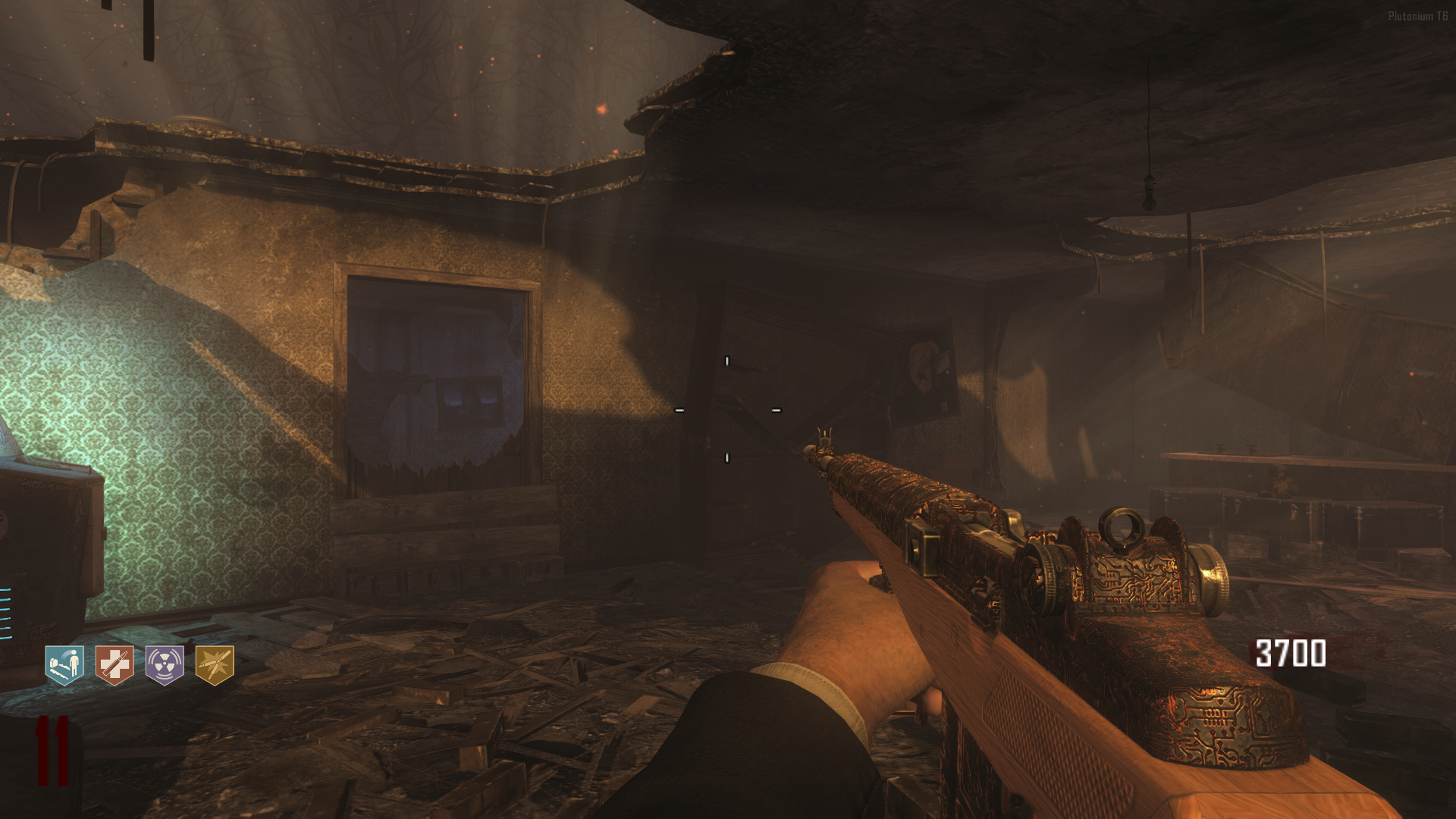
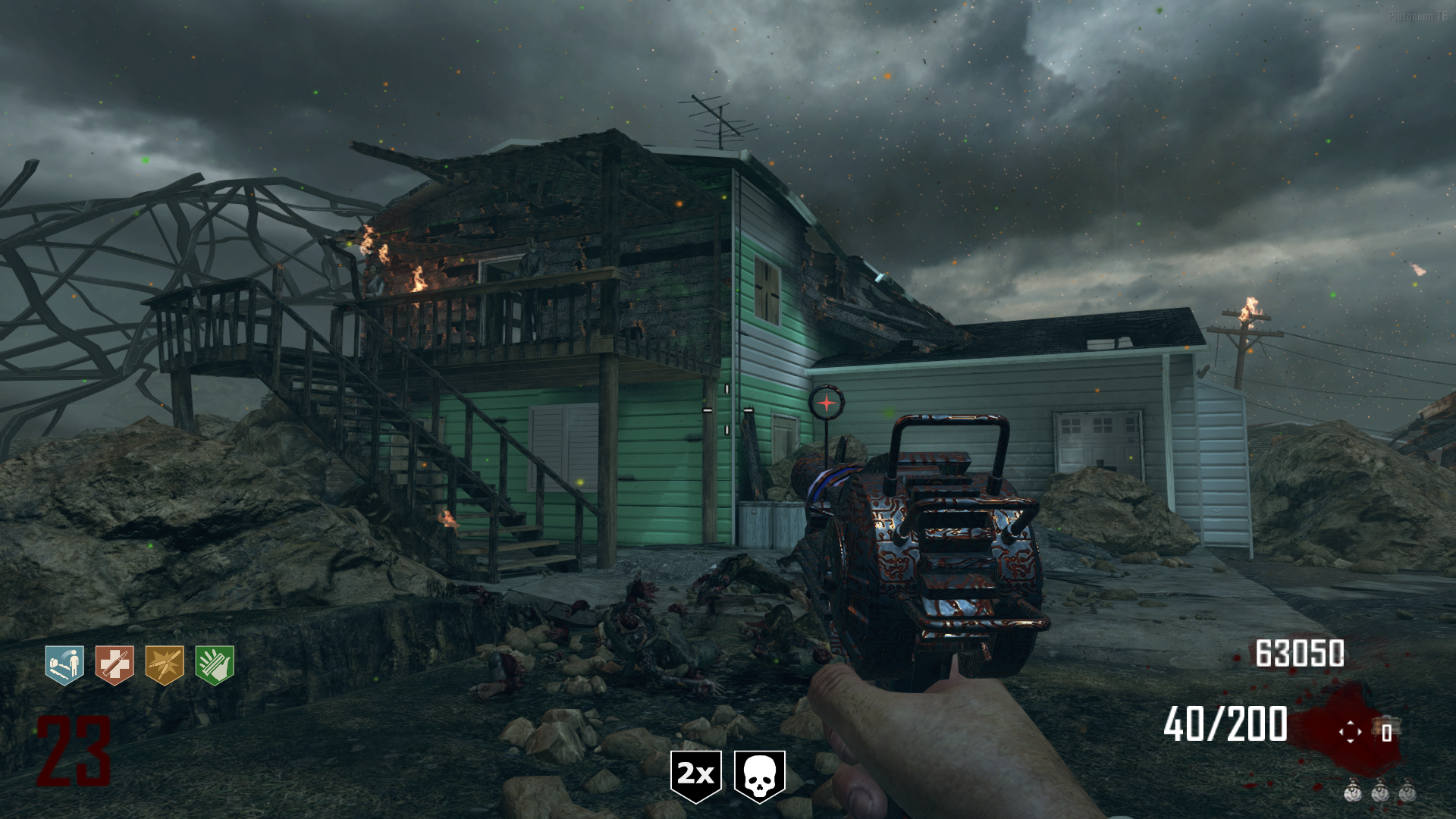
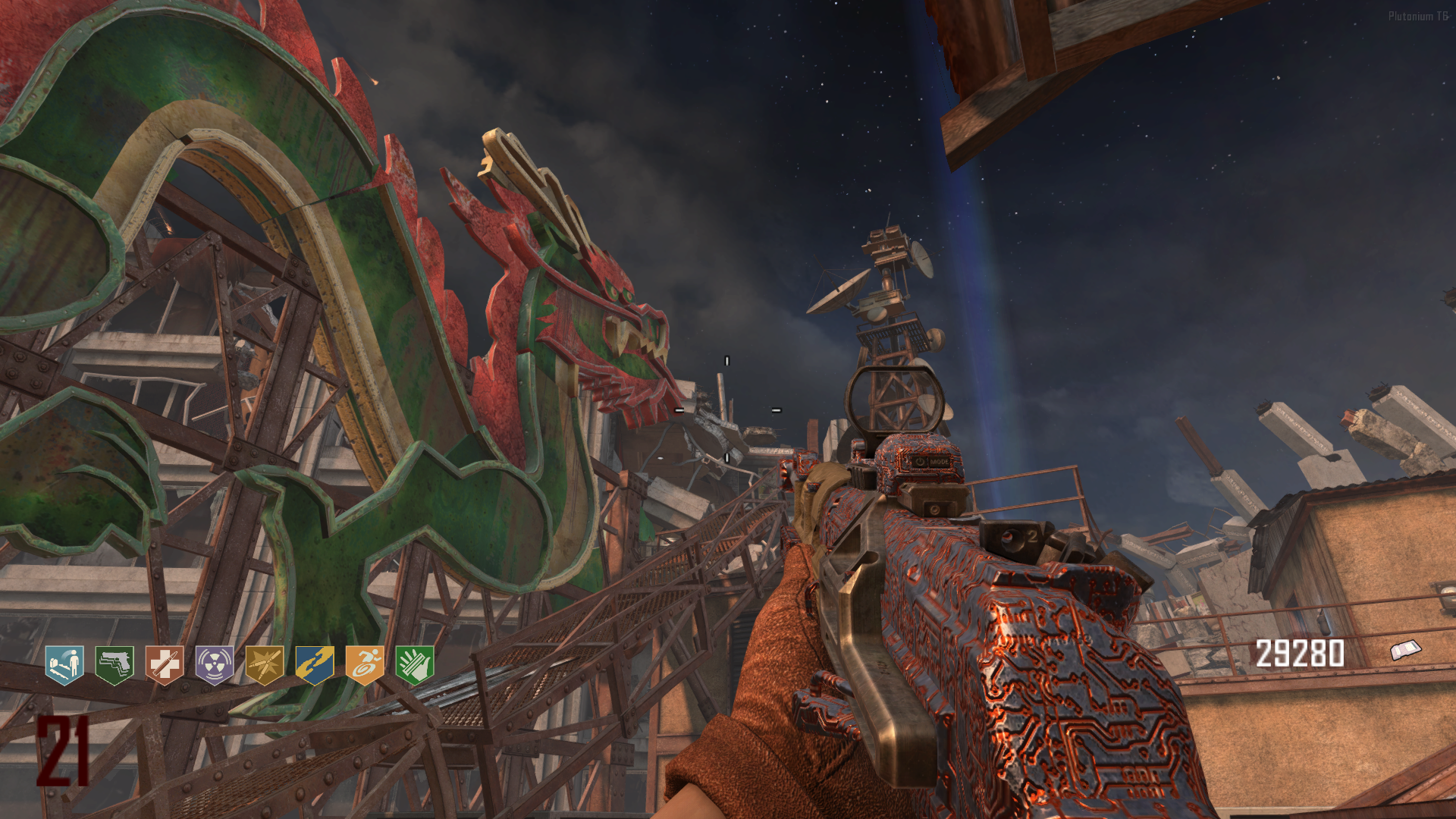
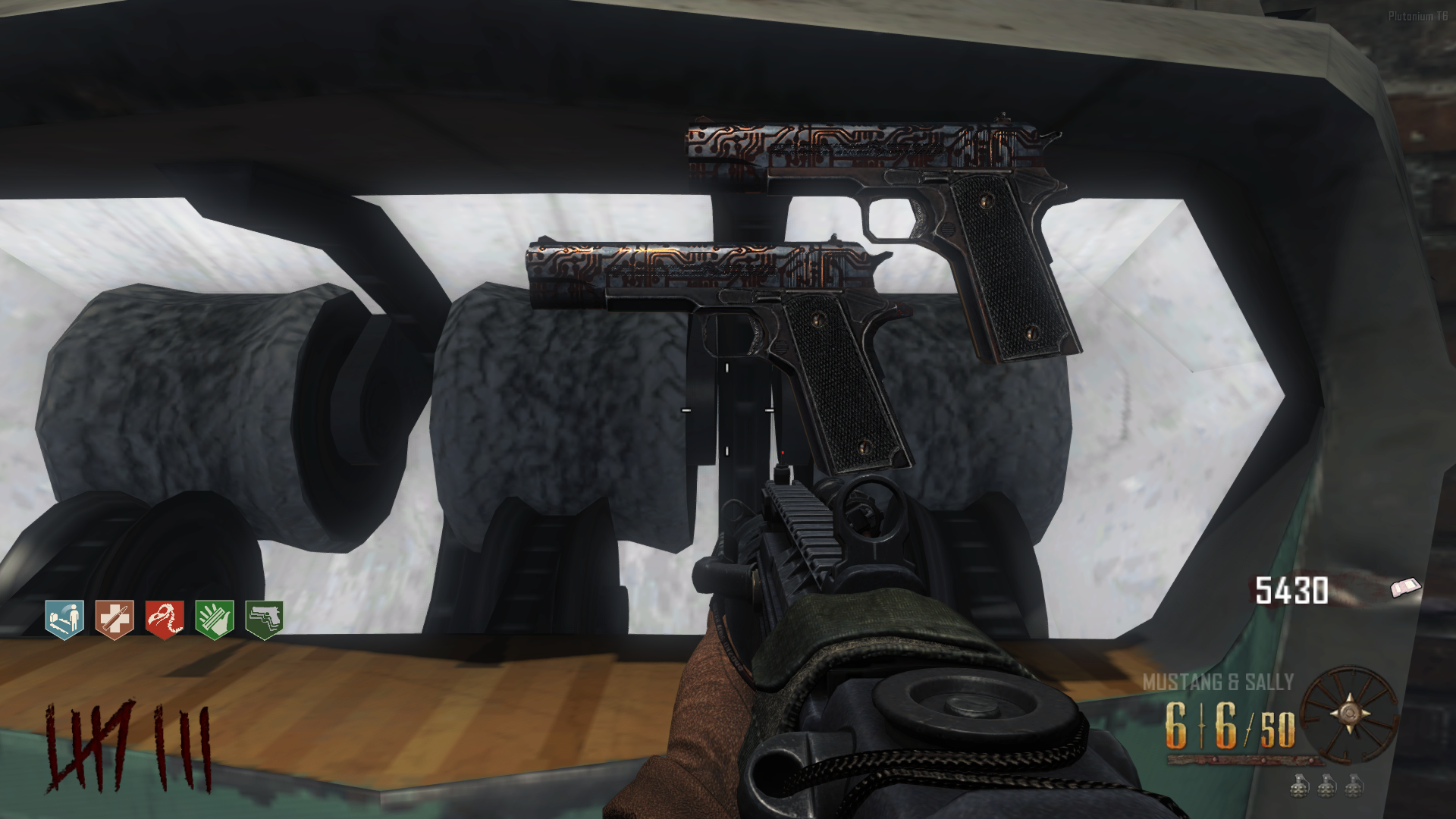
How to install:
- Extract BO1 Shaders Pack
- Open the folder containing the .iwi files and Copy & Paste or drag which you want to use to:
%localappdata%\Plutonium\storage\t6\images (Windows Key + R) - Start the game and enjoy your BO1 shaders.
Note: You need to create a "images" folder if you don't have it.
-
Black Ops 3 Perk Shaders Pack (default, SoE and more)@Frazart The way I play with these shaders is like changing them for every map. Like for Tranzit/Die Rise/Buried I use the basic BO2 shaders (but with better quality), for Nuketown I used the old gen shaders for testing and I thought like it would be cool if the perks were the yellow ones from SoE at the beggining and when you reach round 25 the perks would turn blue to match the zombies eye color changing. For Mob I also use SoE shaders since the BO3 remake used them and it matches perfectly with the map. For Origins, at first I thought the old gen would fit better, but the default ones also works well, it looks like I'm playing the BO3 version.
But for all of them to work properly, I'm still searching for the SoE Tombstone shader to add to this pack, but I think I'll have to make a custom version of it because I can't find it anywhere.
-
Black Ops 3 Perk Shaders Pack (default, SoE and more)@Frazart Unfortunately I couldn't find the Tombstone perk icon anywhere, but since it is an exclusive perk for co-op and appears in only one map, I decided to release this without it for now.
-
replace default viewhands with bo3 chronicles viewhands + better viewhands for "five"For some reason the gersh device is invisible when throwing it. I noticed that while doing the easter eggs, but I'm not sure if it is because of this mod. But that started to happen after installing it, so maybe it is. I did not installed any other mods.
-
Black Ops 3 Perk Shaders Pack (default, SoE and more)This is a pack containing Black Ops 3 perk and powerup shaders for BO2.
I did not make all of them but I wanted to put everything here to make a proper BO3 shader pack.You can use the Default perk shaders that appeared in all BO3 maps except for Shadows of Evil:
Credits: Humphrey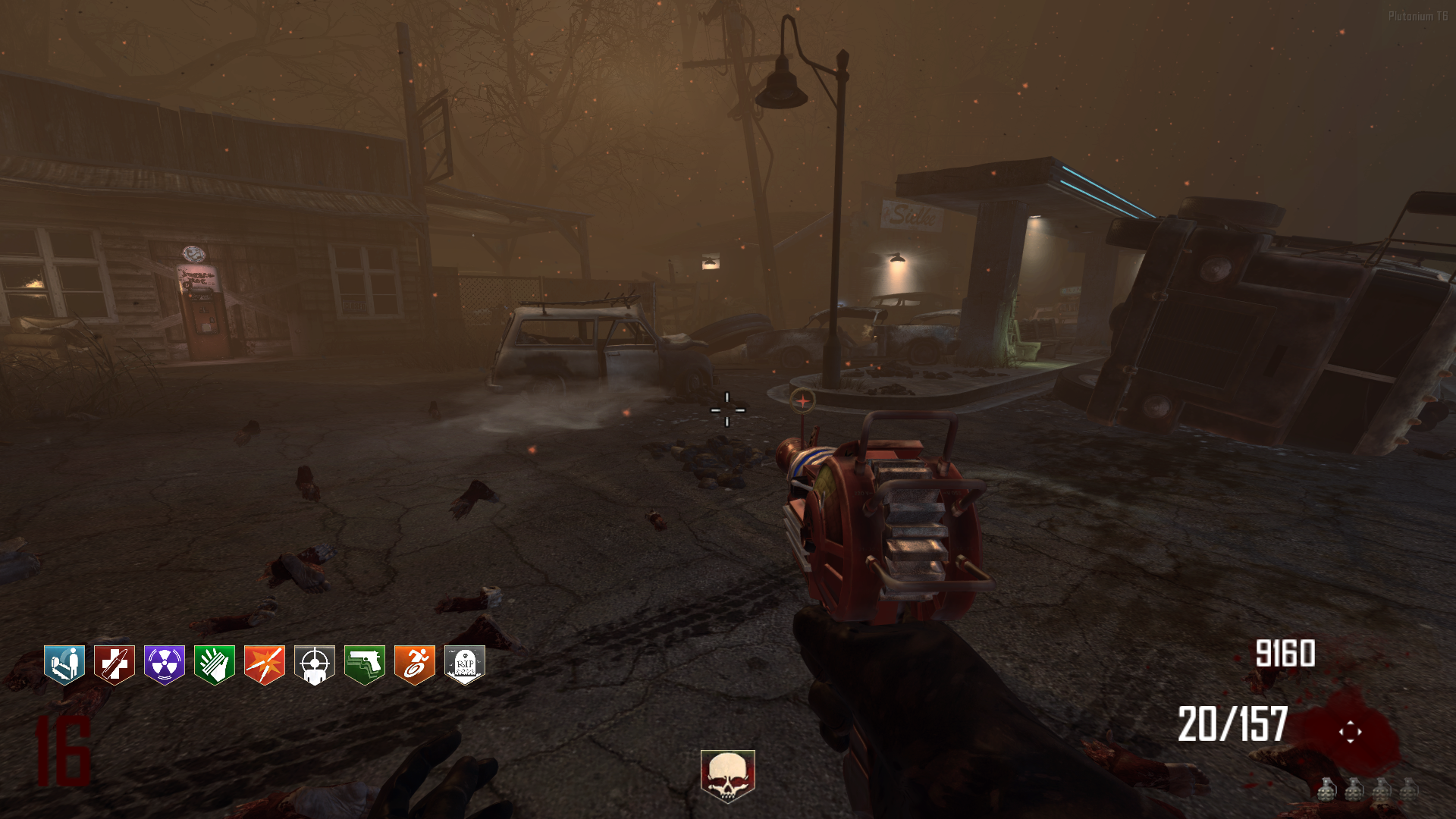

You can use Shadows of Evil shaders and also the powerup icons that are unique on that map:
Credits: Gewehr (perk shaders) and Larsendog (powerup shaders)
Old Gen is here too!
Used only in the ps3/xbox360 version of "The Giant", but I did not ripped these from the original game.
I just edited and recolored Gewehr's SoE shaders to look like Old Gen, so if it does not look exactly like the official icons, it is because of that.
And there is a full recolor of BO3 default shaders using BO1 colors and style:
Credits: MadKixs
How to install:
1. Extract BO3 Perk Shaders
2. Open a folder which contains the .iwi files and Copy & Paste or drag which you want to use to:
%localappdata%\Plutonium\storage\t6\images (Windows Key + R)
3. Start the game and enjoy your BO3 shaders.
Note: You need to create a "images" folder if you don't have it. -
[ZM] Bonus Points (Prone in front of perk machines)@sentry1000 Awesome! Thanks a lot.
-
[ZM] Bonus Points (Prone in front of perk machines)Nice work! Would it be possible to make it work for BO2 maps too?
-
replace default viewhands with bo3 chronicles viewhands + better viewhands for "five"I've noticed something weird about Mule Kick machine when it has no power. The part on the top that has the perk icon is pink instead of red for some reason but when you turn on the power it gets fixed. I tried looking inside the "iwd" file but everything seems fine, so I don't know what is making that to happen.
-
replace default viewhands with bo3 chronicles viewhands + better viewhands for "five"HomerJay42 That's awesome! Thanks!
-
replace default viewhands with bo3 chronicles viewhands + better viewhands for "five"Nice work! I've been waiting this for a long time.
Just one thing I'd like to ask:- Would be possible to change the Double Tap perk machine to look like the 2.0 version, but keeping the BO1 colors and style? Just because we have now "perk_weapRateEnhanced" and this "mod" that makes the game look more like BO3.
-
[ZM] BO1 Slightly Enhanced: Add Extra Weapons + Add Perks to All Maps v1.3.1HomerJay42 No, thank you for making this. I've waiting a long time for a mod like this.
- About the Mark 2, I think you should make this script to prevent having both Ray Guns, since the original BO2-BO3 had that and also for balancing the game.
- Also, the mark 2 shoudn't be a bullet weapon because it makes nova crawlers from kino to explode, which is incorrect since the weapon kinda makes splash damage too in BO2.
- Using the "new" weapons with Double Tap is making the game crash for some reason. I tested on kino btw.
-
[ZM] BO1 Slightly Enhanced: Add Extra Weapons + Add Perks to All Maps v1.3.1Nice work, man! But there are some things I'd like to know about the mod:
- Is there a script that removes perk limit?
- If I use the "Solo and Any Player Easter Egg Mod" from Hadi77KSA, will the Mark 2 work for the last step that requires upgraded weapons to damage the orb?
- Does this adds a script for making impossible to hold both Ray Gun Mk1 and Mk2 at the same time?
Like if you have the Mark 2, you can't get the Mark 1 from the box and vice-versa. Just like in BO2 and BO3.
-
[Release] [T6ZM] [Parts] Cowldwink's ZM T5 Ports for T6