Skip to content

BO2 Modding Releases & Resources

2.1k Topics 18.0k Posts

Plutonium T6 Mod releases and resources go here.

  • [Release][ZM] Bank x Commands | pay, paybank (All Maps)

    8
    4
    2 Votes
    8 Posts
    3k Views
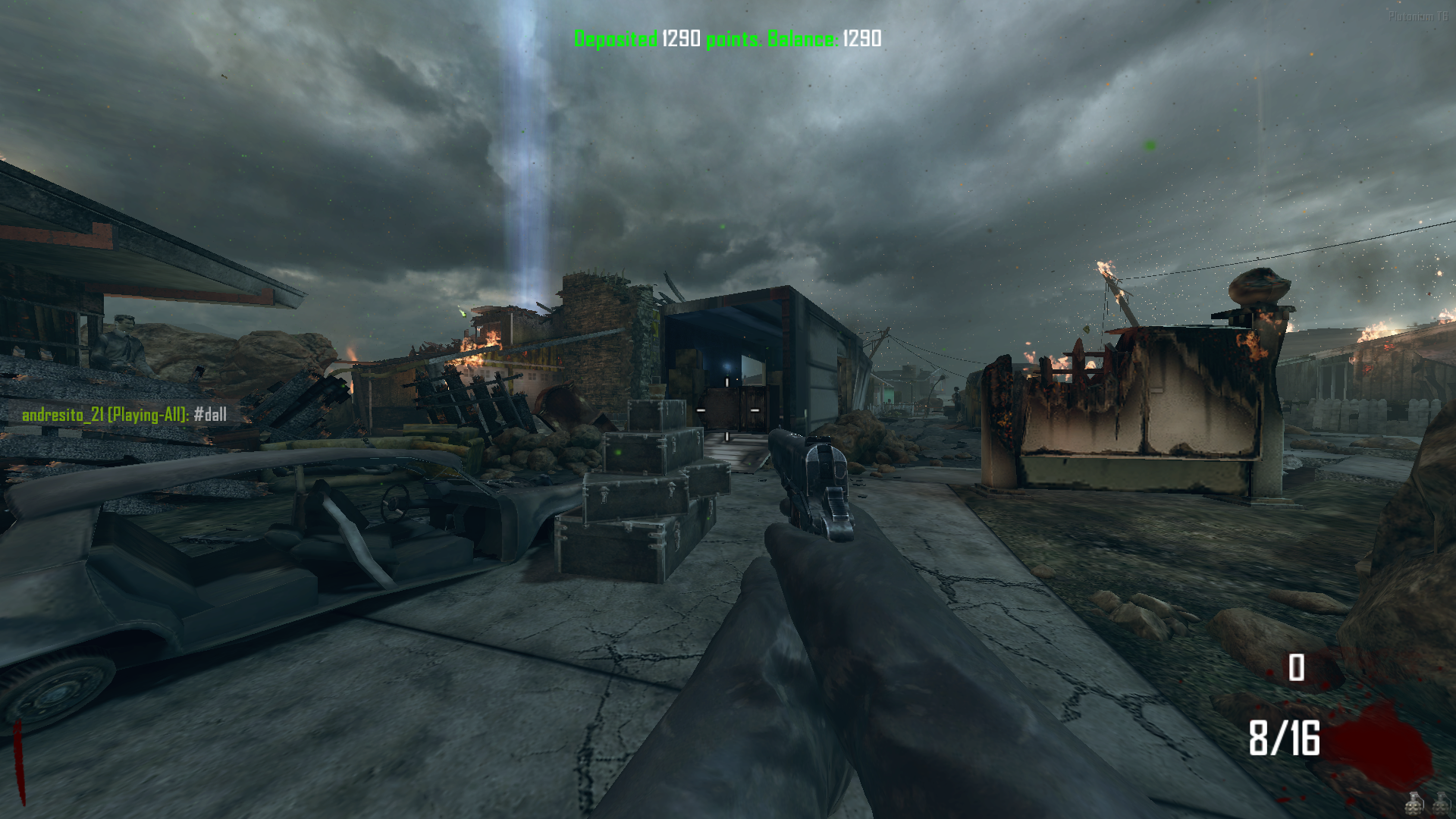
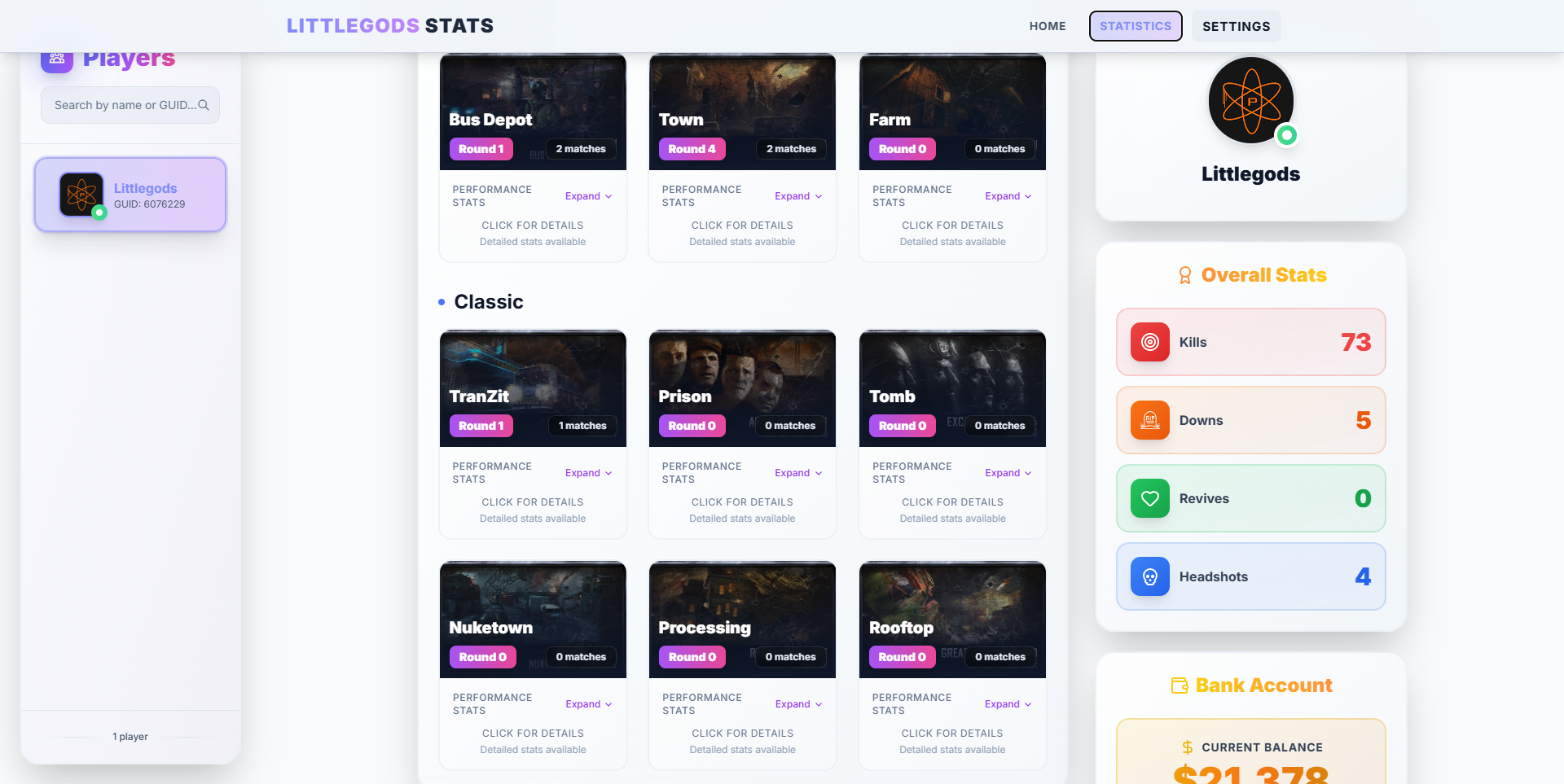
    [image: VERSION-1.0.7-6E00FF?style=for-the-badge&logo=starship&logoColor=white][image: COD_BO2-ZOMBIES-2E0854?style=for-the-badge&logo=activision&logoColor=white][image: GSC_SCRIPT-9932CC?style=for-the-badge&logo=codeigniter&logoColor=white][image: PLATFORM-Plutonium-9400D3?style=for-the-badge&logo=atom&logoColor=white][image: CREATOR-andr3xcl-1A001A?style=for-the-badge&logo=github&logoColor=%23C300FF] Hotfix Update v1.0.7 (bank.gsc) ingles: A fatal issue has been fixed where if the player had more than 1,000,000 points saved in the bank for example, 1,500,000 using the #wall command would result in a negative balance, and the file would also reset to 0. The save system in the file used to be 32-bit, but now it is unlimited, allowing absurdly large amounts to be stored in the bank, and withdrawals will be calculated correctly. This means that if the player has amounts higher than the game’s allowed limit, a restriction of 1,000,000 points will be applied. If they try to withdraw more than that, a message will notify them that they have reached the maximum amount they can withdraw. However, deposits have no restrictions players can deposit any amount. Now the #w <amount> command is smarter and can withdraw the exact needed amount. For example, if you're close to the 1,000,000 limit and you have 999,999 points, then you need just 1 more point to reach the limit. If you type #w 1000, it will only withdraw the 1 remaining point needed. This is just an example, but it works with any amount close to the withdrawal limit. Español: Se ha solucionado un error fatal en el que, si el jugador tenía más de 1.000.000 de puntos guardados en el banco por ejemplo, 1.500.000, al retirar con el comando #wall el saldo quedaba en negativo y, además, el archivo se reiniciaba a 0. El sistema de guardado del archivo antes era de 32 bits, pero ahora es ilimitado, permitiendo guardar cantidades absurdamente altas en el banco, y los descuentos se realizarán correctamente. Esto significa que, si el jugador tiene cantidades superiores al límite permitido por el juego, se aplicará una restricción de 1.000.000 de puntos. Si intenta retirar más de esa cantidad, se le notificará que ha alcanzado el máximo de puntos que puede retirar. Sin embargo, al depositar no existe ninguna restricción: puedes depositar cualquier cantidad. Ahora el comando #w <cantidad> es más inteligente y puede retirar exactamente lo necesario. Por ejemplo, si estás cerca del límite de 1.000.000 y tienes 999.999 puntos, te falta 1 punto para llegar al máximo. Si escribes #w 1000, solo retirará ese 1 punto restante. Es solo un ejemplo, pero funciona con cualquier cantidad que esté cerca del límite de retiro. Download source code [image: GitHub-LittleGods--Scripts-181717?logo=github&style=for-the-badge] Install AppData\Local\Plutonium\storage\t6\raw\scripts\zm
  • 2 Votes
    10 Posts
    6k Views
    @Jivah_xD https://forum.plutonium.pw/topic/7829/release-zm-mp-xbox-one-controller-ui?_=1764105979965
  • [ZM] Minimalist style HUD / Black Ops 2

    hud zombies gsc
    14
    2
    5 Votes
    14 Posts
    8k Views
    by any chance do you have a "invisible" hud or literally just the default hud just 100% transparent?
  • 2 Votes
    3 Posts
    2k Views
    @LKurama Well, since it is in your pack, there is no problem if I give credits to you, right?
  • [Release] T6 Custom Map Tool

    12
    18 Votes
    12 Posts
    6k Views
    @papudinho yes. You can make custom maps for both mp and zm
  • This topic is deleted!

    1
    4
    0 Votes
    1 Posts
    1 Views
    No one has replied
  • origins buried & mob animated pap camos zm

    23
    8
    3 Votes
    23 Posts
    8k Views
    @mr.kennutbuster my discord is: dante_at
  • [ZM] Iron Fist on Round 1 of Origins

    2
    2 Votes
    2 Posts
    1k Views
    thanks
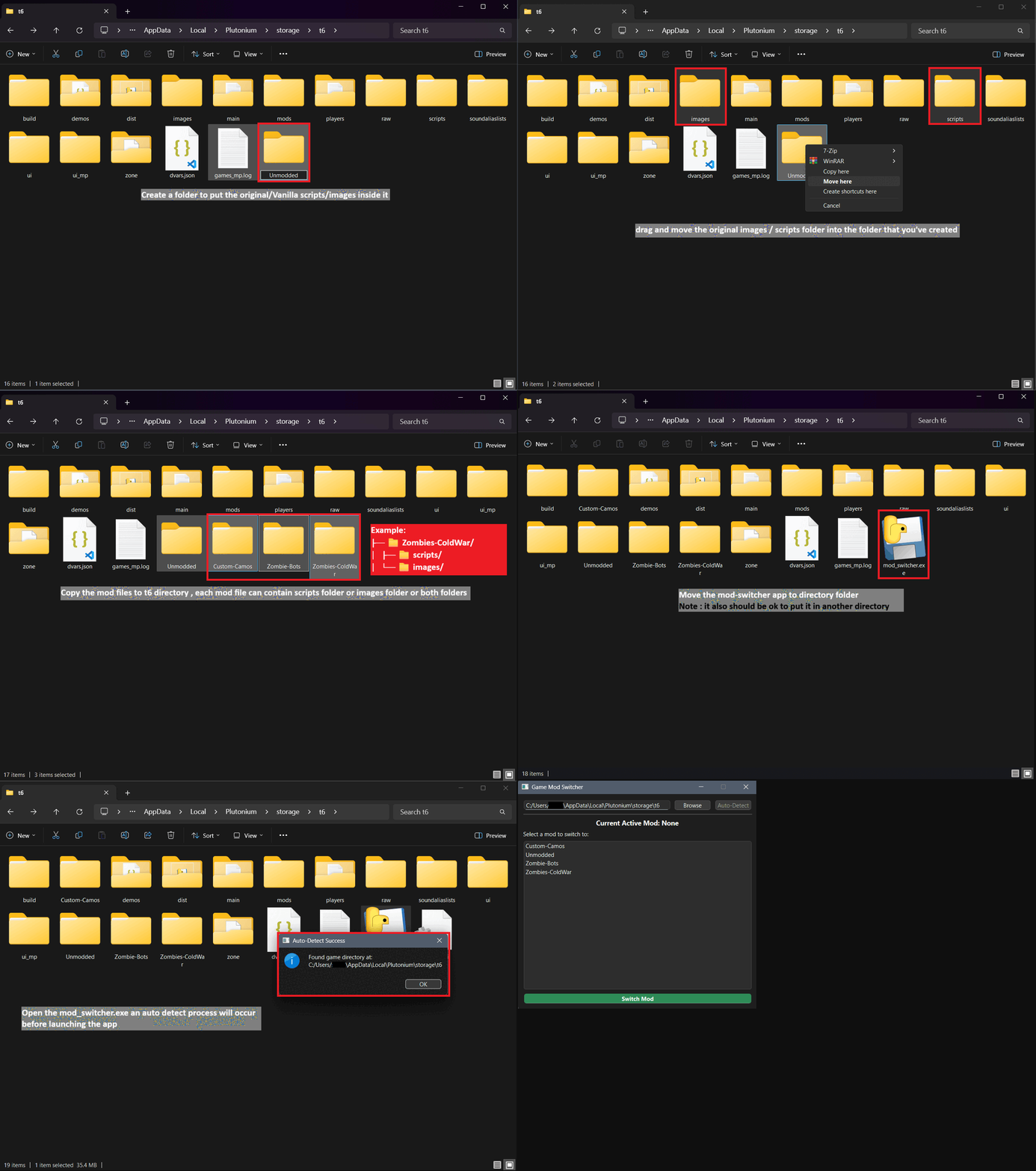
  • [RELEASE] BO2 Mod Switcher v1.0 - End Scripts Conflicts

    8
    2
    3 Votes
    8 Posts
    3k Views
    Thanks for that, goat.
  • [Release] Black Ops Cold War - Zombie Wave Limit Calculation

    3
    2 Votes
    3 Posts
    1k Views
    IT'S FINALLY HERE!
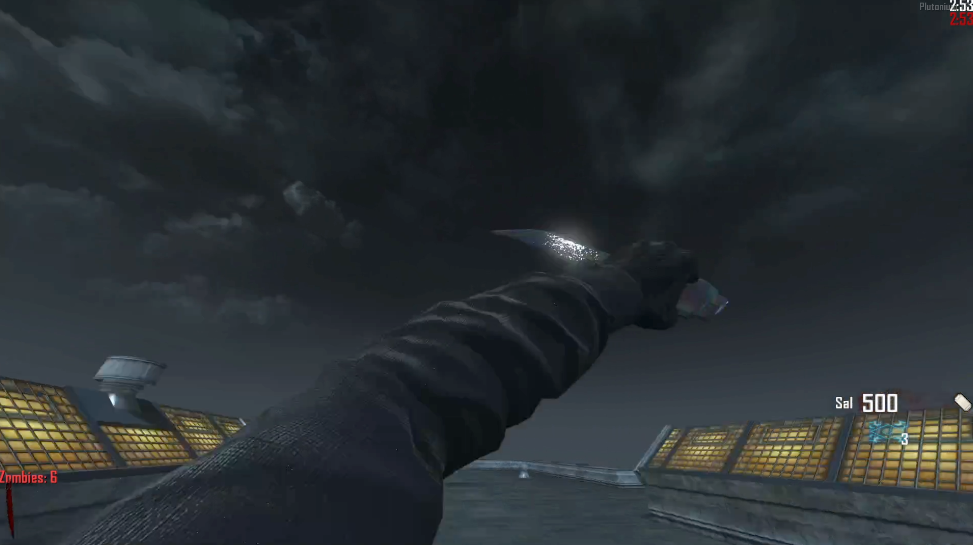
  • ZM - Sal with dark grey sleeves and black carbon fiber gloves

    11
    2
    5 Votes
    11 Posts
    5k Views
    @McFreaky nvm i didnt rename the files working now
  • This topic is deleted!

    1
    0 Votes
    1 Posts
    11 Views
    No one has replied
  • Red light

    3
    6
    1 Votes
    3 Posts
    4k Views
    @stiffys only the .iwi's go in the images folder the other ones don't matter
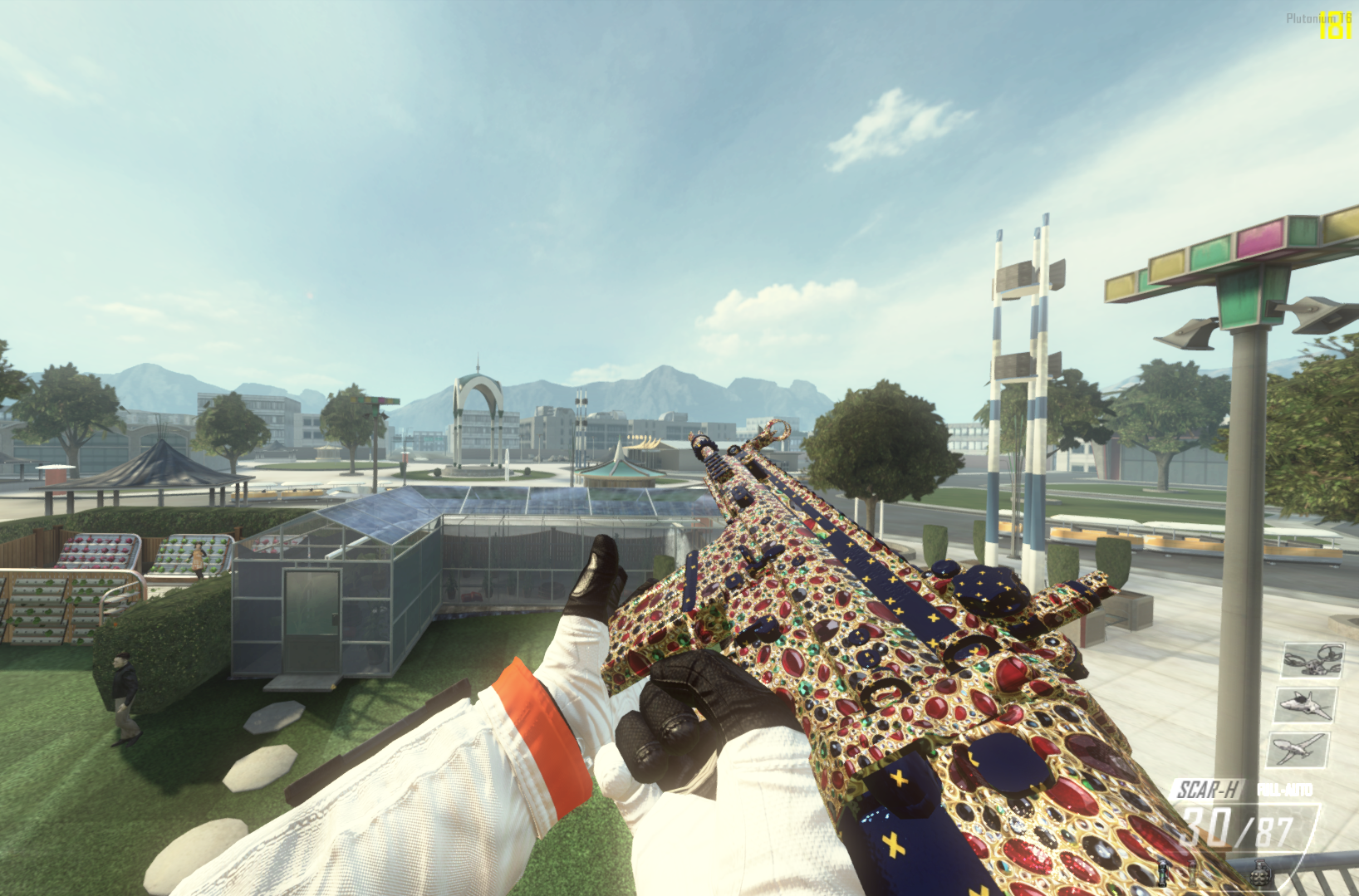
  • [MP] "Kings Ransom" Camo from BO6

    1
    3
    1 Votes
    1 Posts
    1k Views
    No one has replied
  • [Alpha] [Zombies] BO2 Zombies Bots

    110
    46 Votes
    110 Posts
    75k Views
    So heres some instructions because OP didnt provide any: Go to this folder %AppData%\Local\Plutonium\storage\t6\scripts Make a new folder called zm Then put the two gsc files in there. Then start a custom lobby and type set bo2_zm_bots_count x (replace x with how many bots you want) Then start the game and the bots will connect a few seconds in game. They dont connect in the lobby. There. So much confusion could have been avoided if you just took the time to write a few sentences.
  • [Release] [ZM] Perk Machine Bonus Points

    5
    1 Votes
    5 Posts
    3k Views
    I didn't like the fact that origins already gave you 25 points so using the script gave you 125 points total, so I edited this script so that origins retains the 25 points and only gives 75 from the script (100 points total) so all maps get 100 points Here's the script: #include maps\mp\_utility; #include common_scripts\utility; #include maps\mp\gametypes_zm\_hud_util; #include maps\mp\gametypes_zm\_hud_message; init() { level thread onPlayerConnect(); setBonusPoints(); } onPlayerConnect() { for(;;) { level waittill("connected", player); player thread onPlayerSpawned(); } } onPlayerSpawned() { self endon("disconnect"); level endon("game_ended"); for(;;) { self waittill("spawned_player"); self iprintln("^4Perk Machine Bonus Points ^7created by ^1techboy04gaming"); } } perk_trigger(x,y,z,points) { trigger = spawn( "trigger_radius", ( x,y,z ), 1, 50, 50 ); while(1) { trigger waittill( "trigger", i ); if ( i GetStance() == "prone" ) { i.score += points; i playsound( "zmb_cha_ching" ); trigger delete(); break; } } } setBonusPoints() { if ( getDvar( "g_gametype" ) == "zgrief" || getDvar( "g_gametype" ) == "zstandard" ) { if(getDvar("mapname") == "zm_prison") //mob of the dead grief { level thread perk_trigger(2811,9306,1336,100); //deadshot level thread perk_trigger(-500,8645,1336,100); //speedcola level thread perk_trigger(1164,9675,1545,100); //doubletap level thread perk_trigger(1768,10656,1336,100); //juggernog level thread perk_trigger(371,10652,1336,100); //phd } else if(getDvar("mapname") == "zm_buried") //buried grief { level thread perk_trigger(1429,2267,16,100); //quickrevive level thread perk_trigger(-131,-357,144,100); //speedcola level thread perk_trigger(2326,975,88,100); //doubletap level thread perk_trigger(-663,1030,8,100); //juggernog level thread perk_trigger(762,1503,-6,100); //staminup level thread perk_trigger(-712,-1210,144,100); //mulekick } else if(getDvar("mapname") == "zm_nuked") //nuketown { level thread perk_trigger(764,-71,-63,100); //perk 1 level thread perk_trigger(1581,947,-60,100); //perk 2 level thread perk_trigger(679,43,79,100); //perk 3 level thread perk_trigger(2028,192,-63,100); //perk 4 level thread perk_trigger(-2018,255,-61,100); //perk 5 level thread perk_trigger(-1676,954,-63,100); //perk 6 level thread perk_trigger(-124,725,-63,100); //perk 7 level thread perk_trigger(1347,626,-57,100); //perk 8 level thread perk_trigger(-427,664,-63,100); //perk 9 level thread perk_trigger(-857,100,-55,100); //perk 10 } else if(getDvar("mapname") == "zm_transit") //transit grief and survival { level thread perk_trigger(1850,141,88,100); //quickrevive level thread perk_trigger(835,85,-39,100); //speedcola level thread perk_trigger(2072,-1372,-49,100); //doubletap level thread perk_trigger(1046,-1521,128,100); //juggernog level thread perk_trigger(1745,479,-55,100); //staminup level thread perk_trigger(1752,-1097,-55,100); //tombstone level thread perk_trigger(8050,-5497,40,100); //quickrevive level thread perk_trigger(8136,-6340,117,100); //speedcola level thread perk_trigger(8037,-4632,264,100); //doubletap level thread perk_trigger(8183,-6430,245,100); //juggernog } } else { if(getDvar("mapname") == "zm_prison") //mob of the dead { level thread perk_trigger(4019,9526,1528,100); //deadshot level thread perk_trigger(-495,8646,1336,100); //speedcola level thread perk_trigger(325,9100,1132,100); //doubletap level thread perk_trigger(513,6646,208,100); //juggernog level thread perk_trigger(1146,9671,1545,100); //electric } else if(getDvar("mapname") == "zm_buried") //buried { level thread perk_trigger(-923,-255,288,100); //quickrevive level thread perk_trigger(142,636,176,100); //speedcola level thread perk_trigger(2426,48,88,100); //doubletap level thread perk_trigger(-664,1030,8,100); //juggernog level thread perk_trigger(6984,389,108,100); //staminup level thread perk_trigger(-712,-1210,144,100); //mulekick level thread perk_trigger(1432,2267,16,100); //vultureaid } else if(getDvar("mapname") == "zm_transit") //transit { level thread perk_trigger(-6707,5031,-55,100); //quickrevive level thread perk_trigger(-5508,-7857,0,100); //speedcola level thread perk_trigger(8043,-4632,264,100); //doubletap level thread perk_trigger(1047,-1521,128,100); //juggernog level thread perk_trigger(1848,475,-55,100); //staminup level thread perk_trigger(10907,8311,-407,100); //tombstone } else if(getDvar("mapname") == "zm_tomb") //origins { level thread perk_trigger(2358,5048,-303,75); //quickrevive level thread perk_trigger(885,3249,-170,75); //speedcola level thread perk_trigger(-2,-441,-493,75); //mulekick level thread perk_trigger(2327,-193,139,75); //juggernog level thread perk_trigger(-2381,-8,234,75); //staminup } } }

  • [ZM] Round Counter Custom Texture

    rounds texture zombie gsc
    3
    6
    0 Votes
    3 Posts
    2k Views
    @FaZeFlickAlt the original texture for the round counter color or chalk is hard coded into the game so you need a gsc to change the color and position of the round counter if the gsc is decompiled so you can't change it through normal means i mean technically you can for the chalk but not the number itself
  • Furry ahegao claymore black ops 2

    10
    2
    7 Votes
    10 Posts
    7k Views
    having something peak to look at instead of the normal claymore is so peak for my origins high rounds. thank you :3
  • NSFW Ultimate Gooner pack part 3

    7
    10
    0 Votes
    7 Posts
    4k Views
    @spc.1 sure in 3-4 months more corn will be on your table
  • Black Ops 3 Perk Shaders Pack (default, SoE and more)

    8
    5
    2 Votes
    8 Posts
    4k Views
    @Frazart The way I play with these shaders is like changing them for every map. Like for Tranzit/Die Rise/Buried I use the basic BO2 shaders (but with better quality), for Nuketown I used the old gen shaders for testing and I thought like it would be cool if the perks were the yellow ones from SoE at the beggining and when you reach round 25 the perks would turn blue to match the zombies eye color changing. For Mob I also use SoE shaders since the BO3 remake used them and it matches perfectly with the map. For Origins, at first I thought the old gen would fit better, but the default ones also works well, it looks like I'm playing the BO3 version. But for all of them to work properly, I'm still searching for the SoE Tombstone shader to add to this pack, but I think I'll have to make a custom version of it because I can't find it anywhere.