@HannesC said in Failed to download file bin/Webcore.dll:
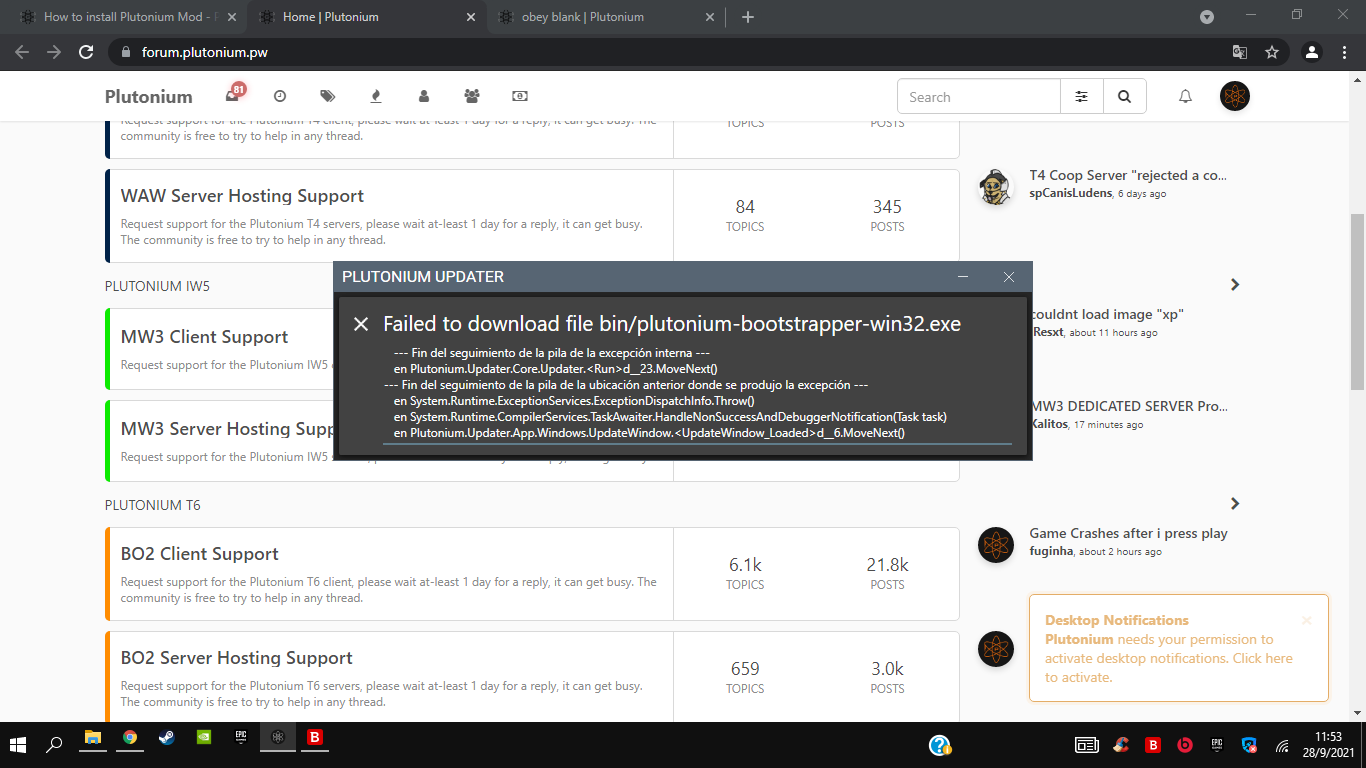
Doesn't exactly throw a definitive error so dunno what's causing it. What antivirus do you use? Try adding %localappdata%/Plutonium to your AV's exclusions (here's an example https://streamable.com/5giauo) and run the launcher again.
If this doesn't work - delete %localappdata%/Plutonium and run plutonium.exe again.
First, answer this
I asked for game settings of the launcher as well. Btw you should select C:/Games/pluto_t6_full_game as the directory and you should be good to go. I'm guessing you just did C:/Games - which is wrong.
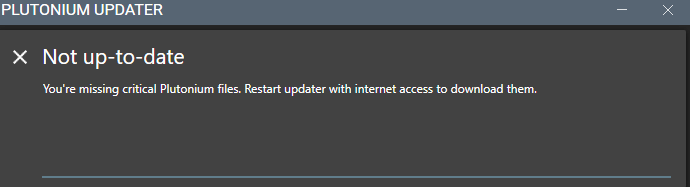
@Yabadaddy delete the launcher and re-download it from here: https://cdn.plutonium.pw/updater/plutonium.exe if it still doesn't work try changing your dns servers: https://www.windowscentral.com/how-change-your-pcs-dns-settings-windows-10
@russiaoman said in Where should i put vcruntime140:
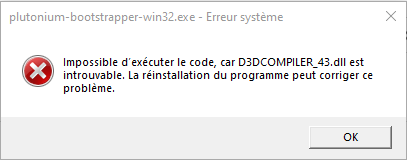
VCRUNTIME140.dll
means vs redist 2015-2019 is missing. Install this https://aka.ms/vs/16/release/vc_redist.x86.exe and delete whatever you downloaded.
@SankooH try changing your dns servers https://www.windowscentral.com/how-change-your-pcs-dns-settings-windows-10
do you use any 3rd party antivirus/firewall software?
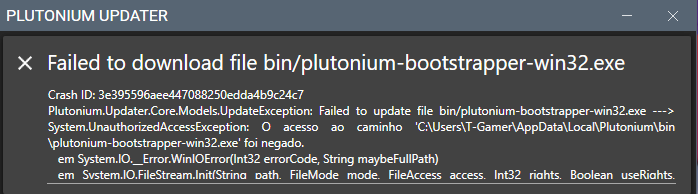
Delete steam_api.dll manually from your game folder or run plutonium.exe as admin.
@SargentoManteca Please don't reply to a topic if you don't have anything valuable to add.
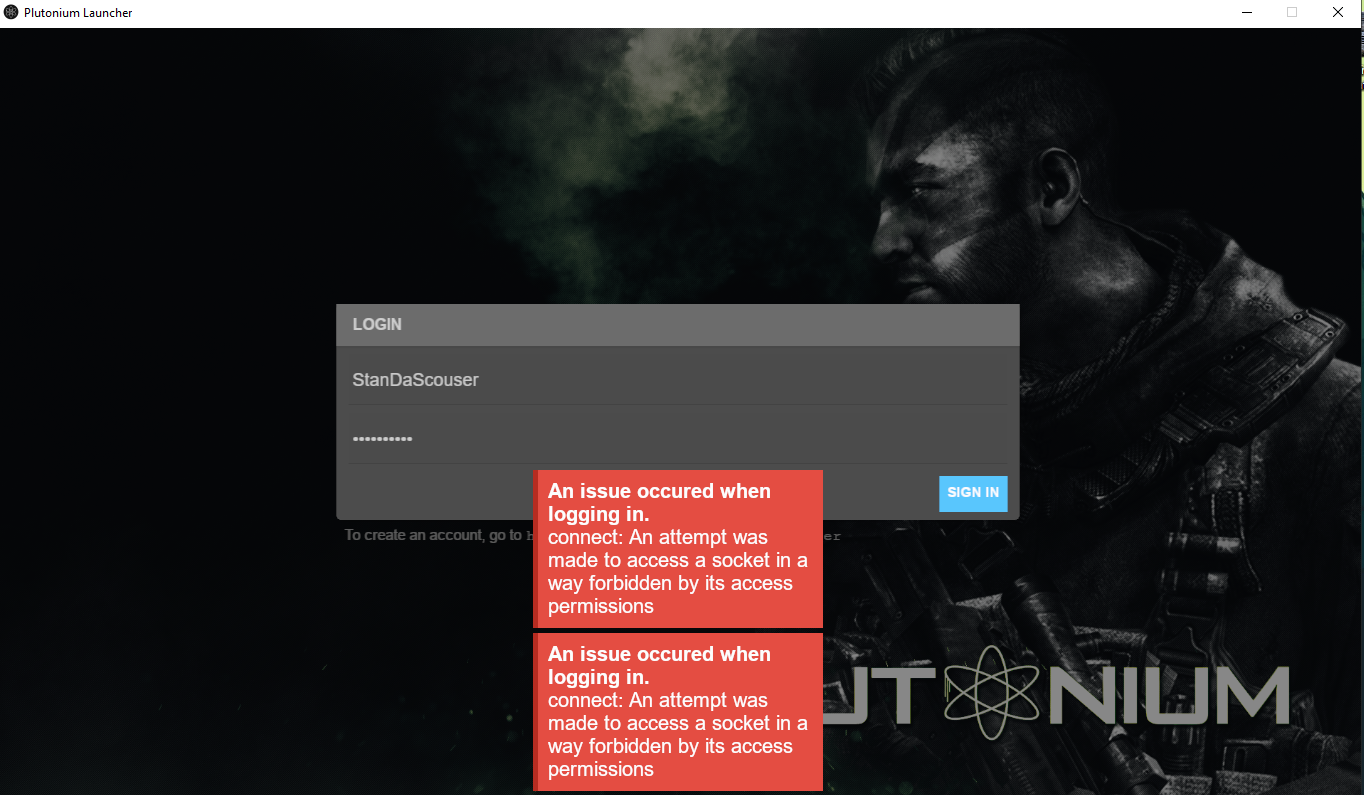
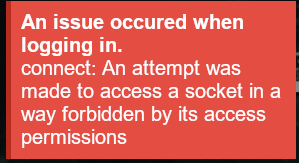
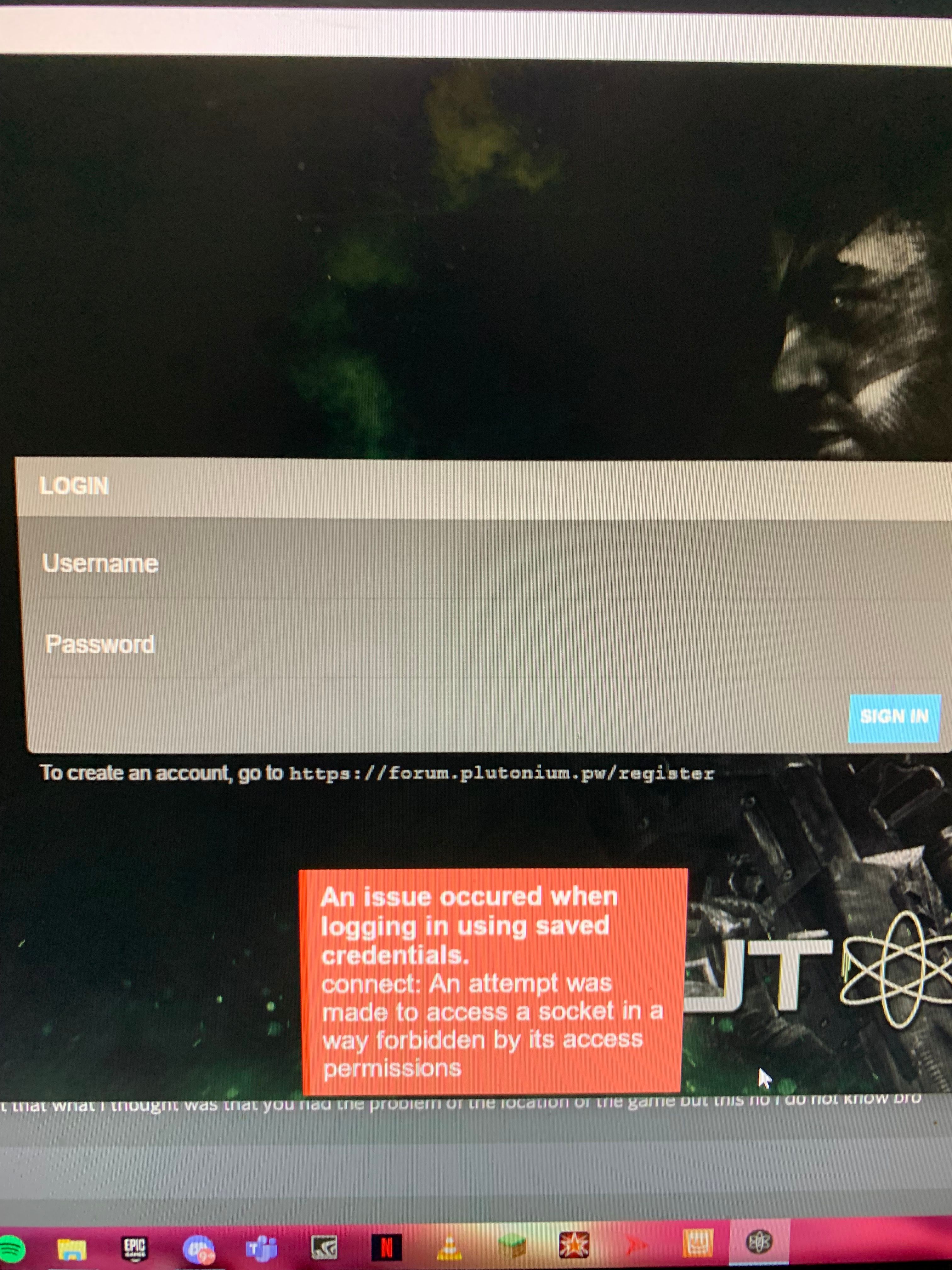
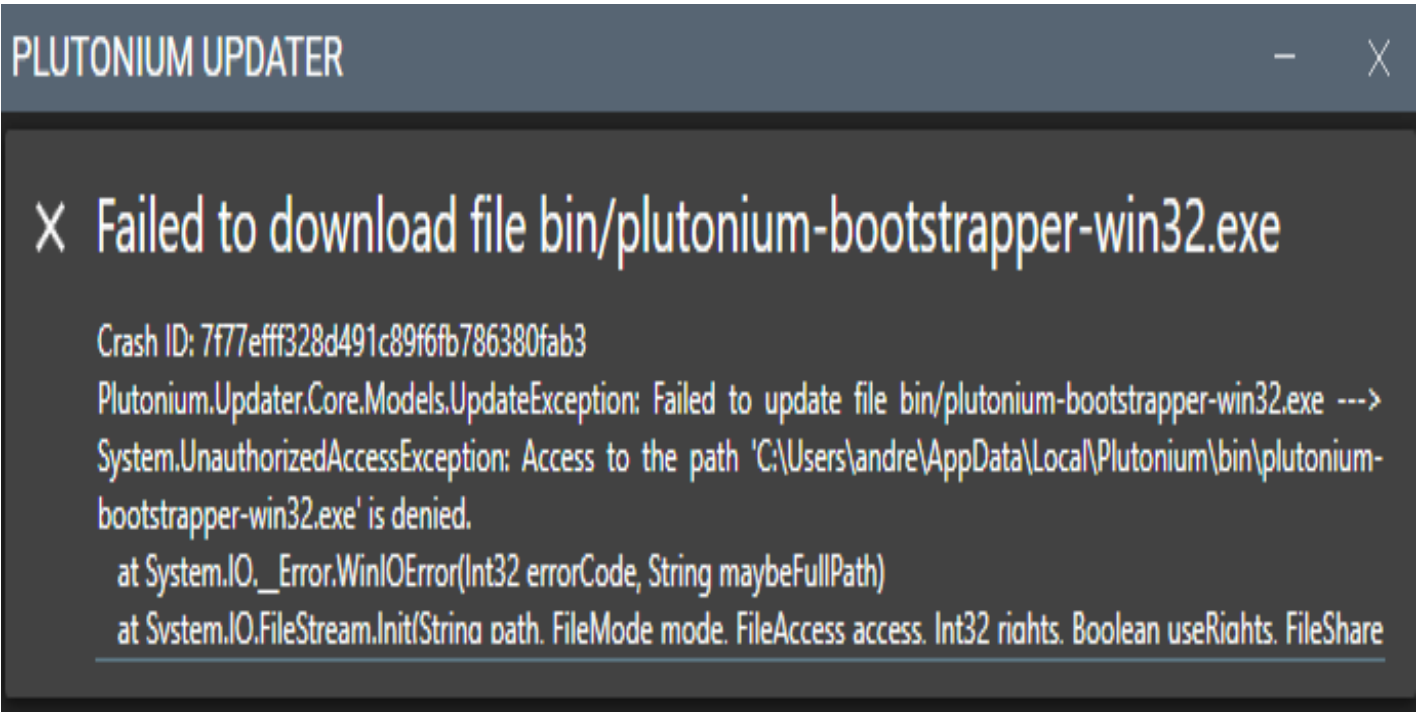
Make sure you don't have any 3rd party firewalls blocking Pluto. Also try running the launcher as admin and excluding %localappdata%/Plutonium in your AV https://plutonium.pw/docs/antivirus/
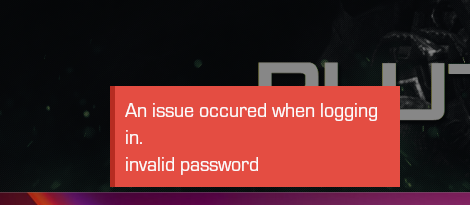
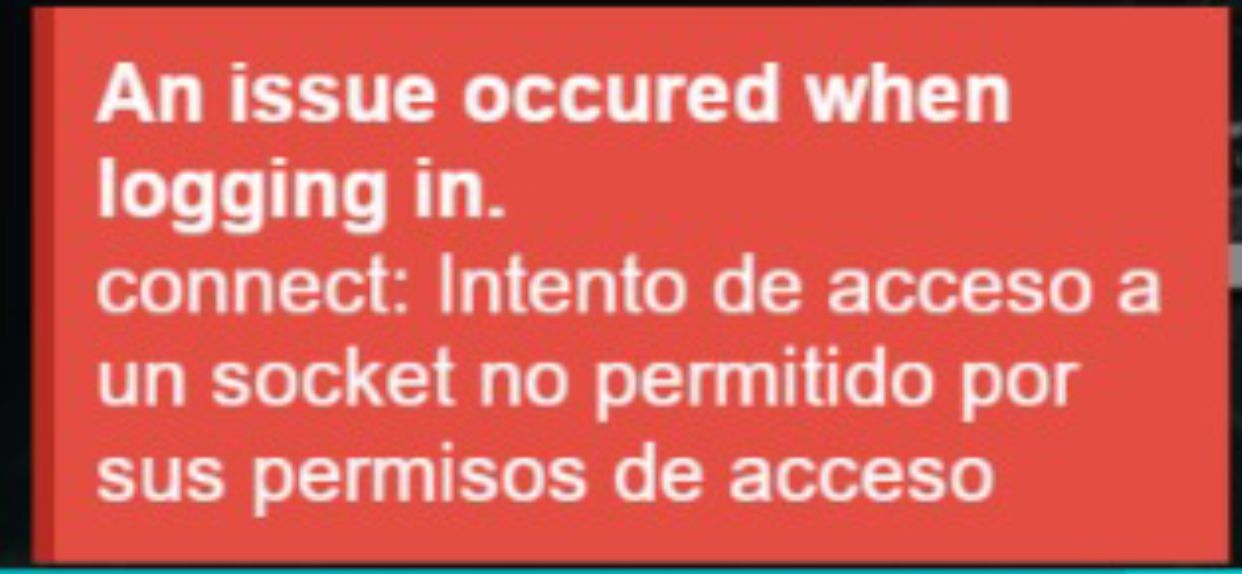
Delete %localappdata%/Plutonium/config.json and info.json, and try logging in again. If it's still the same thing, change DNS (https://www.windowscentral.com/how-change-your-pcs-dns-settings-windows-10) or use a VPN.
@SLYFOXIEN said in I get a crash ID when Plutonium is almost done downloading:
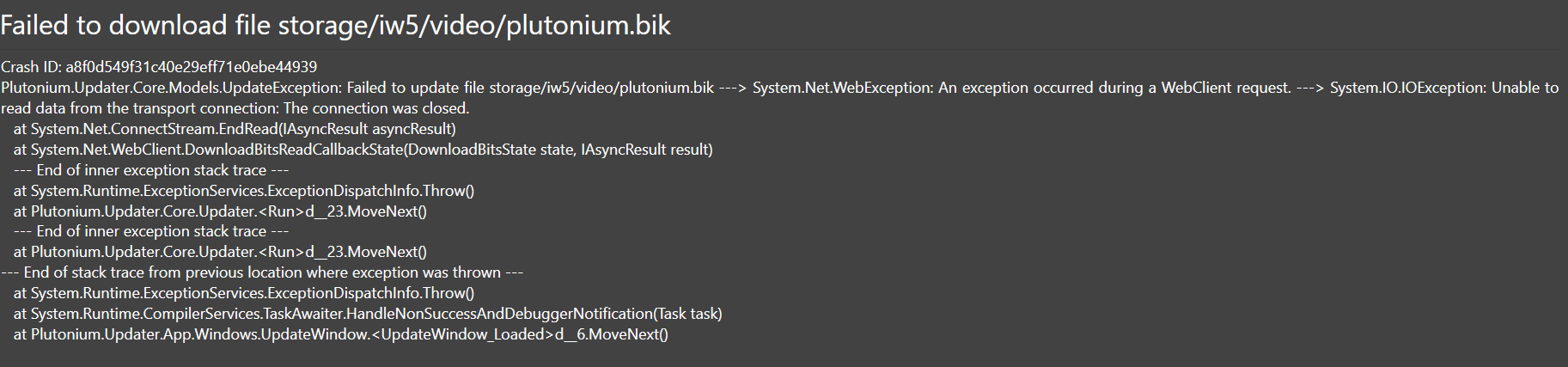
my internet is crap
that explains it, nothing you can do apart from trying again until it manages to download everything without interrupting.
@suhzi simply try restarting your pc, also if you have a "plutonium.new.exe" and a "plutonium.exe" delete both and re-download the launcher from here: https://cdn.plutonium.pw/updater/plutonium.exe
@Coolguy3467764 different issue, caused by your antivirus: https://plutonium.pw/docs/antivirus/