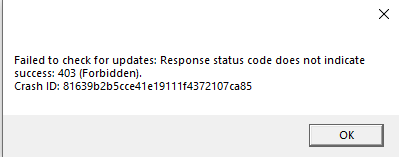
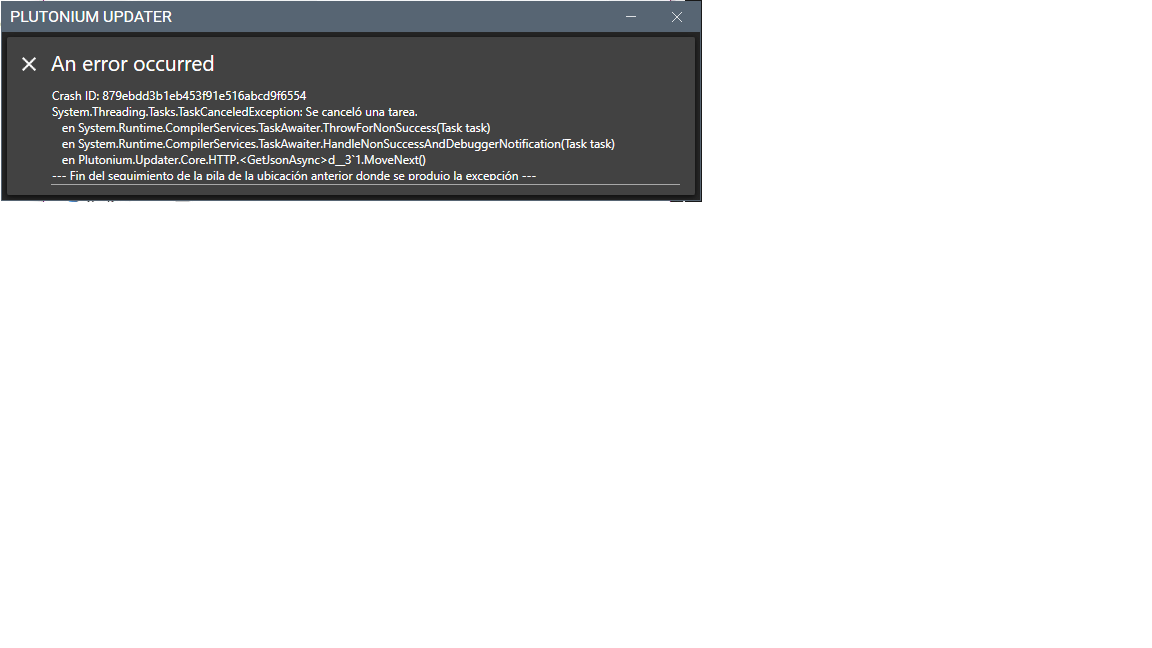
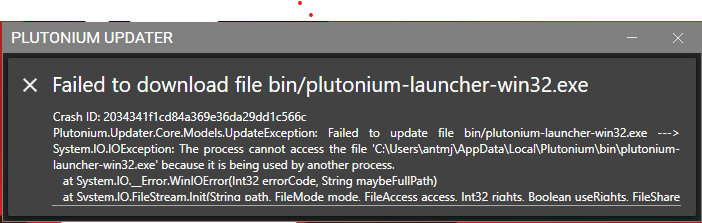
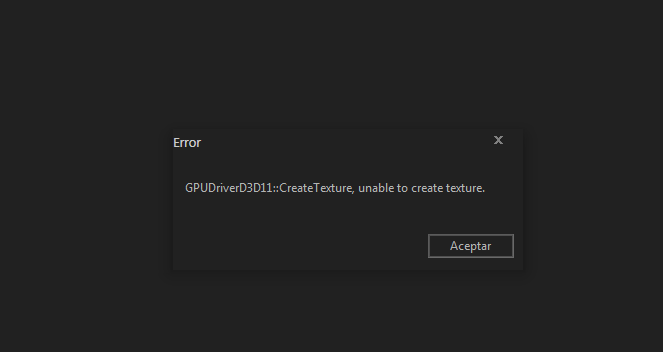
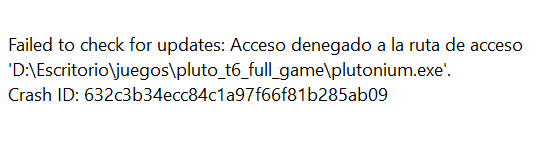
@jamieh If you didn't already delete the Plutonium folder in %localappdata% (while the laucher is closed) and start it again.
If this doesn't work then add the Plutonium folder as an exclusion in your antivirus. Also what is your antivirus? (Even if it is disabled this could still cause issues)
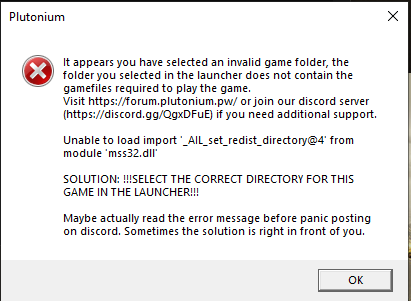
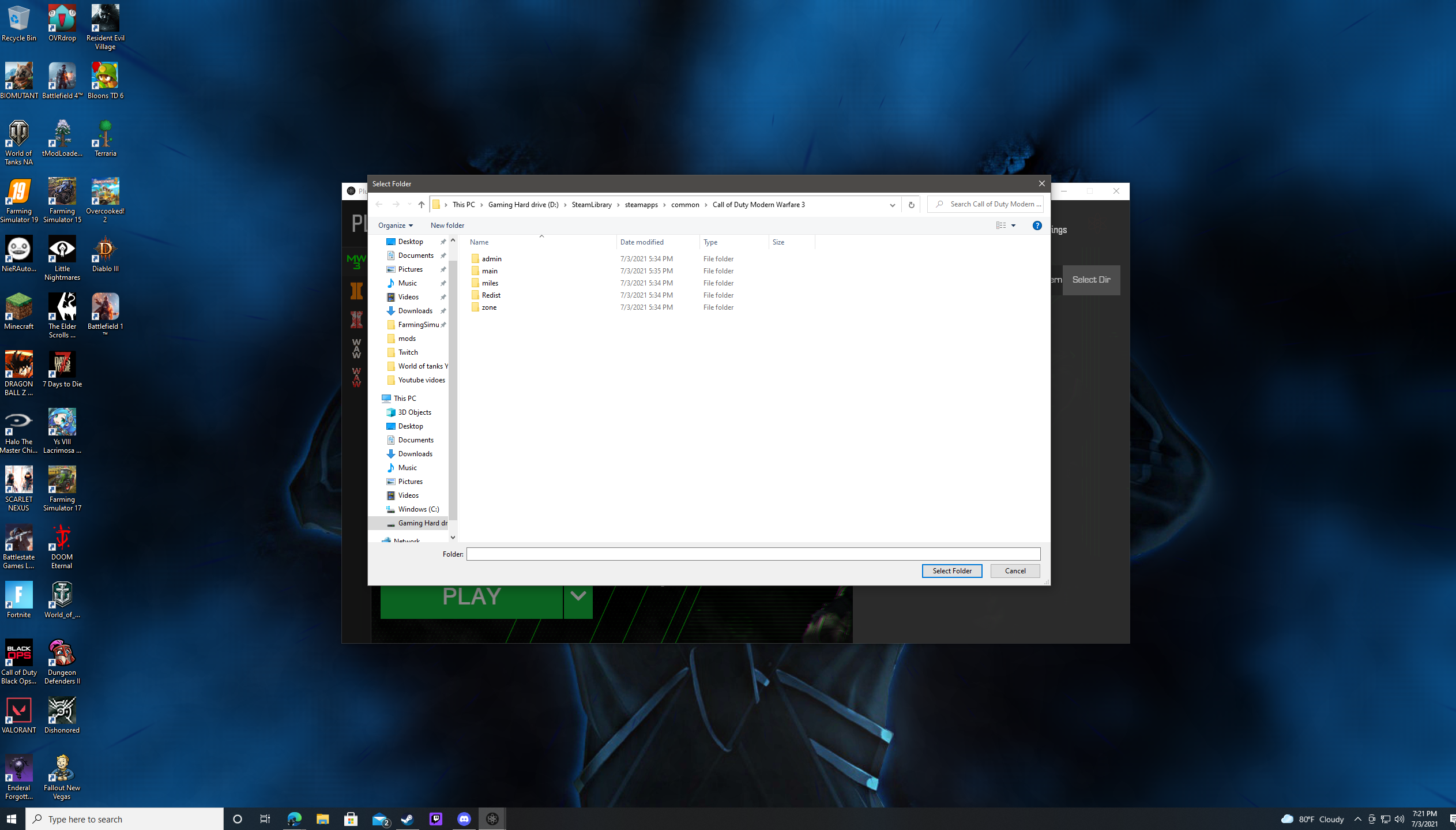
Your files are alright and you selected the correct directory as well. It's either your AV or you're missing redists. Covered here - https://forum.plutonium.pw/topic/6832/common-launcher-issues-solutions
@akaGrims Make sure the Plutonium launcher is closed then press Win + R and type %localappdata% then click OK. Here find the Plutonium folder and delete it. Then start the launcher again, let it download the required files again and try to login again.







![[141]Cpt.Ghost](/assets/uploads/profile/uid-413525/413525-profileavatar.png "[141]Cpt.Ghost")