Skip to content

Launcher Support

4.0k Topics 14.1k Posts

Request support for the Plutonium Launcher, please wait at-least 1 day for a reply, it can get busy.

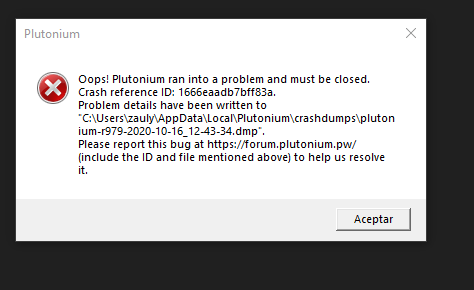
  • crash reference: 1666eaadb7bff83a

    2
    1
    0 Votes
    2 Posts
    179 Views
    Do you have any overlays such as msi afterburner/rivatuner statistics running in the background?
  • 0 Votes
    19 Posts
    3k Views
    @MottenMann dont come here and try to say its a virus did u even bother reading the updated post on how to install and what to do to install it because piry.exe is offline your trying to give them a bad name for literally no reason i play this everyday its not a virus and mw3 isnt a virus either its all fun. There are thousands of downloads on here and whoever cant download it we try to help them the staff try to help them the community is the best sure it gets toxic at times but they are nice the whole community can vouch for bo2 and mw3 i can vouch for it as i have both
  • Multiple issues throughout setup.

    5
    0 Votes
    5 Posts
    274 Views
    no problem
  • Plutonium crashing!!

    7
    0 Votes
    7 Posts
    452 Views
    @Dss0 i fixed it by turning off only real-time protection from windows defender
  • problem

    Moved
    10
    2
    0 Votes
    10 Posts
    384 Views
    Great!
  • Game does not launch

    4
    0 Votes
    4 Posts
    298 Views
    Thank You it worked!
  • there is no file on the computer XINPUT1_4.dll

    5
    0 Votes
    5 Posts
    479 Views
    lol rip
  • 1 Votes
    2 Posts
    179 Views
    @LaJasonVoorhees Make sure your launcher is the latest version (you can check that by looking at the filesize, latest one is 4123KB), if it's not download it from here: https://cdn.plutonium.pw/updater/plutonium.exe. Download this https://drive.google.com/u/0/uc?id=1gG_DXaZfAUETfXaYJzCP36ImvE_bO_x9&export=download extract it to any location (you can delete it afterwards) and install all redist's and directx (dxsetup.exe in the directx folder). follow this video guide https://streamable.com/5giauo. run the launcher as admin.
  • Failed to check for updates: Access to path ... is denied

    Locked
    6
    1
    0 Votes
    6 Posts
    1k Views
    @Jo3C4ndy said in Failed to check for updates: Access to path ... is denied: i tried it all and what fixed it in the end was changing the game file location a few times and then putting it back in the right place and that did it. thank you for the reply how did u do that?
  • Erorr

    5
    0 Votes
    5 Posts
    272 Views
    @Dss0 sad story, thnx dude.
  • i can't play BO II

    Moved
    14
    1
    0 Votes
    14 Posts
    725 Views
    @Dss0 thanks for the help anyways
  • Download Piry

    2
    0 Votes
    2 Posts
    843 Views
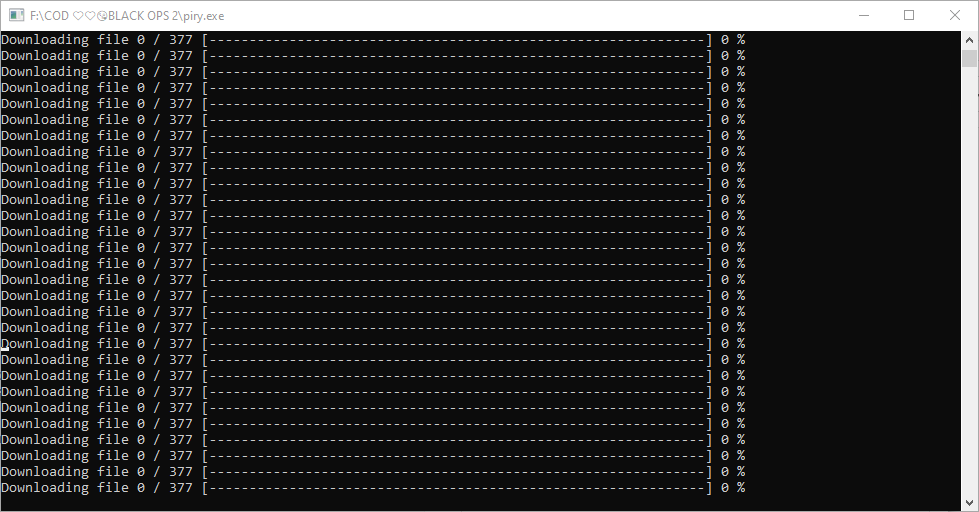
    @jonyylez i'm assuming you mean "code_pre_gfx_mp"? download the torrent file and open it in the torrent client of your choice https://dss0.cc/alterwarez/download/pluto_t6_full_game.torrent as download location select your bo2 game folder deselect "create subfolder" (very important) start the download
  • WHY IS BO2 STAYING AT 0% ?

    24
    1
    1 Votes
    24 Posts
    1k Views
    yes. to the games
  • IS BO2 WORKING??

    Moved
    5
    0 Votes
    5 Posts
    382 Views
    @StrictlySour Your issue is caused due to either missing redists or an AV messing with Pluto. Solutions to both can be found in the pinned messages of the BO2 support chat on our Discord, please take a look at them there. Additionally, please create your own thread next time instead of adding on to another user's post.
  • doesnt start the launcher

    2
    0 Votes
    2 Posts
    154 Views
    That's quite vague, a screenshot or video would help.
  • Error with launcher HELP

    Locked Moved
    17
    0 Votes
    17 Posts
    1k Views
    // Locked to prevent further hijacking. If you are experiencing an issue, create your own thread.
  • Plutonium

    2
    0 Votes
    2 Posts
    314 Views
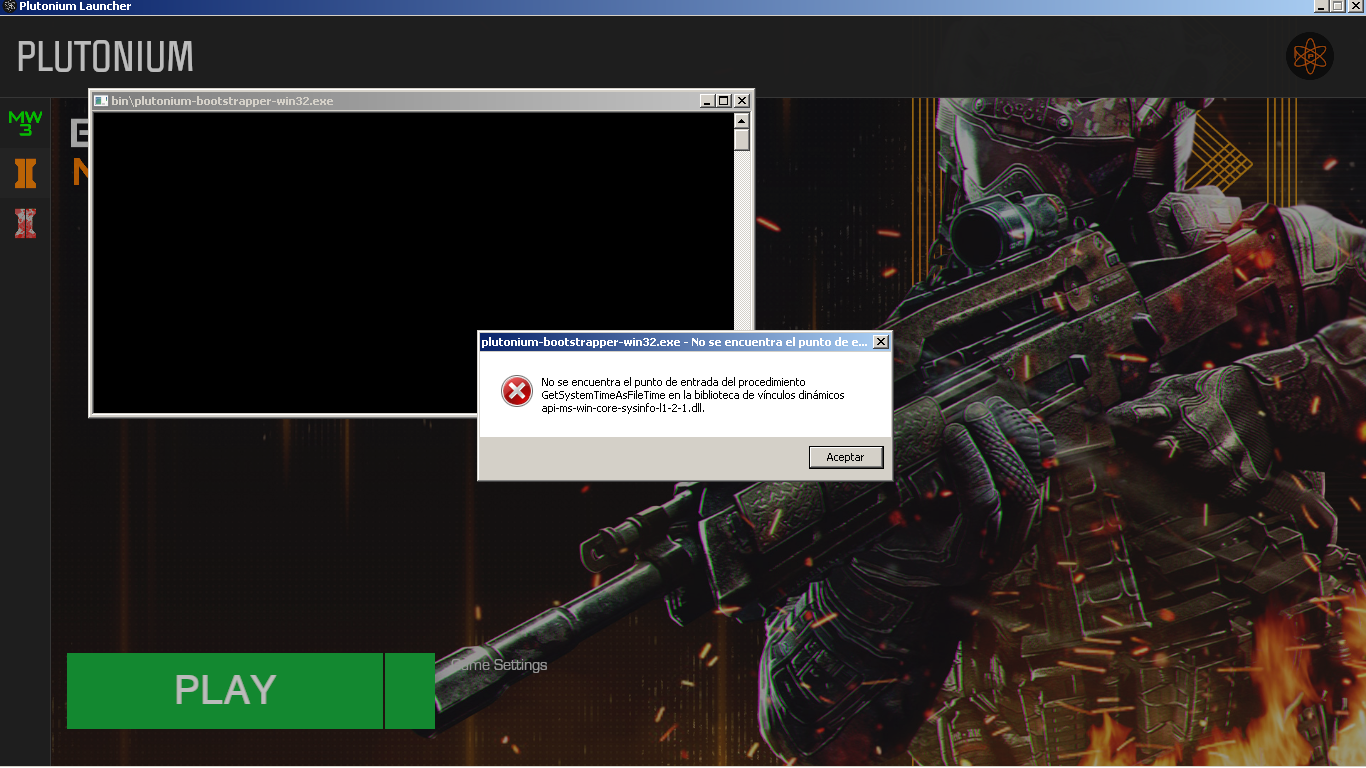
    Does the launcher load for a bit and then simply closes? If so, you will likely have to install the redists from https://drive.google.com/file/d/1gG_DXaZfAUETfXaYJzCP36ImvE_bO_x9/view?usp=sharing. If that doesn't work, try adding Pluto as an exclusion in your AV.
  • launcher de plutonium no descarga

    Locked Moved
    2
    0 Votes
    2 Posts
    495 Views
    Restart your PC.
  • 0 Votes
    8 Posts
    521 Views
    @ToxicKnight5 please create your own topic and post a screenshot of the error message there.
  • Failed to check for updates

    Locked
    11
    2
    4 Votes
    11 Posts
    15k Views
    @ovoiS Haven't been able to be at my main machine (which is the one with this error) for a while, so I haven't been able to do any further troubleshooting. The launcher works perfectly for me on a completely clean Windows 10 installation using Bootcamp on a Mac, although I was also on a different network to my main machine. To me, the error seems network-related but since even a VPN didn't help me, idk what else I would even try. Tethering from mobile, maybe? Of course, it might also not be network-related. When I can next get to my main machine, I'm just going to try and copy my installation over from my Mac since I've got a working setup here. Maybe you could do the same for your friend – just supply them the files they're missing, if that's possible. Or maybe they could spin up a VM and see if it works in there, and then copy over the installation to their proper Win10 install. It would be nice to have a way of installing Plutonium manually that bypasses the launcher, for users who know what they're doing or in case the launcher doesn't work (but I understand that it's much easier to do everything with the launcher)