Skip to content

Launcher Support

4.0k Topics 14.1k Posts

Request support for the Plutonium Launcher, please wait at-least 1 day for a reply, it can get busy.

  • Crash ID: aaba0d3aac434b18b025ad002231b32f

    Locked
    3
    0 Votes
    3 Posts
    262 Views
    That Crash ID by itself doesn't mean much. We need the whole error, screenshot please.
  • help my plisss

    2
    1
    0 Votes
    2 Posts
    148 Views
    End any background processes related to Pluto or simply restart your PC. Either way, solves your issue.
  • This topic is deleted!

    1
    0 Votes
    1 Posts
    1 Views
    No one has replied
  • 0 Votes
    2 Posts
    203 Views
    @yNeji /moved Not sure what you mean. https://forum.plutonium.pw/topic/4436/how-to-install-the-plutonium-launcher-plutonium-exe
  • The game is not opening

    2
    1
    0 Votes
    2 Posts
    169 Views
    @Nickman If you're on win7 the only way of getting pluto to work is by upgrading to win10. Make sure your launcher is the latest version (you can check that by looking at the filesize, latest one is 4123KB), if it's not download it from here: https://cdn.plutonium.pw/updater/plutonium.exe. Install all redists and directx from the redist folder in your game folder. follow this video guide https://streamable.com/5giauo. run the launcher as admin.
  • Bo2 is not starting

    Locked
    7
    0 Votes
    7 Posts
    443 Views
    @HannesC so my friend just send me the plut.exe file and I reinstalled it again and finally my game launches now.
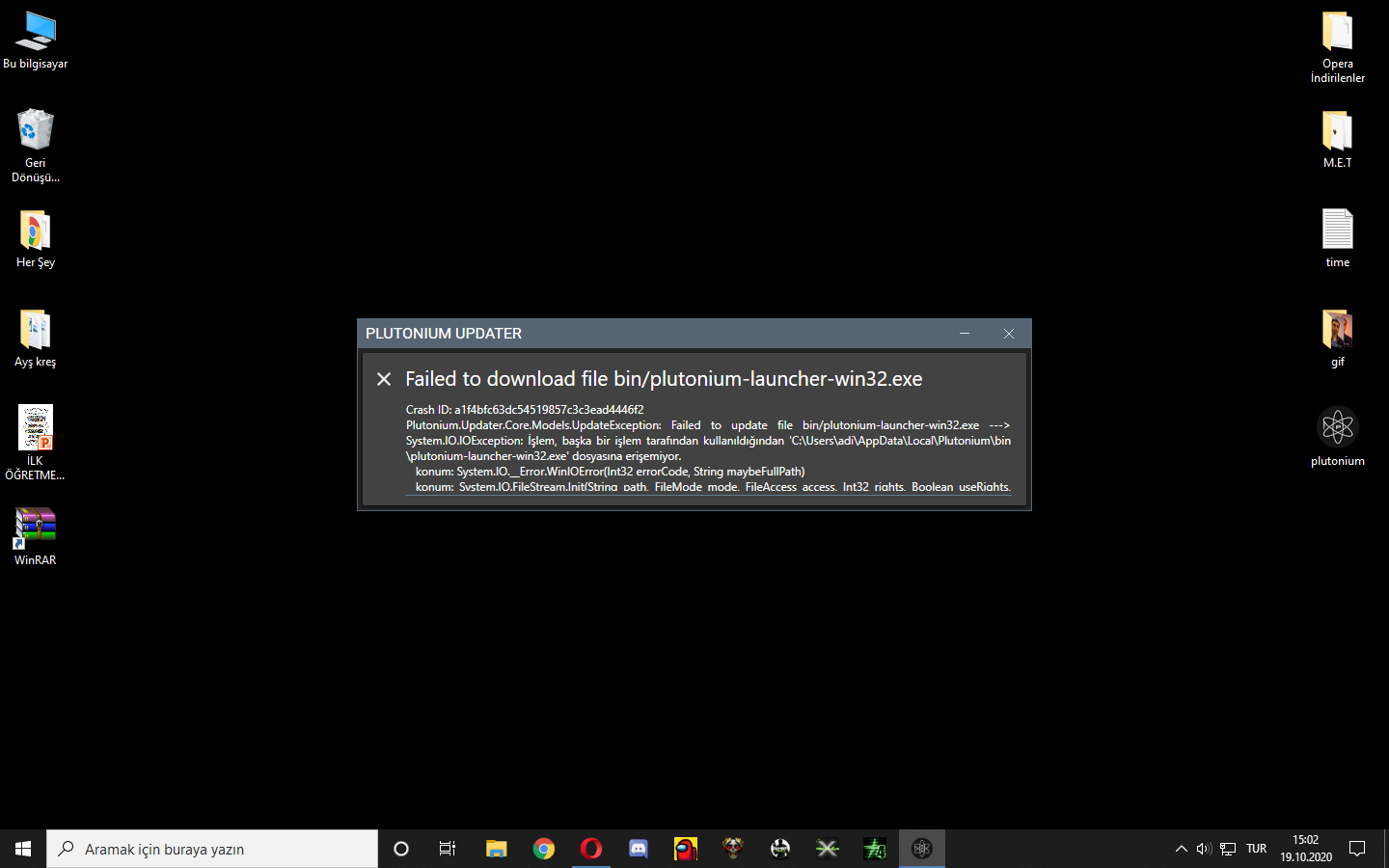
  • Failed to Download File

    Locked
    13
    0 Votes
    13 Posts
    722 Views
    @Dss0 said in Failed to Download File: This seems to have worked. Thank You!
  • 0 Votes
    2 Posts
    237 Views
    @danda1x /moved If you're on win7 the only way of getting pluto to work is by upgrading to win10. Make sure your launcher is the latest version (you can check that by looking at the filesize, latest one is 4123KB), if it's not download it from here: https://cdn.plutonium.pw/updater/plutonium.exe. Install all redists and directx from the redist folder in your game folder. follow this video guide https://streamable.com/5giauo. run the launcher as admin.
  • 0 Votes
    3 Posts
    320 Views
    @Dss0 Thanks, it worked for me
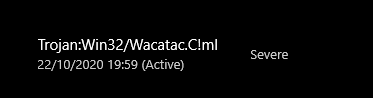
  • Windows seems to think that Plutonium is a Trojan?

    Locked
    3
    1
    0 Votes
    3 Posts
    212 Views
    @Dss0 Ok, thanks.
  • Launcher crashes after pressing play

    4
    0 Votes
    4 Posts
    216 Views
    @radicaldestroyer https://streamable.com/5giauo this shows exactly what to do
  • The game won't launch after clicking the "Play" button

    5
    0 Votes
    5 Posts
    381 Views
    @ampoine it's not intended but it's a false positive.
  • Launcher not opening anymore

    10
    1
    0 Votes
    10 Posts
    2k Views
    A Former User?
    Try Running It As Administrator And Exclude It From Windows Security Software.
  • Game Not Launching With Bootstrapper

    2
    0 Votes
    2 Posts
    196 Views
    @FlappyDunk Post a screenshot of your defender exclusion settings Run the launcher as admin Delete the "players" folder in your game folder Make sure you have no overlays running (for example nvidia or msi afterburner)
  • Ive tried everything

    4
    0 Votes
    4 Posts
    259 Views
    @NotMyEkko Delete plutonium and plutonium.new (if you can't delete them, restart your pc and you should be able to) Download the launcher from here and try again https://cdn.plutonium.pw/updater/plutonium.exe
  • I nead help my plutonium

    Locked
    9
    1
    0 Votes
    9 Posts
    513 Views
    @Dss0 Thanks and sorry for bothering
  • plutonium launcher error

    Locked
    2
    2 Votes
    2 Posts
    453 Views
    @Kennedy If you're on win7 the only way of getting pluto to work is by upgrading to win10. Make sure your launcher is the latest version (you can check that by looking at the filesize, latest one is 4123KB), if it's not download it from here: https://cdn.plutonium.pw/updater/plutonium.exe. Install all redists and directx from the redist folder in your game folder. follow this video guide https://streamable.com/5giauo. run the launcher as admin.
  • Launcher problem

    2
    0 Votes
    2 Posts
    168 Views
    @ram1tarakji If you're on win7 the only way of getting pluto to work is by upgrading to win10. Make sure your launcher is the latest version (you can check that by looking at the filesize, latest one is 4123KB), if it's not download it from here: https://cdn.plutonium.pw/updater/plutonium.exe. Install all redists and directx from the redist folder in your game folder. follow this video guide https://streamable.com/5giauo. run the launcher as admin.
  • plutonium launcher error

    21
    1
    0 Votes
    21 Posts
    2k Views
    @Codfish Oh nice how did you fix it?
  • Not Downloading, Stuck at 0%

    Locked

    3
    0 Votes
    3 Posts
    173 Views
    Piry is not used, read the install guide.