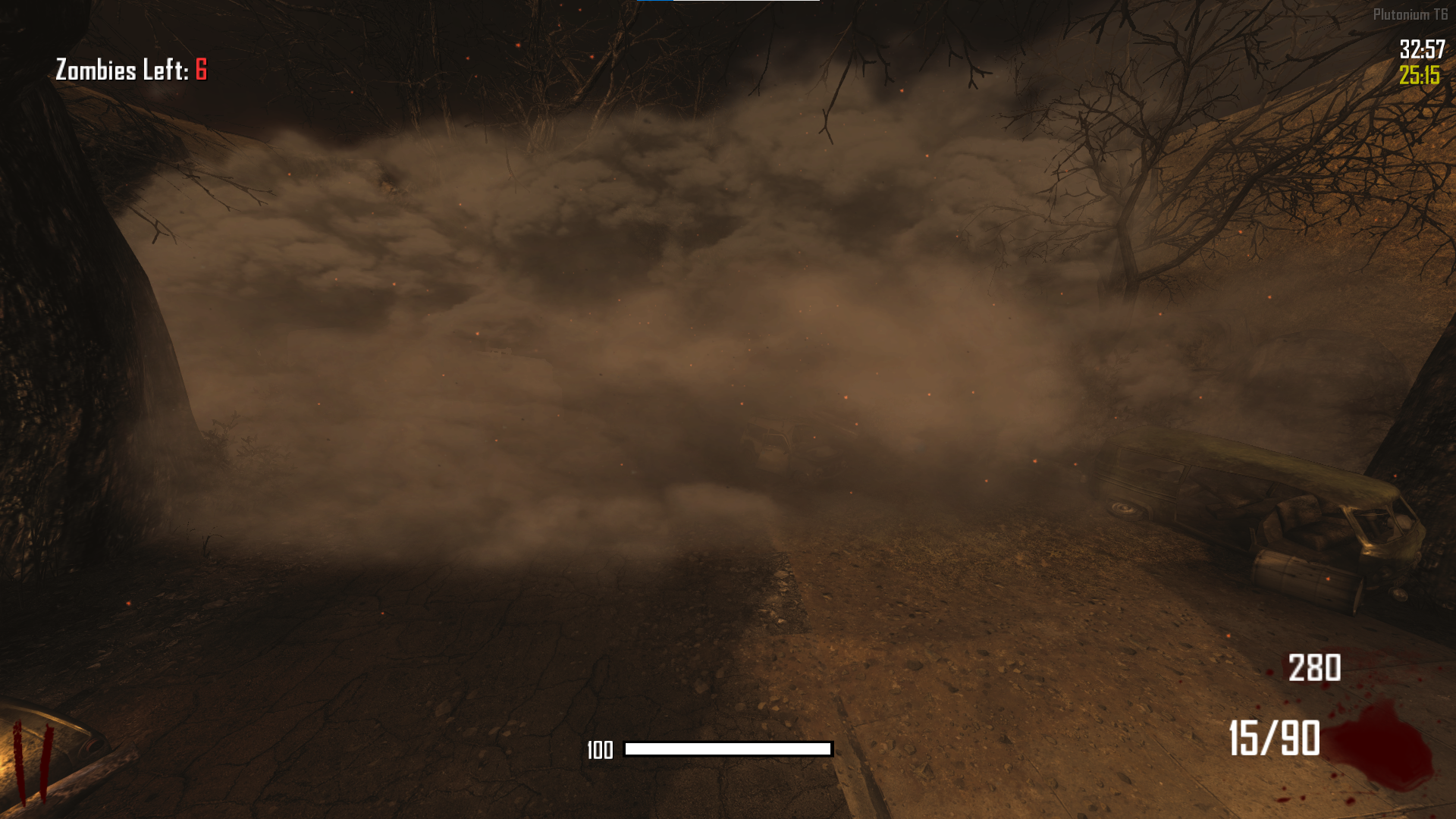
does anyone have the file or the name of this mist/dust texture??
-
i always wanted to get rid of those dust clouds or whatever they are. bc since when you disable the fog, they are just there for no reason and are kinda non-sense. anyway, if you have them please let me know!
EasilyUnstpp_ You can try commenting out all the fog effects in this script: https://github.com/plutoniummod/t6-scripts/blob/main/ZM/Maps/Tranzit/maps/mp/zm_transit_fx.gsc
-
i always wanted to get rid of those dust clouds or whatever they are. bc since when you disable the fog, they are just there for no reason and are kinda non-sense. anyway, if you have them please let me know!
-
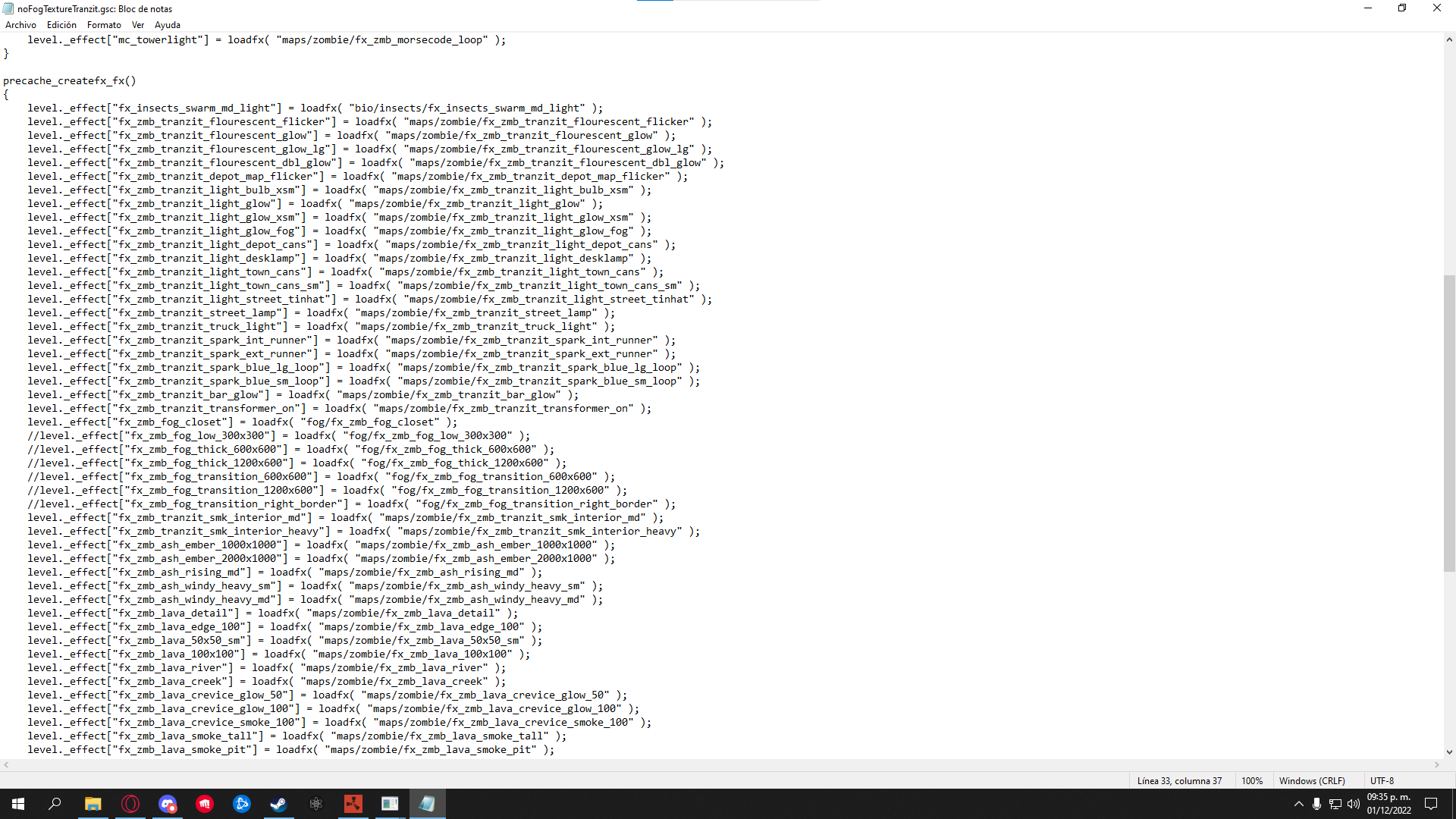
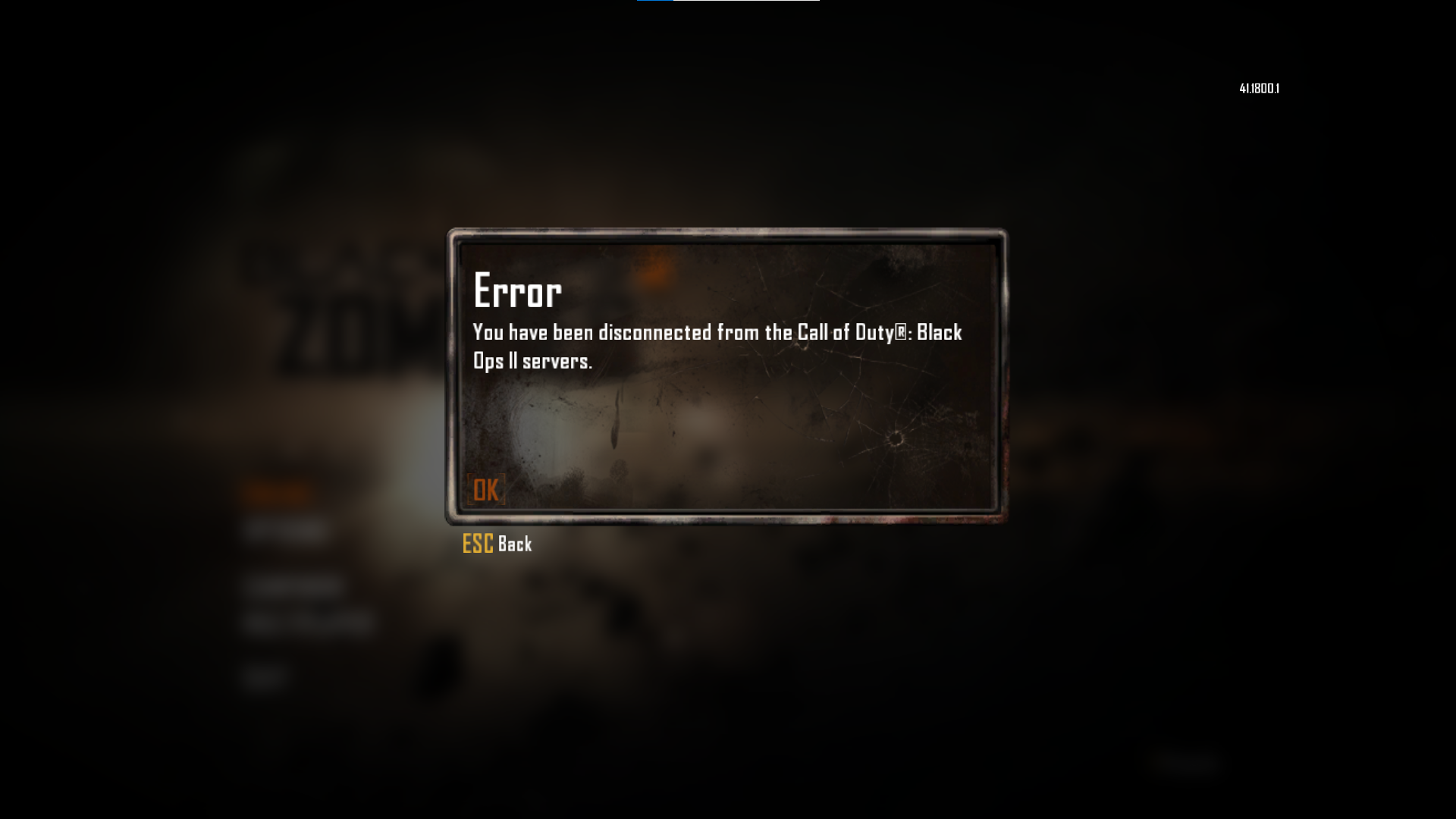
first i commented those 3 "fx_zmb_fog_transition" and nothing happened. then commented those 3 from above too but now i get disconnected. is there anything am i doing wrong?
-
EasilyUnstpp_ Disable the three effects called fx_zmb_fog_transition by commenting them out with the script provided above. For example:
//level._effect["fx_zmb_fog_transition_600x600"] = loadfx( "fog/fx_zmb_fog_transition_600x600" ); -
RedxSkull hello there can you send the script that removes it cuz what ever i do in the gsc studio my game disconnects before connecting
GhostRider0125 I recommend not using Gsc Studio. It's very old and outdated. Most modders use Visual Studio Code instead. I'm assuming you're making the mistake of placing the entire stock script into the script folder. Here is a simpler solution: Go to Plutonium\storage\t6\scripts\zm and create a folder called zm_transit. After that, use the provided script and place it inside the zm_transit folder, which uses replaceFunc to replace the required function we need to disable the fog transition.
https://www.mediafire.com/file/zkllhknypt77bpm/Disable_Fog_Transition.gsc/file
-
GhostRider0125 I recommend not using Gsc Studio. It's very old and outdated. Most modders use Visual Studio Code instead. I'm assuming you're making the mistake of placing the entire stock script into the script folder. Here is a simpler solution: Go to Plutonium\storage\t6\scripts\zm and create a folder called zm_transit. After that, use the provided script and place it inside the zm_transit folder, which uses replaceFunc to replace the required function we need to disable the fog transition.
https://www.mediafire.com/file/zkllhknypt77bpm/Disable_Fog_Transition.gsc/file
RedxSkull aha thank you very much man i might try and learn how to make scripts later




Hello! It looks like you're interested in this conversation, but you don't have an account yet.
Getting fed up of having to scroll through the same posts each visit? When you register for an account, you'll always come back to exactly where you were before, and choose to be notified of new replies (either via email, or push notification). You'll also be able to save bookmarks and upvote posts to show your appreciation to other community members.
With your input, this post could be even better 💗
Register Login