Skip to content
  • 0 Unread 0
  • Recent
  • Tags
  • Popular
  • Users
  • Groups
  • Donate
Collapse

Plutonium

  1. Home
  2. Launcher Support
  3. The launcher just crashes whenever I press play on mw3
The launcher just crashes whenever I press play on mw3

Scheduled Pinned Locked Moved Launcher Support
36 Posts 4 Posters 3.5k Views 1 Watching
  • Oldest to Newest
  • Newest to Oldest
  • Most Votes
Reply
  • Reply as topic
Log in to reply
This topic has been deleted. Only users with topic management privileges can see it.
  • Mitsos123 Mitsos123

    Dss0 how long do I have to wait?

    Dss0 Offline
    Dss0 Offline
    Dss0
    Plutonium Staff
    wrote on last edited by Dss0
    #19

    Mitsos123 depends on the speed of your hdd, internet connection and on how much stuff it has to repair. anything from 5 minutes to 1 hour i guess.
    After it's done, restart your pc and try running dxsetup again. Then try launching your game.

    Mitsos123 3 Replies Last reply
    0
    • Dss0 Dss0

      Mitsos123 depends on the speed of your hdd, internet connection and on how much stuff it has to repair. anything from 5 minutes to 1 hour i guess.
      After it's done, restart your pc and try running dxsetup again. Then try launching your game.

      Mitsos123 Offline
      Mitsos123 Offline
      Mitsos123
      wrote on last edited by
      #20

      Dss0 ok thank you when it ends I'll see if ir works

      1 Reply Last reply
      0
      • Dss0 Dss0

        Mitsos123 depends on the speed of your hdd, internet connection and on how much stuff it has to repair. anything from 5 minutes to 1 hour i guess.
        After it's done, restart your pc and try running dxsetup again. Then try launching your game.

        Mitsos123 Offline
        Mitsos123 Offline
        Mitsos123
        wrote on last edited by
        #21

        Dss0 Comrade it fucking worked

        1 Reply Last reply
        0
        • Dss0 Dss0

          Mitsos123 depends on the speed of your hdd, internet connection and on how much stuff it has to repair. anything from 5 minutes to 1 hour i guess.
          After it's done, restart your pc and try running dxsetup again. Then try launching your game.

          Mitsos123 Offline
          Mitsos123 Offline
          Mitsos123
          wrote on last edited by
          #22

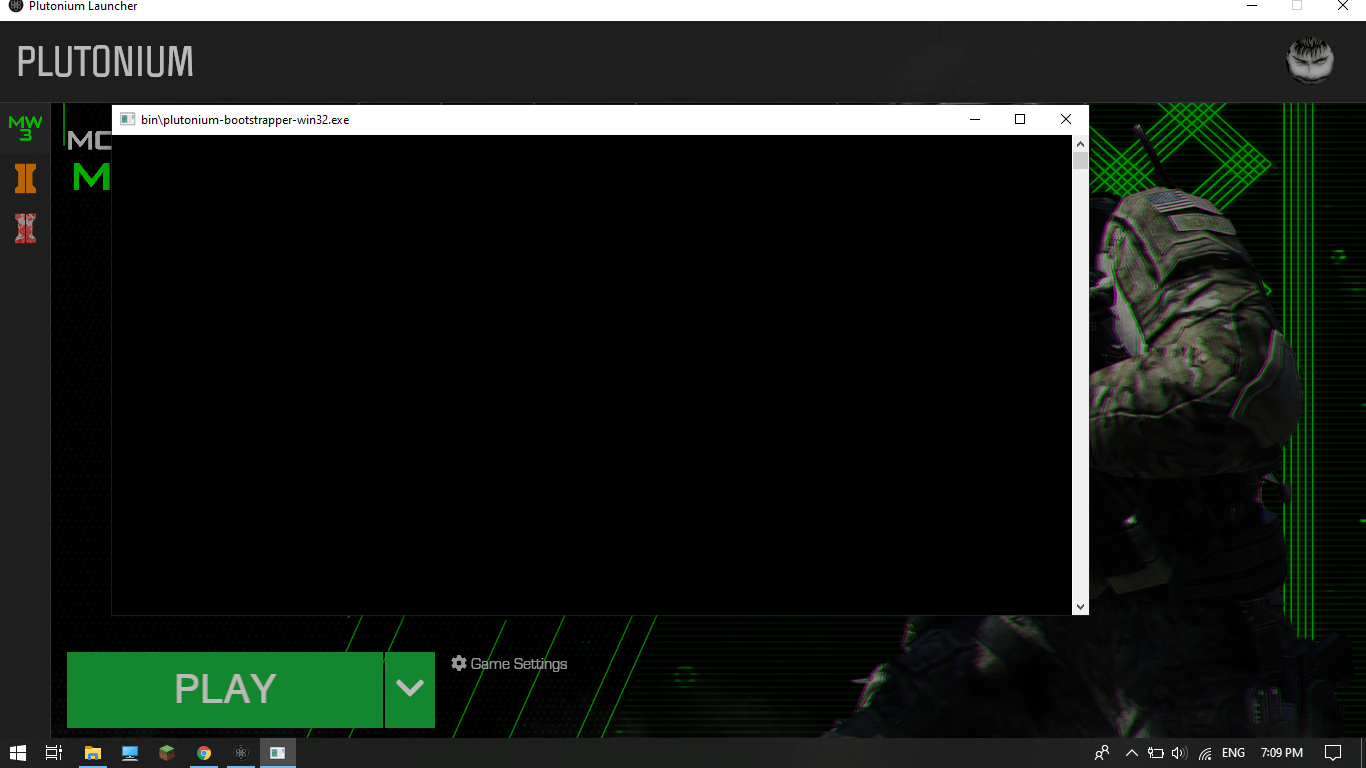
          Dss0 Now the same happens with bo2 I have already bought the game I tried what I did with mw3 but still only the black screen appears

          Dss0 1 Reply Last reply
          0
          • Mitsos123 Mitsos123

            Dss0 Now the same happens with bo2 I have already bought the game I tried what I did with mw3 but still only the black screen appears

            Dss0 Offline
            Dss0 Offline
            Dss0
            Plutonium Staff
            wrote on last edited by Dss0
            #23

            Mitsos123 Download this https://drive.google.com/u/0/uc?id=1gG_DXaZfAUETfXaYJzCP36ImvE_bO_x9&export=download extract it to any location (you can delete it afterwards) and install all redist's.

            Mitsos123 2 Replies Last reply
            0
            • Dss0 Dss0

              Mitsos123 Download this https://drive.google.com/u/0/uc?id=1gG_DXaZfAUETfXaYJzCP36ImvE_bO_x9&export=download extract it to any location (you can delete it afterwards) and install all redist's.

              Mitsos123 Offline
              Mitsos123 Offline
              Mitsos123
              wrote on last edited by
              #24

              Dss0 ok

              1 Reply Last reply
              0
              • Dss0 Dss0

                Mitsos123 Download this https://drive.google.com/u/0/uc?id=1gG_DXaZfAUETfXaYJzCP36ImvE_bO_x9&export=download extract it to any location (you can delete it afterwards) and install all redist's.

                Mitsos123 Offline
                Mitsos123 Offline
                Mitsos123
                wrote on last edited by
                #25

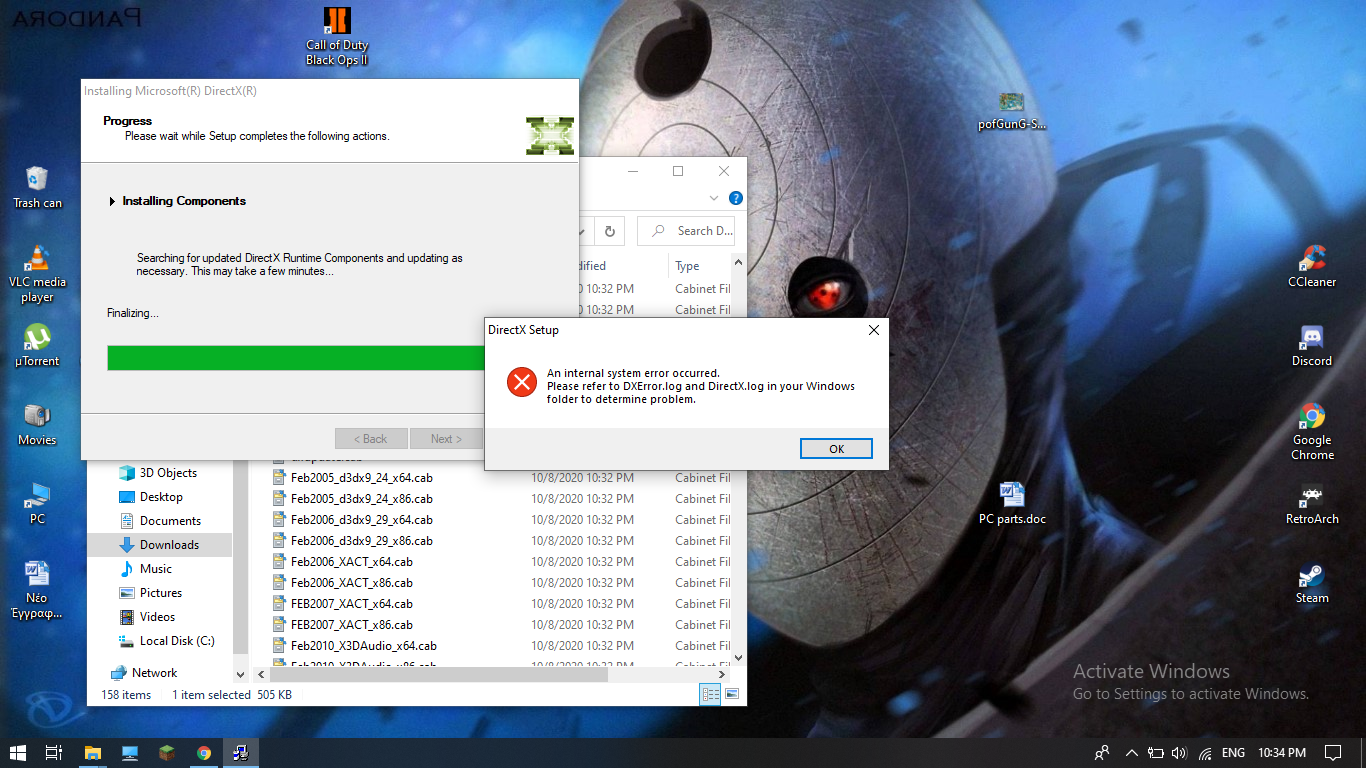
                Dss0 This thing happened againScreenshot (23).png

                Dss0 1 Reply Last reply
                0
                • Mitsos123 Mitsos123

                  Dss0 This thing happened againScreenshot (23).png

                  Dss0 Offline
                  Dss0 Offline
                  Dss0
                  Plutonium Staff
                  wrote on last edited by
                  #26

                  Mitsos123 you already installed directx tho, otherwise mw3 wouldn't be working so you don't have to do it again. Just install the 3 redistributables.

                  Mitsos123 1 Reply Last reply
                  0
                  • Dss0 Dss0

                    Mitsos123 you already installed directx tho, otherwise mw3 wouldn't be working so you don't have to do it again. Just install the 3 redistributables.

                    Mitsos123 Offline
                    Mitsos123 Offline
                    Mitsos123
                    wrote on last edited by
                    #27

                    Dss0 I did install all of them so why do I still have a black screen?

                    Dss0 1 Reply Last reply
                    0
                    • Mitsos123 Mitsos123

                      Dss0 I did install all of them so why do I still have a black screen?

                      Dss0 Offline
                      Dss0 Offline
                      Dss0
                      Plutonium Staff
                      wrote on last edited by
                      #28

                      Mitsos123 i dunno. do you have any recording or monitoring software that has an overlay? if yes turn that off. Also did you exclude C:\Users\yourusername\AppData\Local\Plutonium from scanning in windows defender?

                      Mitsos123 2 Replies Last reply
                      0
                      • Dss0 Dss0

                        Mitsos123 i dunno. do you have any recording or monitoring software that has an overlay? if yes turn that off. Also did you exclude C:\Users\yourusername\AppData\Local\Plutonium from scanning in windows defender?

                        Mitsos123 Offline
                        Mitsos123 Offline
                        Mitsos123
                        wrote on last edited by
                        #29

                        Dss0 I did all of that so do you know what's the problem?

                        1 Reply Last reply
                        0
                        • Dss0 Dss0

                          Mitsos123 i dunno. do you have any recording or monitoring software that has an overlay? if yes turn that off. Also did you exclude C:\Users\yourusername\AppData\Local\Plutonium from scanning in windows defender?

                          Mitsos123 Offline
                          Mitsos123 Offline
                          Mitsos123
                          wrote on last edited by
                          #30

                          Dss0 ??

                          Dss0 1 Reply Last reply
                          0
                          • Mitsos123 Mitsos123

                            Dss0 ??

                            Dss0 Offline
                            Dss0 Offline
                            Dss0
                            Plutonium Staff
                            wrote on last edited by
                            #31

                            Mitsos123 no.

                            Mitsos123 3 Replies Last reply
                            0
                            • Dss0 Dss0

                              Mitsos123 no.

                              Mitsos123 Offline
                              Mitsos123 Offline
                              Mitsos123
                              wrote on last edited by
                              #32

                              Dss0 well I guess I'm fucked

                              1 Reply Last reply
                              0
                              • Dss0 Dss0

                                Mitsos123 no.

                                Mitsos123 Offline
                                Mitsos123 Offline
                                Mitsos123
                                wrote on last edited by
                                #33

                                Dss0 can't you get someone who may be able to help?

                                1 Reply Last reply
                                0
                                • Dss0 Dss0

                                  Mitsos123 no.

                                  Mitsos123 Offline
                                  Mitsos123 Offline
                                  Mitsos123
                                  wrote on last edited by
                                  #34

                                  Dss0 sorry to disturb you do you know anyone who may have a solution?

                                  Dss0 1 Reply Last reply
                                  0
                                  • Mitsos123 Mitsos123

                                    Dss0 sorry to disturb you do you know anyone who may have a solution?

                                    Dss0 Offline
                                    Dss0 Offline
                                    Dss0
                                    Plutonium Staff
                                    wrote on last edited by
                                    #35

                                    Mitsos123

                                    • do you have nvidia shadowplay or rtx voice? if yes, disable those.
                                    • run the launcher as admin
                                    • move your bo2 folder to C:\Games
                                    • try hitting ctrl+alt+delete while the game is sitting at the black screen and then going back into the game

                                    Mitsos123 1 Reply Last reply
                                    0
                                    • Dss0 Dss0

                                      Mitsos123

                                      • do you have nvidia shadowplay or rtx voice? if yes, disable those.
                                      • run the launcher as admin
                                      • move your bo2 folder to C:\Games
                                      • try hitting ctrl+alt+delete while the game is sitting at the black screen and then going back into the game

                                      Mitsos123 Offline
                                      Mitsos123 Offline
                                      Mitsos123
                                      wrote on last edited by
                                      #36

                                      Dss0 You are fucking awesome it worked comrade

                                      1 Reply Last reply
                                      0

                                      Hello! It looks like you're interested in this conversation, but you don't have an account yet.

                                      Getting fed up of having to scroll through the same posts each visit? When you register for an account, you'll always come back to exactly where you were before, and choose to be notified of new replies (either via email, or push notification). You'll also be able to save bookmarks and upvote posts to show your appreciation to other community members.

                                      With your input, this post could be even better 💗

                                      Register Login
                                      Reply
                                      • Reply as topic
                                      Log in to reply
                                      • Oldest to Newest
                                      • Newest to Oldest
                                      • Most Votes


                                      • 1
                                      • 2
                                      • Login

                                      • Don't have an account? Register

                                      • Login or register to search.
                                      • First post
                                        Last post
                                      0
                                      • Unread 0
                                      • Recent
                                      • Tags
                                      • Popular
                                      • Users
                                      • Groups
                                      • Donate