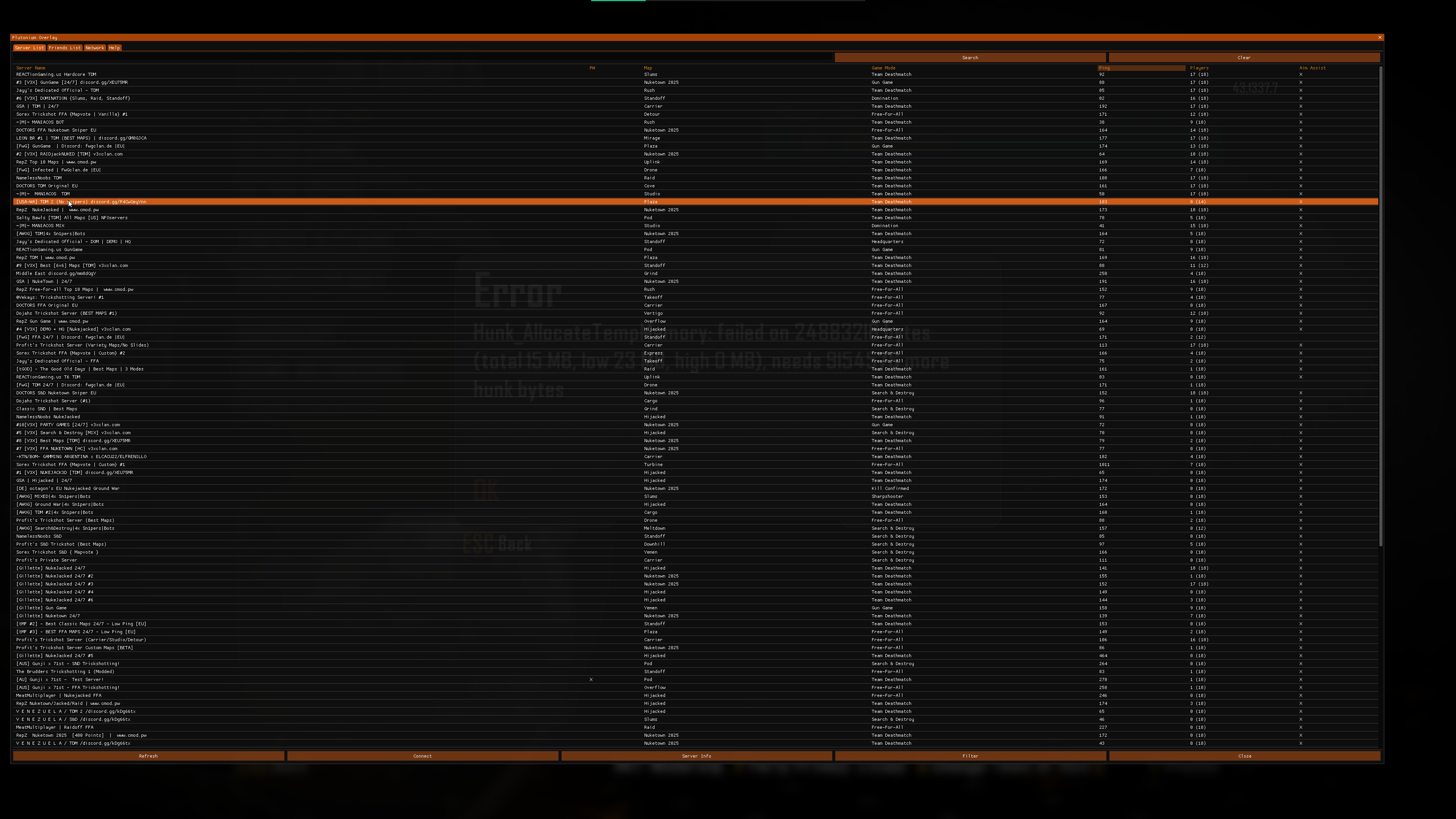
Help! My Server List text is too small
-
There is nothing you can do except to lower your resolution, no bugfix will happen as the server browser will be replaced soon

-
https://pluto.mxve.de/t6mp
Look for a server, click on it, after that click on 'connect ..' which should copy the command which you can then paste into the games console (with right click)mxve Nice list map list!
Curious. How are you able to query any info for MW3/IW5 servers? I cannot seem to send a proper handshake to get any info with my LGSL script. Even from a server browser you cant query a servers info. Only response I get is that it is online but I cannot seem to grab any info.
I would like to be able to do so to create server banners for our forums like for our others servers, such as...




Hello! It looks like you're interested in this conversation, but you don't have an account yet.
Getting fed up of having to scroll through the same posts each visit? When you register for an account, you'll always come back to exactly where you were before, and choose to be notified of new replies (either via email, or push notification). You'll also be able to save bookmarks and upvote posts to show your appreciation to other community members.
With your input, this post could be even better 💗
Register Login