Skip to content
  • 0 Unread 0
  • Recent
  • Tags
  • Popular
  • Users
  • Groups
  • Donate
Collapse

Plutonium

  1. Home
  2. WAW Server Hosting Support
  3. WAW server not starting

WAW server not starting

Scheduled Pinned Locked Moved WAW Server Hosting Support
41 Posts 7 Posters 6.4k Views 2 Watching
  • Oldest to Newest
  • Newest to Oldest
  • Most Votes
Reply
  • Reply as topic
Log in to reply
This topic has been deleted. Only users with topic management privileges can see it.
  • Dss0 Dss0

    felixoboyytb the files and folder inside "T4ServerConfigs-main" go into your waw game folder.

    felixoboyytb Offline
    felixoboyytb Offline
    felixoboyytb
    wrote on last edited by
    #10
    This post is deleted!
    1 Reply Last reply
    0
    • Dss0 Dss0

      felixoboyytb the files and folder inside "T4ServerConfigs-main" go into your waw game folder.

      felixoboyytb Offline
      felixoboyytb Offline
      felixoboyytb
      wrote on last edited by
      #11

      Dss0 and now, what is the problem?

      https://youtu.be/SvNNBE1c2oc

      Dss0 1 Reply Last reply
      0
      • felixoboyytb felixoboyytb

        Dss0 and now, what is the problem?

        https://youtu.be/SvNNBE1c2oc

        Dss0 Offline
        Dss0 Offline
        Dss0
        Plutonium Staff
        wrote on last edited by
        #12

        felixoboyytb you didn't add a server key to the batch file. https://plutonium.pw/docs/server/t4/setting-up-a-server/#12-creating-a-server-key

        felixoboyytb 1 Reply Last reply
        0
        • Dss0 Dss0

          felixoboyytb you didn't add a server key to the batch file. https://plutonium.pw/docs/server/t4/setting-up-a-server/#12-creating-a-server-key

          felixoboyytb Offline
          felixoboyytb Offline
          felixoboyytb
          wrote on last edited by
          #13
          This post is deleted!
          1 Reply Last reply
          0
          • felixoboyytb Offline
            felixoboyytb Offline
            felixoboyytb
            wrote on last edited by
            #14

            Dss0 ! after?
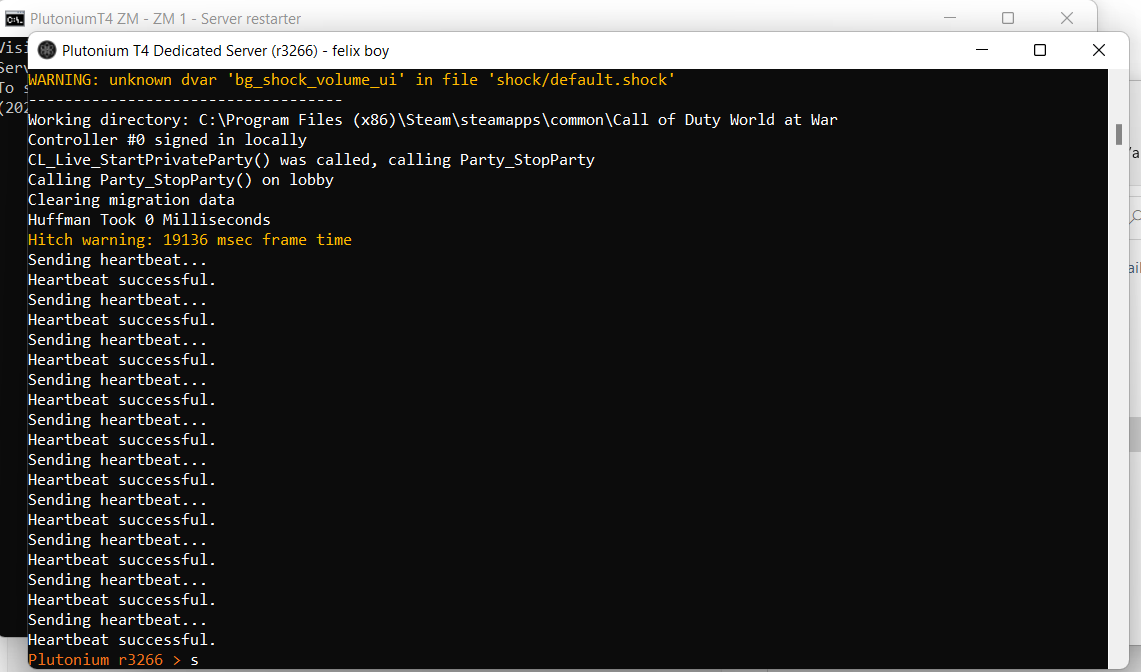
            2874ff79-7e18-4d67-9662-7db8d7937192-image.png

            Dss0 1 Reply Last reply
            0
            • felixoboyytb felixoboyytb

              Dss0 ! after?
              2874ff79-7e18-4d67-9662-7db8d7937192-image.png

              Dss0 Offline
              Dss0 Offline
              Dss0
              Plutonium Staff
              wrote on last edited by
              #15

              felixoboyytb well server is up. should work now.

              felixoboyytb 1 Reply Last reply
              0
              • Dss0 Dss0

                felixoboyytb well server is up. should work now.

                felixoboyytb Offline
                felixoboyytb Offline
                felixoboyytb
                wrote on last edited by
                #16

                Dss0 How? how you do the rest because I didn't understand anything about what to do for that part

                Dss0 1 Reply Last reply
                0
                • felixoboyytb felixoboyytb

                  Dss0 How? how you do the rest because I didn't understand anything about what to do for that part

                  Dss0 Offline
                  Dss0 Offline
                  Dss0
                  Plutonium Staff
                  wrote on last edited by
                  #17

                  felixoboyytb which part? the server is running. did you forward the port already? If not: https://www.lifewire.com/how-to-port-forward-4163829.

                  The port will be the one you set in the batch file. If you're running server and game on the same pc you need to start the game first and server second, it won't work if you start the game first as it interferes with the server. This will also result in the server using the next free port (so 28961 instead of 28960).

                  felixoboyytb 1 Reply Last reply
                  0
                  • Dss0 Dss0

                    felixoboyytb which part? the server is running. did you forward the port already? If not: https://www.lifewire.com/how-to-port-forward-4163829.

                    The port will be the one you set in the batch file. If you're running server and game on the same pc you need to start the game first and server second, it won't work if you start the game first as it interferes with the server. This will also result in the server using the next free port (so 28961 instead of 28960).

                    felixoboyytb Offline
                    felixoboyytb Offline
                    felixoboyytb
                    wrote on last edited by
                    #18

                    Dss0 check this video for more info:
                    https://youtu.be/yRYoepG2Ooo

                    Dss0 1 Reply Last reply
                    0
                    • felixoboyytb felixoboyytb

                      Dss0 check this video for more info:
                      https://youtu.be/yRYoepG2Ooo

                      Dss0 Offline
                      Dss0 Offline
                      Dss0
                      Plutonium Staff
                      wrote on last edited by
                      #19

                      felixoboyytb how's that more info? you still didn't tell me if you already forwarded the port. You also didn't tell me what you actually want to do with that server. Do you want to join it? do you want your friends to join it? why did you set up a server?

                      If you want to join it and play alone just type

                      connect 127.0.0.1:28961
                      

                      into the in-game console. As i said you'll have to start the game first and server second if both are running on the same pc.
                      If you want other people to be able to join as well you need to forward the server's port.

                      felixoboyytb 1 Reply Last reply
                      0
                      • Dss0 Dss0

                        felixoboyytb how's that more info? you still didn't tell me if you already forwarded the port. You also didn't tell me what you actually want to do with that server. Do you want to join it? do you want your friends to join it? why did you set up a server?

                        If you want to join it and play alone just type

                        connect 127.0.0.1:28961
                        

                        into the in-game console. As i said you'll have to start the game first and server second if both are running on the same pc.
                        If you want other people to be able to join as well you need to forward the server's port.

                        felixoboyytb Offline
                        felixoboyytb Offline
                        felixoboyytb
                        wrote on last edited by
                        #20

                        Dss0 basically what I want is to create a public server on waw zombie with the map I choose and that people join from all over the world

                        Dss0 1 Reply Last reply
                        0
                        • felixoboyytb felixoboyytb

                          Dss0 basically what I want is to create a public server on waw zombie with the map I choose and that people join from all over the world

                          Dss0 Offline
                          Dss0 Offline
                          Dss0
                          Plutonium Staff
                          wrote on last edited by
                          #21

                          felixoboyytb so you need to forward the port via your router's web interface. after that the server will be visible on the serverlist.
                          It's possible that it's not visible for you but is visible for other people, this usually happens because your router doesn't support wan loopback. It's not an issue tho, you can still connect to your server manually via the console and your pc's lan ip:port.

                          felixoboyytb 1 Reply Last reply
                          0
                          • Dss0 Dss0

                            felixoboyytb so you need to forward the port via your router's web interface. after that the server will be visible on the serverlist.
                            It's possible that it's not visible for you but is visible for other people, this usually happens because your router doesn't support wan loopback. It's not an issue tho, you can still connect to your server manually via the console and your pc's lan ip:port.

                            felixoboyytb Offline
                            felixoboyytb Offline
                            felixoboyytb
                            wrote on last edited by
                            #22

                            Dss0 like that? and how you're supposed to know the password?
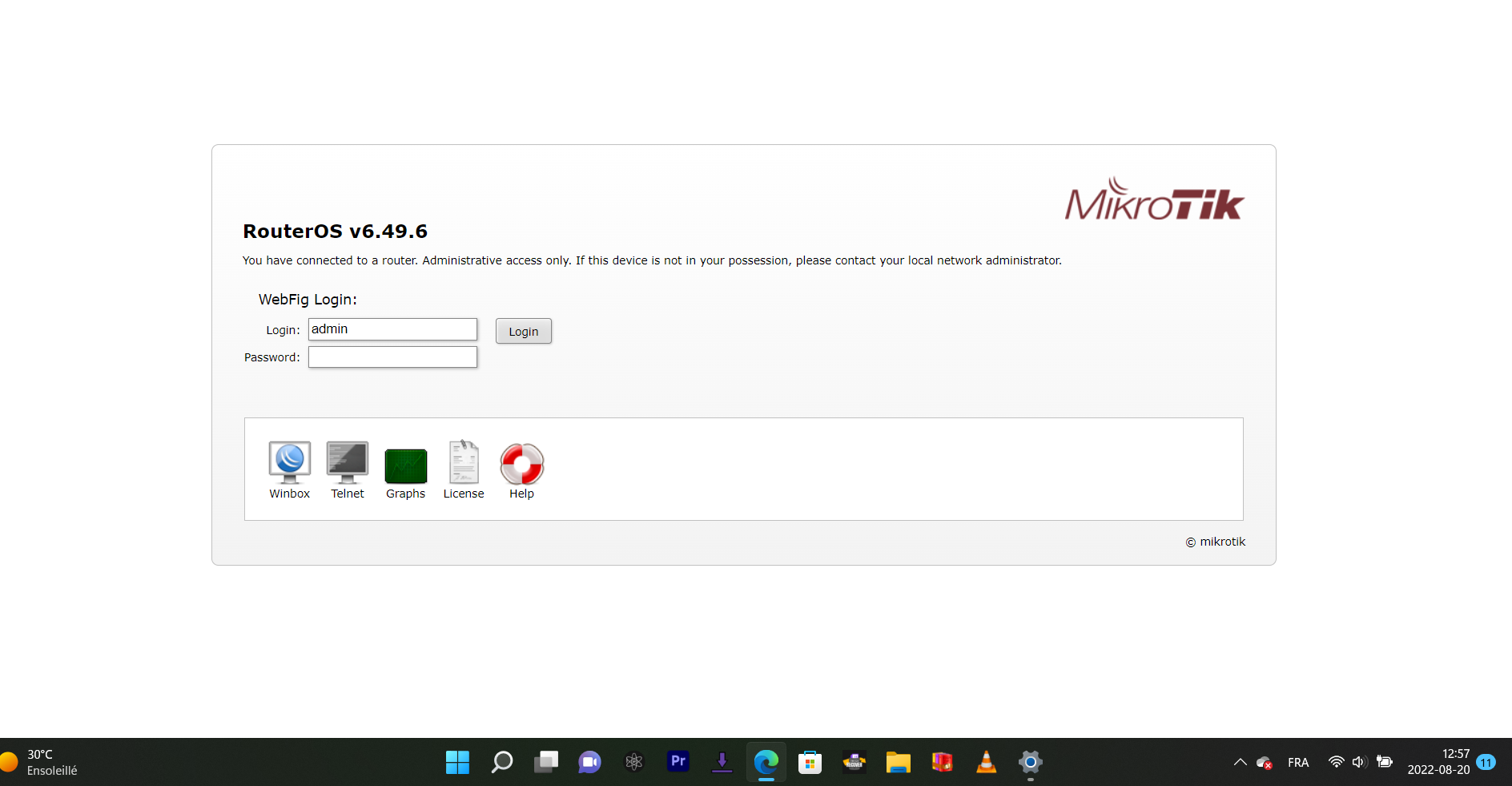
                            eac028e6-fc0d-4008-a802-36d636a0c813-image.png

                            Dss0 2 Replies Last reply
                            0
                            • felixoboyytb felixoboyytb

                              Dss0 like that? and how you're supposed to know the password?
                              eac028e6-fc0d-4008-a802-36d636a0c813-image.png

                              Dss0 Offline
                              Dss0 Offline
                              Dss0
                              Plutonium Staff
                              wrote on last edited by
                              #23

                              felixoboyytb default password for mikrotik routers is just empty (no password). If that doesn't work check the back of the router or try googling "routermodel default login credentials". Replace "routermodel" with the model of mikrotik router you have.

                              felixoboyytb 1 Reply Last reply
                              0
                              • felixoboyytb felixoboyytb

                                Dss0 like that? and how you're supposed to know the password?
                                eac028e6-fc0d-4008-a802-36d636a0c813-image.png

                                Dss0 Offline
                                Dss0 Offline
                                Dss0
                                Plutonium Staff
                                wrote on last edited by
                                #24

                                felixoboyytb i removed your post because it showed your router's mac address and serial number, you prolly don't wanna put that on the internet for everyone to see.

                                No there was no password on the sticker, the default password for your router is indeed empty. If that doesn't work someone has changed the password, i can't help you with that.

                                felixoboyytb 1 Reply Last reply
                                0
                                • Dss0 Dss0

                                  felixoboyytb i removed your post because it showed your router's mac address and serial number, you prolly don't wanna put that on the internet for everyone to see.

                                  No there was no password on the sticker, the default password for your router is indeed empty. If that doesn't work someone has changed the password, i can't help you with that.

                                  felixoboyytb Offline
                                  felixoboyytb Offline
                                  felixoboyytb
                                  wrote on last edited by
                                  #25

                                  Dss0 so for now I have no idea what password he asks for but would he have another alternative for now

                                  Dss0 1 Reply Last reply
                                  0
                                  • felixoboyytb felixoboyytb

                                    Dss0 so for now I have no idea what password he asks for but would he have another alternative for now

                                    Dss0 Offline
                                    Dss0 Offline
                                    Dss0
                                    Plutonium Staff
                                    wrote on last edited by
                                    #26

                                    felixoboyytb the alternative is renting a server somewhere and hosting there. you can't host from home without port forwarding.


                                    felixoboyytb 2 Replies Last reply
                                    0
                                    • Dss0 Dss0

                                      felixoboyytb the alternative is renting a server somewhere and hosting there. you can't host from home without port forwarding.

                                      felixoboyytb Offline
                                      felixoboyytb Offline
                                      felixoboyytb
                                      wrote on last edited by
                                      #27

                                      Dss0 ok after? where i go?
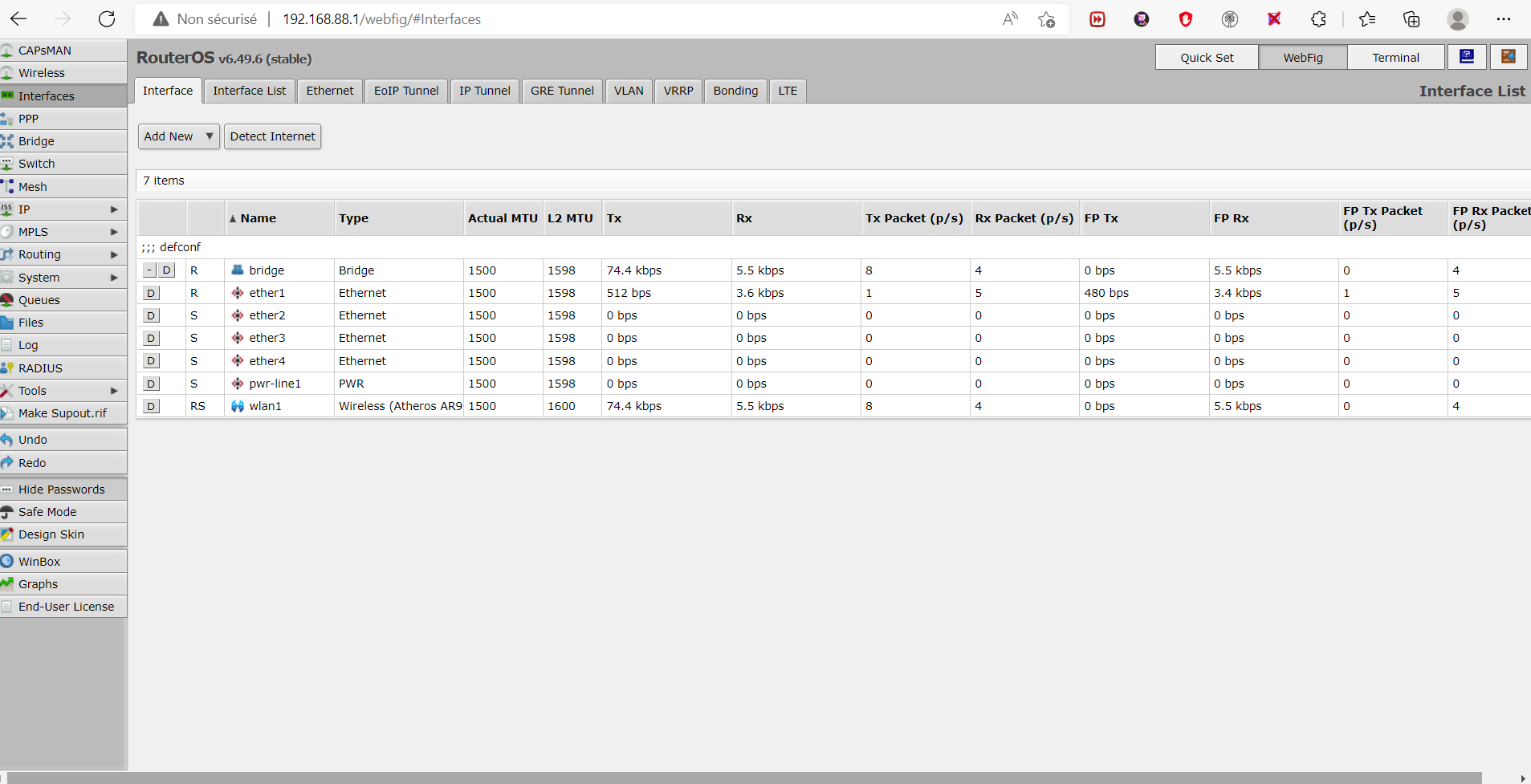
                                      04b61907-e938-45a2-b686-931f626fca2b-image.png

                                      hindercanrun 1 Reply Last reply
                                      0
                                      • felixoboyytb felixoboyytb

                                        Dss0 ok after? where i go?
                                        04b61907-e938-45a2-b686-931f626fca2b-image.png

                                        hindercanrun Offline
                                        hindercanrun Offline
                                        hindercanrun
                                        Contributor
                                        wrote on last edited by
                                        #28

                                        felixoboyytb he probably doesn’t know the layout of ur router.

                                        1 Reply Last reply
                                        0
                                        • Dss0 Dss0

                                          felixoboyytb the alternative is renting a server somewhere and hosting there. you can't host from home without port forwarding.
                                          felixoboyytb Offline
                                          felixoboyytb Offline
                                          felixoboyytb
                                          wrote on last edited by
                                          #29

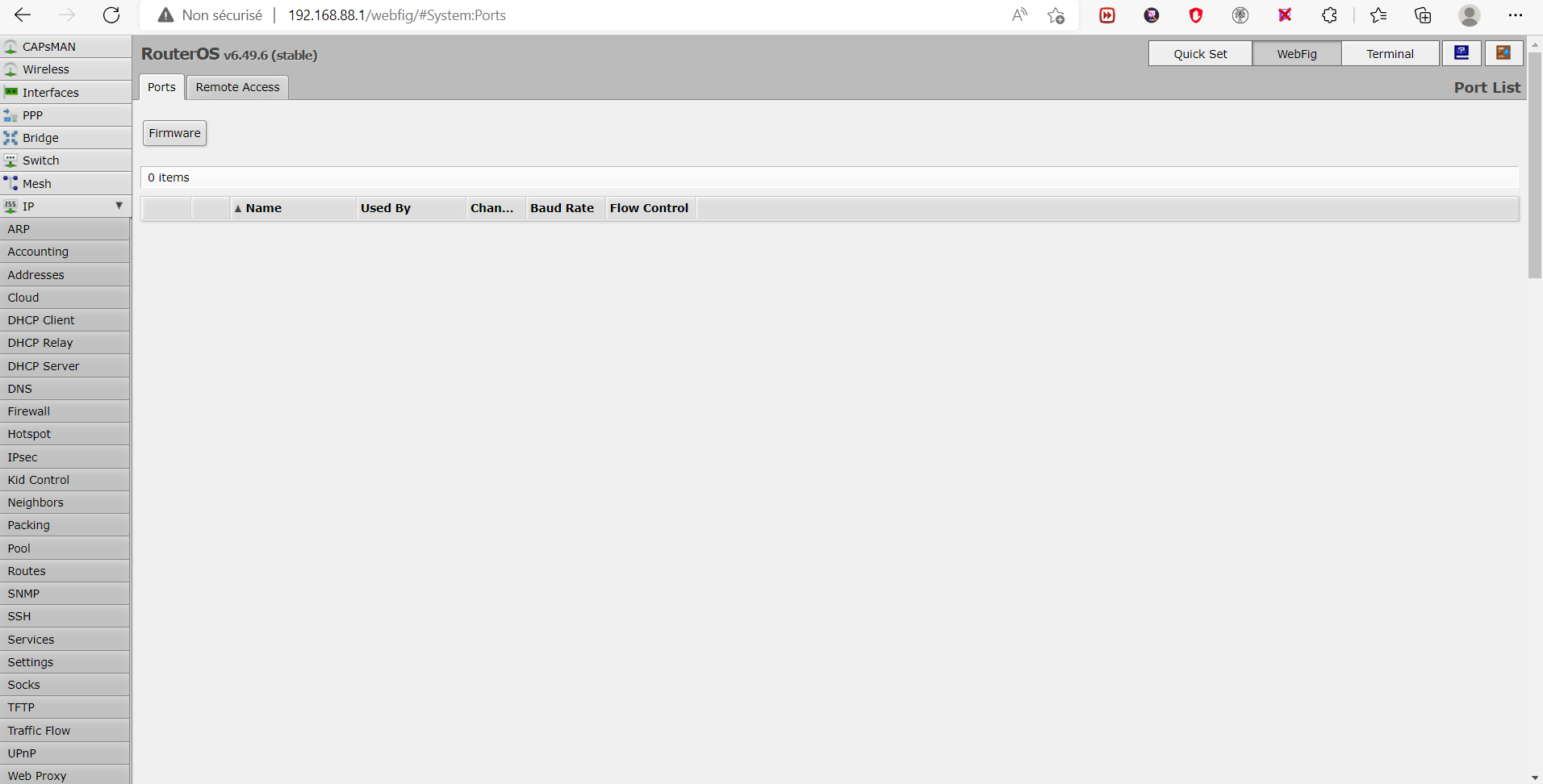
                                          Dss0 this?
                                          5ce0eb2e-0d41-477b-983e-a3446e458642-image.png

                                          Dss0 1 Reply Last reply
                                          0

                                          Hello! It looks like you're interested in this conversation, but you don't have an account yet.

                                          Getting fed up of having to scroll through the same posts each visit? When you register for an account, you'll always come back to exactly where you were before, and choose to be notified of new replies (either via email, or push notification). You'll also be able to save bookmarks and upvote posts to show your appreciation to other community members.

                                          With your input, this post could be even better đź’—

                                          Register Login
                                          Reply
                                          • Reply as topic
                                          Log in to reply
                                          • Oldest to Newest
                                          • Newest to Oldest
                                          • Most Votes


                                          • 1
                                          • 2
                                          • 3
                                          • Login

                                          • Don't have an account? Register

                                          • Login or register to search.
                                          • First post
                                            Last post
                                          0
                                          • Unread 0
                                          • Recent
                                          • Tags
                                          • Popular
                                          • Users
                                          • Groups
                                          • Donate